
KAKAROT

A neon personal life dashboard that turns tasks, habits and goals into an RPG-style score
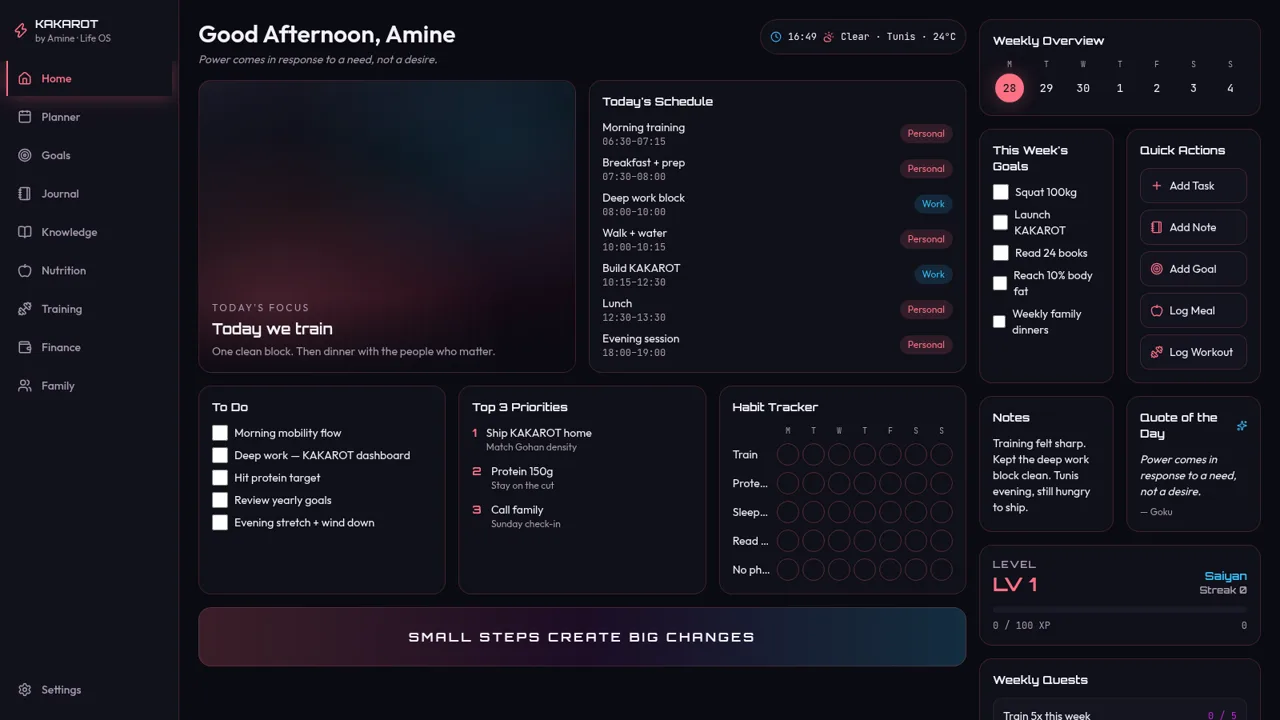
KAKAROT is a browser-based personal life dashboard built around a dark neon visual theme and a Dragon Ball naming motif. The home screen greets you as the demo profile Amine and presents a daily schedule, a to-do list, top-three priorities, a weekly habit grid, this week goals, a notes card and a motivational quote, alongside a live clock and a weather chip. An RPG layer tracks your level, XP bar, streak and weekly quests, so ticking a to-do item or toggling a habit awards experience and moves the quest counters. A quick-actions toolbar opens modals for adding tasks, notes, goals, meals or workouts. The sidebar lists nine further sections, but only the Home page is built out; the other routes currently render as empty placeholders. No sign-in or account is required to explore the demo.
Highlights
Neon life dashboard
Tasks, habits, goals
RPG XP system
XP bar and streak
Quick action modals
Add tasks and notes
Live day overview
Schedule and weather
How to Use
Open the dashboard
Load the site and the home screen appears straight away with a greeting, the current time and weather, and a demo profile named Amine. The left sidebar lists every section while the main column holds today's focus, today's schedule, the to-do list, top priorities and the habit tracker.
Log tasks and habits
Tick a checkbox in the To Do card or tap one of the round cells in the Habit Tracker. The element changes state immediately, the XP bar in the Level card rises and the streak counter updates, so progress is visible as you log each item.
Use the quick actions
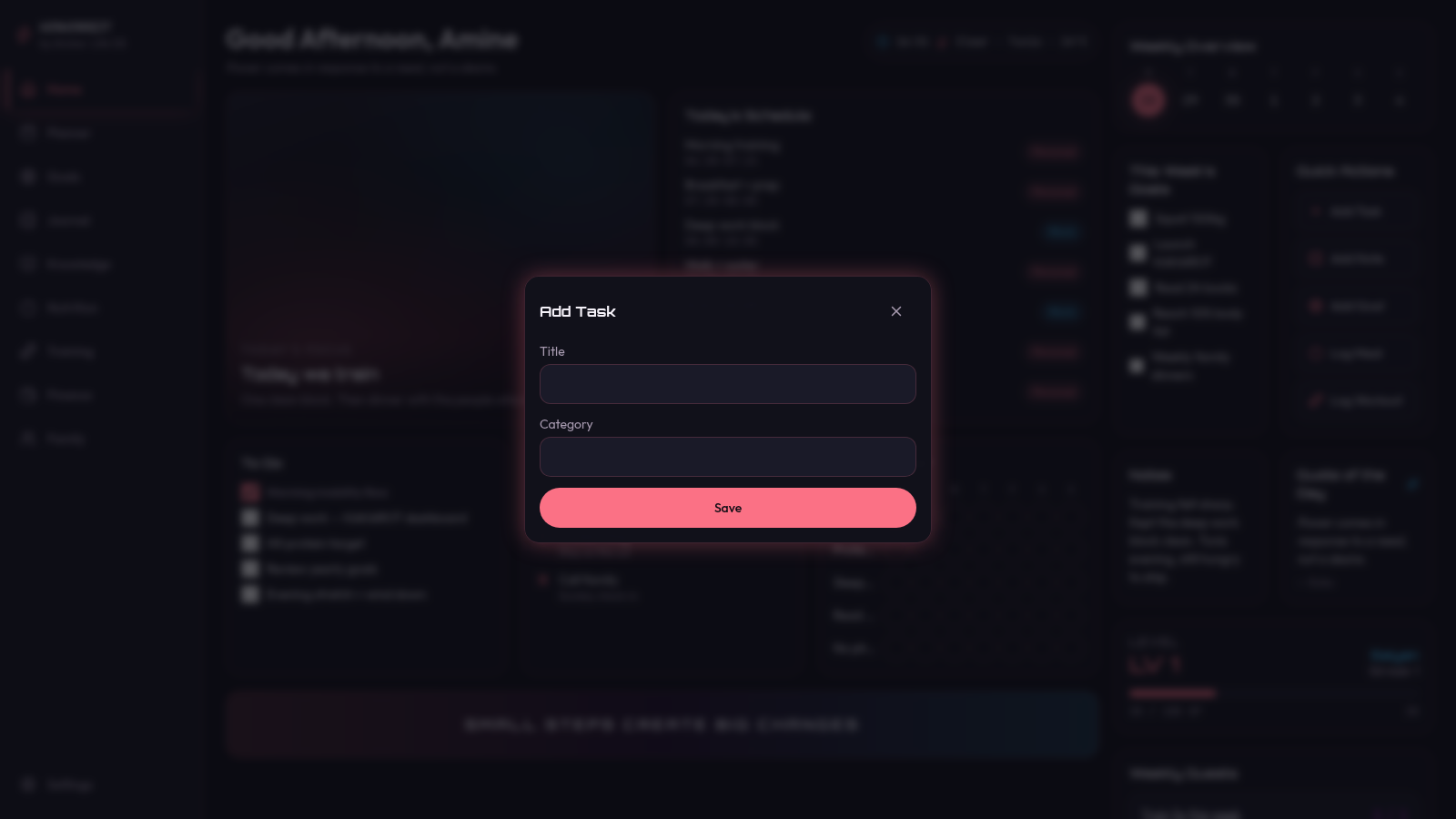
The Quick Actions panel offers Add Task, Add Note, Add Goal, Log Meal and Log Workout. Each button opens a modal with a title field, a category selector and a Save button; saving a task appends it to the To Do list on the same screen.
Similar Sites
 23
23MOHAMED TASKS
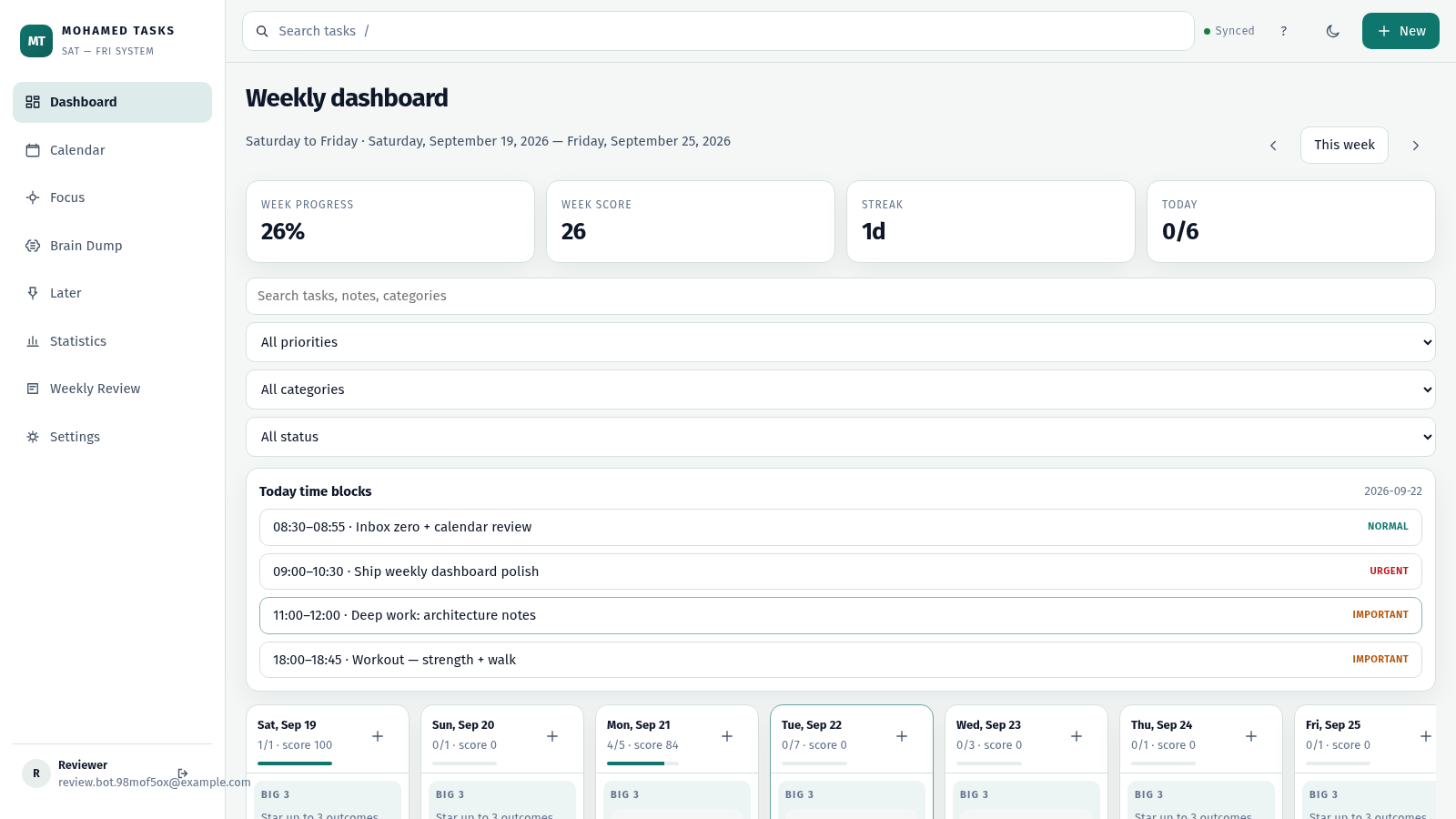
Weekly productivity dashboard with cloud sync, Big 3, and focus mode.
 12
12Todo List
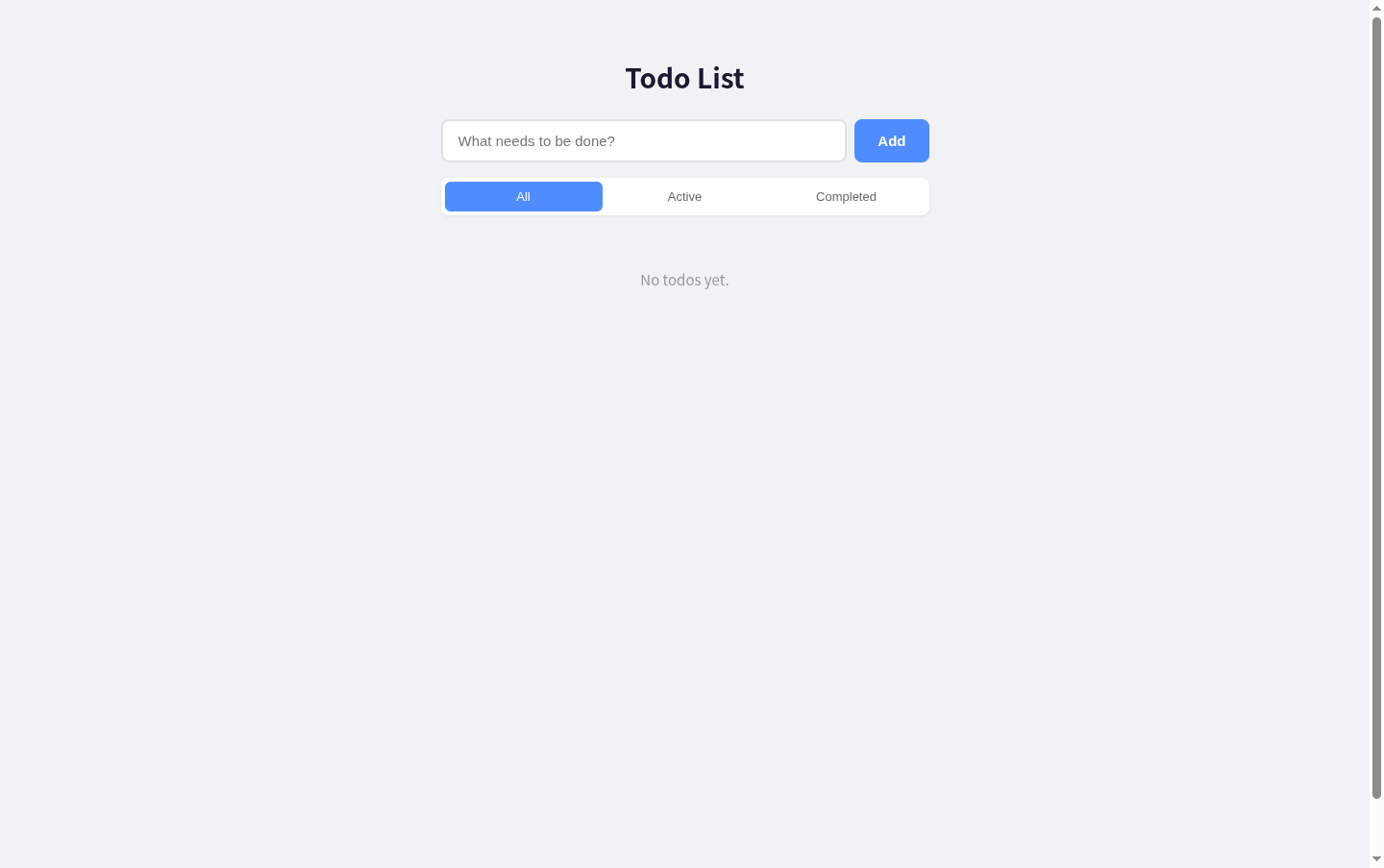
A simple todo list with React + Express, supporting add, edit, delete, filter and toggle complete.
 6
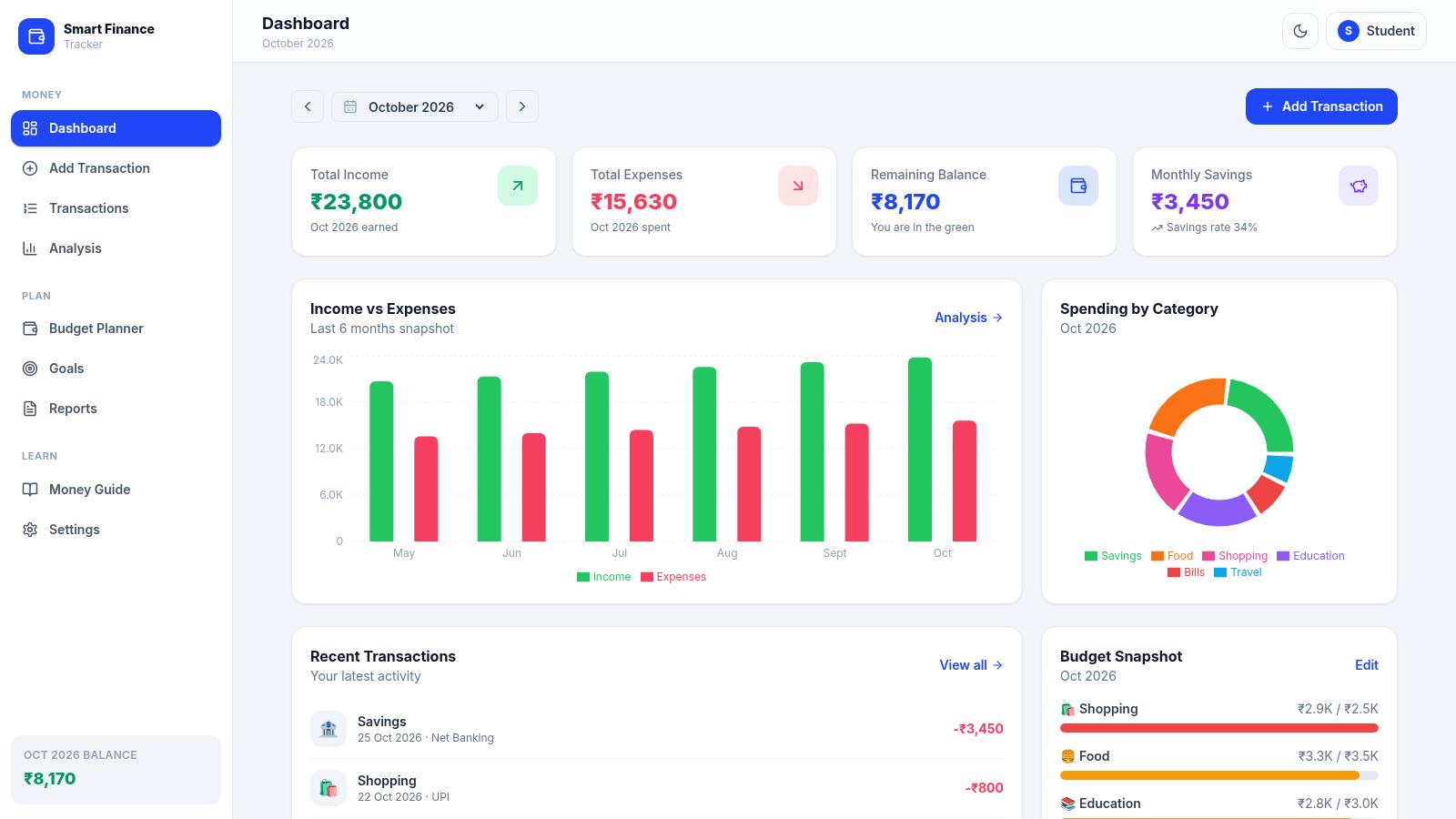
6paisawise
A modern personal finance dashboard built for Indian college students.
 4
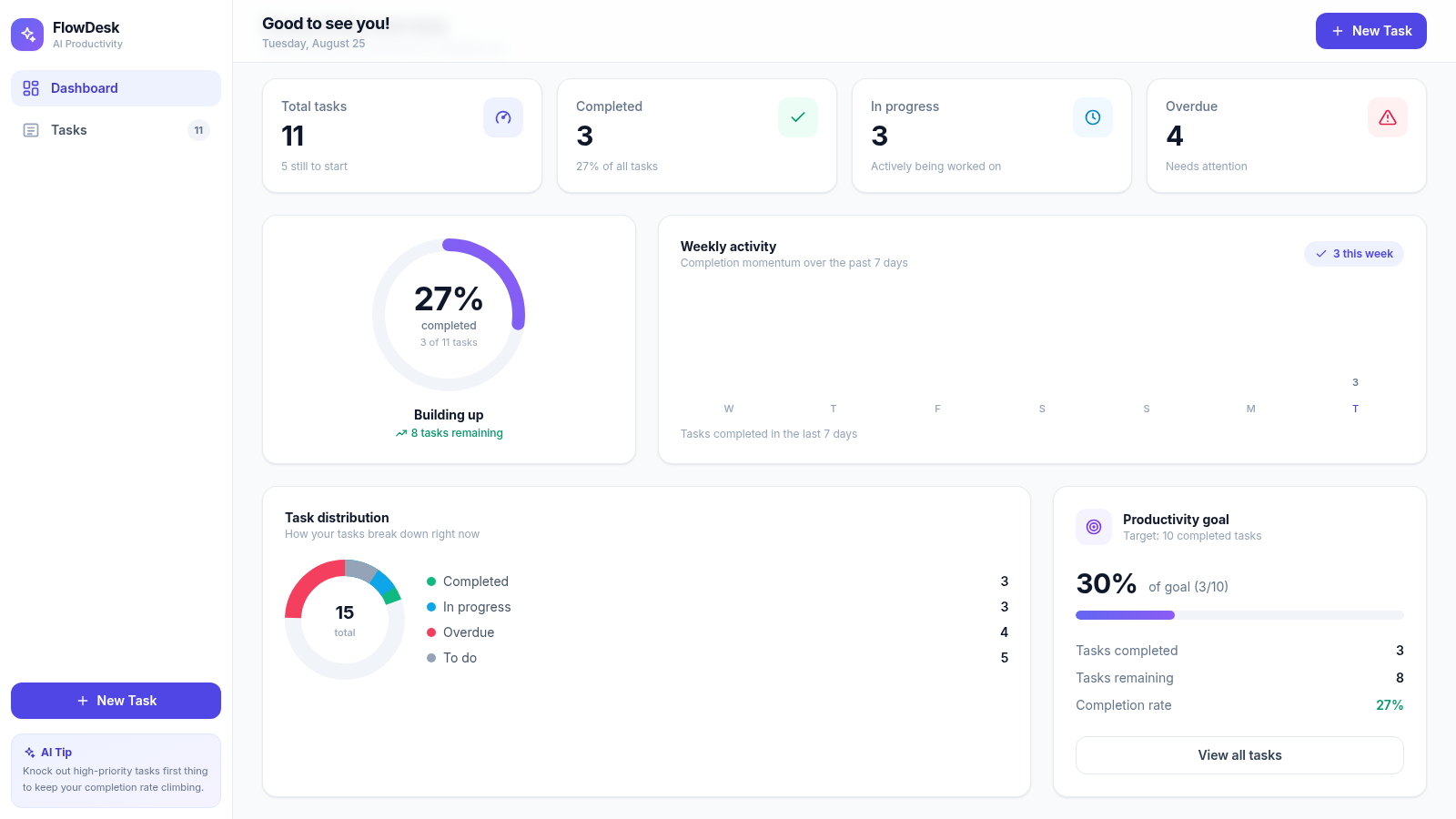
4FlowDesk · AI Productivity
AI-powered task management with smart productivity analytics
 3
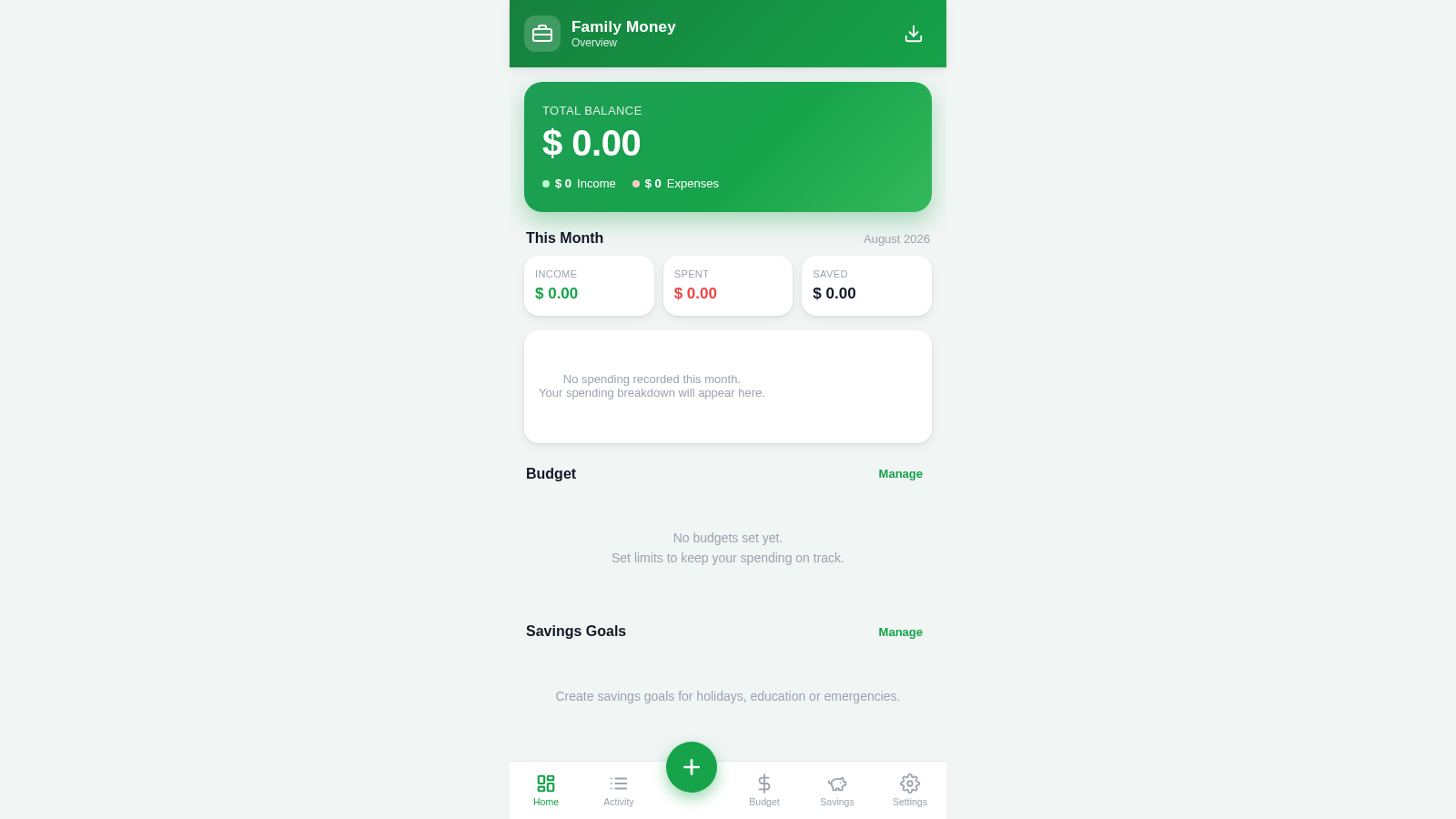
3Family Money Manager
Track income, expenses, budgets and savings for your family.
 3
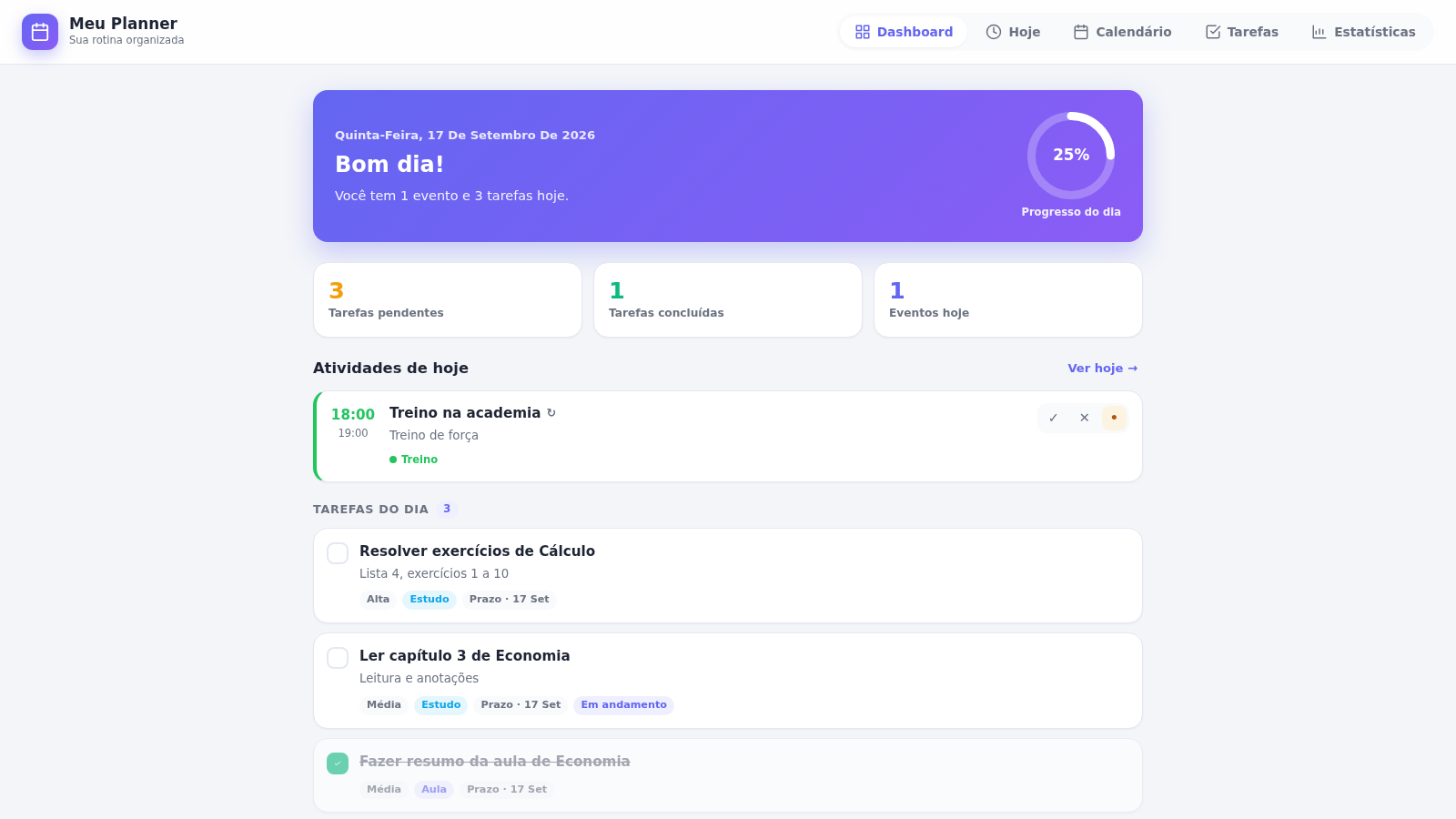
3PLANEJAMENTO IA.
Meu Planner — organize seus estudos, eventos e tarefas do dia a dia.