
FlowDesk · AI Productivity
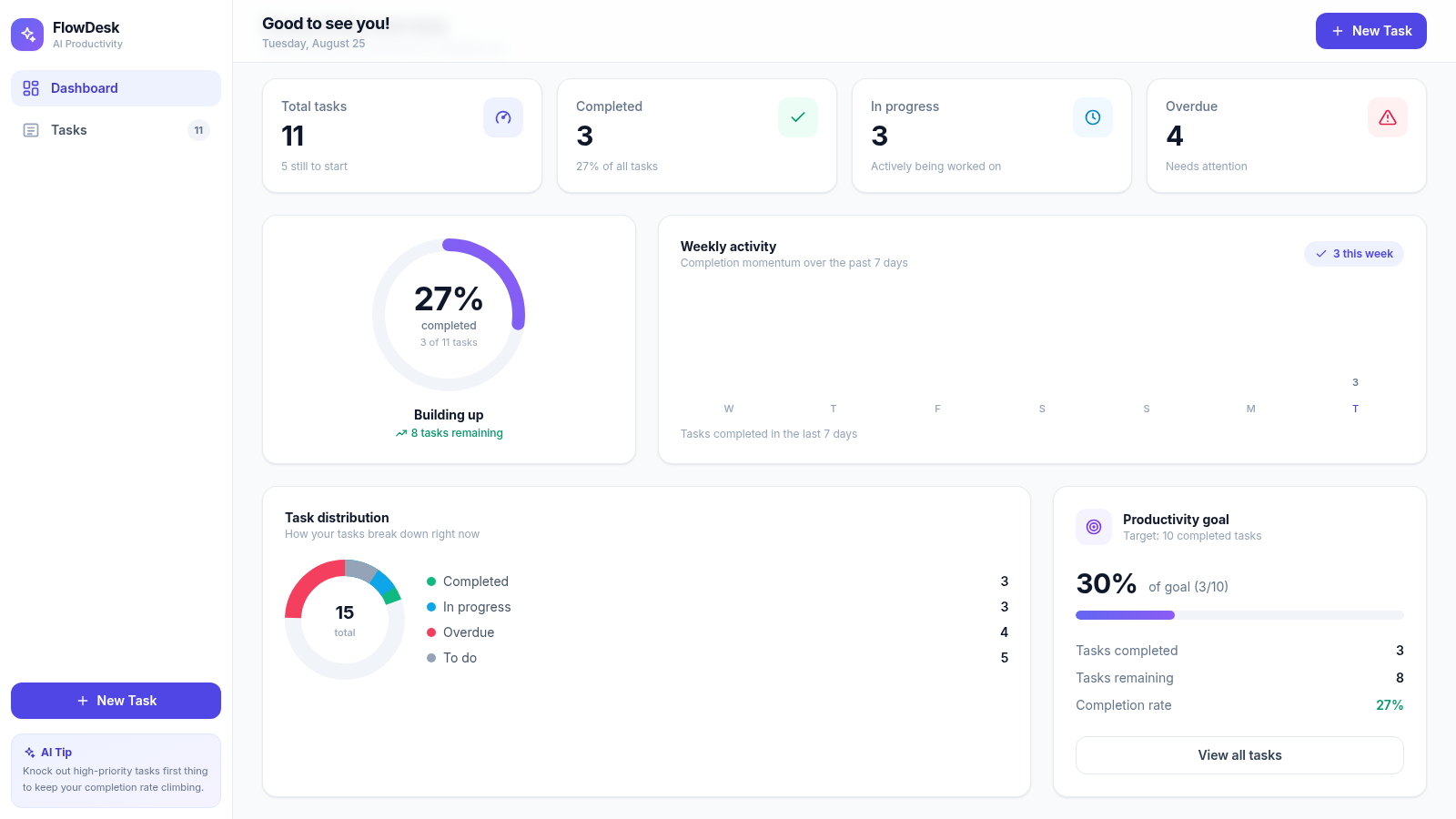
Plan daily work, track task states, and read progress analytics from one focused dashboard.
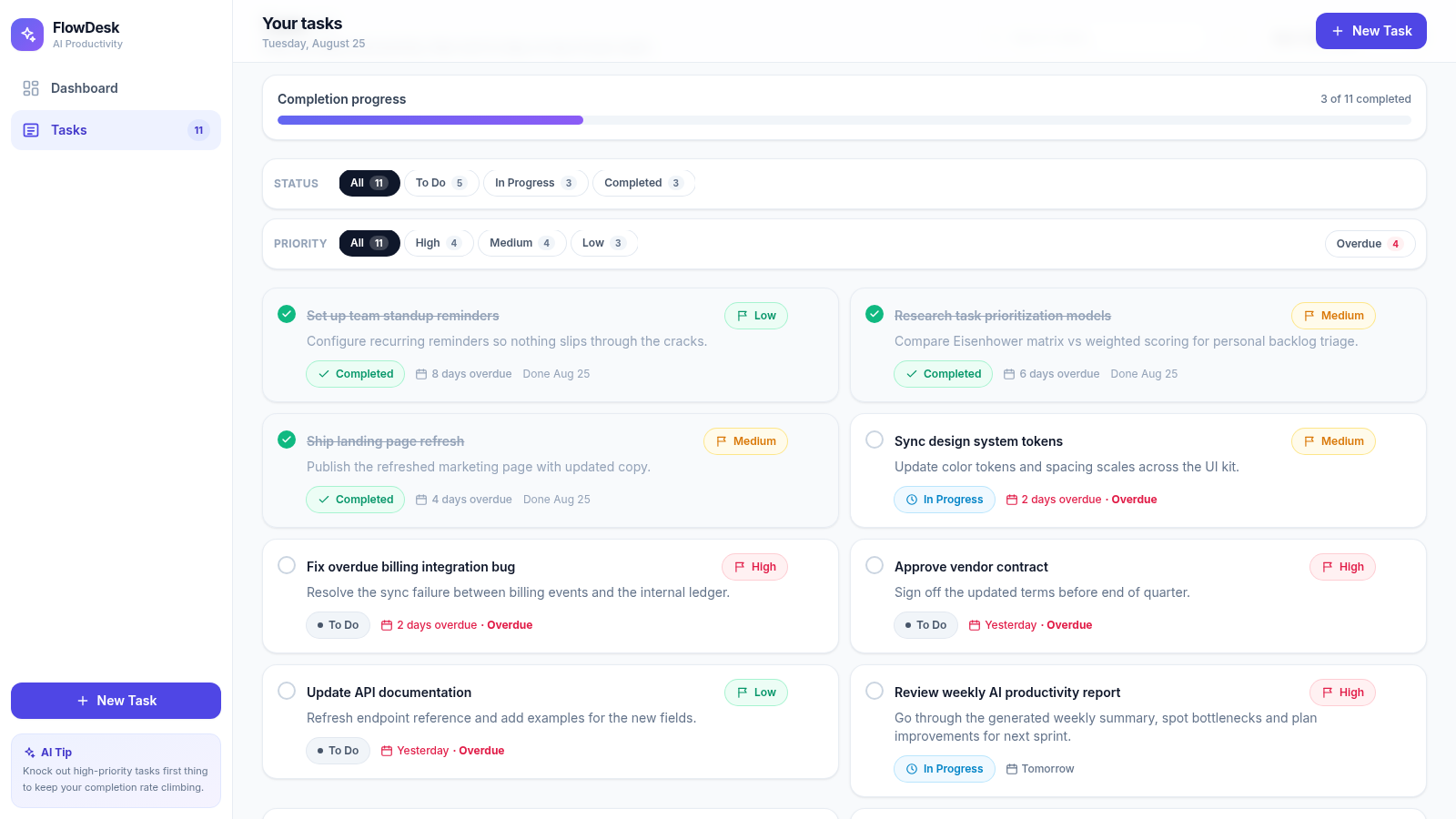
FlowDesk is an interactive personal productivity application with two connected views. The dashboard summarizes total, completed, active, and overdue tasks alongside weekly completion activity, task distribution, and a ten-task productivity goal. The task view presents detailed work items with descriptions, priorities, statuses, deadlines, completion dates, and overdue indicators. Users can search the list, filter by status or priority, isolate overdue work, sort by due date, priority, creation time, or title, and create, edit, complete, or delete tasks. No account is required, and task state is retained in the browser.
Highlights
Workload overview
Live task metrics
Flexible task list
Search and filters
Progress analytics
Goals and charts
Full task actions
Create through delete
How to Use
Review the dashboard
Open FlowDesk to see total, completed, in-progress, and overdue task counts. Use the activity, distribution, and goal panels to understand current workload and completion momentum before choosing what to work on.
Find the right task
Open the Tasks view, type into the search field to match titles or descriptions, then combine status, priority, and overdue filters. Choose a sort option and direction to arrange the remaining items around the current planning need.
Create a task
Select New Task, enter a title and optional description, choose a priority, provide a due date when needed, and set the initial status. Submitting the form adds the item and refreshes the dashboard totals and progress indicators.
Update progress
Use the round completion control on a task card to mark work complete or reopen it. The card status, completion date, aggregate counts, progress bar, and dashboard analytics update to reflect the change.
Maintain the list
Use the edit control to revise an existing task. Use delete for work that is no longer needed, then confirm the removal in the safety dialog before the task is permanently removed from browser storage.
Similar Sites
 22
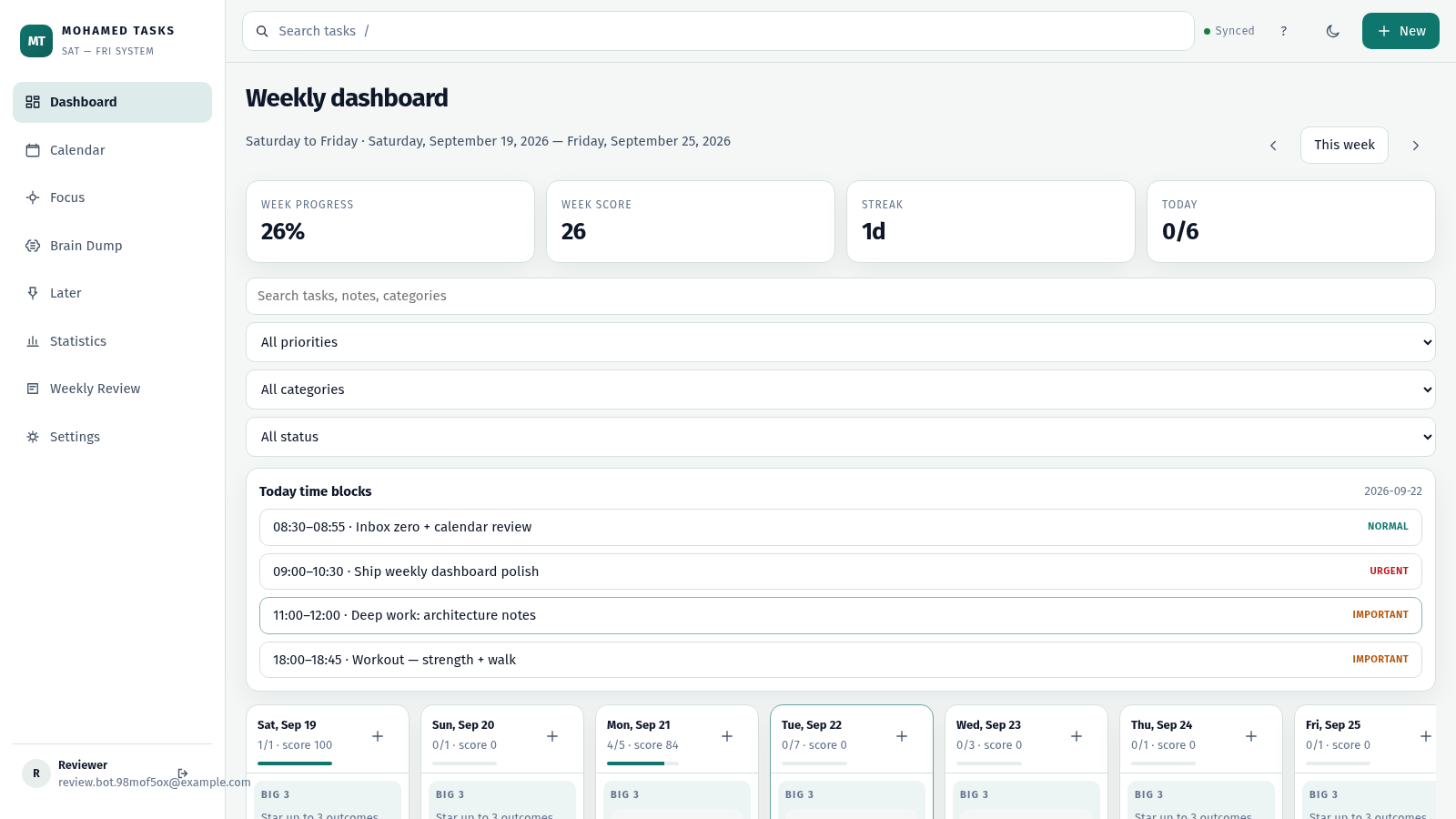
22MOHAMED TASKS
Weekly productivity dashboard with cloud sync, Big 3, and focus mode.
 14
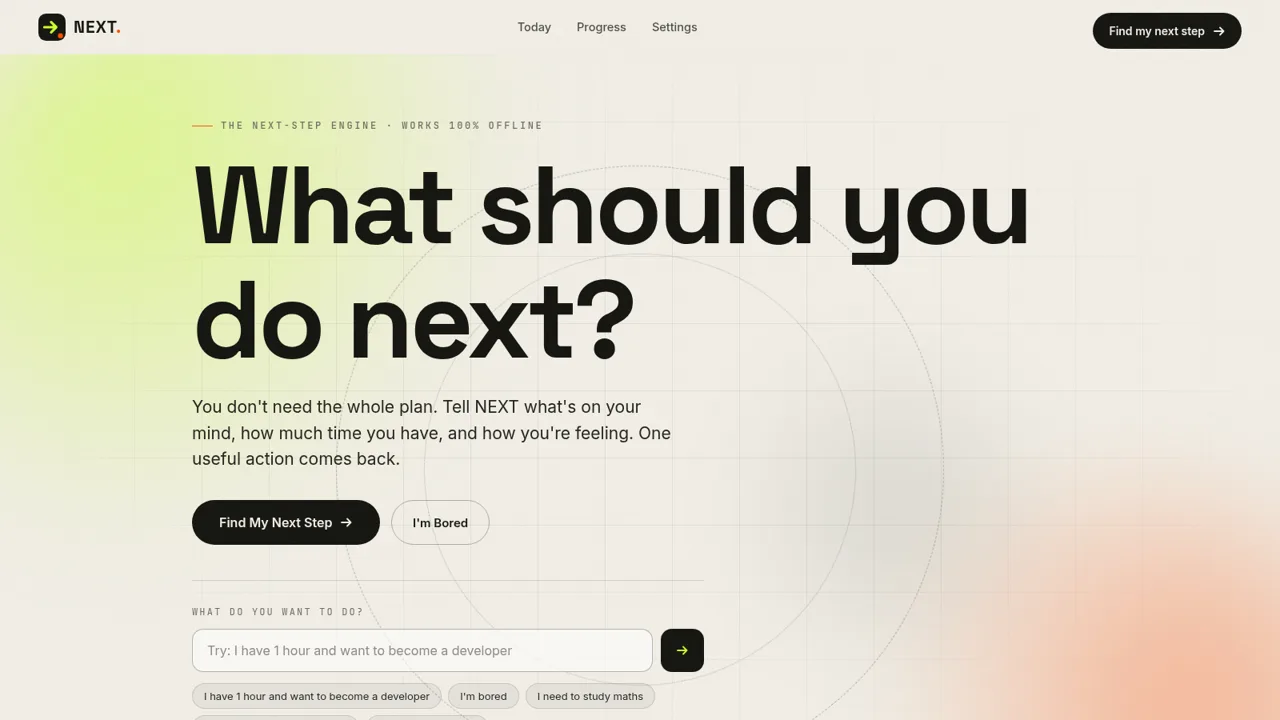
14NEXT — Find Your Next Step
NEXT turns your goals, time, and energy into one useful action.
 3
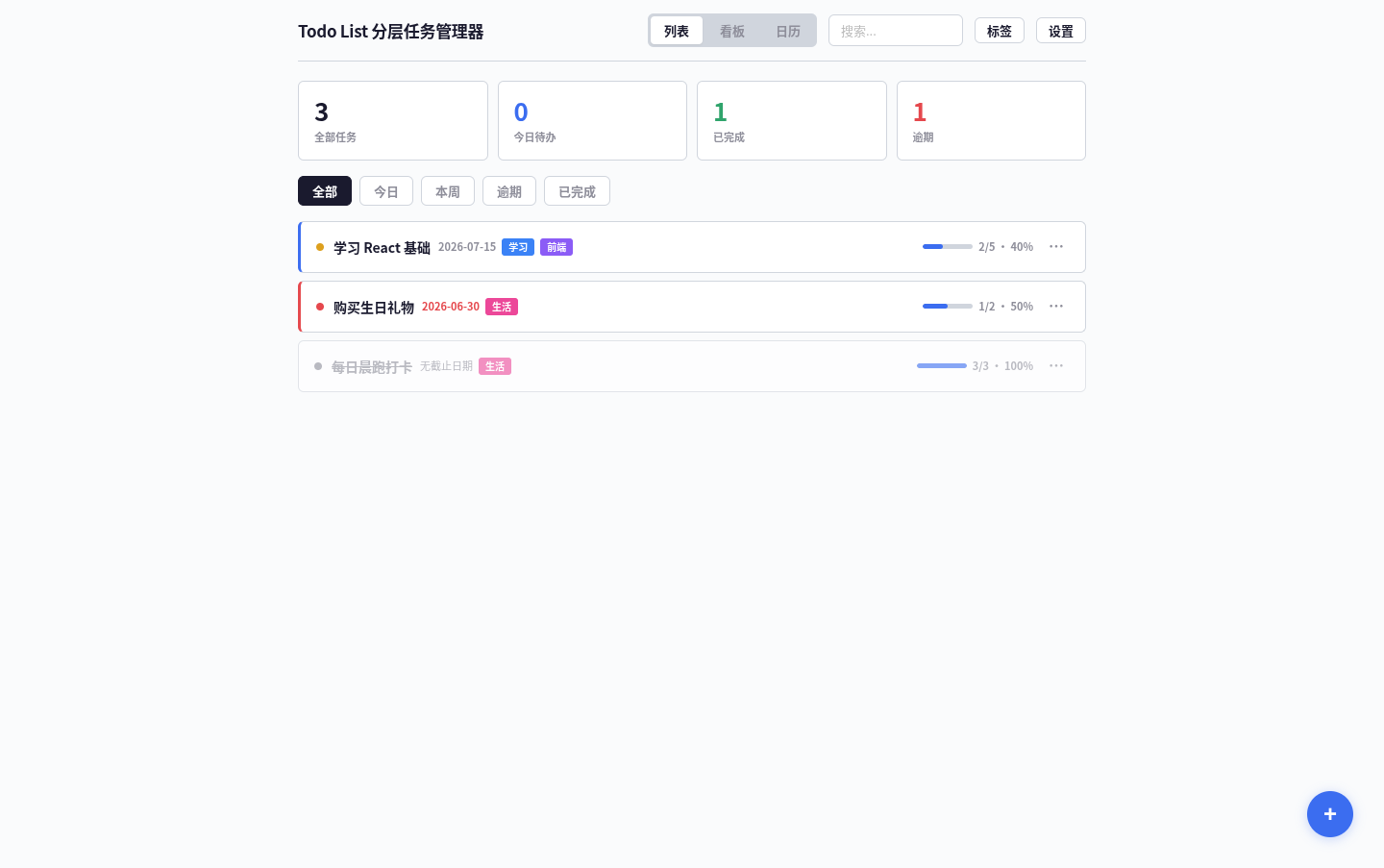
3Todo List
A task management app that supports kanban/calendar views, drag-and-drop sorting, and scheduled reminders.
 3
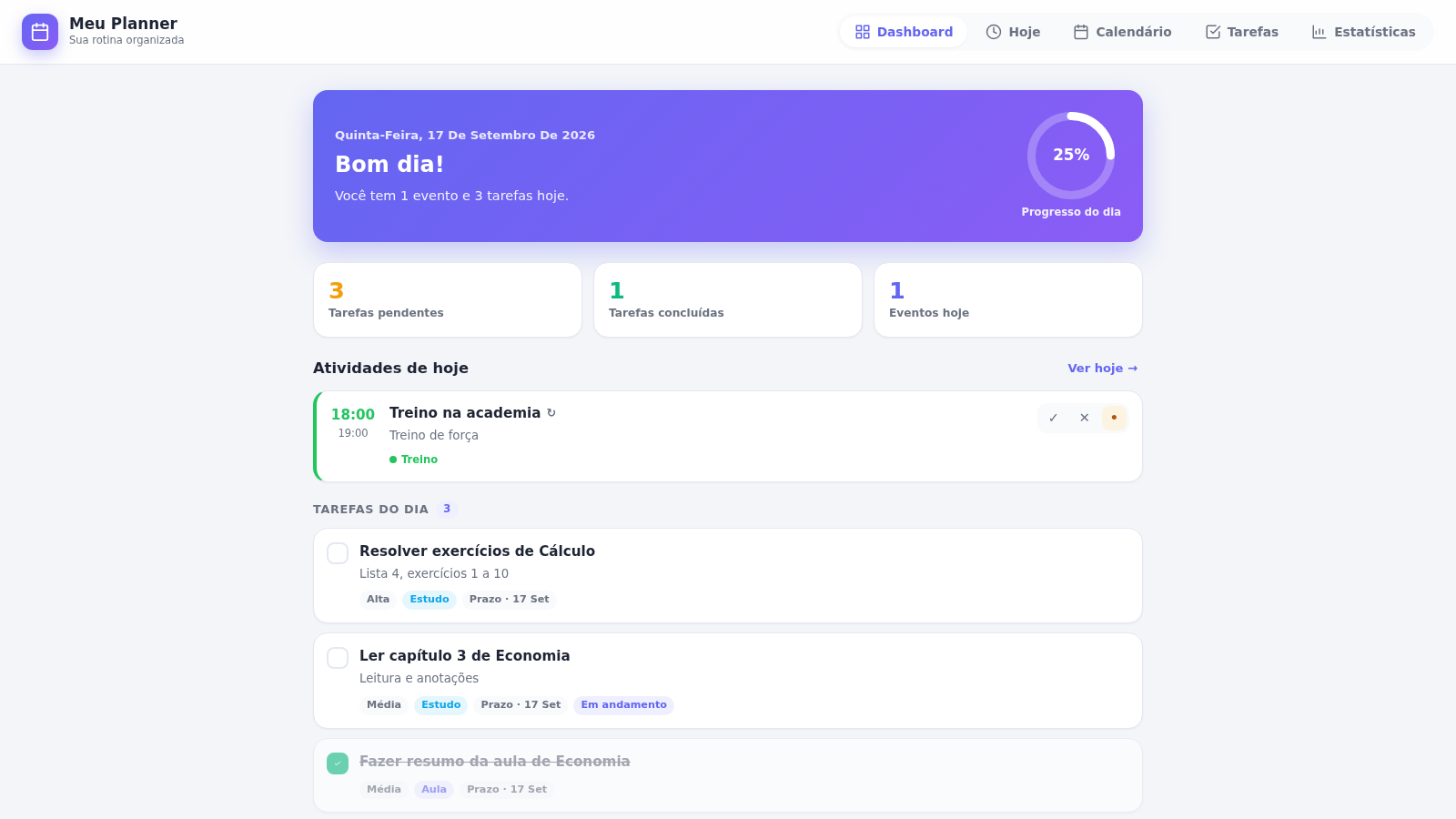
3PLANEJAMENTO IA.
Meu Planner — organize seus estudos, eventos e tarefas do dia a dia.
 87
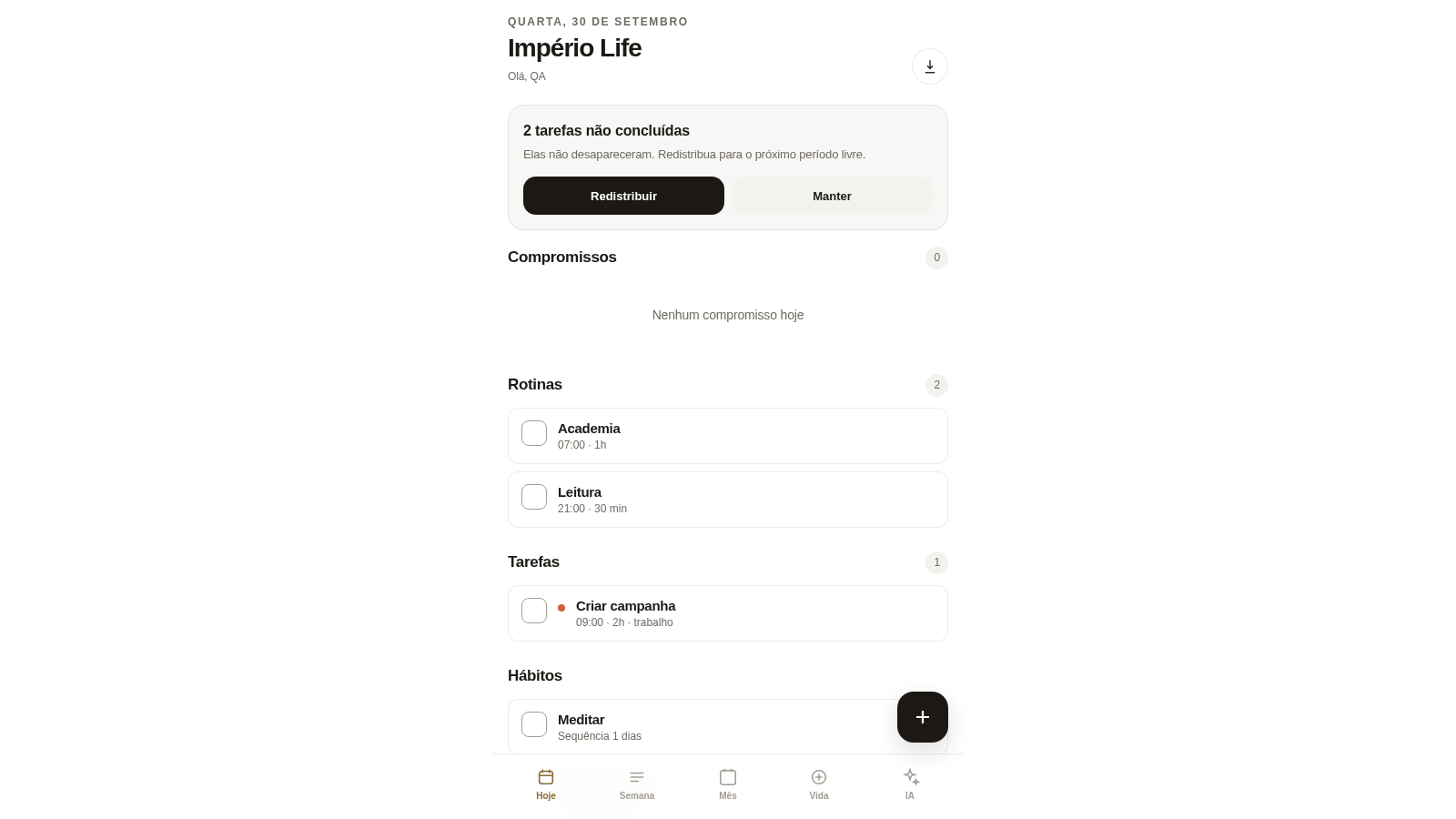
87Império Life
Organização pessoal: tarefas, rotinas e planejamento semanal.
 28
28MuscleTri
App web mobile-first de treinos, alimentação e evolução física.