
PLANEJAMENTO IA.
A browser-based daily planner for studies, events and tasks
Meu Planner is a web app for organizing a study and daily routine. It has five sections: Dashboard, Hoje (Today), Calendário (Calendar), Tarefas (Tasks) and Estatísticas (Statistics). The interface is in Portuguese. Users can create tasks with a title, description, deadline, priority, category and status, mark them complete or reopen them, and edit or delete them. Events can be added to the calendar, which supports month, week and day views, and recurring activities can be marked as done, missed or pending. The statistics page summarizes completed and pending tasks, events done and missed, a compliance rate, a seven-day activity chart, the most productive days and the most active categories. There is no sign-in and data stays in the browser.
Highlights
Five planning views
Dashboard, Today, Calendar, Tasks and Stats
Full task control
Create, complete, reopen, edit and delete tasks
Event check-ins
Mark done, missed or pending for events
Progress statistics
Compliance rate and activity charts
No account needed
Opens instantly and stores data locally
How to Use
Open the dashboard
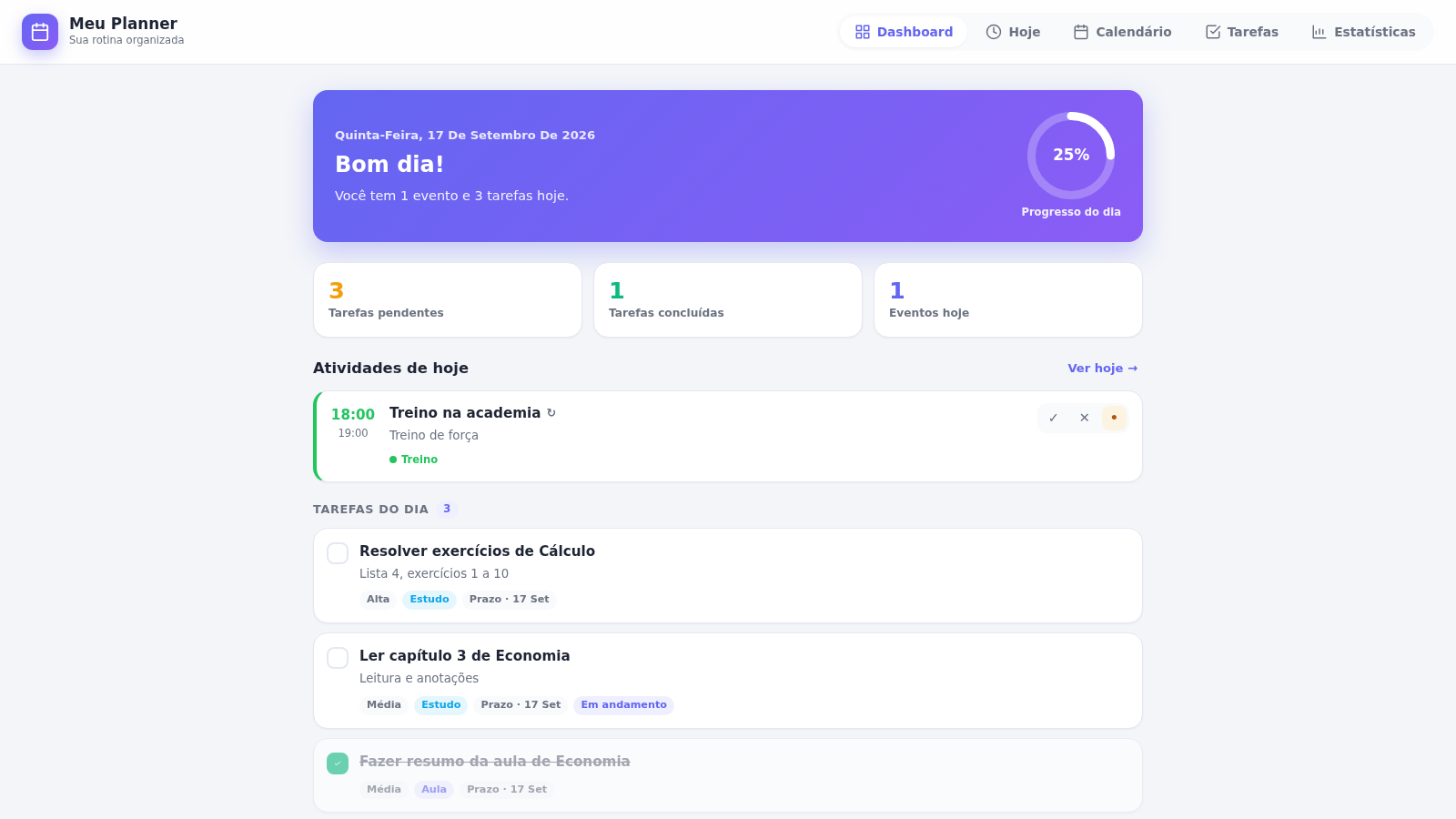
Loading the site shows the Dashboard with a dated greeting, a circular progress ring for the day, counters for pending tasks, completed tasks and events, a list of today activities and a list of upcoming commitments. Use the top navigation bar to move between the five sections. The sample data already present makes it easy to see how each block is meant to look.
Add a task
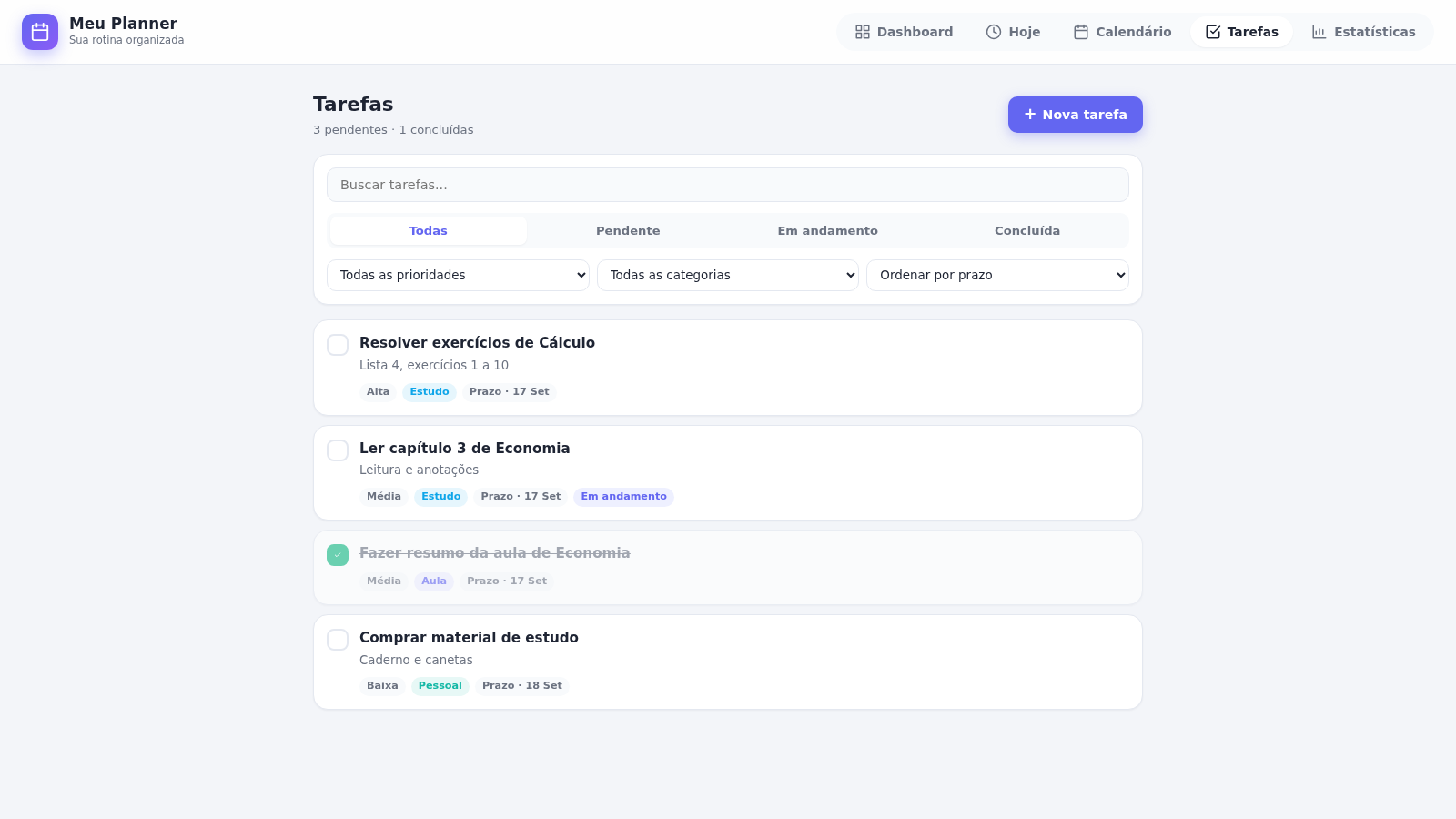
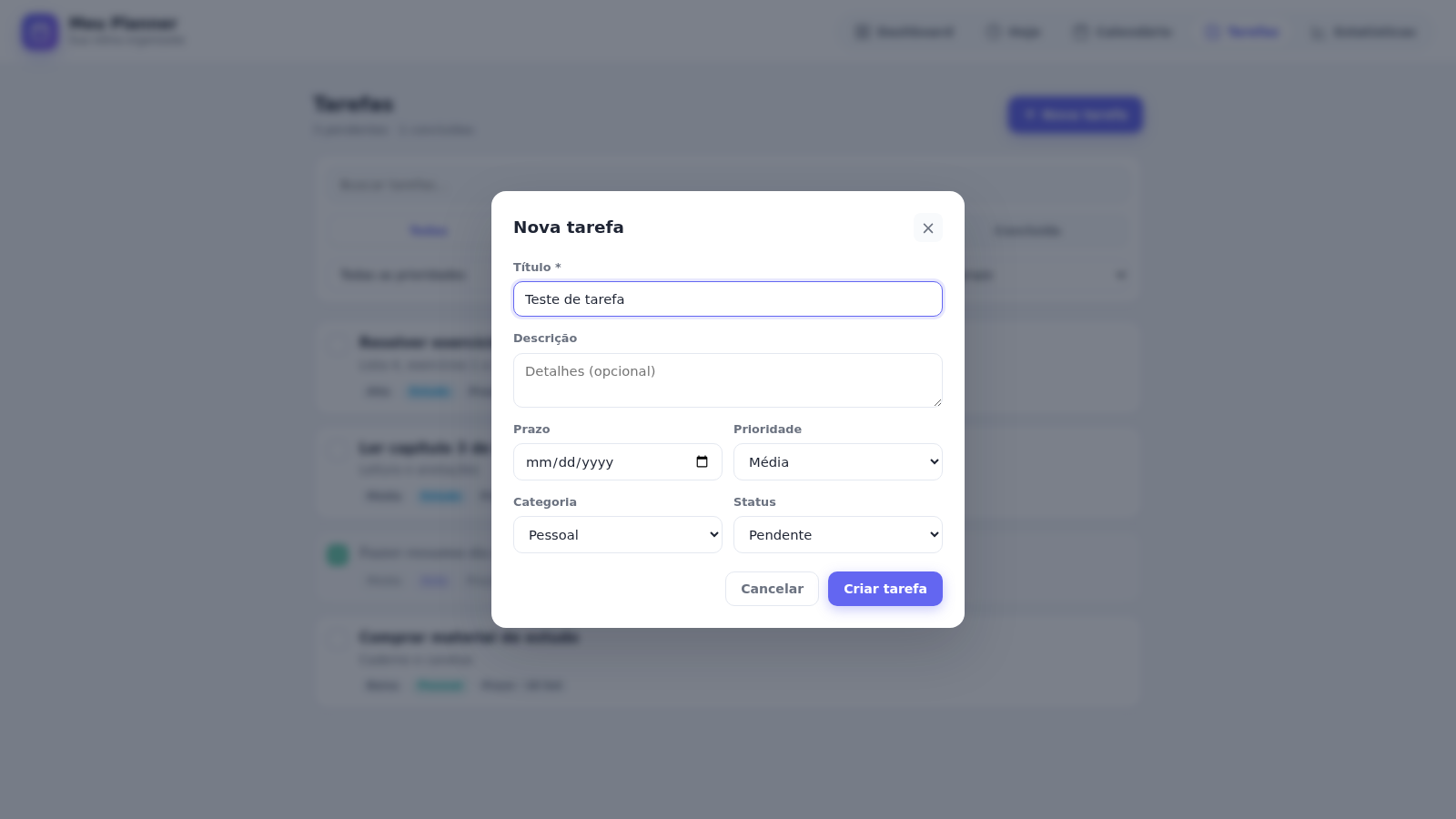
Open Tarefas and click the Nova tarefa button in the upper area. A dialog appears with fields for Titulo, Descricao, Prazo, Prioridade, Categoria and Status. Fill in at least the title, choose a priority and category, then press Criar tarefa. The dialog closes and the new item appears at once in the list, and the pending counter increases. The same list offers edit and delete controls next to every task.
Track and filter tasks
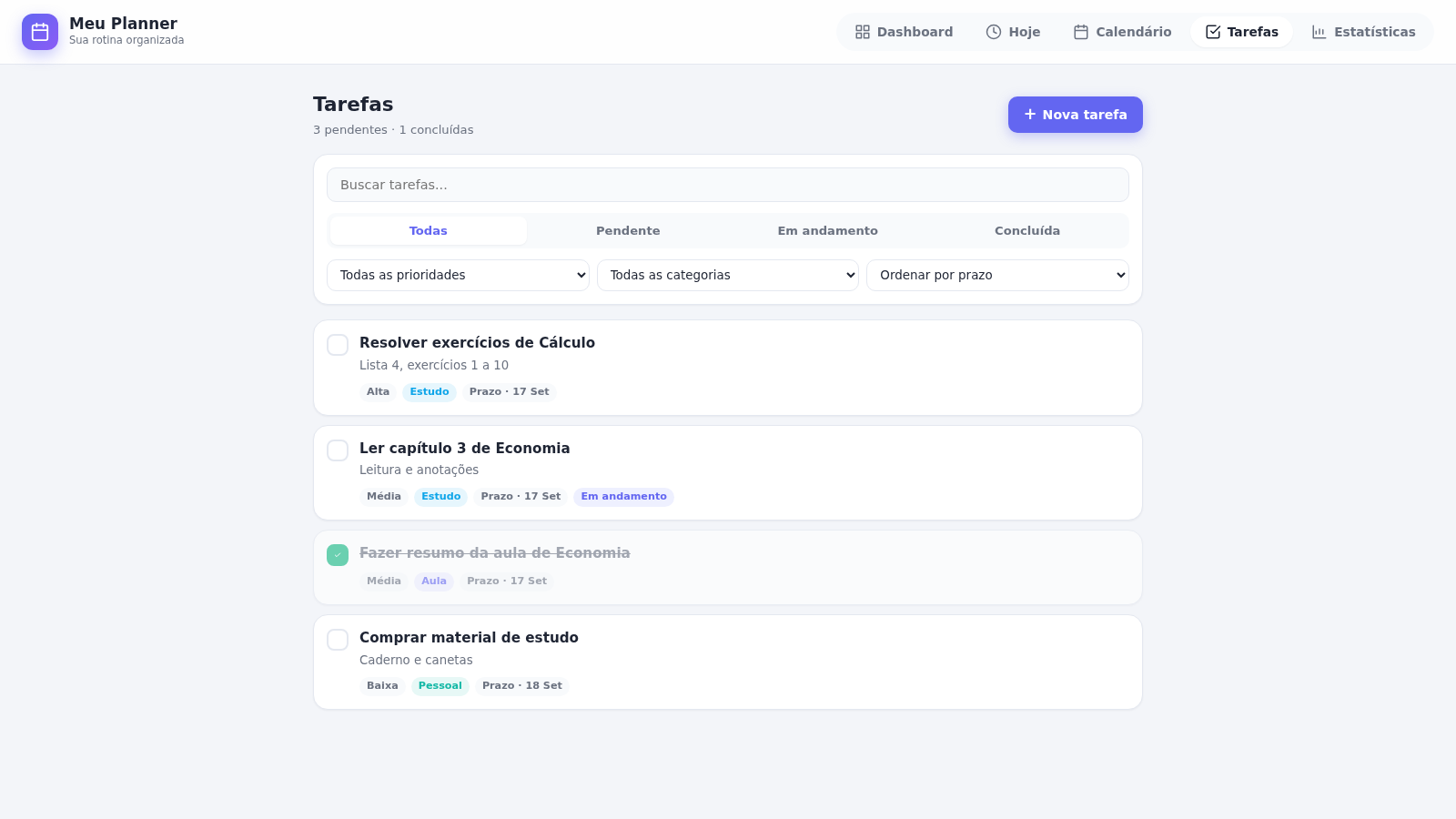
On the Tarefas page, click the round button on the left of a task to mark it complete, and click it again to reopen the task. Use the search box to find a task by text, the status tabs to switch between all, pending, in progress and completed, and the three dropdowns to filter by priority and category or to sort by deadline, priority or recency. Filtering and sorting update the list immediately.
Plan in the calendar
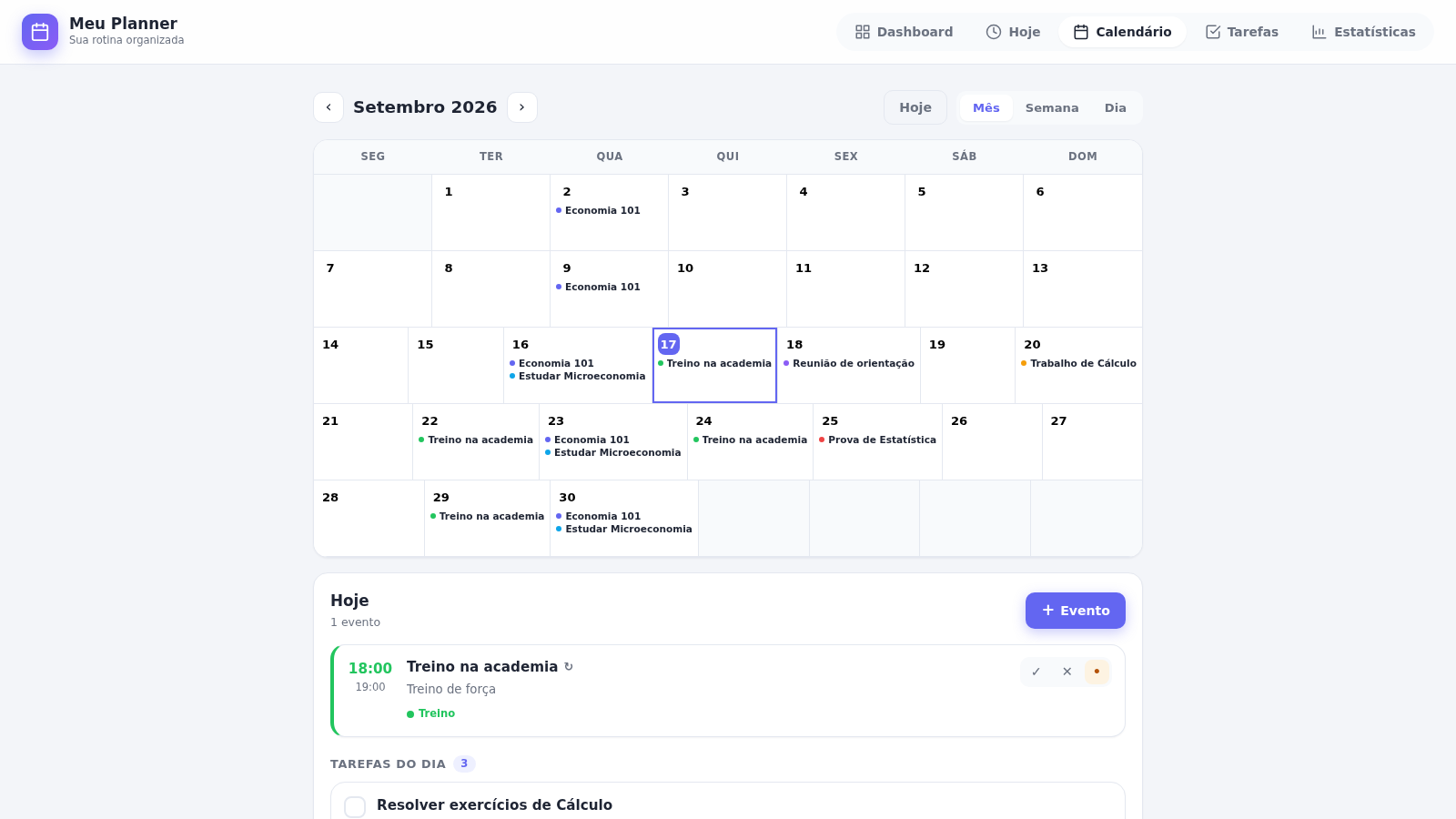
Open Calendário to see a month grid with events placed on their dates. Use the arrows to move between months, the Hoje button to jump back to the current date, and the Mes, Semana and Dia tabs to change the zoom level. Clicking Evento adds an event to the selected day, and the lower panel lists the chosen day activities with controls to mark them Cumprido, Nao cumprido or Pendente, plus edit and delete buttons.
Review statistics
Open Estatisticas to see summary cards for completed and pending tasks and for events done and missed, followed by a compliance percentage ring, a bar chart of activity over the last seven days, and ranked lists of the most productive days and most active categories. Use this page to see how consistent the routine has been, and use the Apagar todos os dados button at the bottom if you want to clear everything and start over.
Similar Sites
 5
5Mawaeedi
Personal tasks, installments, advances, and reminders
 1
1Hortus Gratiae 2027
Um espaço para organizar a vida espiritual e cultivar a presença de Deus.
 151
151Sorte Grande
Gerador inteligente de jogos de loteria (Lotofácil, Quina e Mega Sena)
 88
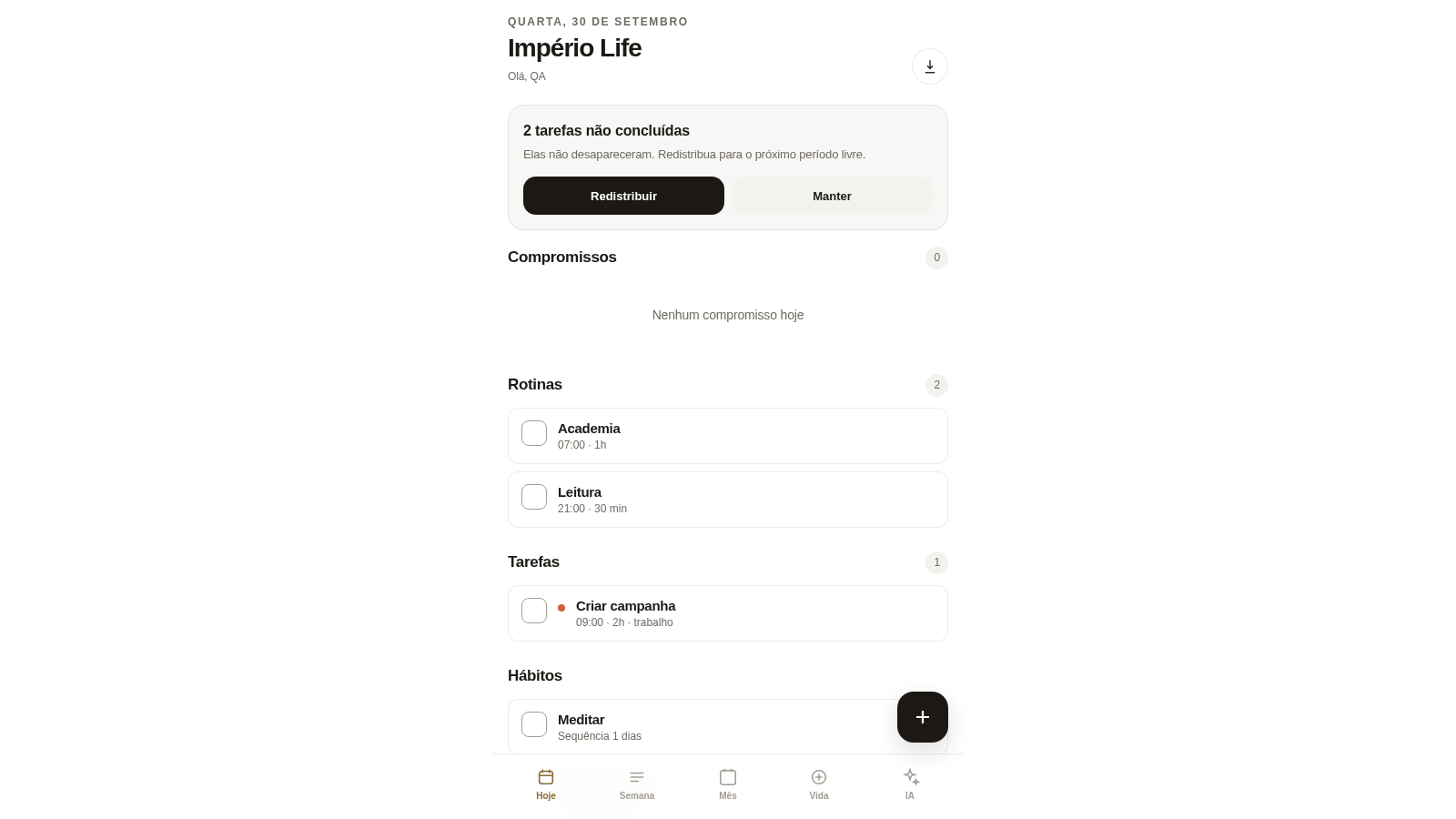
88Império Life
Organização pessoal: tarefas, rotinas e planejamento semanal.
 33
33CONVIVA
CONVIVA — O familiar acompanha. O idoso vive. O Conviva conecta.
 21
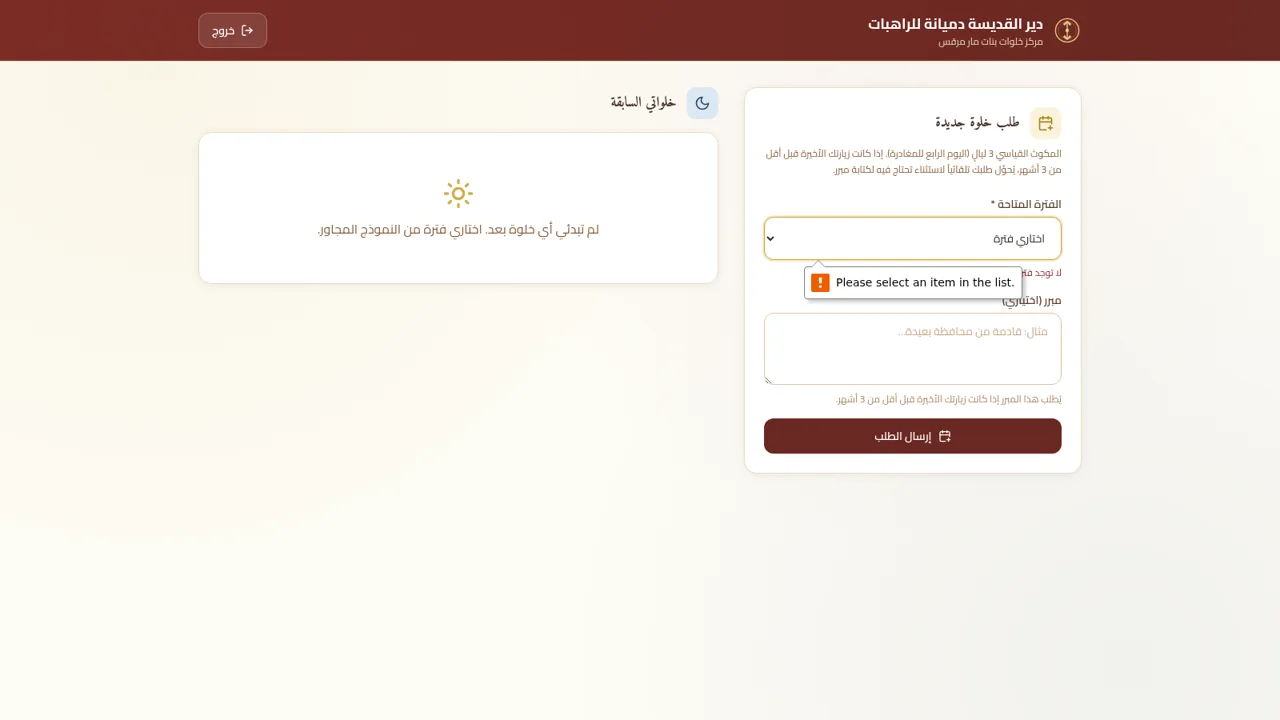
21St. Demiana Retreat
Retreat Booking & Management System for St. Demiana Coptic Orthodox Monastery