
Family Money Manager
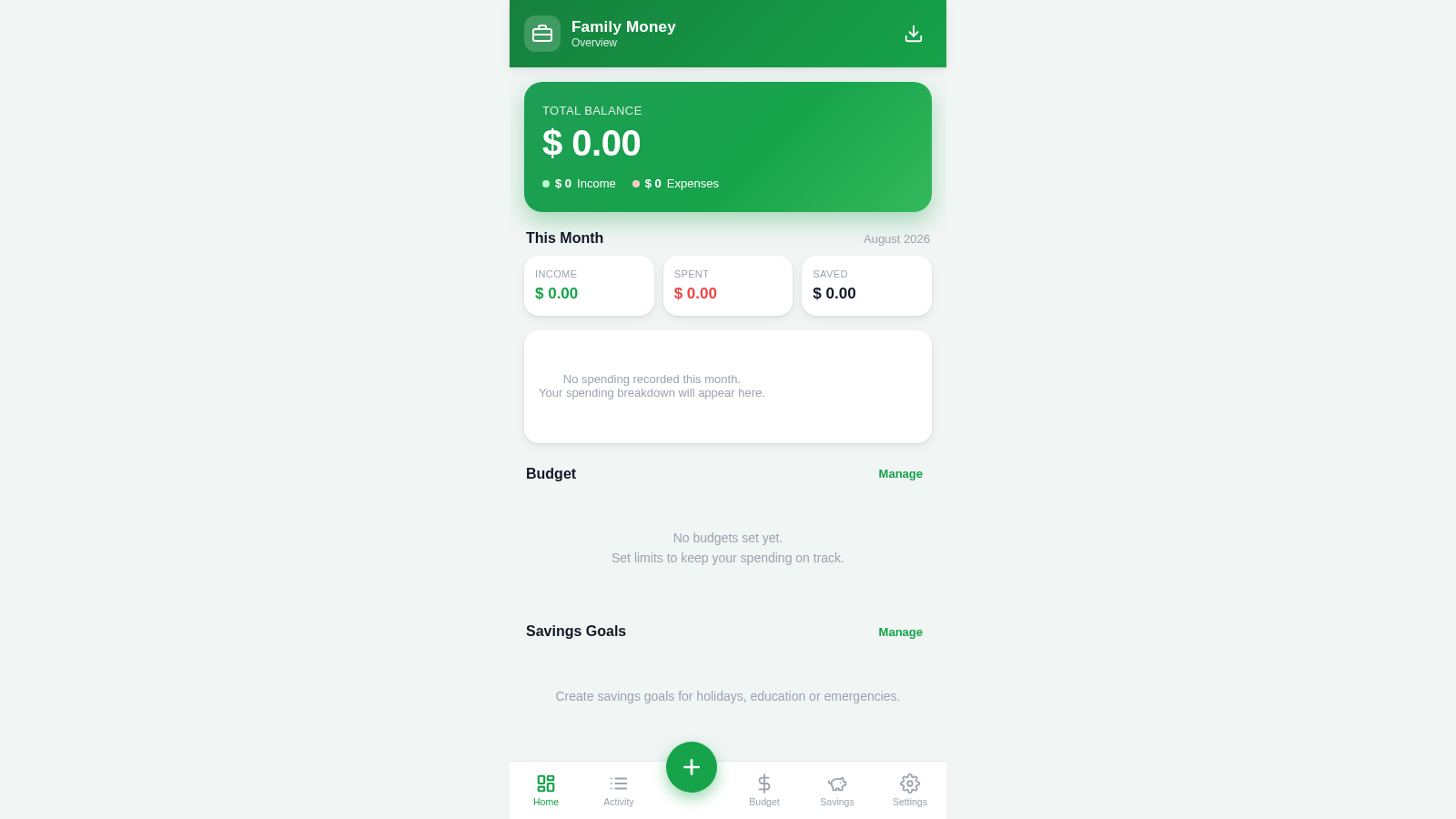
Track household cash flow, category budgets, and family savings goals in one focused dashboard.
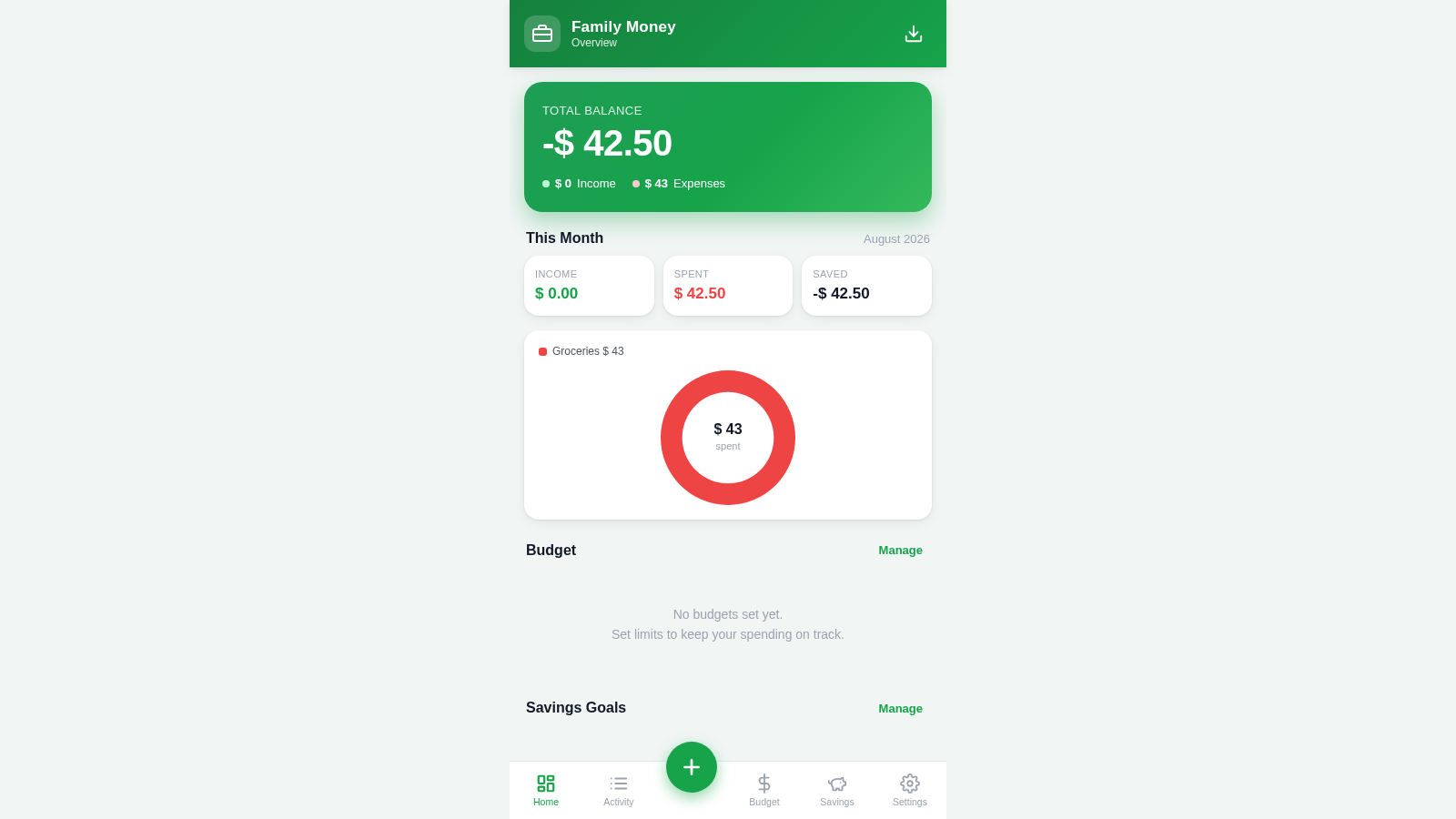
Family Money Manager is an interactive household finance tool that runs directly in the browser. It lets a family record income and expenses with an amount, category, note, and date, then reflects those entries in the total balance, monthly income, spending, savings, category breakdown, and recent activity. Users can establish monthly limits for individual spending categories, create named savings goals with target and already-saved amounts, review transaction history, adjust family and currency settings, and export their data. The app does not require an account and stores its working data locally in the browser.
Highlights
Unified Dashboard
Balances and monthly totals
Detailed Entries
Categories, notes, and dates
Category Budgets
Limits linked to spending
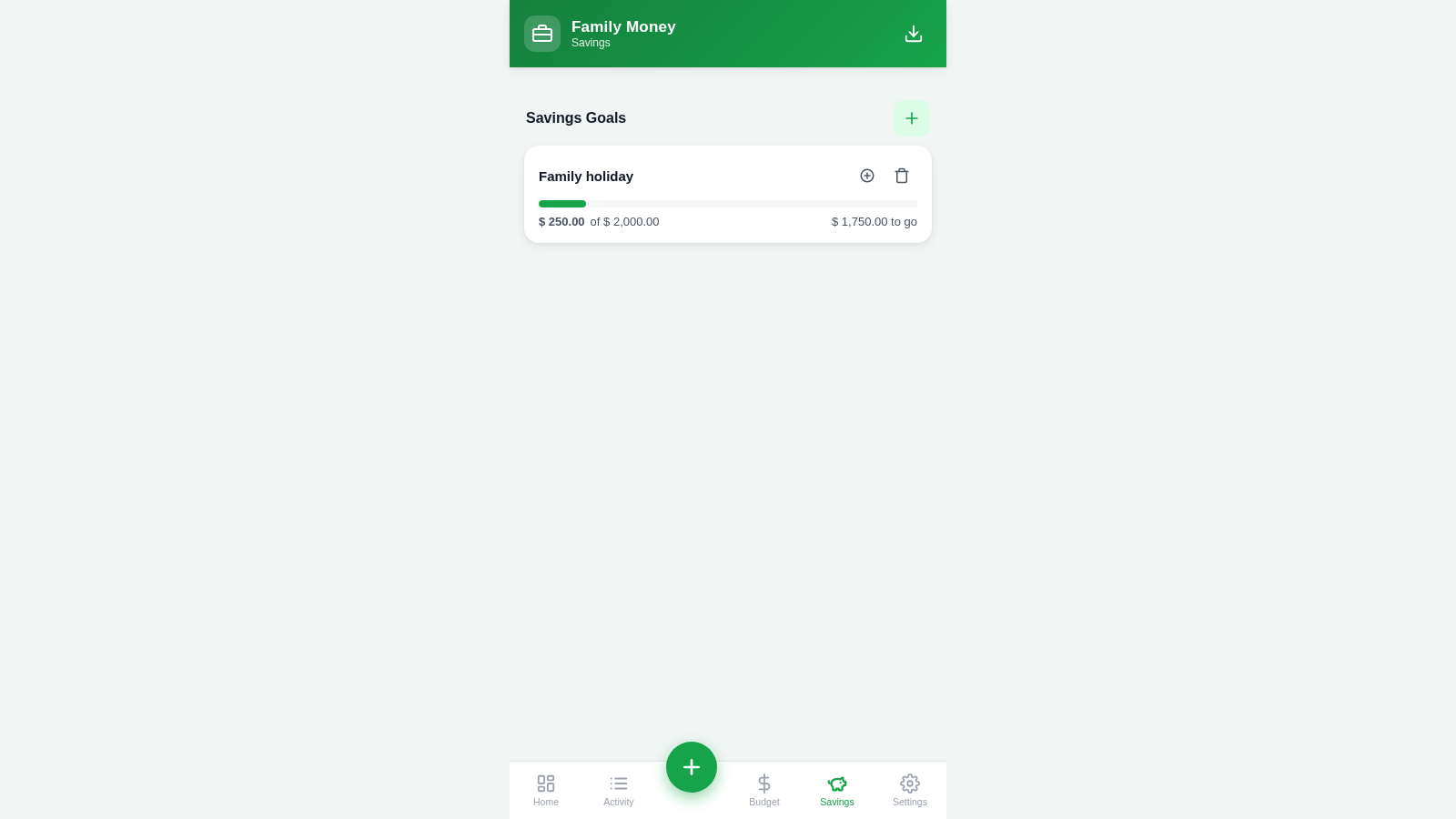
Savings Goals
Targets with clear progress
Local Data
No account is required
How to Use
Record a transaction
Select the central add button, choose Expense or Income, enter an amount, select a category, and optionally add a note and date. After saving, the dashboard updates the balance, monthly figures, category breakdown, and recent activity automatically.
Review financial activity
Open Activity from the bottom navigation to review recorded transactions. The dashboard also shows recent entries and summarizes the current month so that income and spending can be checked without opening each record.
Set category budgets
Open Budget and select Edit, then enter a monthly spending limit beside any relevant category. Saving the form creates budget tracking that can be compared with expenses already recorded in the same category.
Create a savings goal
Open Savings, select the add control, provide a goal name and target amount, and enter any amount already saved. An optional target date can also be added, after which the page shows current progress and the amount remaining.
Configure and export
Use Settings to adjust family and currency preferences. Select the export control in the header when a portable copy of the locally stored finance data is needed.
Similar Sites
 4
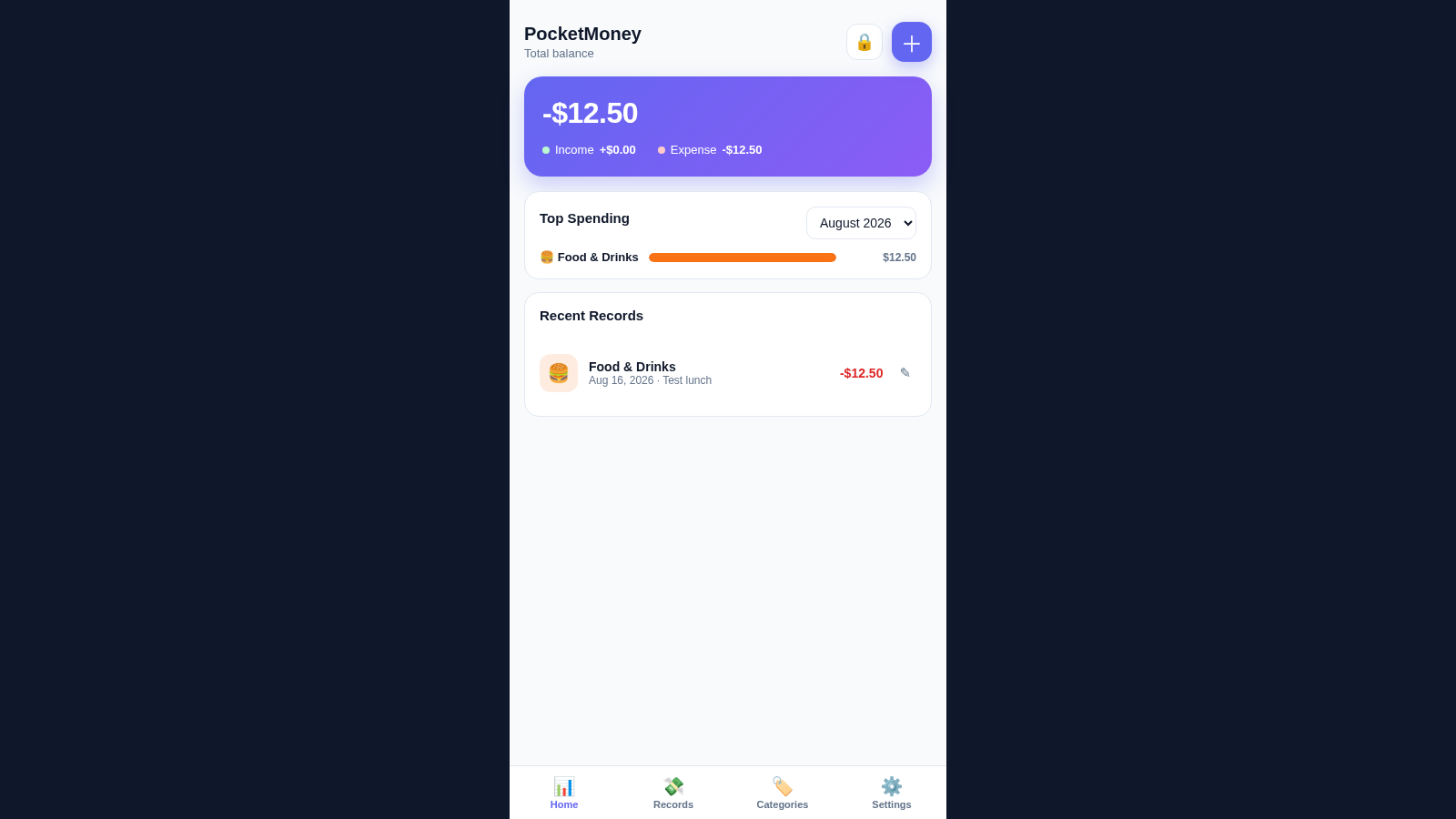
4PocketMoney Manager
Mobile-first pocket money app with PIN lock, editable categories, and CSV/Excel export.
 19
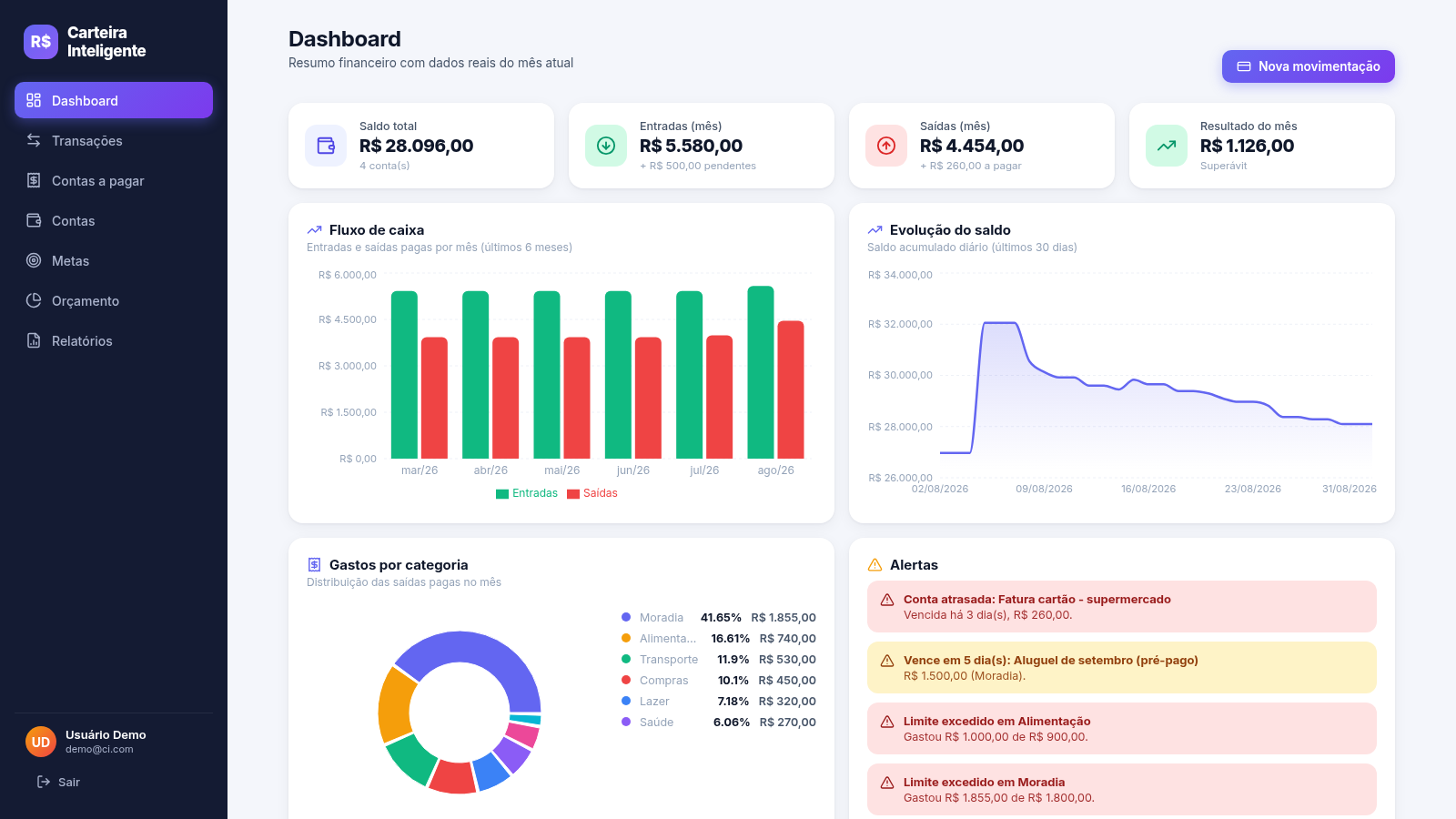
19Carteira Inteligente
Carteira Inteligente - controle financeiro pessoal em R$
 17
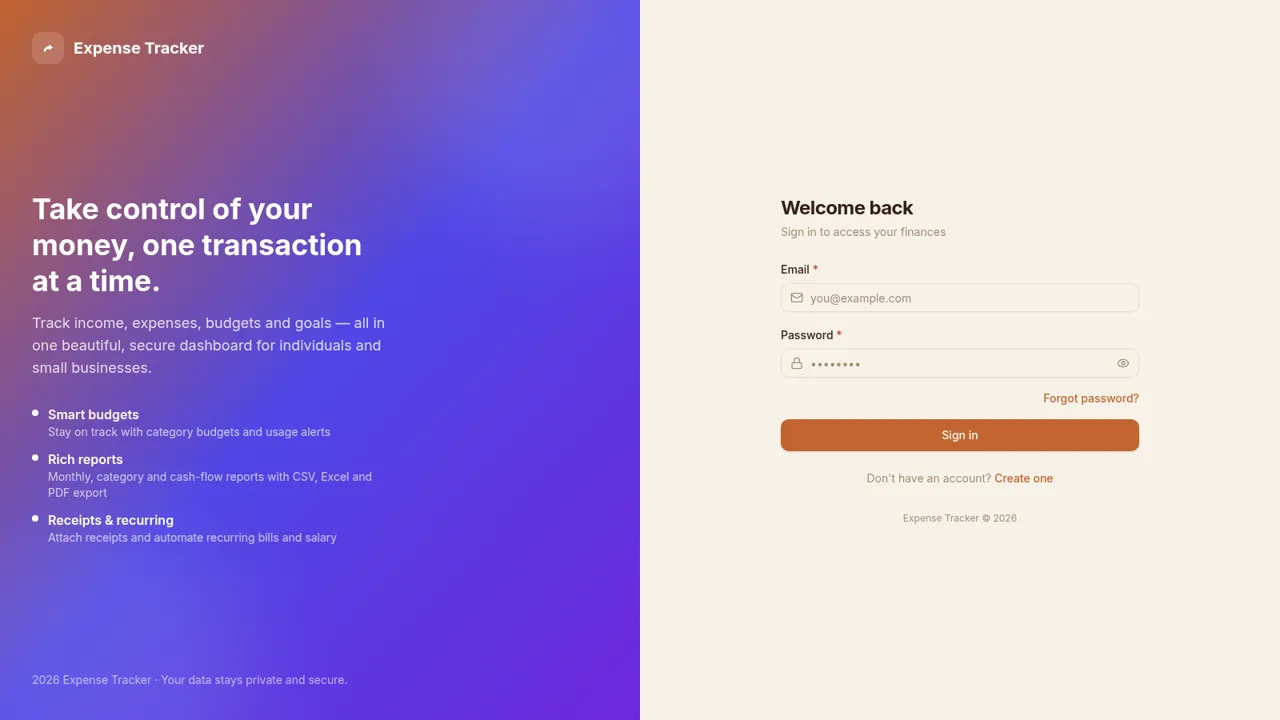
17Expense Tracker
Track income, expenses, budgets, recurring bills, and savings goals with reports and exports
 12
12aile ağacı
Rol tabanlı, üst düzey güvenliğe sahip uzay temalı KAHYA Aile Ağacı platformu.
 12
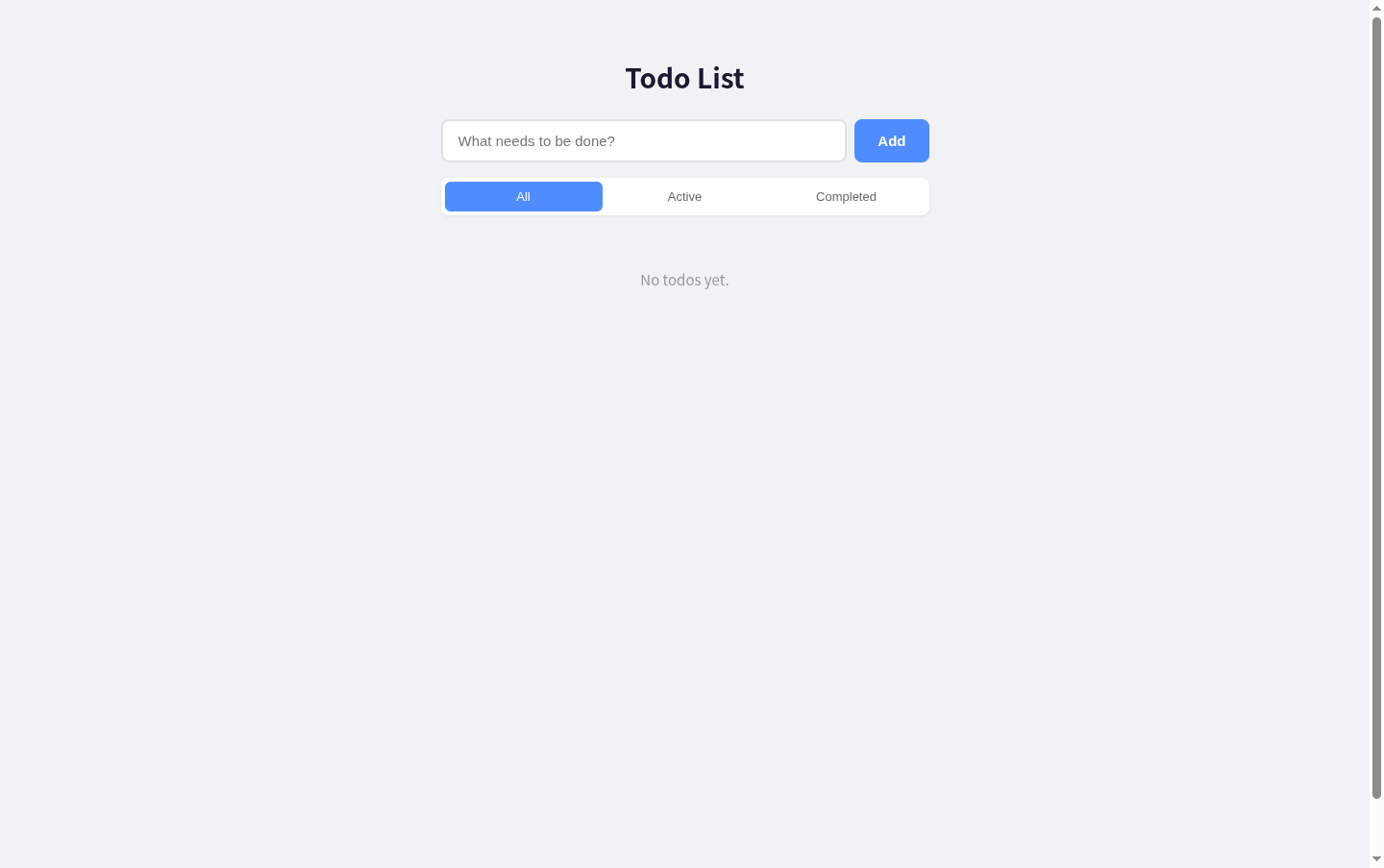
12Todo List
A simple todo list with React + Express, supporting add, edit, delete, filter and toggle complete.
 11
11VaultLock PRO Password Manager
Zero-knowledge encrypted password manager with AES-GCM, TOTP, generator and recovery keys