
Todo List
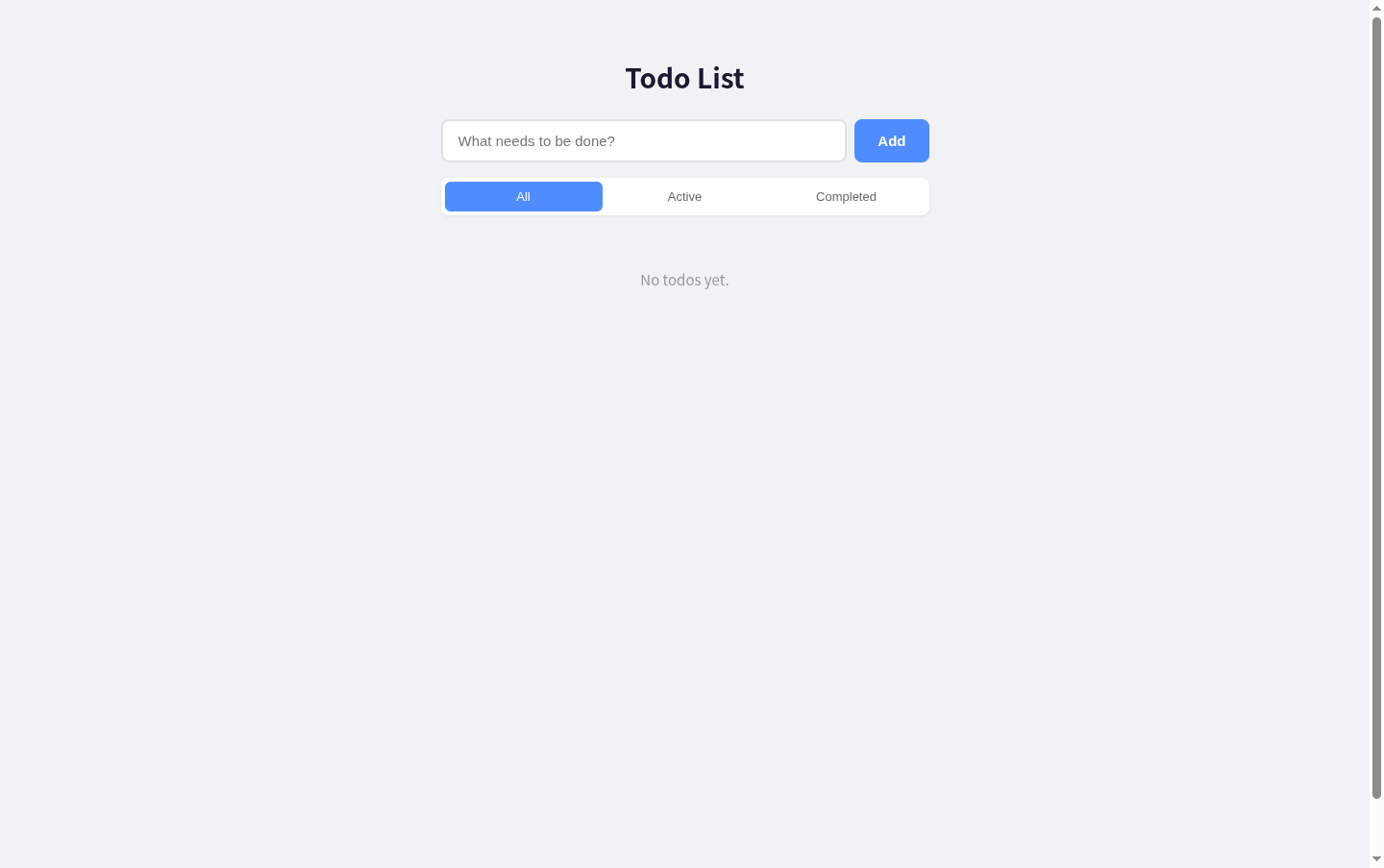
Capture, update, filter, and complete everyday tasks in one focused list.
Todo List is a compact single-page task manager built around a direct workflow. Enter a task in the text field and add it to the list, then use the checkbox and item actions to track its status, revise its wording, or remove it. The All, Active, and Completed controls provide quick views of the list, while a counter reports how many items remain unfinished.
Highlights
Direct task capture
Add tasks from one field
Status filters
View all or filtered tasks
Item controls
Edit, finish, or delete
How to Use
Add a task
Type a task into the field labeled What needs to be done, then select Add. The new item appears beneath the filters with its own completion checkbox and action buttons, and the remaining-item counter updates.
Update the list
Use an item's checkbox to change its completion state. Select Edit when the task wording needs revision, or Delete when the entry is no longer needed; the list and unfinished count reflect the resulting state.
Filter by status
Select All to review the full list, Active to focus on unfinished work, or Completed to see finished items. Return to All whenever you need a combined overview.
Similar Sites
 3
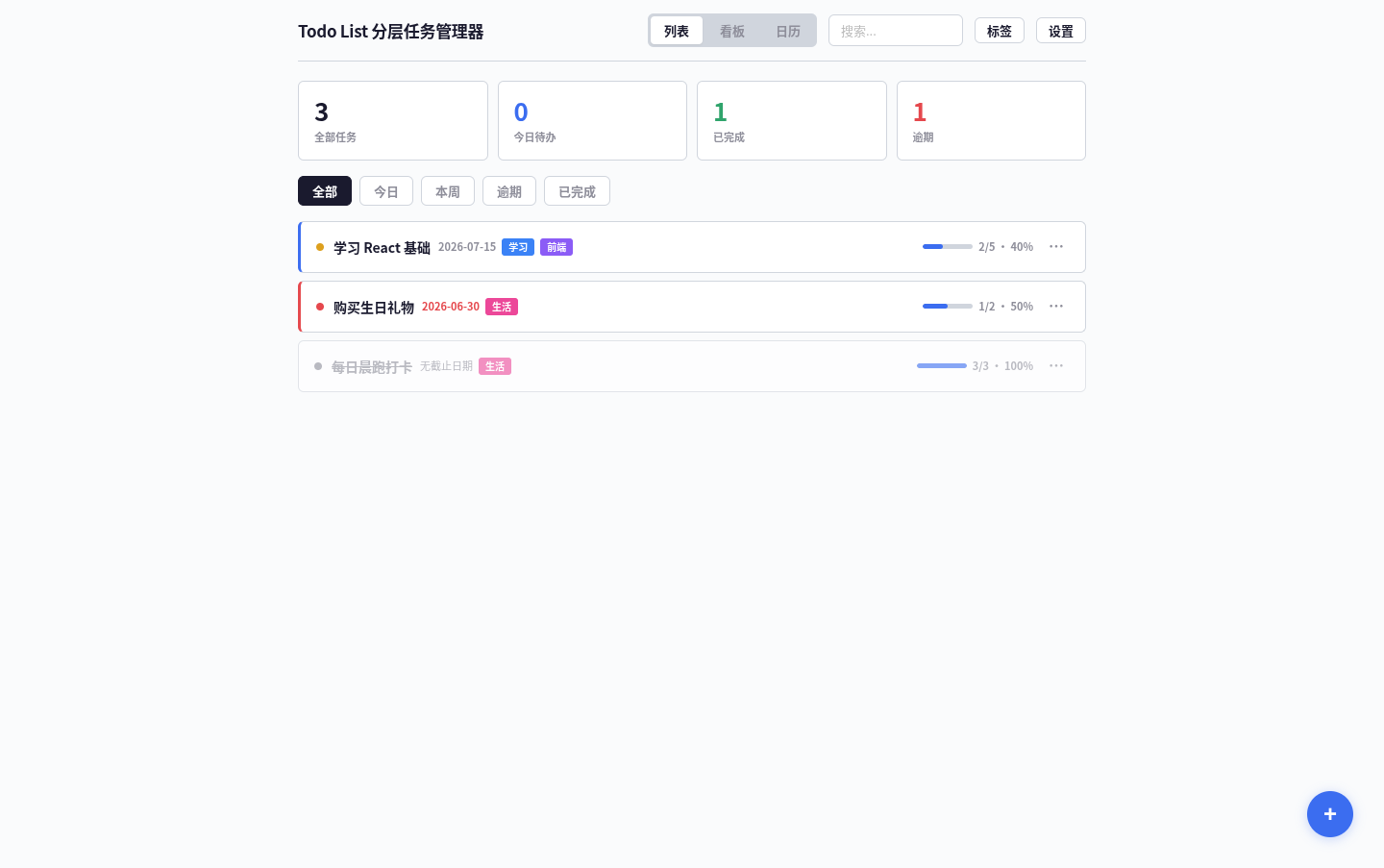
3Todo List
A task management app that supports kanban/calendar views, drag-and-drop sorting, and scheduled reminders.
 19
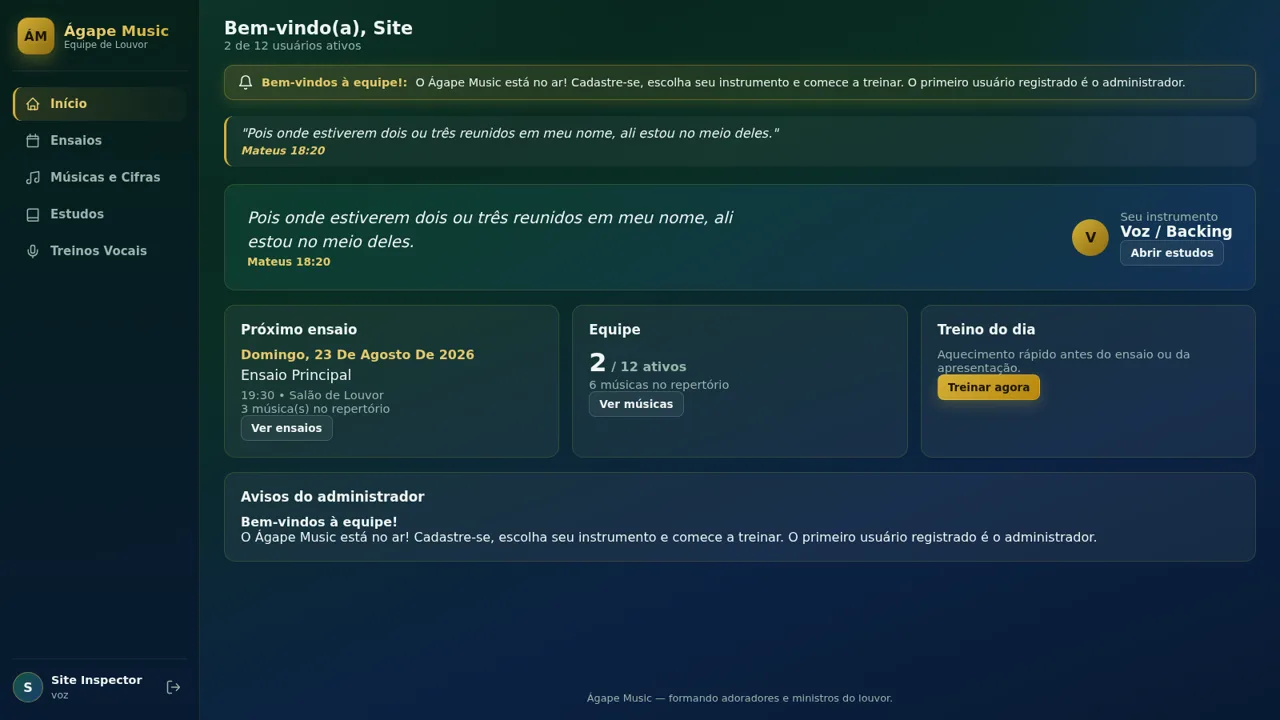
19Ágape Music
App da equipe de louvor: ensaios, músicas e cifras, estudos por instrumento e treinos vocais.
 14
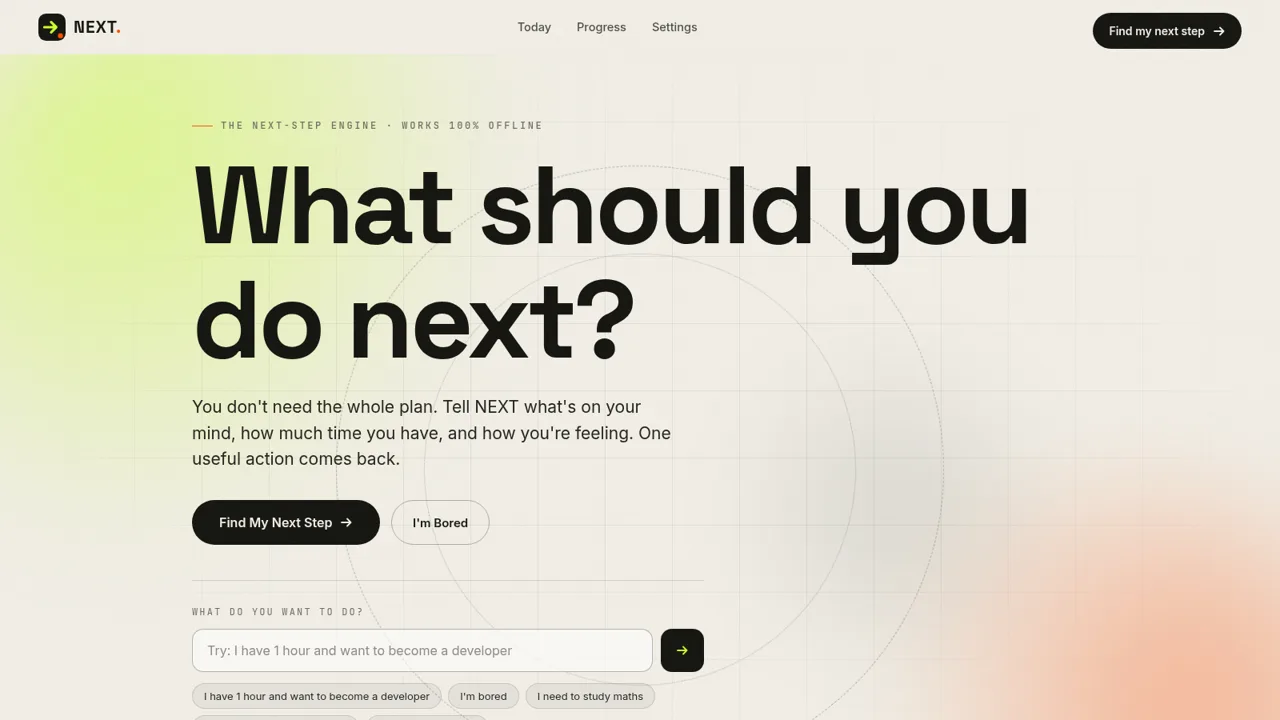
14NEXT — Find Your Next Step
NEXT turns your goals, time, and energy into one useful action.
 11
11Stylak ستايلك
اعرف ايه اللي يليق عليك في 10 ثواني
 9
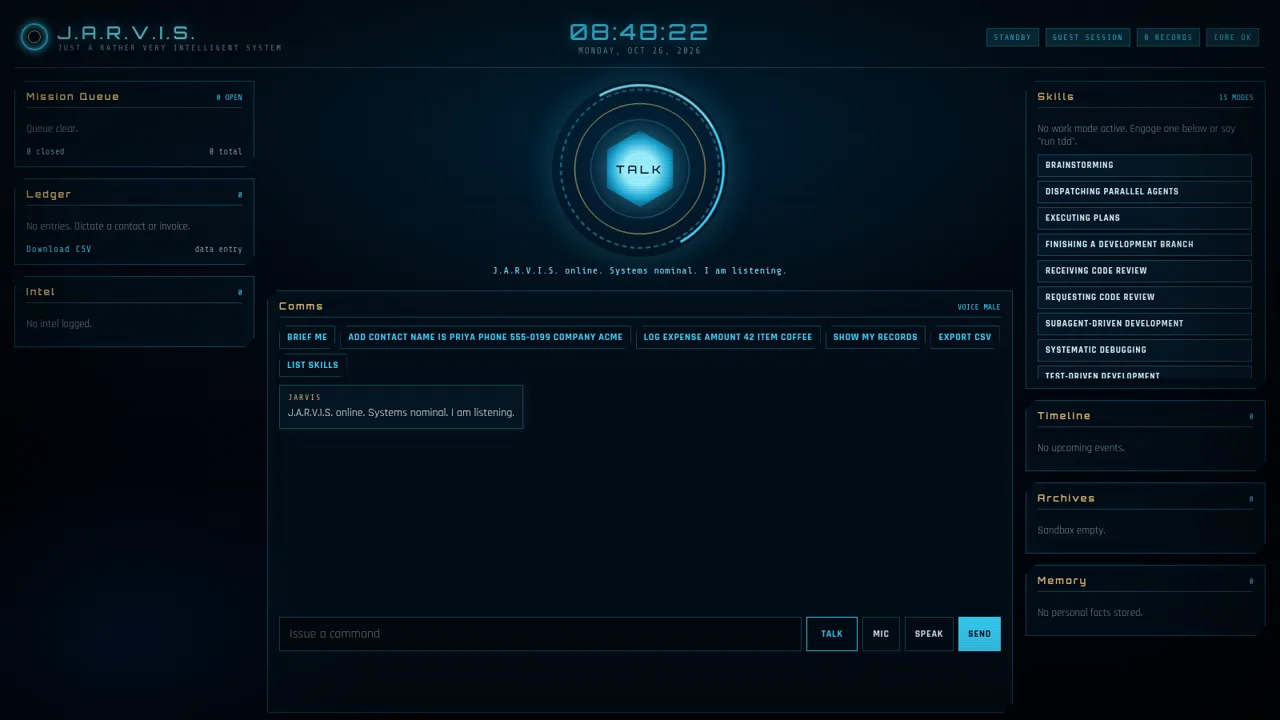
9J.A.R.V.I.S.
Voice-first HUD assistant for todos, notes, calendar, ledger, and skill modes.
 9
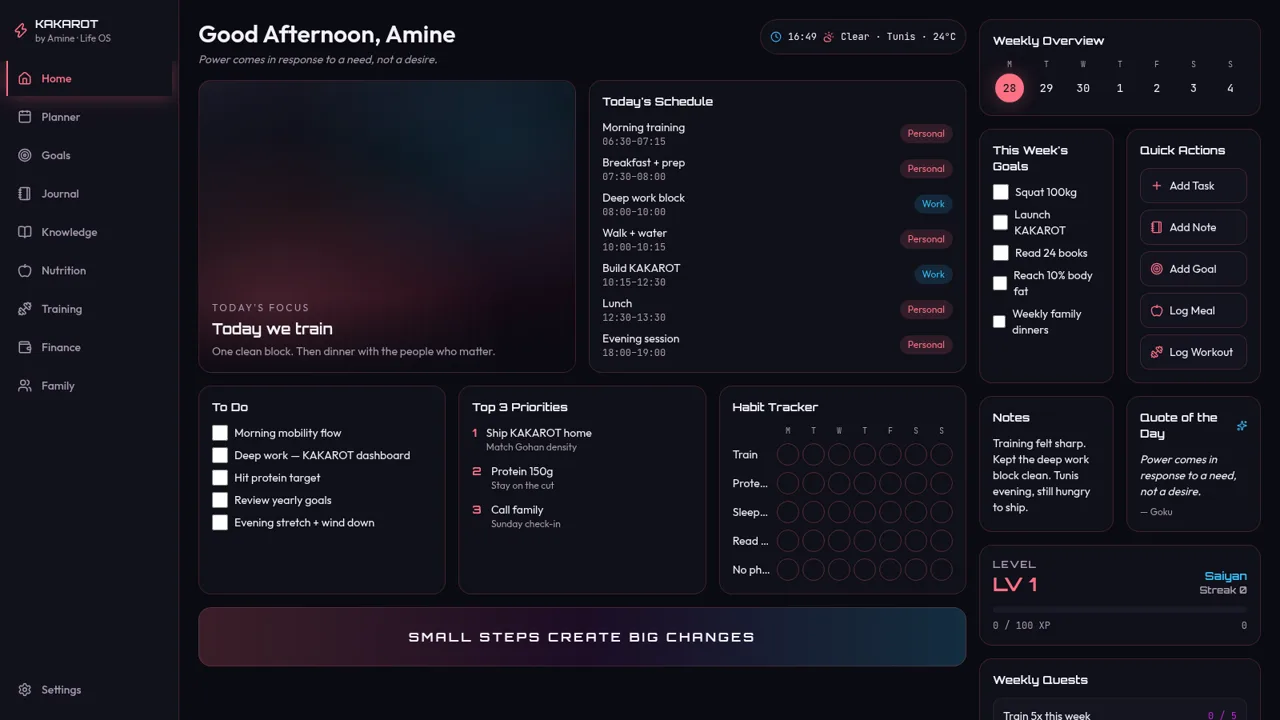
9KAKAROT
Neon life OS dashboard with tasks, habits, and RPG XP