
MOHAMED TASKS
Plan the week, protect your Big 3, and track focus and scores in one cloud-synced dashboard
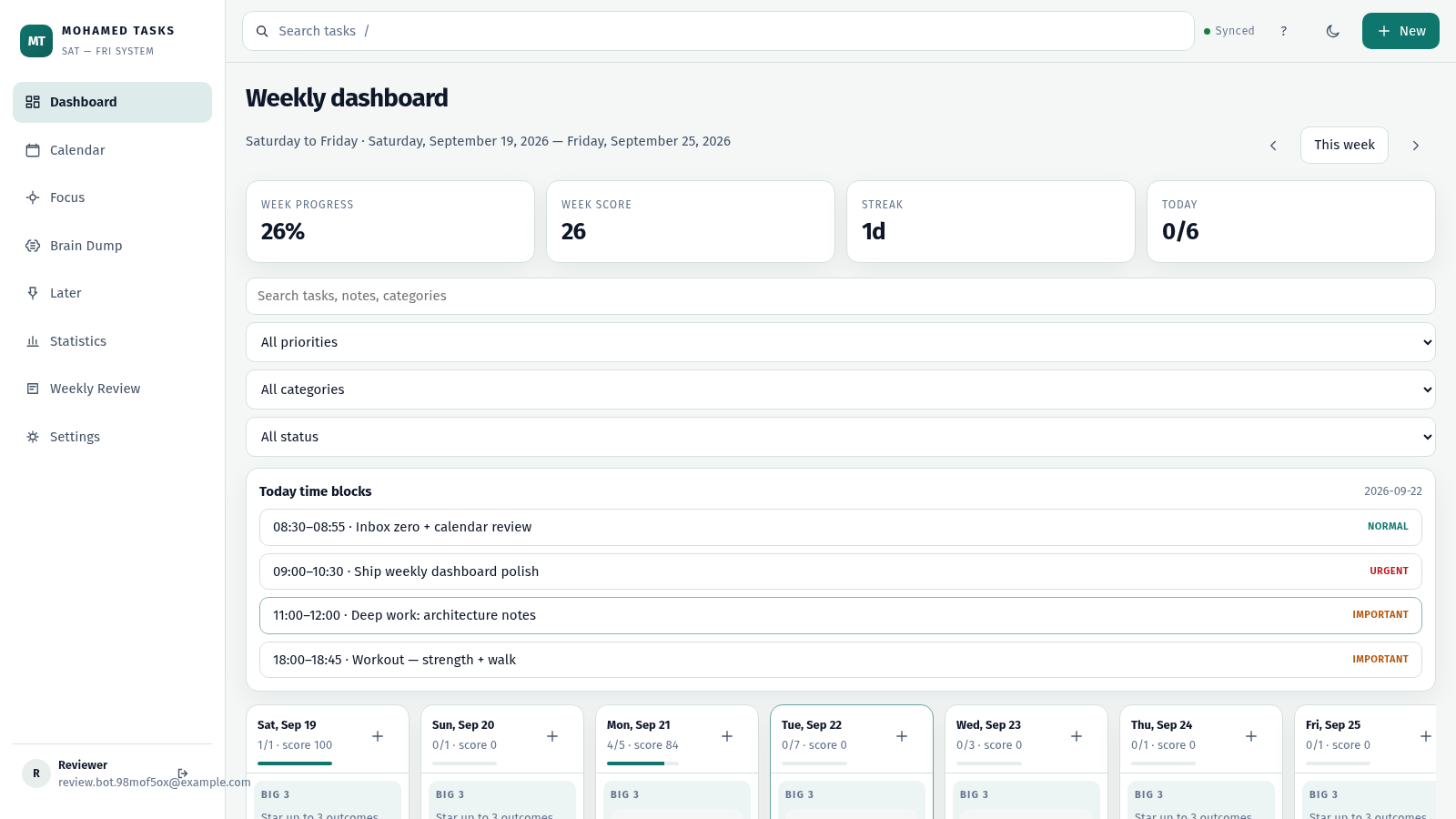
MOHAMED TASKS is a browser-based weekly execution system for personal task management. After creating an account with an email and password, users land in a workspace organized around a Saturday-to-Friday week. The dashboard shows week progress, week score, streak and today counts, then lists each day with its Big 3 outcomes, additional tasks, time blocks and a daily note. Sidebar sections add a Calendar, a Focus mode with a customizable timer and saved sessions, a Brain Dump inbox, a Later list, a Statistics page with daily score and category charts, a Weekly Review and Settings. Tasks carry priorities such as urgent, important and normal plus categories including Work, Personal, Health, Learning and Home, and can be searched and filtered.
Highlights
Weekly dashboard
Sat-Fri grid with scores
Big 3 priorities
Star 3 daily goals
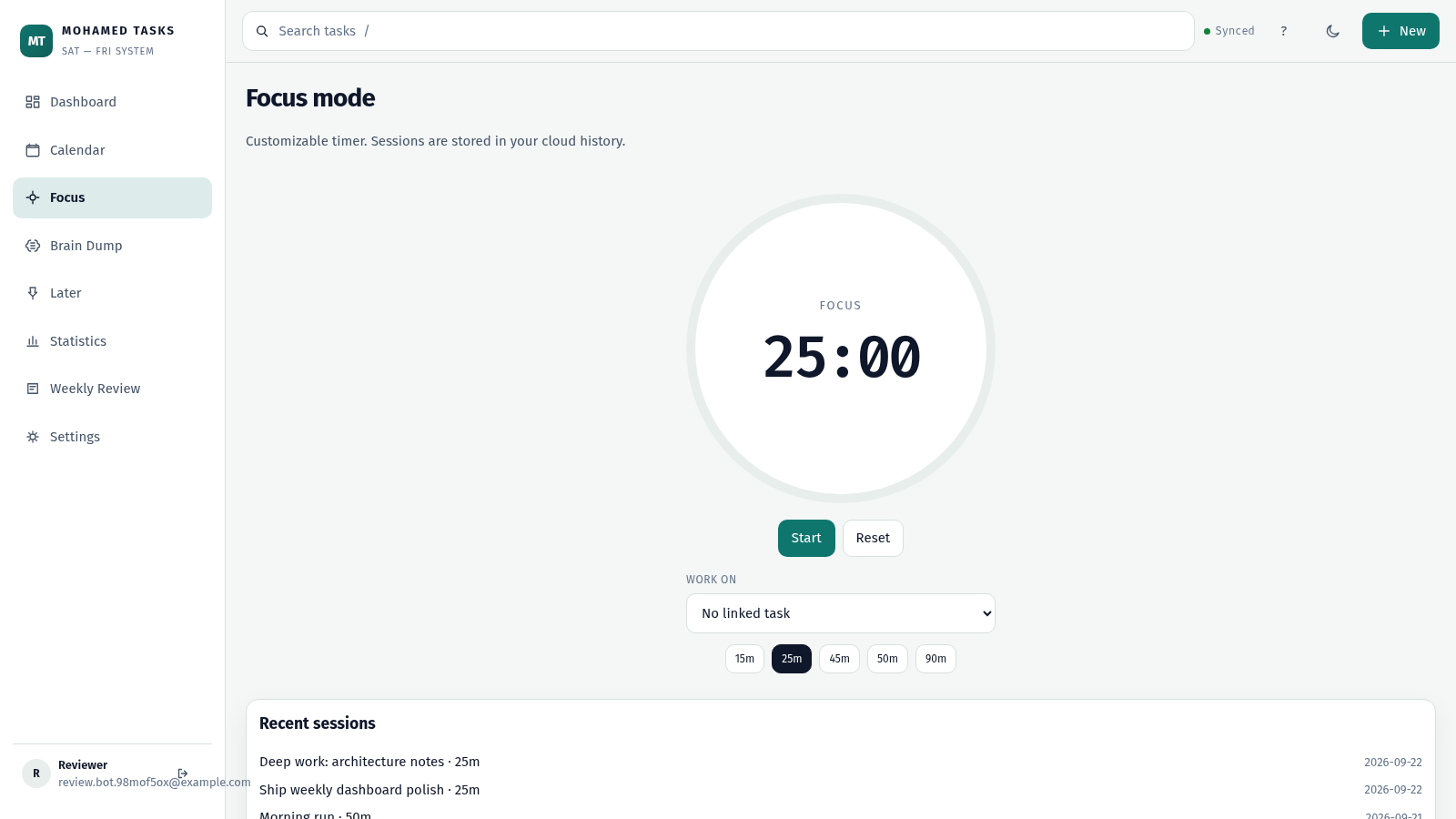
Focus timer
Tracks focus sessions
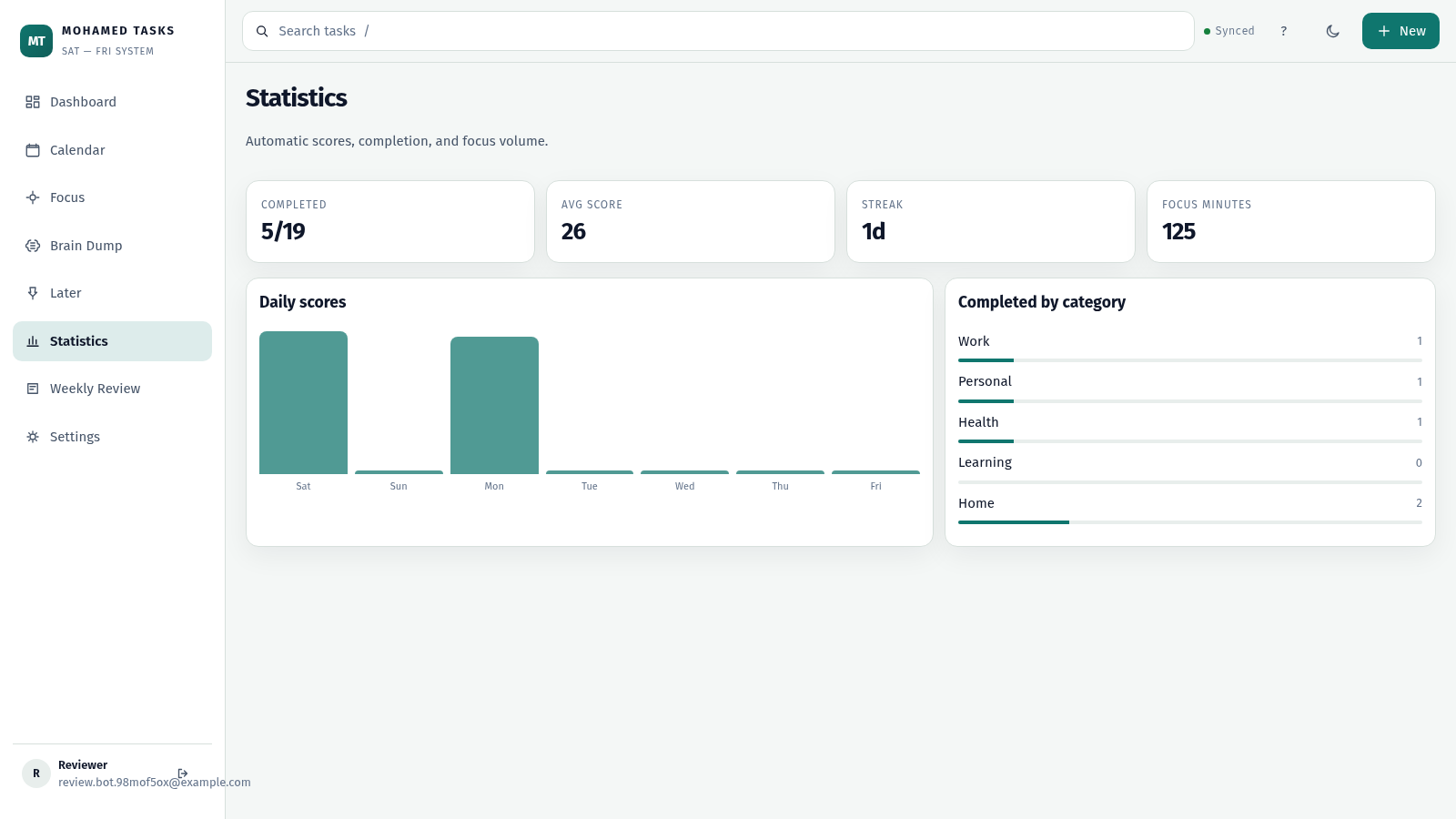
Statistics page
Daily score charts
How to Use
Create your account
Open the site and choose Create account, then enter a name, email and password. After the form submits you are signed in and the workspace loads immediately with a sample week already filled in, so you can explore right away.
Plan tasks on the dashboard
On the Dashboard you see the current Saturday-to-Friday week. Use the New button or the plus button on any day to add a task, and set its priority, category and duration. Star up to three items per day to mark them as your Big 3, and add a short daily note for context.
Work and complete tasks
Click the circle next to a task to mark it complete; the day counters, week progress, week score and today totals update as you go. Filters above the grid let you narrow by priority, category or status, and the search boxes find tasks or notes quickly.
Run a focus session
Open Focus from the sidebar, pick a duration such as 15, 25, 45, 50 or 90 minutes, optionally link the session to a task, then press Start. When you finish, the session is added to Recent sessions with its date so you can see accumulated focus volume.
Review your week
Use Statistics to see completed counts, average score, streak and total focus minutes along with daily score bars and a completed-by-category breakdown. Weekly Review and the Calendar, Brain Dump and Later pages give additional ways to plan and reflect.
Similar Sites
 3
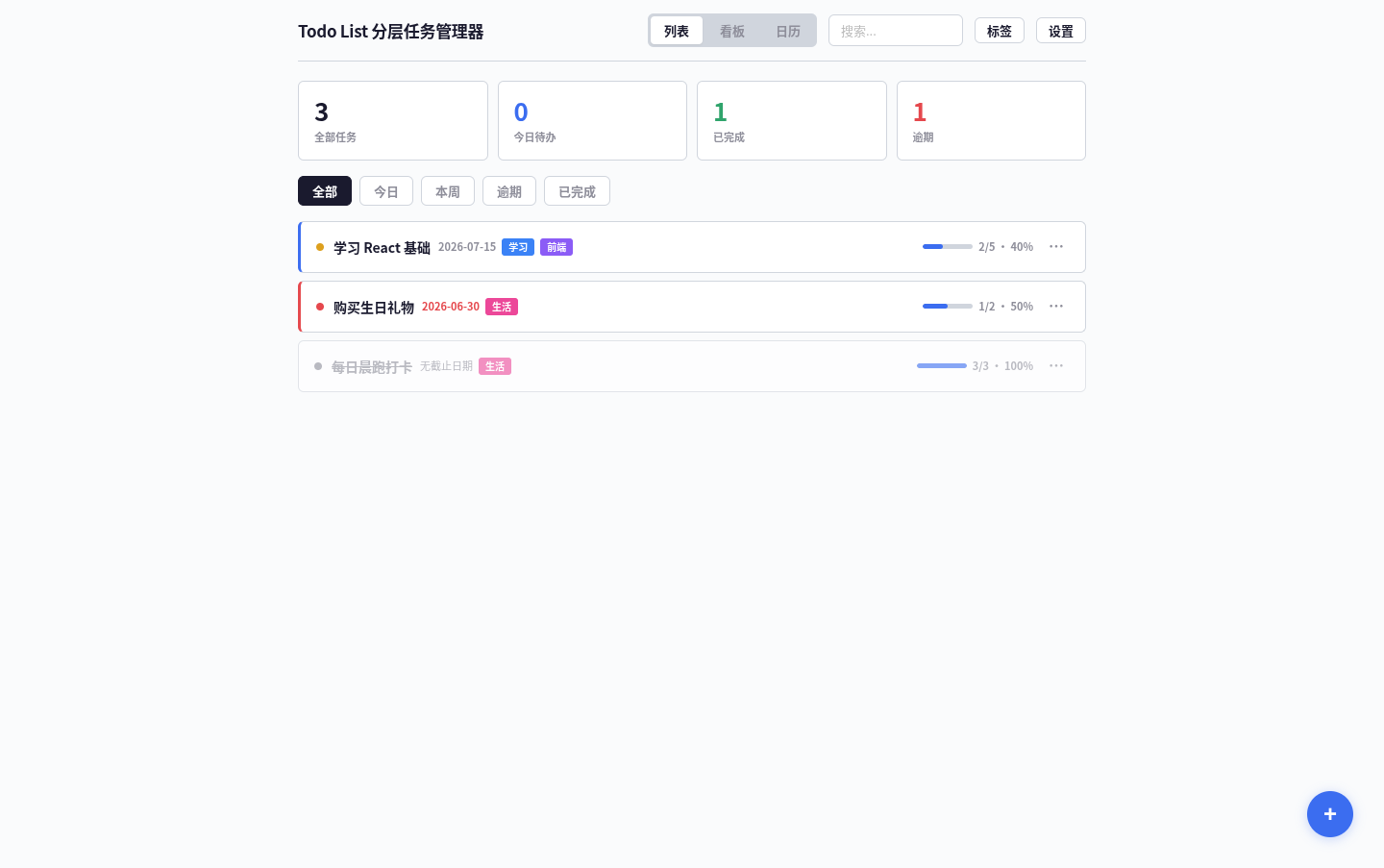
3Todo List
A task management app that supports kanban/calendar views, drag-and-drop sorting, and scheduled reminders.
 88
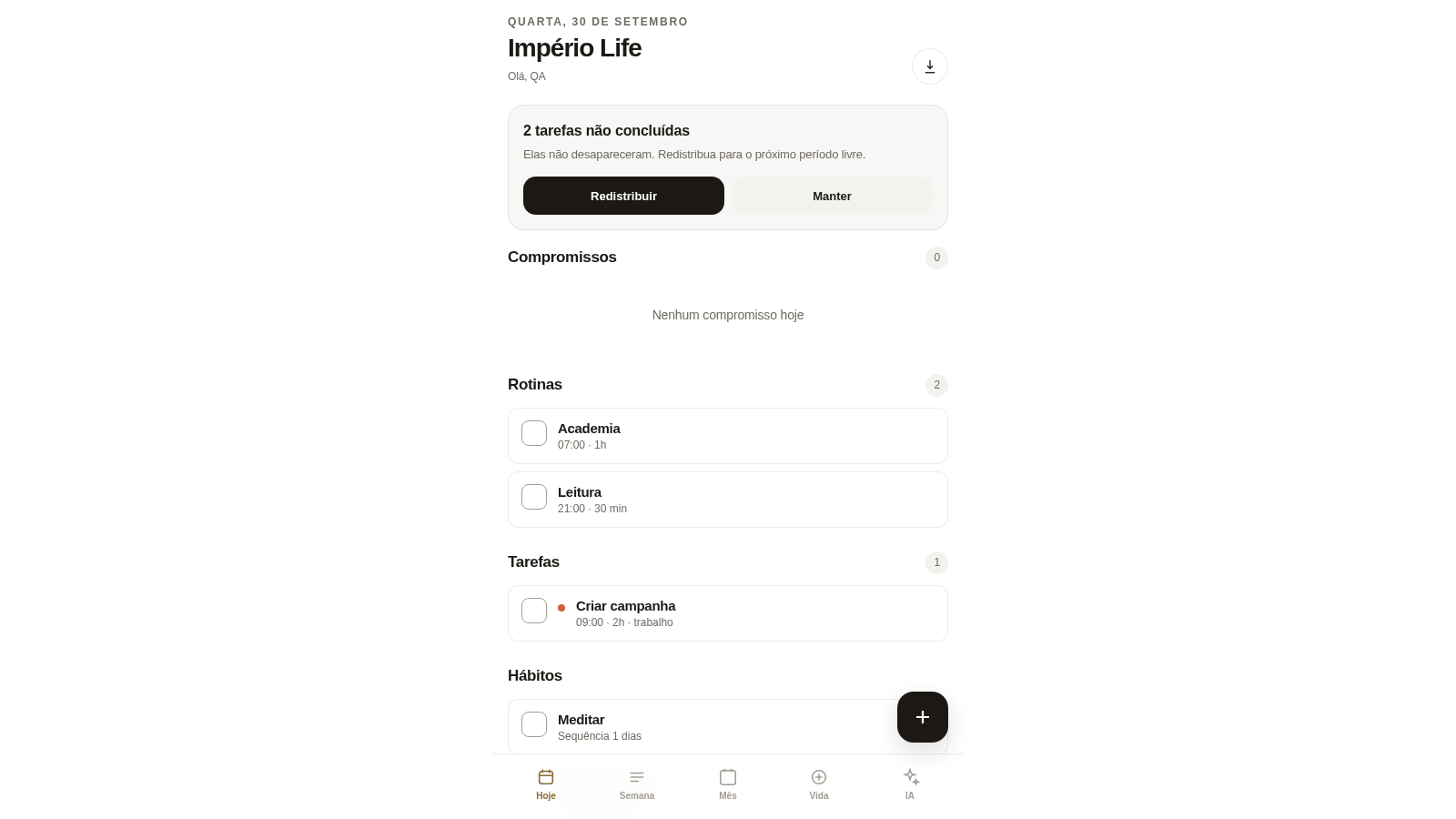
88Império Life
Organização pessoal: tarefas, rotinas e planejamento semanal.
 14
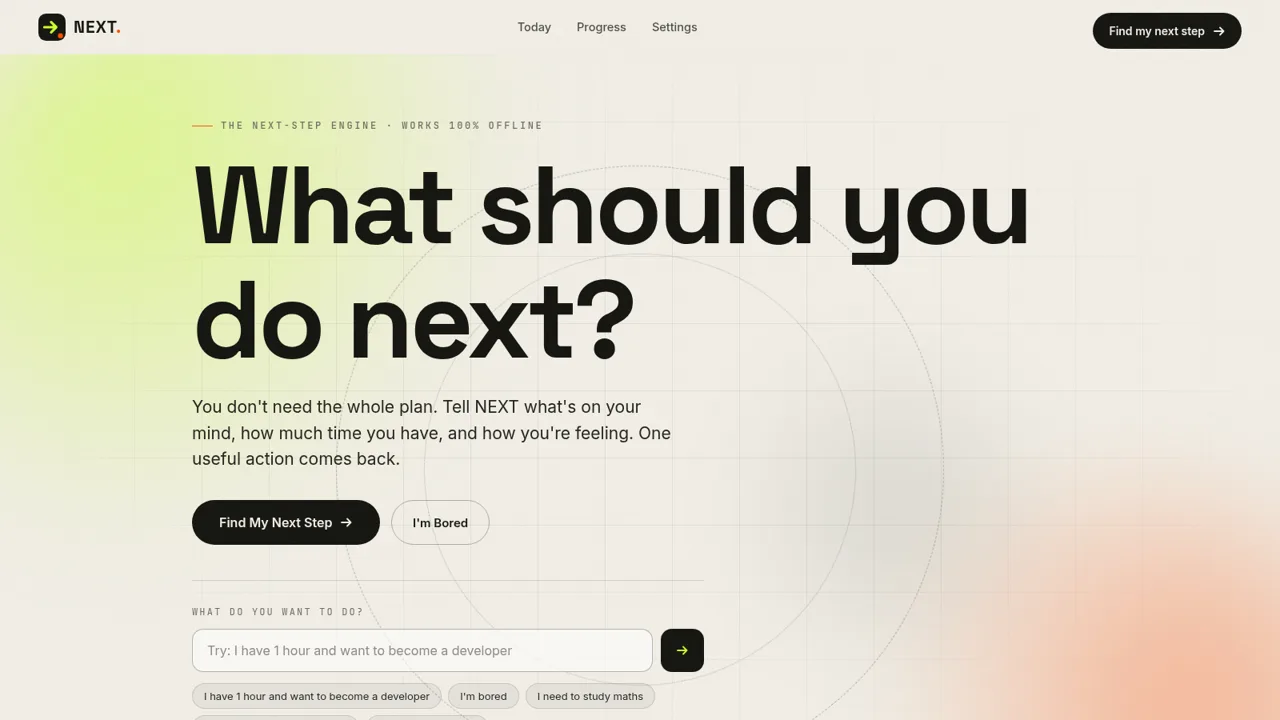
14NEXT — Find Your Next Step
NEXT turns your goals, time, and energy into one useful action.
 12
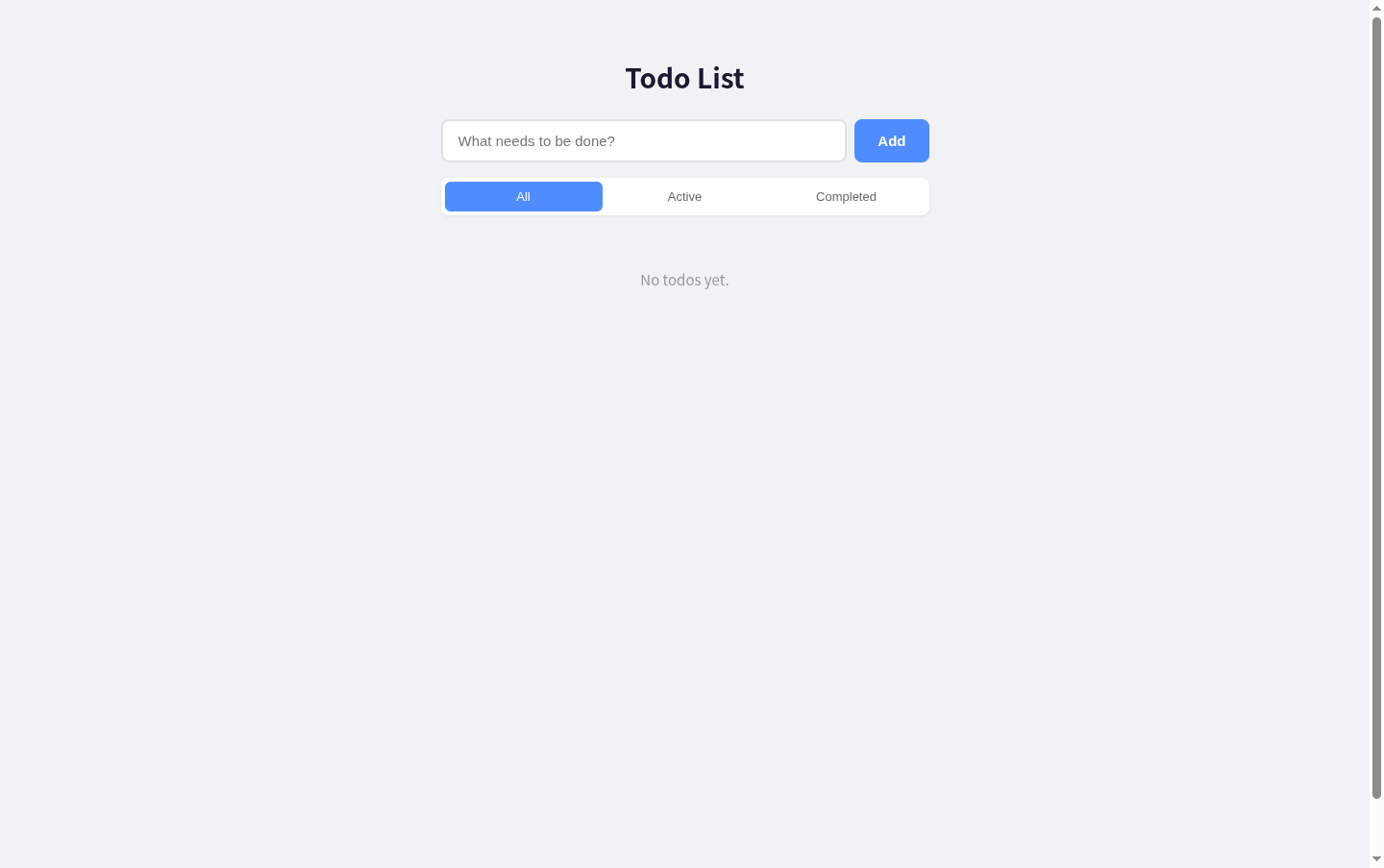
12Todo List
A simple todo list with React + Express, supporting add, edit, delete, filter and toggle complete.
 9
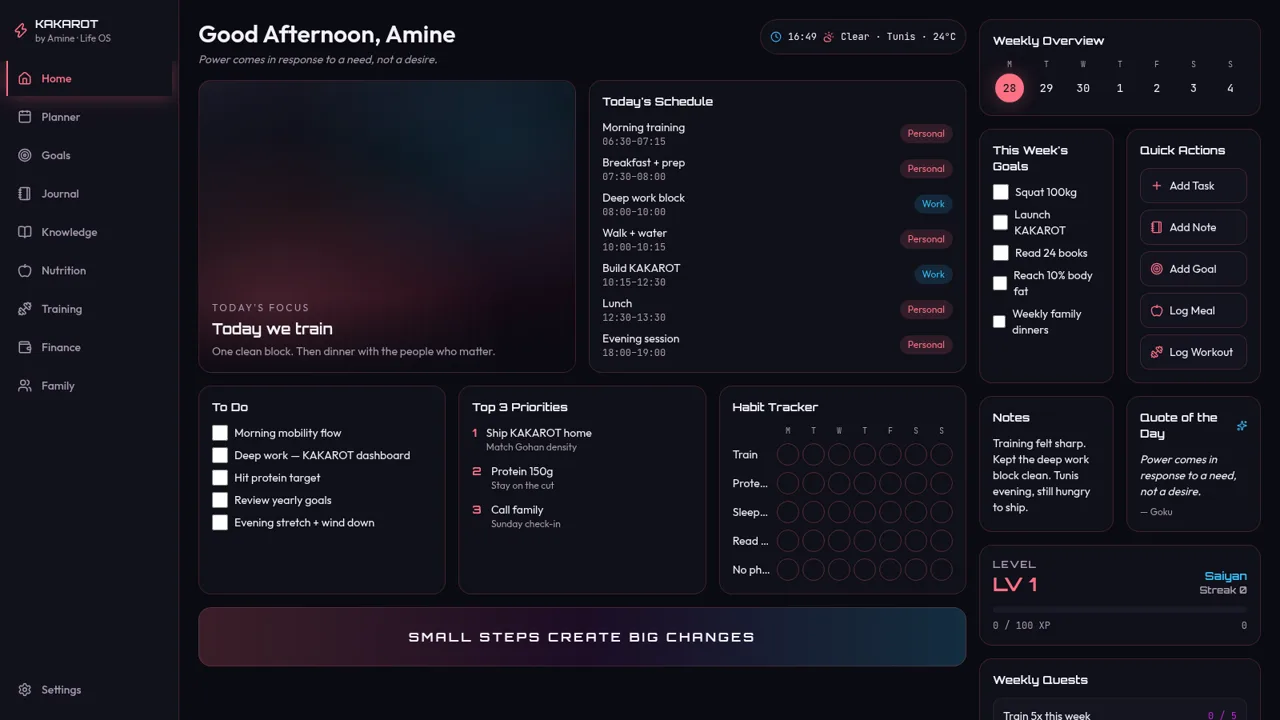
9KAKAROT
Neon life OS dashboard with tasks, habits, and RPG XP
 5
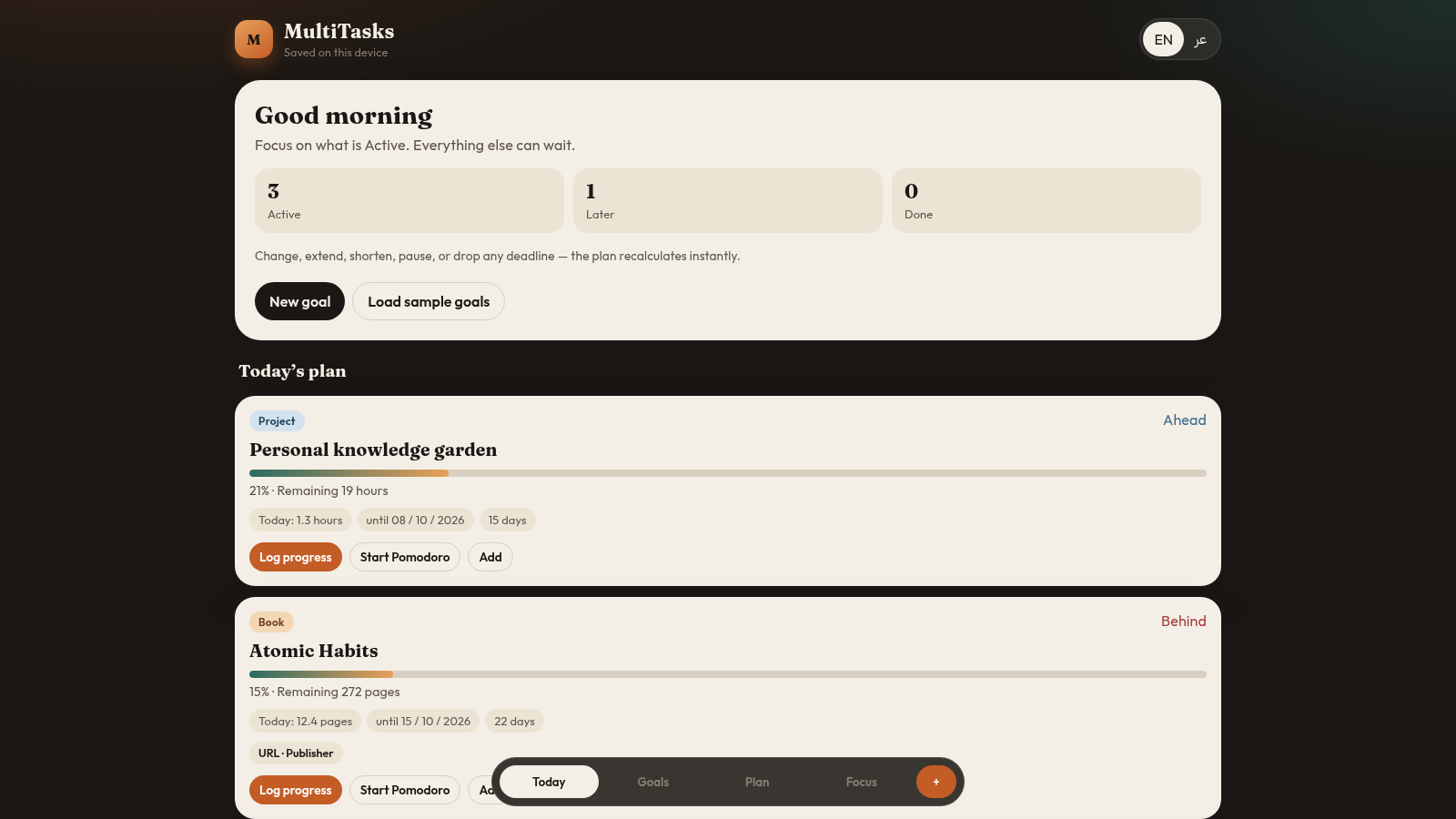
5MultiTasks
Flexible bilingual planner for books, courses, skills, and projects.