
Cartões de Território
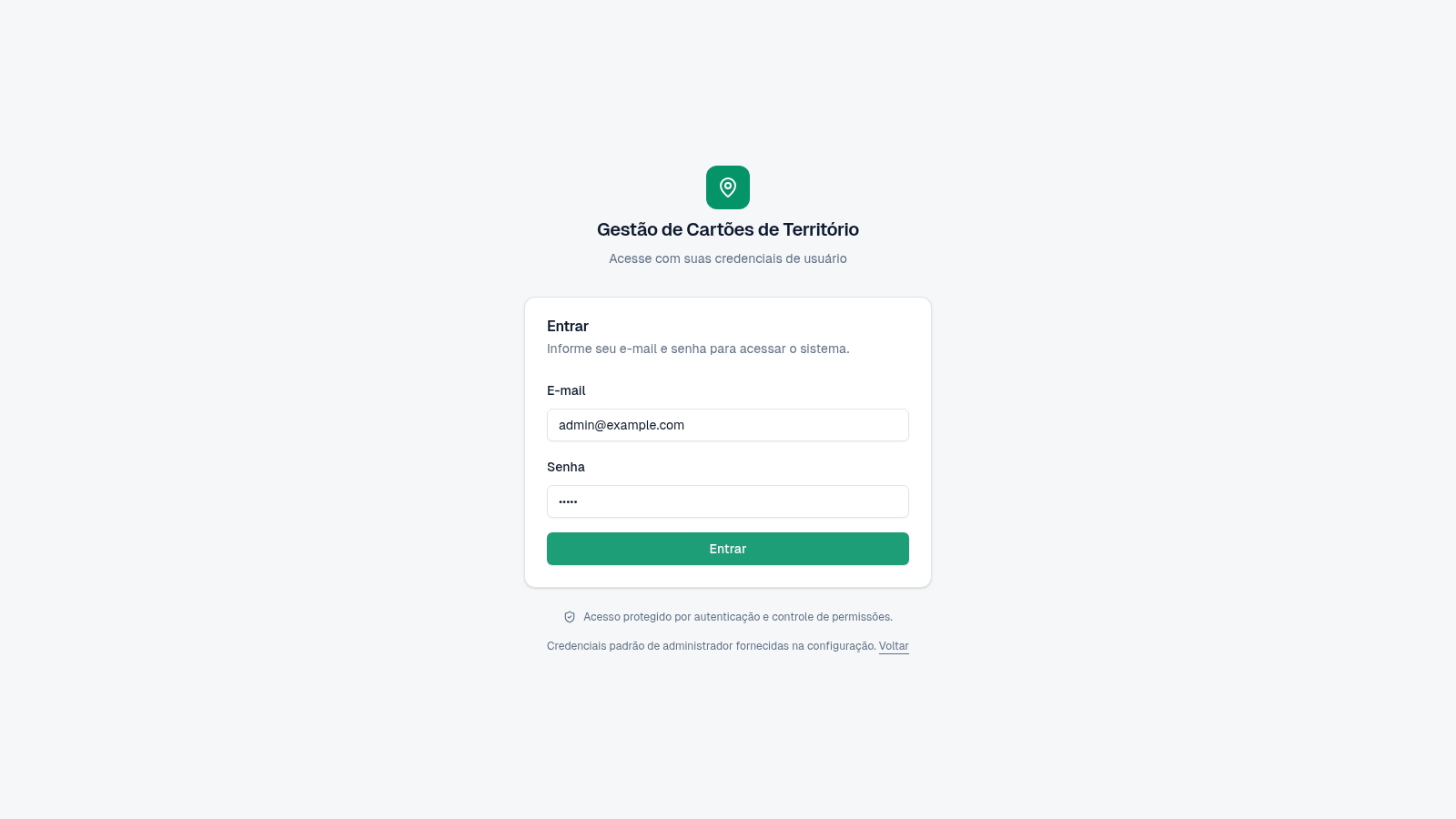
Manage congregation territory cards, assignments, returns, reporting, and access from one operational dashboard.
Minha Congregação is an authenticated administration tool for managing territory cards used by a congregation. Its dashboard summarizes card availability, active usage, pending releases, assignments, groups, territories, users, distribution, and recent movement. Dedicated areas organize the card inventory, territory and group records, assignment workflows, reports, history, audits, users, permission profiles, and system settings. The supplied evaluation account opens a populated demonstration environment with 100 cards, five territories, and six groups.
Highlights
Live Dashboard
Operational status at a glance
Card Inventory
Search and filter 100 cards
Assignment Flow
Track use, return, and release
Admin Controls
Audit users and permissions
How to Use
Sign in with the evaluation account
Open the login page and use the clearly displayed demonstration credentials, or select the autofill control to place them into the email and password fields. Submit the form to enter the administrator dashboard.
Review current operations
Use the dashboard to check total, available, in-use, and pending-release cards, then review assignment counts, distribution by group and territory, movement charts, and recent activity before opening a detailed module.
Find or register a card
Open Cards from the sidebar, search by number, label, group, or territory, and narrow the table with status, group, and territory filters. Select New card to enter a number, label, initial status, optional group, territory, and notes.
Create an assignment
Open Assignments and select New assignment. Choose an available card and territory, add optional notes, and register the record. The assignment table is designed to follow its status, start, return, release, history, and available actions.
Inspect records and administration
Use Reports and History for operational review, Audit for recorded system actions, and the Users, Profiles, and Settings sections to manage administrative access and configuration according to the signed-in role.
Similar Sites
 69
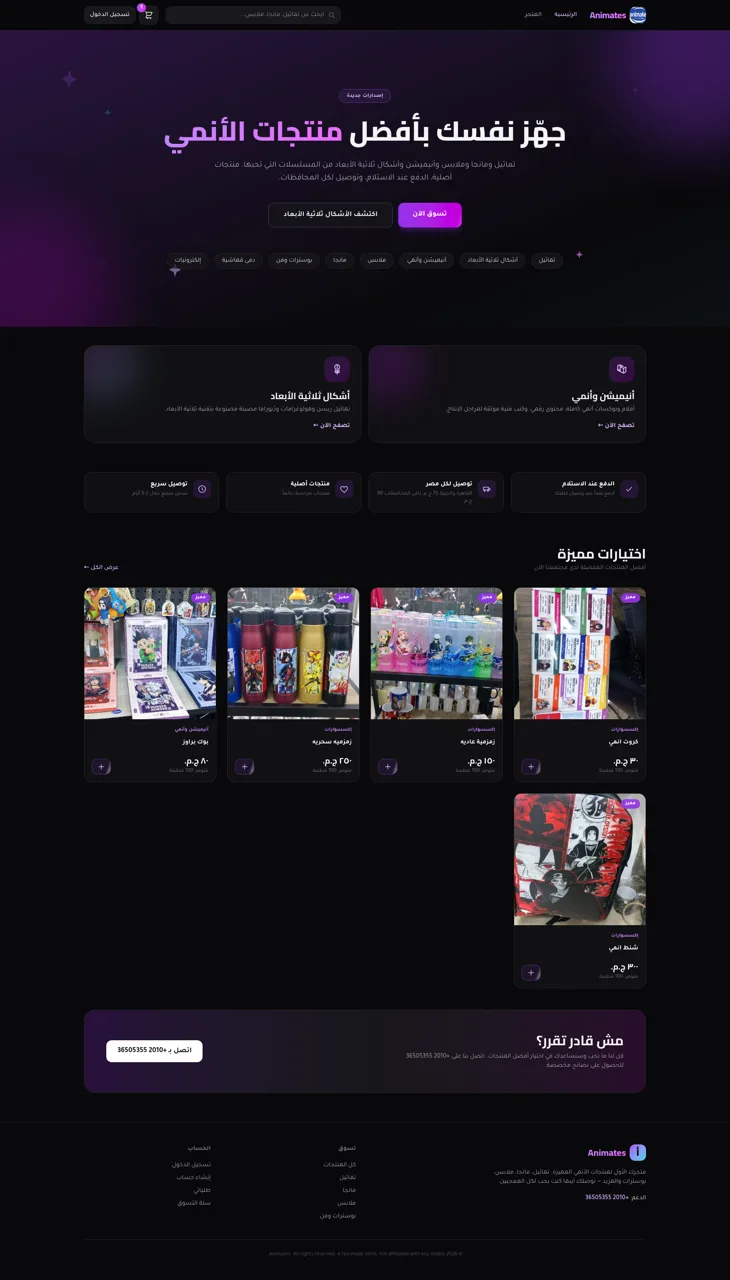
69Animates — Anime Merch Store
Full-stack Arabic RTL anime merch store with COD checkout and admin dashboard
 65
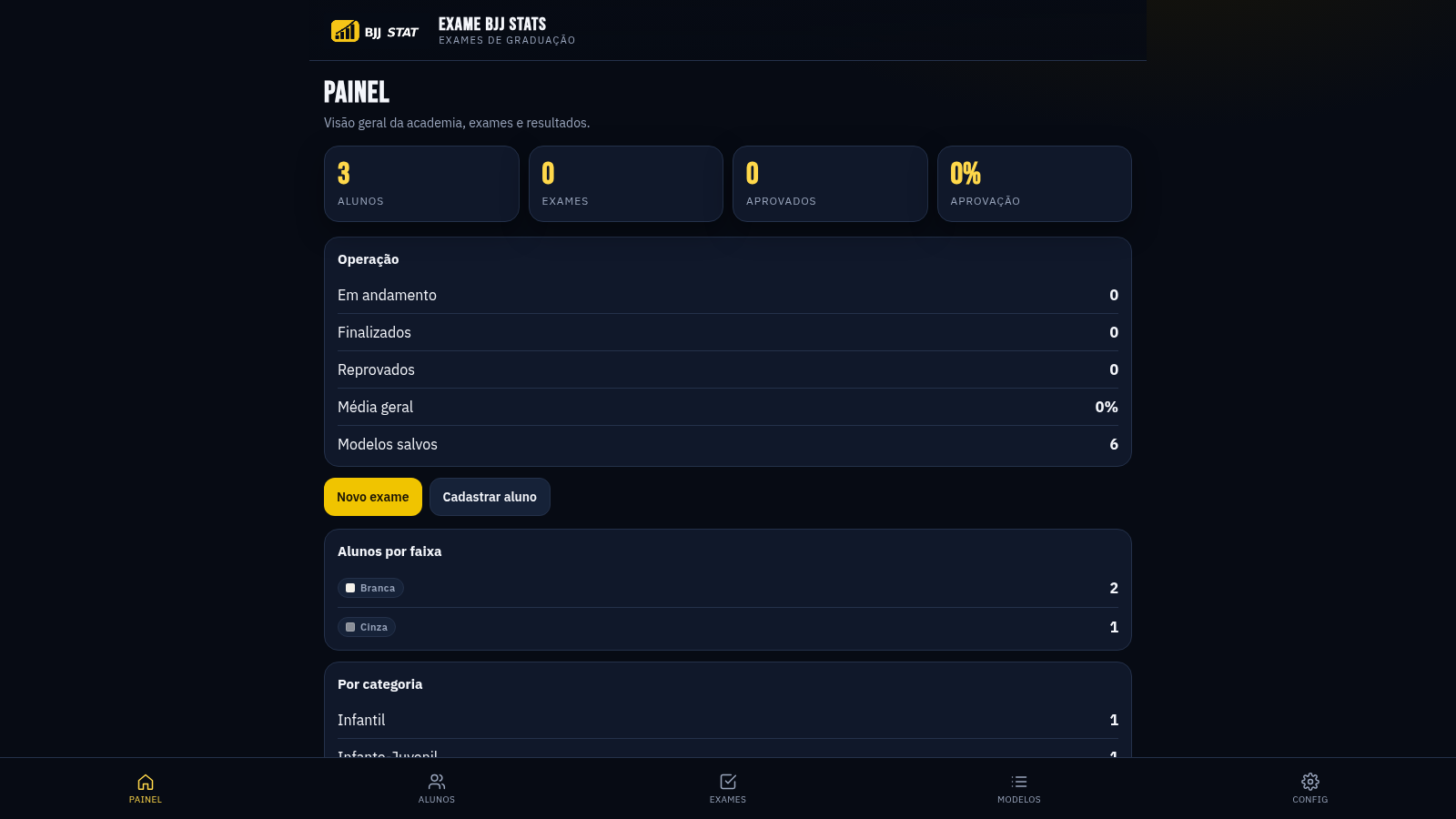
65EXAME BJJ STATS
Sistema profissional de exames de graduação BJJ, com modelos por faixa e relatório APROVADO/REPROVADO.
 23
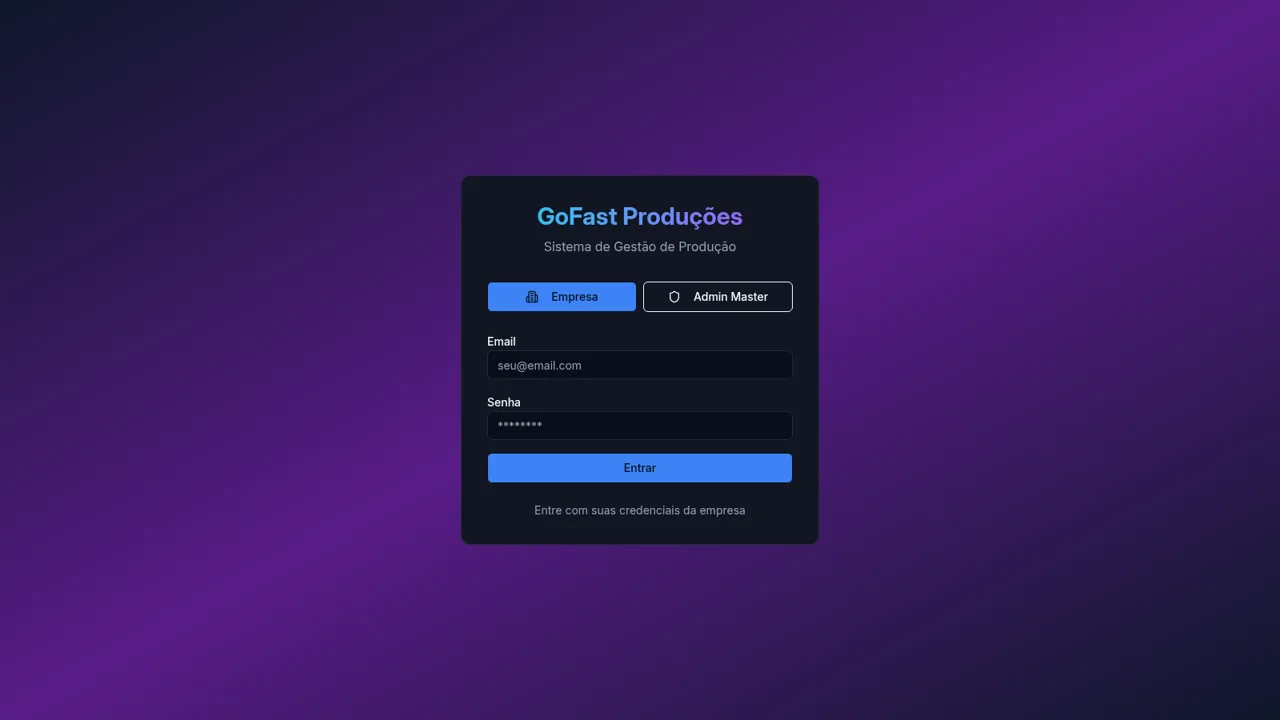
233RLTEXTIL
SISTEMA DE GESTÃO DE FACÇÃO
 15
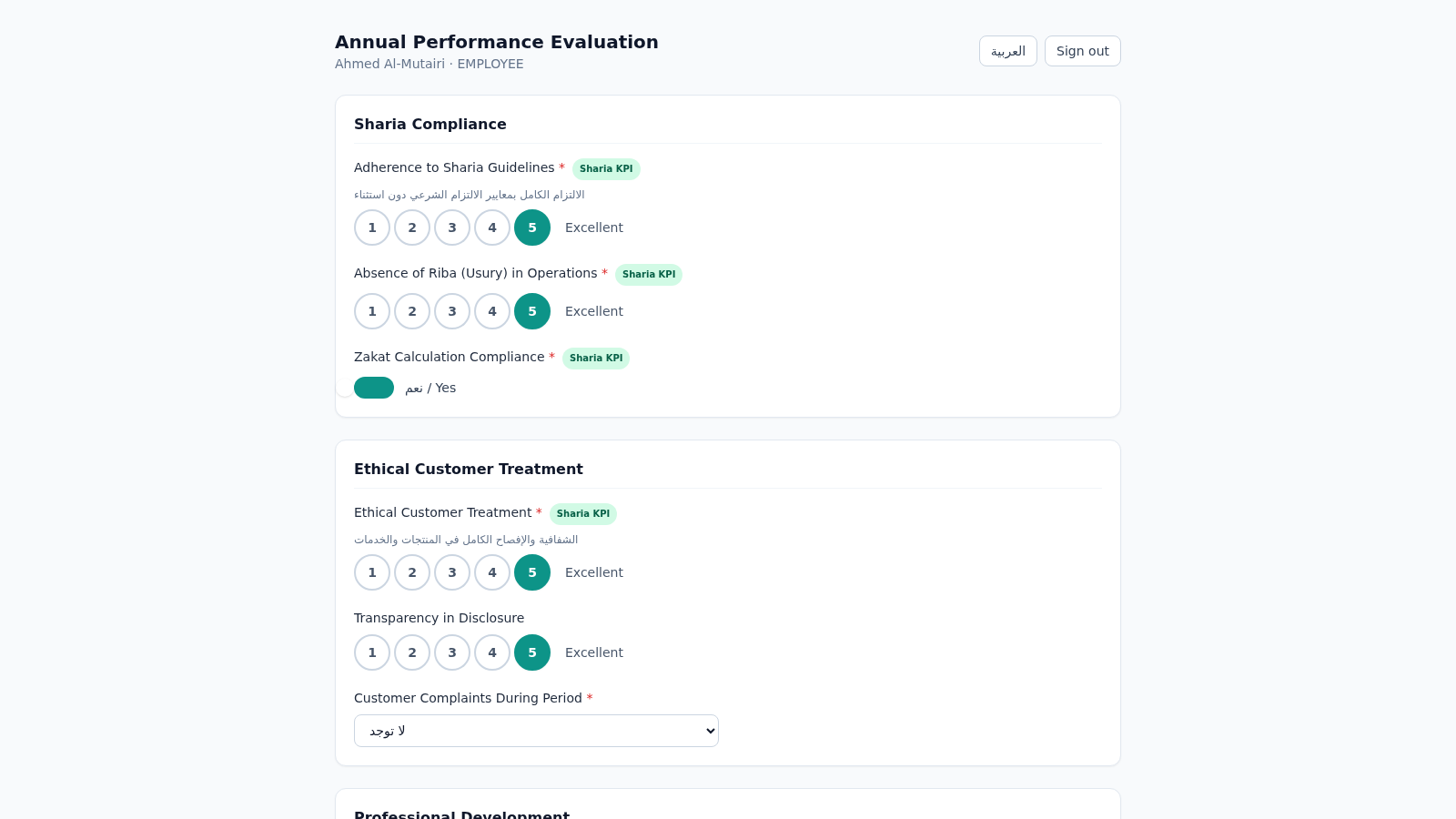
15Islamic Bank Performance Evaluation
Annual performance evaluation system for an Islamic bank: dynamic Sharia-KPI form engine, weighted scoring, immutable cryptographic audit trail, and 3-role approval workflow with Arabic/RTL support.
 14
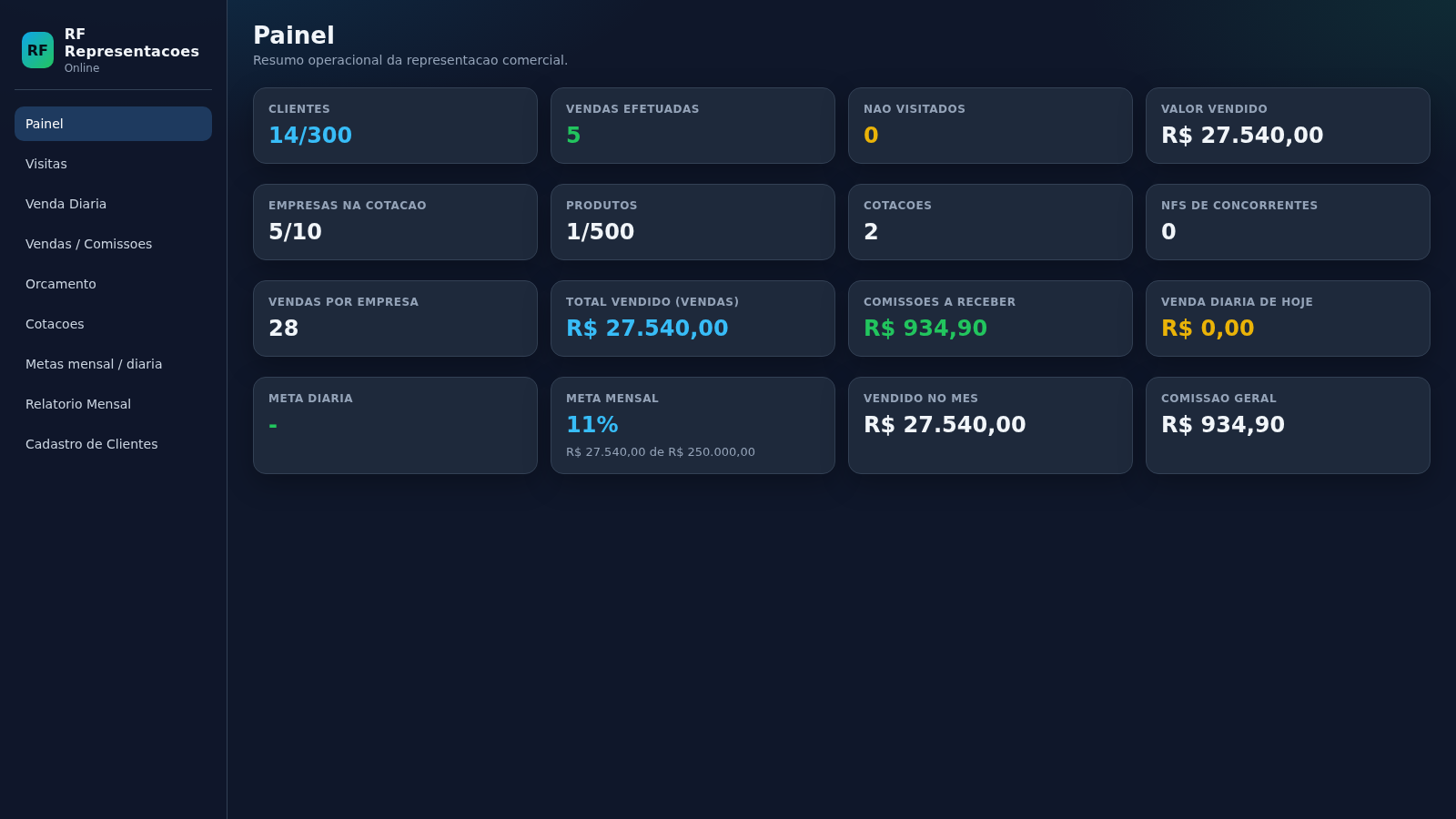
14RF Representacoes
Sistema de representacao comercial com orcamentos, visitas, metas e clientes
 10
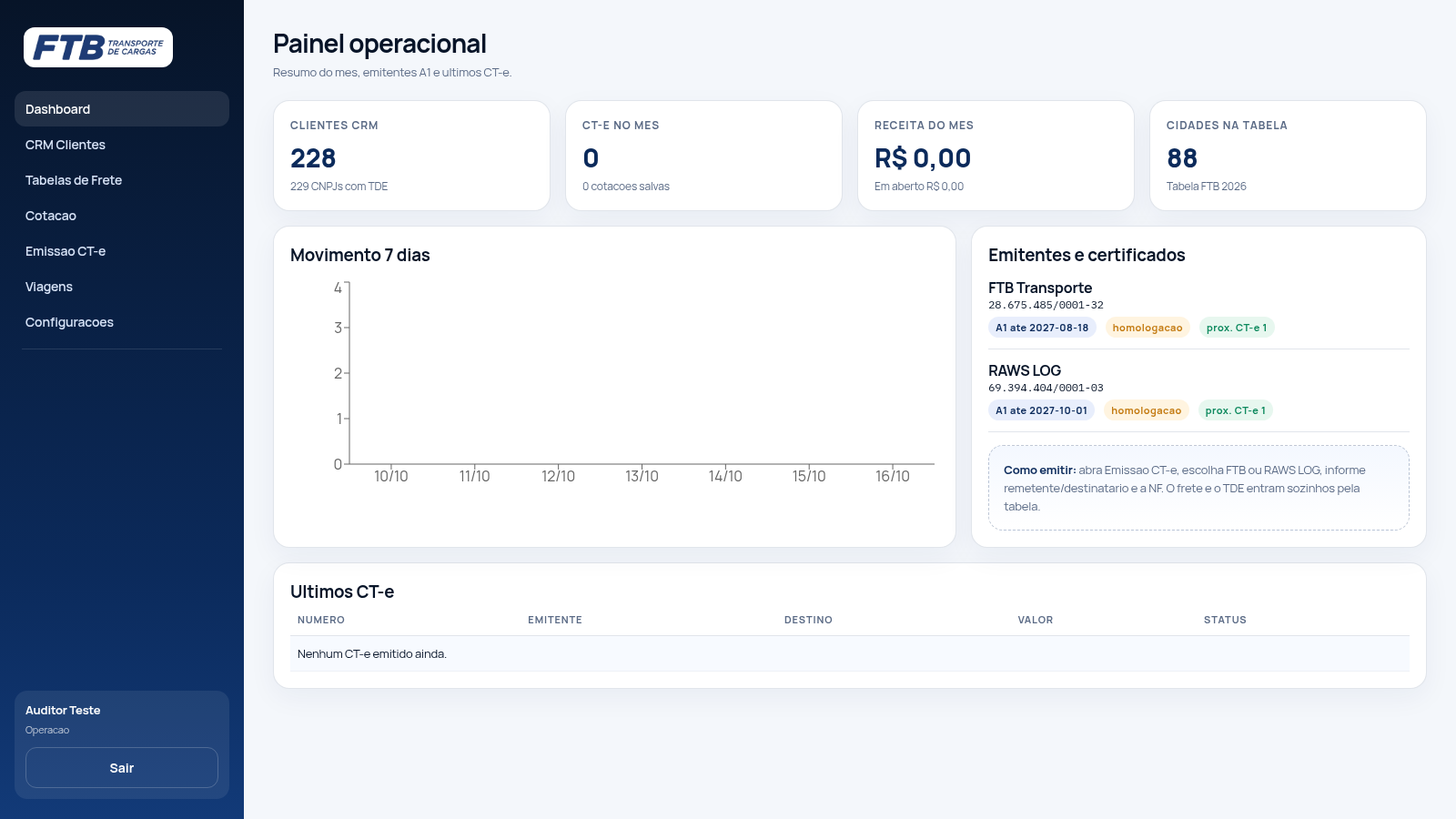
10FTB TMS
TMS da FTB Transporte: cotacao de frete, emissao de CT-e, CRM e financeiro