
EXAME BJJ STATS

Portuguese tool for running and grading BJJ belt graduation exams
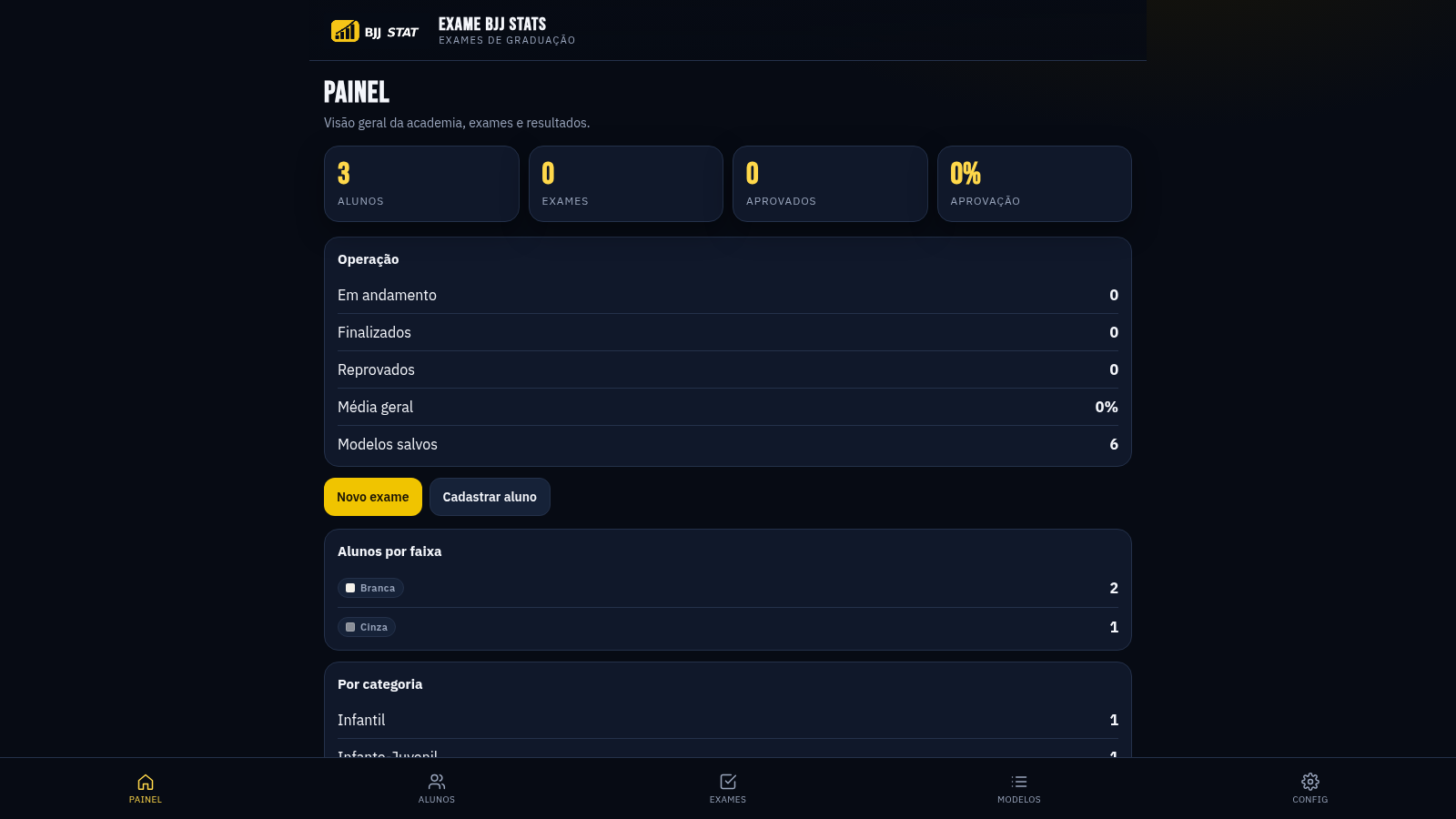
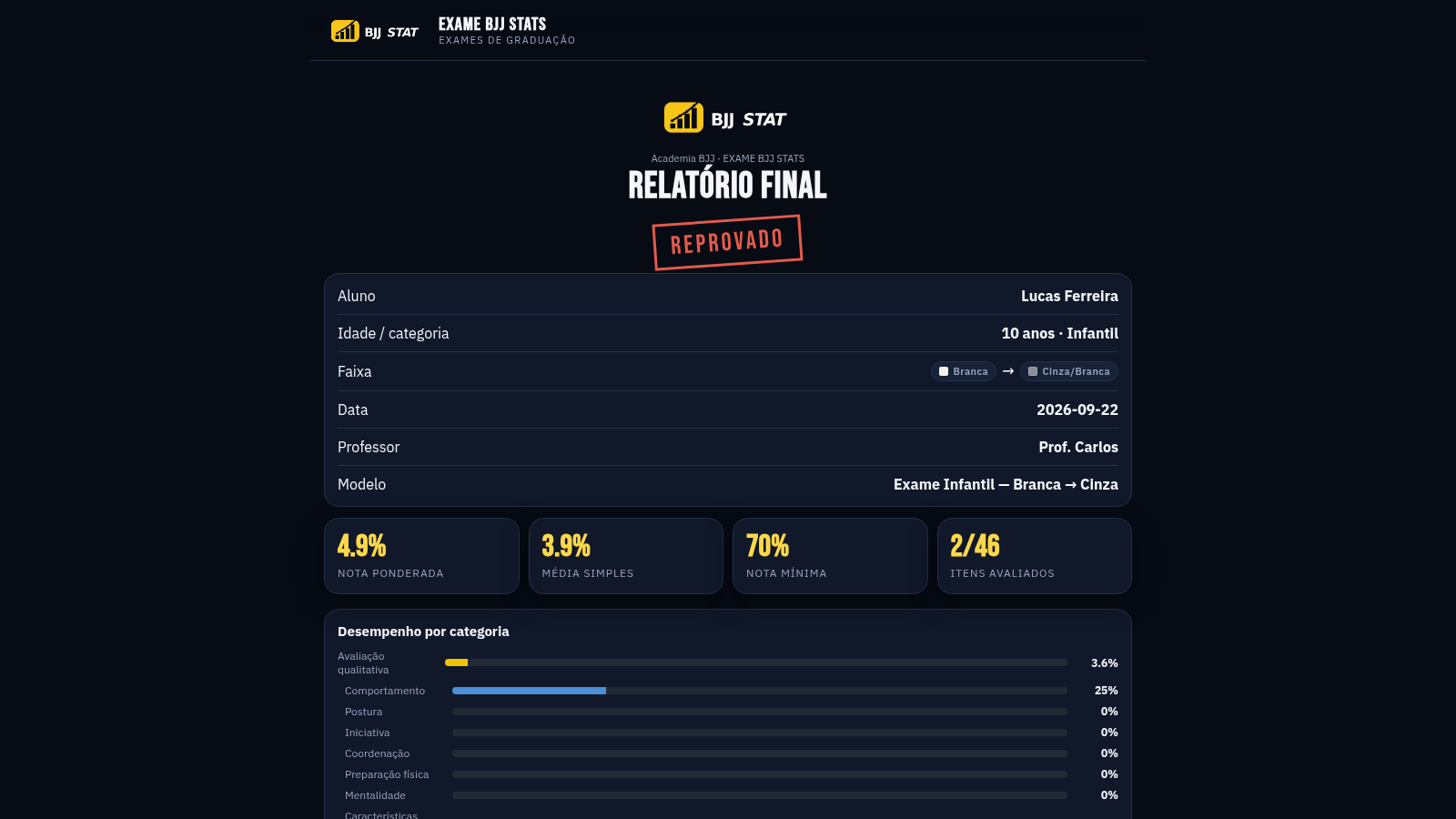
EXAME BJJ STATS is a Portuguese-language web application for managing Brazilian Jiu-Jitsu graduation exams at an academy. The dashboard shows student counts, exam totals, approval rate and belt and age-category distributions. Instructors can register students with age category, current belt and target belt, build reusable exam templates from editable qualitative and technical criteria with configurable weights and a minimum passing grade, then run a specific exam for a student, mark each item live and generate a final weighted report with an approved or failed outcome.
Highlights
Academy dashboard
Student, exam, approval and belt stats
Editable exam templates
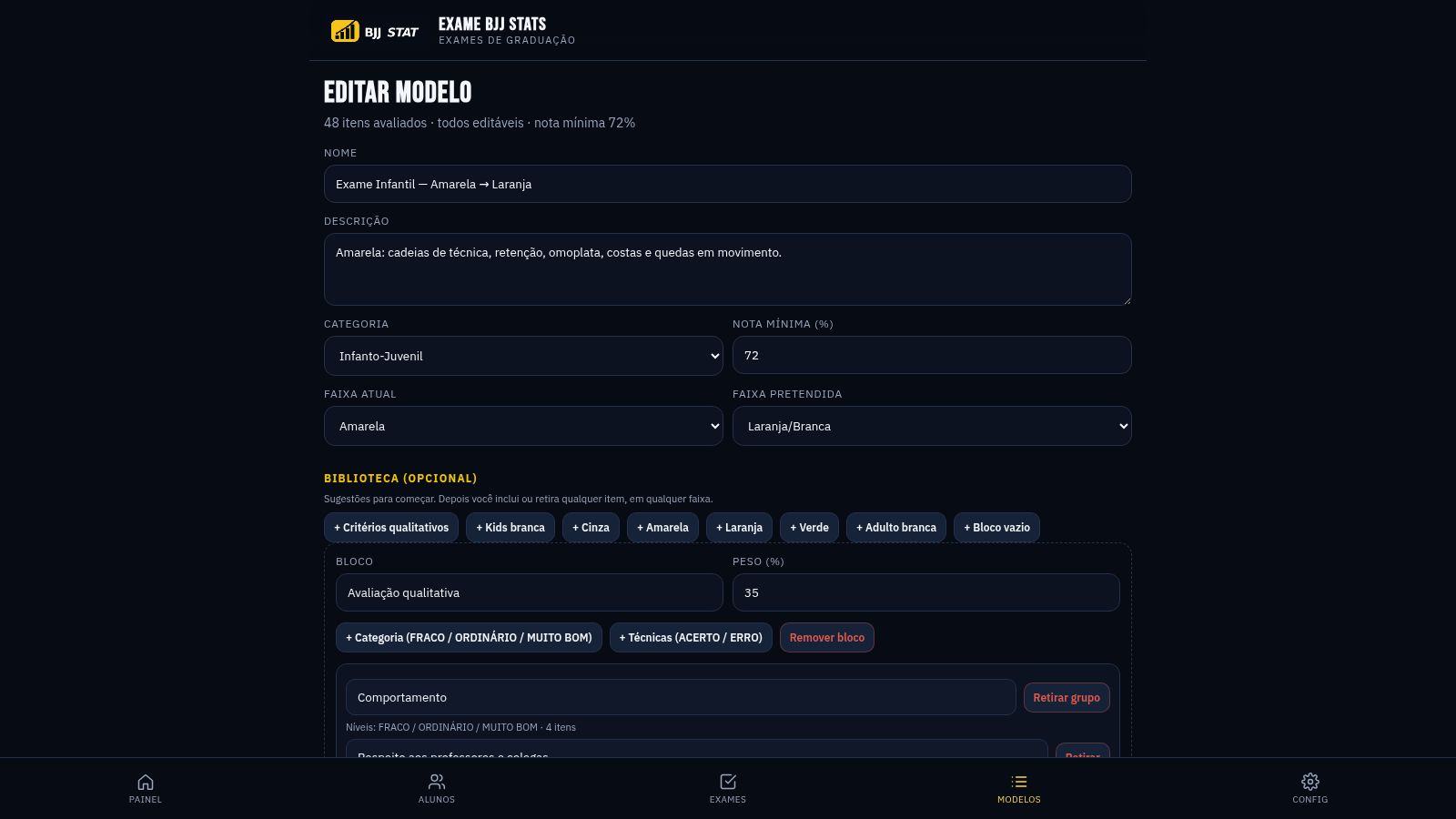
Weights and minimum grade per template
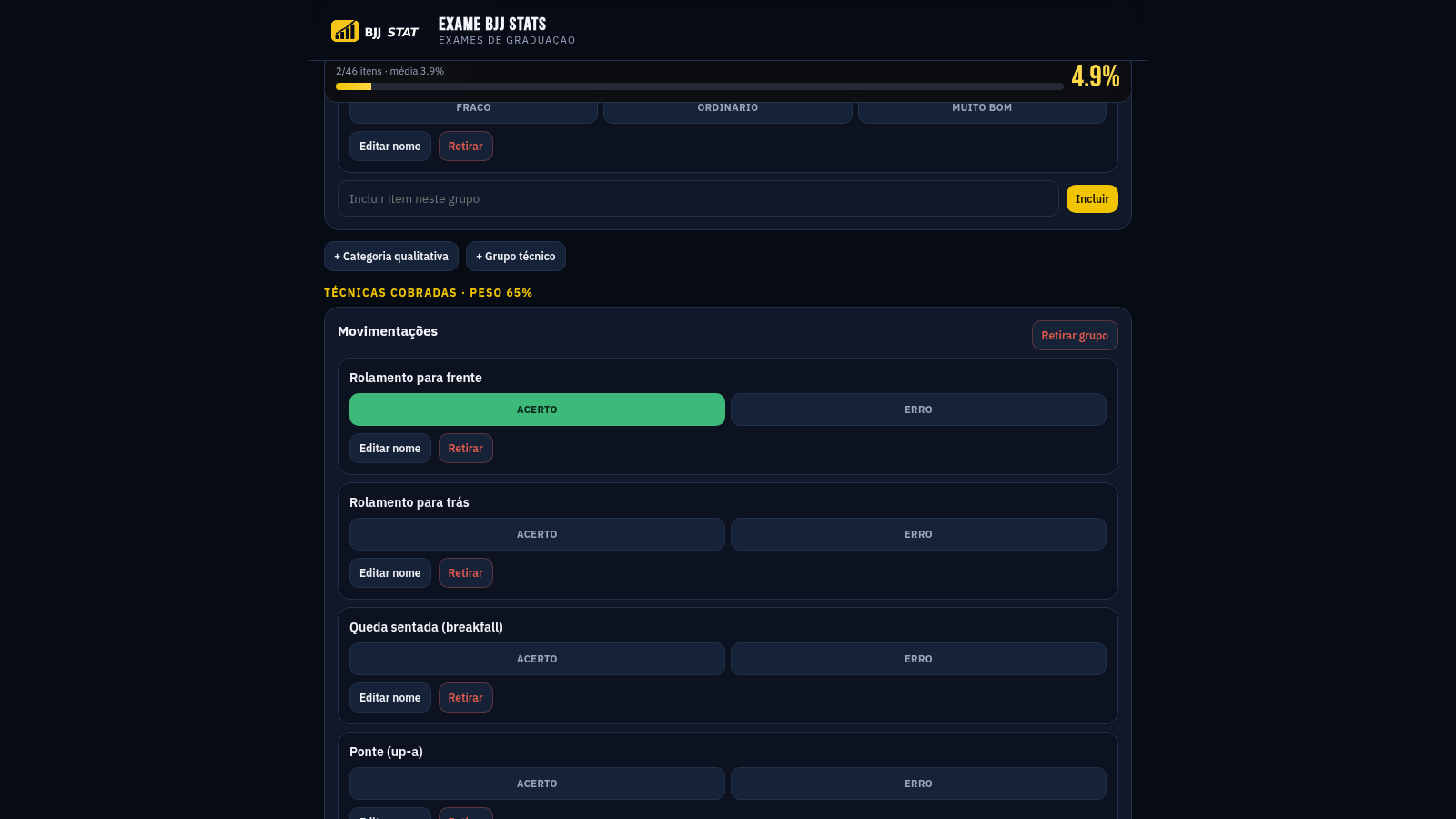
Live scoring screen
Grade recalculates as items are marked
Weighted final report
Approved or failed with per-block scores
How to Use
Set up the academy
Open the Config page and fill in the academy name, city, default professor and report abbreviation, then save. These values appear on exams and on the generated report.
Register students
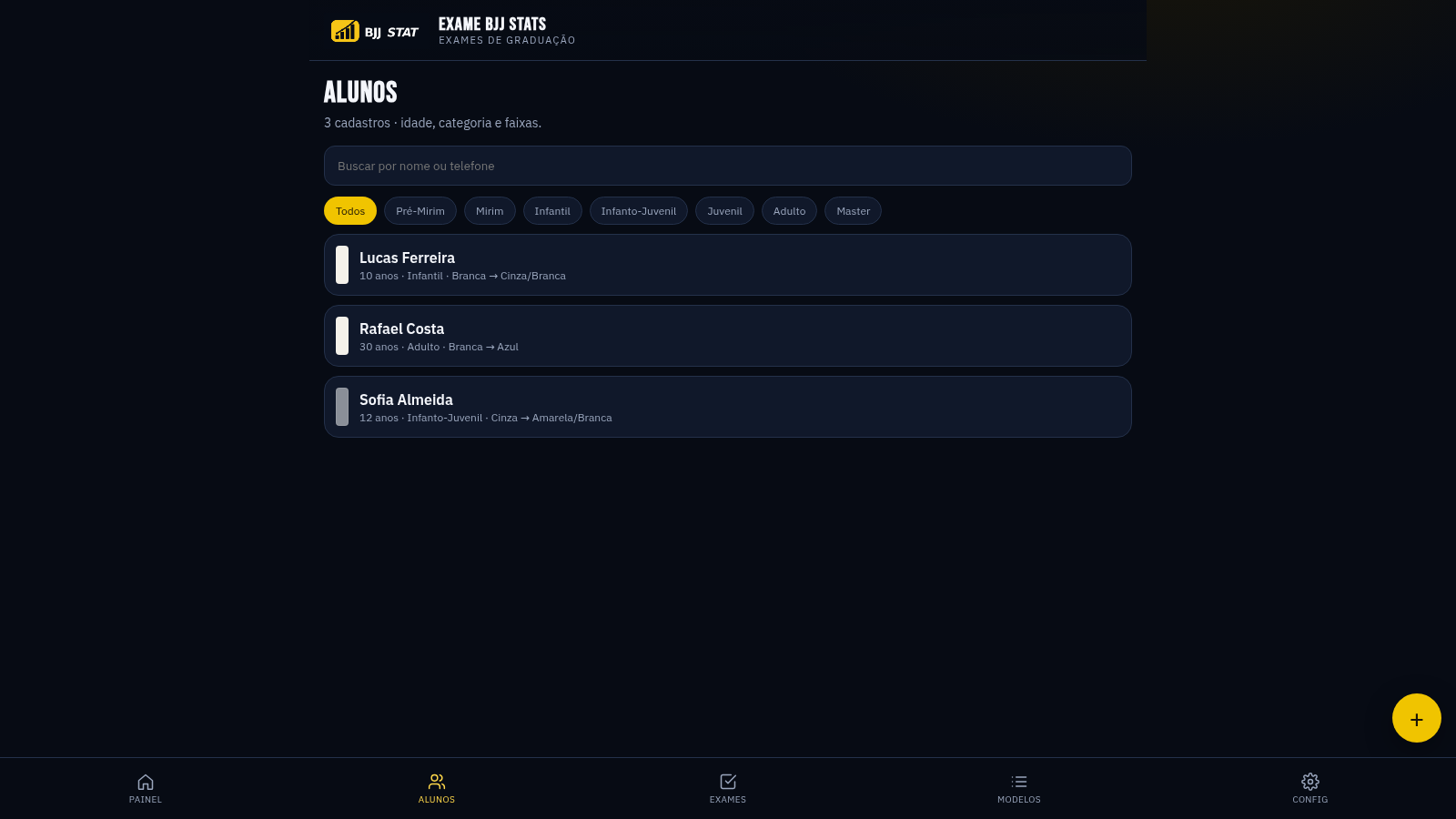
Go to the Alunos page, optionally filter by age category, and add a student with their age, category, current belt and target belt. The list shows each student age, category and belt progression.
Prepare an exam template
Open Modelos to browse the six built-in templates, or create a new one. Inside the editor you can rename the template, choose the category, current and target belt, set the minimum grade and adjust the weights of the qualitative and technical blocks. Each block contains groups of items that can be renamed, removed, or extended with new entries from the library.
Run the exam
On the Exames page click the plus button, choose the student and a template, confirm the date and professor, then start the exam. In the scoring screen mark each criterion as FRACO, ORDINARIO or MUITO BOM and each technique as ACERTO or ERRO; the progress counter and weighted average update immediately.
Generate the report
After scoring, open the notes field, optionally keep the option to update the student belt when approved, and press the finalize button. A report page opens showing the weighted grade, simple average, minimum grade, items evaluated and a per-category breakdown with every evaluated item and its result.
Similar Sites
 15
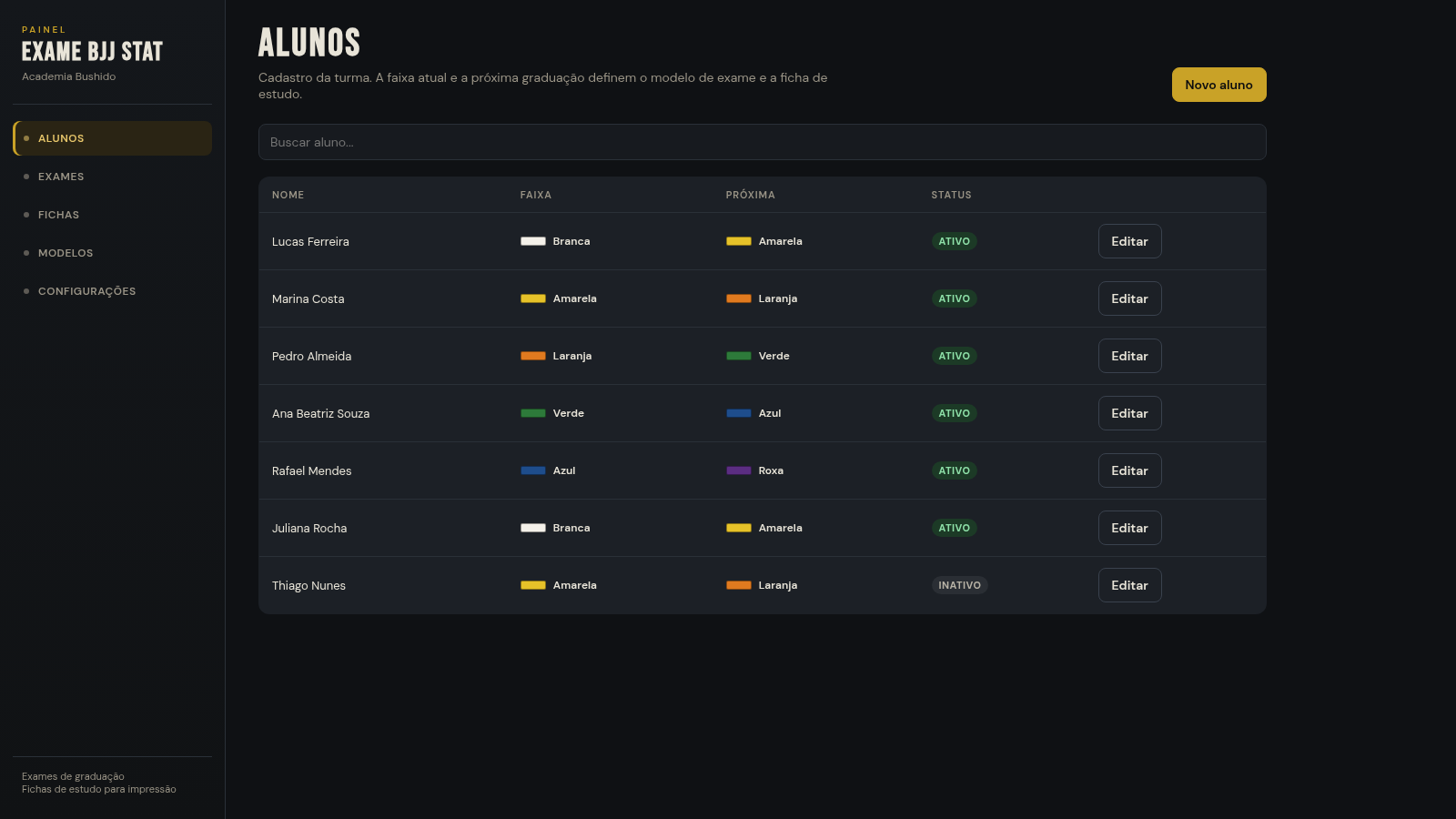
15EXAME BJJ STAT
Painel de exames BJJ: aplicar prova por modelo ou ficha, com barra de aprovação
 49
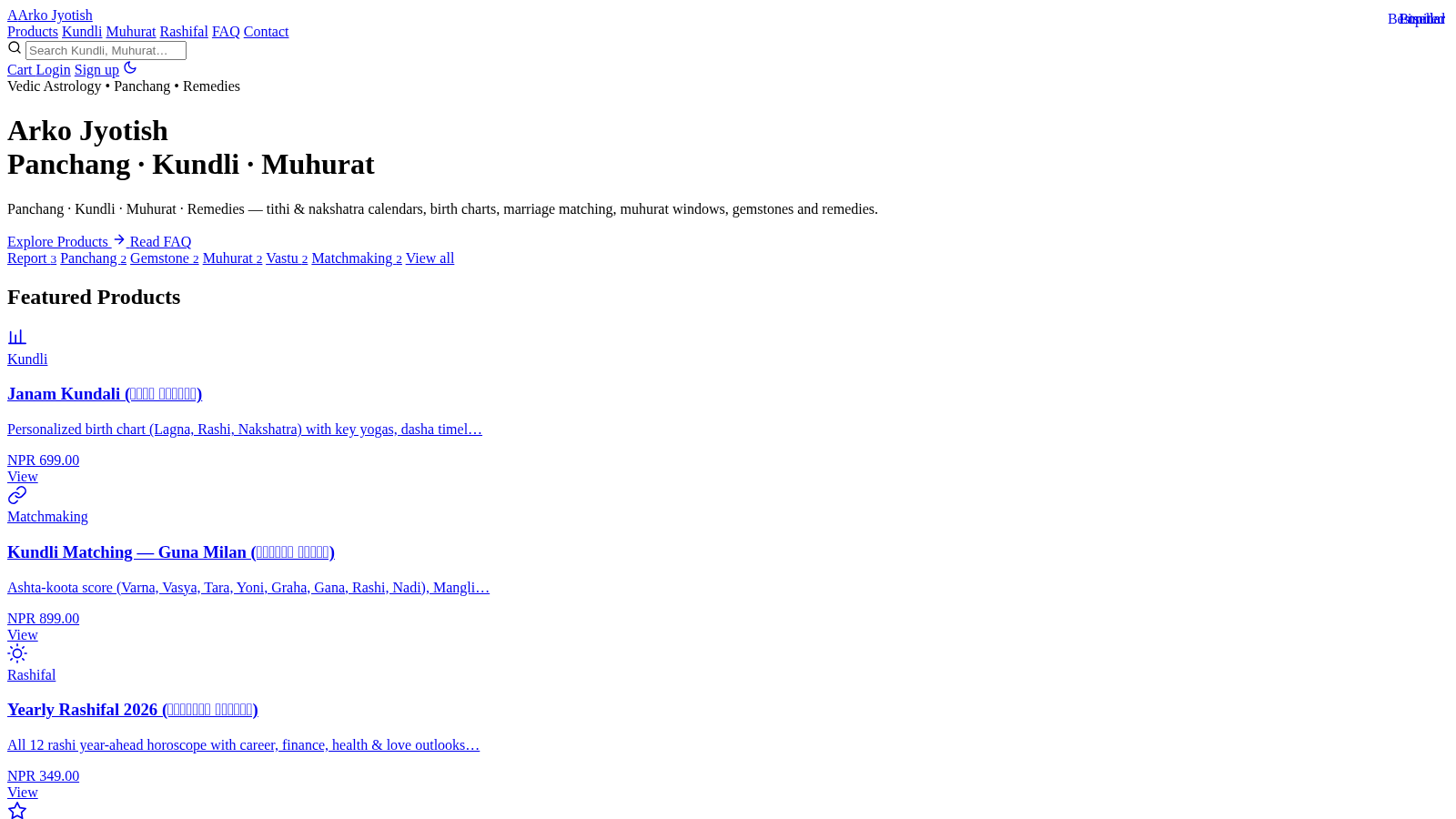
49Arko Jyotish
Astrology storefront: kundli, panchang, muhurat & rashifal PDF reports
 12
12VORA — Relatórios Performance
Plataforma de relatórios de performance e inteligência para agências e anunciantes.
 5
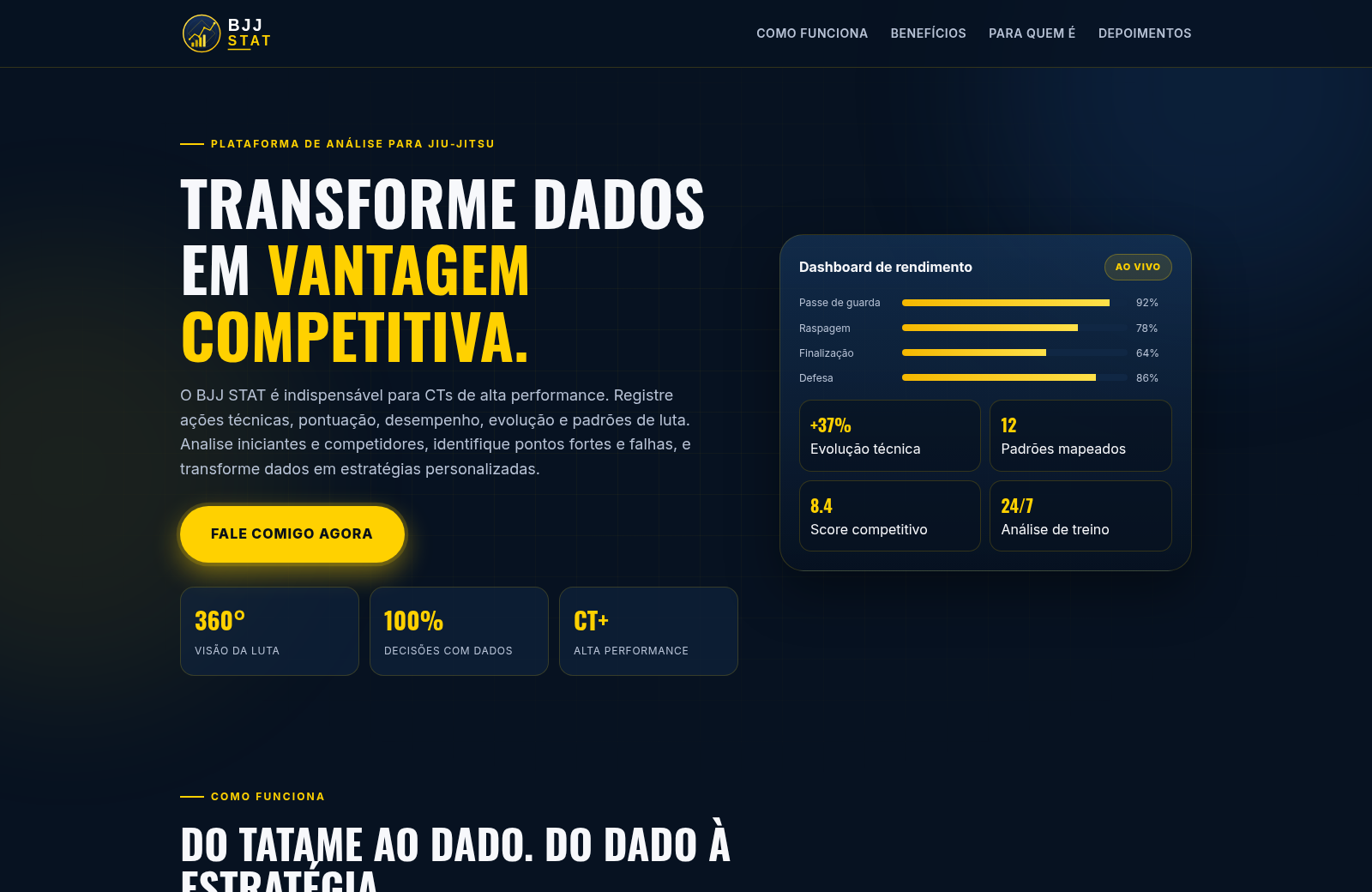
5BJJ STAT
Plataforma de análise e estatísticas para Jiu-Jitsu
 413
413Smile Patisserie
Smile Patisserie menu: cakes, oriental, bakery, and WhatsApp cart
 447
447حاسبة رسوم الجمعية
حاسبة رسوم الجمعية لوكلاء Money Fellows — حساب القسط وصافي القبض شهر بشهر.