
FTB TMS
A browser-based TMS for quoting, documenting and tracking Brazilian road freight
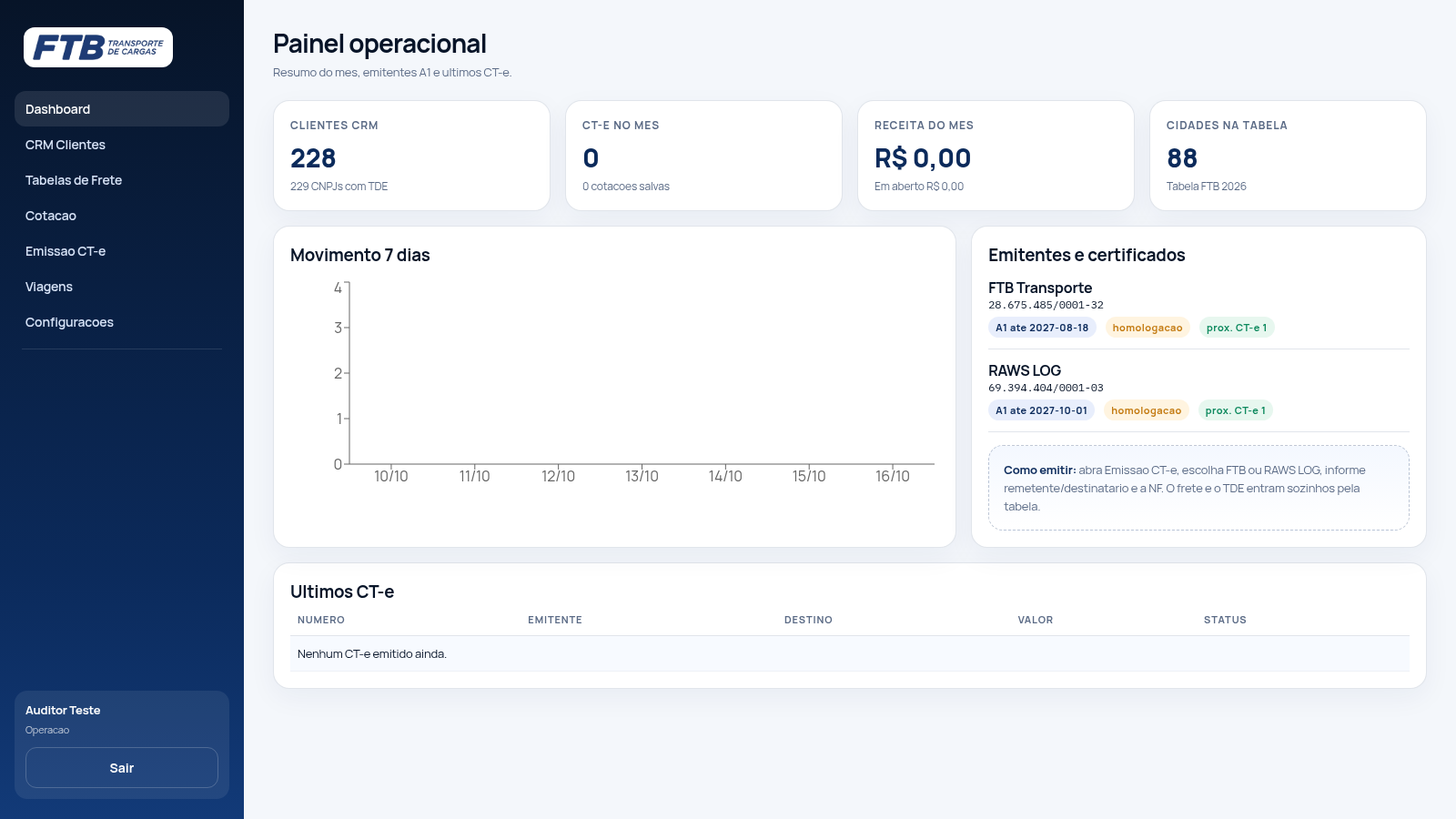
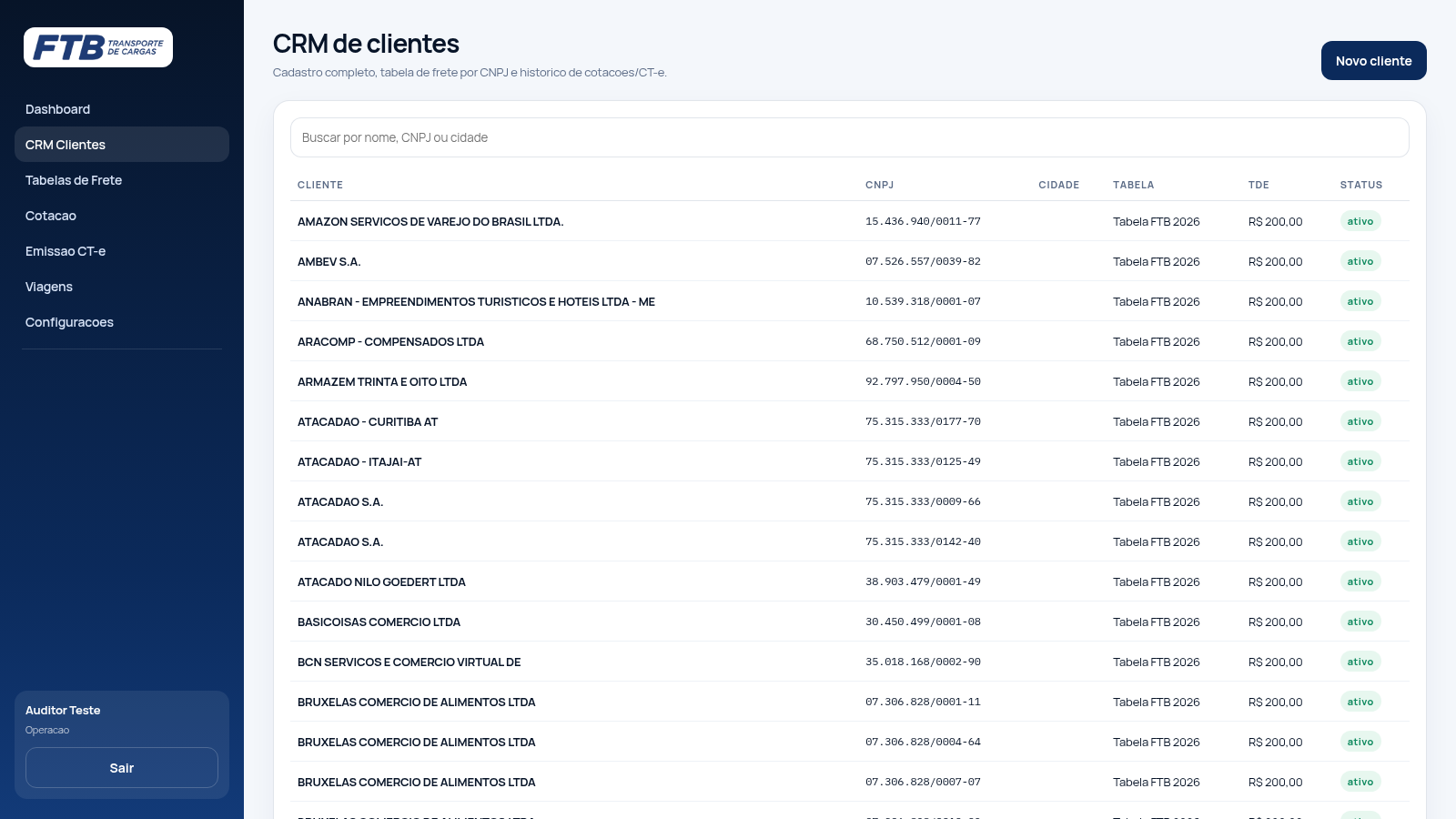
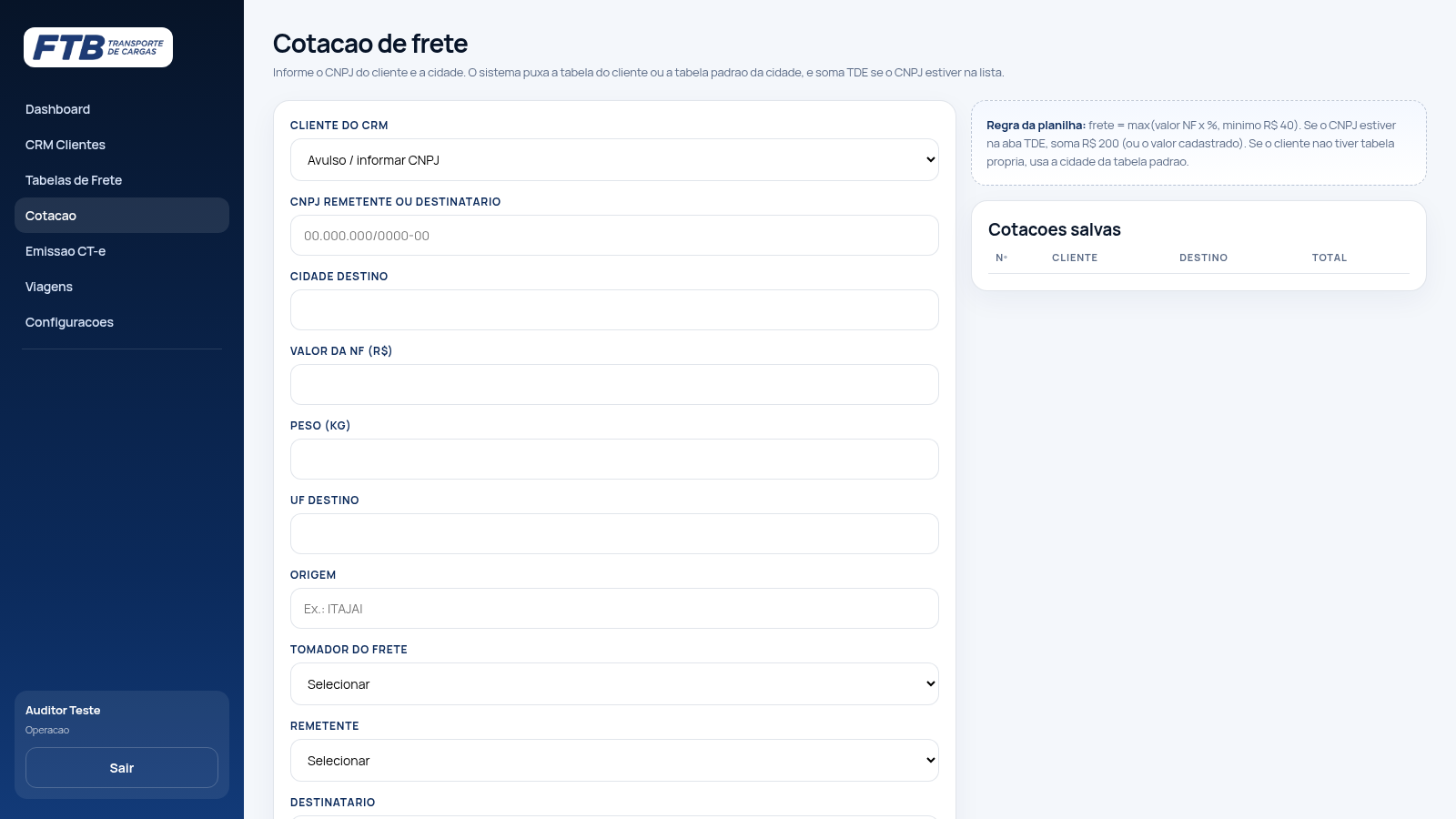
FTB TMS is a transport management system for a Brazilian road freight carrier, delivered as a browser application with a Portuguese interface. After an individual login it opens on an operational dashboard and exposes seven sections: Dashboard, Client CRM, Freight Tables, Quoting, CT-e issuance, Trips and Settings. The CRM stores 228 clients by CNPJ together with the applied rate table and TDE value and supports search and history. The freight tables section holds a default table per city and client-specific extras; the FTB 2026 table lists 88 cities grouped by region with a percentage, a minimum charge and a delivery deadline. Quoting resolves the correct table from the client or city and adds TDE when the CNPJ is listed. CT-e issuance starts from a 44-digit NF-e key or an imported XML and assembles the document under one of two configured A1-certificate emitters. The Trips screen builds a driver route and attaches the scanned documents, and Settings collects emitters, the SEFAZ environment and a Google Sheets integration.
Highlights
CNPJ client CRM
228 client records
Freight rate tables
88 cities priced
Instant quoting
Live freight calc
CT-e issuance
A1 cert emitters
Trip planning
Driver trips log
Finance dashboard
Monthly revenue
How to Use
Create an account
Open the login screen, which offers two tabs: Entrar to sign in and Criar acesso to create access. On the create tab provide your full name, a corporate email, a password and its confirmation, then submit with Criar meu acesso. You are taken straight into the application, and an administrator assigns your permissions afterwards.
Quote a freight
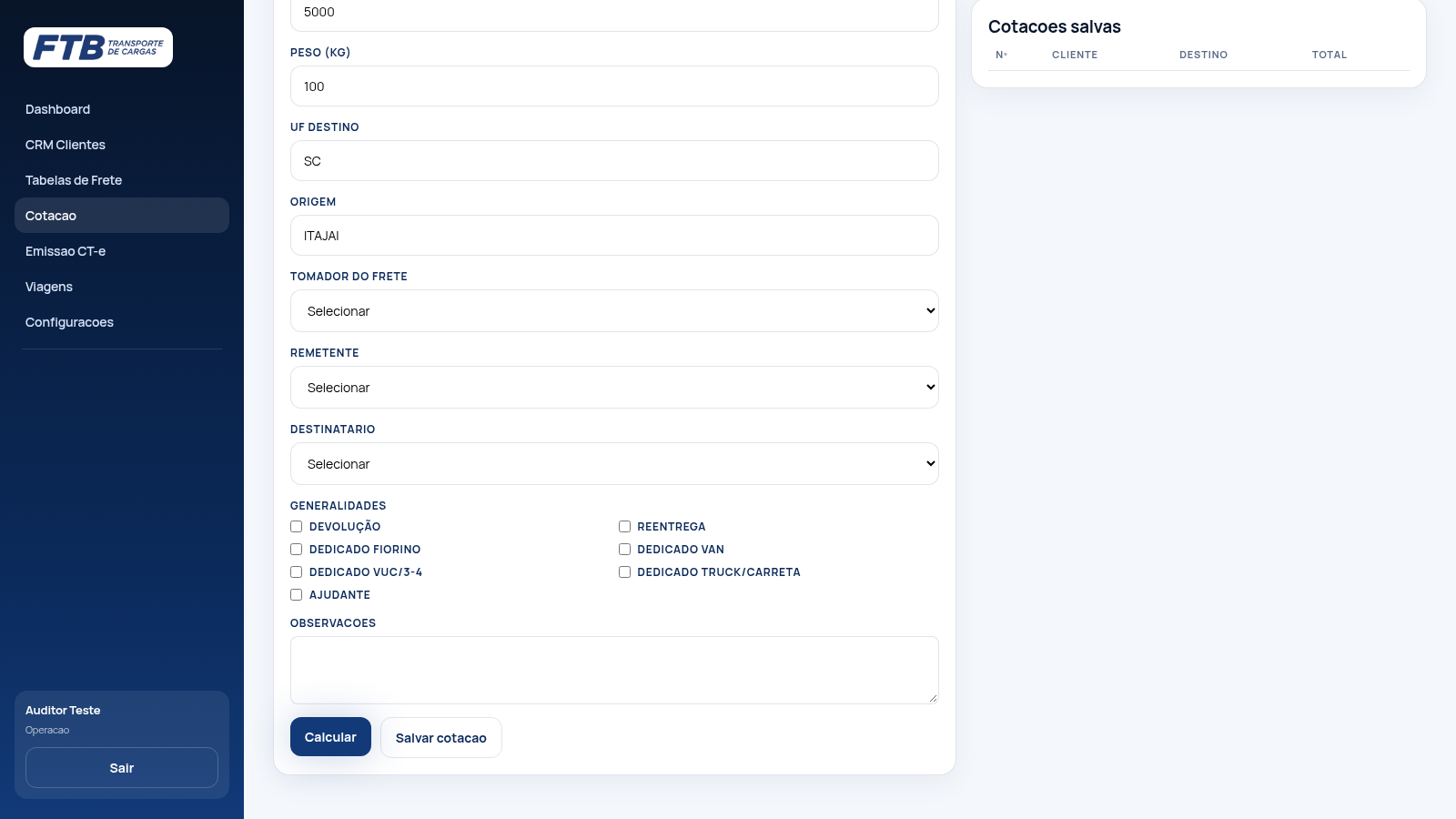
Open Cotacao. Choose a client from the CRM list, or leave it on Avulso and type a CNPJ, then enter the destination city, the invoice value, the weight, the destination state and the origin. Press Calcular and the page shows which freight table was applied and the resulting value, adding TDE when the CNPJ is on the list.
Issue a CT-e
Open Emissao CT-e. Enter the 44-digit NF-e key or import the NF-e XML, and the sender, recipient, value and weight fields are filled from the document. Select which of the two configured emitters should sign the document, review the assembled data and confirm the emission.
Plan a trip
Open Viagens and create a driver and a new trip, or pick an existing one. Add the CT-e and NF-e documents to the trip, and attach the signed delivery document when the load is delivered so the trip keeps its papers together.
Similar Sites
 15
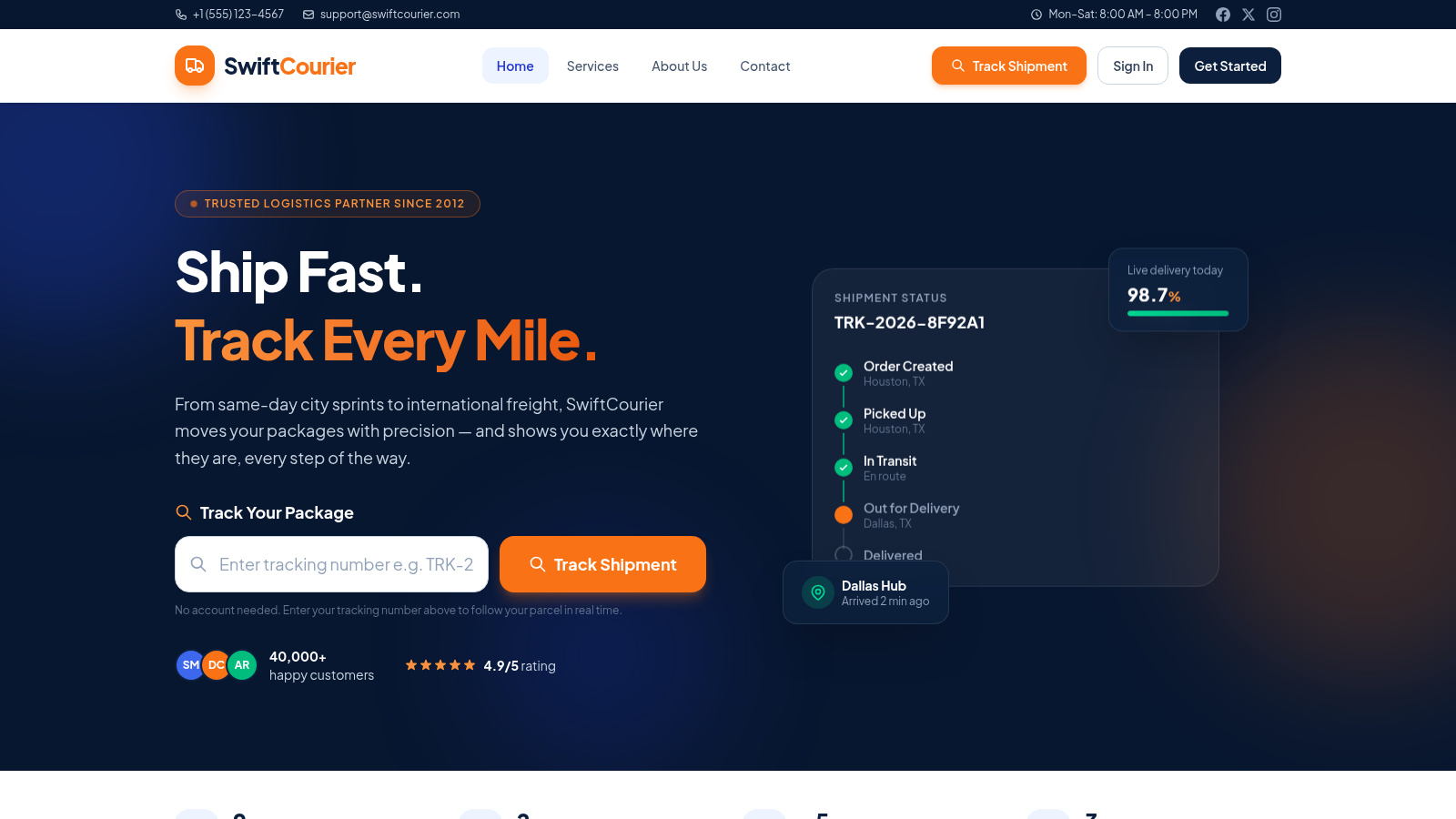
15SwiftCourier
Real-time courier tracking & fleet delivery management platform
 126
126Agenda de Pedidos - Confeitaria
Agenda digital de pedidos para confeitaria com integração WhatsApp
 6
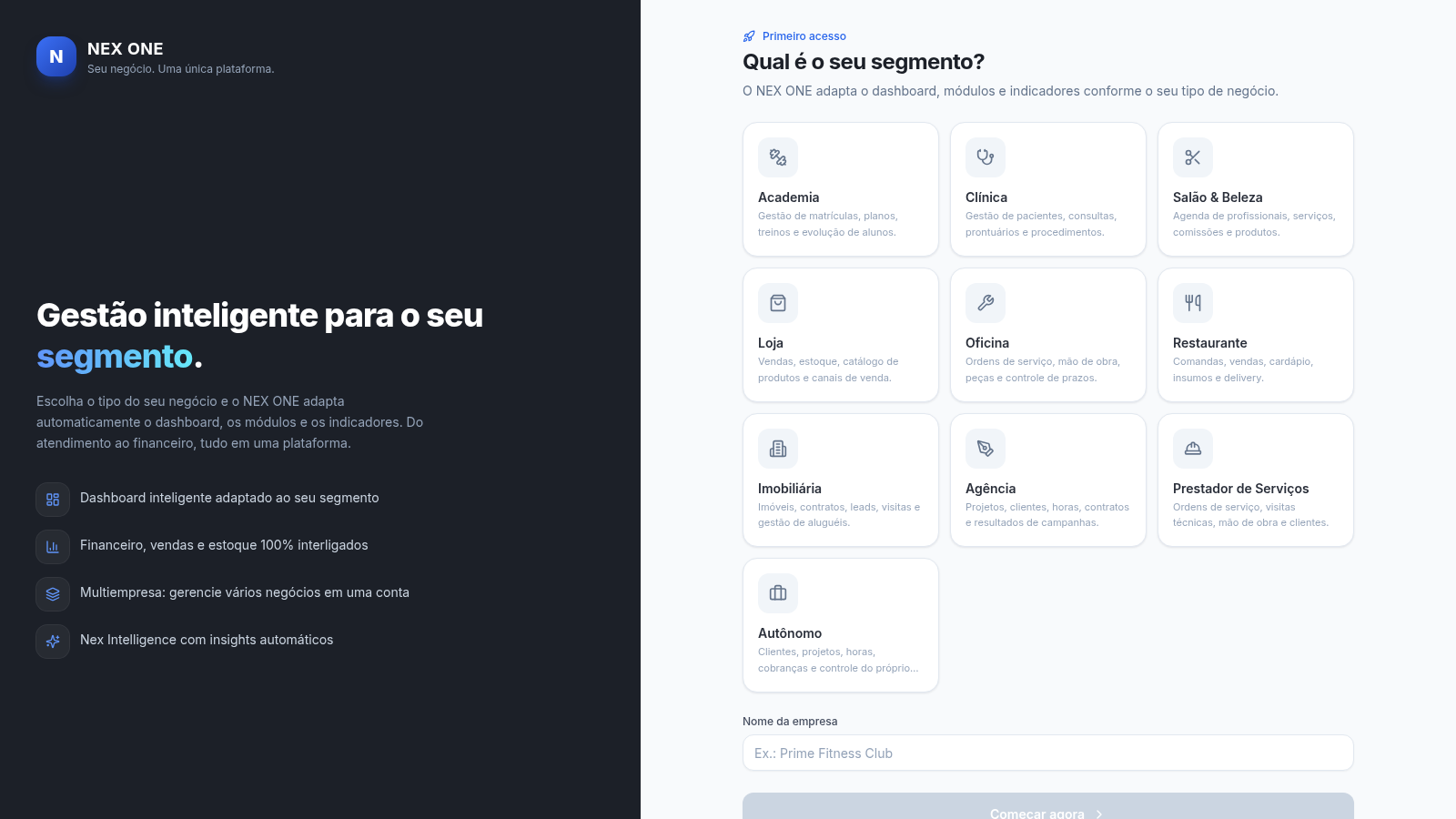
6NEX ONE - Gestão de negócios
SaaS de gestão multi-nicho: dashboard, vendas, clientes, financeiro e estoque.
 10
10EVOLUX
SaaS multiempresa para gestao de negocios, agenda e financeiro
 8
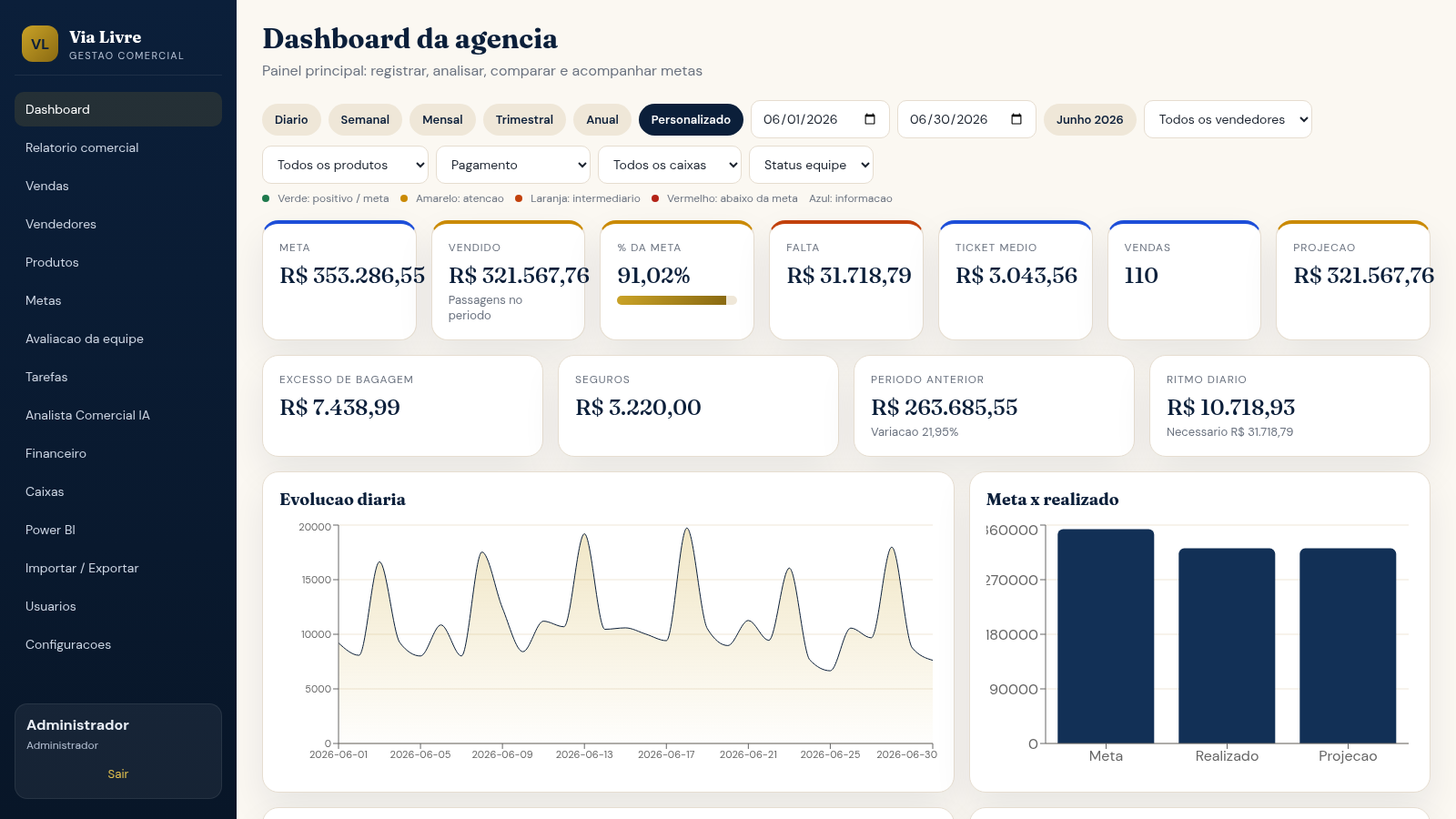
8Via Livre Gestao Comercial
Sistema de gestao comercial para agencia de passagens, com vendas, metas, ranking e IA.
 3
3منصة إمداد
نظام عربي لإدارة الأسطول والرحلات والوقود والصيانة وسلاسل الإمداد