
Animates — Anime Merch Store
Browse Arabic anime merchandise, build a cart, and place a cash-on-delivery order across Egypt.
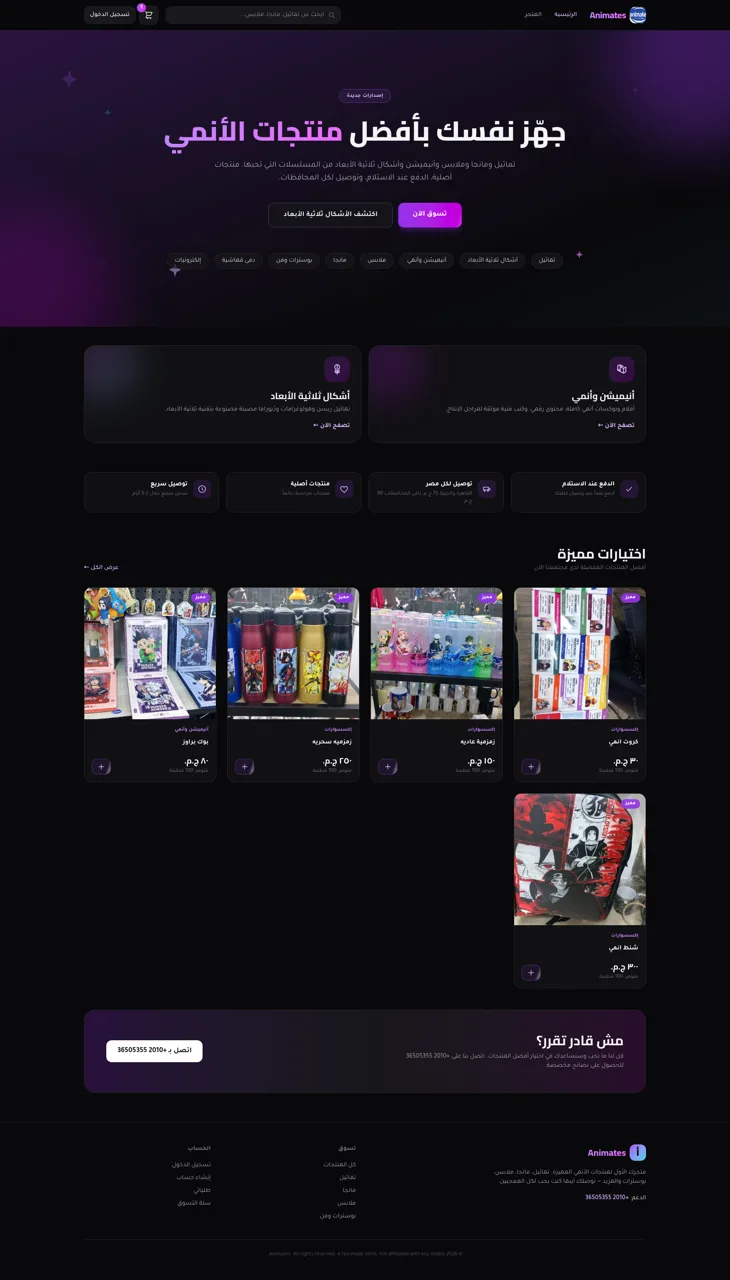
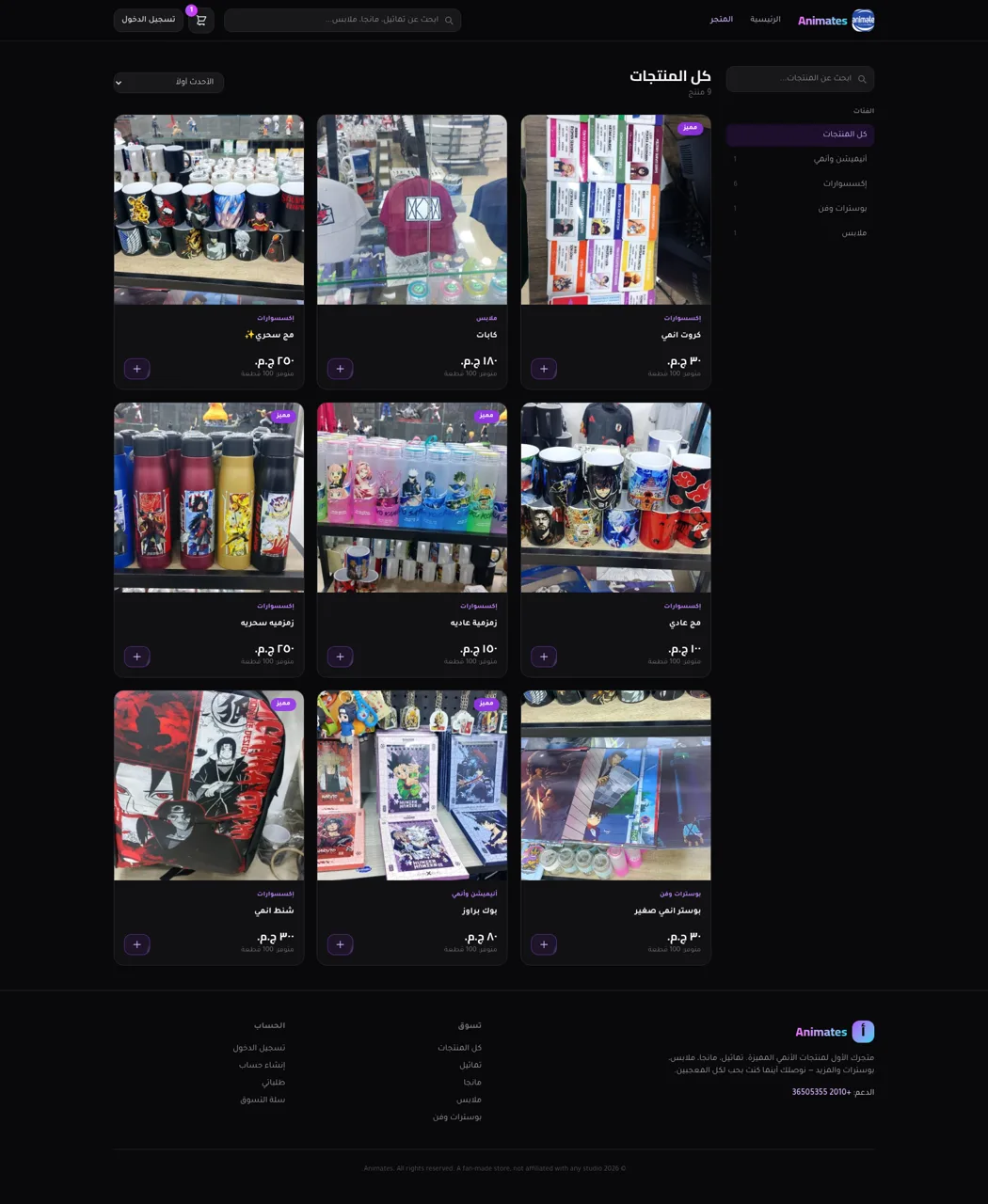
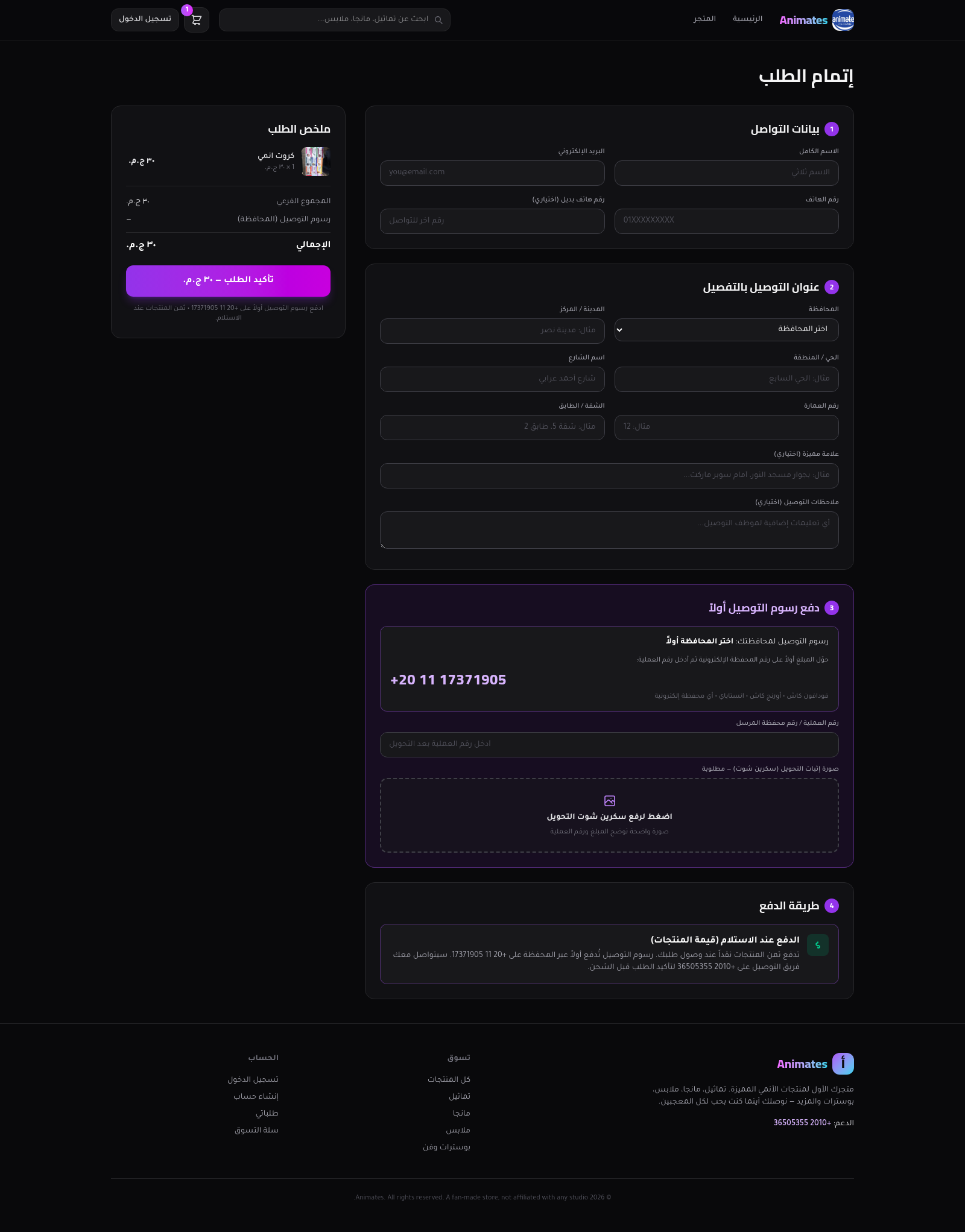
Animates is an Arabic right-to-left ecommerce experience for anime-themed merchandise in Egypt. Its storefront combines a promotional homepage with a nine-item catalog covering accessories, clothing, posters and anime-related products. Visitors can search the catalog, filter by category, change the sort order, inspect product images and stock, add quantities to a persistent cart, and continue through a detailed checkout. The checkout collects contact and Egyptian delivery-address information, calculates shipping according to the selected governorate, requests proof that the delivery fee was transferred to an electronic wallet, and leaves the product balance for cash on delivery. Public login and registration pages support faster checkout and access to order history.
Highlights
Arabic RTL Store
Consistent RTL shopping
Focused Catalog
Nine stocked products
Complete Cart
Persistent item state
Egypt Checkout
Governorate delivery
How to Use
Browse the catalog
Open the shop from the main navigation, then use either search field or the category buttons to narrow the nine available products. The sidebar shows how many products belong to each category, while the sorting control can reorder the current results by date, price, or name.
Review a product
Select a product card to open its detail page. Review the Arabic description, price, available stock, expected delivery time, payment method, image gallery, and related items before changing the quantity.
Build the cart
Use the add-to-cart control on a product page or featured card. The header displays the current item count, and the cart page lets you increase or decrease quantities while updating the subtotal.
Complete checkout
Continue from the cart and enter contact details plus the full Egyptian delivery address. Choose a governorate so the page can determine the shipping fee, follow the displayed electronic-wallet instructions for that fee, upload a clear transfer screenshot, and confirm the order with the merchandise balance marked for cash on delivery.
Create an account
Use the registration link to enter a full name, email address, and password. The site presents account creation as an optional route to faster checkout and order tracking, with a separate login page for returning customers.
Similar Sites
 9
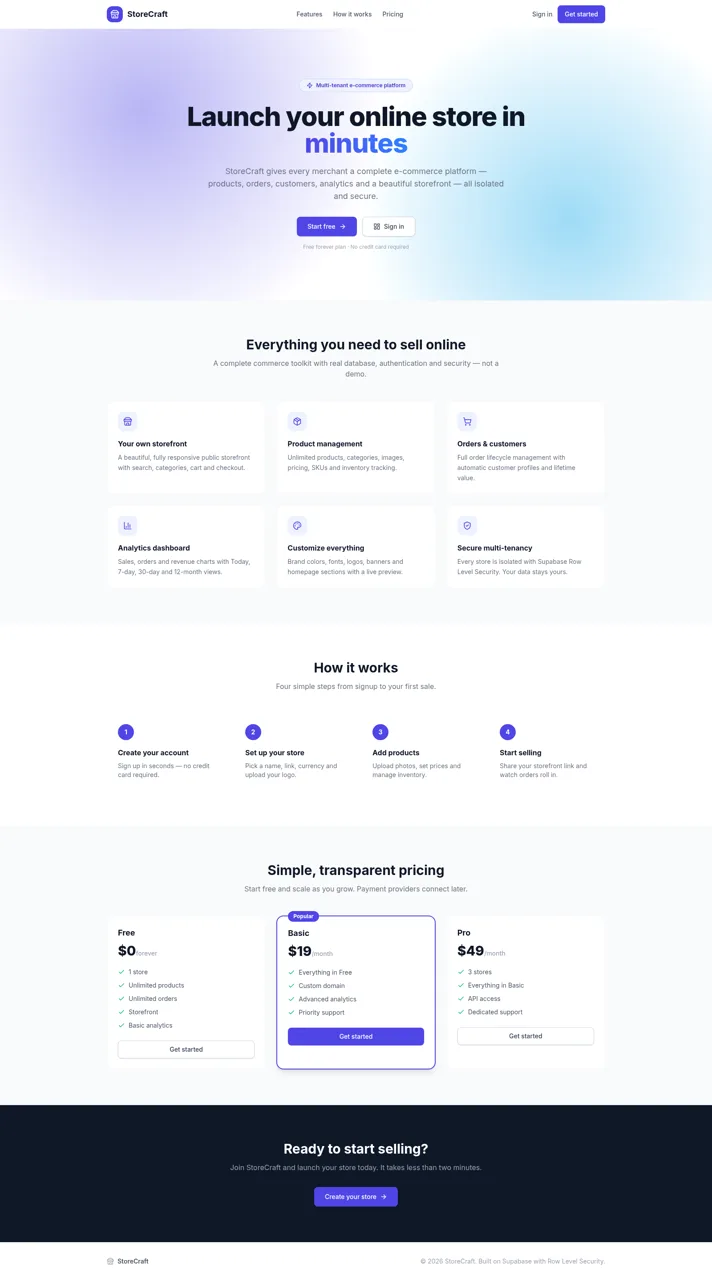
9StoreCraft — E-Commerce SaaS
Multi-tenant e-commerce SaaS platform - create and manage your own online stores
 60
60Ferreira atelier
Venda de fotografias digitais e impressas com PIX, cartao e boleto.
 54
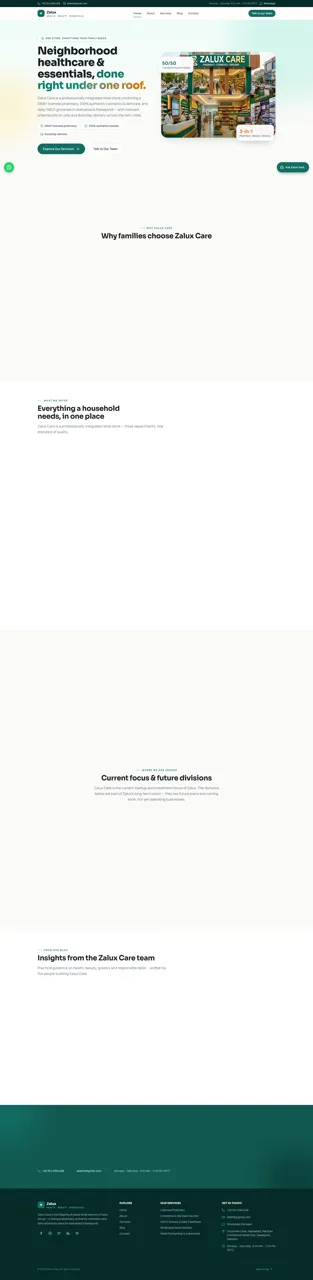
54Zalux - Flagship Enterprise
Zalux Care: pharmacy, cosmetics & daily essentials in Islamabad & Rawalpindi.
 49
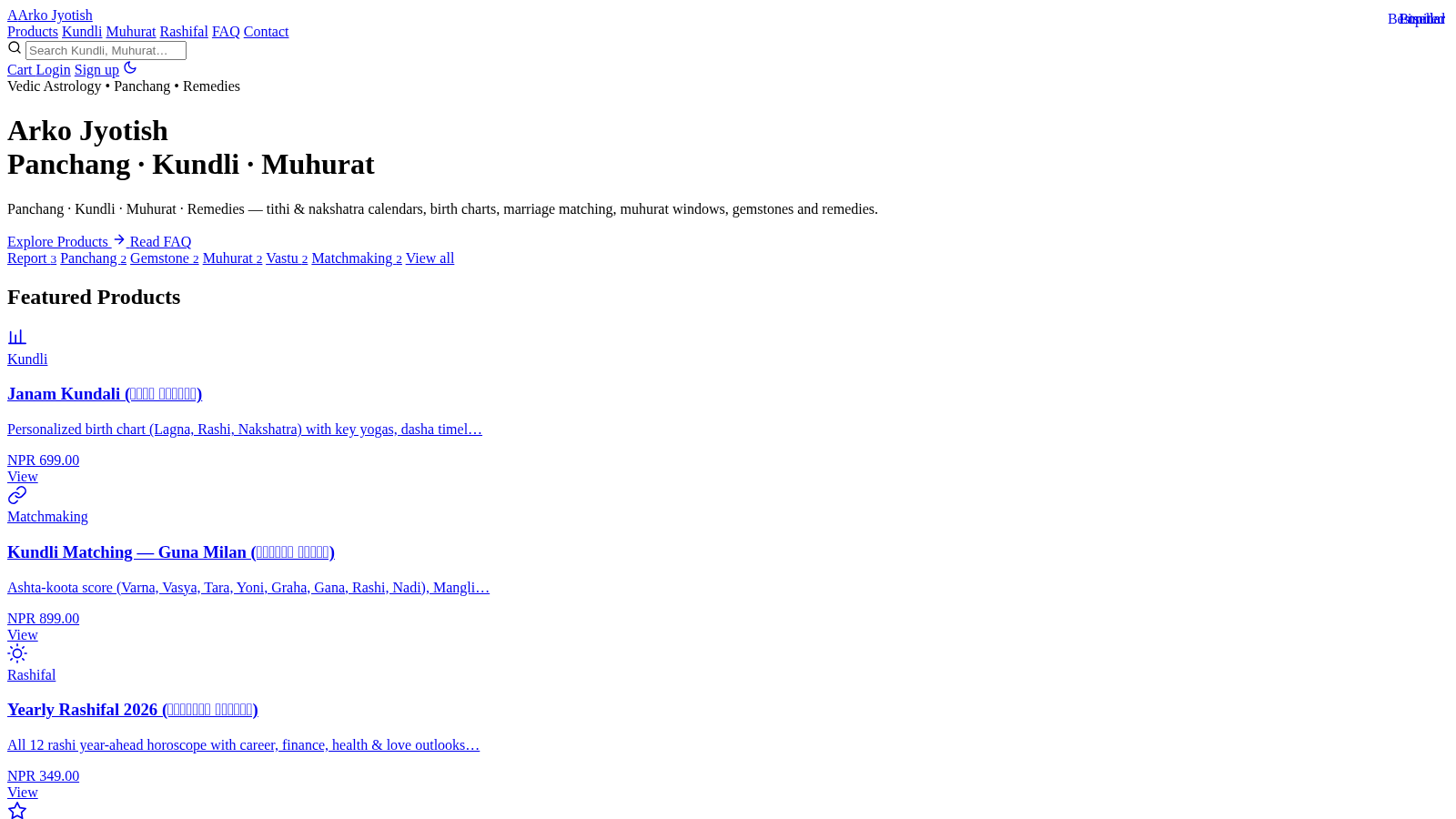
49Arko Jyotish
Astrology storefront: kundli, panchang, muhurat & rashifal PDF reports
 42
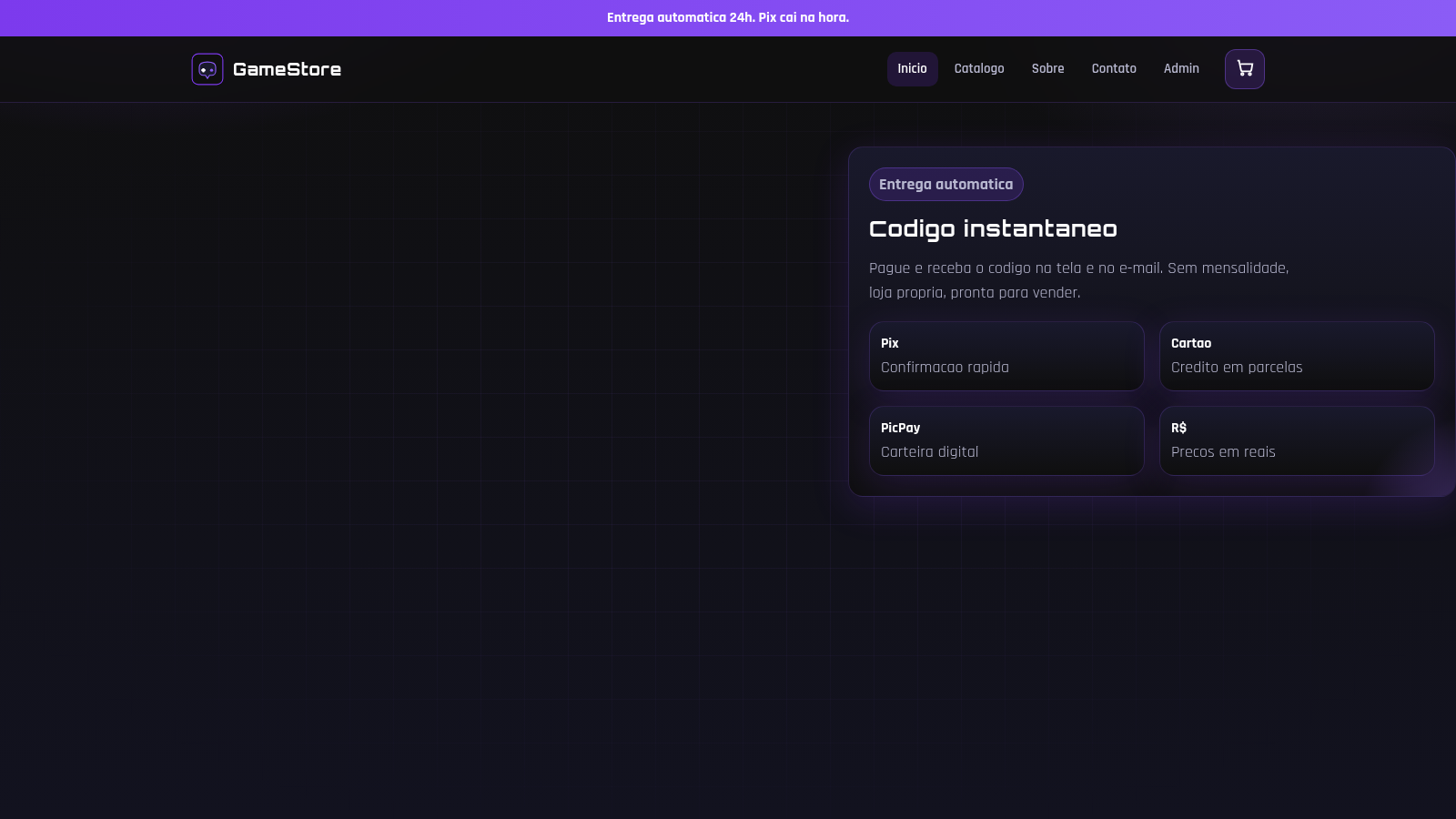
42GameStore
Gift cards, Robux, contas e skins com entrega automatica.
 38
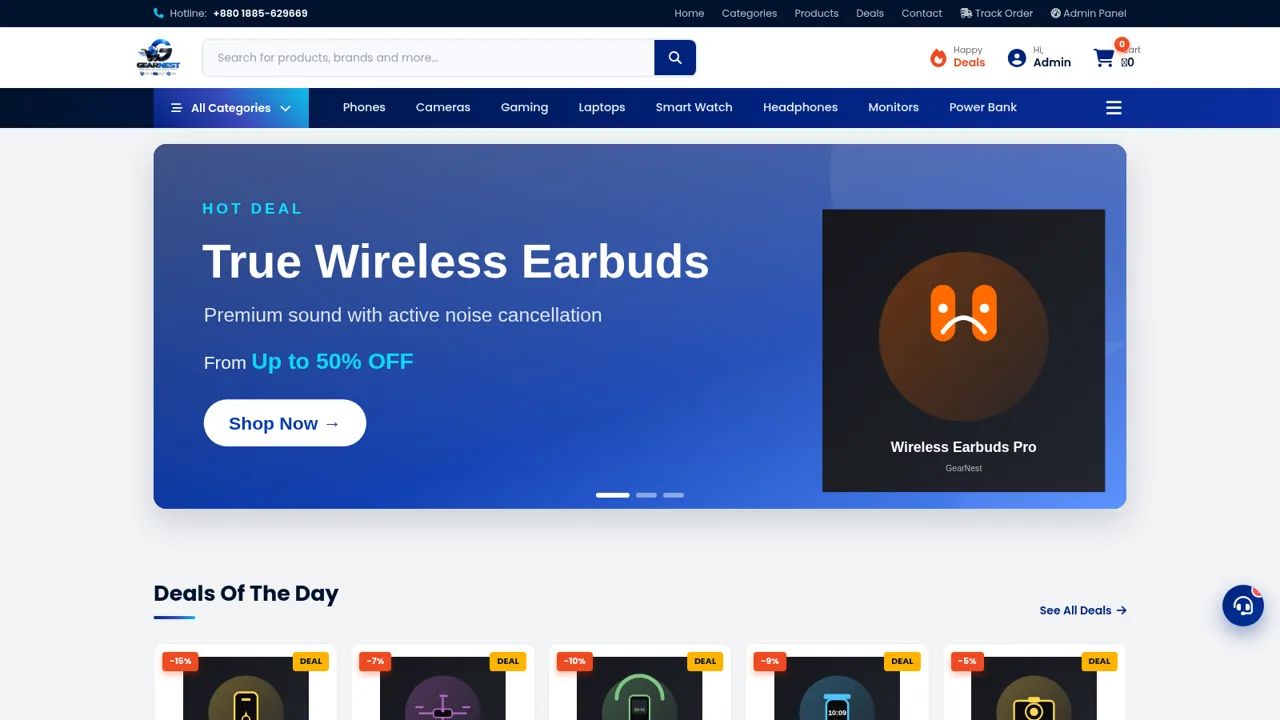
38GearNest | Premium Gadgets Store
Online store for original gadgets, phones, laptops and accessories in Bangladesh.