
RF Representacoes
A day-to-day sales workspace for a Brazilian commercial representation firm
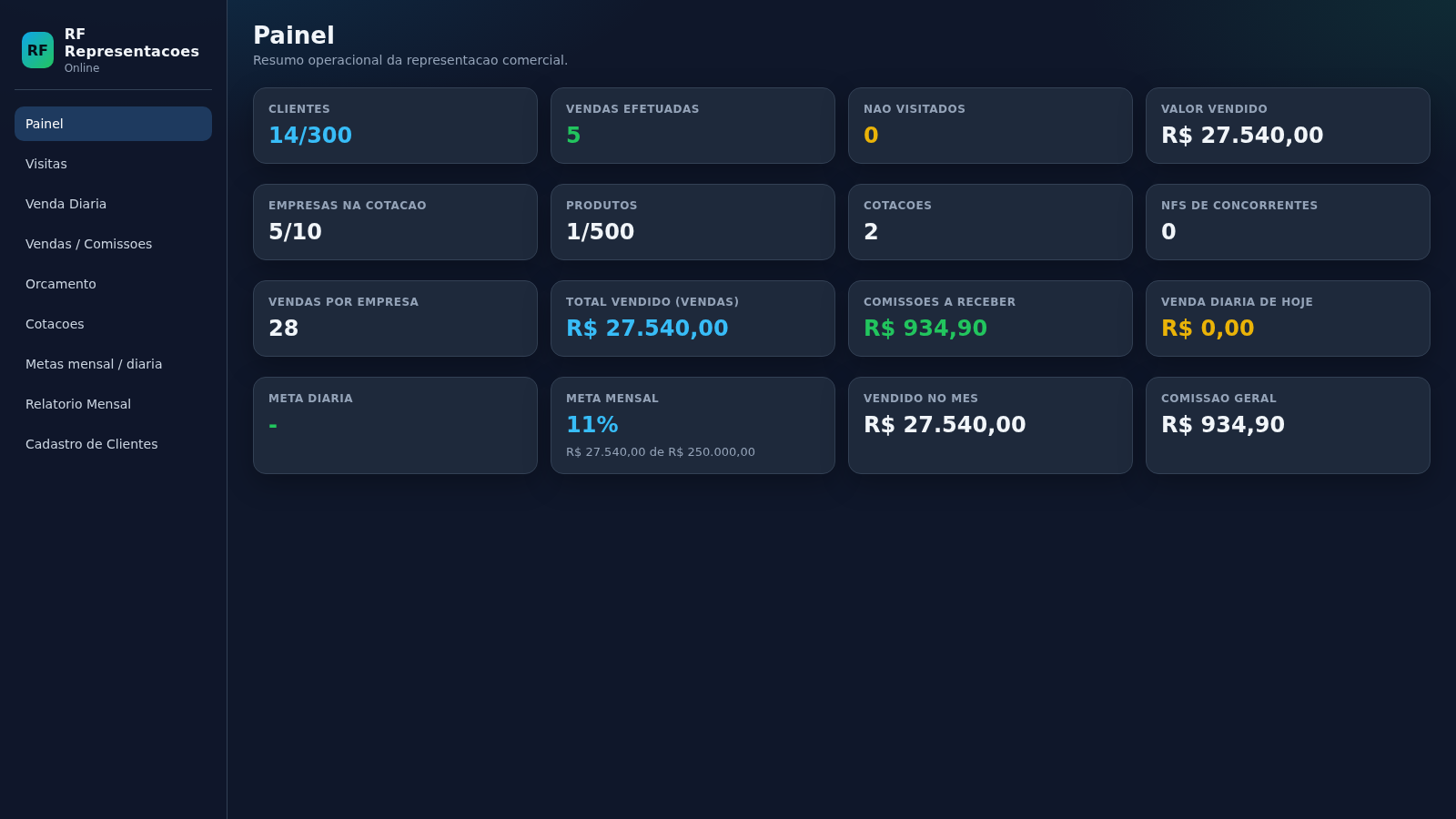
RF Representacoes is a browser-based management system built around the routine of a commercial representative in Brazil. A dark sidebar links nine sections: a dashboard, a client registry, a quote (orcamento) builder, supplier price comparison, daily sales, sales and commissions, monthly goals, a monthly report and a visits log. The interface and all seeded sample data are in Portuguese, and the app can be used offline from the device. On the dashboard the user sees counts and money values such as clients (14 of 300), total sold (R$ 27.540,00), commissions to receive (R$ 934,90) and progress toward a monthly target of R$ 250.000,00. Other screens let the user register companies with CNPJ, state registration (IE) and buyer contacts, assemble multi-item quotes with photos and export them to PDF or WhatsApp, compare prices across up to ten suppliers, and review month-over-month performance per client.
Highlights
Live dashboard
Sales and commissions
Quote builder
Export quotes to PDF
Client registry
CNPJ, IE and buyers
Supplier ranking
Top three prices colored
Visit tracking
Log client visits
Monthly report
Export to PDF or CSV
How to Use
Start on the dashboard
Open the site and the dashboard lists clients, completed sales, unvisited clients, total value sold, commissions to receive and monthly target progress. Use the left sidebar to move between all nine modules at any time.
Register or find a client
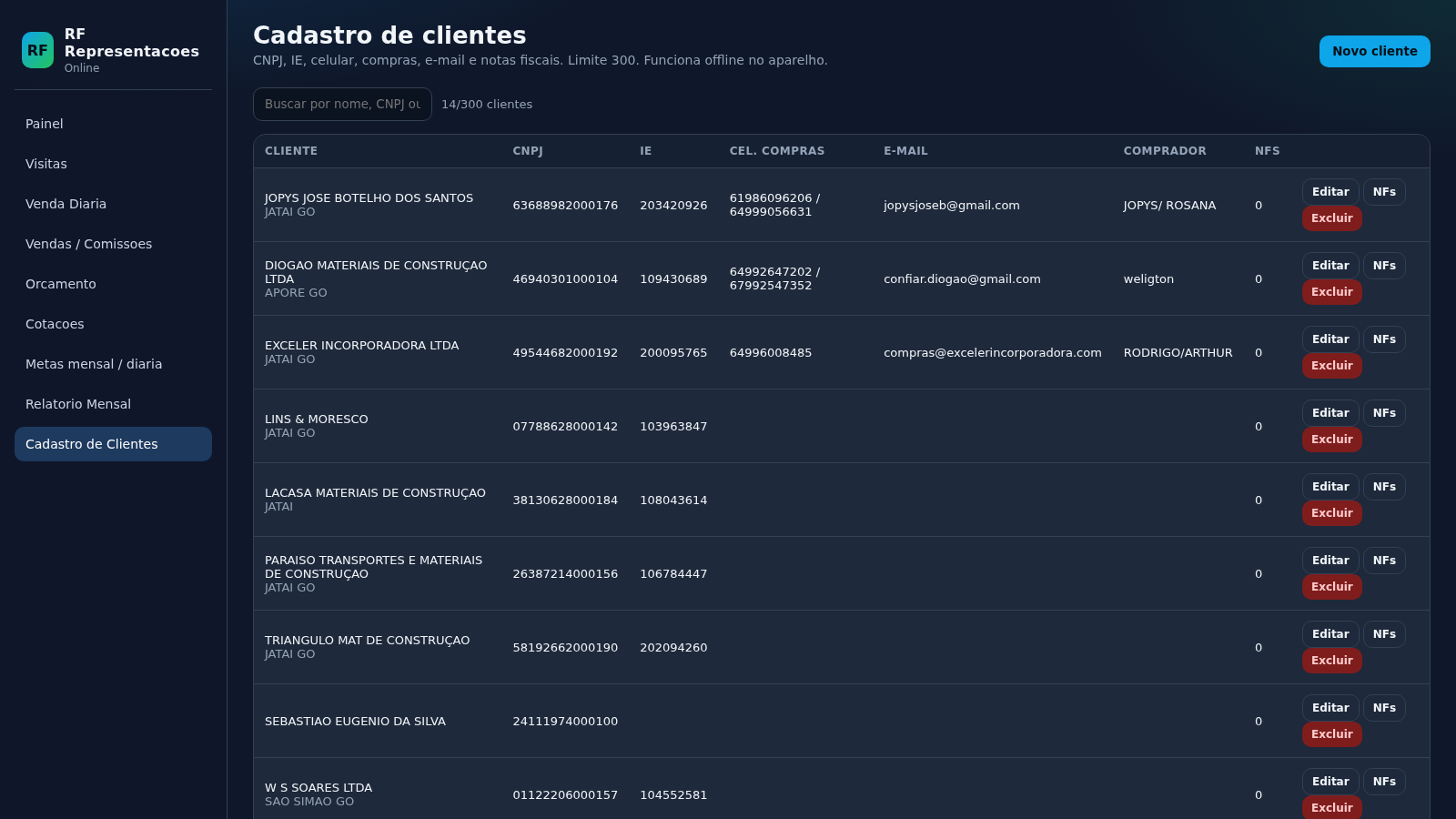
In Cadastro de Clientes the table shows each company with its CNPJ, IE, purchase phone numbers, e-mail and buyer. Use the search box to filter by name, CNPJ or buyer, or press Novo cliente to add a new company with the same fields.
Build and share a quote
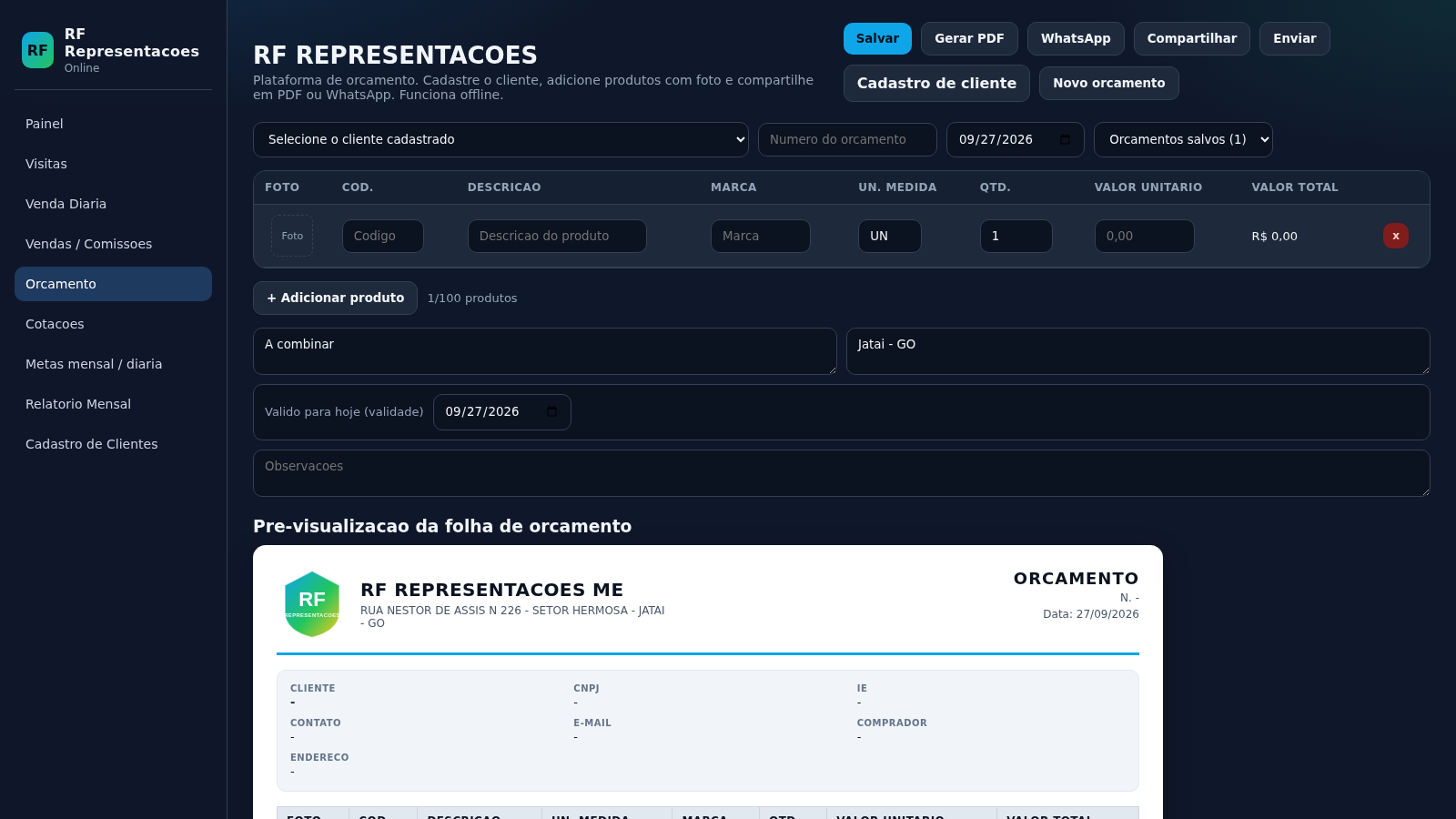
On the Orcamento page choose a registered client, enter a quote number and date, then add product rows with code, description, brand, unit, quantity and price. Totals and the letterhead preview update as you type; then use Salvar, Gerar PDF, WhatsApp, Compartilhar or Enviar to finish the quote.
Compare suppliers and track sales
Cotacoes places up to ten companies in columns and products in rows, highlighting the cheapest price in green and the next two in yellow and red. On Vendas and Venda Diaria you record sales per company with a commission percentage, and the screen totals the value and commission for the selected month.
Review the month and export
Relatorio Mensal compares each client's previous-month and current-month sales, shows the variation and commission, and marks visit status. Use Salvar / Imprimir PDF, Baixar CSV, Compartilhar or Enviar to take the report out of the app, and Iniciar novo mes to reset visit marks for a new month.
Similar Sites
 13
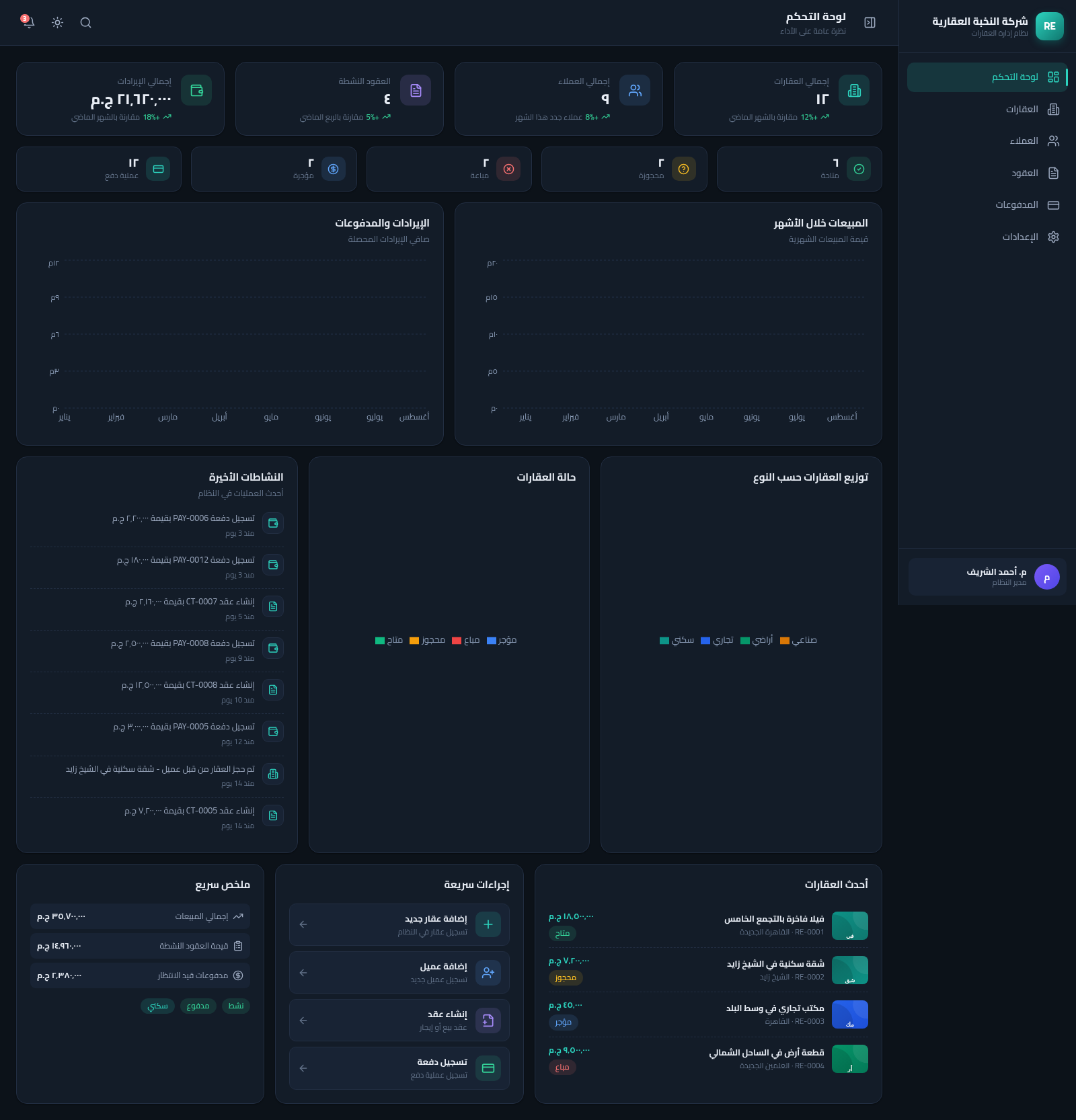
13Real Estate Manager
نظام متكامل لإدارة العقارات والعملاء والعقود والمدفوعات بواجهة عربية RTL
 126
126Agenda de Pedidos - Confeitaria
Agenda digital de pedidos para confeitaria com integração WhatsApp
 58
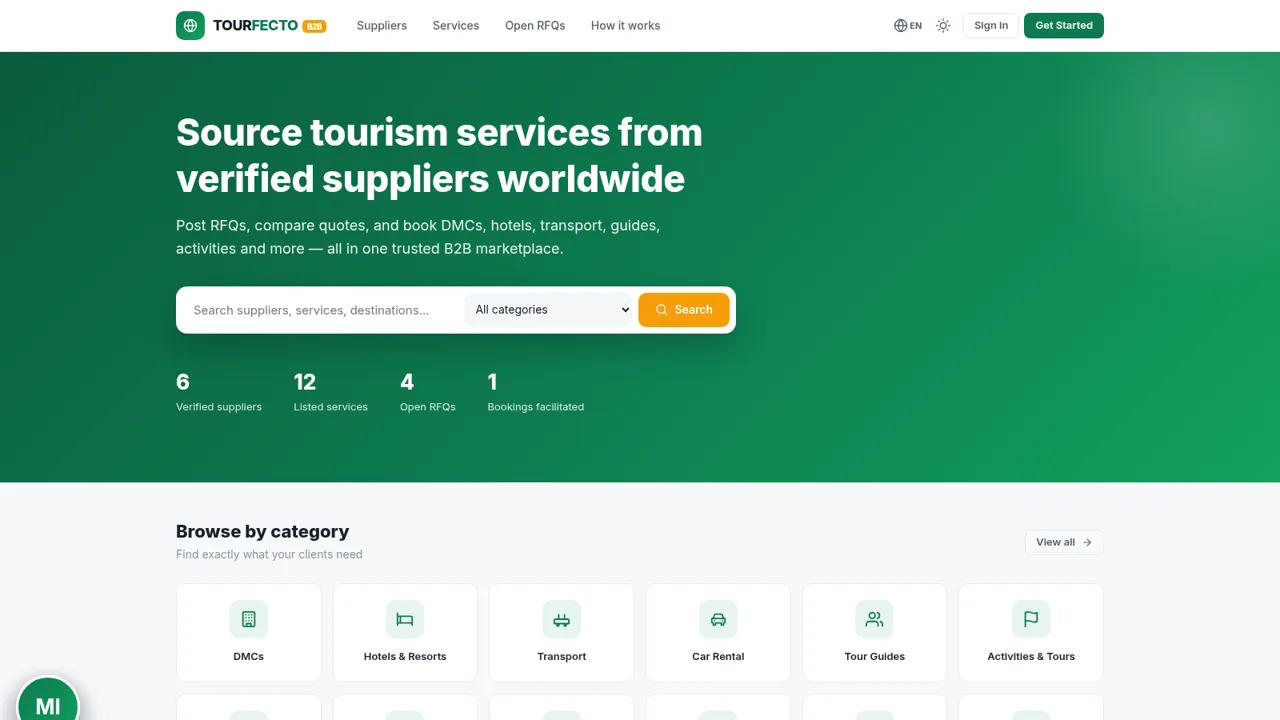
58TOURFECTO B2B
 43
43DKW System CRM com IA
CRM white label com WhatsApp, Instagram, IA e automações
 31
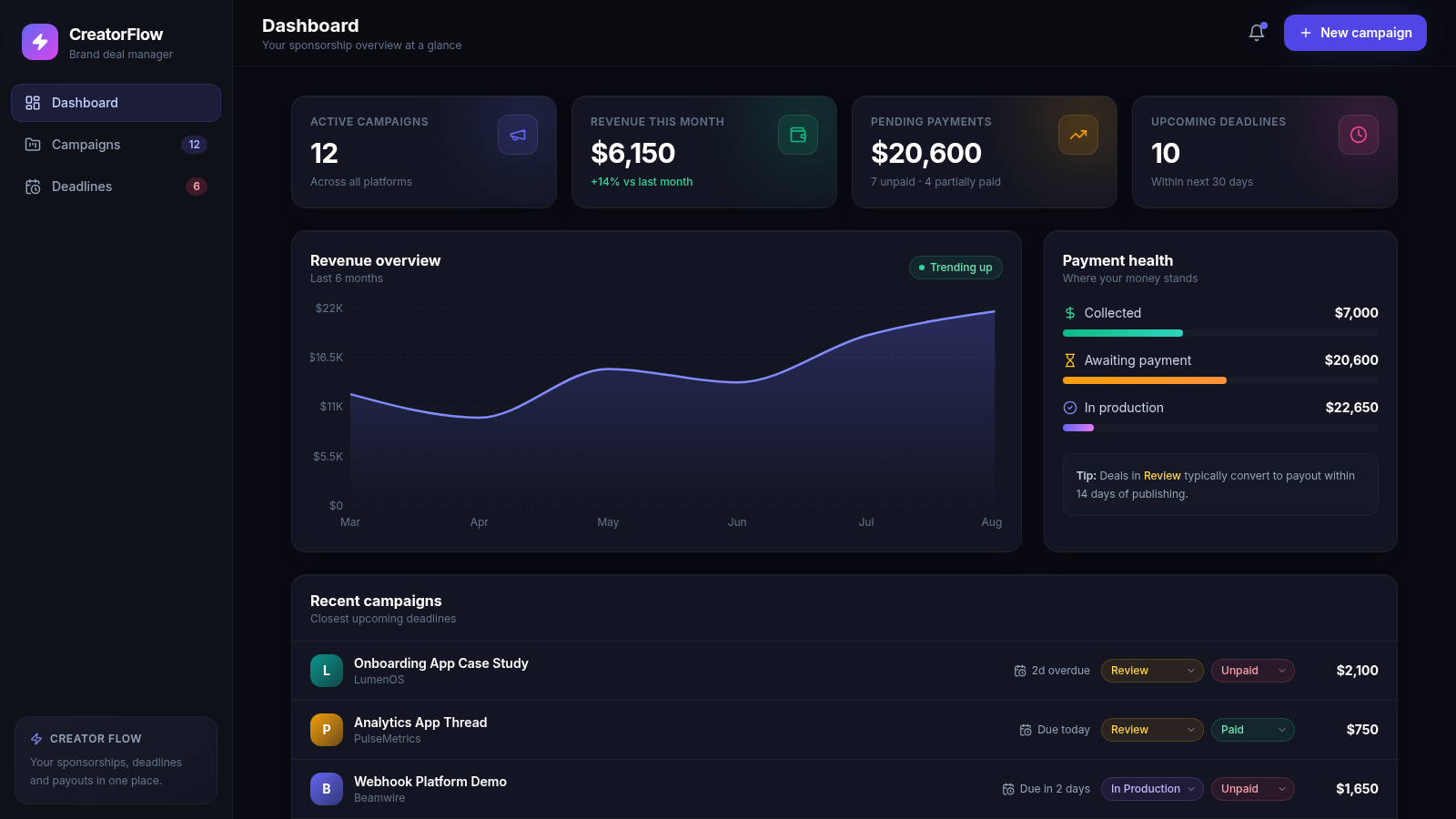
31CreatorFlow — Brand Deals
Sponsorship and brand-deal management for content creators
 26
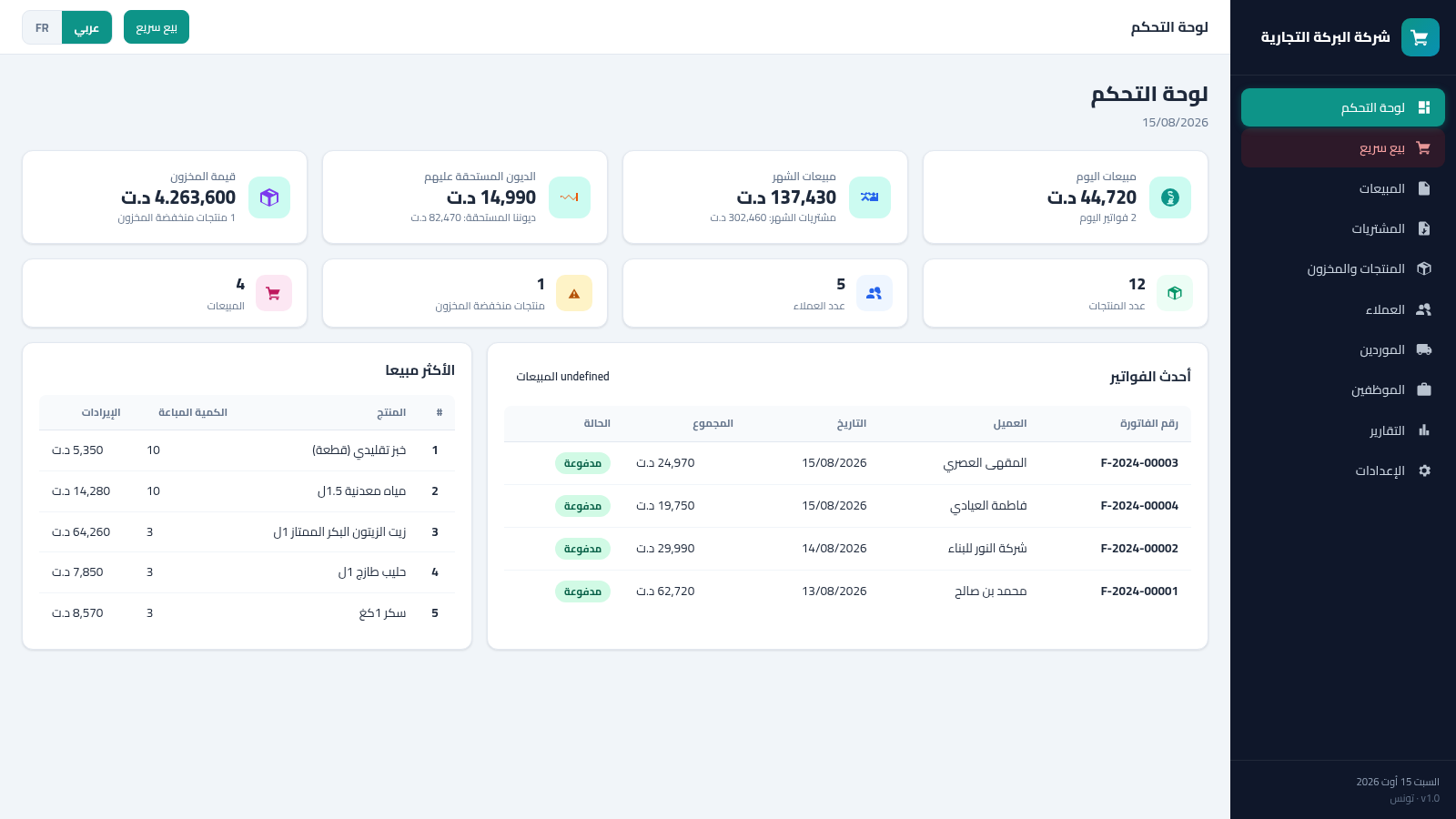
26Tunisia ERP Commercial
Gestion commerciale: ventes, achats, factures, stock, clients - dinar tunisien AR/FR