
NexoVoice Studio
Write, organize and preview narration scripts in the browser
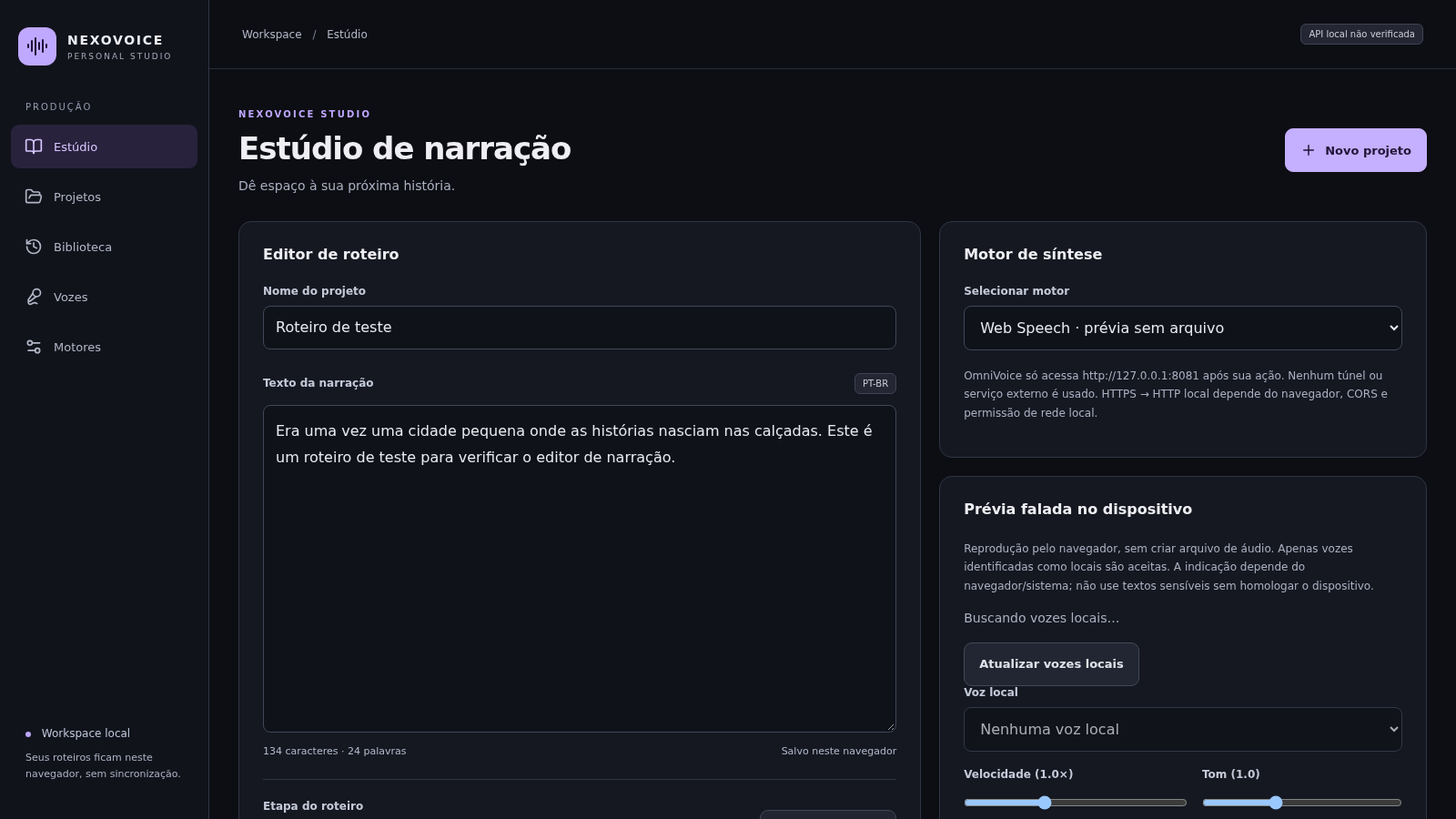
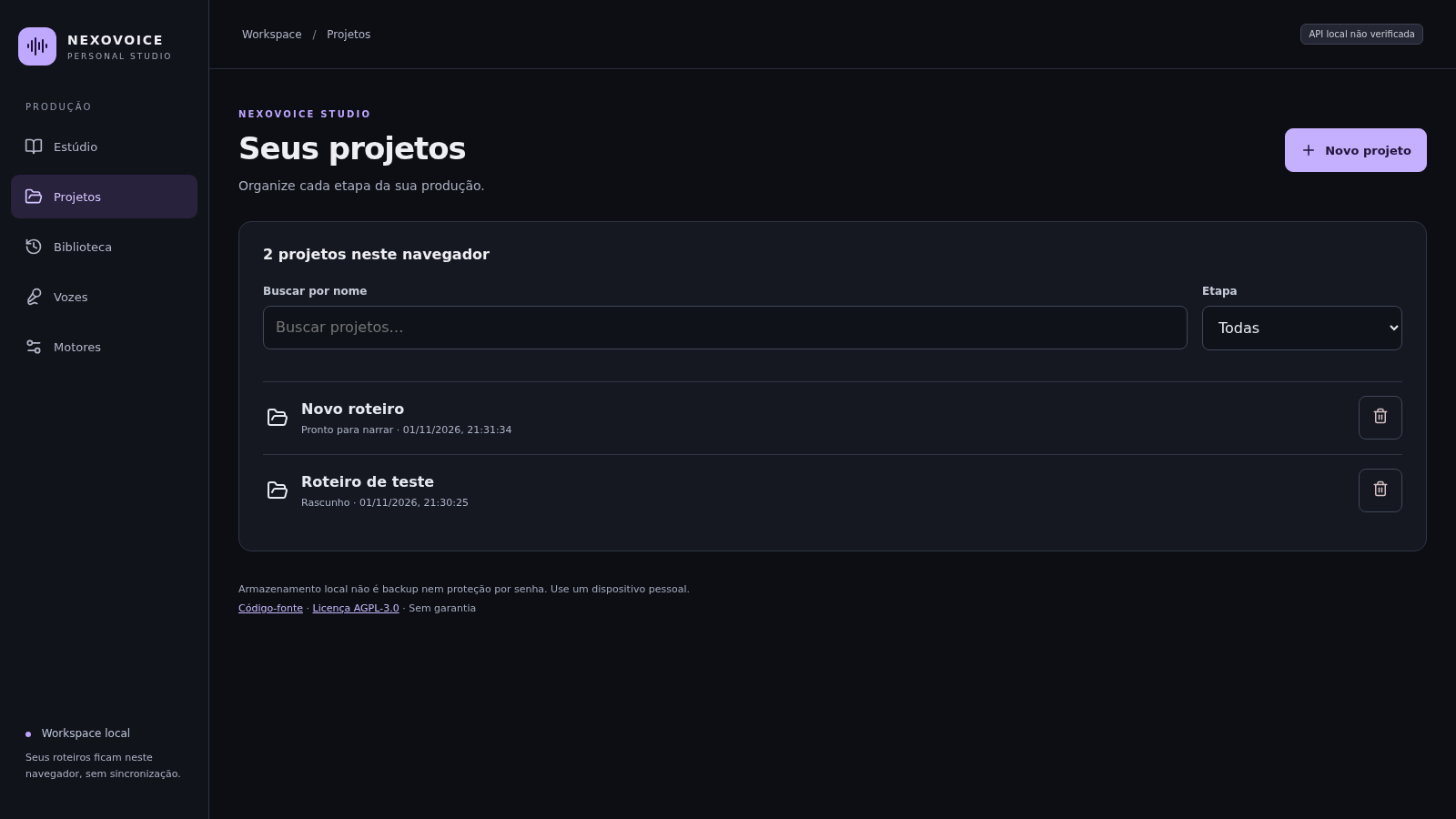
NexoVoice Studio is a local-first studio for narration scripts, with a Portuguese interface built around voice-over work in PT-BR. The Estúdio screen combines a project name field, a large script editor with live character and word counts, a two-step stage selector and a TXT download button. The Projetos screen lists every saved script with search and stage filters. A right-hand panel offers an on-device Web Speech preview with speed and pitch controls, while an optional OmniVoice engine can connect to a local API for WAV output. The Vozes and Motores pages document and manage local voice references and engine status. No account is required and scripts stay in the current browser.
Highlights
Script editor
Live text stats
Local projects
Saved in browser
Stage tracking
Draft or ready
Voice preview
Local speech only
Text export
Download as TXT
How to Use
Create a project
Open the studio and either click Novo projeto or start with the default script. Type a project name, then paste or write your narration into the text area. The character and word counters update as you type, and the status label confirms the work is saved in this browser.
Organize the library
Go to Projetos to see all scripts stored in the browser, search by name, or filter by stage. In the studio you can switch a script between Rascunho and Pronto para narrar, and clicking any row in the list reopens that project with its text intact.
Preview and export
Choose Web Speech for an on-device preview, adjust speed and pitch, and press listen when a local voice is listed. Use Baixar texto to download the current script as a TXT file named after the project. OmniVoice output requires a local server at 127.0.0.1:8081 and is not reachable from the public HTTPS page.
Manage voice references
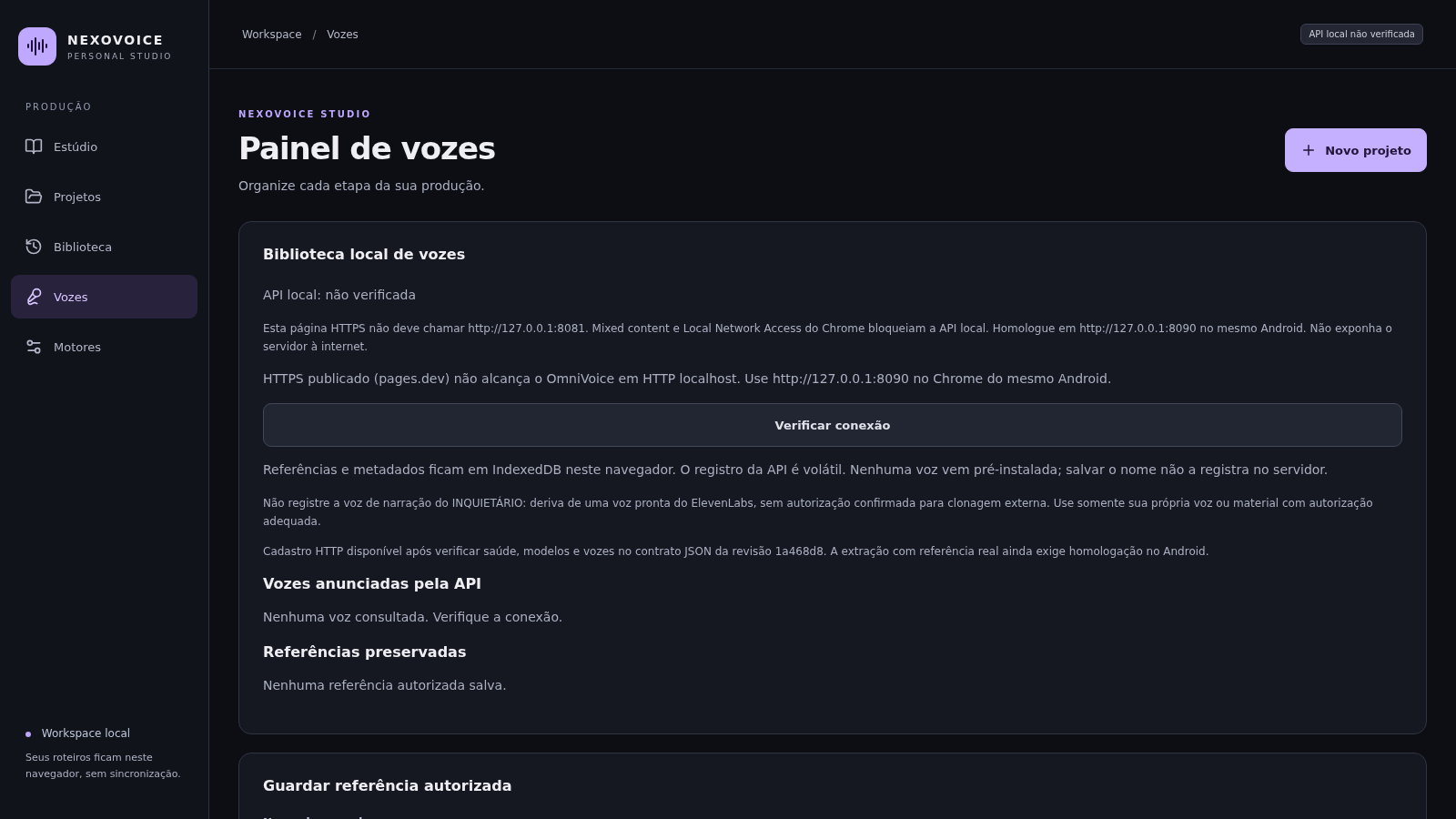
The Vozes page lets you check the local API connection and store an authorized reference WAV with a transcript, narrator name, vocal category and a consent declaration in IndexedDB. The Motores page explains the local engine requirements and the planned PT-BR language setting.
Similar Sites
 22
22AuroraOS
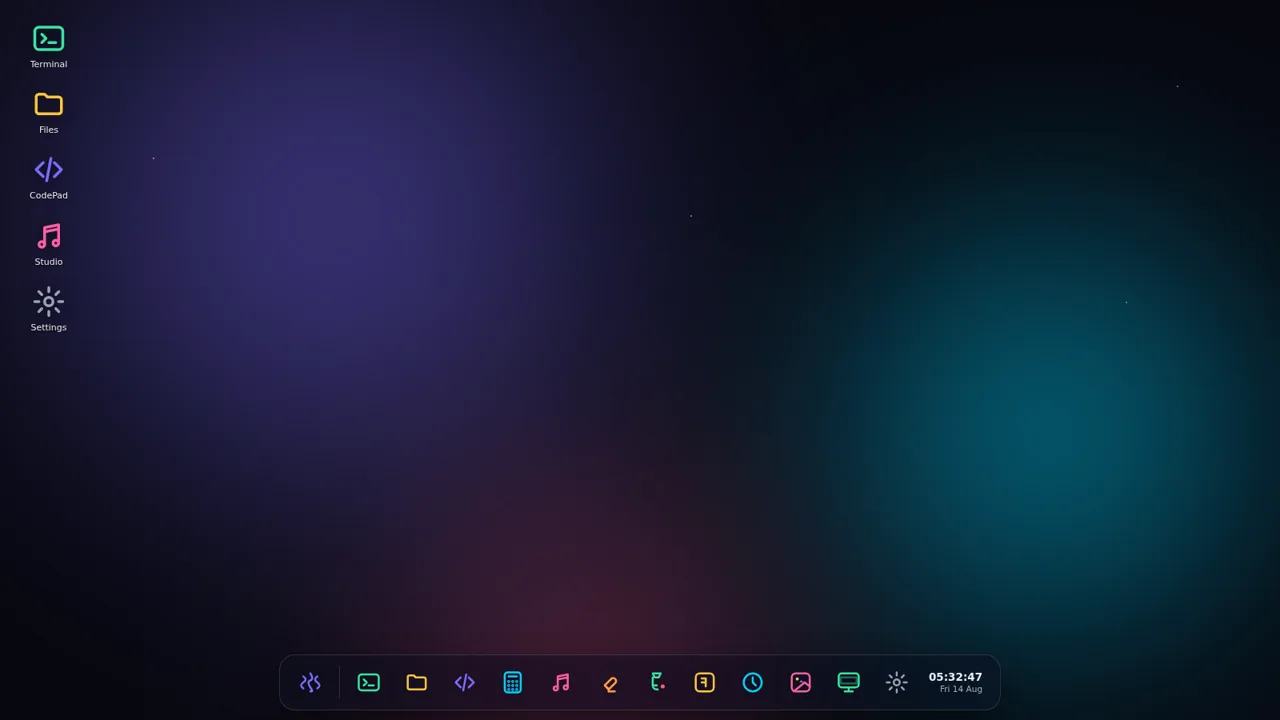
A desktop OS inside a single HTML file - apps, terminal, games, music
 8
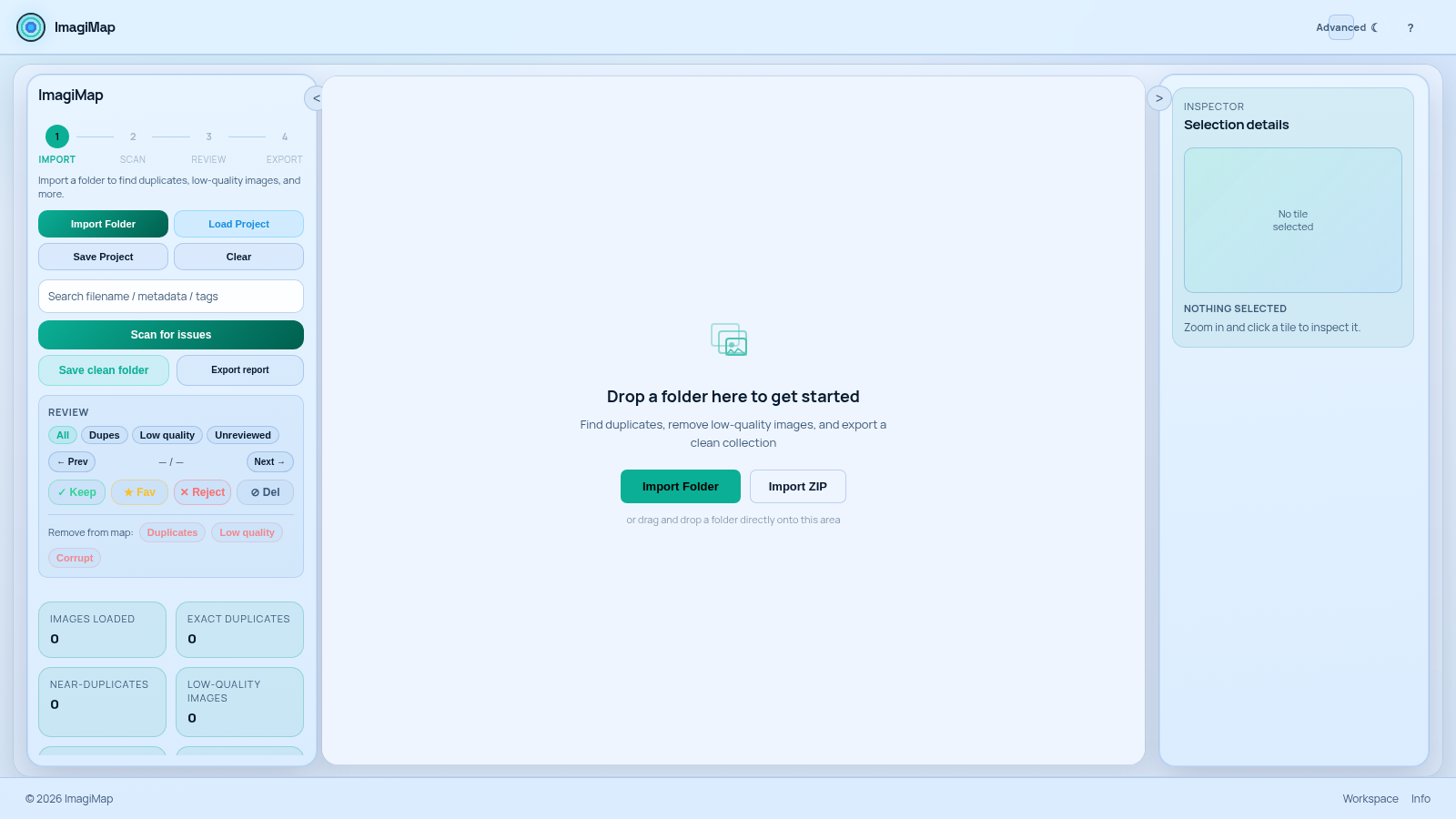
8ImagiMap Studio
Local-first visual cleaner for AI image collections, game assets, and large folders.
 6
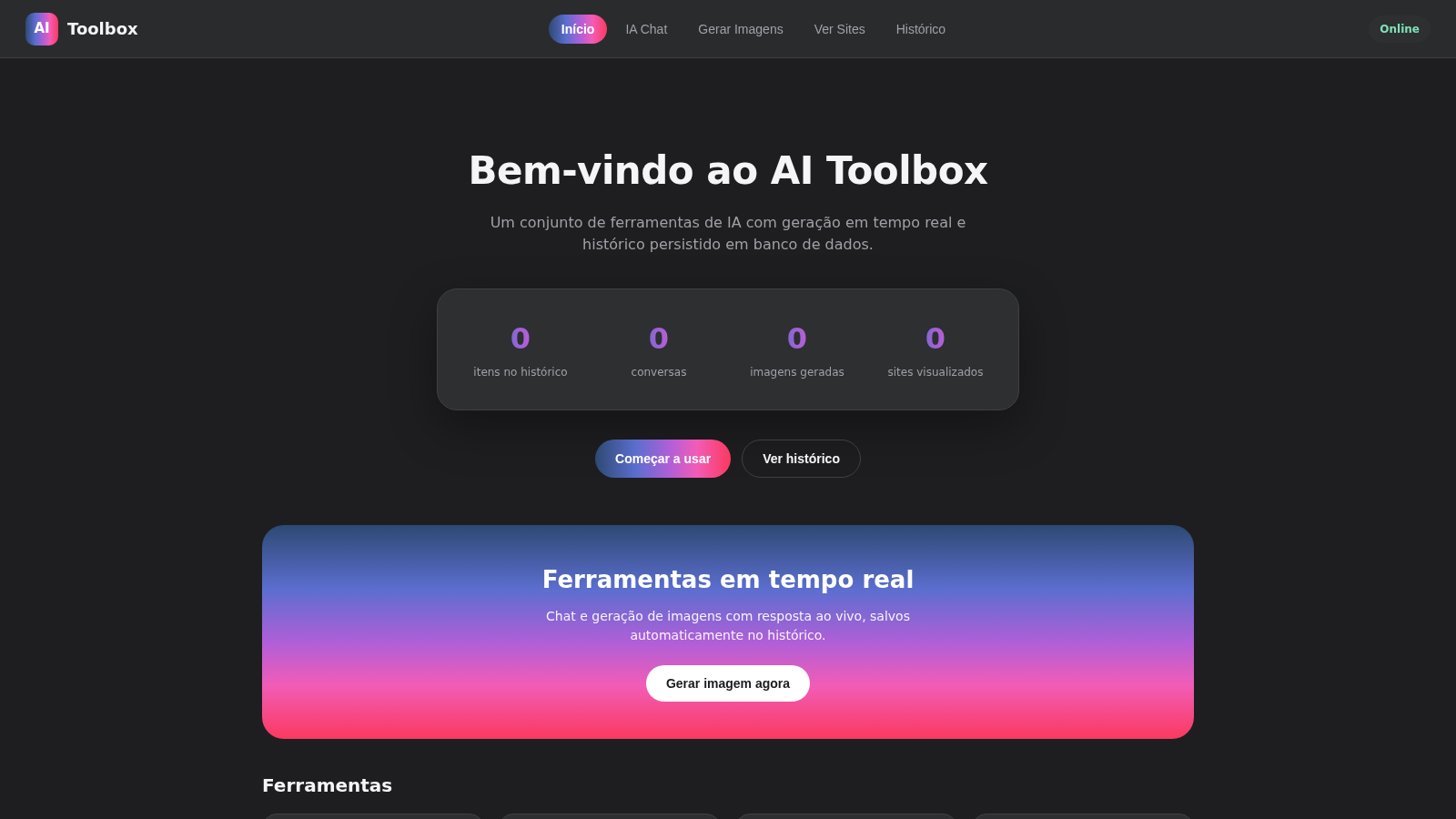
6AI Toolbox
IA chat e geracao de imagens em tempo real com historico salvo
 3
3CARTOON STUDIO 2D
Estudio profissional de animacao 2D cartoon quadro a quadro
 1
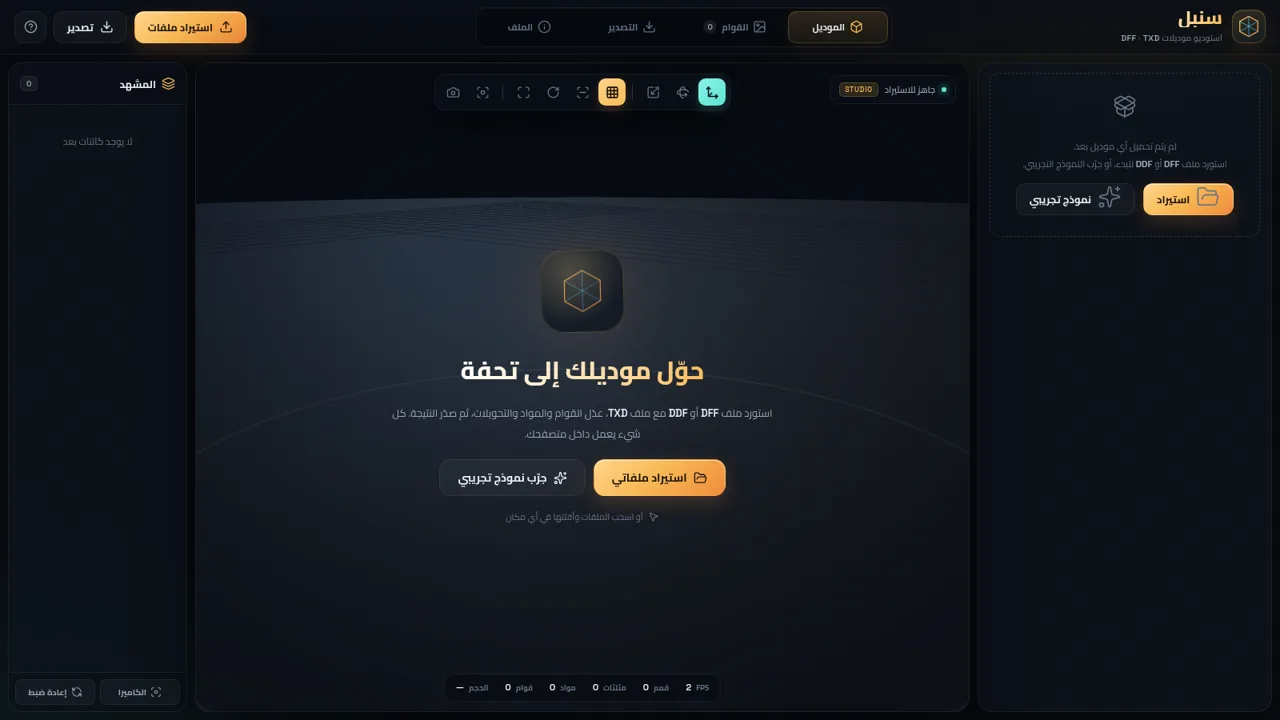
1سنبل — استوديو DFF و TXD
محرر موديلات RenderWare بصيغة DFF و DDF و TXD داخل المتصفح
 94
94OhMyPS - AI Image Editor
Brush, describe, and quickly edit part of an image with AI.