
AuroraOS
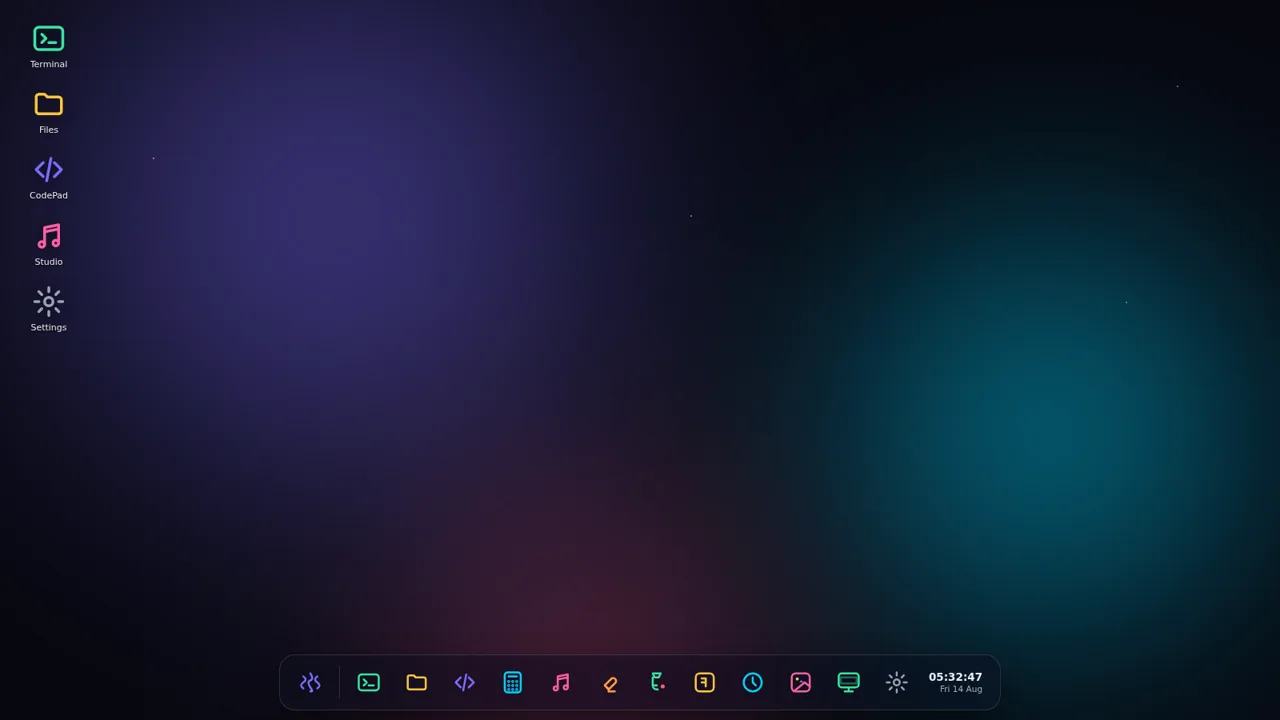
A complete browser desktop with creative tools, utilities, a terminal, and games in one interactive workspace.
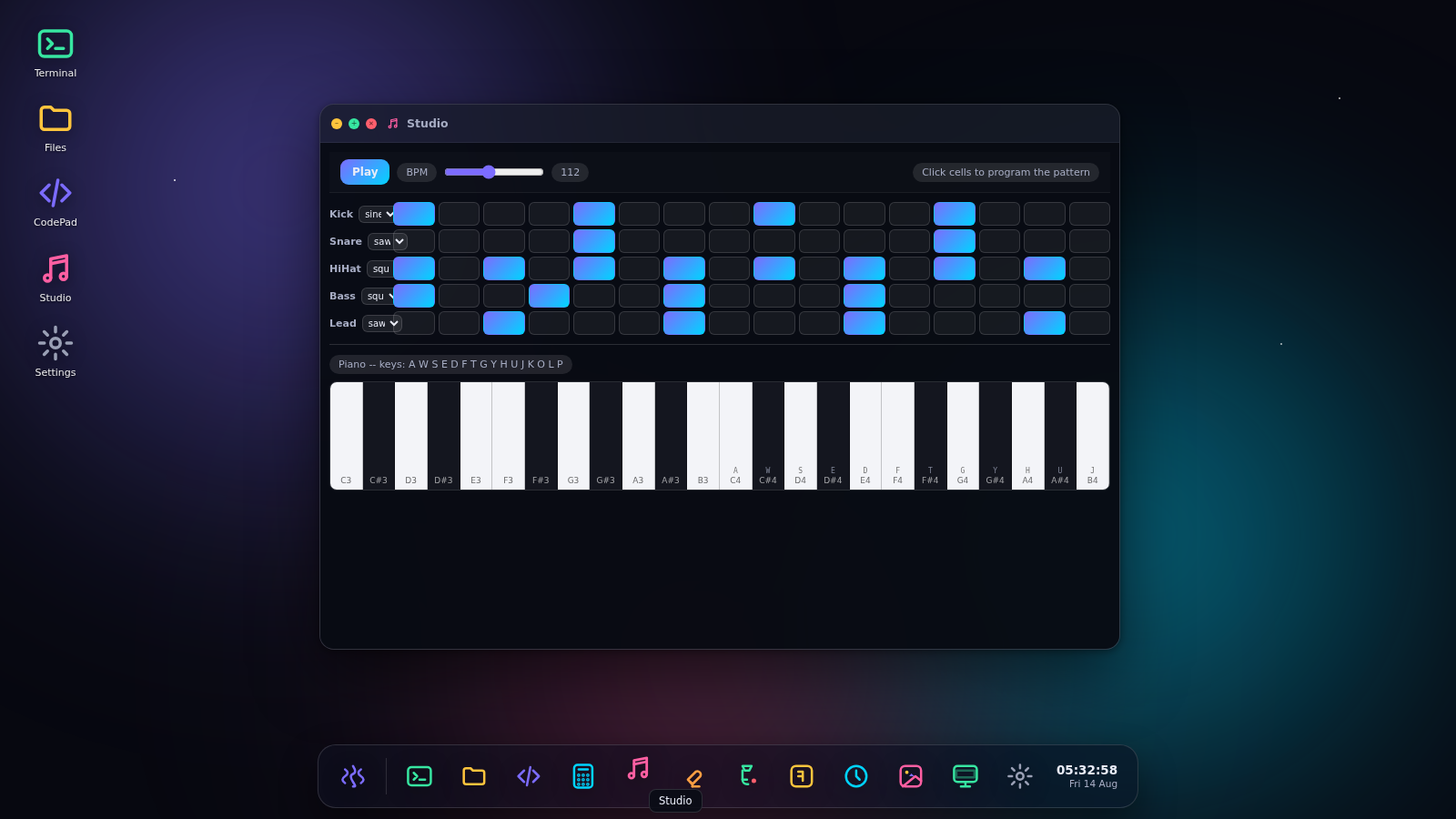
AuroraOS recreates a compact desktop operating system inside the browser. A guest session opens onto an aurora-themed wallpaper with desktop shortcuts, a taskbar, a searchable start menu, live date and time, and familiar window controls. Users can run terminal commands, browse a virtual filesystem, edit documents in CodePad, calculate, build musical patterns in Studio, draw in Paint, play Snake or 2048, check clocks and system activity, browse a gallery, and personalize settings. Multiple applications can remain open at once, giving the project the behavior of a small desktop environment rather than a static interface mockup.
Highlights
Desktop multitasking
Layered app windows
Working terminal
Interactive commands
Music studio
Sequence and play
Built-in games
Snake and 2048
Virtual files
Browse and create
How to Use
Open the app launcher
Select the Start button on the taskbar to view all installed applications, search the app list, access wallpaper controls, or use the restart, power, and lock actions.
Launch and arrange apps
Open an app from the start menu, taskbar, or a desktop shortcut. Use the title-bar controls to minimize, maximize, or close its window, and bring another window forward to work with several apps in the same session.
Explore the terminal and files
Open Terminal and enter a suggested command such as neofetch to receive formatted system information. Use Files to move through the virtual root folders or create a new folder or file from its toolbar.
Create text and music
Type in CodePad and use its New, Open, Save, or Save as controls to manage documents. In Studio, click sequencer cells to form a pattern, adjust BPM and waveforms, start playback, or play the on-screen piano with the displayed keyboard mappings.
Play and personalize
Launch Snake or 2048 from the taskbar or app menu and follow the in-window keyboard instructions. Open Settings or Wallpapers when you want to change the desktop appearance and system presentation.
Similar Sites
 94
94OhMyPS - AI Image Editor
Brush, describe, and quickly edit part of an image with AI.
 81
81PDF Master AI
Private in-browser PDF toolkit to convert, merge, compress, edit, and protect files.
 77
77BJJ STAT — ANALISE. ENTENDA. EVOLUA.
Scout de Jiu-Jitsu em um toque. Placar IBJJF, relatórios visuais e PWA offline.
 59
59ToolCraft - Free Online Tools
Free, fast, privacy-friendly online tools & expert guides - all in your browser.
 30
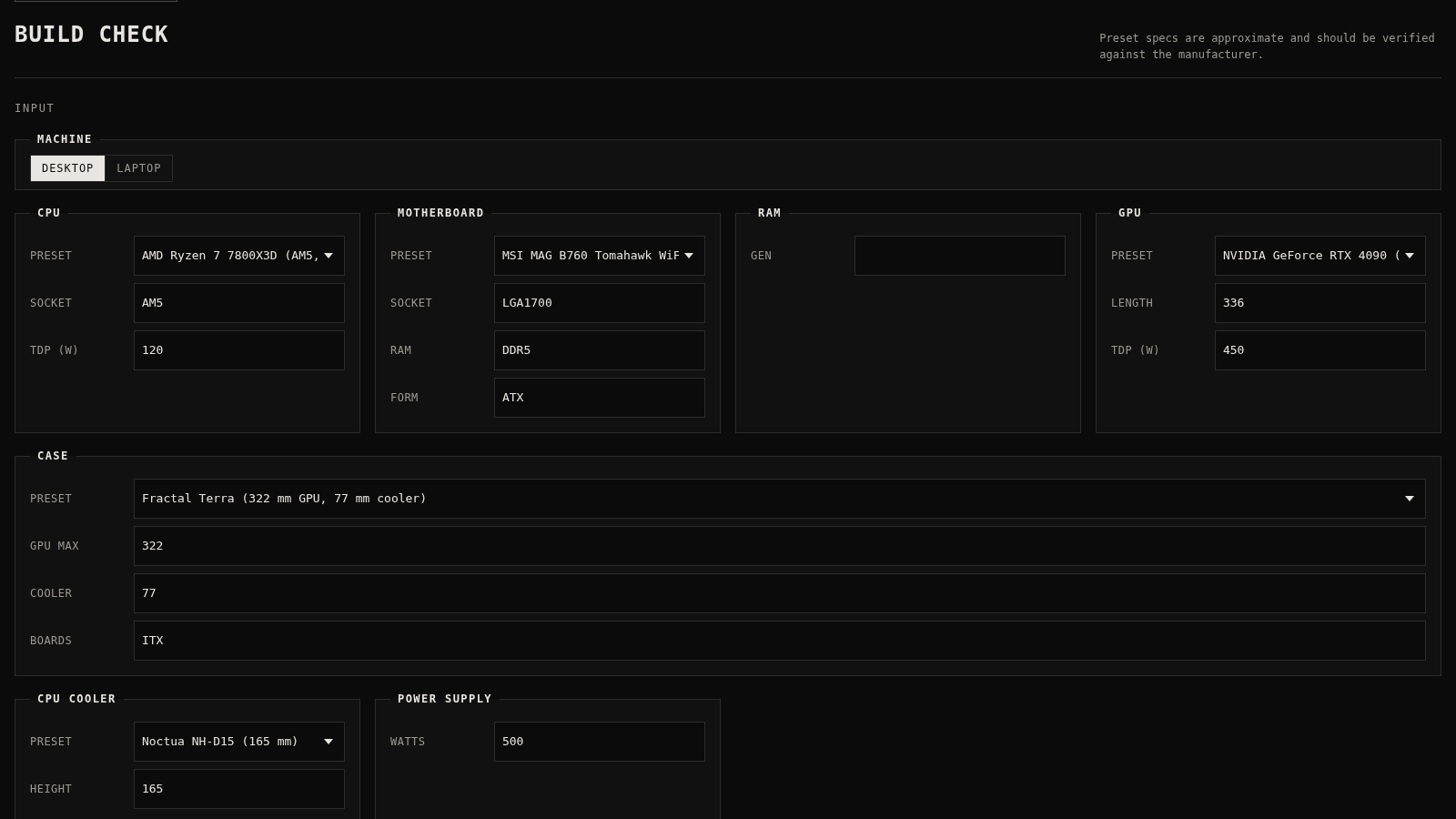
30PC Build Checker
Check desktop and laptop PC builds for compatibility, scores, and upgrades.
 20
20HOOK12 Agnes 创作台
脱口秀、动漫、文生/图生/关键帧视频与文生文、生图工作台。