
AI Toolbox
A Portuguese-language workspace for AI chat, image generation, website inspection, and saved activity history.
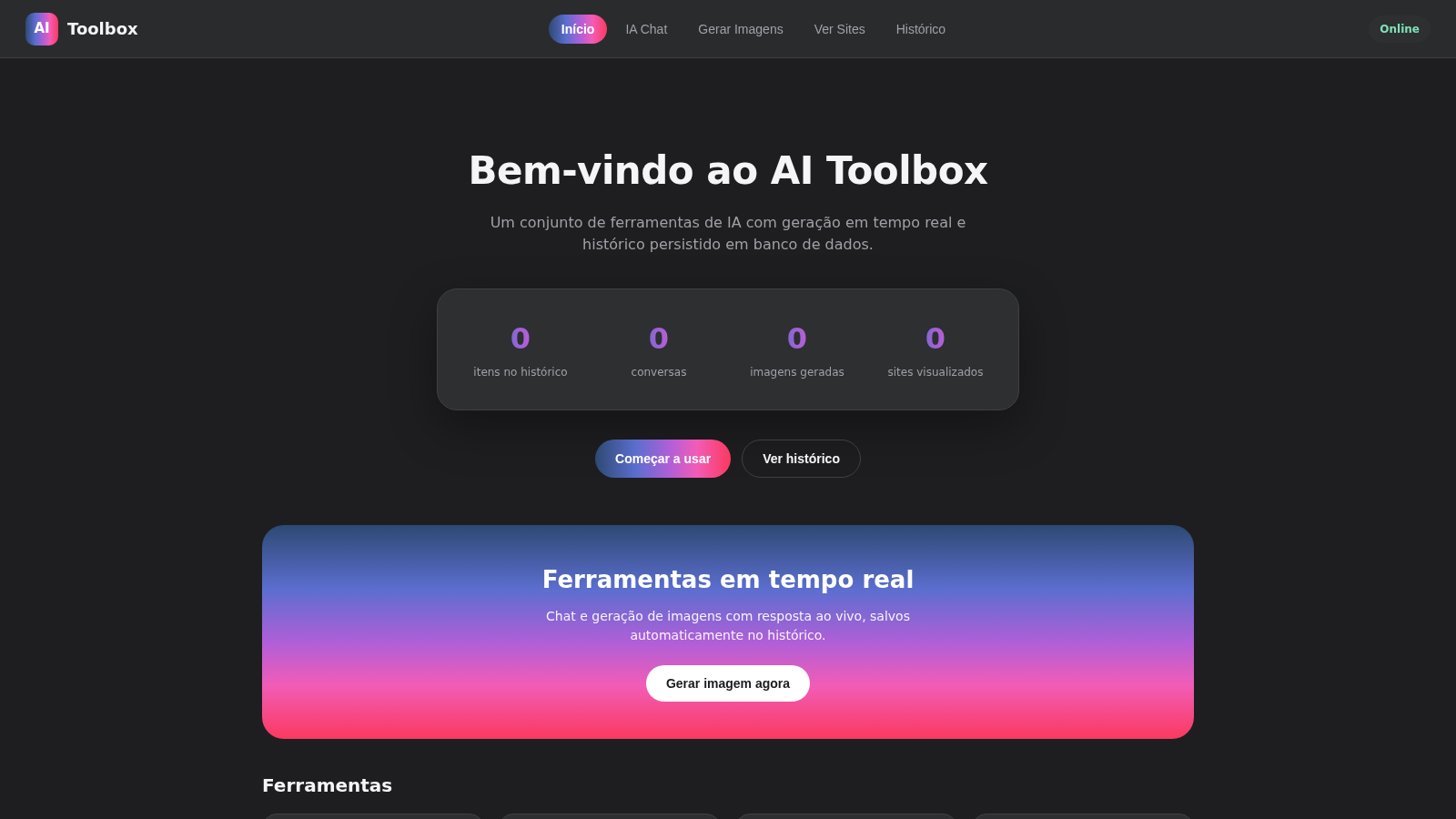
AI Toolbox is a browser-based collection of four utilities presented in one dashboard. Users can open a streaming AI chat, enter prompts for real-time image generation, request processed HTML from a public website for layout study, and review activities saved to the application database. The home screen summarizes conversation, image, website, and total-history counts and includes setup guidance for supplying separate language-model and image-generation API keys. In the inspected deployment, navigation and history worked, while the AI features reported missing keys and the website viewer returned an error.
Highlights
Unified AI workspace
Four tools in one dashboard
Streaming chat
Live-response chat interface
Image prompts
Real-time generation workflow
Website viewer
Inspect processed public HTML
Cloud history
Saved activities and counters
How to Use
Choose a tool
Use the top navigation or the tool cards on the home screen to open AI Chat, Generate Images, View Sites, or History. The active navigation item changes to show the current workspace.
Start an AI conversation
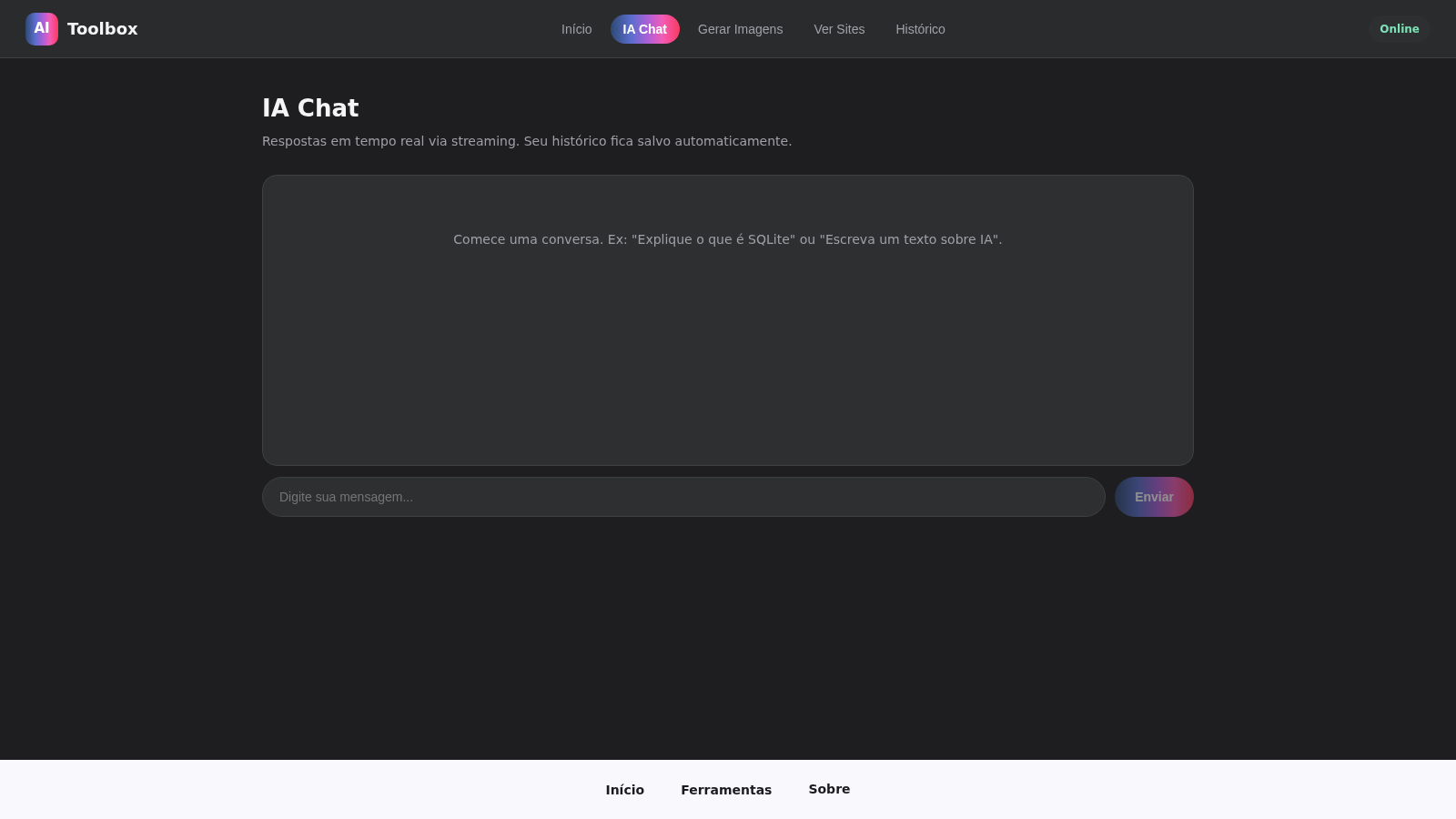
Open AI Chat, type a message in the input, and select Send. The interface is designed to stream the reply and save the conversation automatically; this deployment currently reports that USER_LLM_API_KEY must be configured before replies can be generated.
Request an image
Open Generate Images, describe the desired image in the prompt field, and select Generate. Progress and finished images are intended to appear in the result area; this deployment currently requires USER_IMAGE_API_KEY before generation can proceed.
Inspect a public site
Open View Sites, enter a public URL that you have permission to access, and select Load. The tool is intended to return processed HTML without scripts for layout study, although the inspected deployment returned an error for the tested public URL.
Review saved activity
Open History to browse conversations, generated images, and viewed websites saved in the database. The home dashboard also displays counters for each activity type; the inspected history contained no records.
Similar Sites
 19
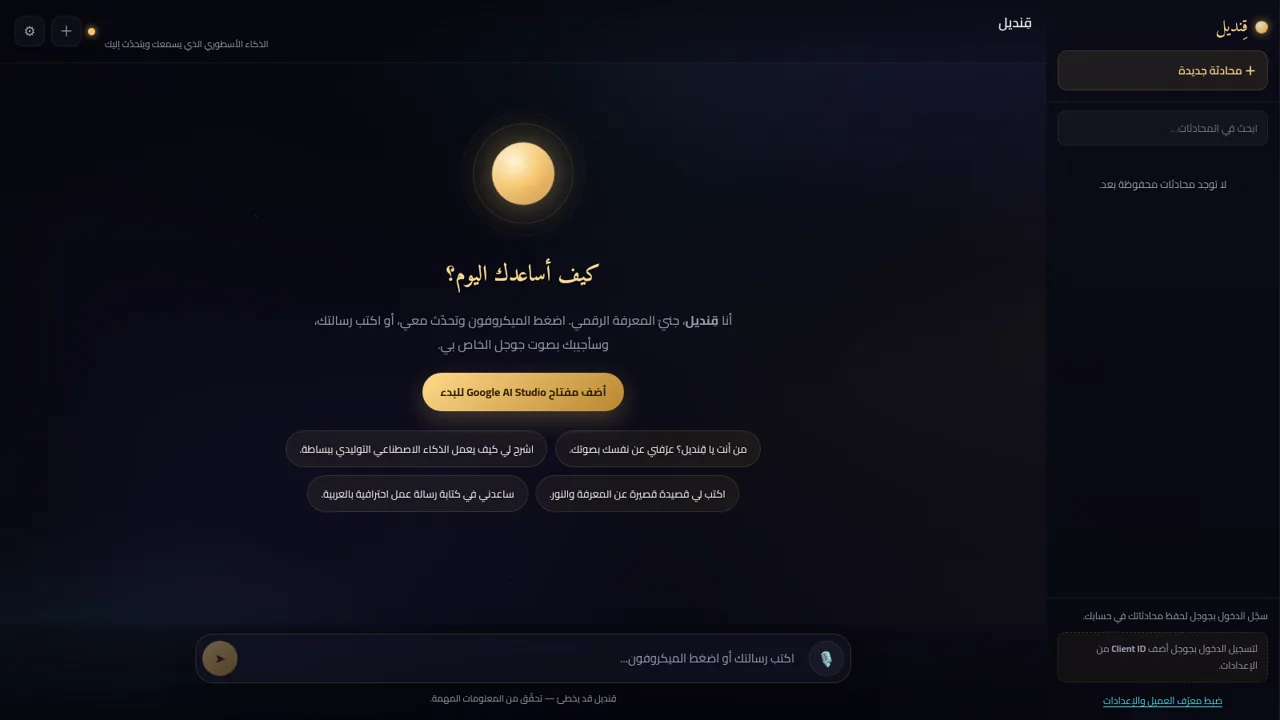
19قِنديل · الذكاء الأسطوري
مساعد ذكاء اصطناعي أسطوري: تحدّث معه بصوتك واستمع إلى ردّه بصوت جوجل
 10
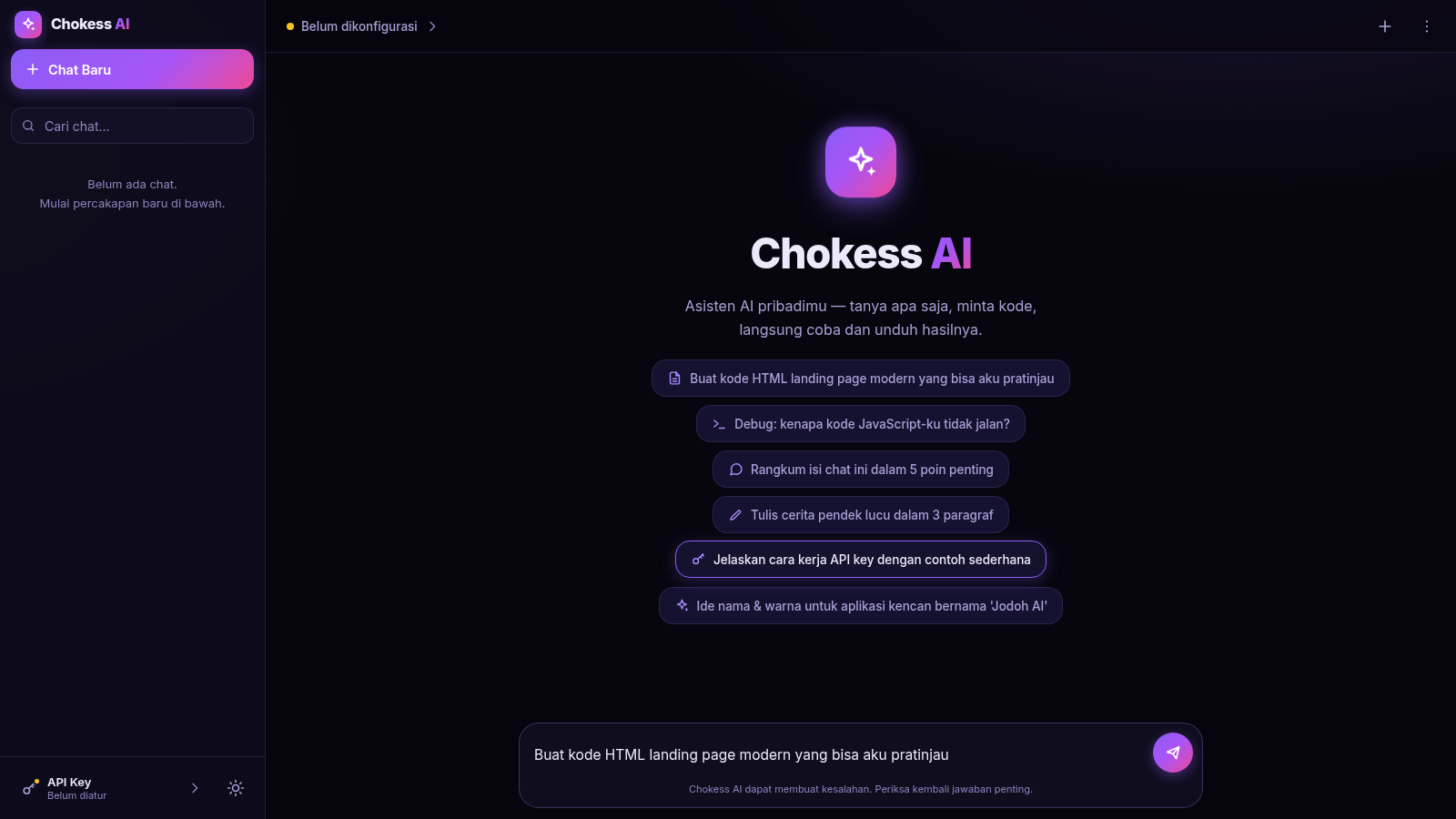
10Chokess AI — Personal AI Chat
Chat AI pribadi dengan API key sendiri, mendukung Claude & OpenAI
 5
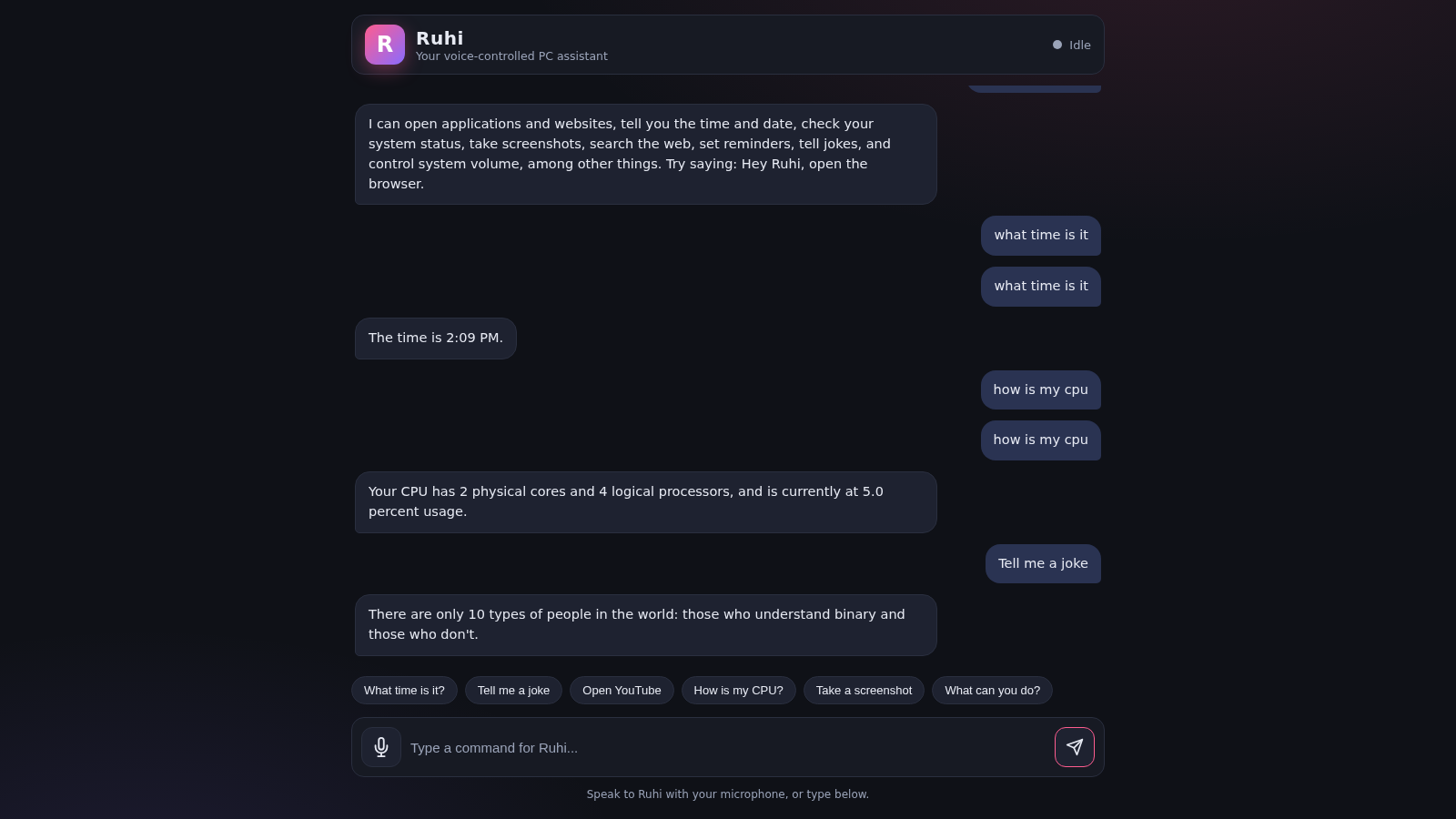
5Ruhi - Voice Assistant
A voice-controlled AI assistant that operates your PC and answers your commands.
 4
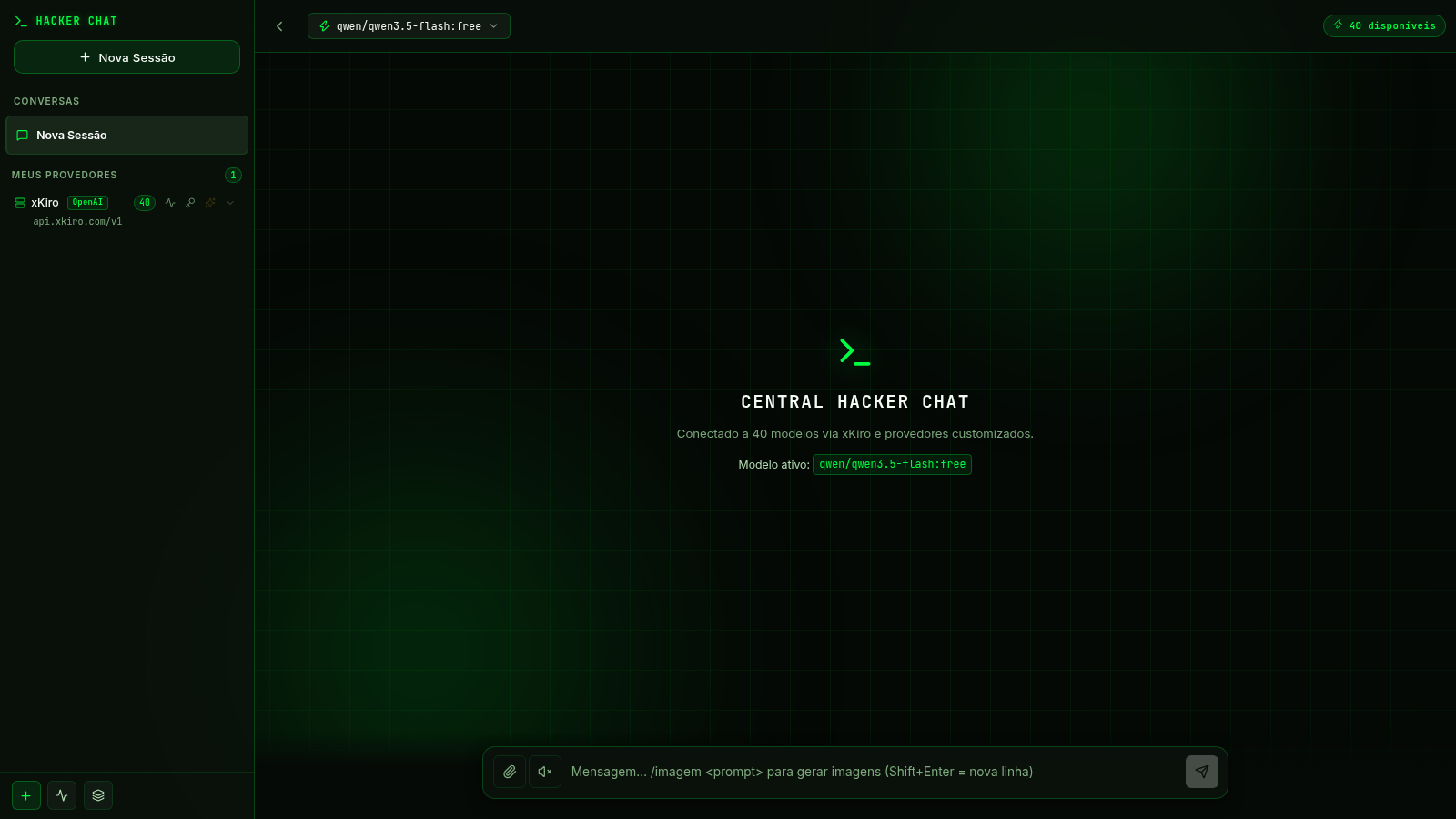
4Central Hacker Chat
Assistente de IA pessoal com tema hacker, multi-modelo e histórico de conversas.
 3
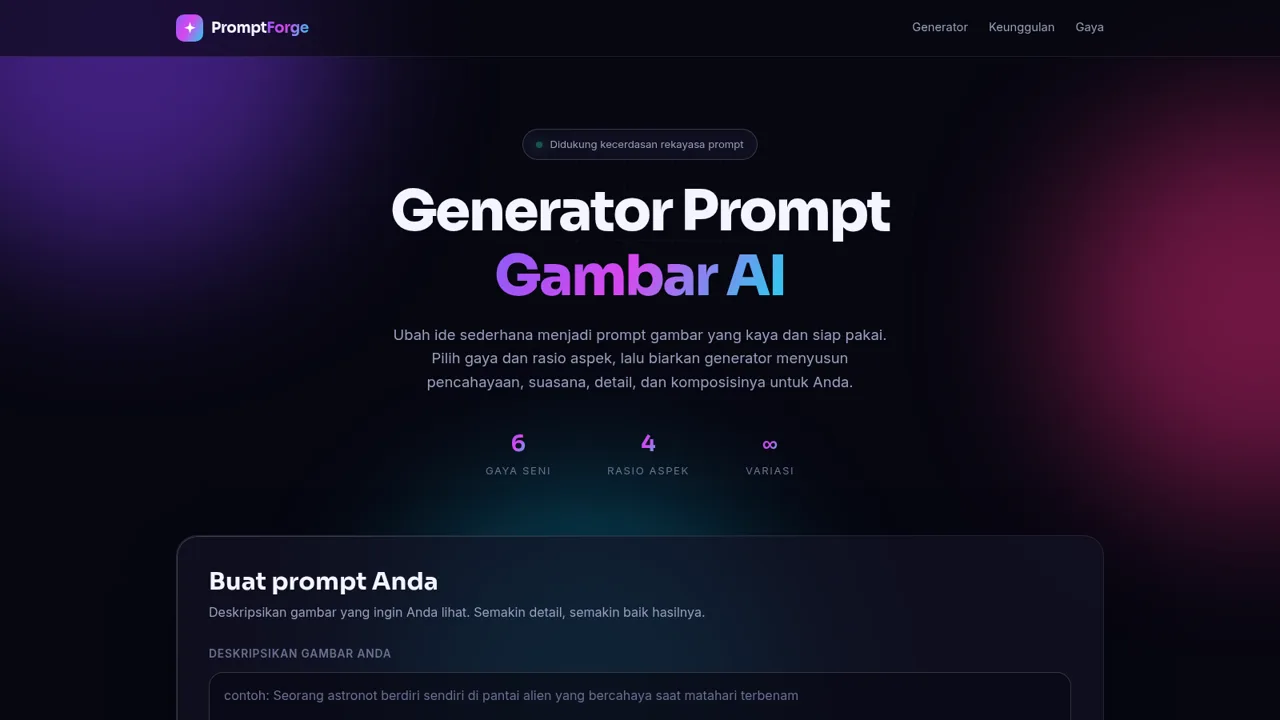
3Generator Prompt Gambar AI
Hasilkan prompt gambar AI yang detail dari ide, gaya, dan rasio aspek.
 94
94OhMyPS - AI Image Editor
Brush, describe, and quickly edit part of an image with AI.