
CARTOON STUDIO 2D
A complete frame-by-frame 2D cartoon animation studio in the browser
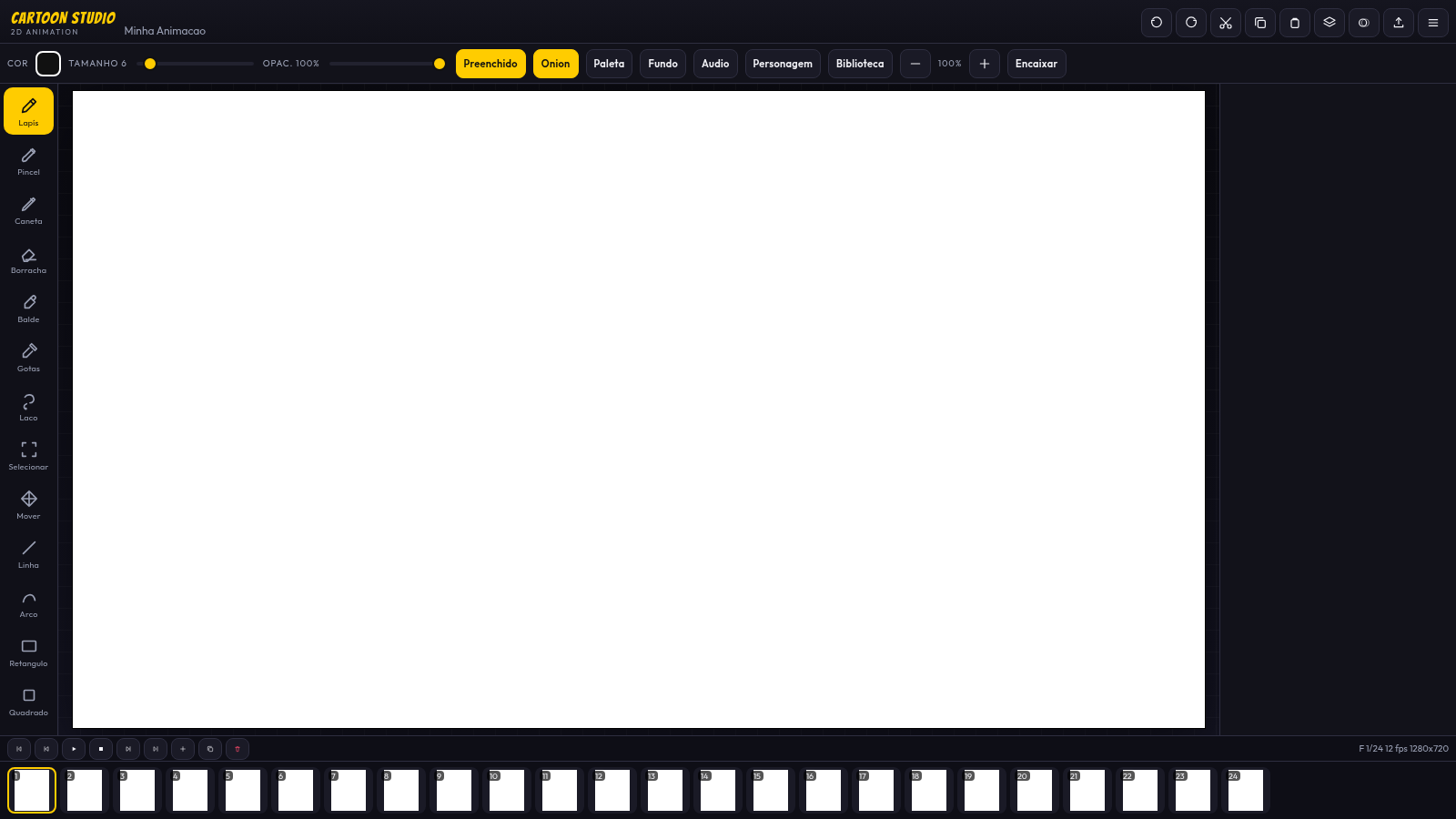
Cartoon Studio 2D is a browser-based tool for making frame-by-frame 2D cartoon animations. You start by creating a project with a name, resolution, orientation, frame rate and total frame count, then work inside a full editor with a drawing canvas, a tool rail, a frame strip and several side panels. The editor offers pencil, brush, pen, eraser, fill bucket, color picker, lasso selection and move tools, plus line, arc, rectangle, square, circle, ellipse, triangle and polygon shapes, with controls for color, brush size, opacity, fill mode, onion skin and canvas zoom. You can switch and duplicate frames, manage layers, and open panels for palette, background, audio, characters and a reusable library. When the animation is ready you can export the whole sequence as MP4 video, animated GIF, a PNG sequence ZIP or a single frame PNG.
Highlights
Full drawing toolset
Pencil, brush, shapes and fills in one editor
Frame and layer control
Manage frames, onion skin and multiple layers
Multiple export formats
MP4, GIF, PNG sequence or single frame PNG
Extra creative panels
Palette, background, audio, character and library
How to Use
Create a project
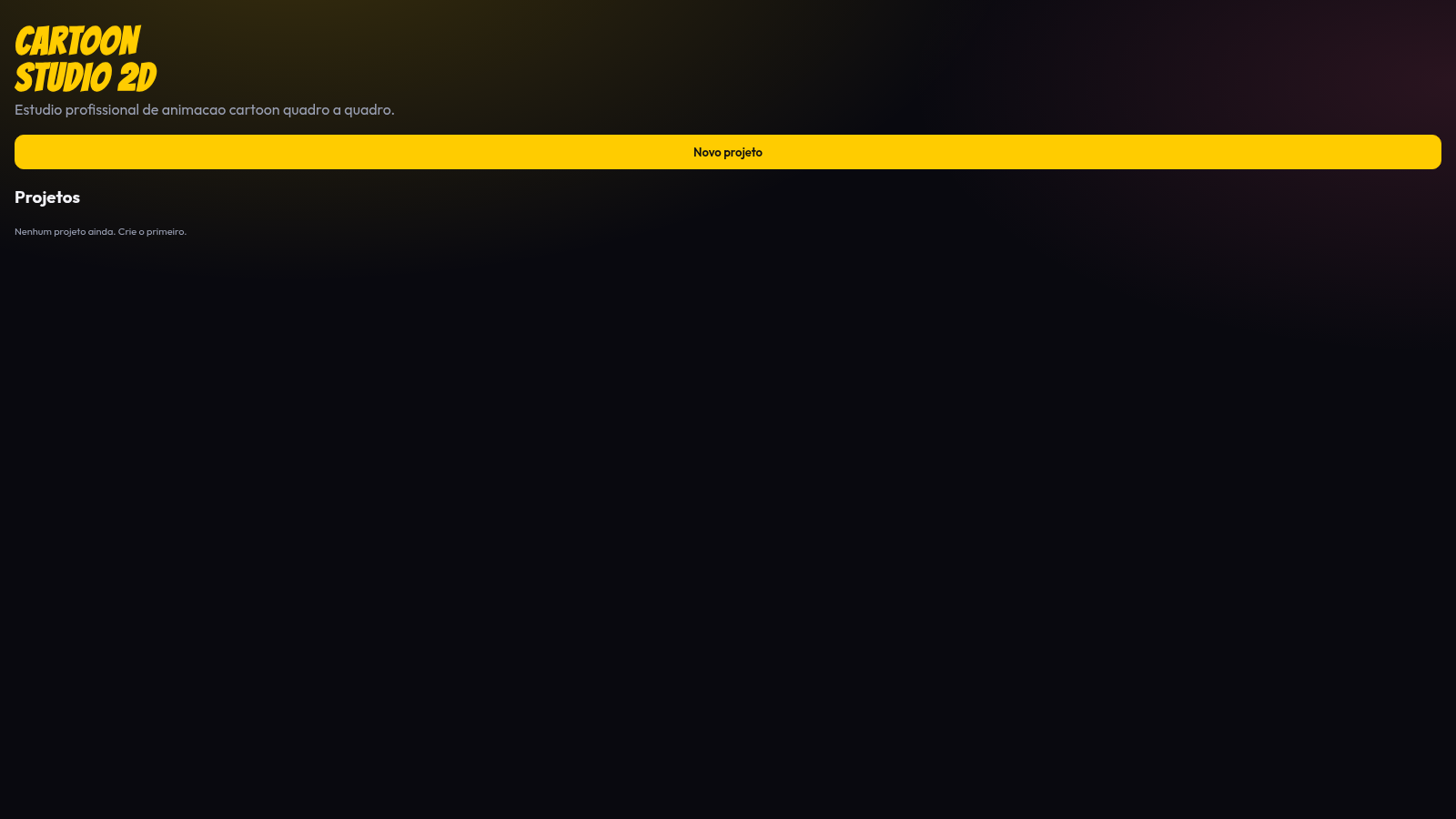
On the home screen click the new project button. In the dialog set a project name, choose a resolution preset such as 1280x720 or 4K, pick an orientation, select a frame rate from 8 to 30 fps and set how many frames you want. Press the create and draw button to open the editor.
Draw and animate
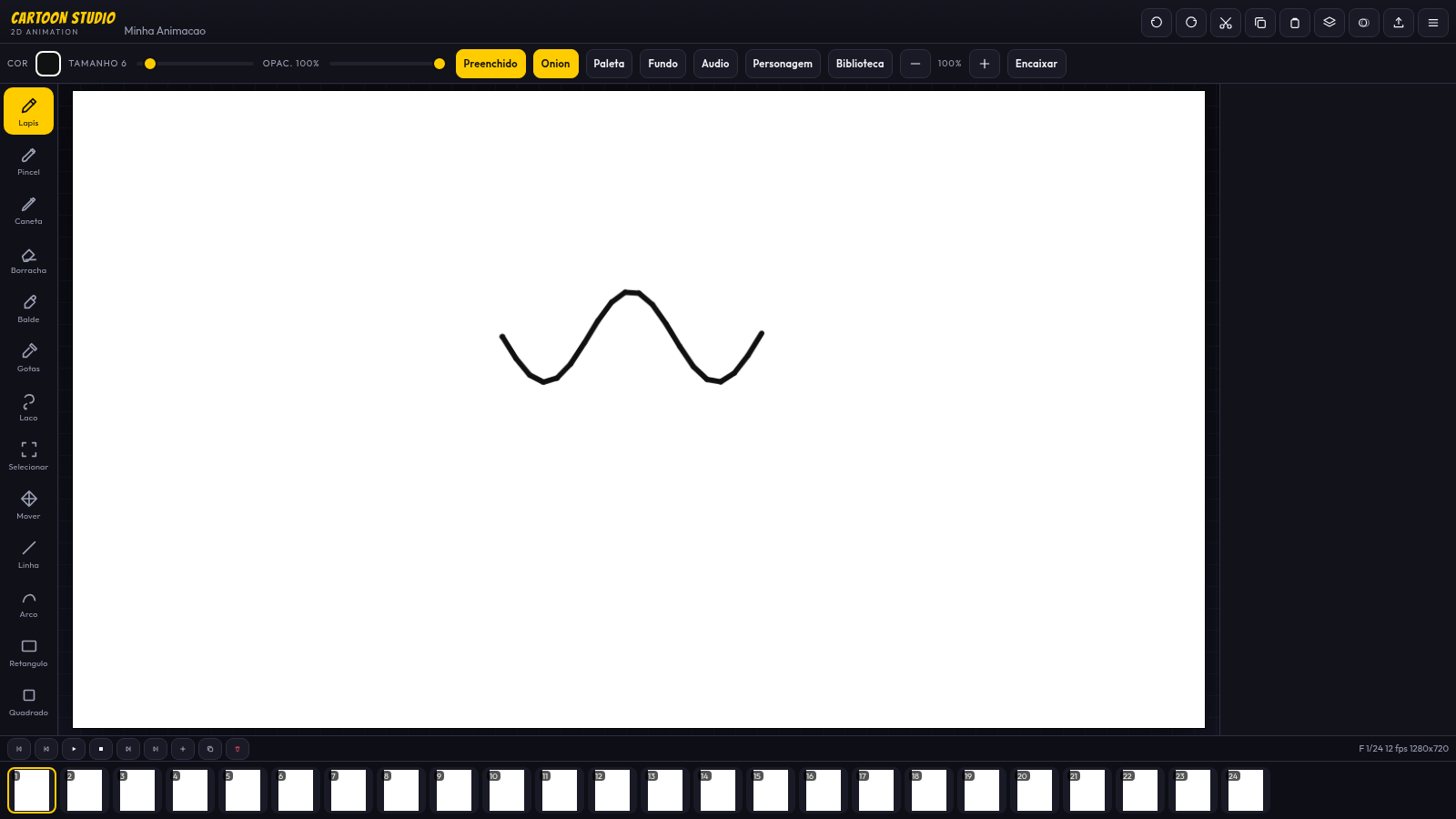
Use the left tool rail to pick a drawing or shape tool, then drag on the central canvas to draw; the result appears immediately. Adjust color, brush size, opacity and fill from the top bar, toggle onion skin to see the previous frame as a guide, and use the bottom frame strip to move between frames. You can add, duplicate, copy and paste frames, and open the layers button to organize your drawing.
Export your animation
When the sequence is finished, click the export button in the top toolbar. In the export dialog confirm resolution, width, height, fps and quality, then choose MP4 to render every frame into a video, GIF for an animated image, PNG sequence ZIP for individual frames or PNG for only the current frame. The file downloads directly from the browser.
Similar Sites
 53
53ToolCraft - Free Online Tools
Free, fast, privacy-friendly online tools & expert guides - all in your browser.
 20
20HOOK12 Agnes 创作台
脱口秀、动漫、文生/图生/关键帧视频与文生文、生图工作台。
 8
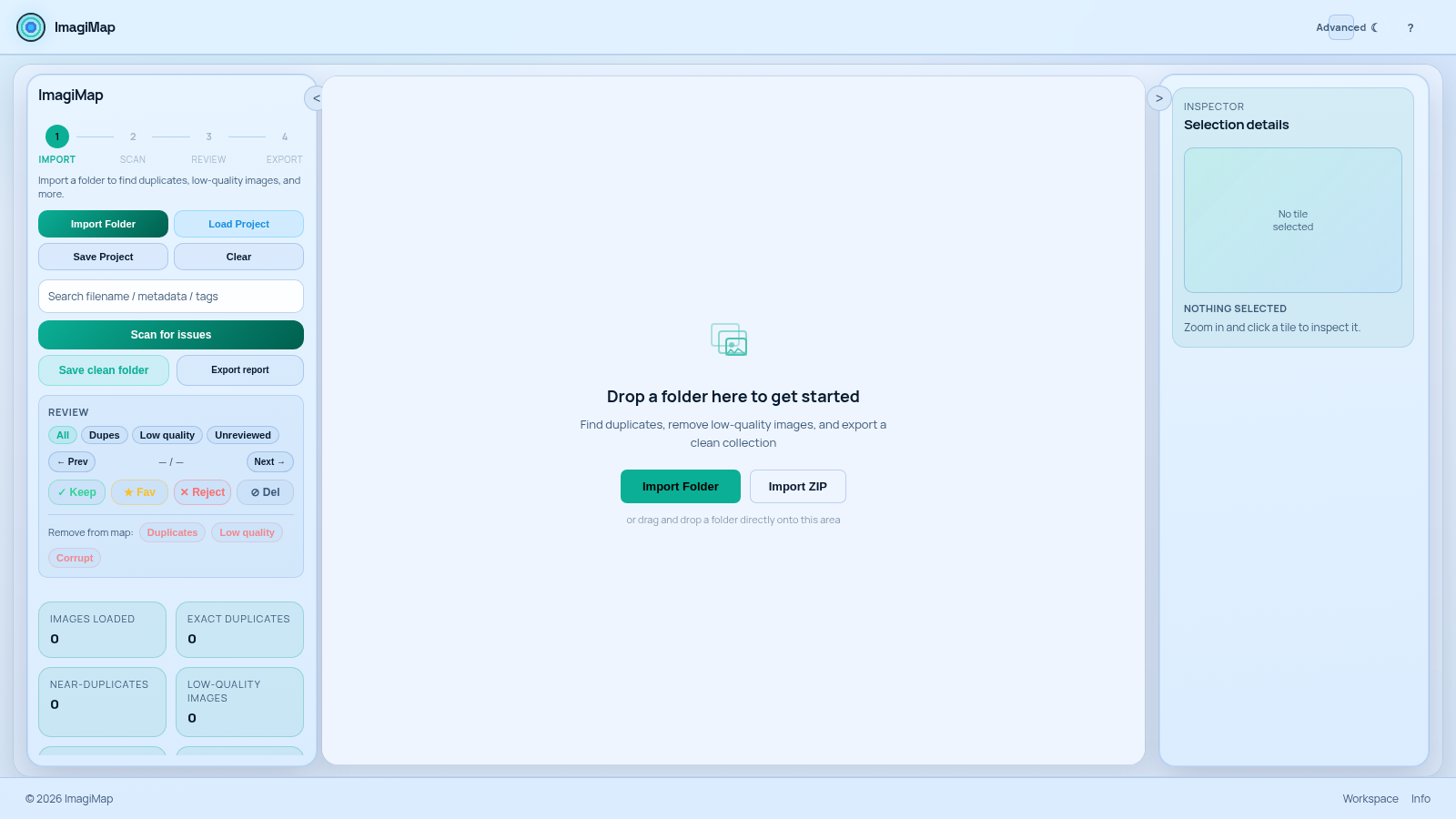
8ImagiMap Studio
Local-first visual cleaner for AI image collections, game assets, and large folders.
 1
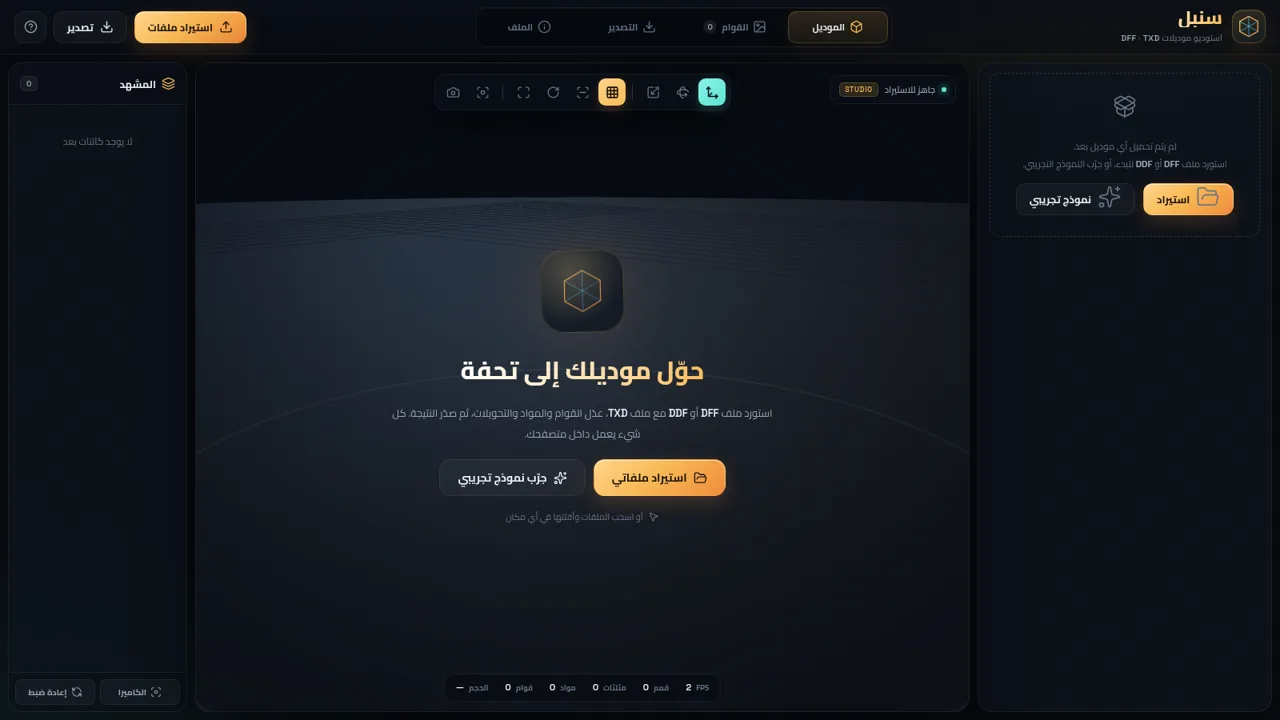
1سنبل — استوديو DFF و TXD
محرر موديلات RenderWare بصيغة DFF و DDF و TXD داخل المتصفح
 94
94OhMyPS - AI Image Editor
Brush, describe, and quickly edit part of an image with AI.
 79
79PDF Master AI
Private in-browser PDF toolkit to convert, merge, compress, edit, and protect files.