
OhMyPS - AI Image Editor

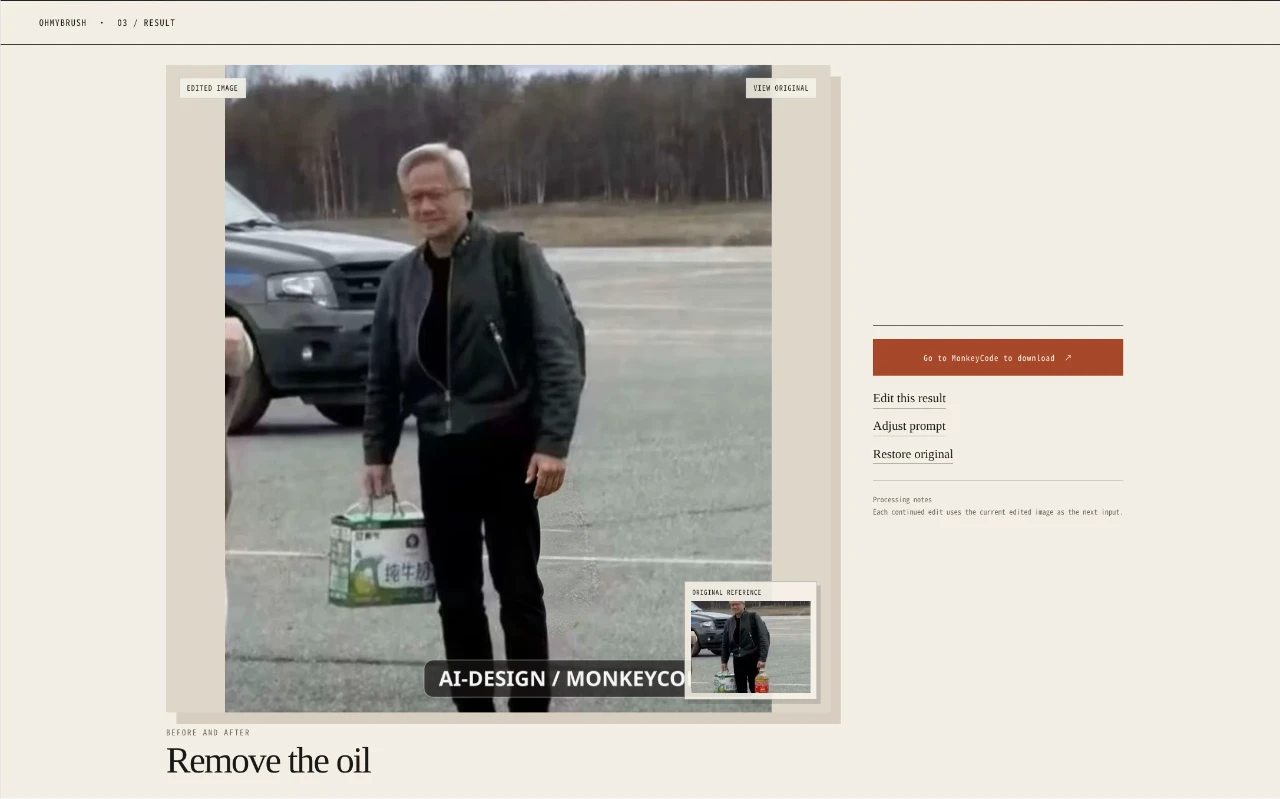
Brush a precise mask, describe the change, and edit only the part of an image that needs attention.
OhMyBrush is a browser-based AI image editor centered on targeted local changes. Users drop or select an image, paint a mask over the region to modify, and describe the intended result. Examples cover removing a passerby, replacing a mug with a vase, and changing clothing color. It accepts JPG, PNG, WebP, BMP, TIFF, and GIF files up to 10 MB and offers Chinese and English interfaces.
Highlights
Precise masking
Brush the exact area
Prompted edits
Describe each change
Broad formats
Six image formats
How to Use
Upload an image
Drop an image into the upload region or use the file chooser. Select a supported file no larger than 10 MB to begin.
Mark the target area
Paint a local mask over the specific part of the image that should change so the model receives a precise selection.
Describe the edit
Provide a clear description of the requested change, such as removing an unwanted person, replacing an object, or changing a clothing color, then continue to generate the edit.
Similar Sites
 81
81PDF Master AI
Private in-browser PDF toolkit to convert, merge, compress, edit, and protect files.
 21
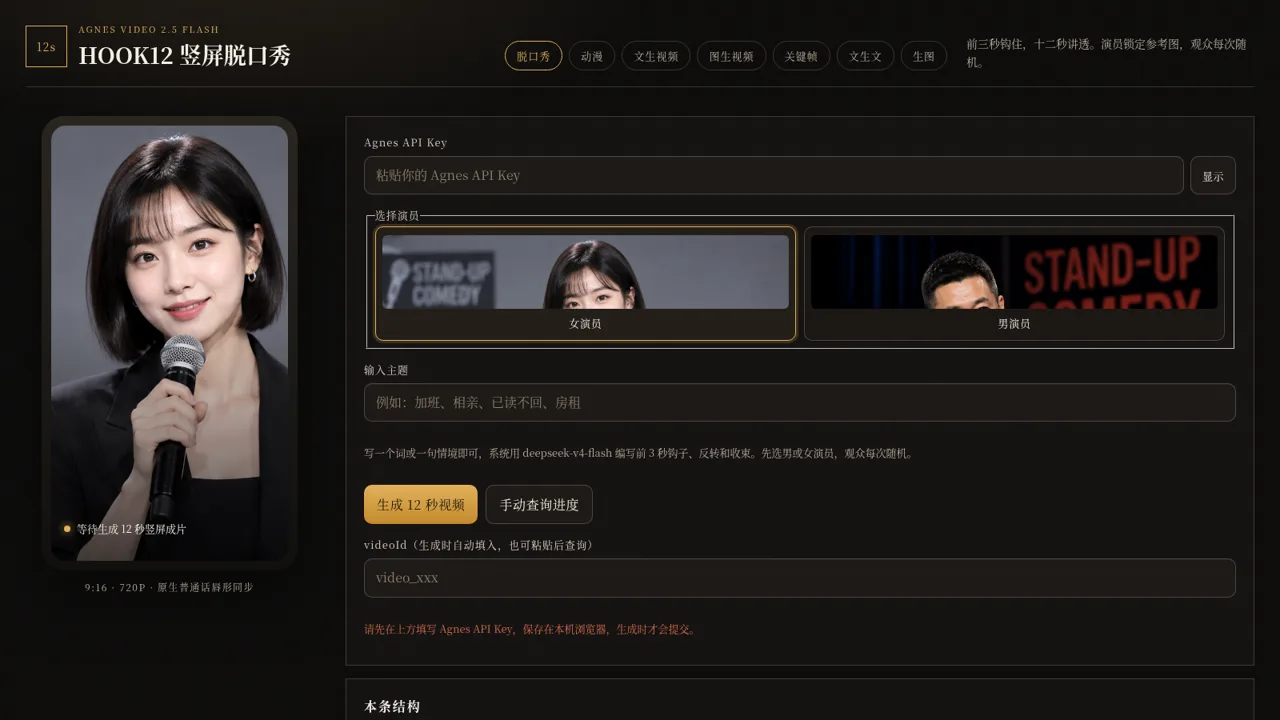
21HOOK12 Agnes 创作台
脱口秀、动漫、文生/图生/关键帧视频与文生文、生图工作台。
 11
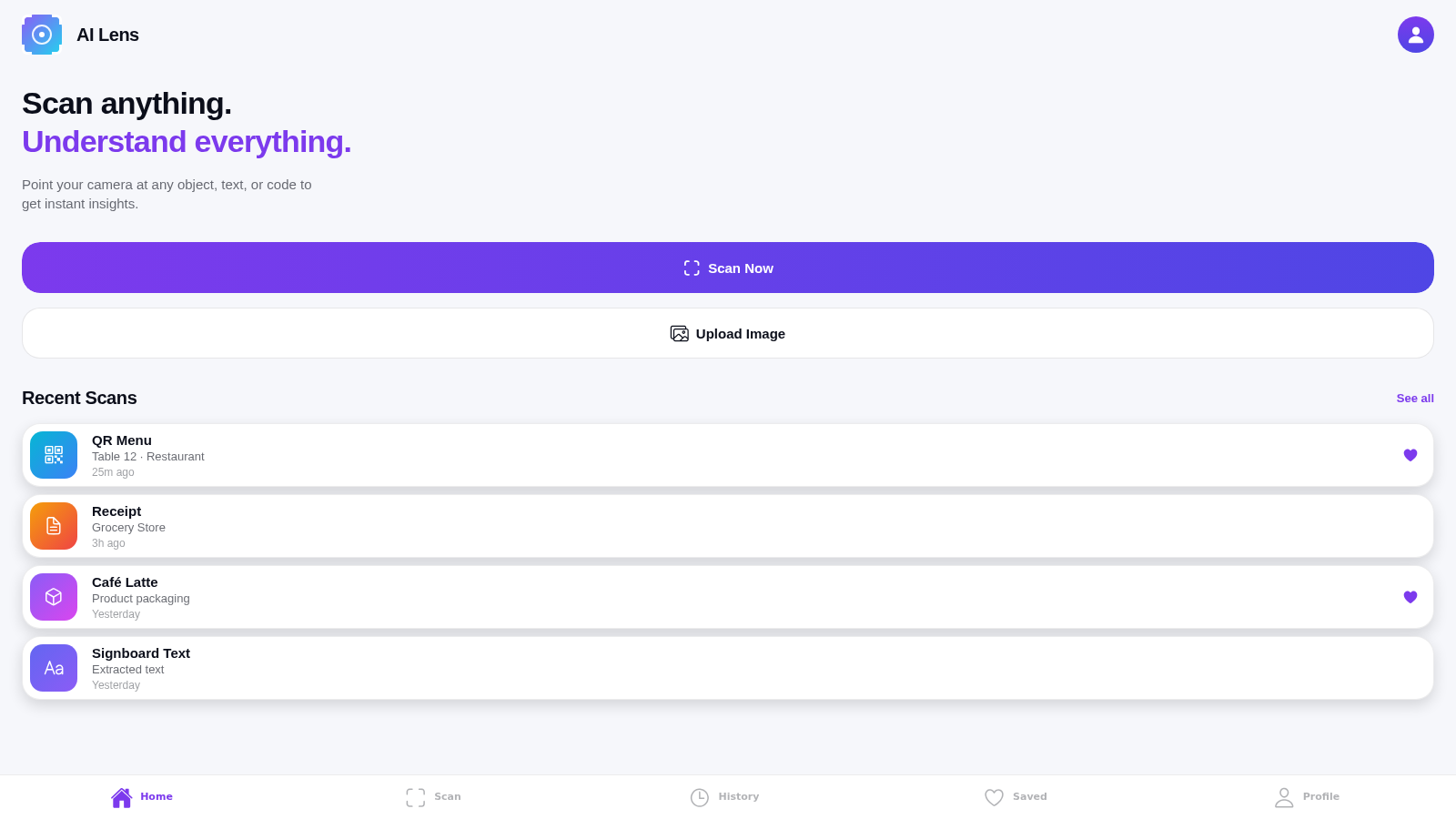
11AI Lens
Smart camera app to scan and understand objects, text, and codes around you
 8
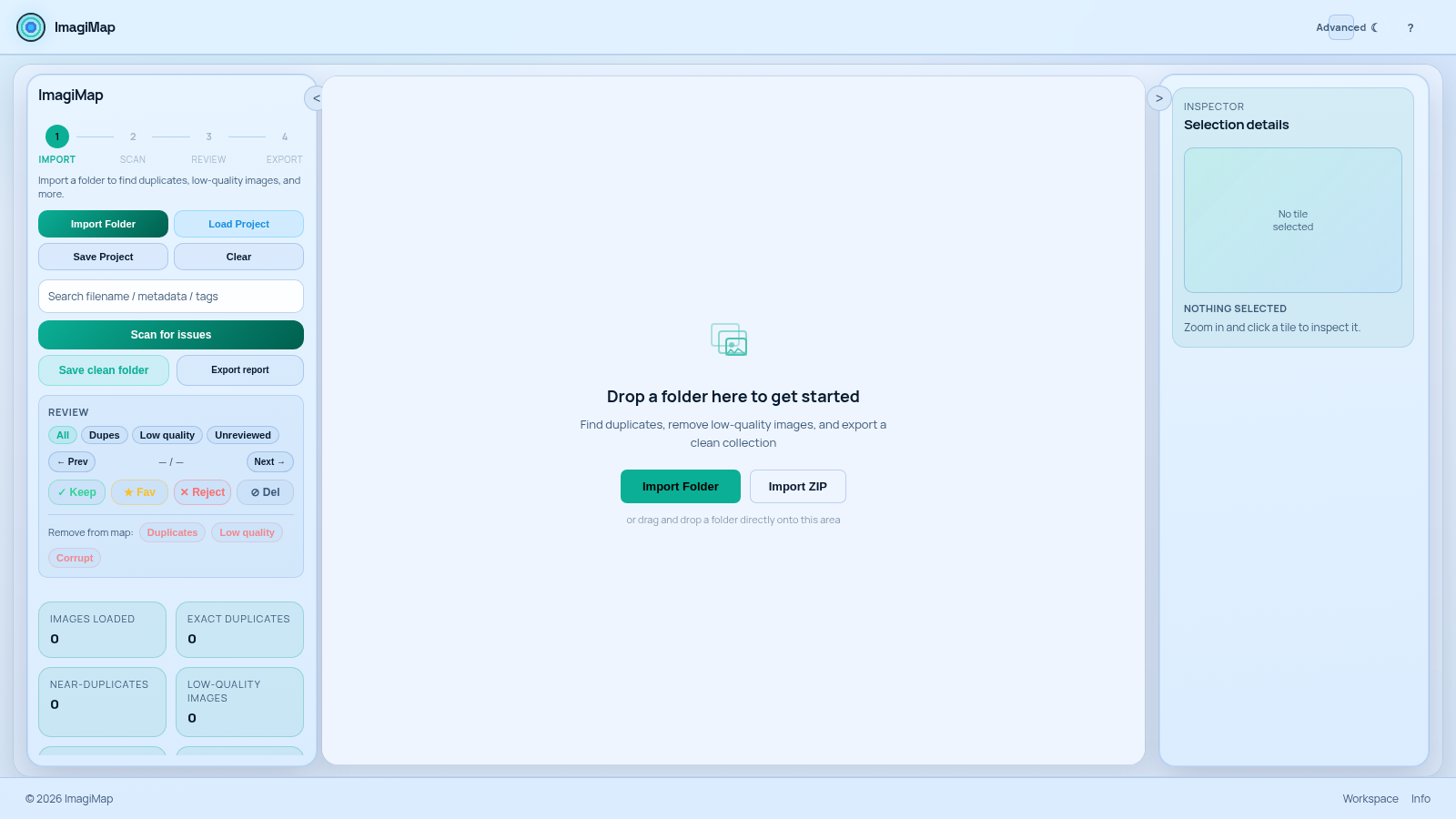
8ImagiMap Studio
Local-first visual cleaner for AI image collections, game assets, and large folders.
 7
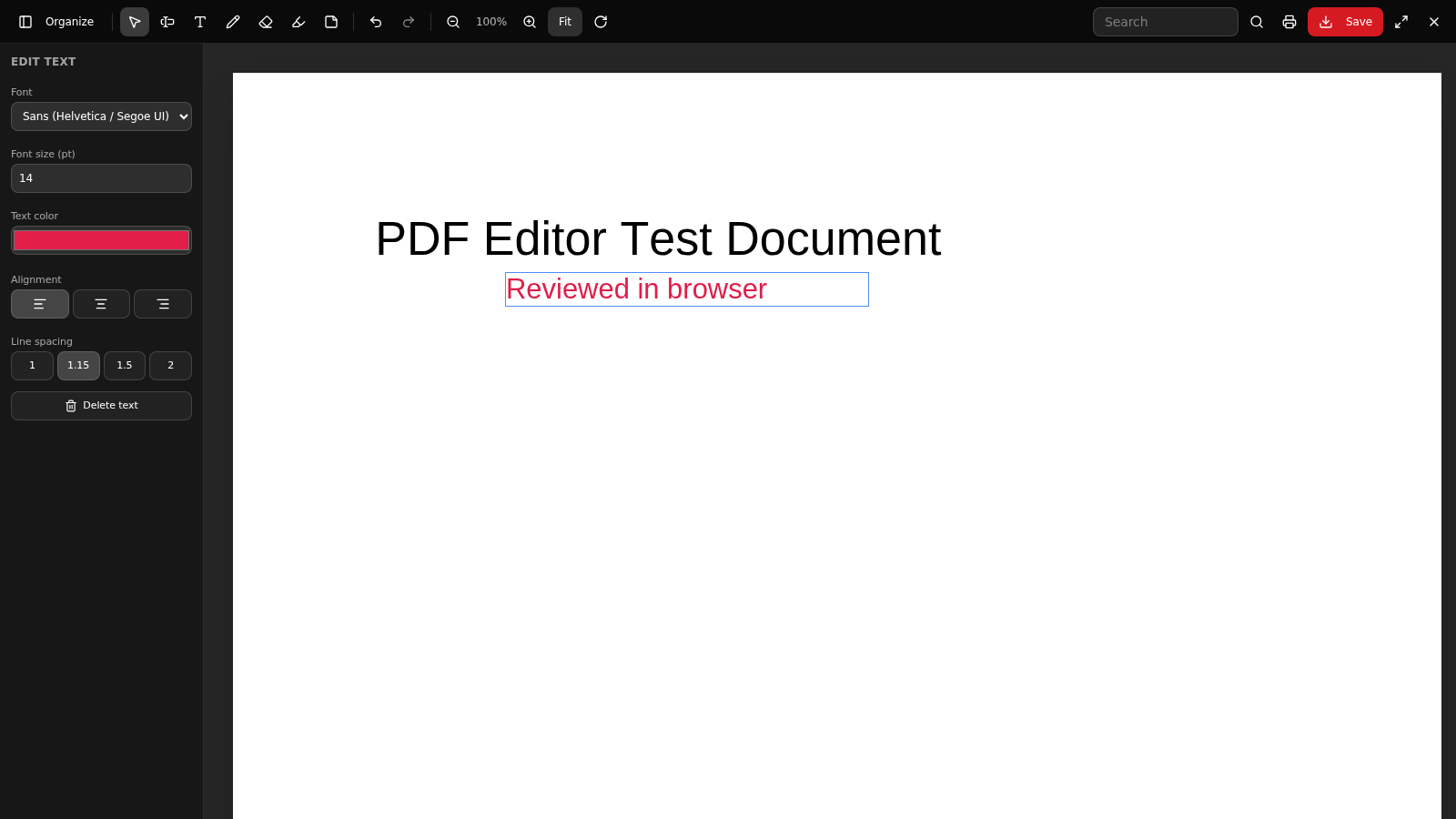
7PDF Editor PRO
Edit, organize, export, OCR and secure PDF documents in your browser.
 6
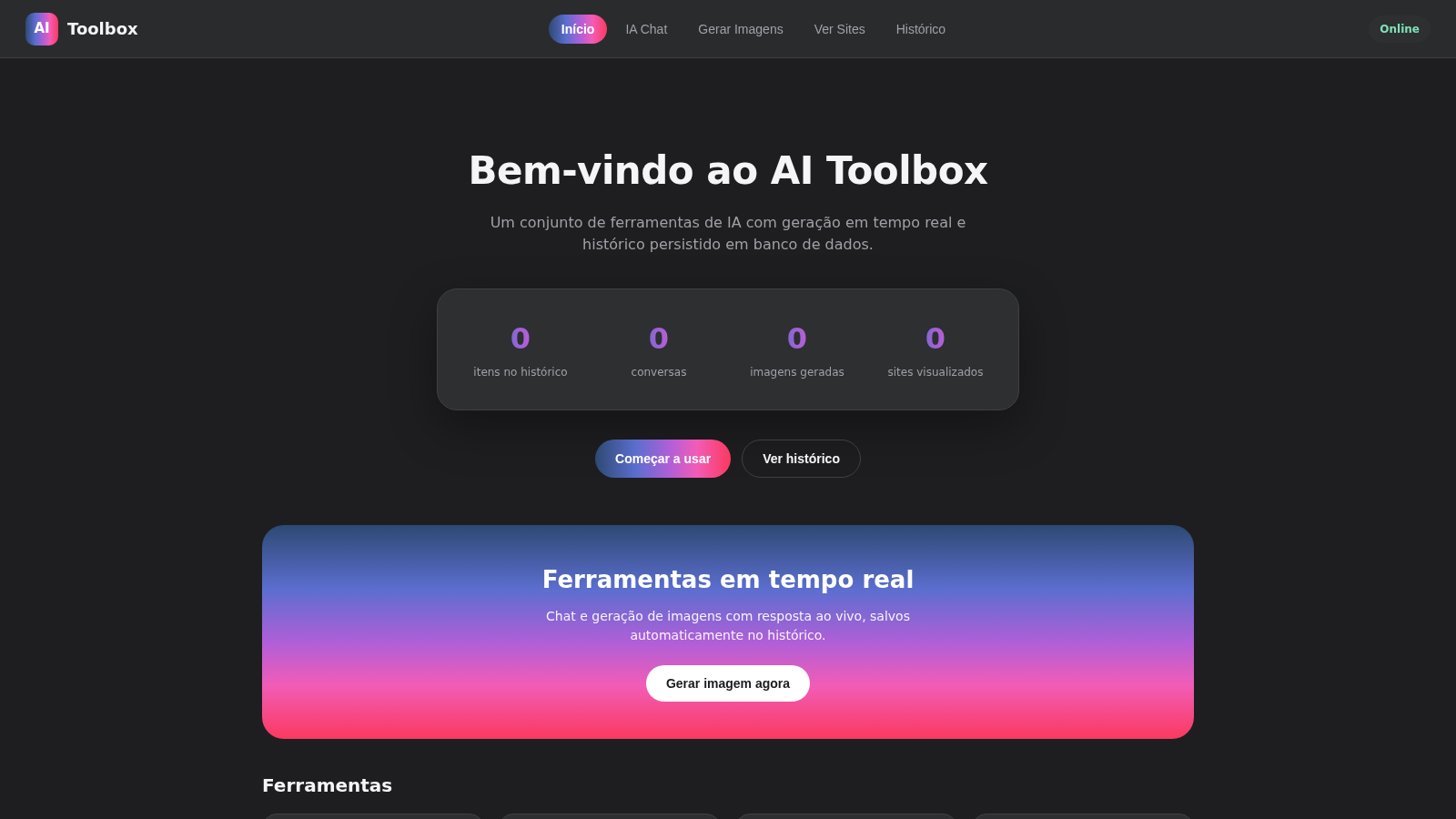
6AI Toolbox
IA chat e geracao de imagens em tempo real com historico salvo