
ImagiMap Studio
A local-first workspace to clean, review and export large image collections.
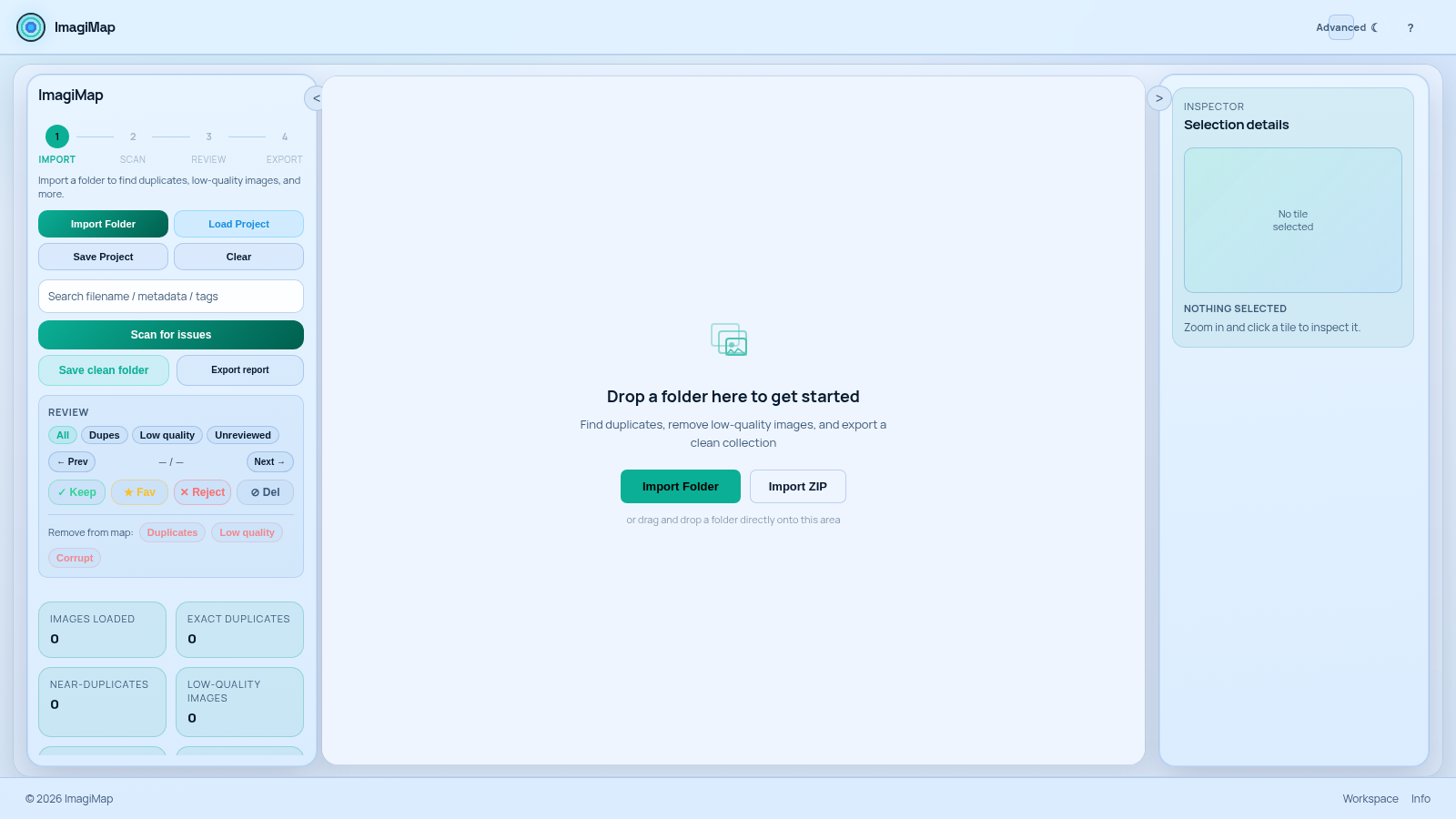
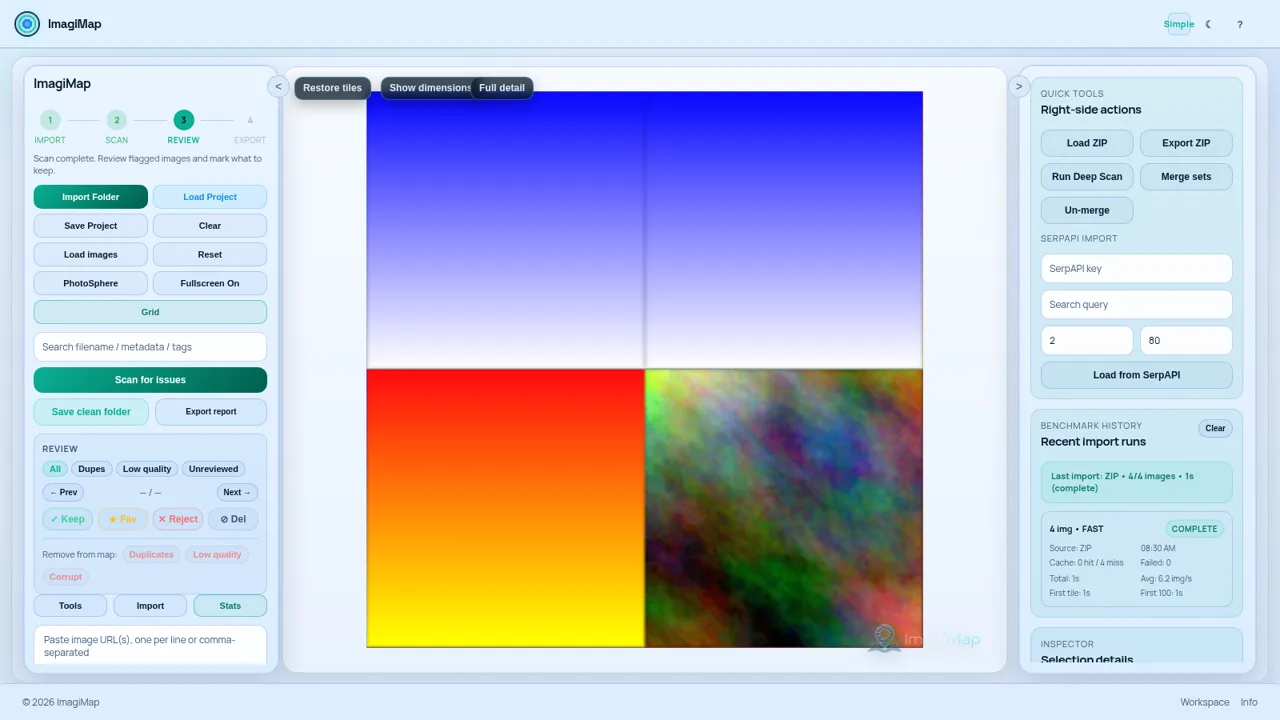
ImagiMap Studio is a browser-based, local-first tool for cleaning up large image collections such as AI-generated art, game assets and big photo folders. You import a folder or a store-only ZIP, optionally review a preview of the detected images, then run a scan that finds exact and near duplicates, low-quality images, corrupt files and visual outliers. Flagged items are reviewed on a zoomable grid where each tile can be marked Keep, Favourite, Reject or Delete, inspected in a preview editor, and finally exported as a clean folder or a report. All processing happens on the client side, so the files never leave the machine. An Advanced mode adds URL import, SerpAPI image import, set layout controls, dataset filters, a deep scan and import benchmark history.
Highlights
Local-first
No file uploads
Smart scanning
Finds duplicates
Visual review
Zoom grid, mark keep
Clean export
Save folder+report
How to Use
Import your images
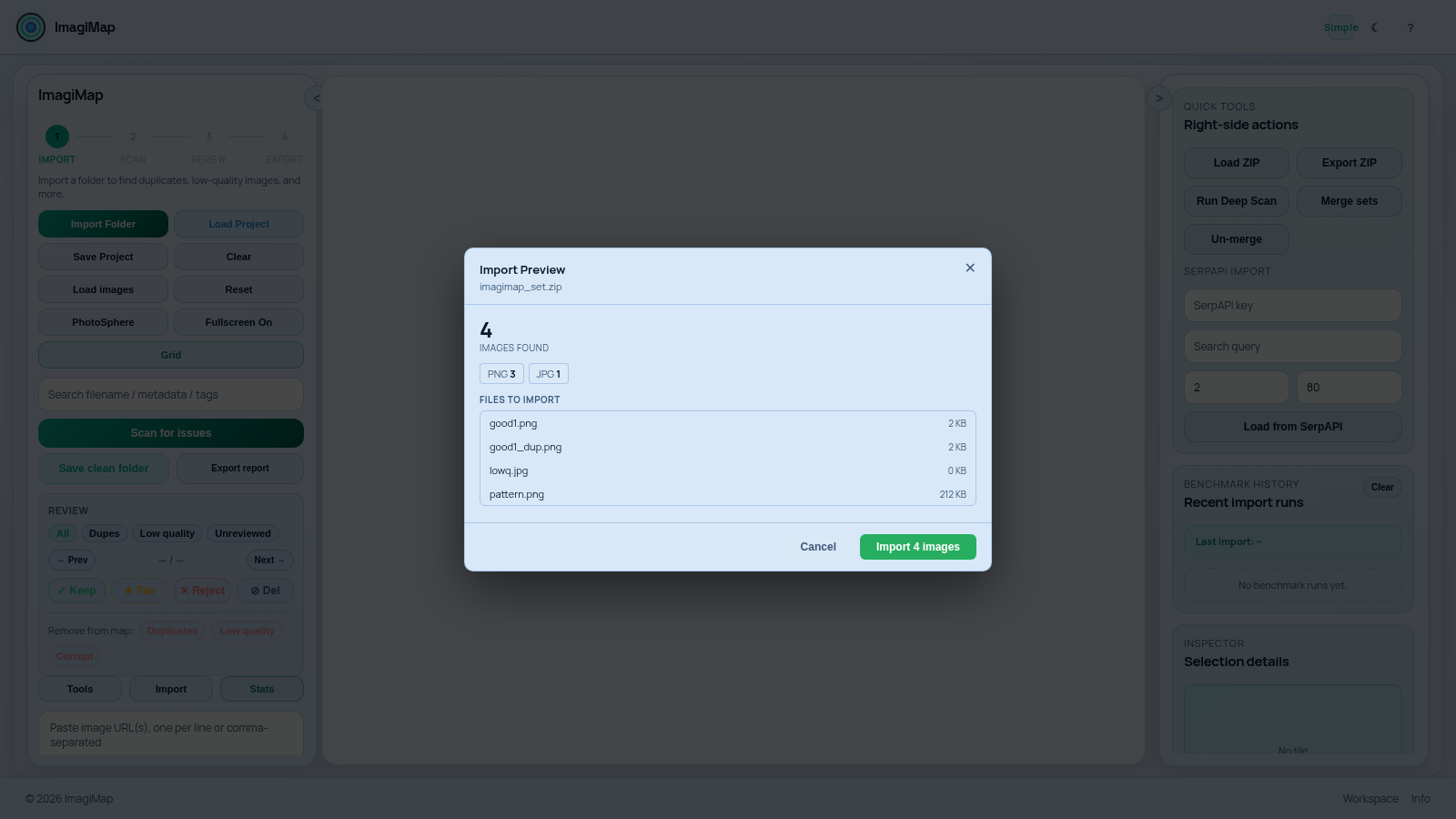
Drop a folder onto the central drop area, or use the Import Folder and Import ZIP buttons. When a ZIP is selected, an Import Preview dialog lists how many images were found, their format breakdown and per-file sizes; confirm with the Import button and the set is queued.
Scan for issues
Press Scan for issues to analyse the imported set. The stats panel updates the counts for exact duplicates, near-duplicates, low-quality images, corrupt or unreadable files and visual outliers, and the tiles in the grid become the working surface for review.
Review flagged tiles
Use the All, Dupes, Low quality and Unreviewed filters to narrow the list, then move through items and mark each one Keep, Favourite, Reject or Delete. Clicking a tile opens the preview editor with zoom, crop, background removal, colour presets, sharpen, denoise, upscaling and GIF export; items can also be dropped from the map in bulk by category.
Export the clean set
When the review is done, use Save clean folder to write out the kept images, or Export report to get a summary. A project can also be saved and loaded later, and the Advanced panel offers a ZIP export and a URL set export alongside the SerpAPI and URL import tools.
Similar Sites
 3
3CARTOON STUDIO 2D
Estudio profissional de animacao 2D cartoon quadro a quadro
 1
1سنبل — استوديو DFF و TXD
محرر موديلات RenderWare بصيغة DFF و DDF و TXD داخل المتصفح
 94
94OhMyPS - AI Image Editor
Brush, describe, and quickly edit part of an image with AI.
 79
79PDF Master AI
Private in-browser PDF toolkit to convert, merge, compress, edit, and protect files.
 77
77BJJ STAT — ANALISE. ENTENDA. EVOLUA.
Scout de Jiu-Jitsu em um toque. Placar IBJJF, relatórios visuais e PWA offline.
 58
58ToolCraft - Free Online Tools
Free, fast, privacy-friendly online tools & expert guides - all in your browser.