
سنبل — استوديو DFF و TXD
An Arabic-first browser studio for RenderWare DFF, DDF and TXD assets
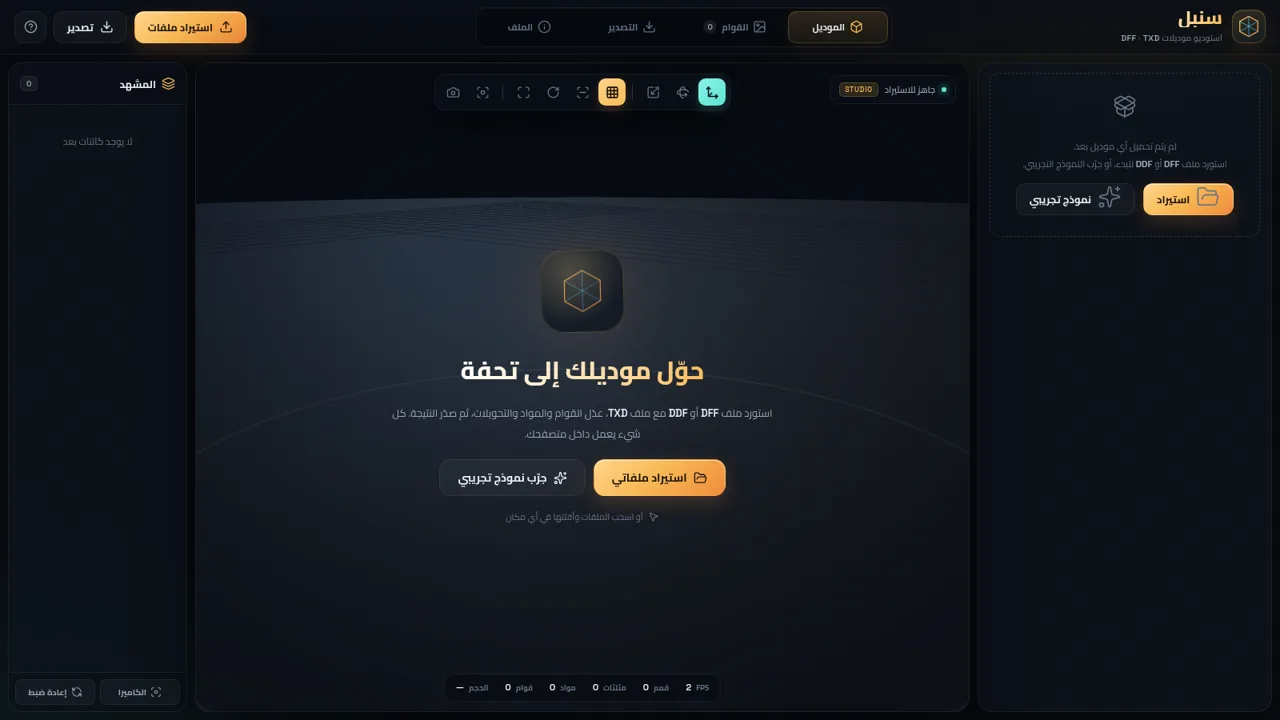
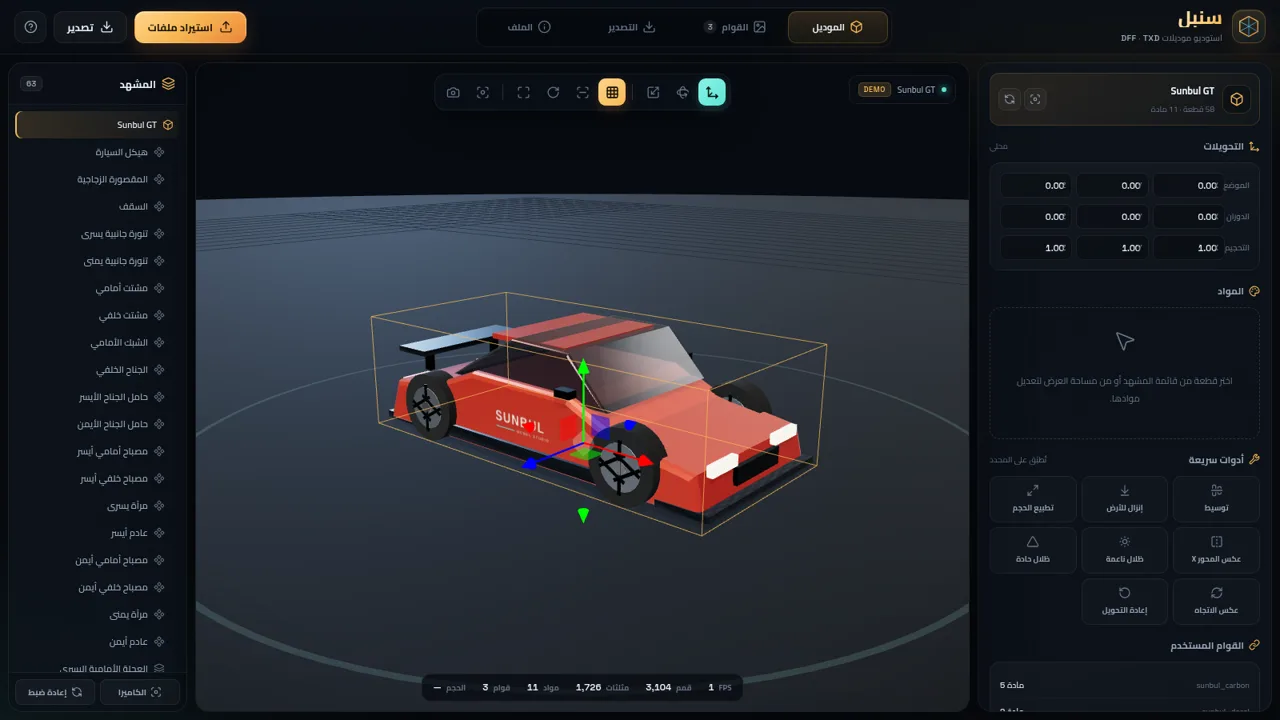
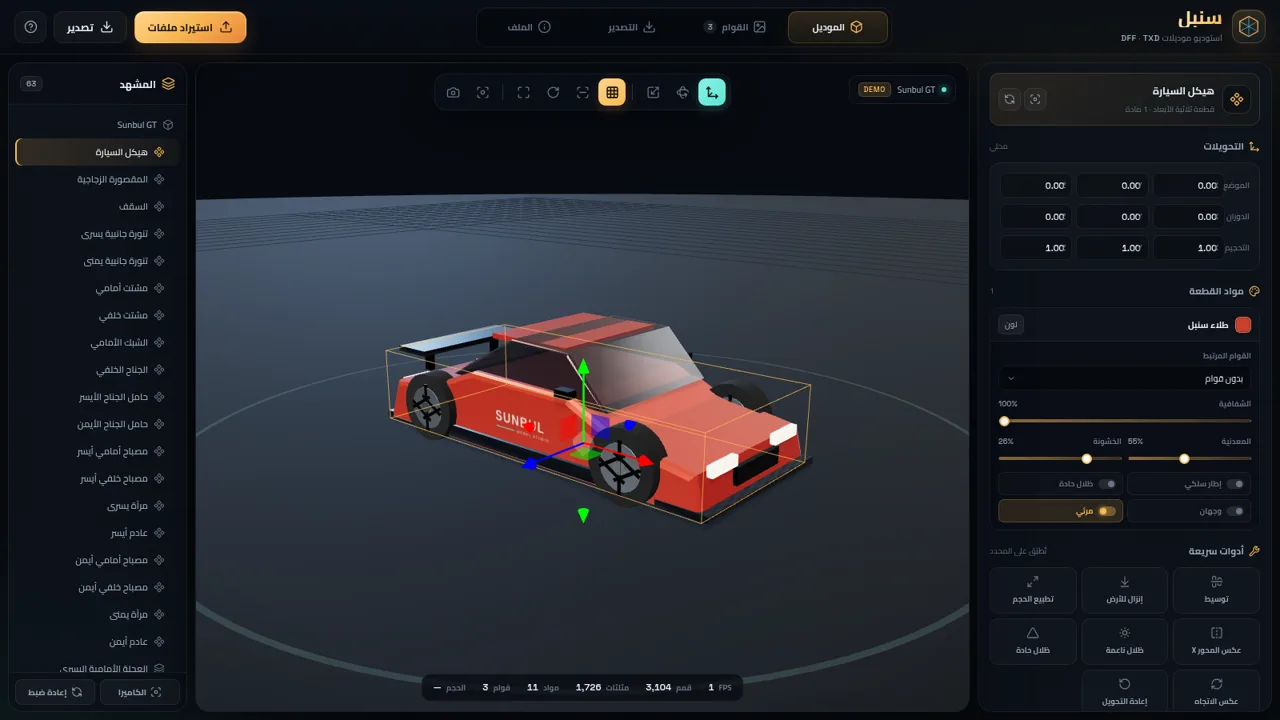
سنبل is a right-to-left 3D model studio that runs in the browser and works with RenderWare files. It can import DFF or DDF models together with TXD textures, or load a demo car named Sunbul GT. Once a model is loaded, the scene tree breaks it into parts, the viewport shows the geometry with orbit and zoom controls, and the right panel exposes transforms, material colour, texture links, opacity, metallic and roughness values. A texture library adds image replacement and adjustment tools for brightness, contrast, saturation, tint, flipping, rotation and colour inversion. Finished work can be exported as GLB, an A8R8G8B8 TXD dictionary or a PNG snapshot, while the whole project can be saved to and reopened from a JSON file. All processing is local, with no account or upload step.
Highlights
Live 3D viewport
Orbit, zoom, inspect
Part-level editing
Select and transform
Texture workshop
Edit linked images
Local export suite
GLB, TXD, PNG, JSON
How to Use
Open the studio
Use the import button to choose DFF, DDF or TXD files, drag them onto the page, or press the demo button to load Sunbul GT. The viewport and scene tree populate once the model is ready.
Inspect and select parts
Browse the scene tree on the left or click geometry in the viewport. The selected part is outlined, and the right panel switches to its transform and material controls.
Edit transforms and materials
Type position, rotation and scale values, or use the quick tools to center, ground, normalize, mirror or reset the selection. Adjust material colour, texture assignment, opacity, metallic and roughness, and toggle wireframe, sharp shading, double-sided and visibility as needed.
Refine textures
Open the Textures tab to see the texture library, add or replace images, and edit brightness, contrast, saturation, opacity, tint, flips, rotation or colour inversion. Changes update the model and every material that uses the texture.
Export or save
Switch to the Export tab to generate GLB, TXD or PNG output, or save the current project as JSON. The File tab shows the loaded asset summary and offers the same project save and open actions.
Similar Sites
 19
19قِنديل · الذكاء الأسطوري
مساعد ذكاء اصطناعي أسطوري: تحدّث معه بصوتك واستمع إلى ردّه بصوت جوجل
 17
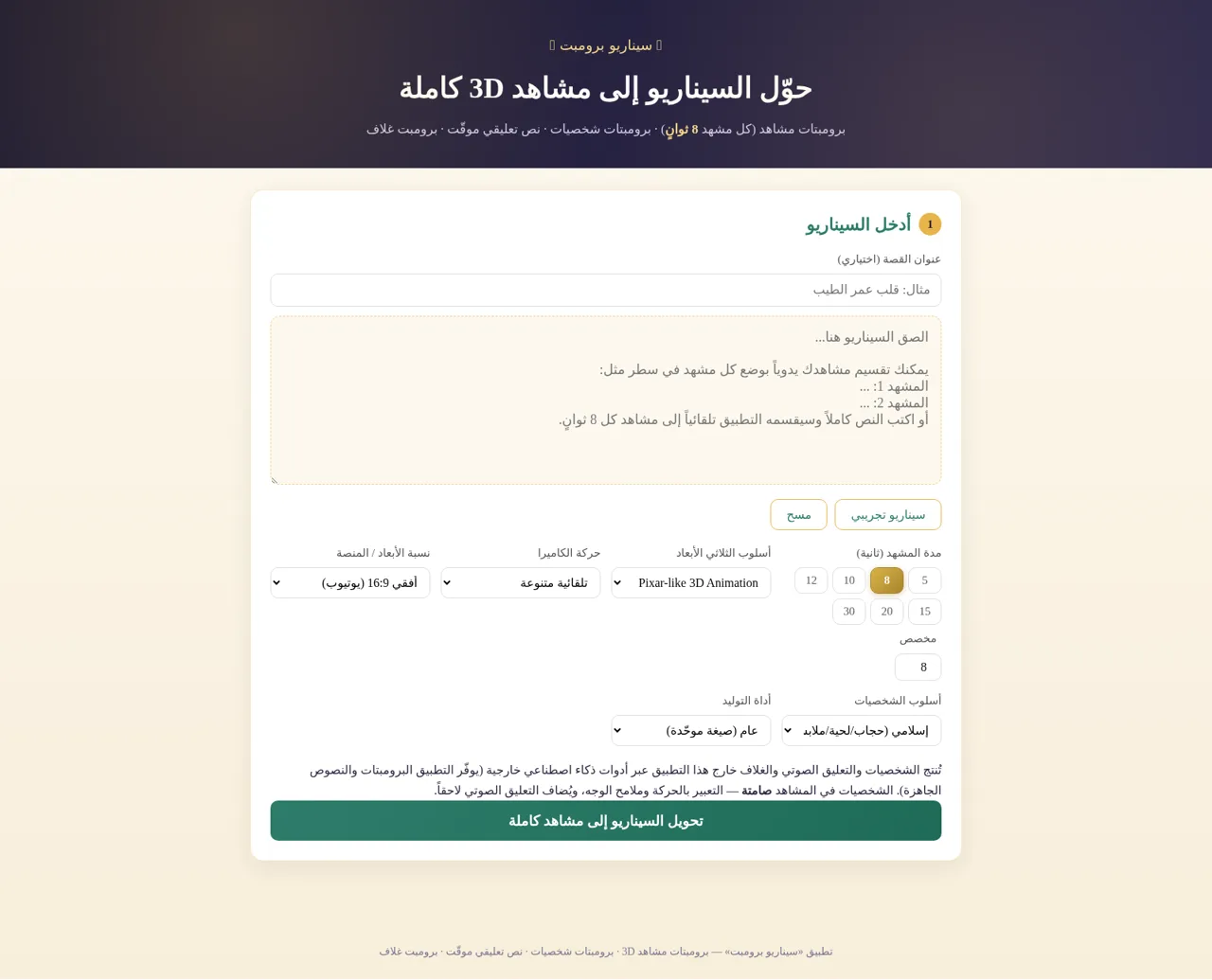
17سيناريو برومبت
حوّل السيناريو إلى برومبتات مشاهد 3D وشخصيات ونص تعليقي وبرومبت غلاف
 16
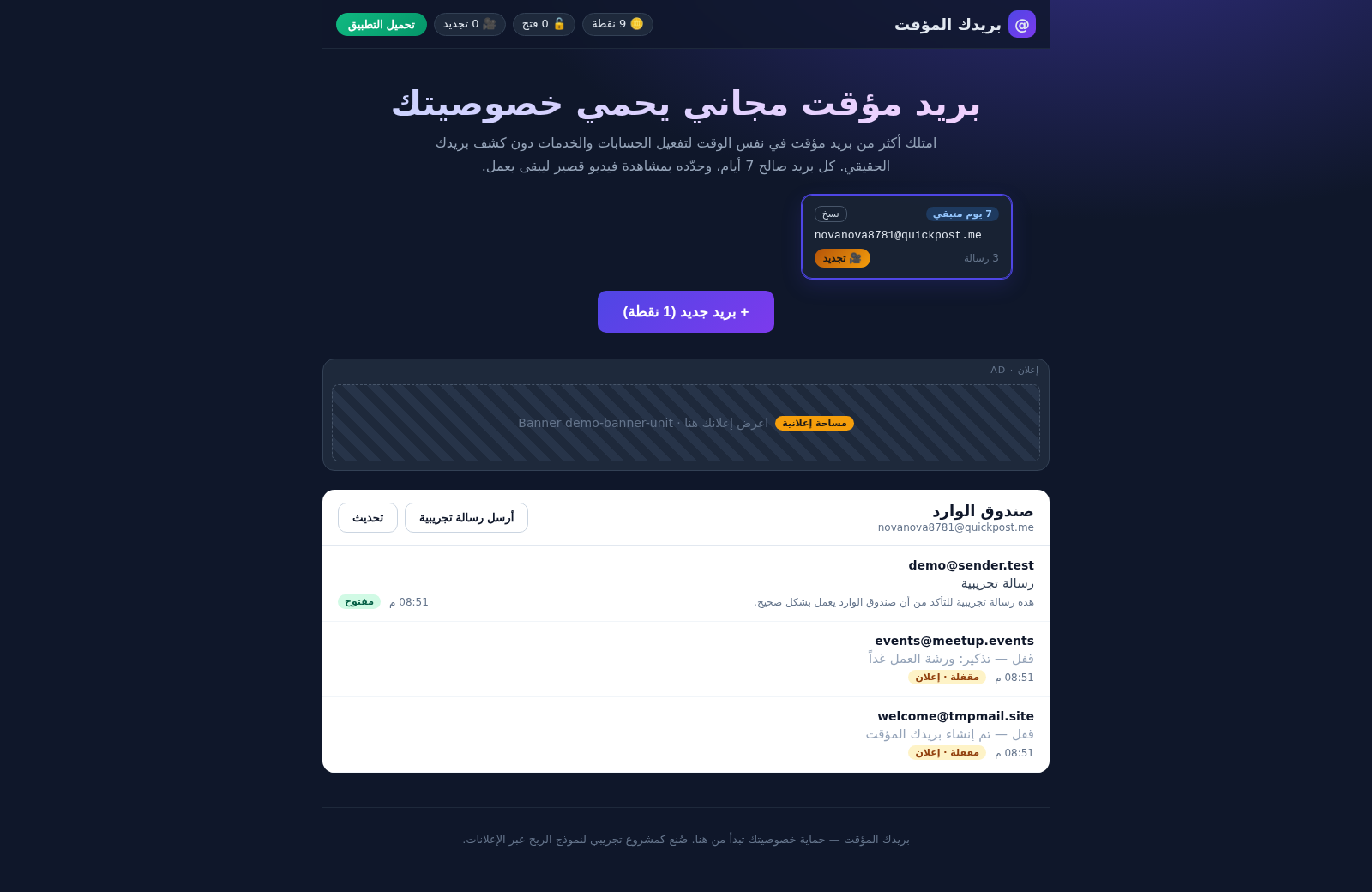
16بريدك المؤقت
بريد مؤقت مجاني آمن - أنشئ أكثر من بريد في وقت واحد، احمِ خصوصيتك، واربح النقاط بمشاهدة الإعلانات
 8
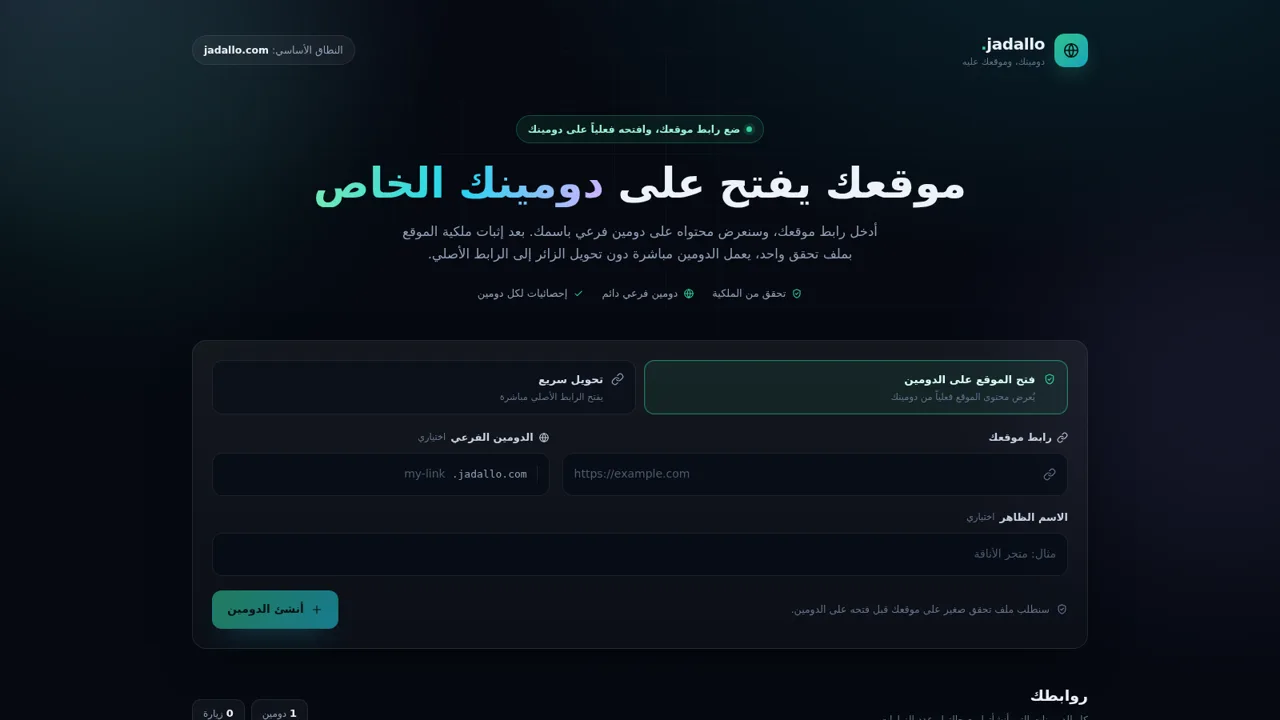
8jadallo — موقعك على دومينك
انشر موقعك على دومين فرعي باسمك بعد التحقق من الملكية
 7
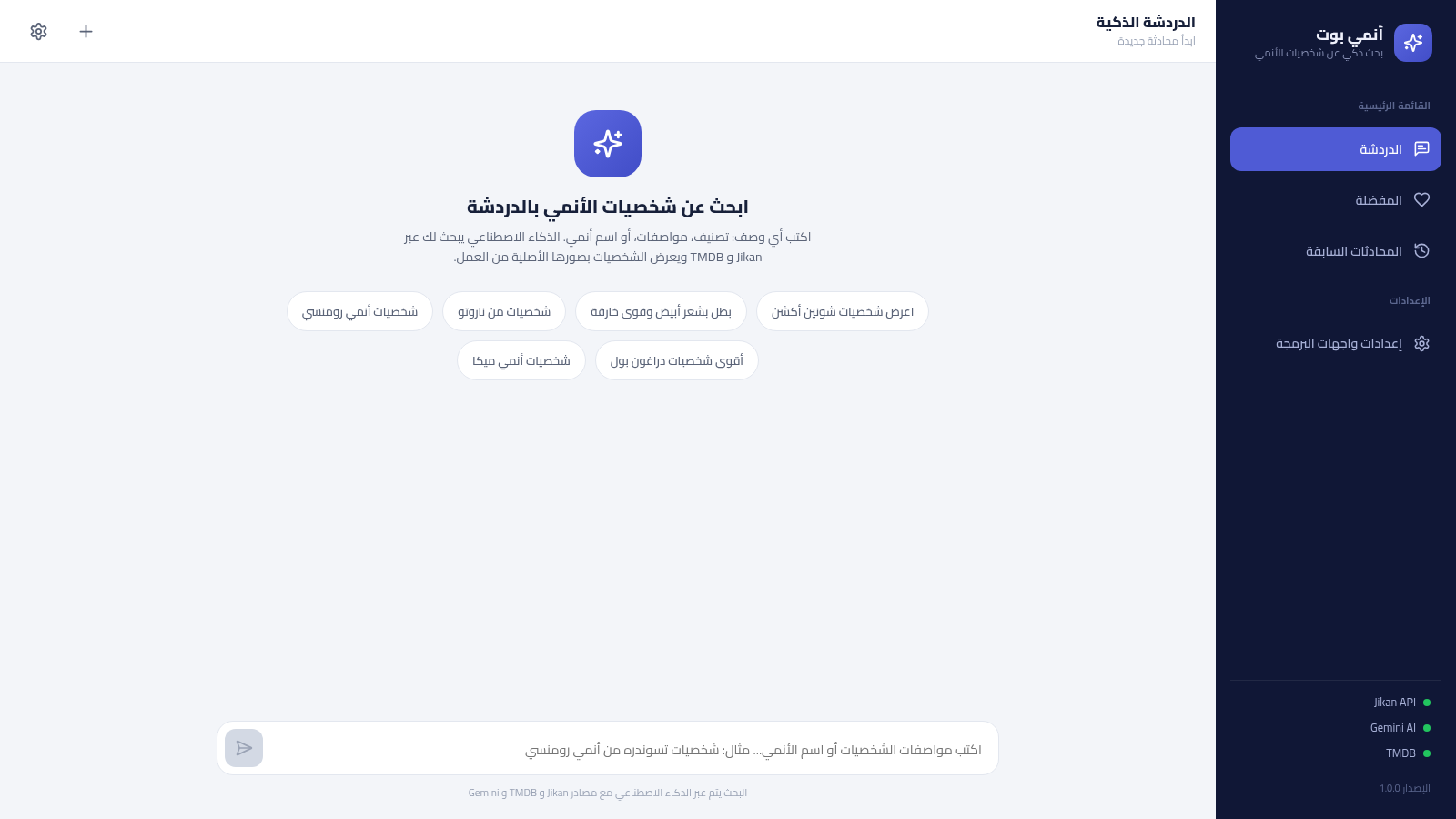
7أنمي بوت - بحث ذكي عن شخصيات الأنمي
بحث ذكي عن شخصيات الأنمي بالعربية عبر الذكاء الاصطناعي، يعتمد على Jikan و TMDB ويحفظ مفضلتك ومحادثاتك
 2
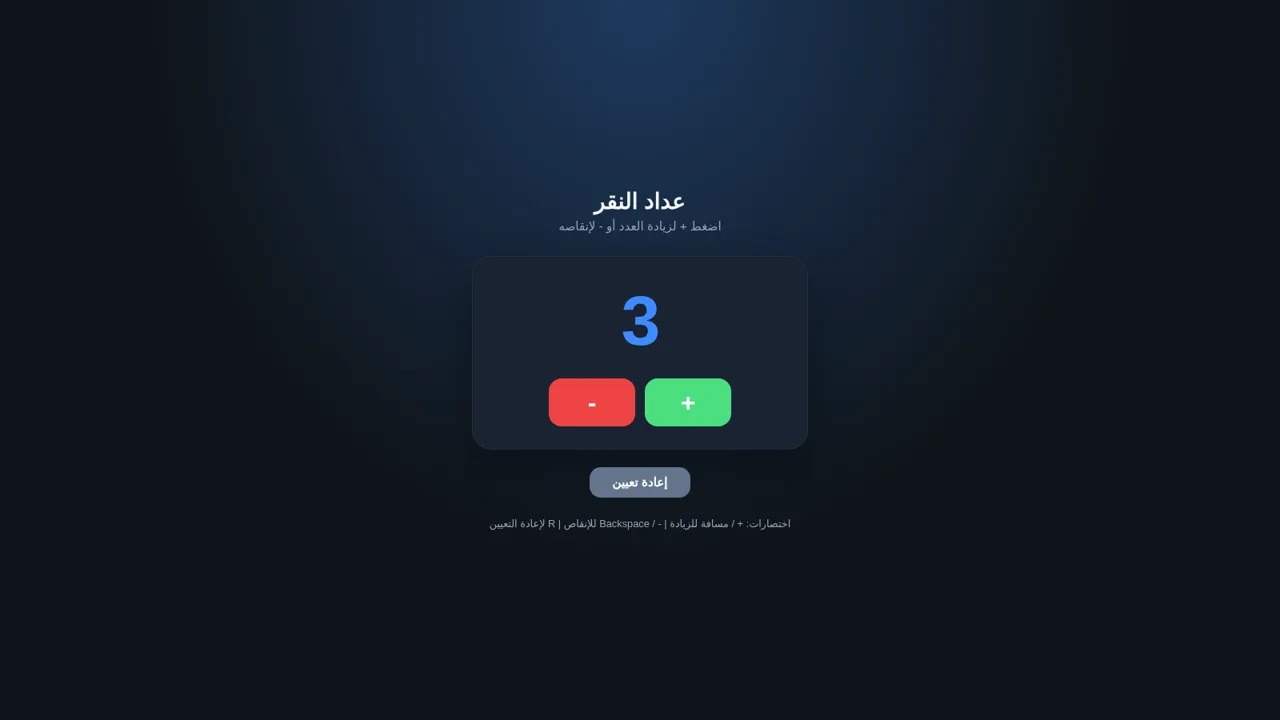
2عداد النقر
عداد نقر بسيط: زيادة وإنقاص وإعادة تعيين مع حفظ العدد في المتصفح