
الاصلي لقطع الغيار
An Arabic ERP that runs a spare parts shop and car workshop end to end
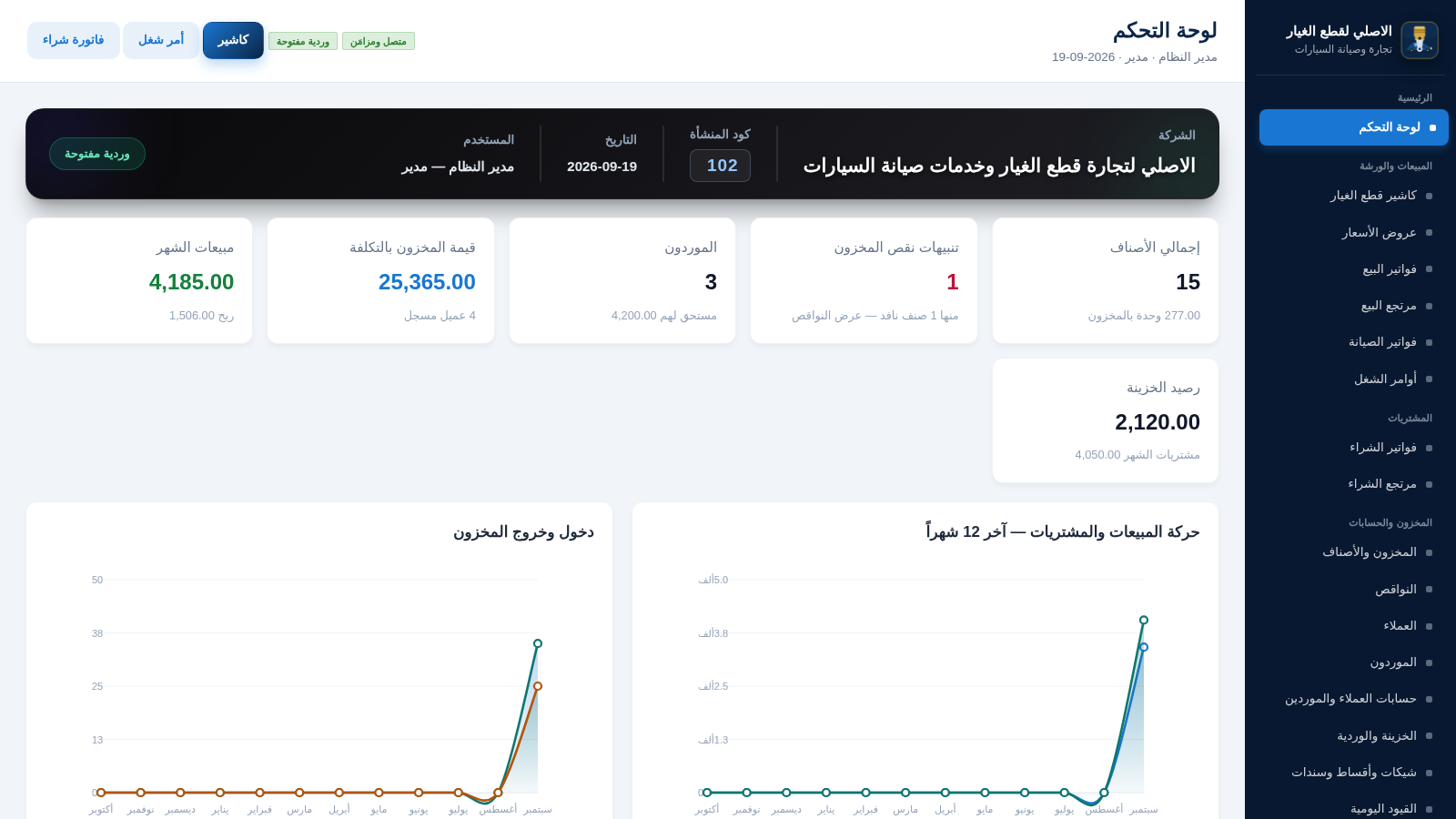
Al-Asli is a browser based Arabic ERP for a business that sells auto spare parts and runs a car maintenance workshop. After signing in you land on a dashboard that summarises stock value, customer and supplier balances, low stock alerts, monthly sales, purchases and a twelve month movement chart. The system covers a spare parts cashier with cart, discounts, coupons and multiple payment methods, sales, purchase, maintenance and return invoices, work orders, an inventory module with item creation, stock locations, adjustments, transfers, cycle counts and serial numbers, customer and supplier accounts, treasury and shift handling, cheques and installments, journal entries, cost accounting, profit and loss, expenses, marketing coupons, reports for day, month and year periods, plus employees, advances and salaries. An offline sync section and an offline catalog endpoint support working without a stable connection. All text and numbers are presented in a right to left Arabic interface.
Highlights
Fast POS checkout
Cart and discounts
Inventory control
Stock and locations
Full accounting
Invoices and ledgers
HR and payroll
Staff and salaries
How to Use
Sign in with the demo account
Open the site and the login screen appears. The page states the default credentials admin and admin123, which are already filled in, so press the login button to enter. You then arrive at the dashboard, where the left sidebar groups every module and the header shows the company, the logged in user, the date and the connection and shift status.
Work the cashier
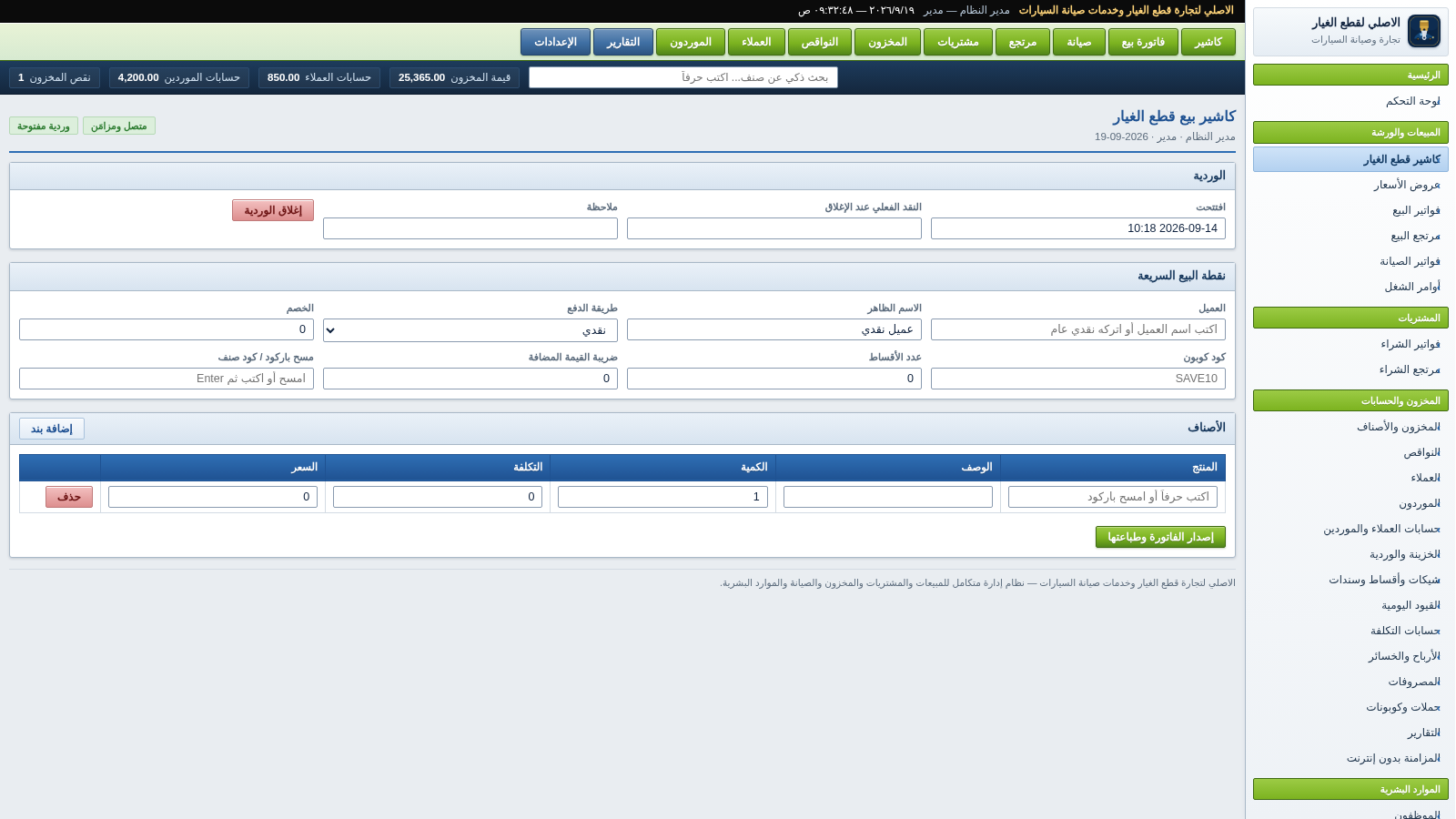
Choose the spare parts cashier from the sidebar. The screen shows the current shift, a quick point of sale area and a cart table. Pick a payment method, optionally enter a discount or coupon code, scan or type a barcode, then add line items and adjust quantity, cost and price. A button issues and prints the invoice. Summary tiles on the same screen show stock value, customer and supplier balances and the shortage count.
Manage stock
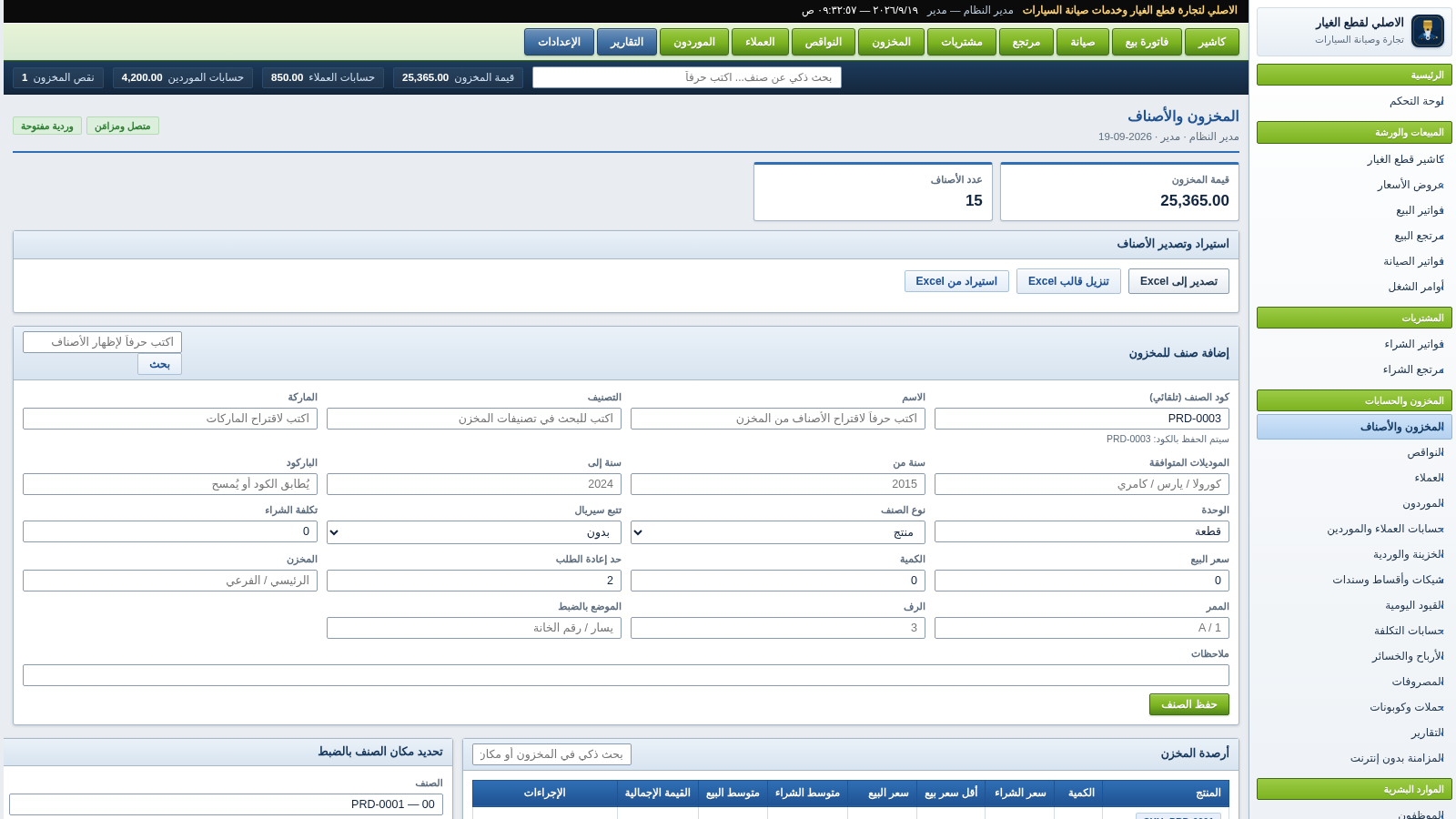
Open the inventory module to see the item balances table with SKU, category, quantity, cost and selling prices and total value. A form on the same page creates a new item with category, brand, compatible models, barcode, unit, purchase cost, sale price, quantity, reorder threshold and a precise storage location. Links next to each row open editing, warehouse transfer, stock movement and item detail views, and panels below handle location, adjustment, transfer, cycle count, serial number and recent stock movements.
Read the reports
The reports page shows sales, gross profit, purchases, expenses plus salaries and net income for the selected period, with day, month and year switches. Below it are best selling and most profitable item tables and the outstanding balances of customers and suppliers, so the owner can review performance without leaving the dashboard.
Similar Sites
 19
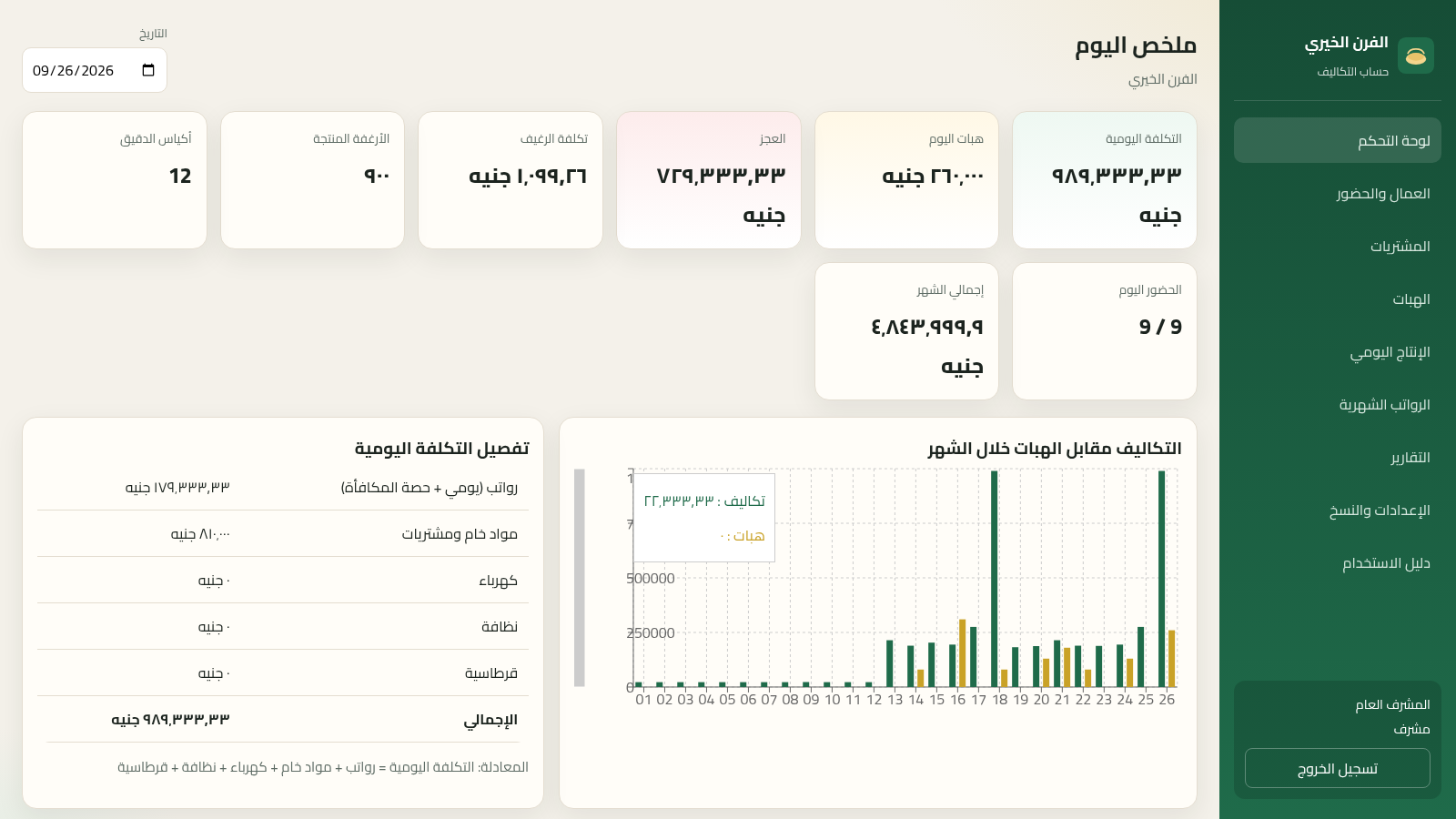
19حساب تكاليف الفرن الخيري
حساب التكاليف اليومية والشهرية للفرن الخيري ومقارنتها بهبات المحسنين مع تقارير جاهزة للطباعة
 26
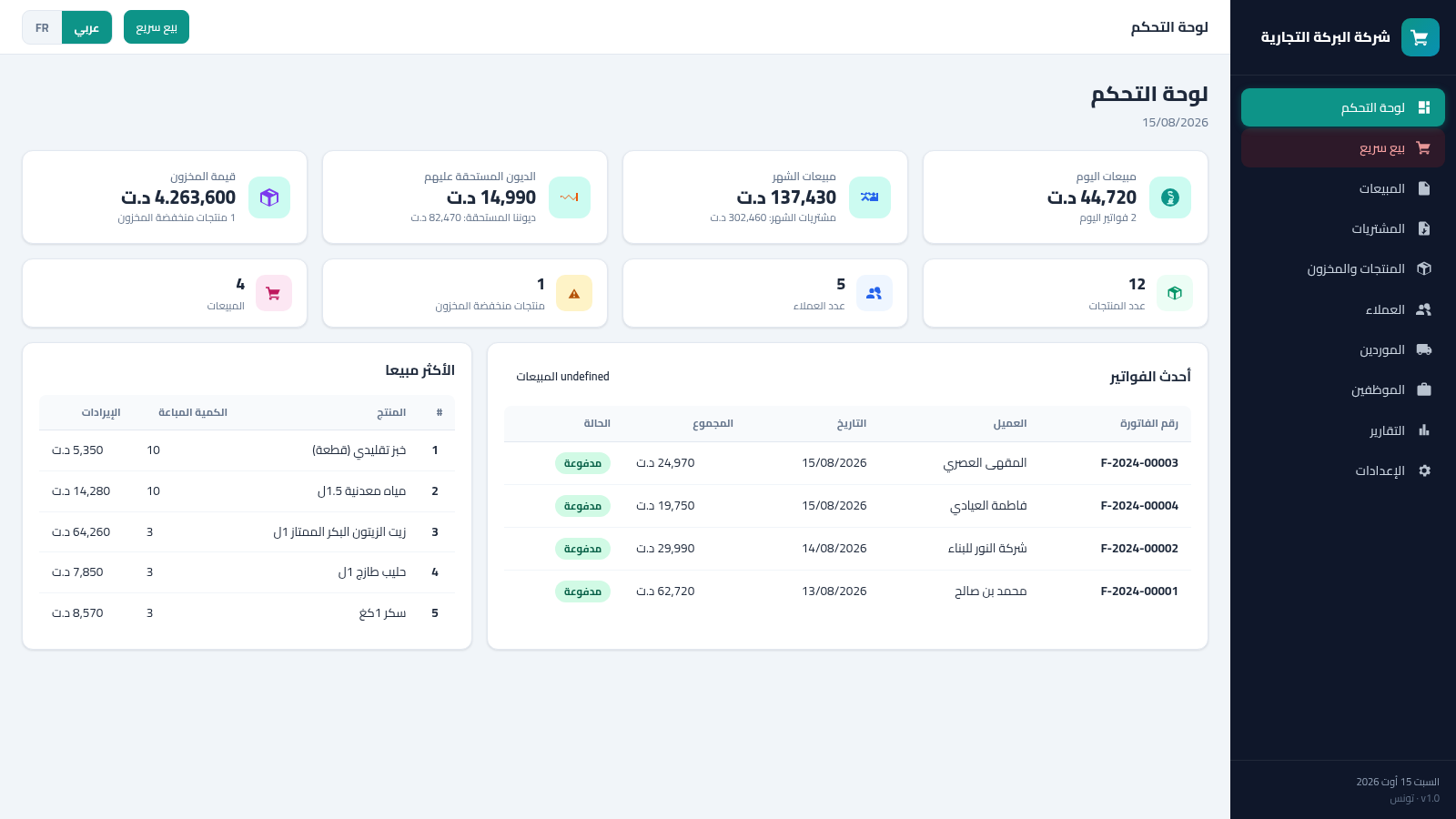
26Tunisia ERP Commercial
Gestion commerciale: ventes, achats, factures, stock, clients - dinar tunisien AR/FR
 15
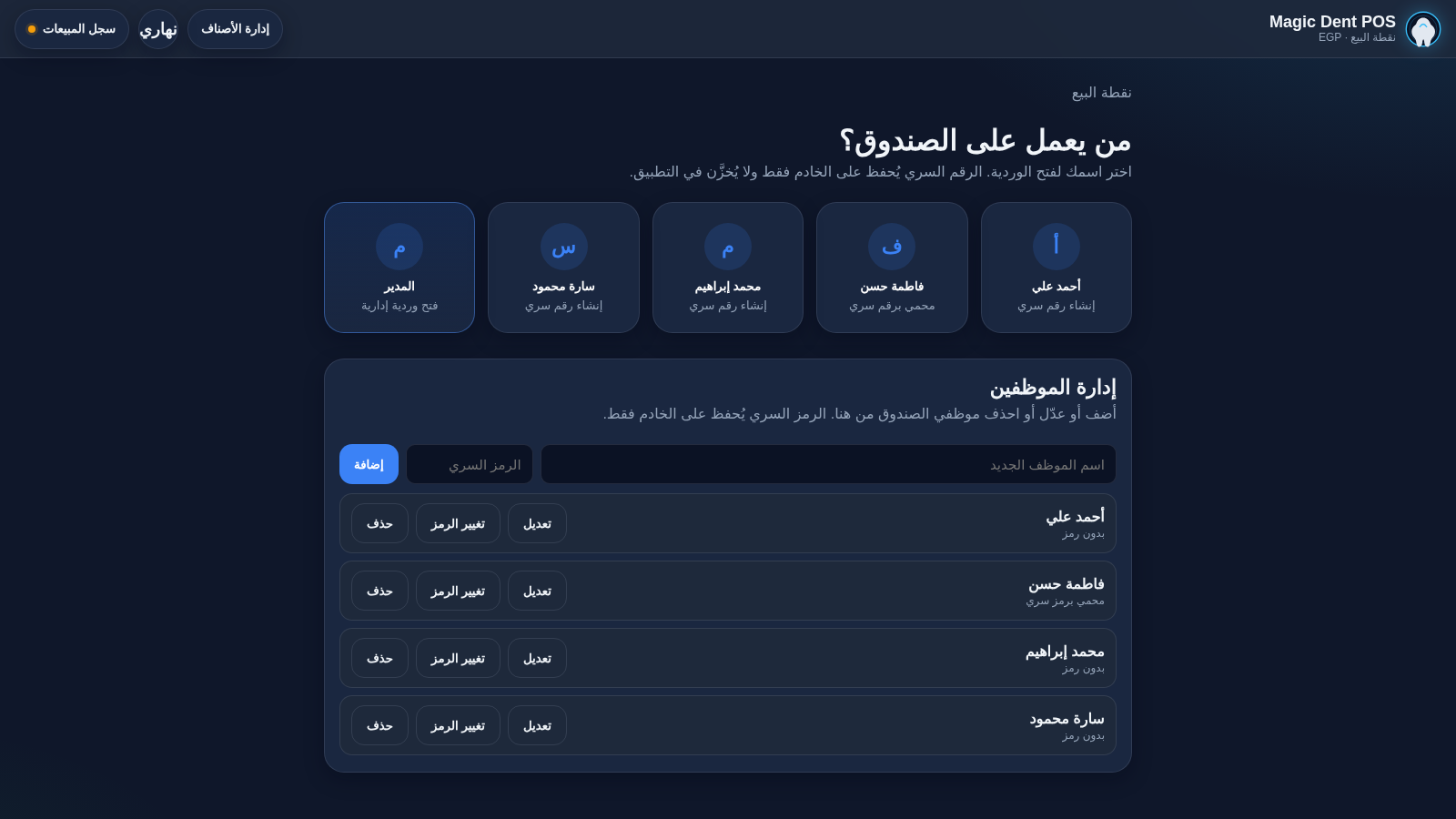
15Magic Dent POS
Arabic dental clinic POS for cashiers, invoices, and catalog
 14
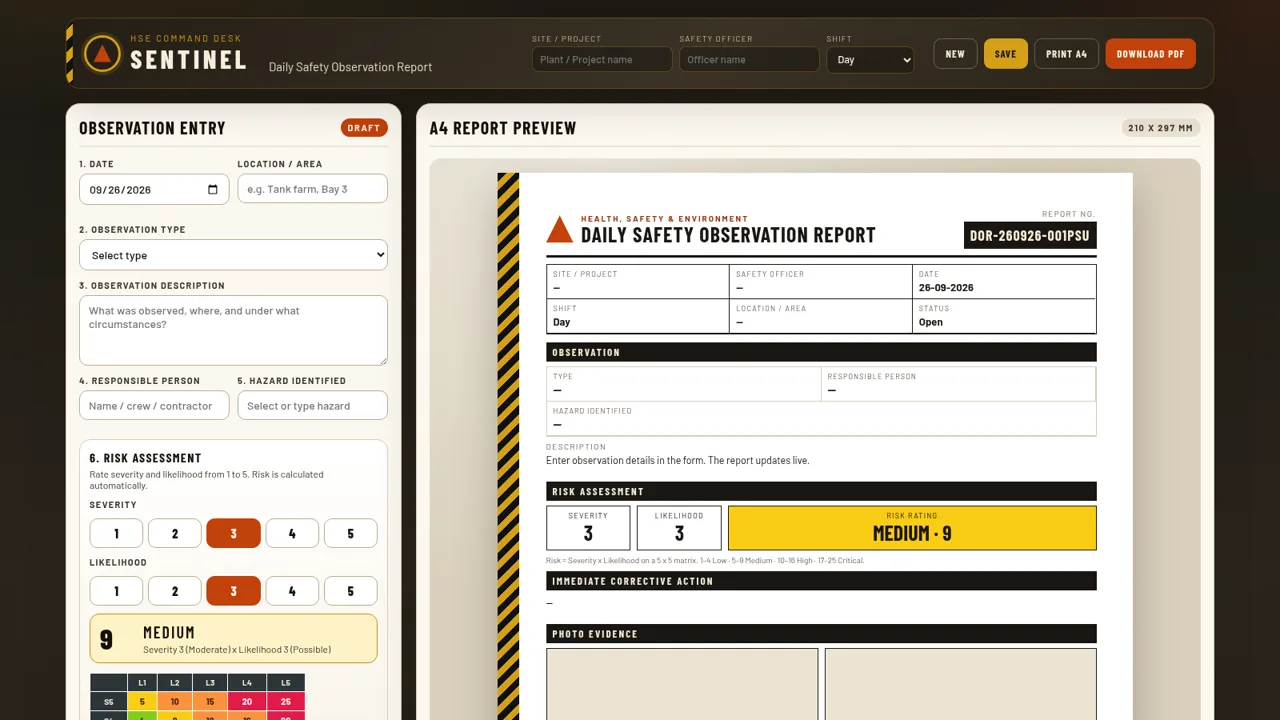
14Daily observation report by RG Gafur
Daily observation report
 8
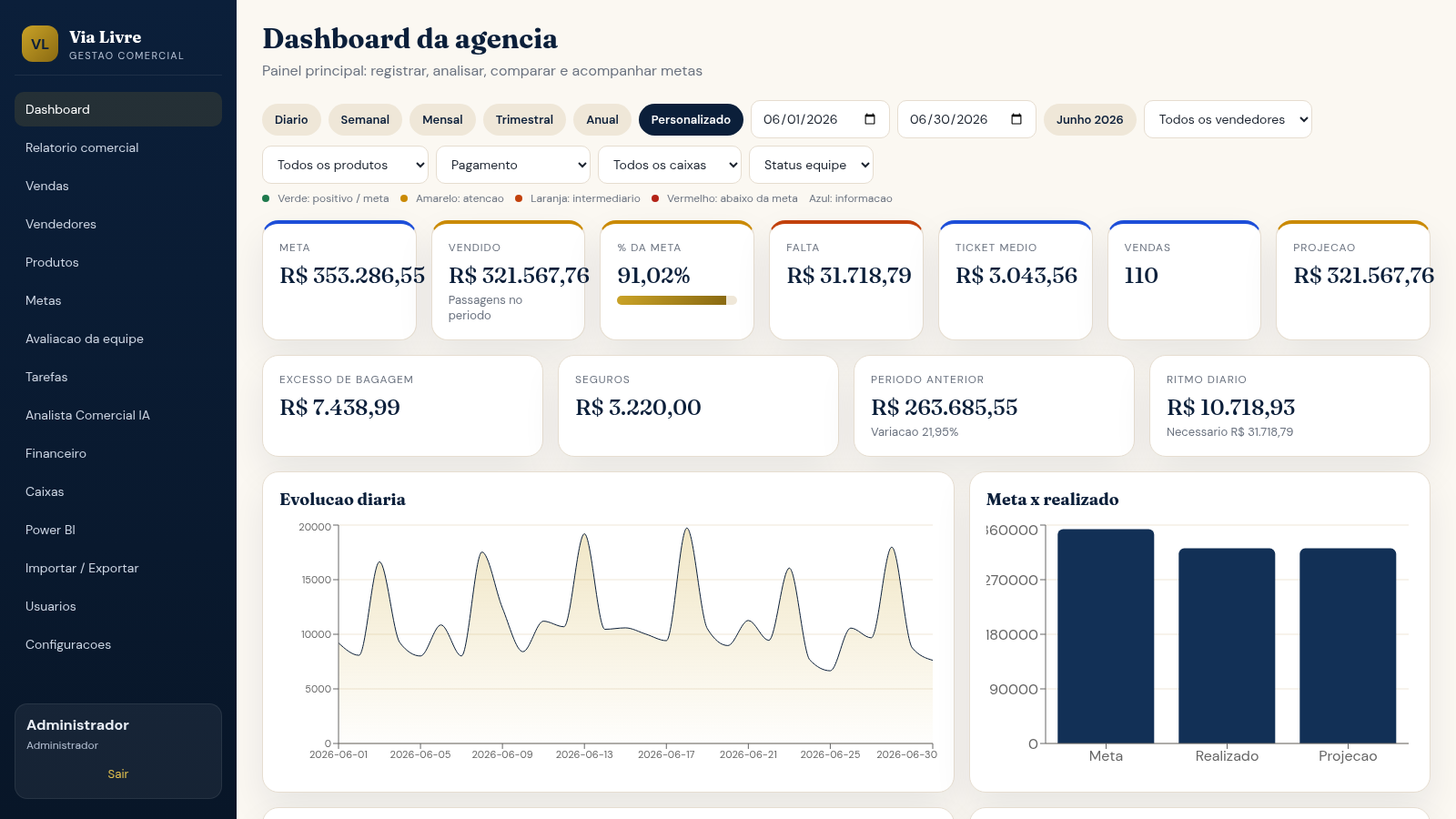
8Via Livre Gestao Comercial
Sistema de gestao comercial para agencia de passagens, com vendas, metas, ranking e IA.
 7
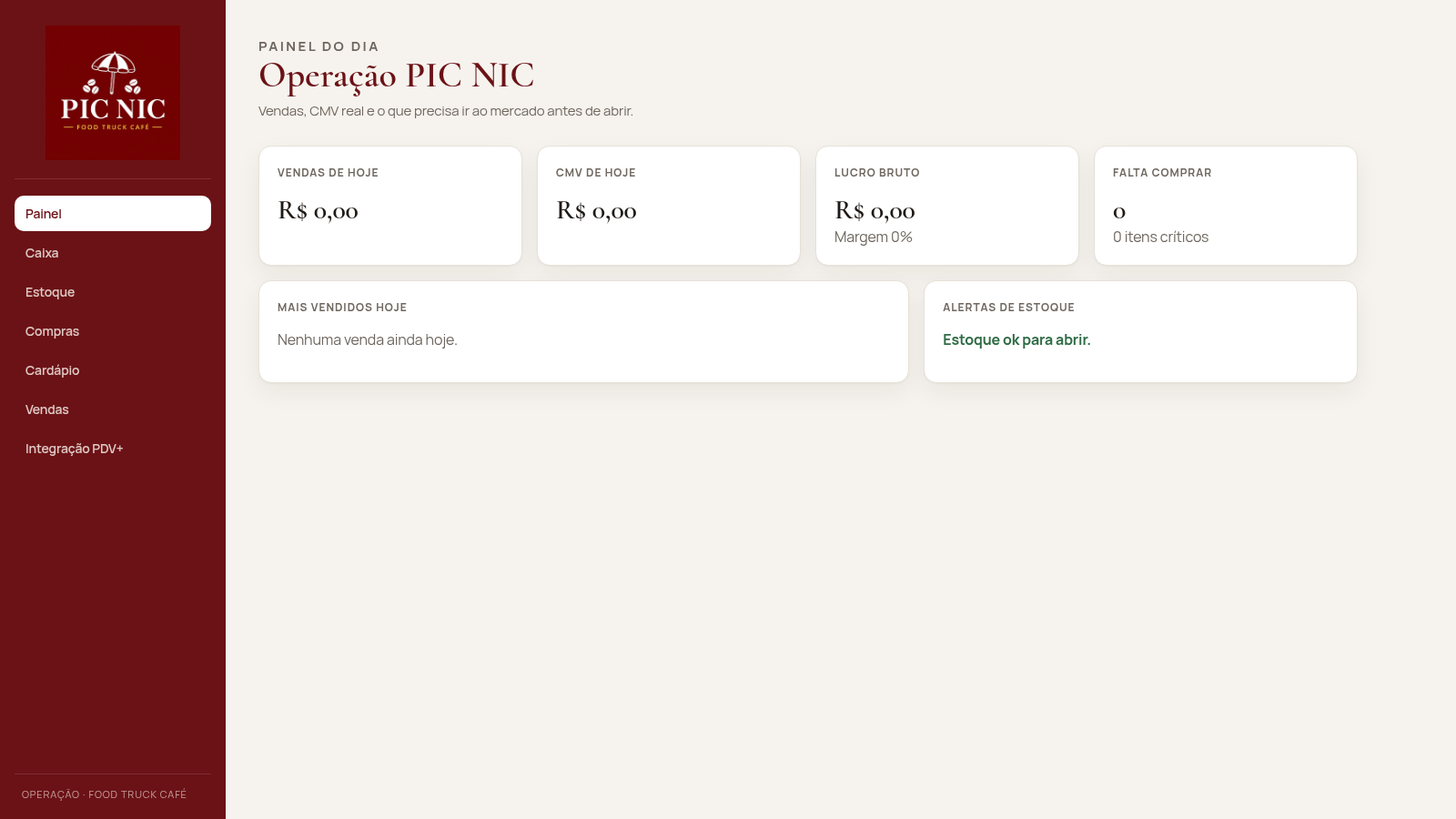
7PIC NIC Caixa e Estoque
Caixa, estoque por receita e CMV real para o food truck PIC NIC.