
Tunisia ERP Commercial
A bilingual commercial ERP for running sales, purchases, inventory, contacts, staff, and reporting in Tunisian dinars.
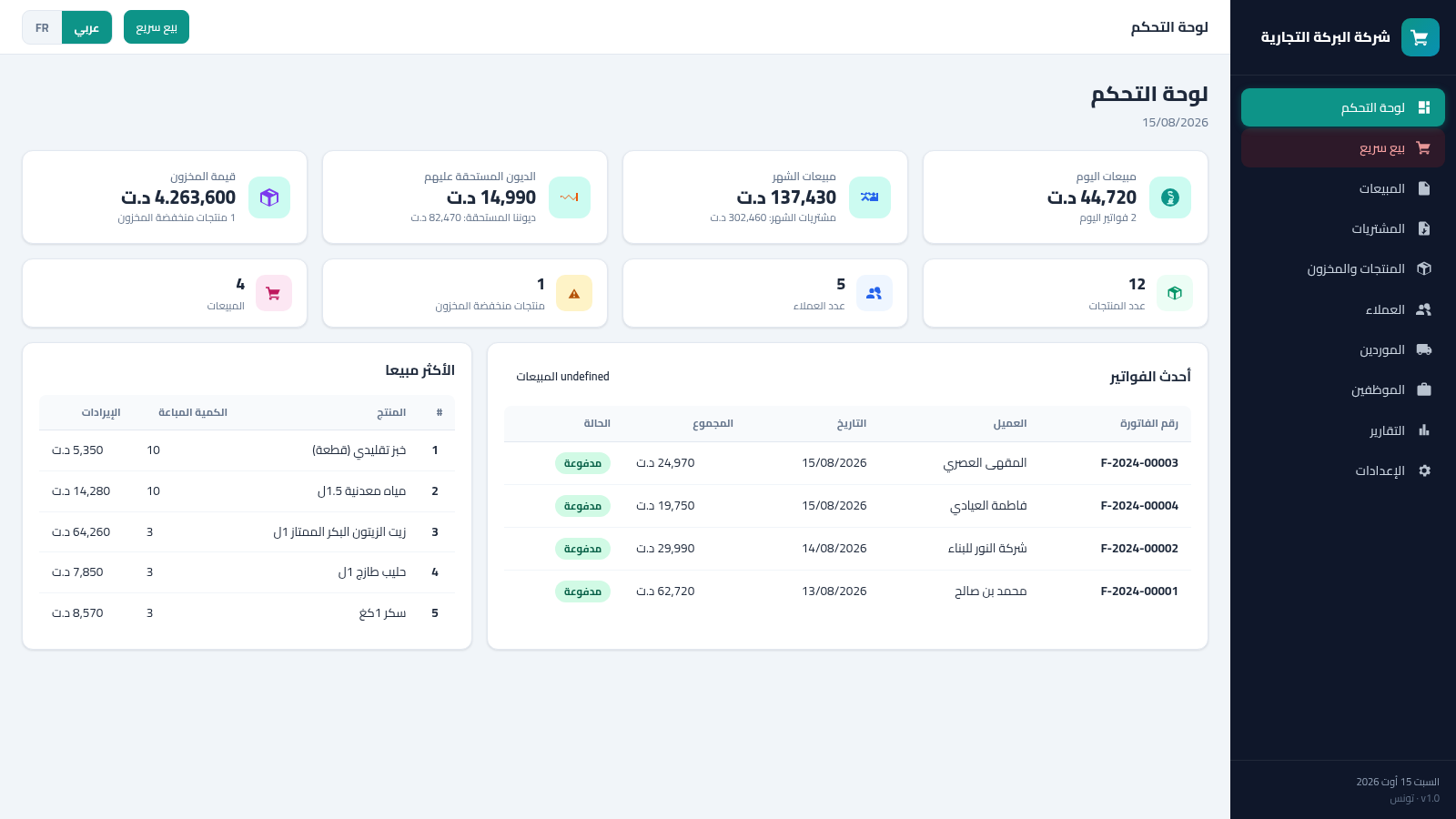
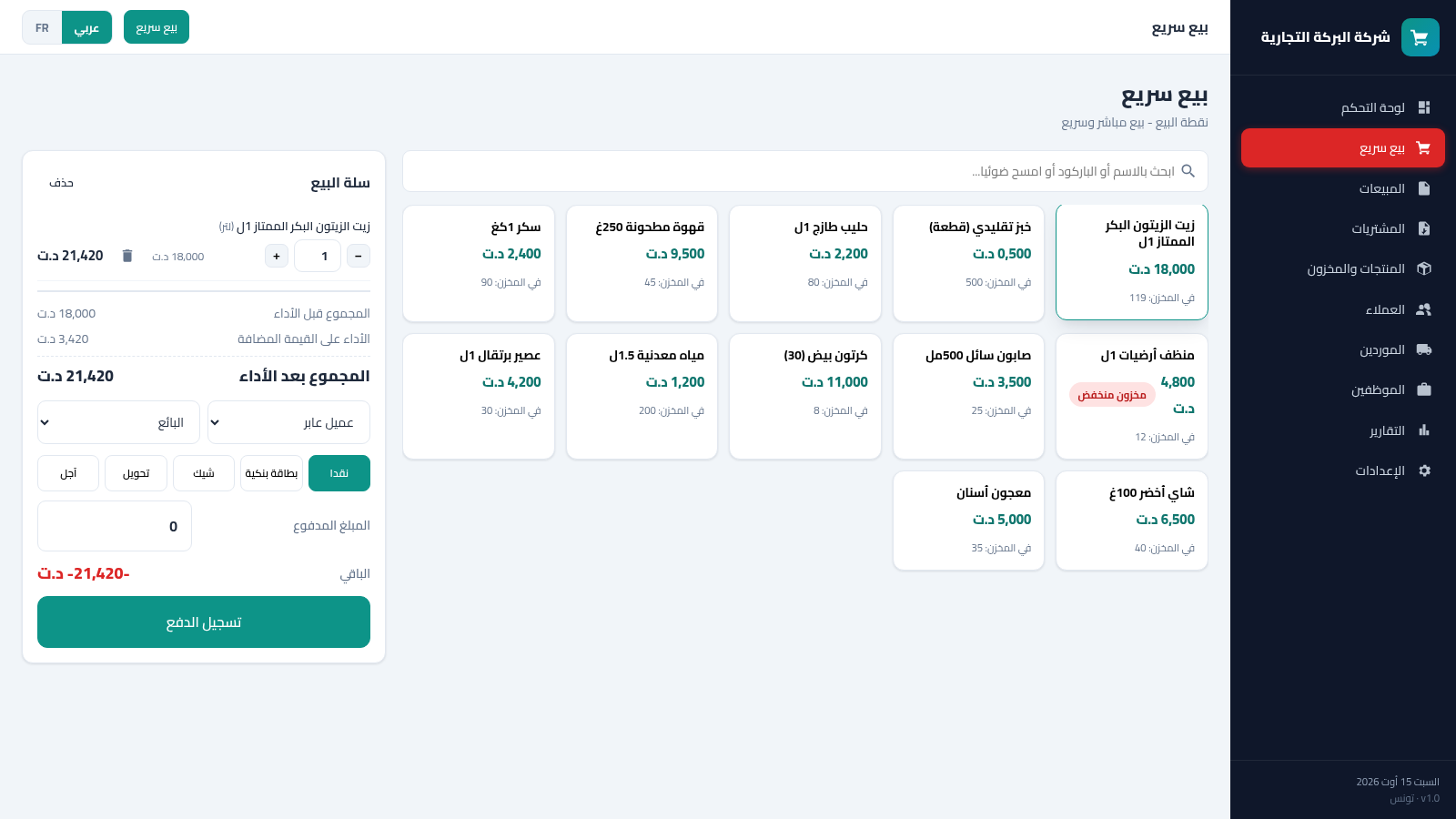
Système El Baraka is a browser-based business management workspace designed around Tunisian retail and commercial operations. Its Arabic-first interface can switch to French and brings together sales, purchases, invoices, products, stock levels, customers, suppliers, employees, reports, and settings. The dashboard summarizes daily and monthly sales, outstanding debts, inventory value, low-stock products, recent invoices, and best sellers. A dedicated quick-sale screen provides a practical point-of-sale flow with barcode or name search, a live cart, VAT calculation, customer and seller assignment, multiple payment methods, paid amount entry, and change or balance feedback.
Highlights
Live sales dashboard
Daily and monthly metrics
Quick-sale workflow
Cart, VAT, and payments
Detailed inventory
Barcodes and stock alerts
Arabic and French
Bilingual business UI
How to Use
Review business performance
Open the dashboard to review daily and monthly sales, receivables, payables, total inventory value, product and customer counts, recent invoices, and the best-selling product table. Use the sidebar to move into the relevant operational area.
Create a quick sale
Choose Quick Sale, search by product name or barcode, or select an item from the product grid. Added items appear in the cart and the page recalculates the subtotal, VAT, final total, stock quantity, and payment balance immediately.
Assign and record payment
Select a customer and seller, choose cash, bank card, check, transfer, or credit, then enter the paid amount. Review the displayed balance before using the payment recording control.
Manage products and stock
Open Products and Inventory to inspect each item category, barcode, selling price, purchase price, VAT rate, available quantity, unit, and inventory value. Low-stock labels identify products that need attention, while edit and delete actions are available per row.
Similar Sites
 8
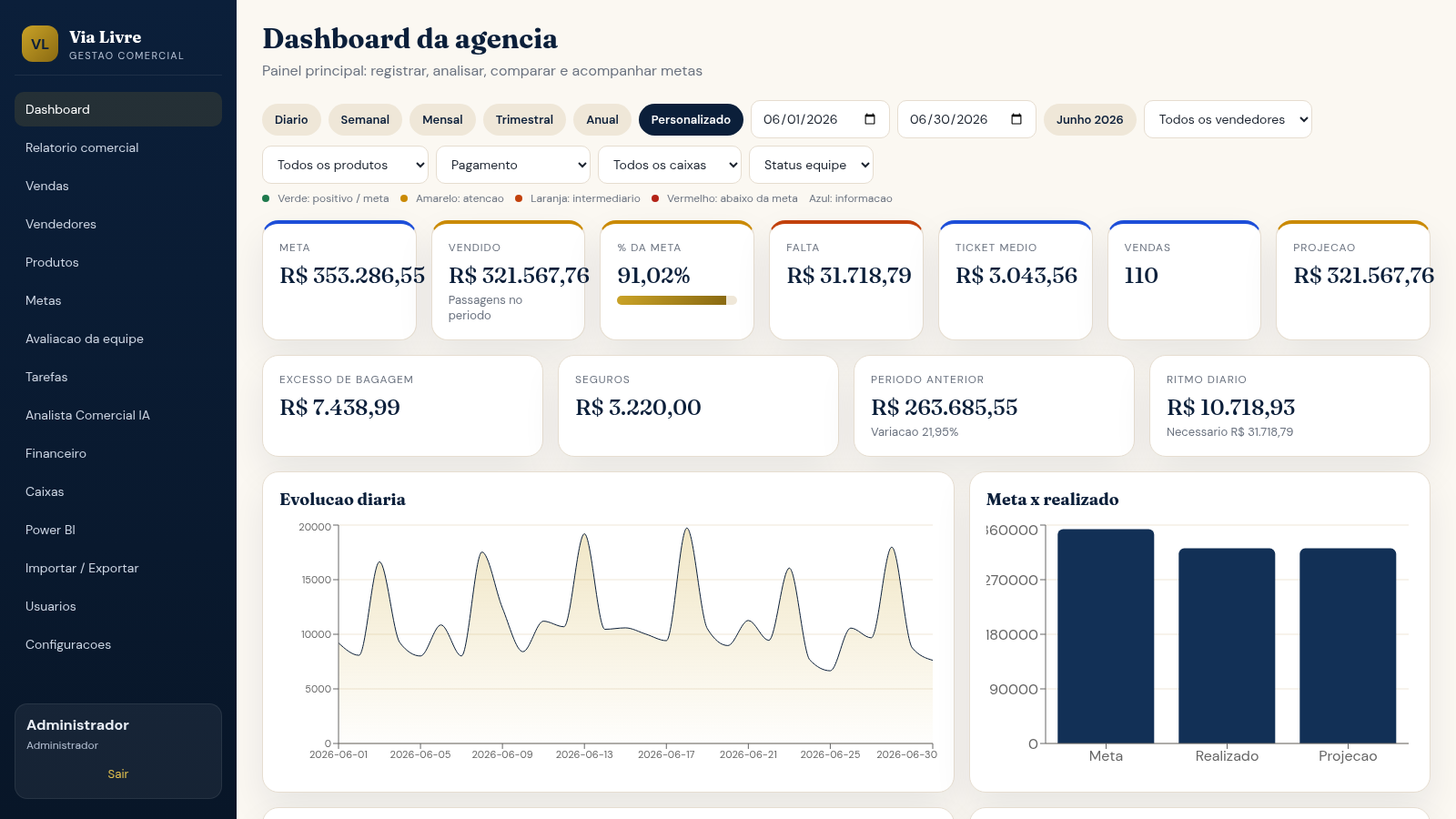
8Via Livre Gestao Comercial
Sistema de gestao comercial para agencia de passagens, com vendas, metas, ranking e IA.
 54
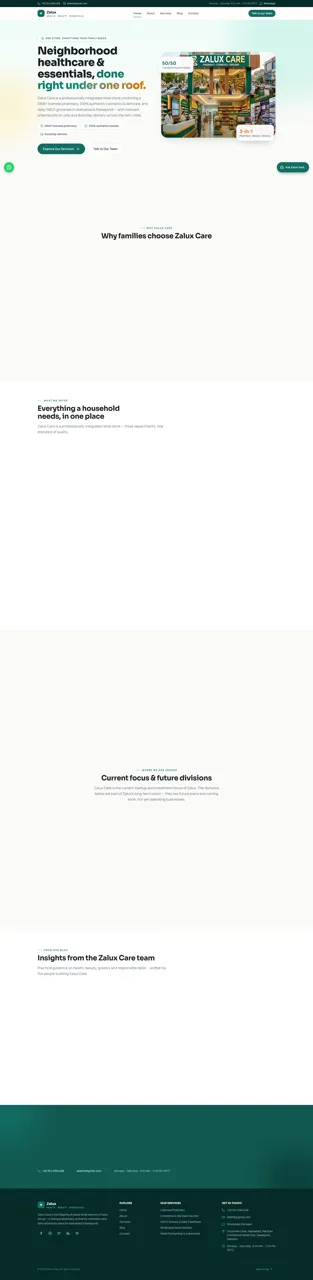
54Zalux - Flagship Enterprise
Zalux Care: pharmacy, cosmetics & daily essentials in Islamabad & Rawalpindi.
 53
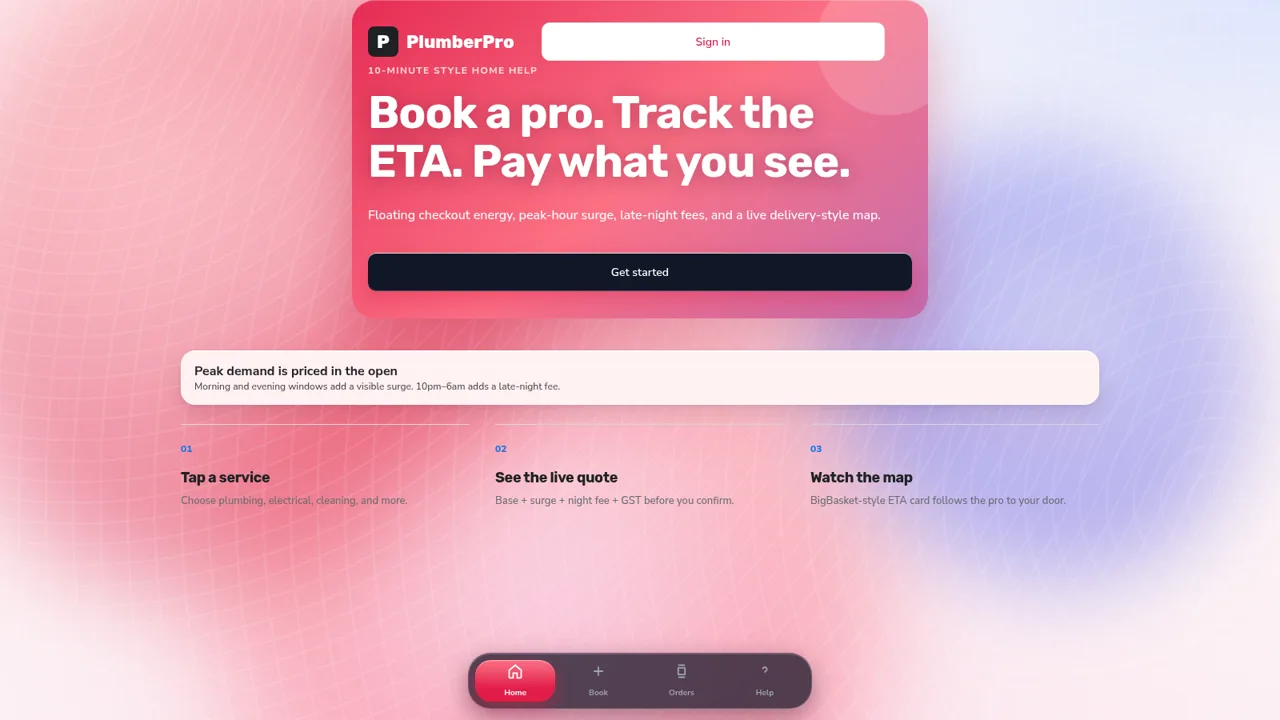
53PlumberPro
Book home services in minutes with live ETA and transparent surge and late-night pricing.
 32
32Controle de Estoque
Entrada e saída de materiais com baixa automática do estoque
 29
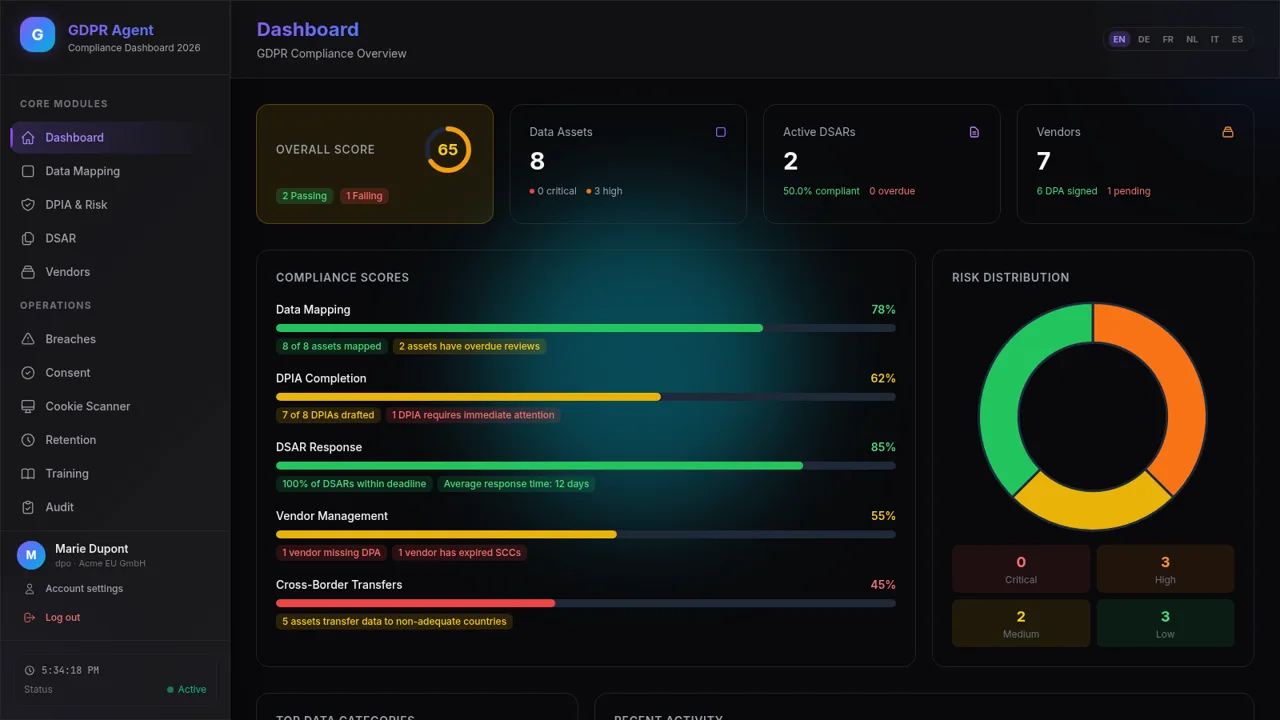
29GDPR Compliance Agent
GDPR compliance dashboard with data mapping, DPIA, DSAR, and vendor risk
 17
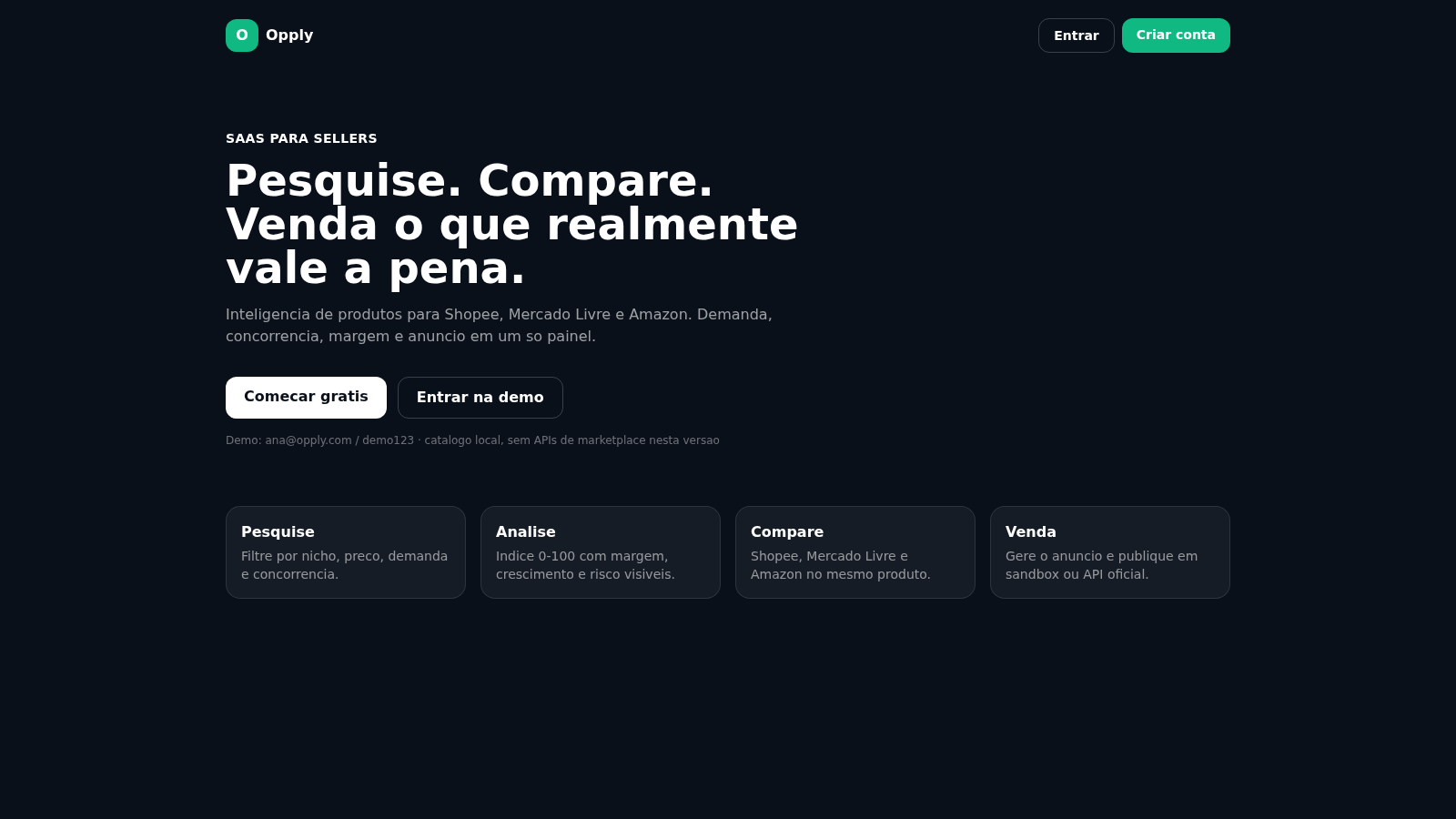
17Opply
Inteligencia de produtos para Shopee, Mercado Livre e Amazon.