
Via Livre Gestao Comercial
A browser-based commercial management system for a travel agency
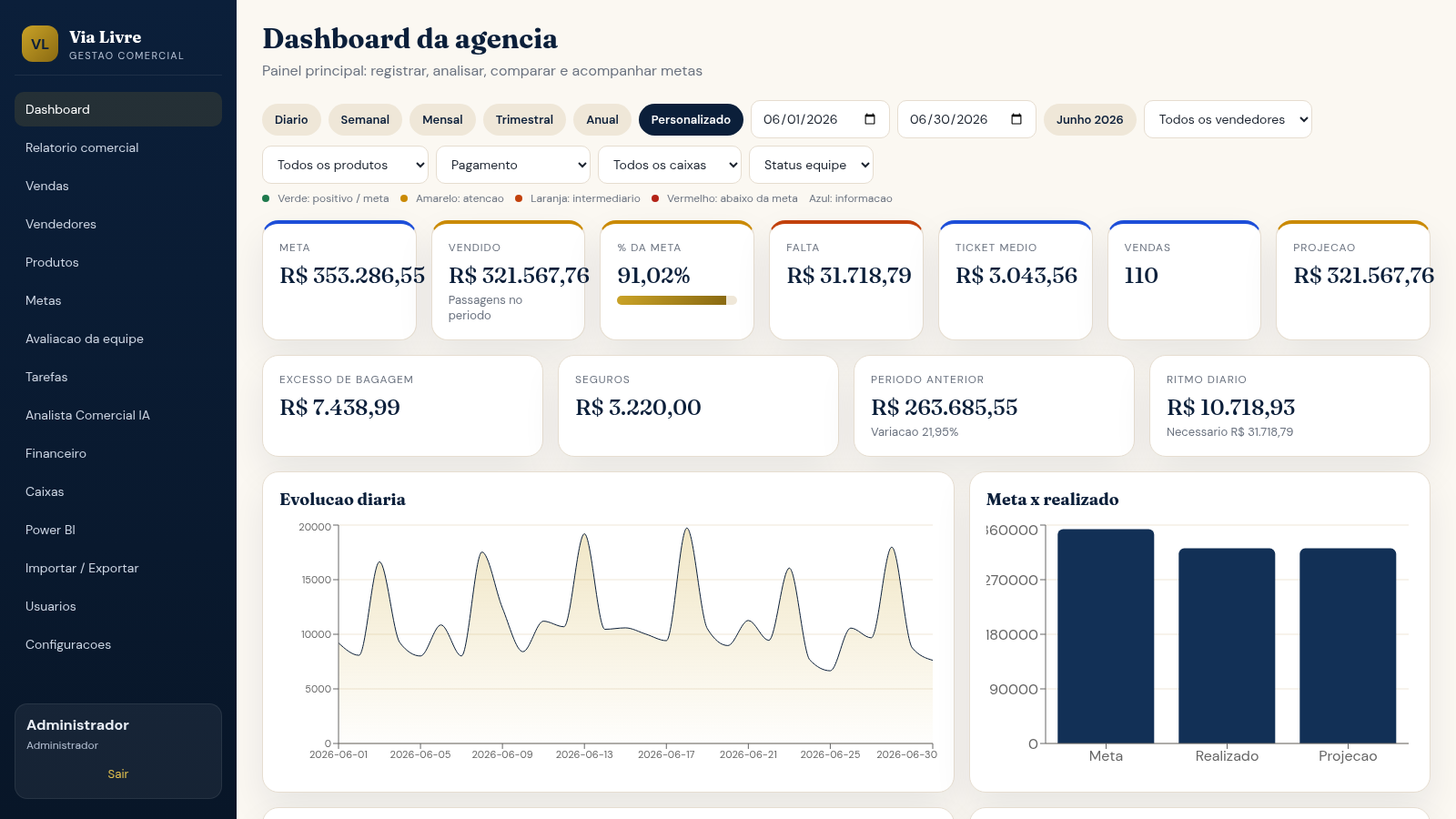
Via Livre is a commercial management system for a travel agency that runs entirely in the browser. After logging in with a demo account, users see a dashboard with KPI cards, period filters and charts, a full sales register where records can be entered, seller and product pages, targets, team evaluation, tasks, finance and cash registers, an import/export area, a Power BI dataset export, and an AI commercial analyst that writes summaries from the recorded data only. The interface is in Portuguese and uses Brazilian currency.
Highlights
Live dashboard
KPI cards and charts
Full sales log
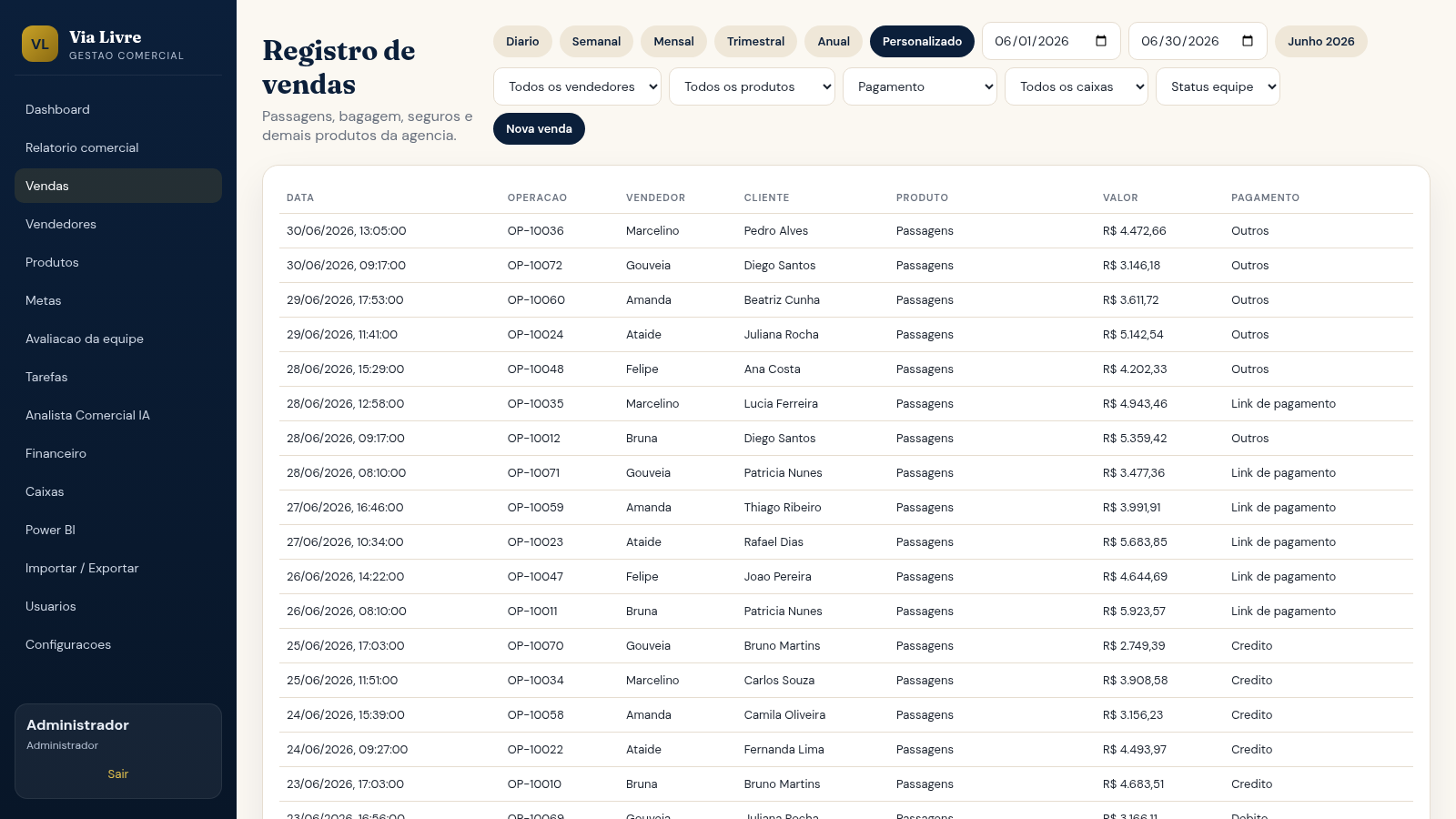
Record every sale
AI analyst page
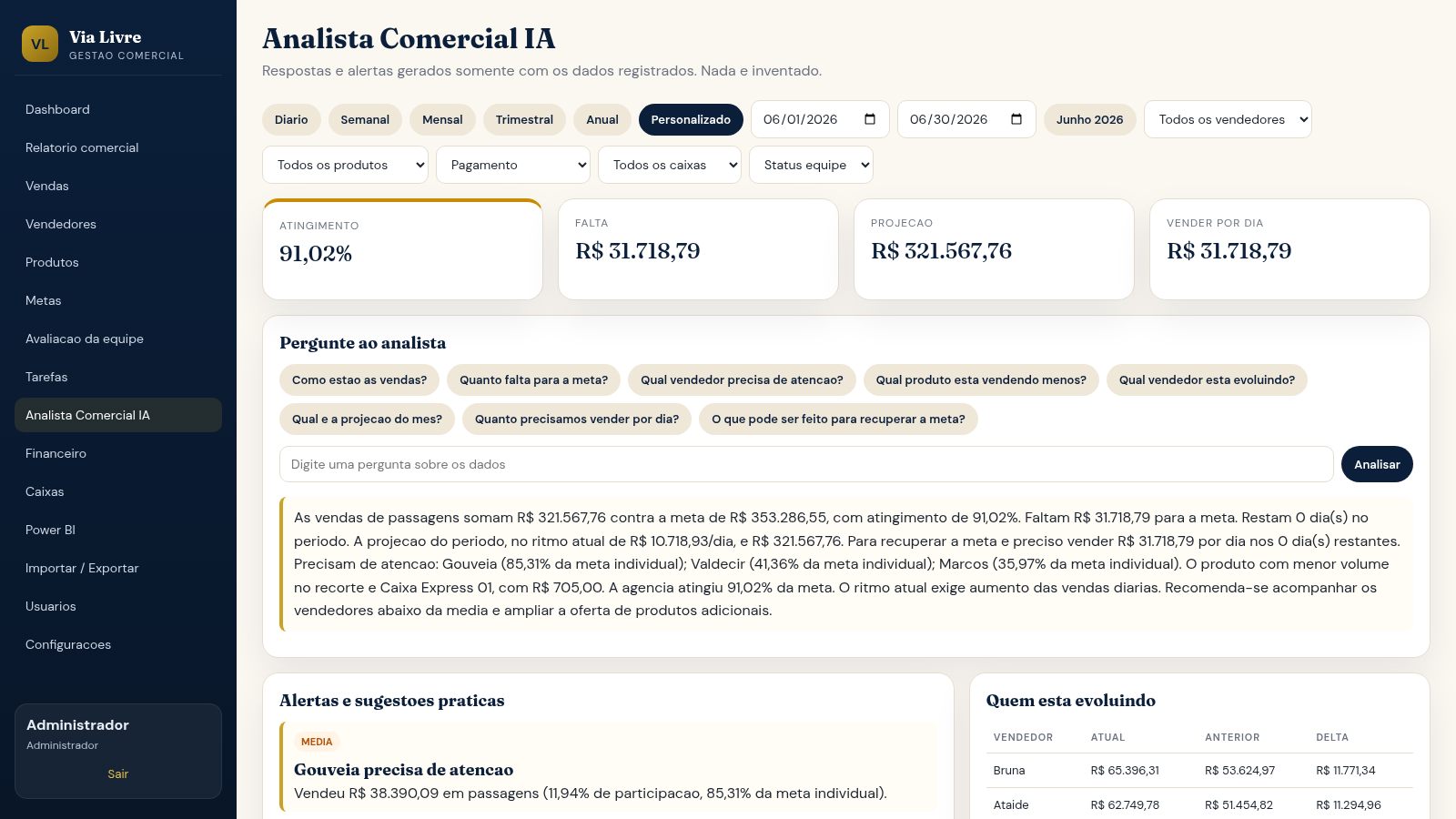
Summaries from data
Targets and ranking
Seller ranking table
Power BI export
JSON and CSV dataset
How to Use
Log in with a demo account
On the login page the three demo accounts are listed directly: an administrator, a manager and a salesperson, all sharing the same password. Enter any of them and press the access button to reach the dashboard as that role.
Set the reporting period
At the top of each analytics page there is a row of cadence buttons for daily, weekly, monthly, quarterly, annual and custom ranges, plus a date range and selectors for seller, product, payment method, cash register and team status. Changing them recalculates the cards, charts and ranking on the same page.
Read the dashboard
The top row shows target, amount sold, percentage of target, remaining amount, average ticket, number of sales and a projection. Below it are a daily evolution chart, a target-versus-actual chart, per-seller and per-product charts, a ranking table and a comparison against the previous period.
Record a sale
Open the sales page to see every record with its timestamp, operation code, seller, customer, product, value and payment method. The New sale button opens a form for entering a new record, which can be saved or cancelled.
Ask the AI analyst
The AI commercial analyst page uses the same period and seller filters and produces a written summary of target attainment, remaining amount, daily pace, projection and the sellers that need attention. It states that answers come only from recorded data.
Export the dataset
The Power BI page describes the available tables such as sales and targets, seller ranking and daily series, and offers buttons to copy JSON, export CSV or download JSON so the data can be used in external dashboards.
Similar Sites
 10
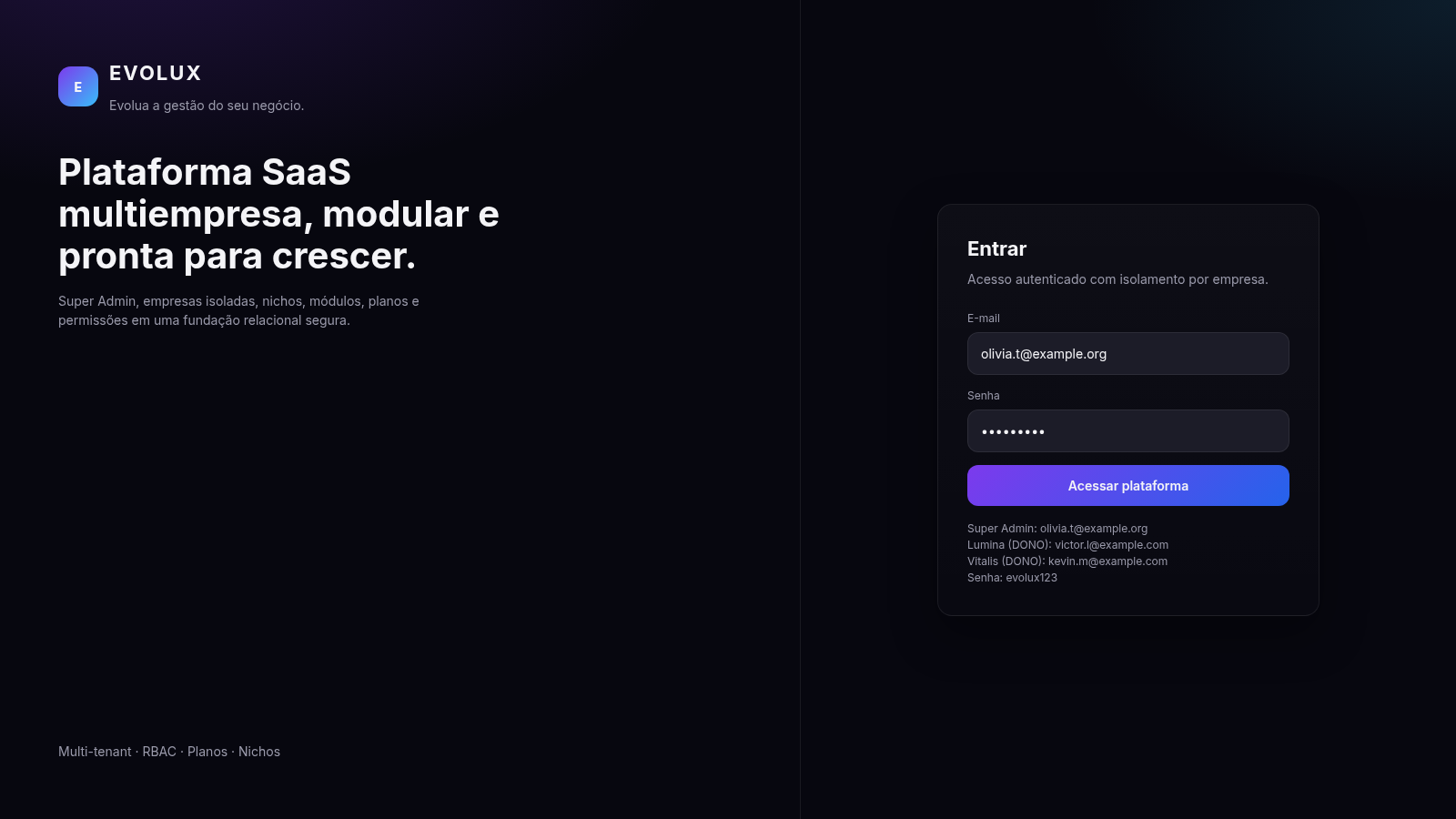
10EVOLUX
SaaS multiempresa para gestao de negocios, agenda e financeiro
 126
126Agenda de Pedidos - Confeitaria
Agenda digital de pedidos para confeitaria com integração WhatsApp
 40
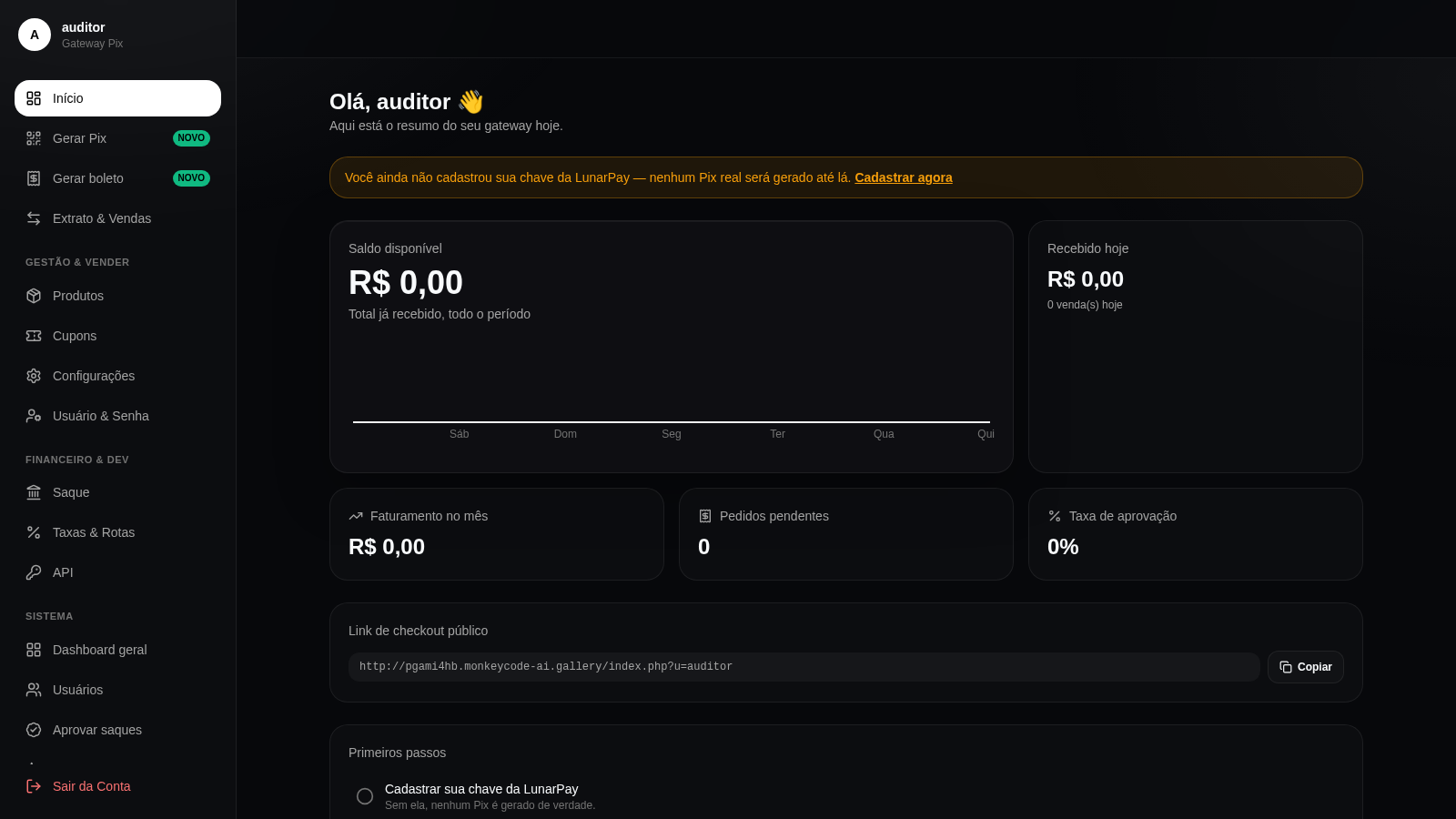
40Gateway Pix
Gateway Pix e boleto com painel de vendas, cupons e links de pagamento.
 26
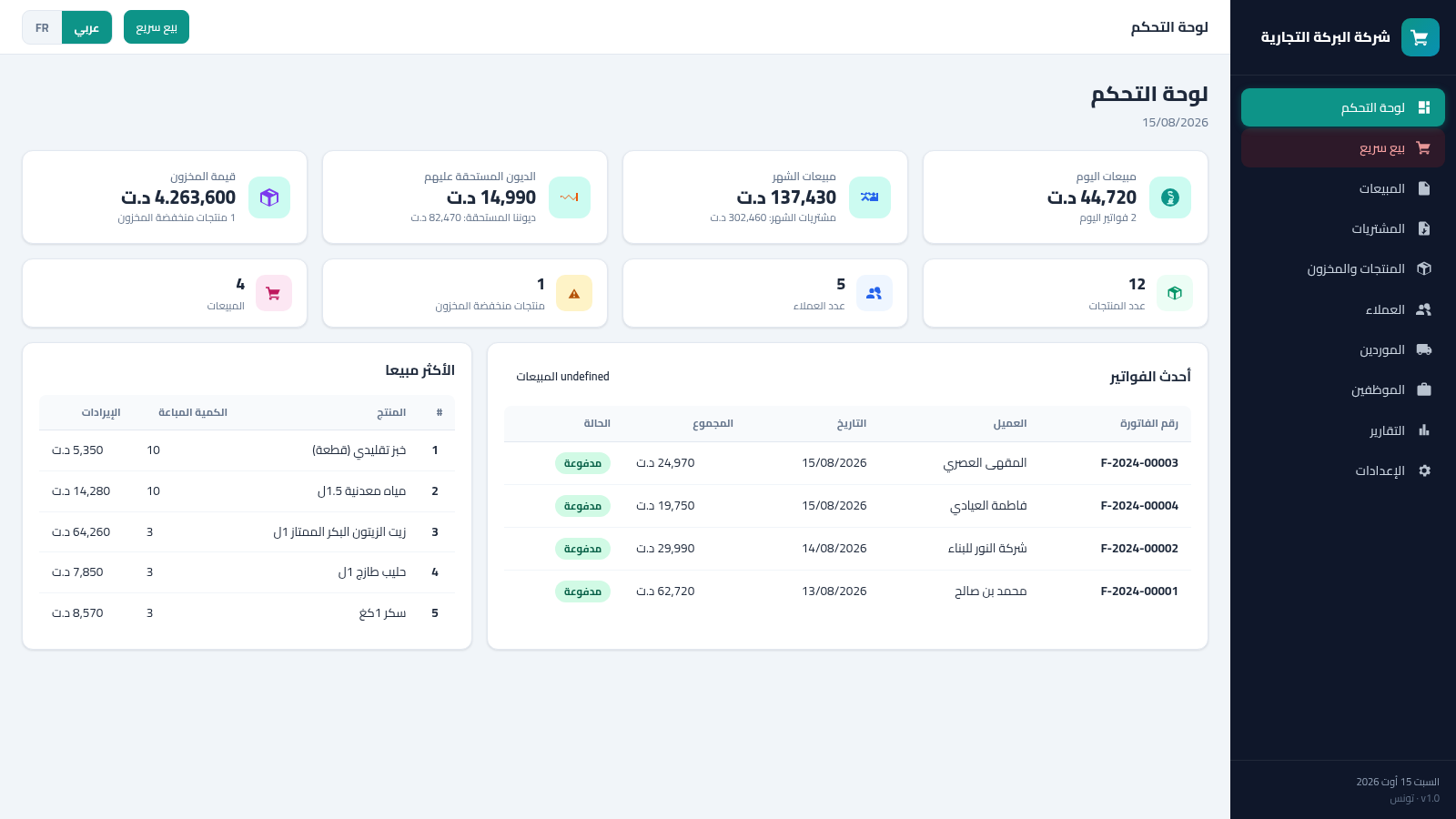
26Tunisia ERP Commercial
Gestion commerciale: ventes, achats, factures, stock, clients - dinar tunisien AR/FR
 18
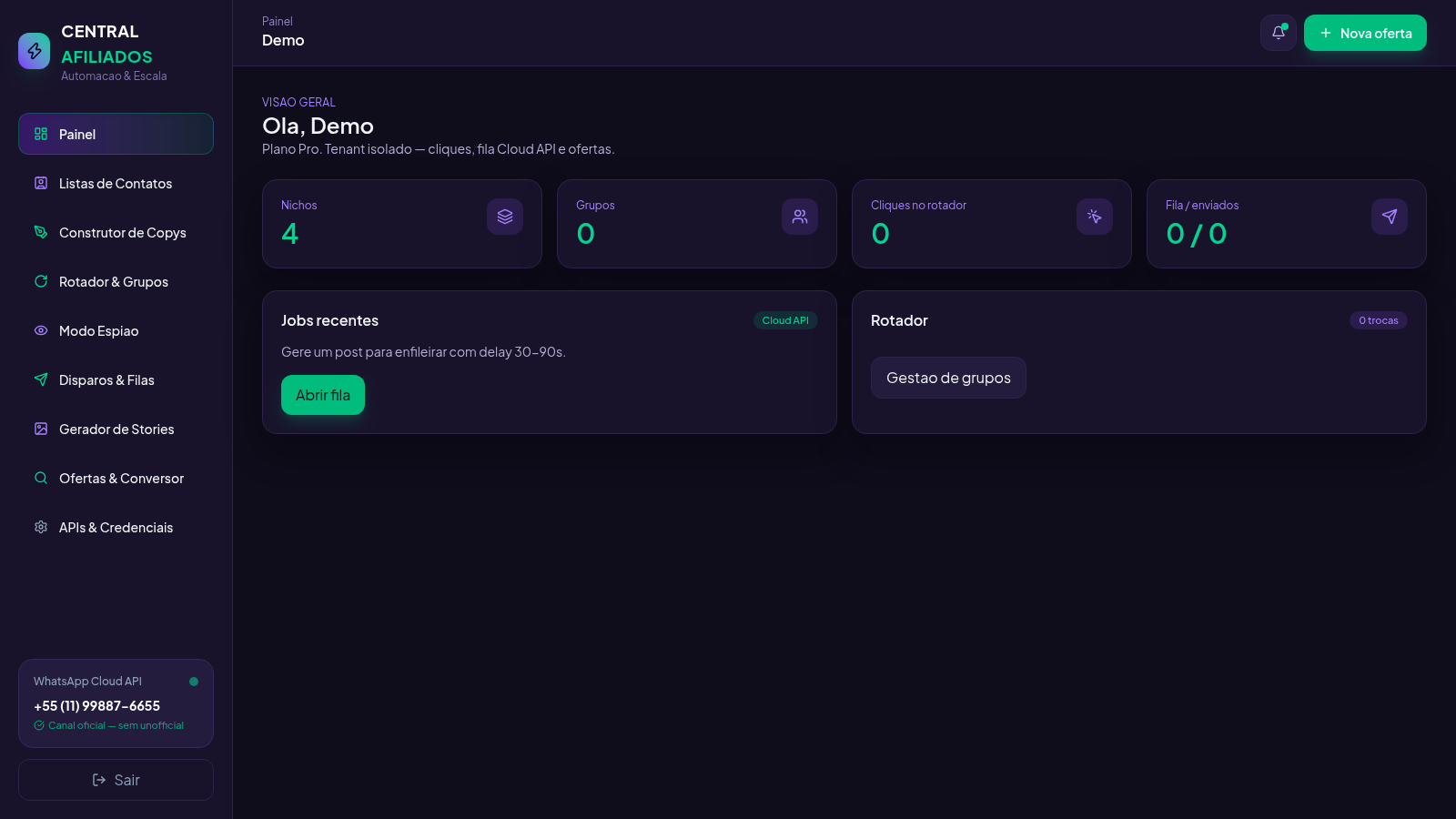
18Central Afiliados
SaaS multi-tenant de ofertas, conversão de links e rotador de grupos
 17
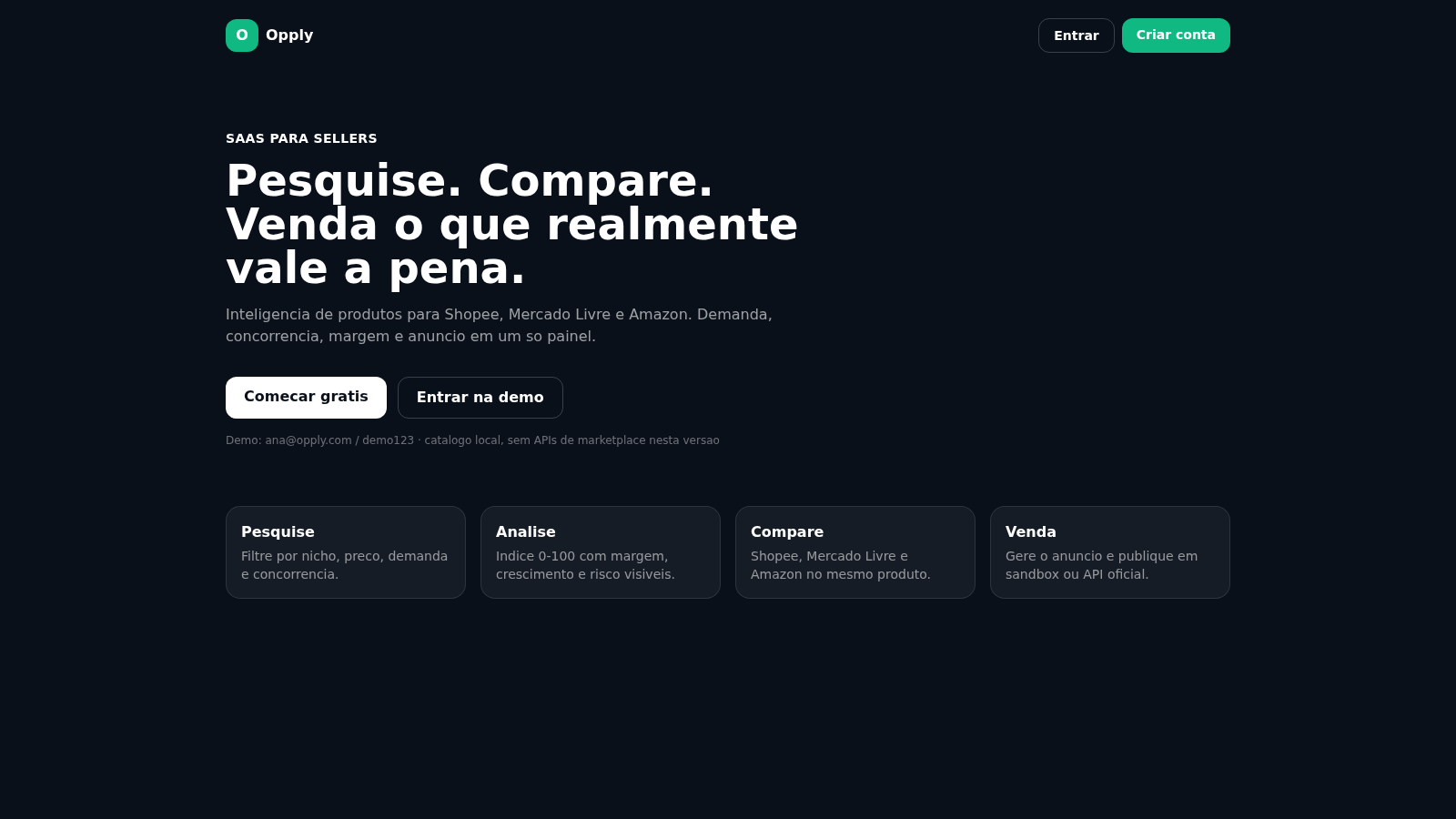
17Opply
Inteligencia de produtos para Shopee, Mercado Livre e Amazon.