
PIC NIC Caixa e Estoque
A Portuguese back office for food truck sales, stock and real CMV
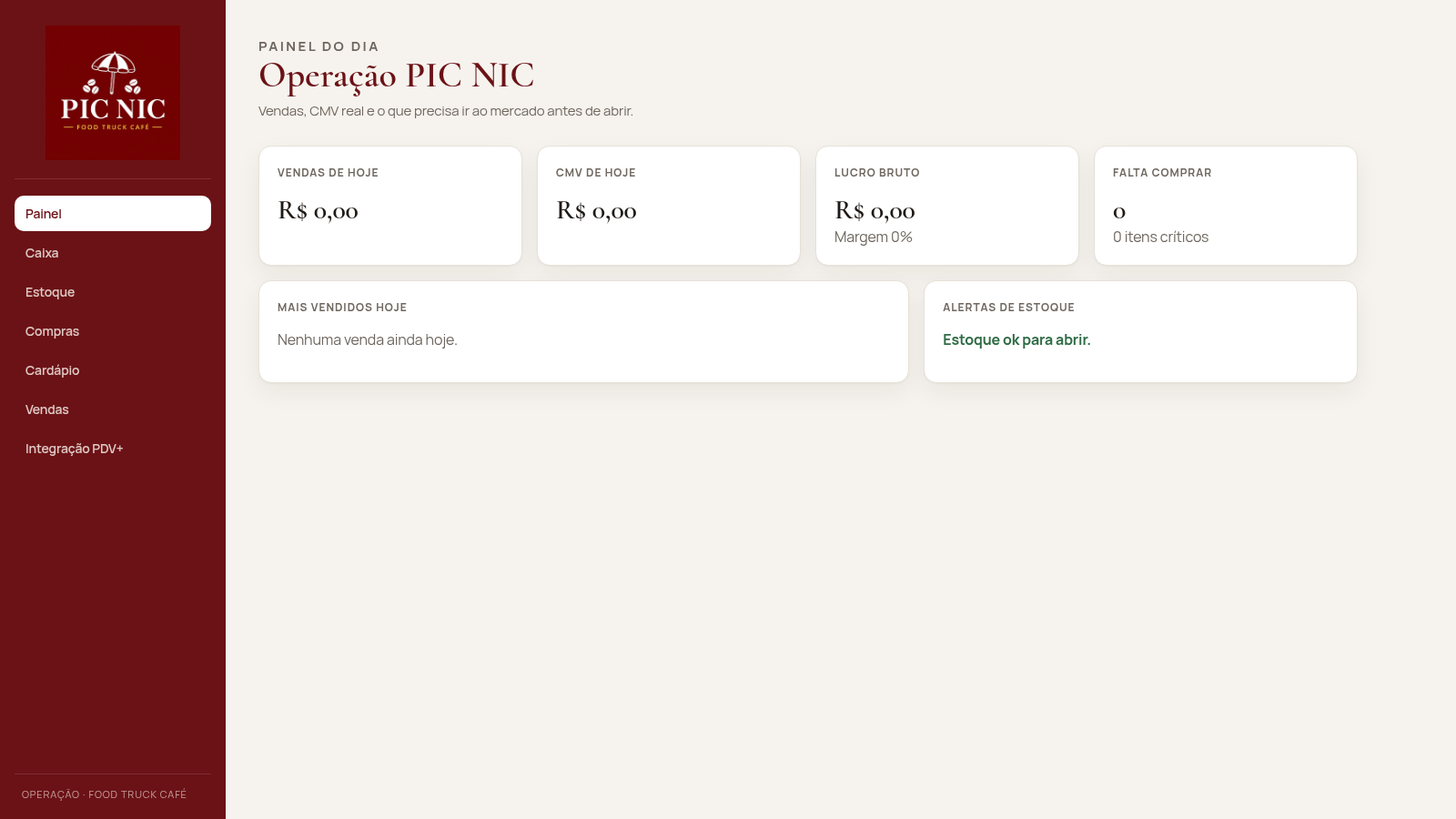
PIC NIC is a browser based management application for a food truck cafe, with the entire interface in Brazilian Portuguese. It connects a daily dashboard, a point of sale counter, ingredient stock, an automatic shopping list, recipe based menu costing, a sales ledger and a PDV+ card machine integration. Recording a sale deducts the recipe ingredients from stock and stores the sale total, CMV and profit, so inventory, menu margins and financial records stay tied to the same data.
Highlights
Live stock updates
Sales cut stock
Recipe costing
Cost per ingredient
Auto restock list
Built from minimums
PDV+ webhook
Syncs card sales
How to Use
Record a sale at the counter
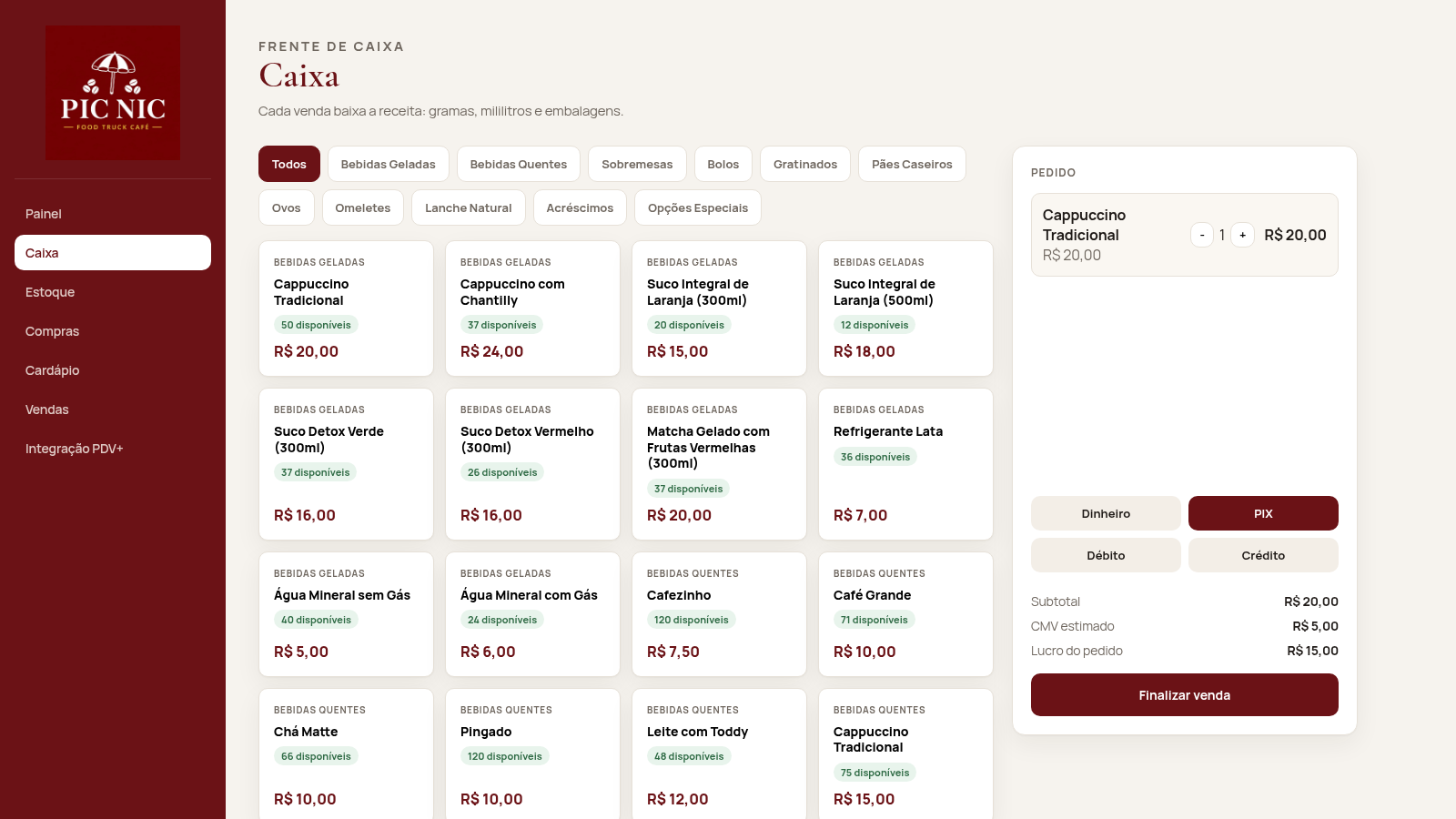
Open Caixa, use the category buttons to narrow the product grid, then tap an item to place it in the order panel. Adjust quantities with the minus and plus controls, choose Dinheiro, PIX, Débito or Crédito, and press Finalizar venda. The panel shows a confirmation with the sale total and CMV, resets the cart, and the product availability count decreases according to its recipe.
Maintain stock and menu recipes
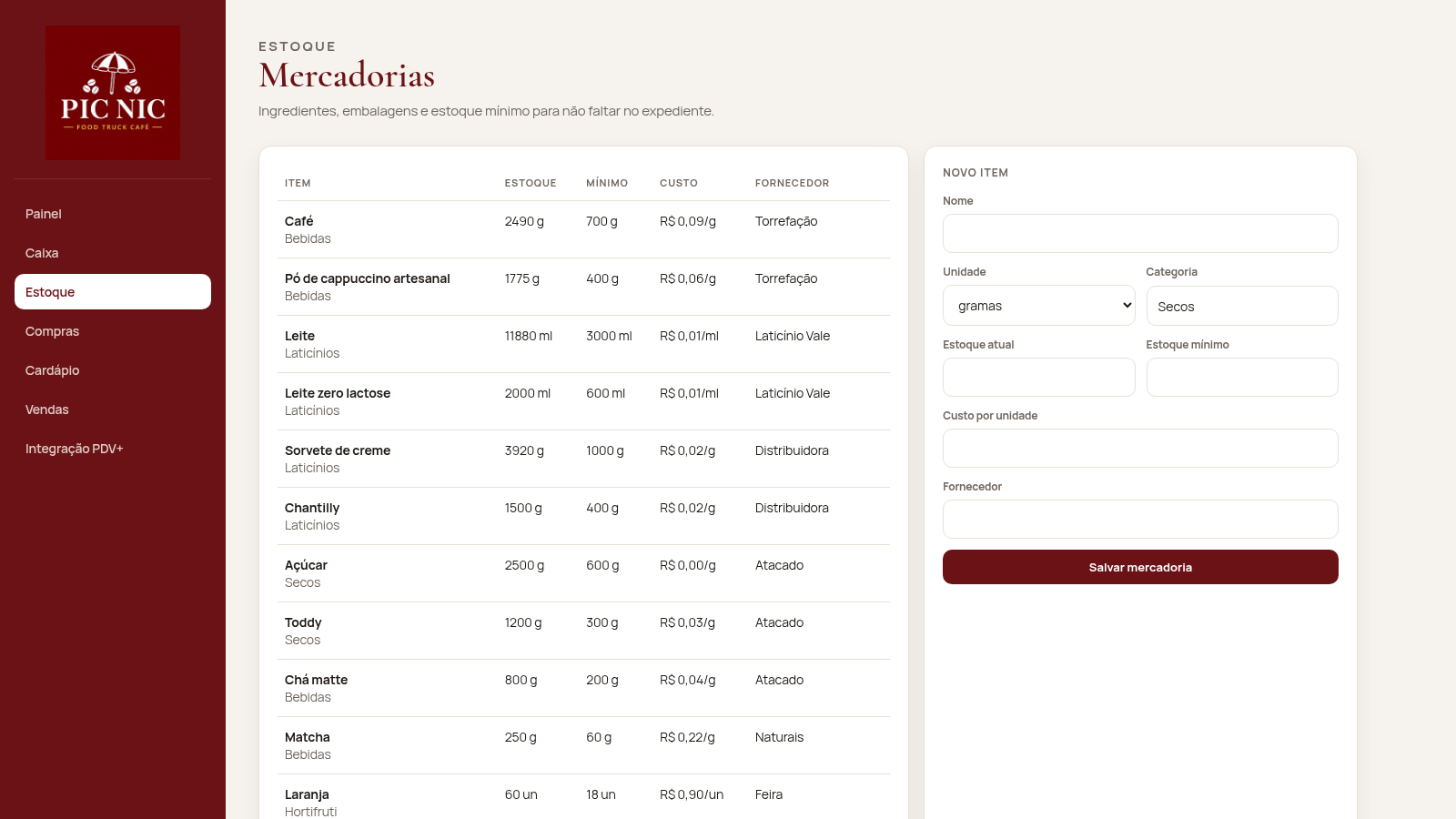
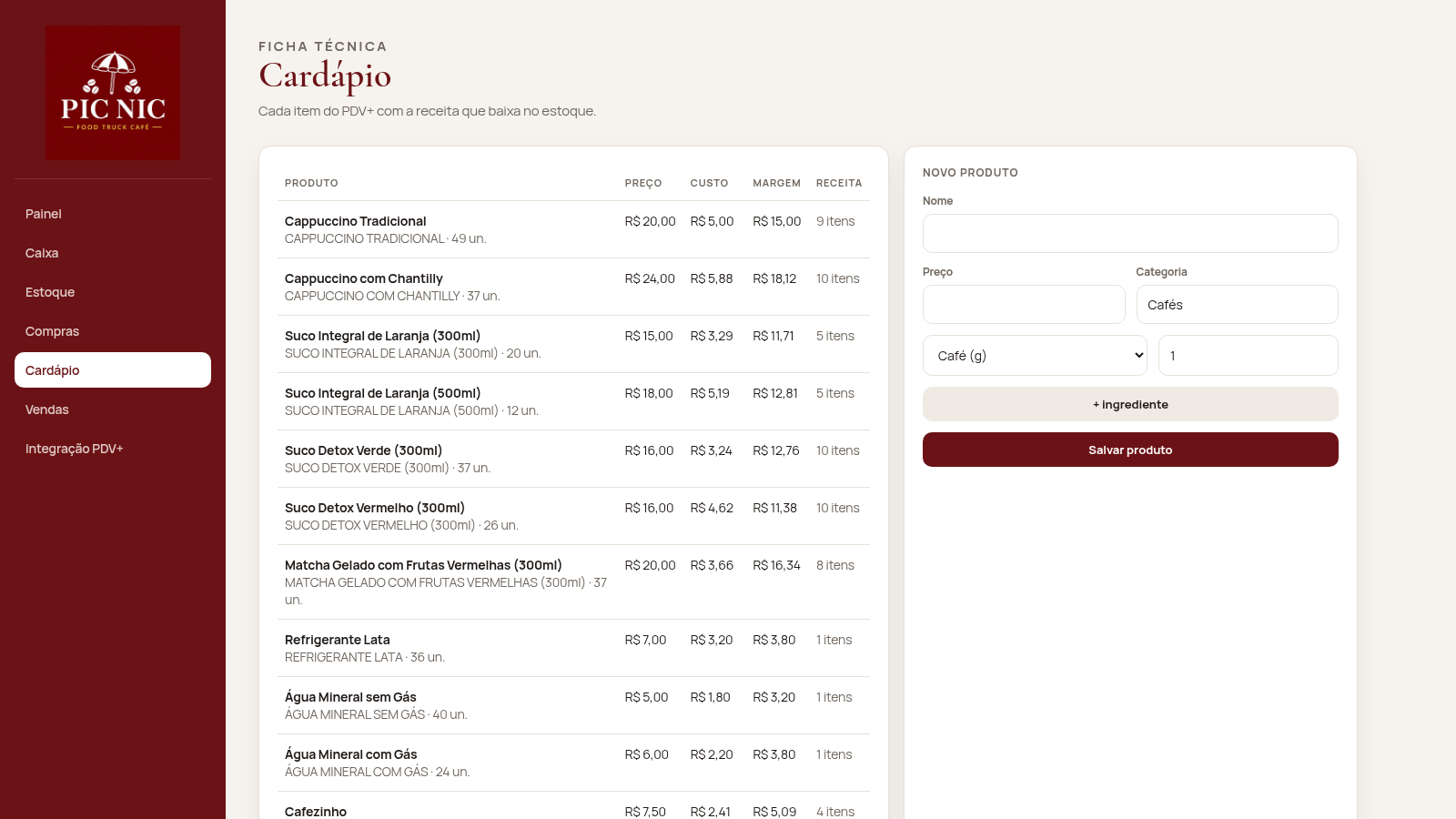
Use Estoque to review current quantities, minimums, unit costs and suppliers, or fill the Novo item form to add an ingredient with its unit and category. Use Cardápio to see each product's price, calculated cost and margin, and the Novo produto form to set a price and add ingredient lines. Saving a recipe recalculates the product cost and updates the CMV used by the counter and sales pages.
Plan purchases and review results
Compras derives a market list from stock minimums and shows an empty state when everything is above its threshold. After buying, record the entry so quantities return to stock. Vendas lists each sale with timestamp, origin, payment method, total, CMV and profit, giving a per sale view of margin rather than only a daily sum.
Connect a PDV+ card machine
On Integração PDV+, enter the PDV+ email, password, CNPJ, store name and optional API token, keep automatic deduction enabled, and use Salvar conta. The page documents the webhook URL and the x-picnic-secret header for PDV+ support, and its simulation box can send a sample order to exercise the integration without a real terminal.
Similar Sites
 6
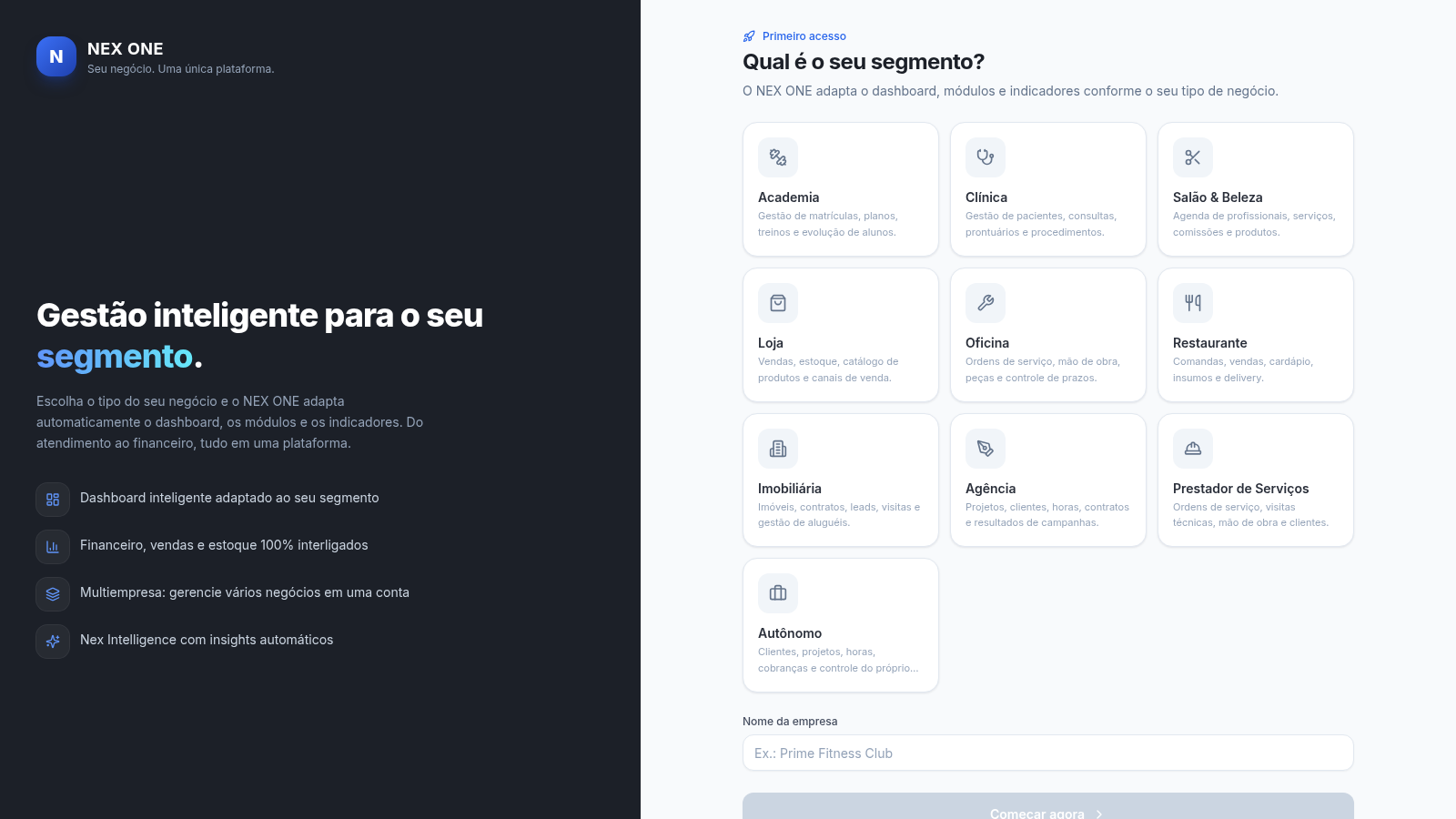
6NEX ONE - Gestão de negócios
SaaS de gestão multi-nicho: dashboard, vendas, clientes, financeiro e estoque.
 10
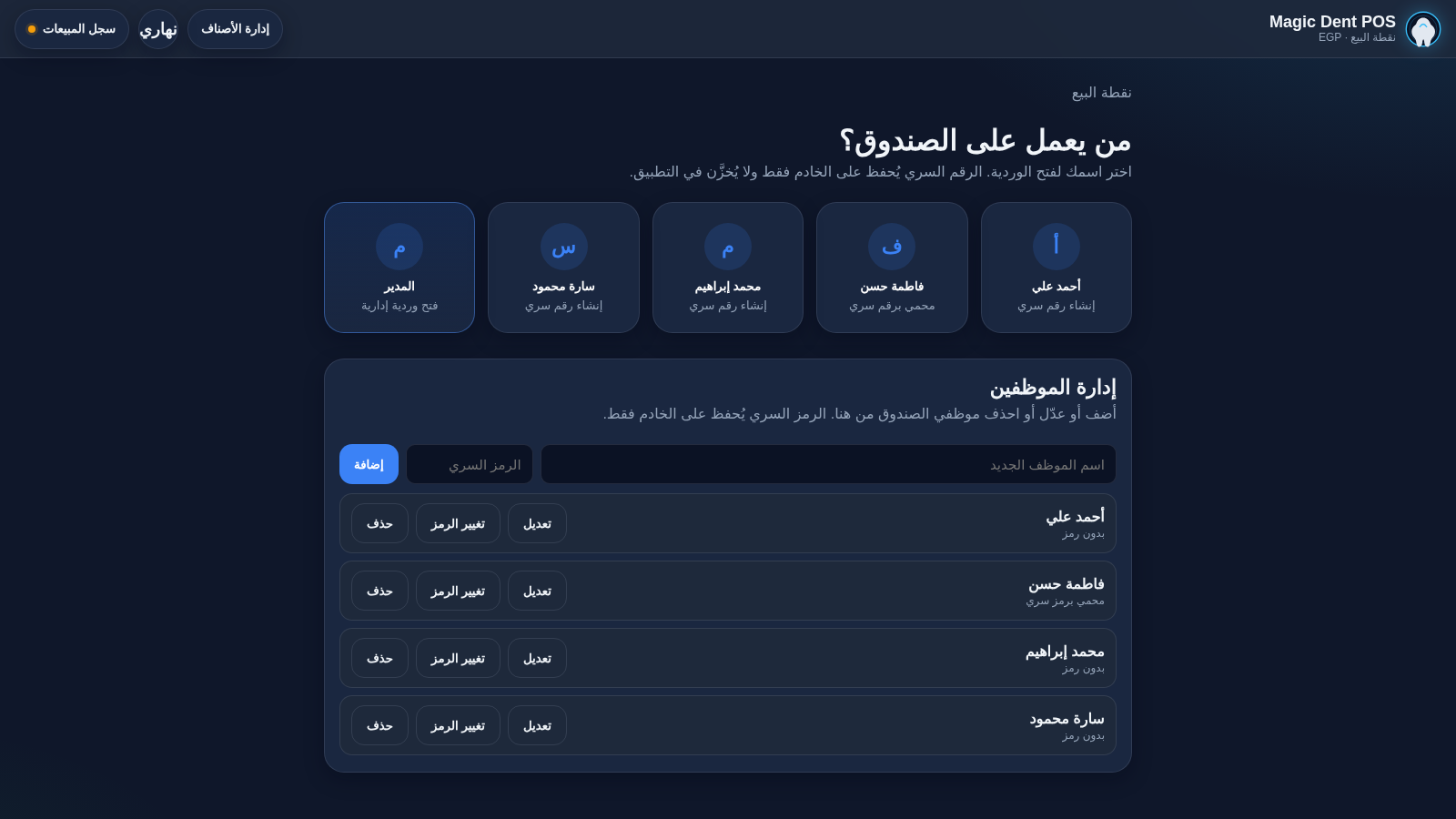
10Magic Dent POS
Arabic dental clinic POS for cashiers, invoices, and catalog
 7
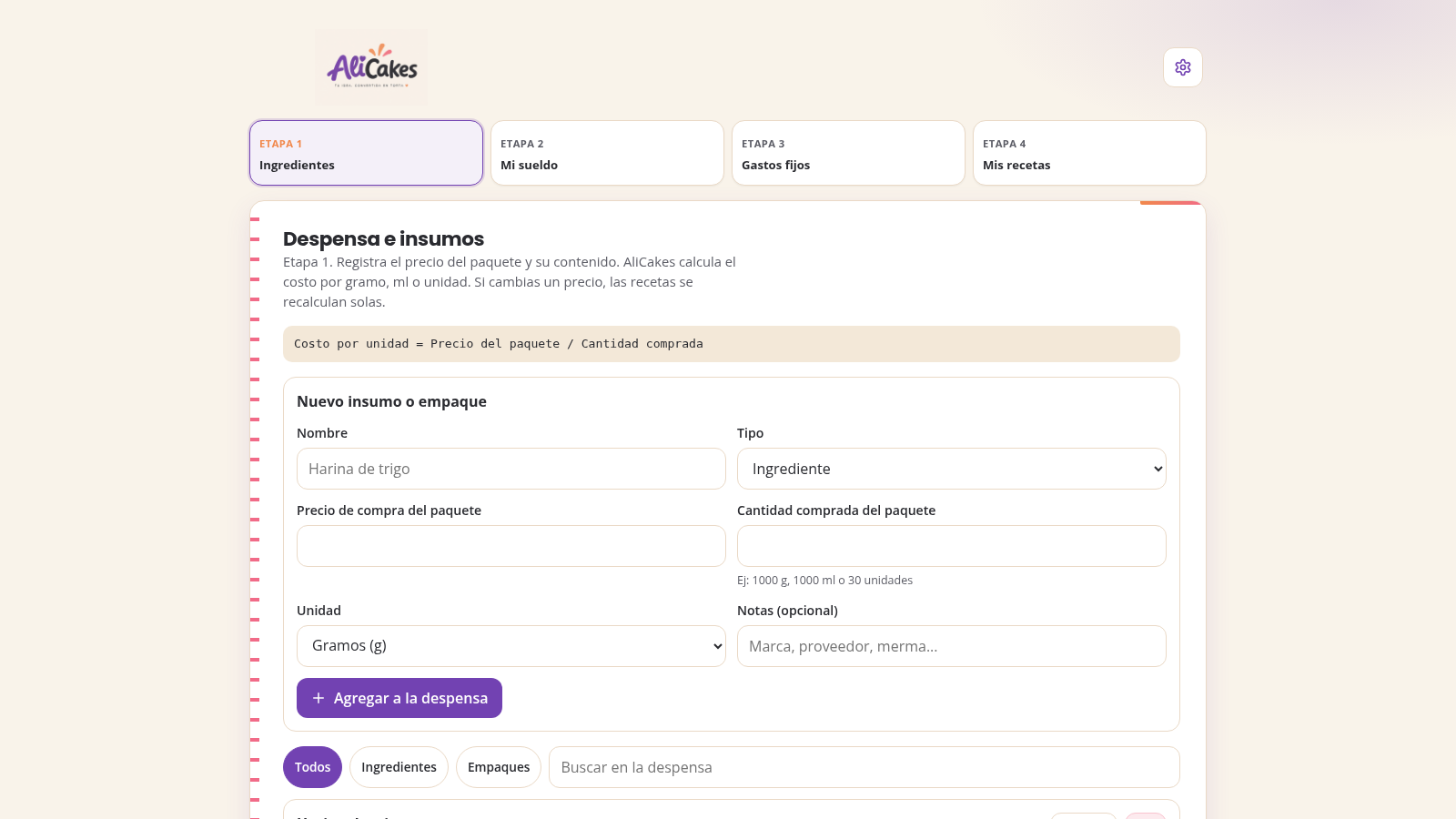
7AliCakes
Precios y presupuestos de pasteleria con el metodo de costos en 4 etapas
 500
500حاسبة رسوم الجمعية
حاسبة رسوم الجمعية لوكلاء Money Fellows — حساب القسط وصافي القبض شهر بشهر.
 63
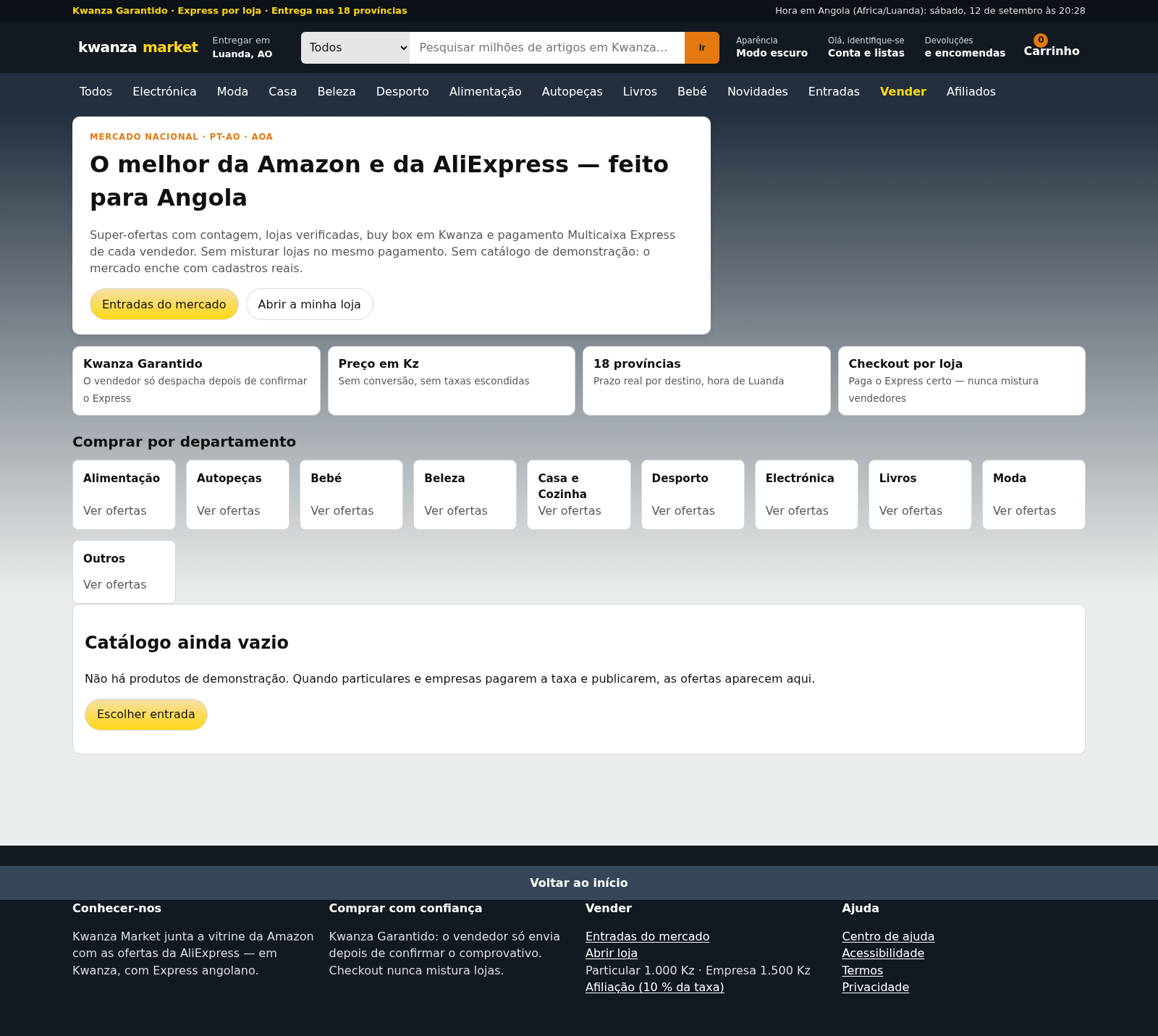
63Kwanza Market
Mercado de Angola: compre e venda em Kwanza com Multicaixa Express.
 38
38GearNest | Premium Gadgets Store
Online store for original gadgets, phones, laptops and accessories in Bangladesh.