
Daily observation report by RG Gafur
Fill, preview and export a controlled daily HSE safety observation report
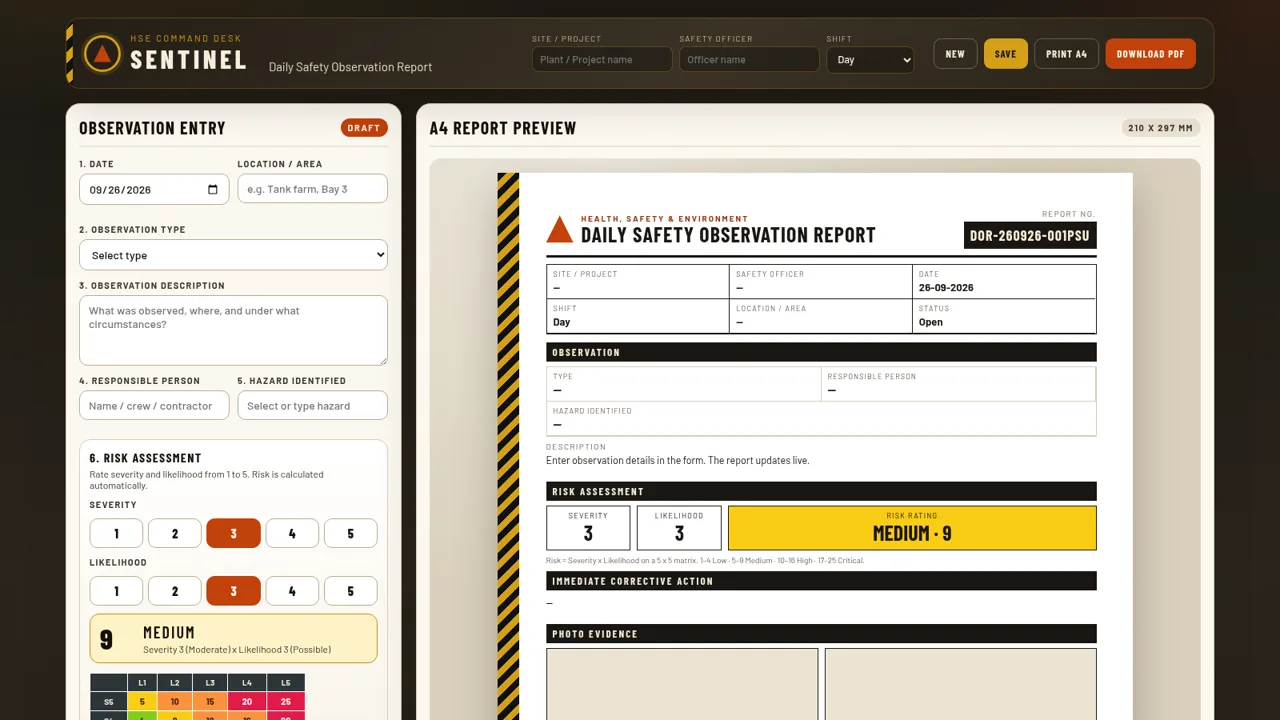
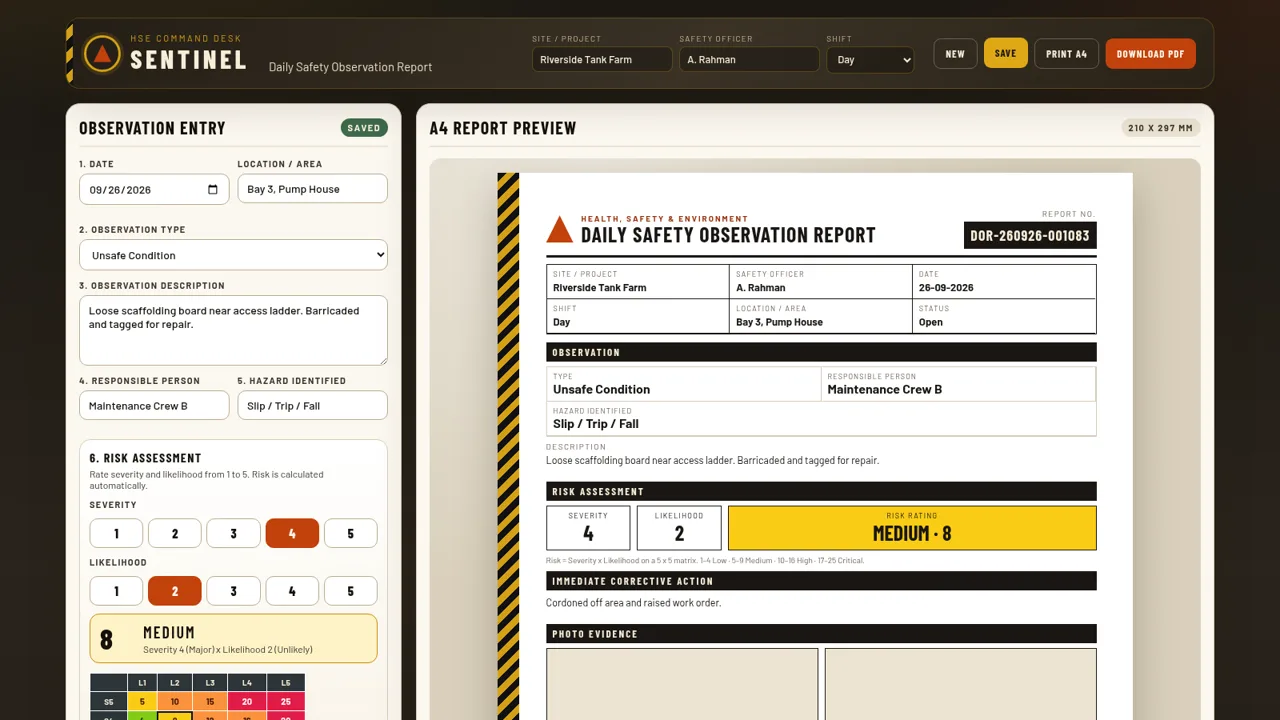
SENTINEL is a single-page HSE tool for documenting daily safety observations in industrial workplaces. The page combines a structured entry form, a live A4 document preview and a saved observation register. Users record the site, safety officer and shift, pick an observation type such as unsafe condition or near miss, describe what was seen, name the responsible person and identified hazard, then score severity and likelihood on a 5 by 5 matrix that rates the risk automatically. Before and after photos can be attached, a status and remarks can be set, and the record can be saved to a local register for search, filtering, CSV export or printing. A download button produces the report as a PDF.
Highlights
Live A4 preview
Form entries render instantly into a document layout
Automatic risk matrix
Severity times likelihood rates risk on a 5x5 grid
Local register
Saved reports are searchable, filterable and exportable
Photo evidence
Before and after images via upload, drop, paste or URL
Print and PDF
Print A4 or download the report as a PDF document
How to Use
Set up the report header
Start at the top bar and enter the Site / Project and Safety Officer names, then choose a Shift from the dropdown. These values appear immediately in the A4 report preview on the right and can be changed at any time before saving.
Describe the observation
In Observation Entry, confirm or change the Date, add a Location / Area, and choose an Observation Type such as Unsafe Condition, Near Miss or Positive Observation. Type the details into the Observation Description box, name the Responsible Person and pick or type a Hazard Identified from the suggested list.
Score the risk
Under Risk Assessment, click a number from 1 to 5 for Severity and another for Likelihood. The tool multiplies them instantly, highlights the matching cell on the 5 by 5 matrix and shows the resulting rating band and score, so no manual calculation is needed.
Attach evidence and status
Enter the Immediate Corrective Action and optional Remarks, set the Status to Open, In Progress, Closed, Verified or Overdue, and add Before and After photos by uploading, dragging, pasting or supplying an image URL. Use Clear photos to remove them.
Save and export
Click Save to store the record locally; it appears in the Observation Register with a generated report number. From there you can search, filter by status, export the register to CSV, print all records, or open an individual record and use Print A4 / Download PDF.
Similar Sites
 8
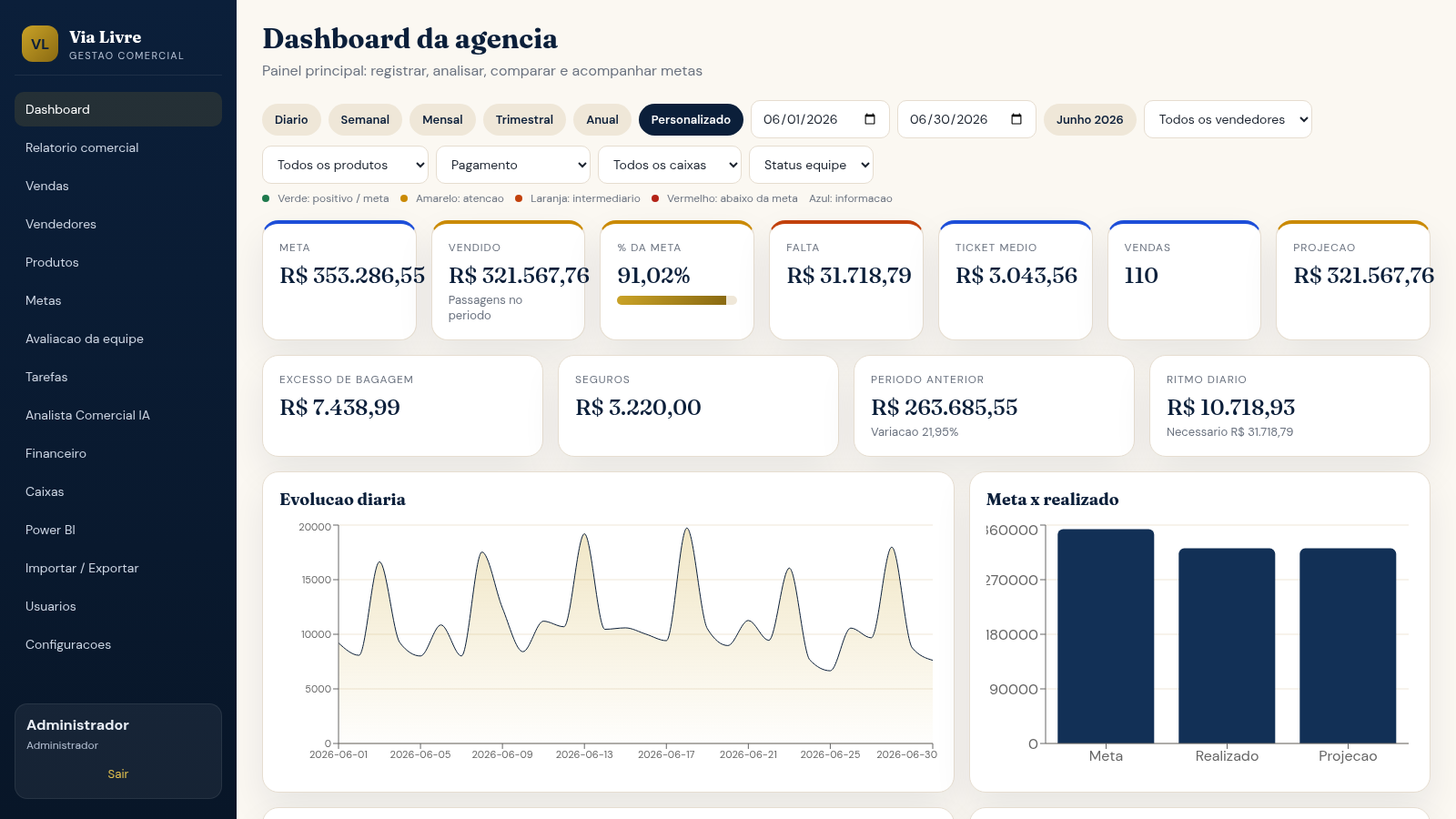
8Via Livre Gestao Comercial
Sistema de gestao comercial para agencia de passagens, com vendas, metas, ranking e IA.
 49
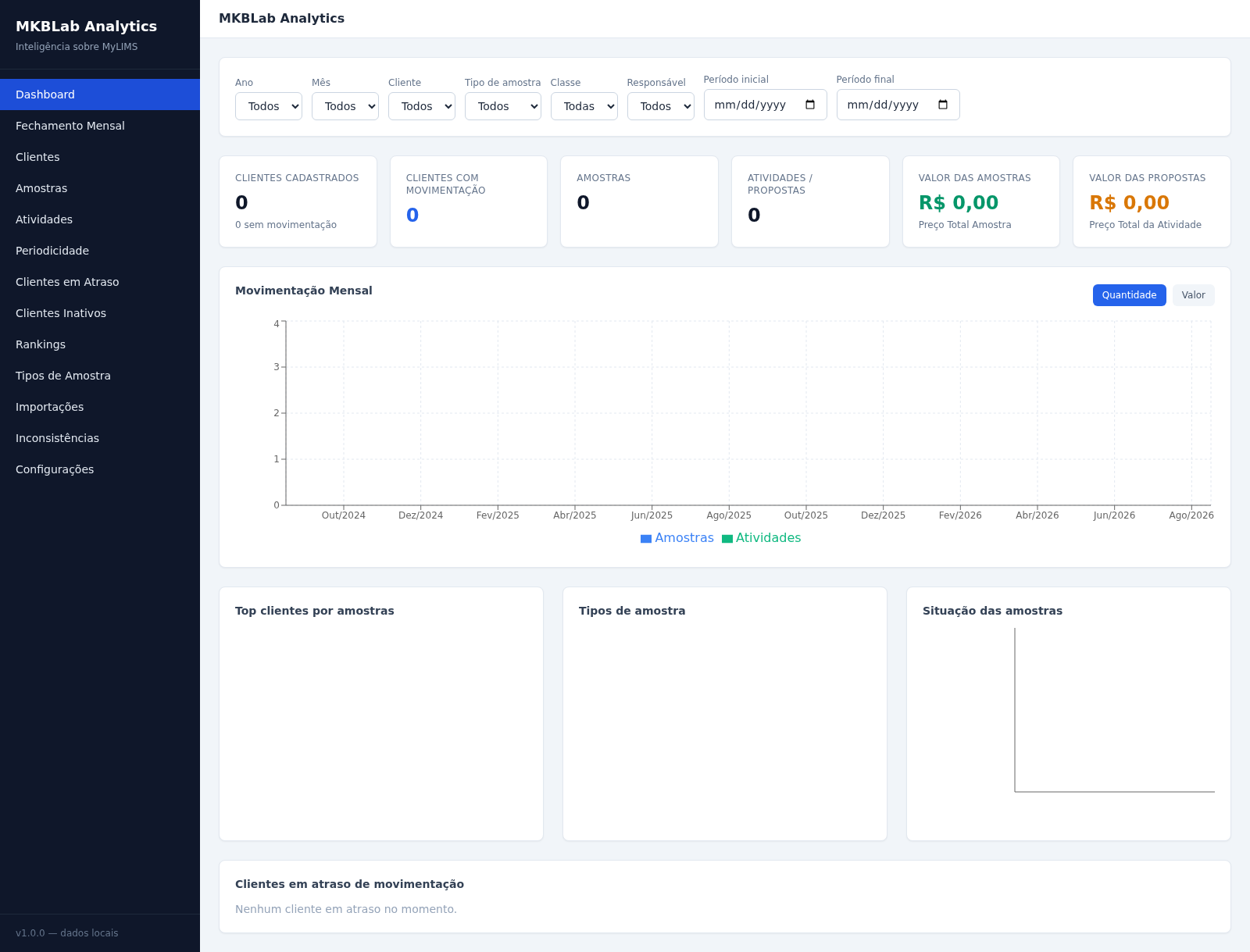
49MKBLab Analytics
Dashboard gerencial com importação de relatórios XLSX do MyLIMS
 63
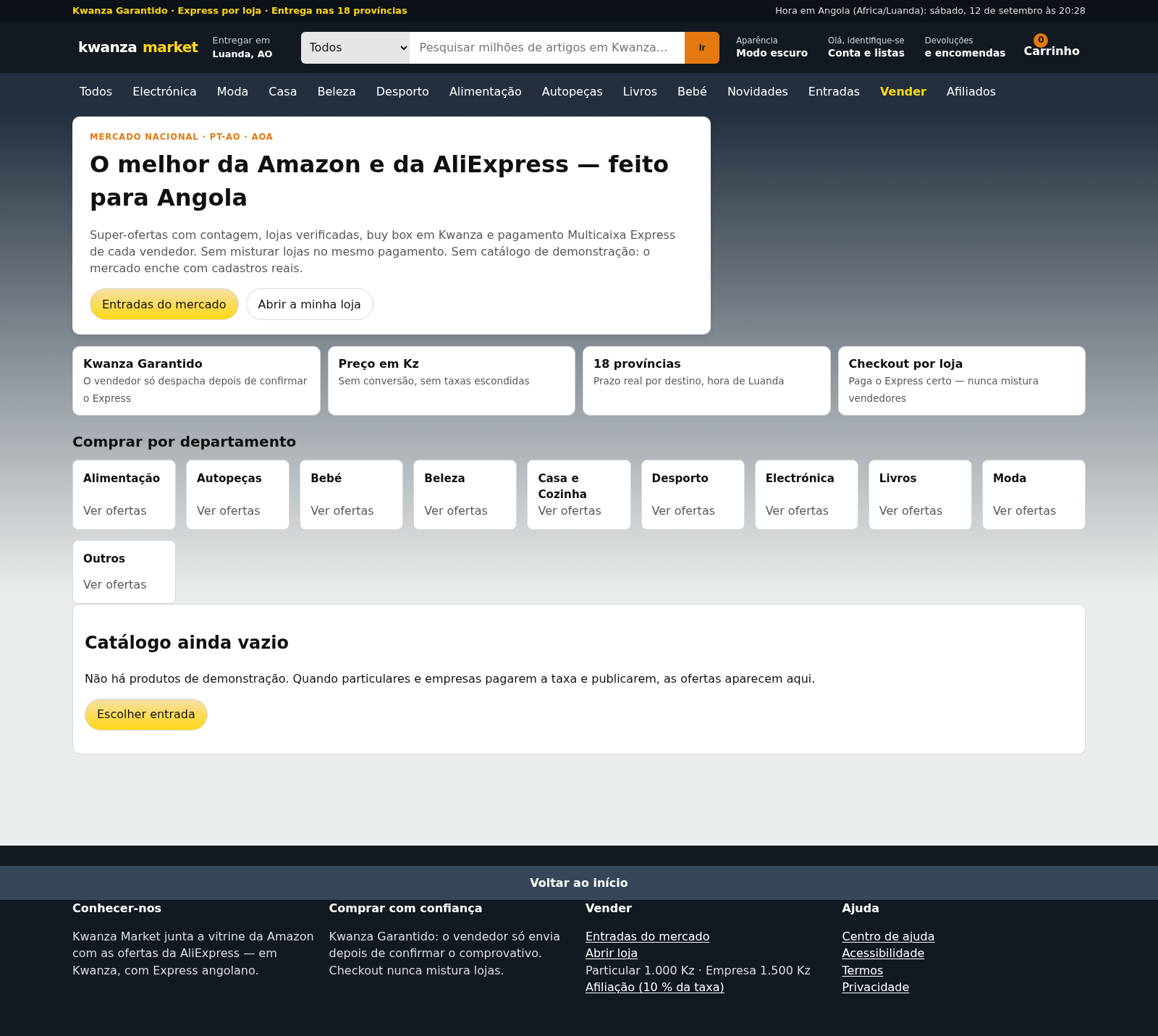
63Kwanza Market
Mercado de Angola: compre e venda em Kwanza com Multicaixa Express.
 17
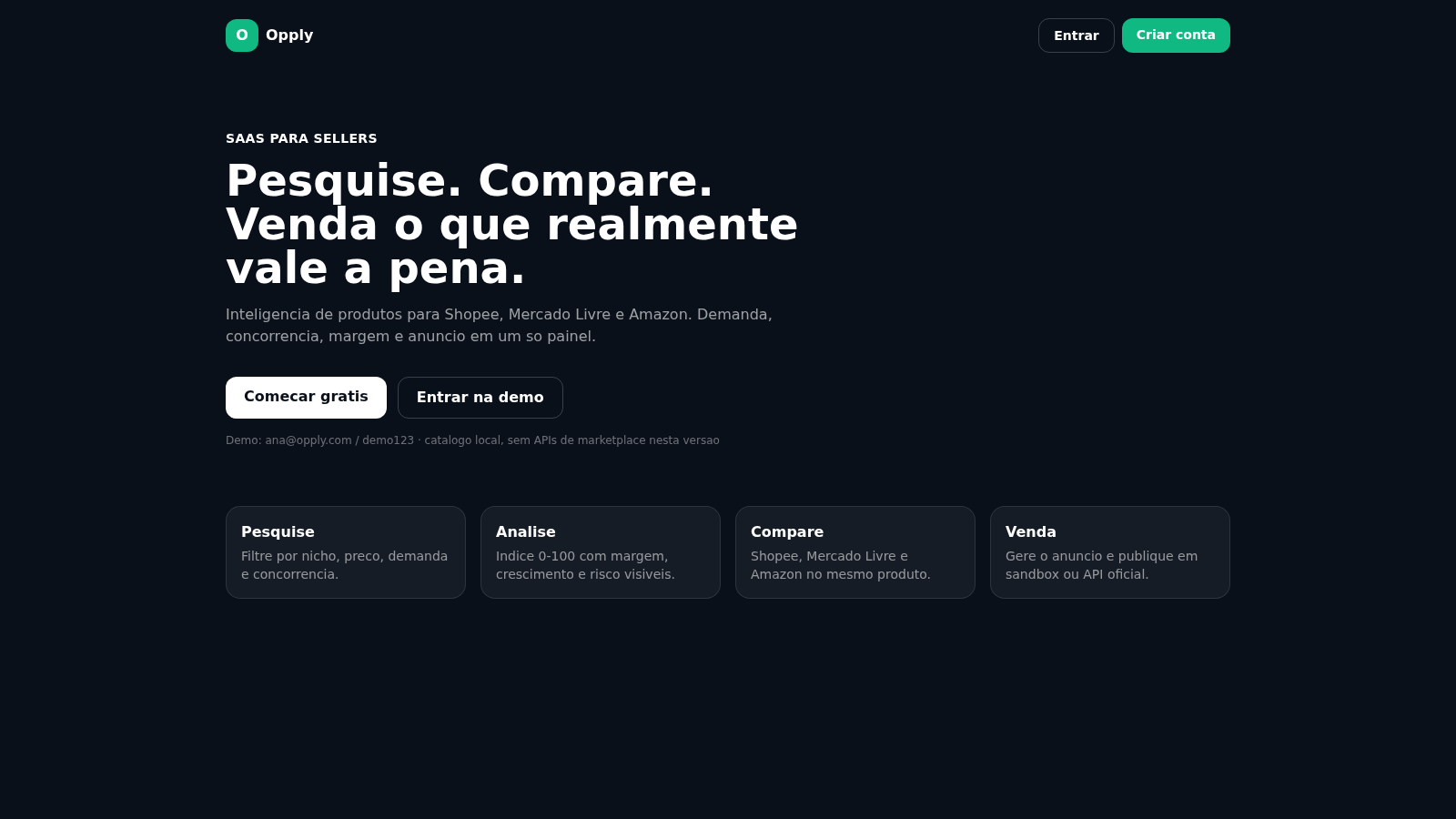
17Opply
Inteligencia de produtos para Shopee, Mercado Livre e Amazon.
 17
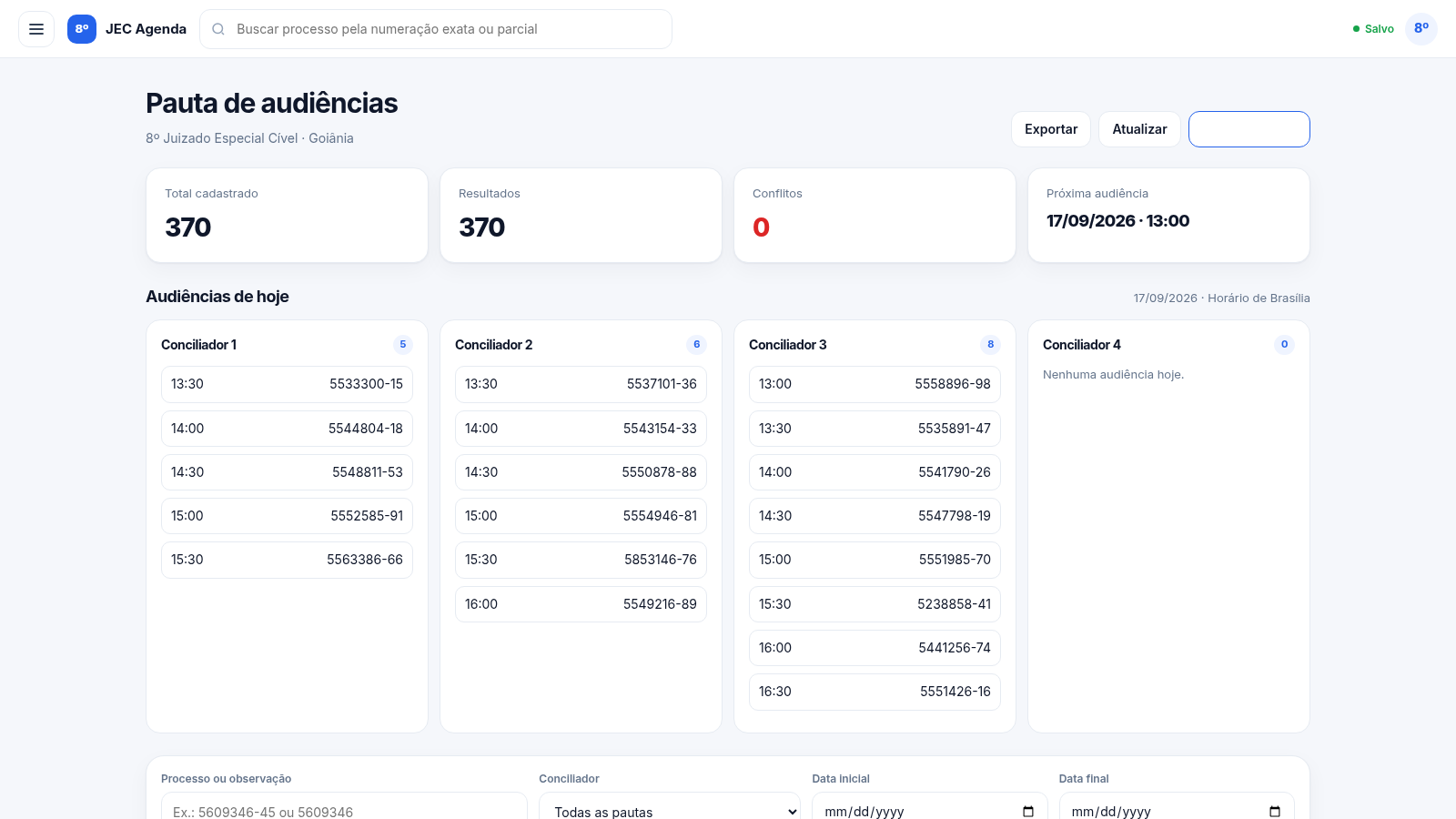
17Painel de Audiências 8º JEC
Agenda compartilhada do 8º Juizado Especial Cível de Goiânia
 16
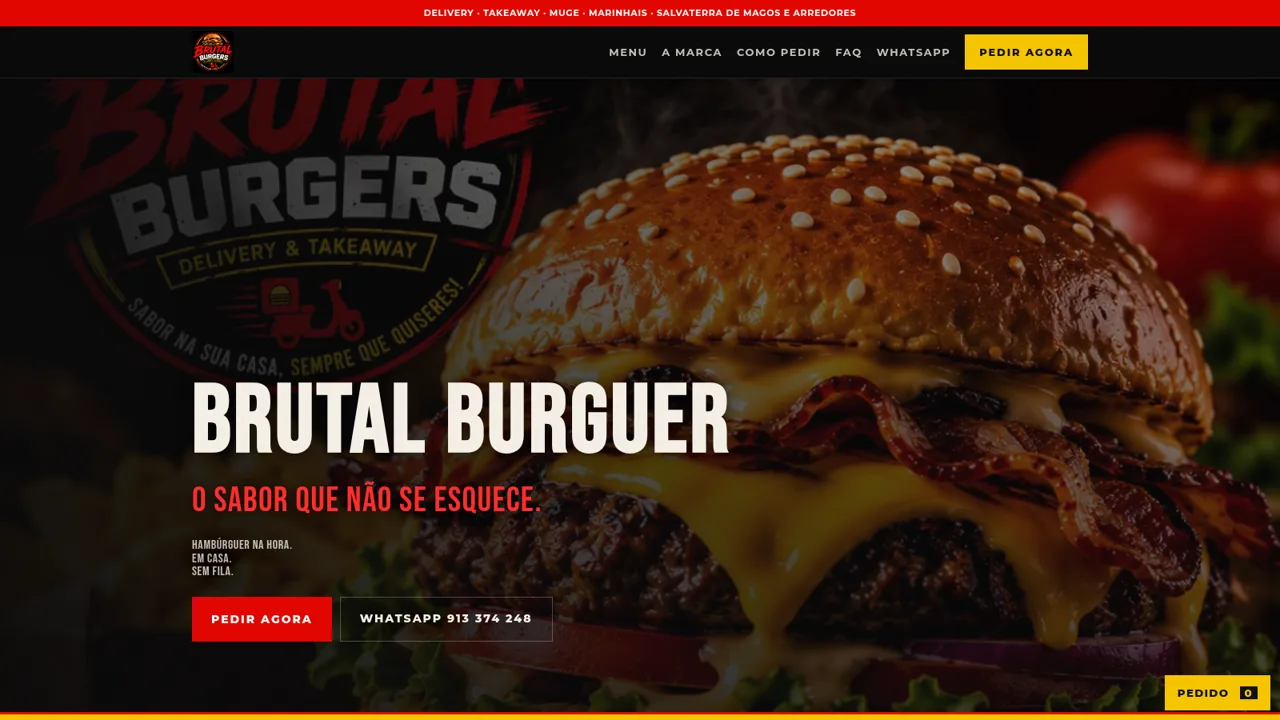
16Brutal Burguer
Hambúrgueres na hora, delivery e takeaway em Muge.