
Magic Dent POS
A browser POS for Arabic dental clinics that turns services into cart items and printable invoices.
Magic Dent POS is a point-of-sale web app designed for the front desk of an Arabic-speaking dental clinic. Cashiers open a shift with an employee name and a four-digit PIN, then work from a grid of dental services priced in Egyptian pounds. Selecting a service adds it to a cart where quantity can be adjusted, and the cashier chooses cash or Visa before issuing an invoice that can be printed or downloaded as a PDF. An admin-protected sales log summarizes revenue, cash and card totals, units sold and invoice counts over selectable periods, and breaks results down by cashier and by service. A separate items screen lets staff add, edit or remove services, attach an image URL and reset the sold counter. A light and dark theme toggle is available in the header.
Highlights
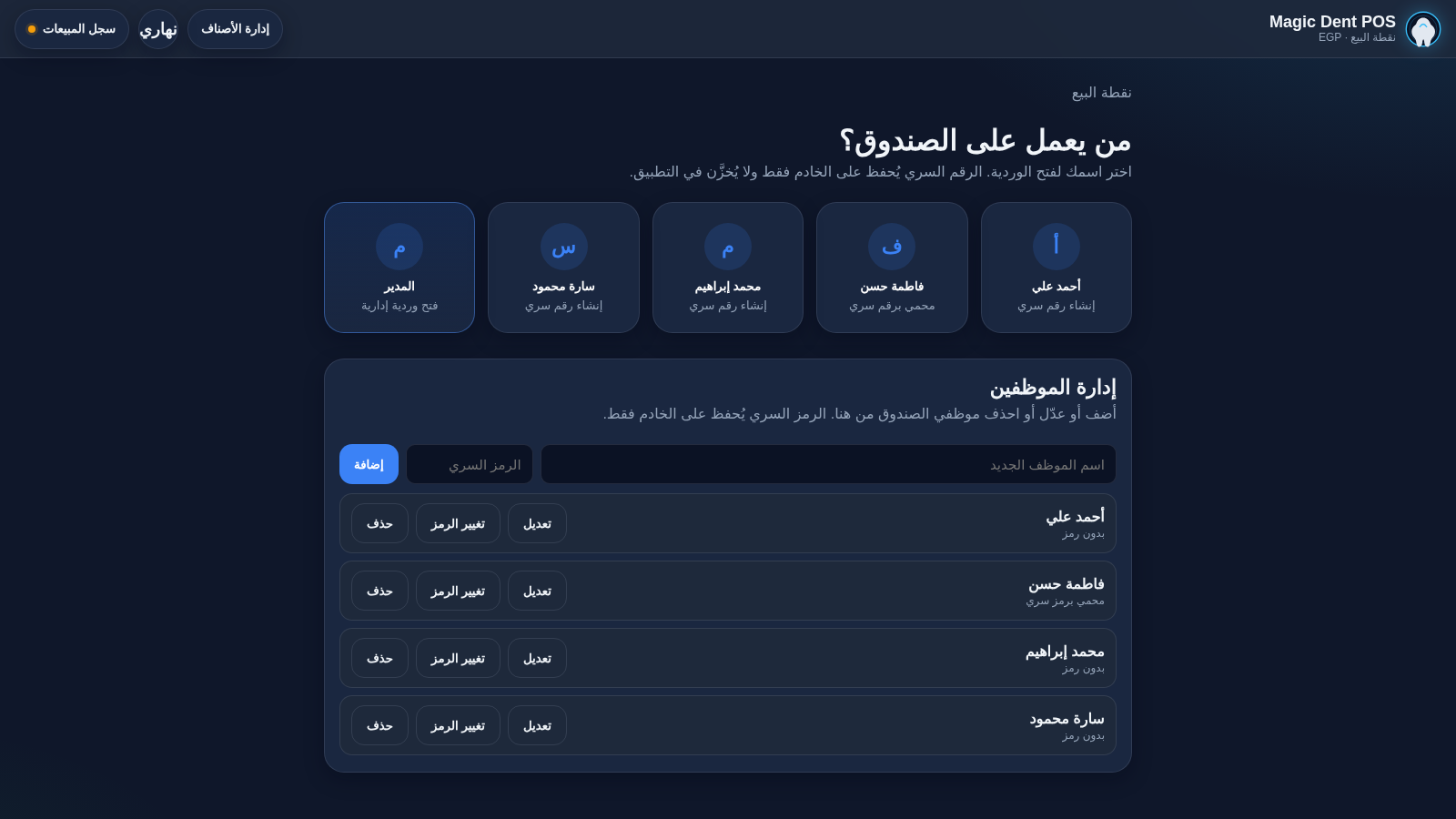
Shift login
Staff clock in with a name and PIN
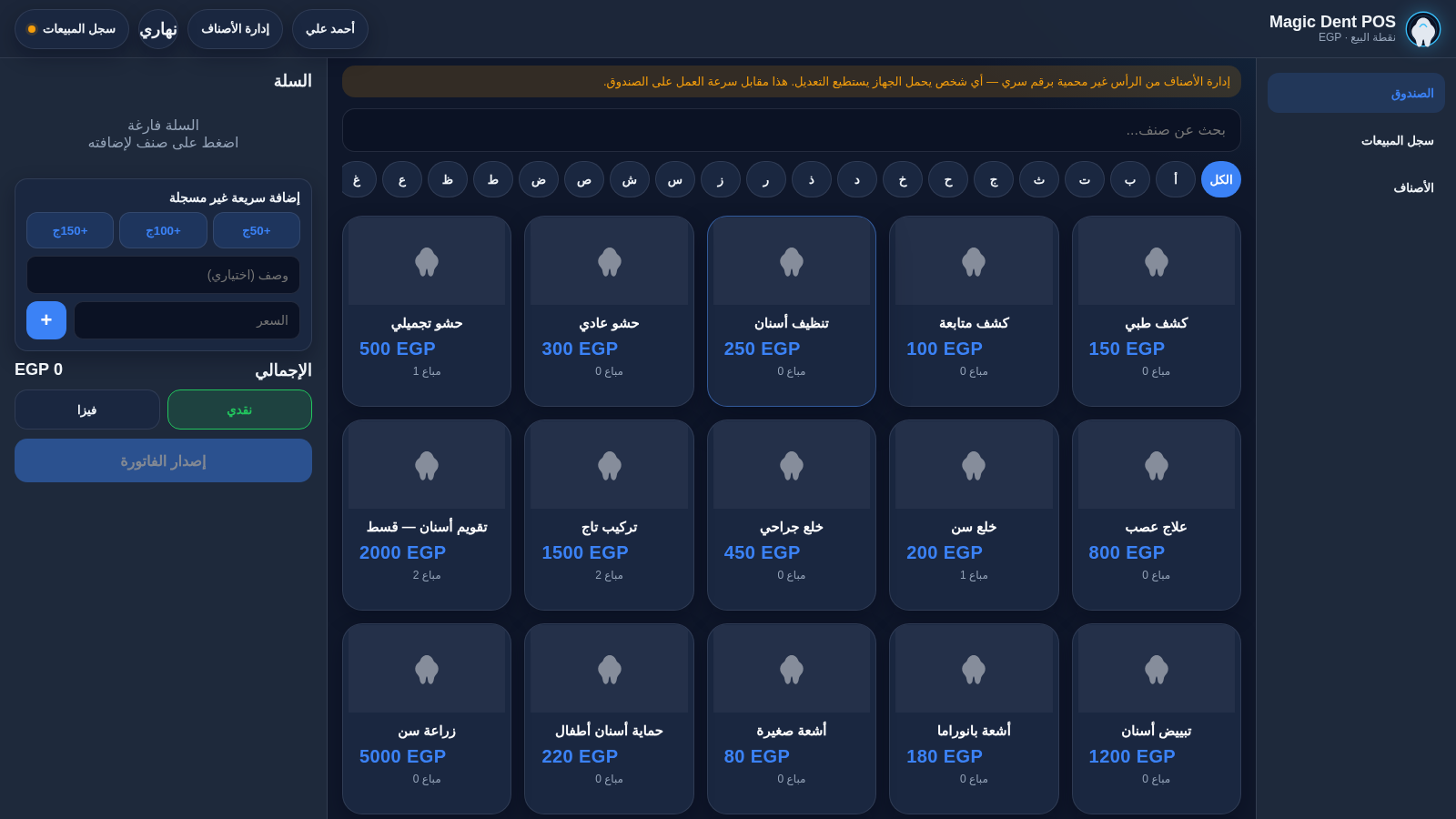
Service catalog
18 dental services with EGP prices
Cart and checkout
Adjust quantities and choose payment
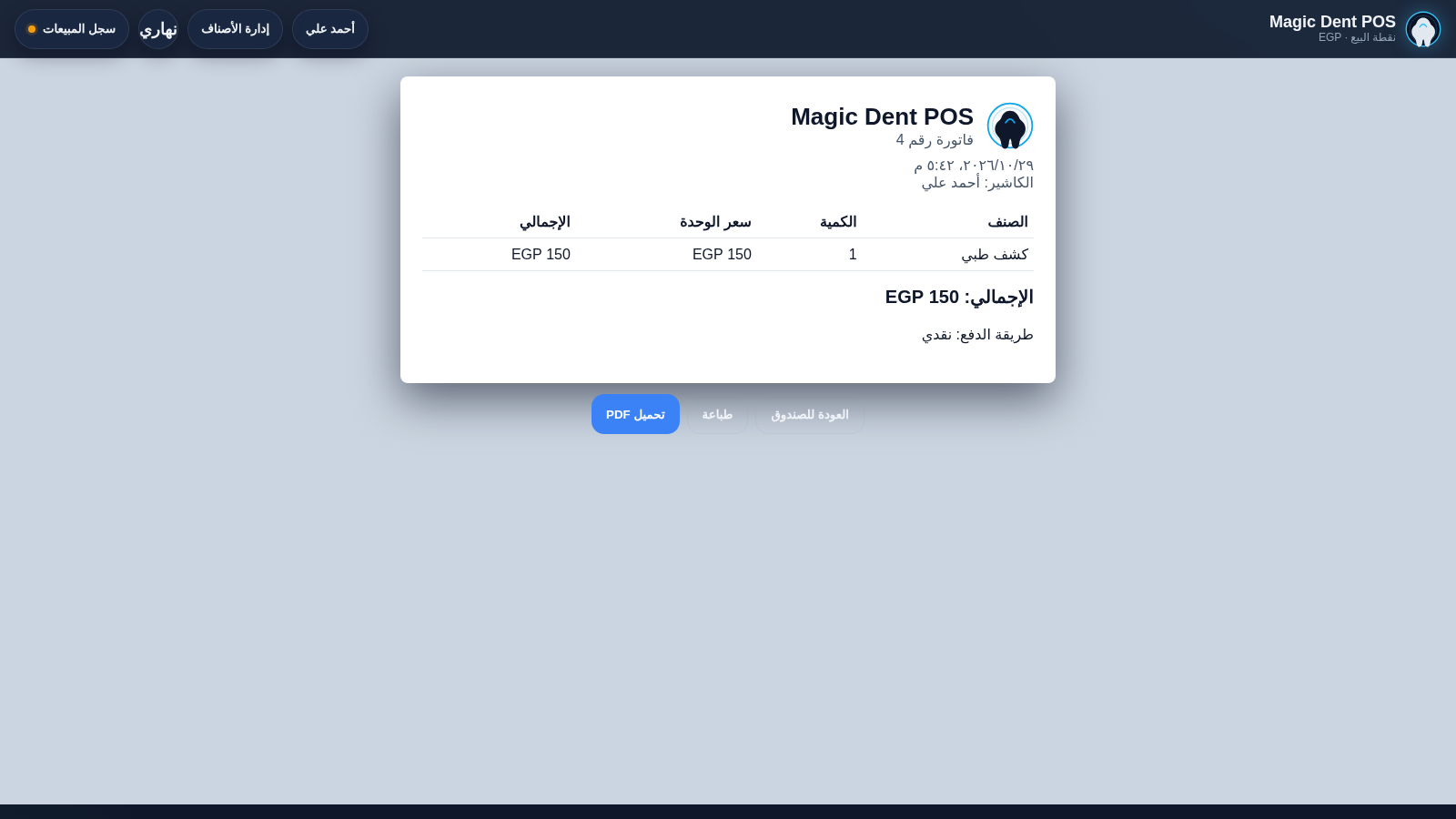
Invoice output
Print or download a PDF invoice
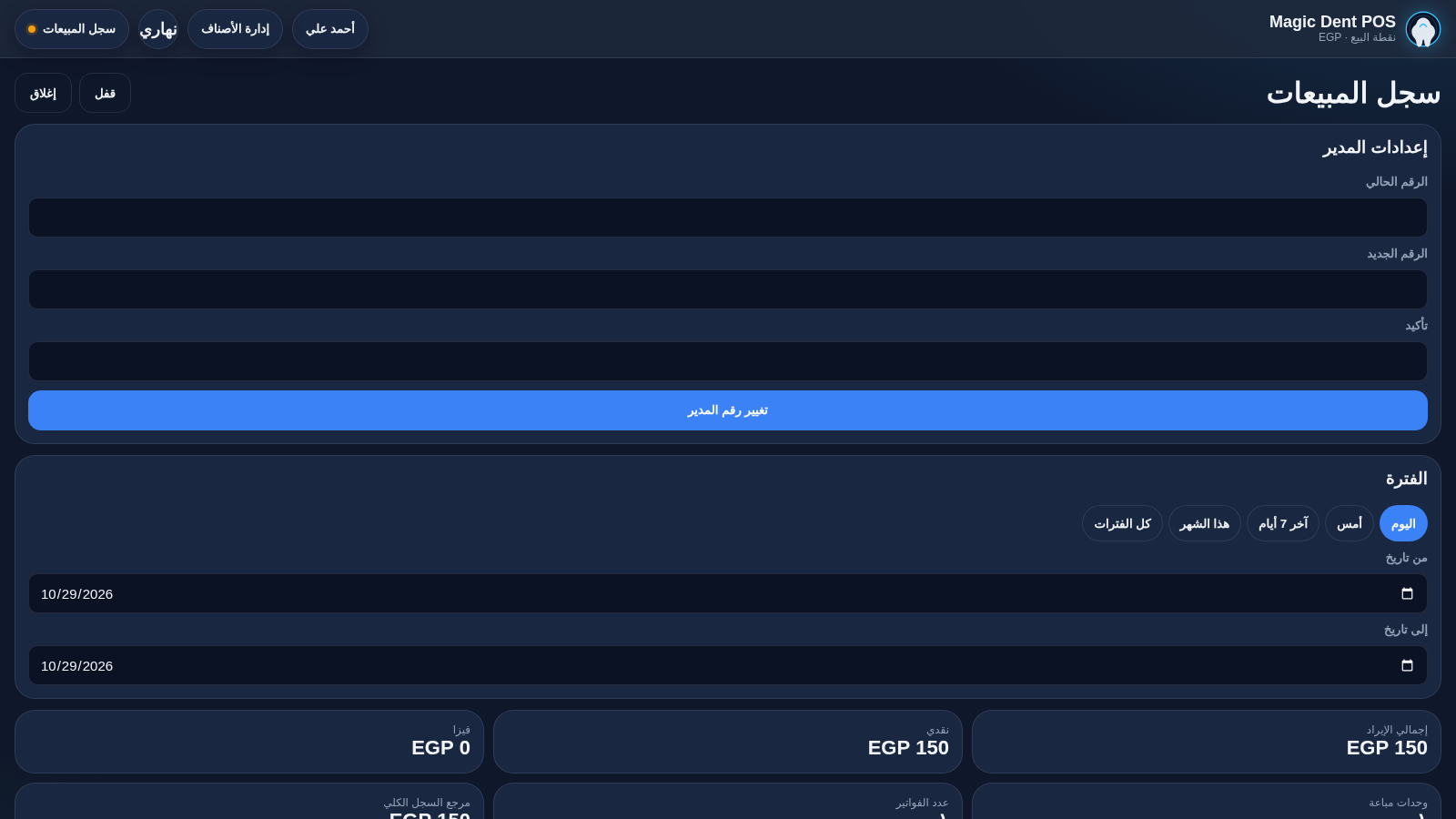
Sales log
Filter revenue by date and cashier
Catalog editing
Add, edit or delete services
How to Use
Open a cashier shift
On the first screen, pick an employee name. If that person has no PIN yet, the app asks you to create a four-digit PIN and then confirm it. Entering the same number twice opens the register; a mismatch shows an error and clears the entry.
Build the cart
Tap any dental service card to add it. The cart on the right shows the line, its price and a quantity control, and the running total updates immediately. You can also use the quick add buttons or type a custom description and price for a service that is not in the catalog.
Choose payment and issue
Select cash or Visa under the total. The issue invoice button becomes active once the cart has at least one item. Pressing it opens the invoice view with a number, timestamp, cashier name, line items and payment method, plus buttons to return to the register, print or download a PDF.
Review the sales log
Open the sales log and enter the admin PIN shown as the first-run default on that screen. Use the period shortcuts or the from and to date fields to filter, then read total revenue, cash and Visa splits, units sold and invoice count, along with per-cashier and per-service breakdowns. Invoices can be reopened for reprinting.
Manage the catalog
The items button opens a dialog listing every service. Enter a name, price and optional image URL to add a service; each row also offers edit, delete and reset-sold actions. Changes appear immediately in the register grid.
Similar Sites
 9
9CBC | Estruturação Comercial
Apresentação estratégica da CBC: processos, automação e gestão por dados.
 7
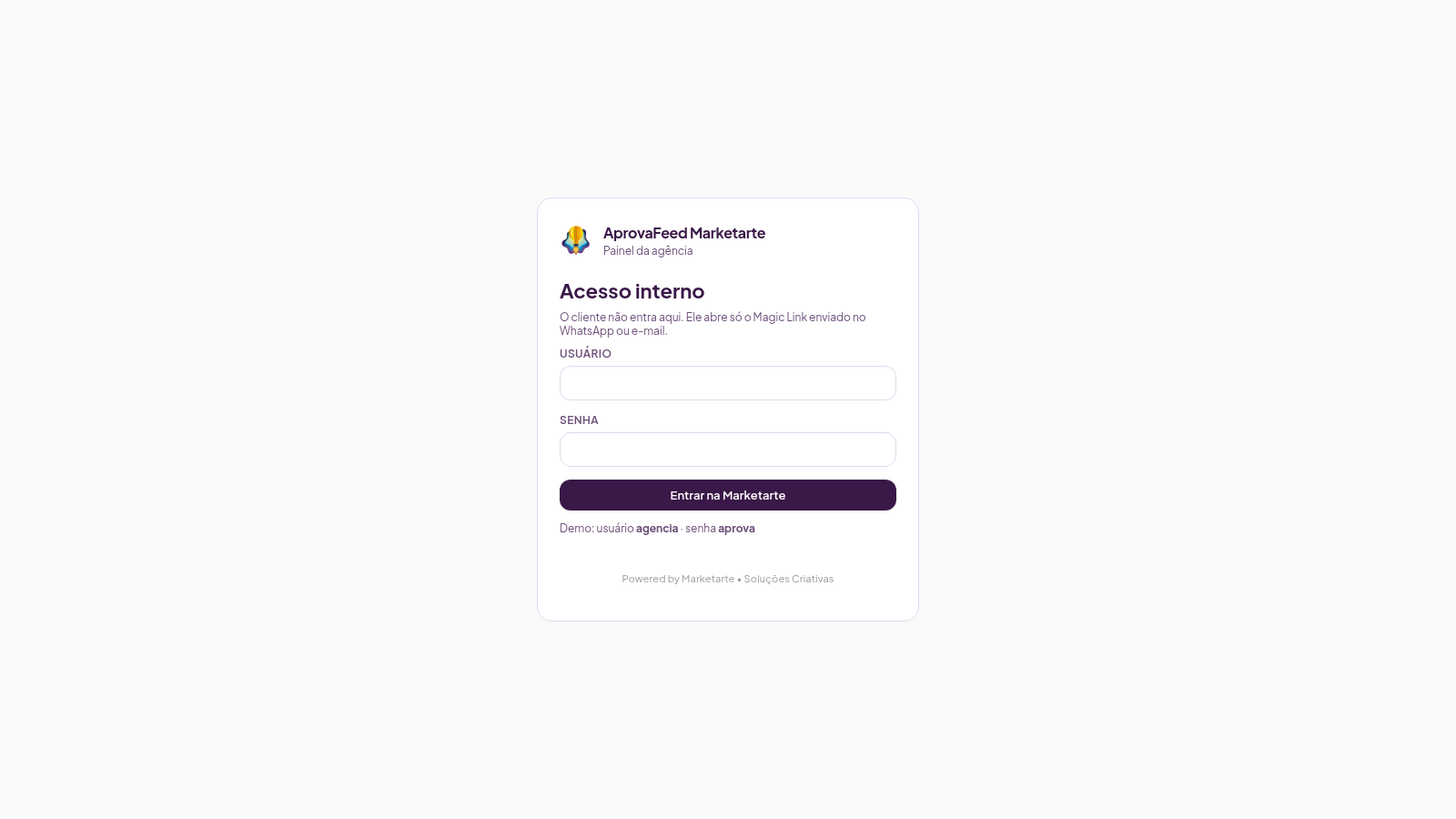
7AprovaFeed Marketarte
Feed Instagram para a agência apresentar e o cliente aprovar posts, reels, carrosséis e stories.
 1
1MAG AI - تصميم مواقع وتطبيقات
استوديو متخصص في تصميم وتطوير المواقع الإلكترونية وتطبيقات الموبايل
 69
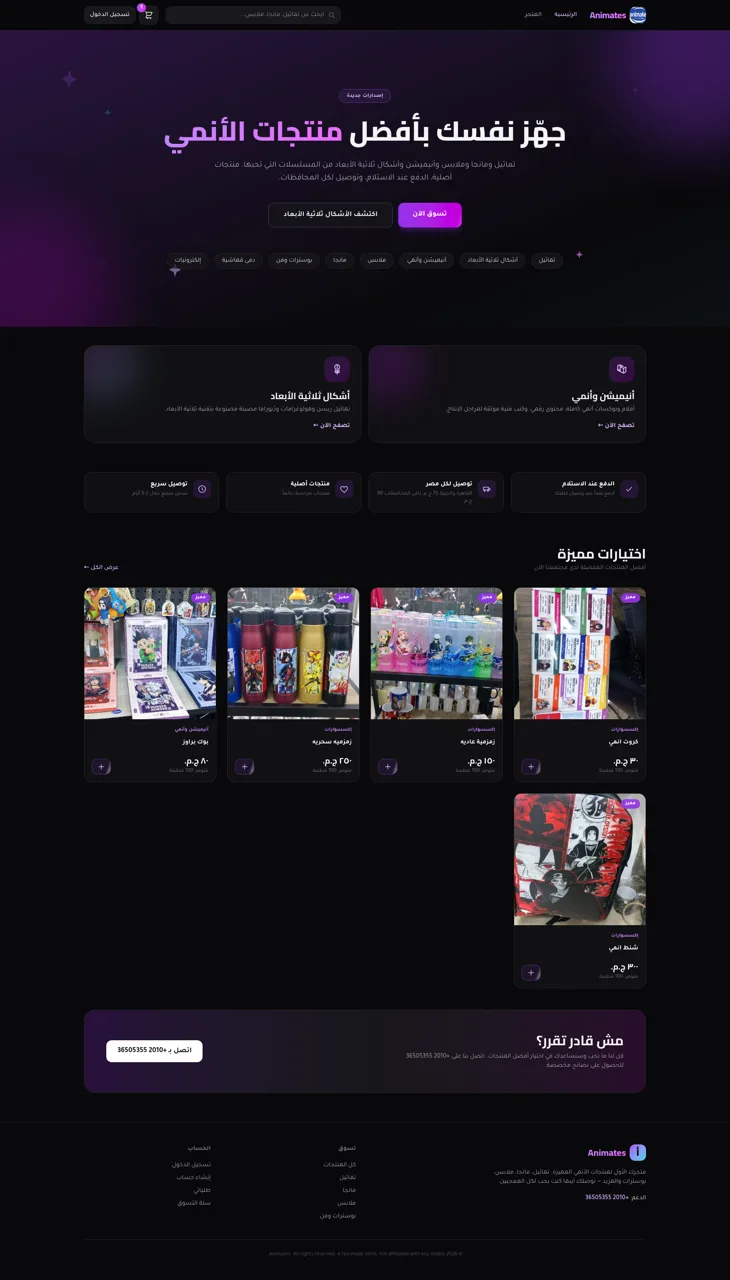
69Animates — Anime Merch Store
Full-stack Arabic RTL anime merch store with COD checkout and admin dashboard
 65
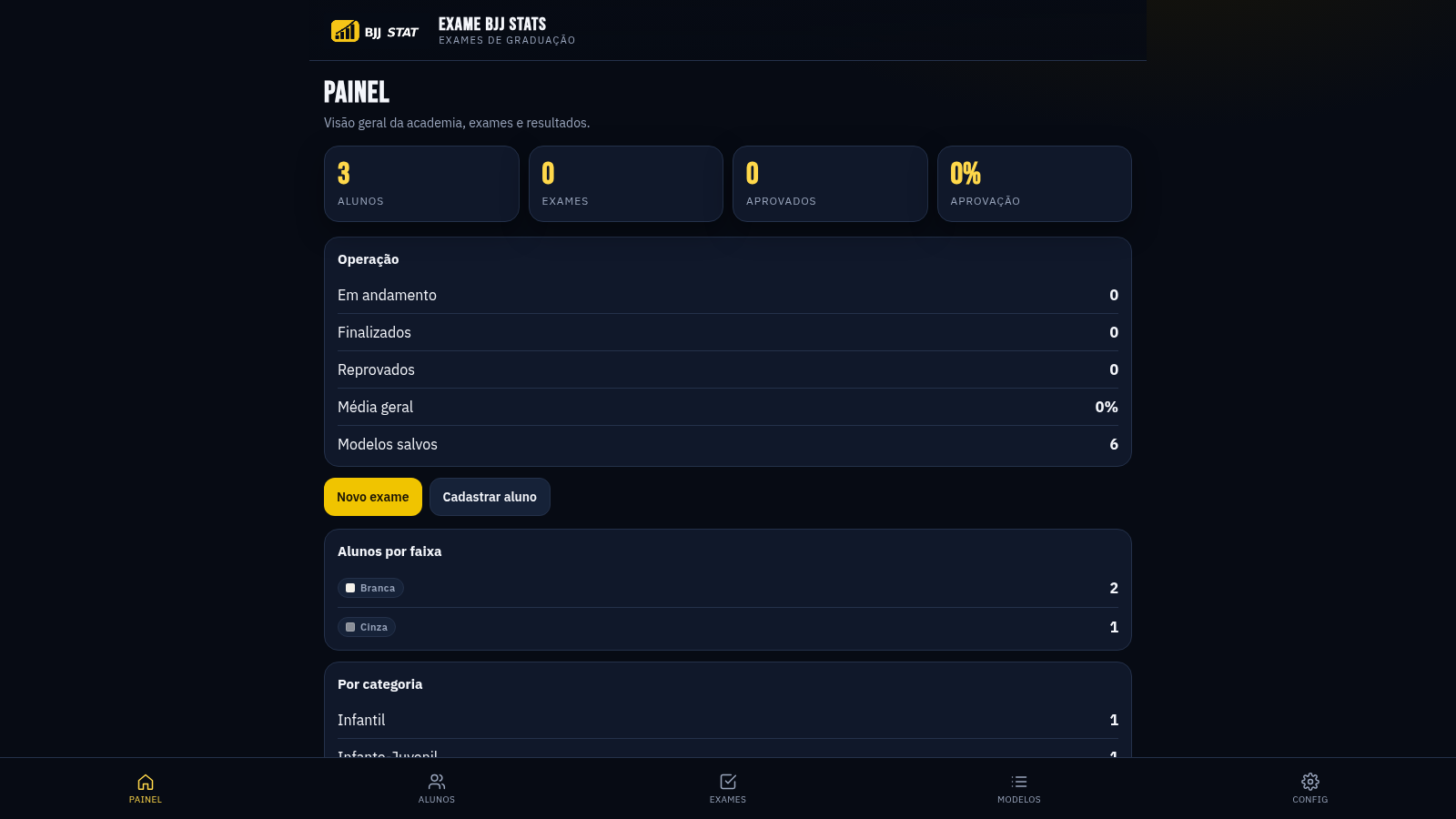
65EXAME BJJ STATS
Sistema profissional de exames de graduação BJJ, com modelos por faixa e relatório APROVADO/REPROVADO.
 34
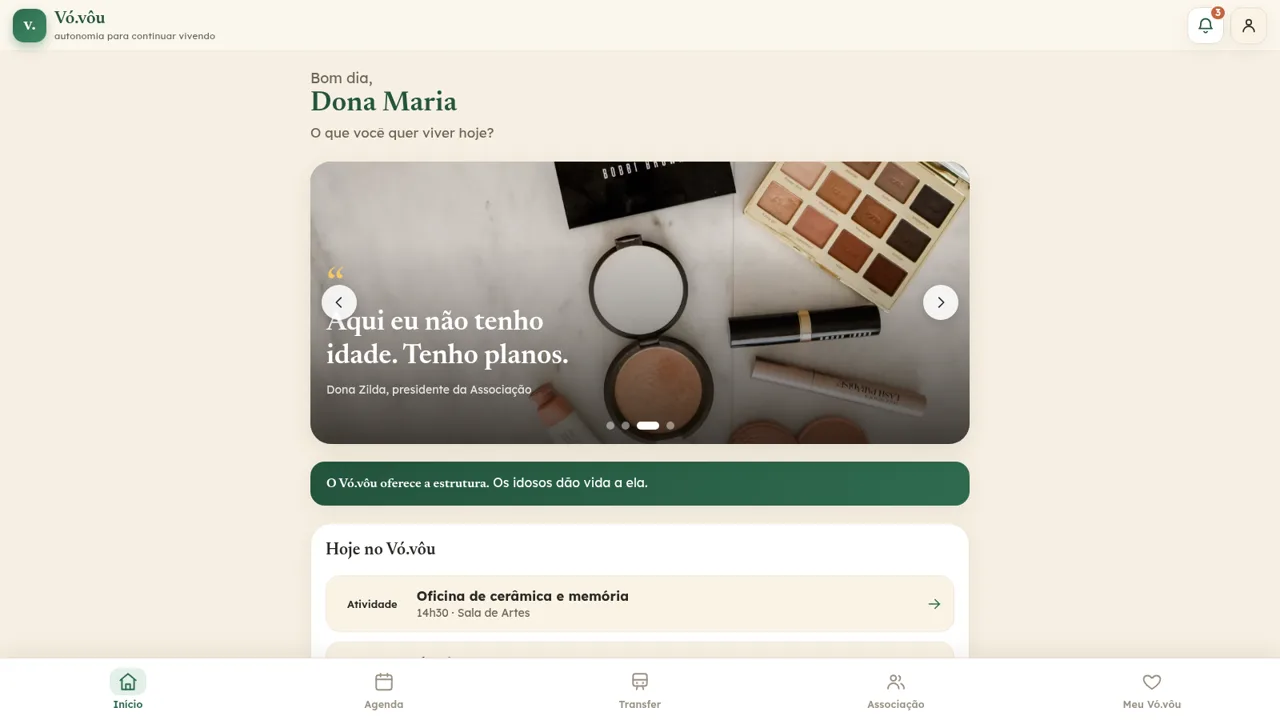
34Vó.vôu — Centro de Convivência
Centro de convivência para idosos focado em autonomia, dignidade e independência.