
EVOLUX
Run multiple service businesses through isolated workspaces, shared platform controls, and modular operations.
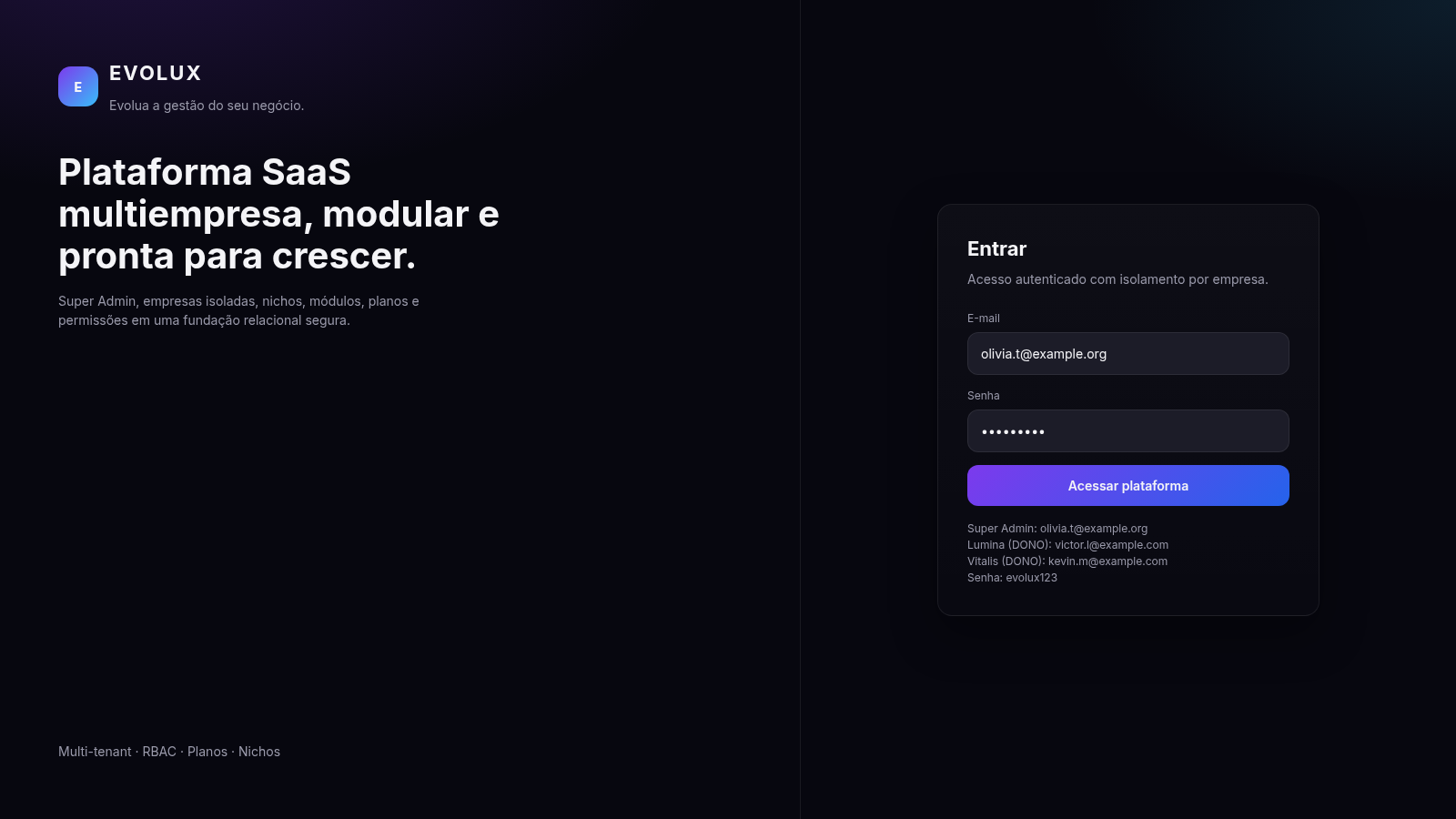
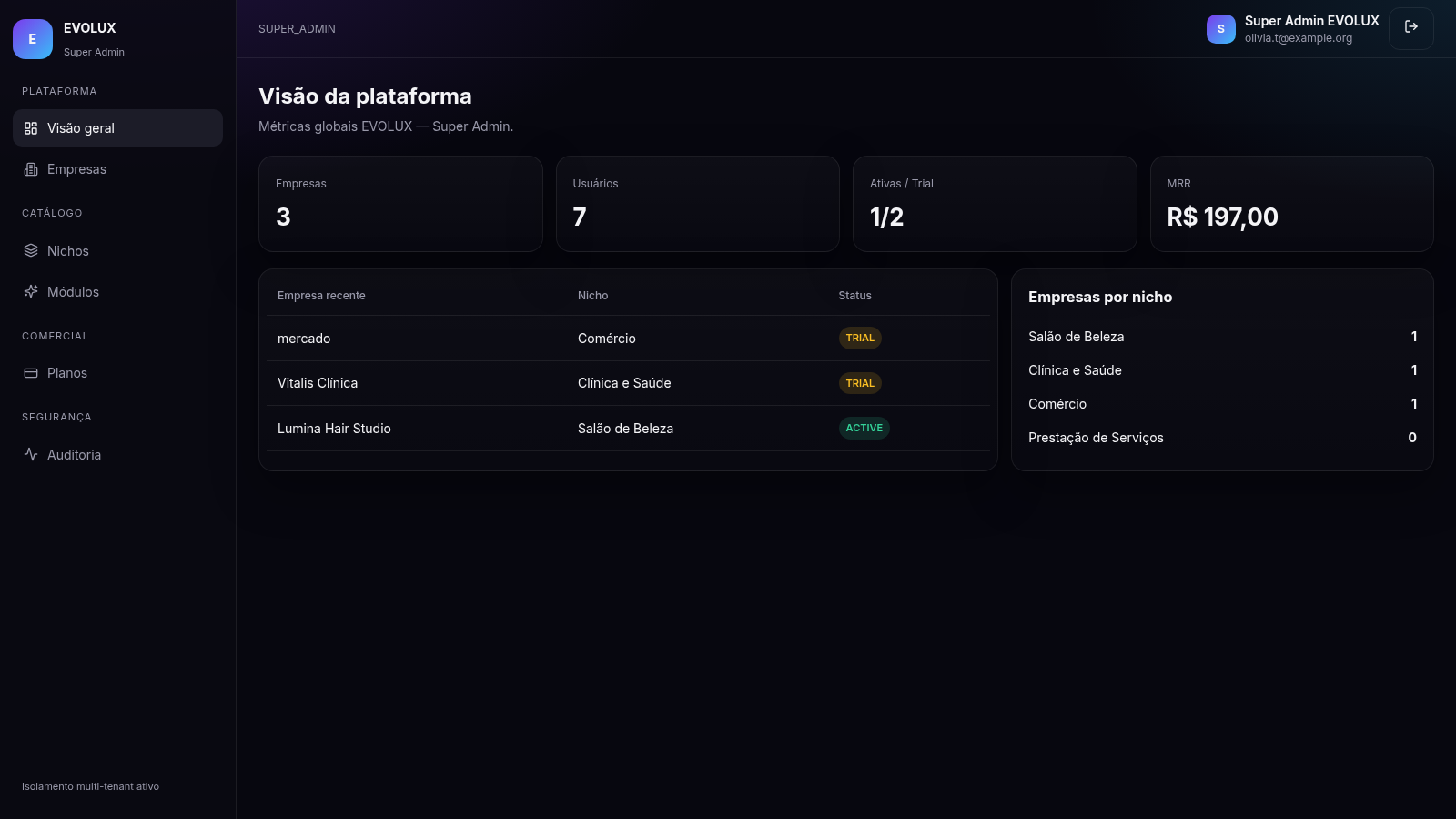
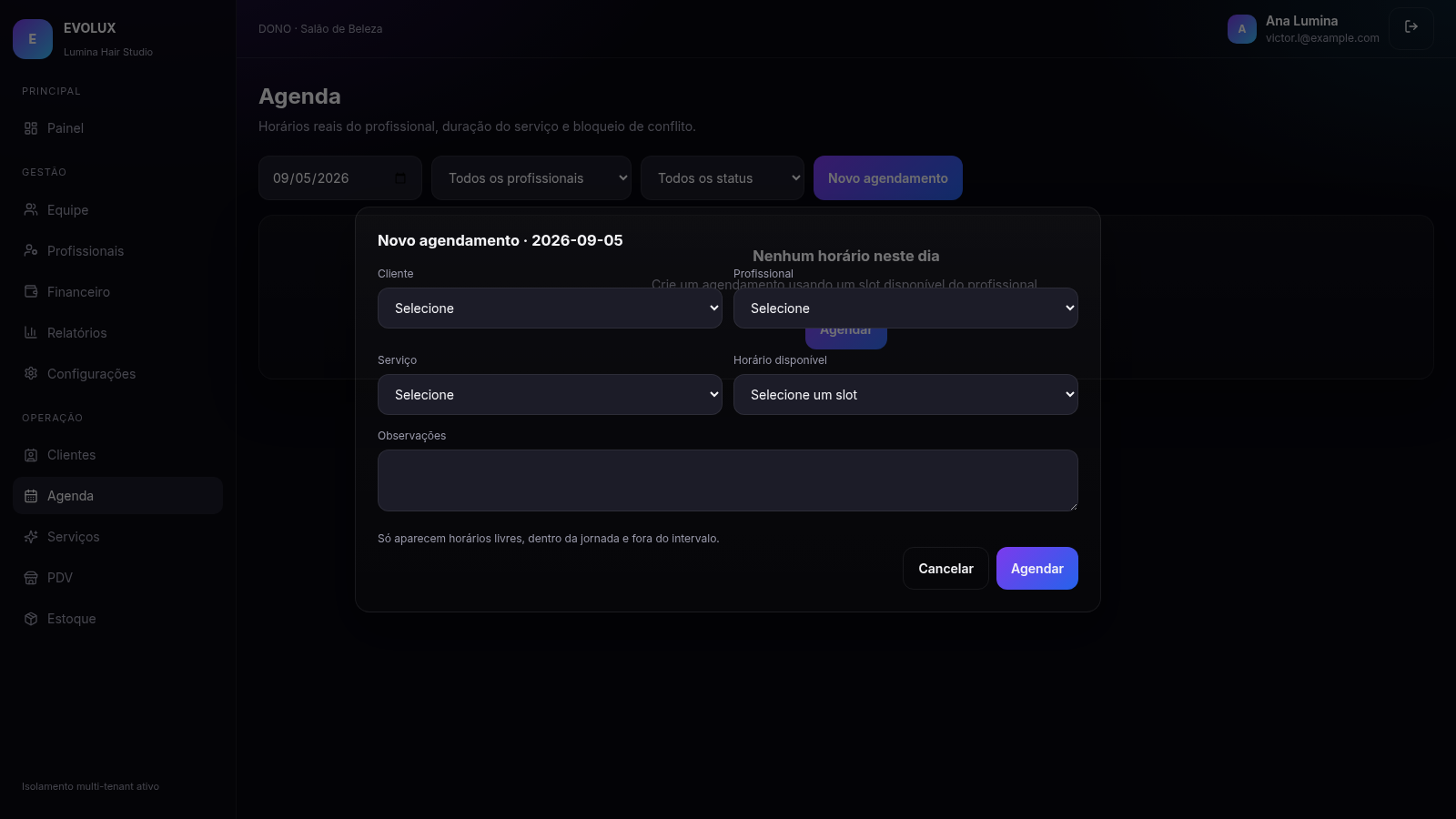
EVOLUX is a Portuguese-language multi-company SaaS application designed for business administration. A super administrator can monitor global company, user, subscription, and recurring-revenue metrics; manage tenants, niches, modules, and plans; and review a cross-platform audit trail. Each company receives an isolated workspace with role-aware access to customers, staff, professionals, appointments, service catalogs, point of sale, finance, inventory, reports, and settings. The tested Lumina Hair Studio workspace also showed plan limits, monthly revenue and balance figures, active customers, available modules, and a schedule workflow that links customers, professionals, services, durations, prices, and valid time slots.
Highlights
Tenant isolation
Separate company data
Modular operations
Ten business modules
Role access
Admin and tenant roles
Smart scheduling
Conflict-aware slots
Audit history
Tracked user actions
How to Use
Sign in with a demo role
Use one of the accounts displayed on the login page and the supplied password. A super administrator enters the platform-wide console, while a company owner enters the isolated workspace for that tenant.
Review platform operations
From the super-admin dashboard, inspect global company, user, subscription, and revenue metrics. Use the sidebar to manage companies, niches, modules, and plans or to review the audit trail across tenants.
Work inside a company
Sign in with a company account to open its role-aware dashboard. Navigate among customers, professionals, services, point of sale, finance, stock, reports, team permissions, and company settings according to the enabled modules.
Create an appointment
Open Agenda, choose a date or filters, and select New appointment. The form links a customer, professional, and priced service, then presents available slots that respect working hours, breaks, service duration, and existing conflicts.
Similar Sites
 10
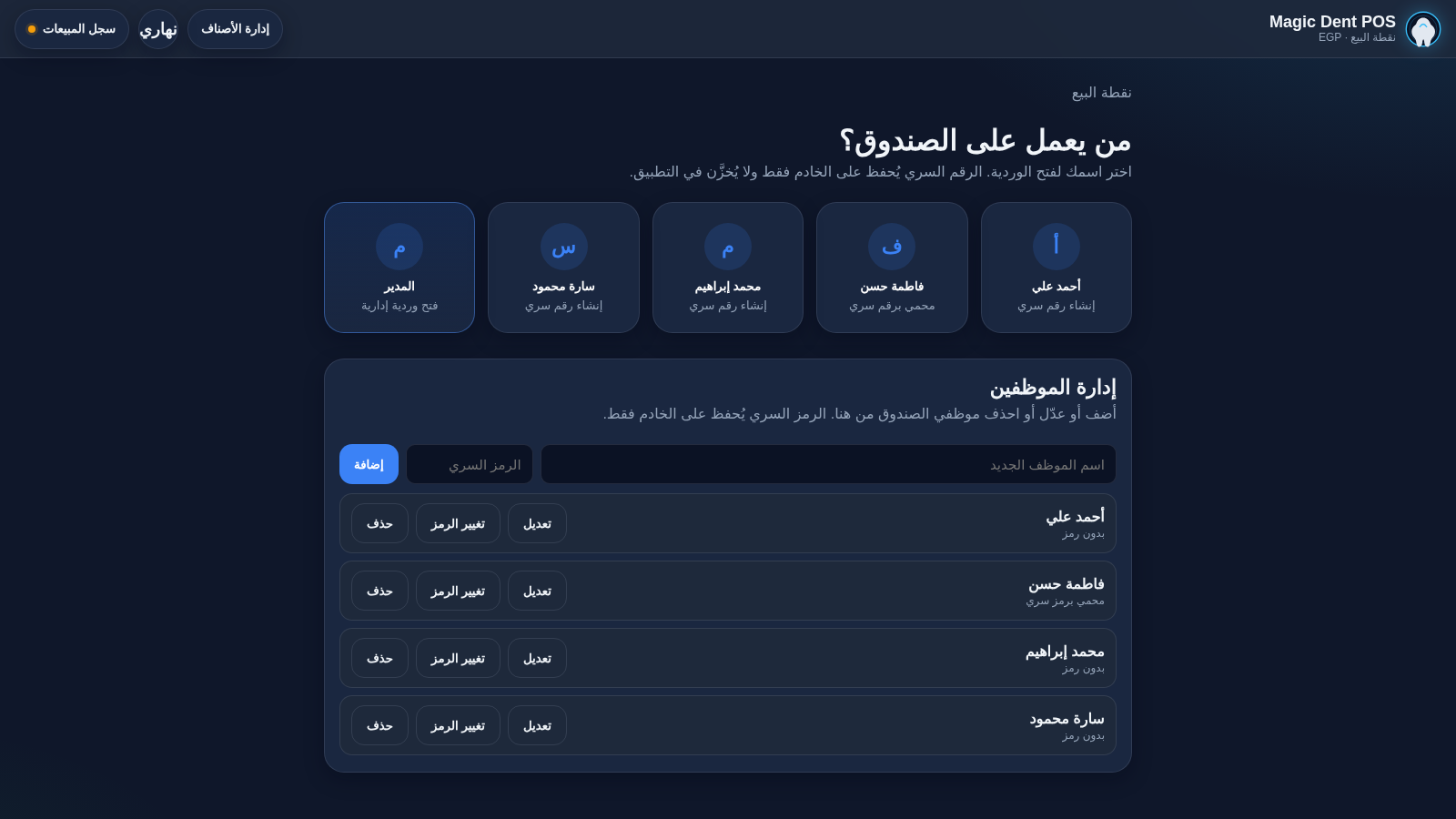
10Magic Dent POS
Arabic dental clinic POS for cashiers, invoices, and catalog
 126
126Agenda de Pedidos - Confeitaria
Agenda digital de pedidos para confeitaria com integração WhatsApp
 32
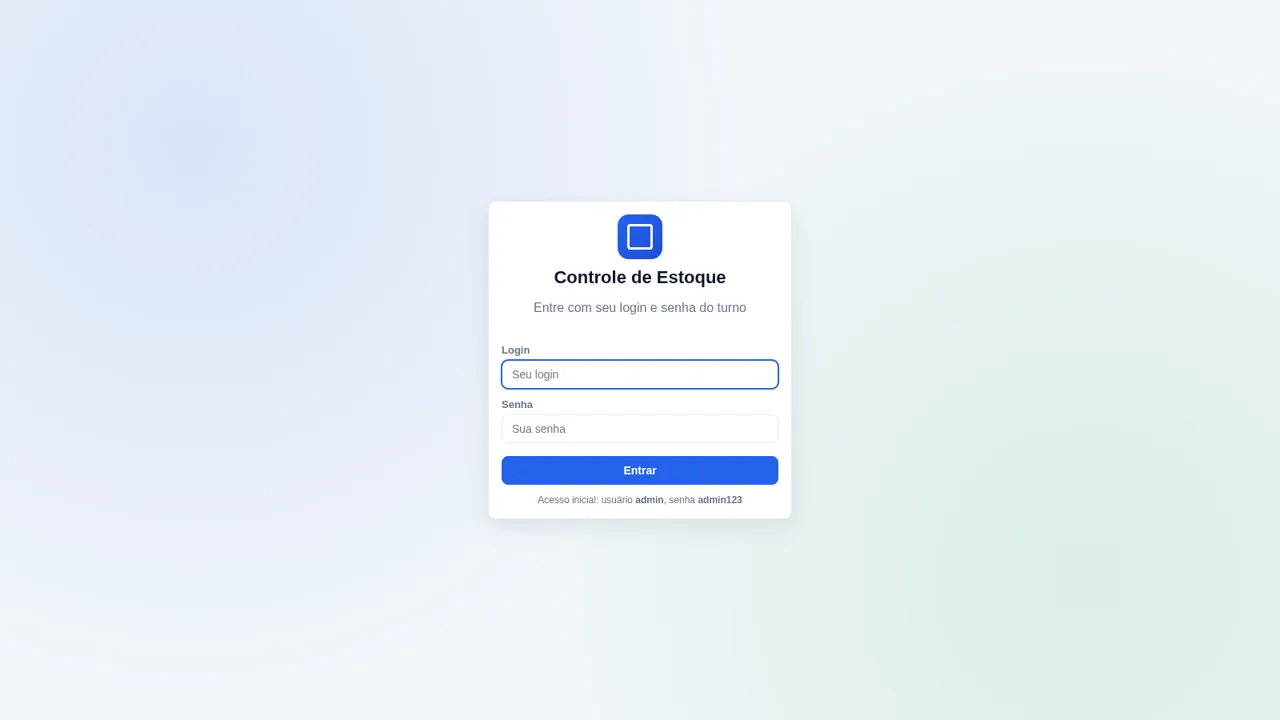
32Controle de Estoque
Entrada e saída de materiais com baixa automática do estoque
 15
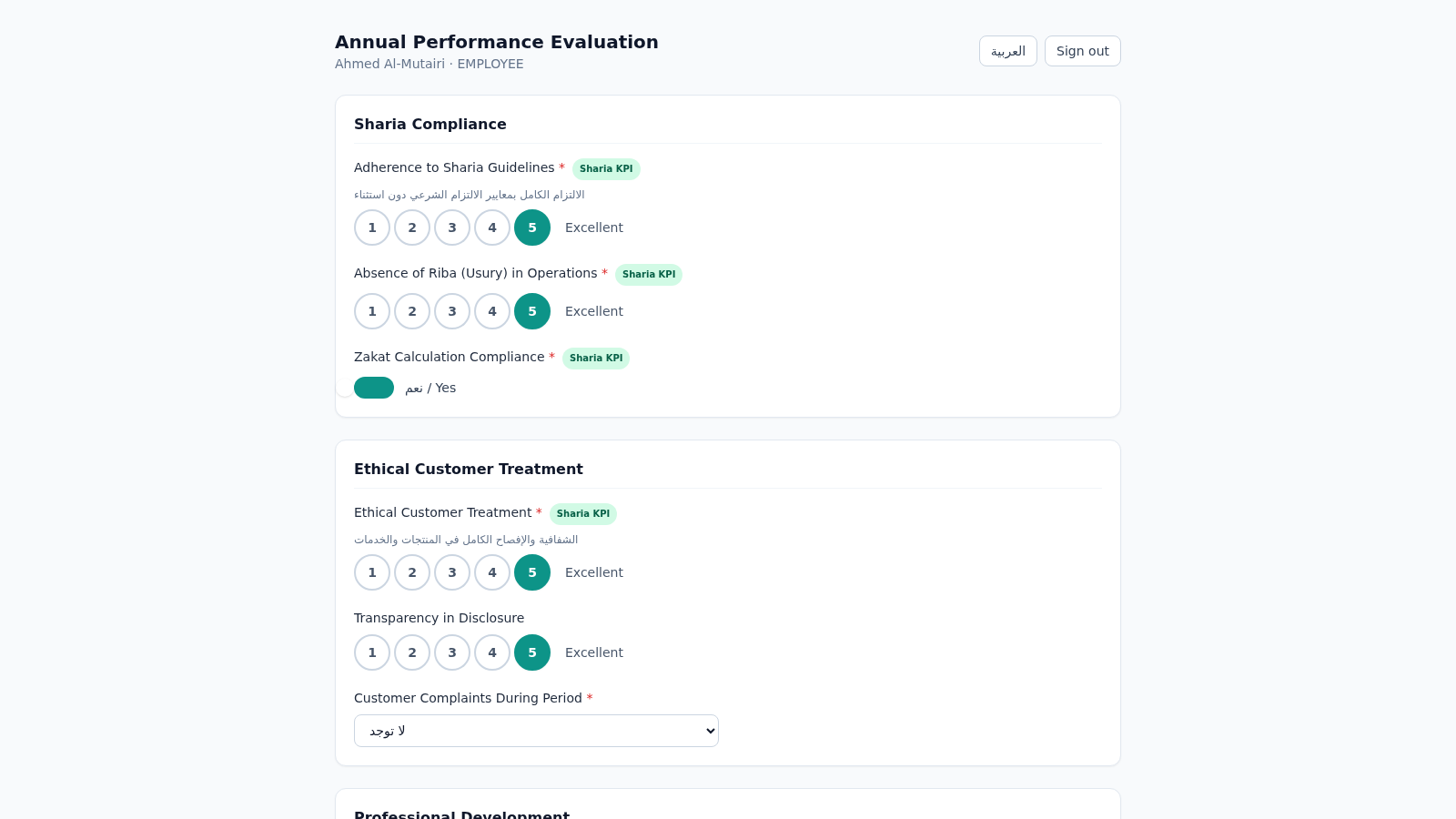
15Islamic Bank Performance Evaluation
Annual performance evaluation system for an Islamic bank: dynamic Sharia-KPI form engine, weighted scoring, immutable cryptographic audit trail, and 3-role approval workflow with Arabic/RTL support.
 6
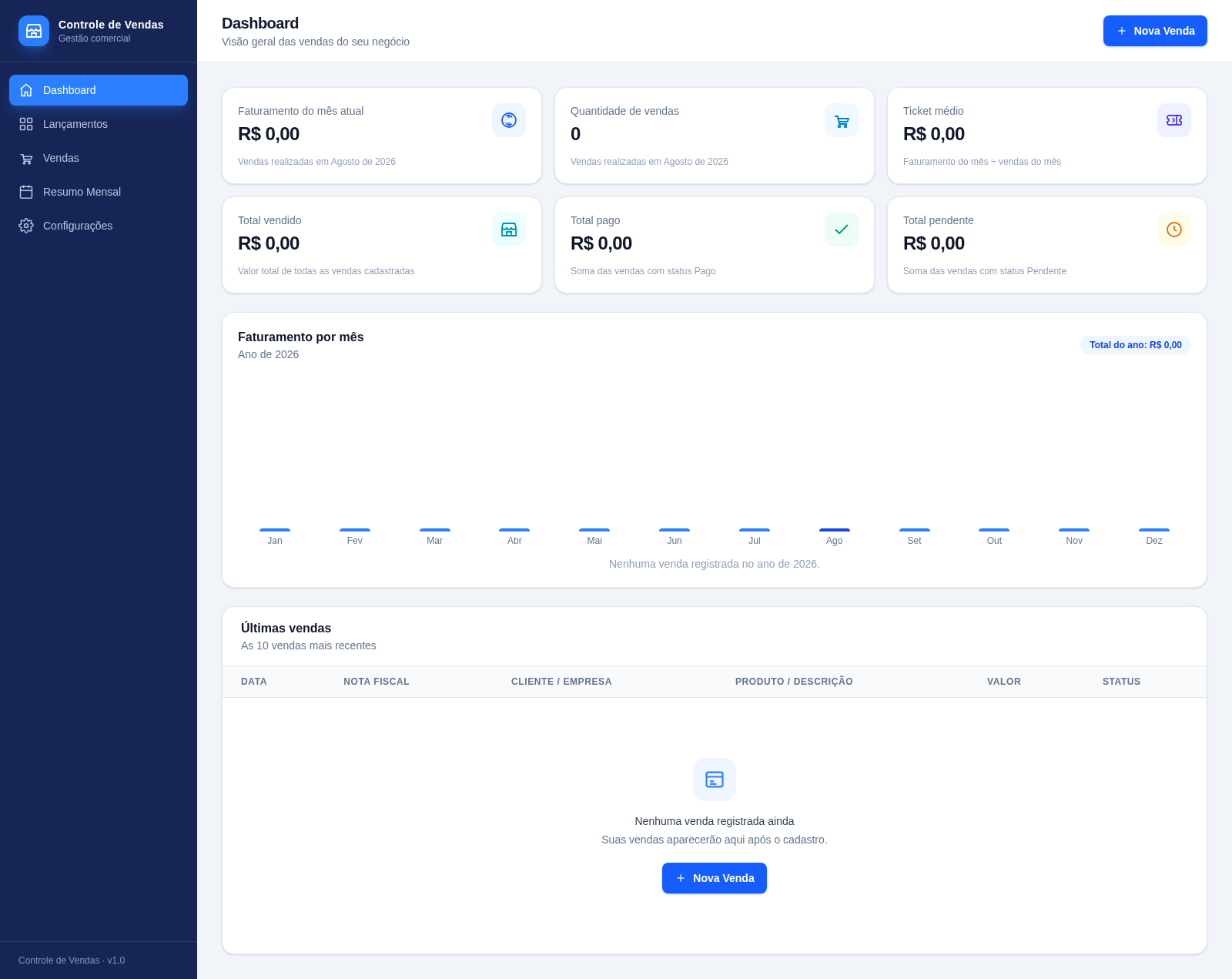
6Controle de Vendas - Rei Dos Filtros
Sistema de controle de vendas com metas mensais, lançamentos rápidos estilo planilha e importação de CSV/Excel.
 2
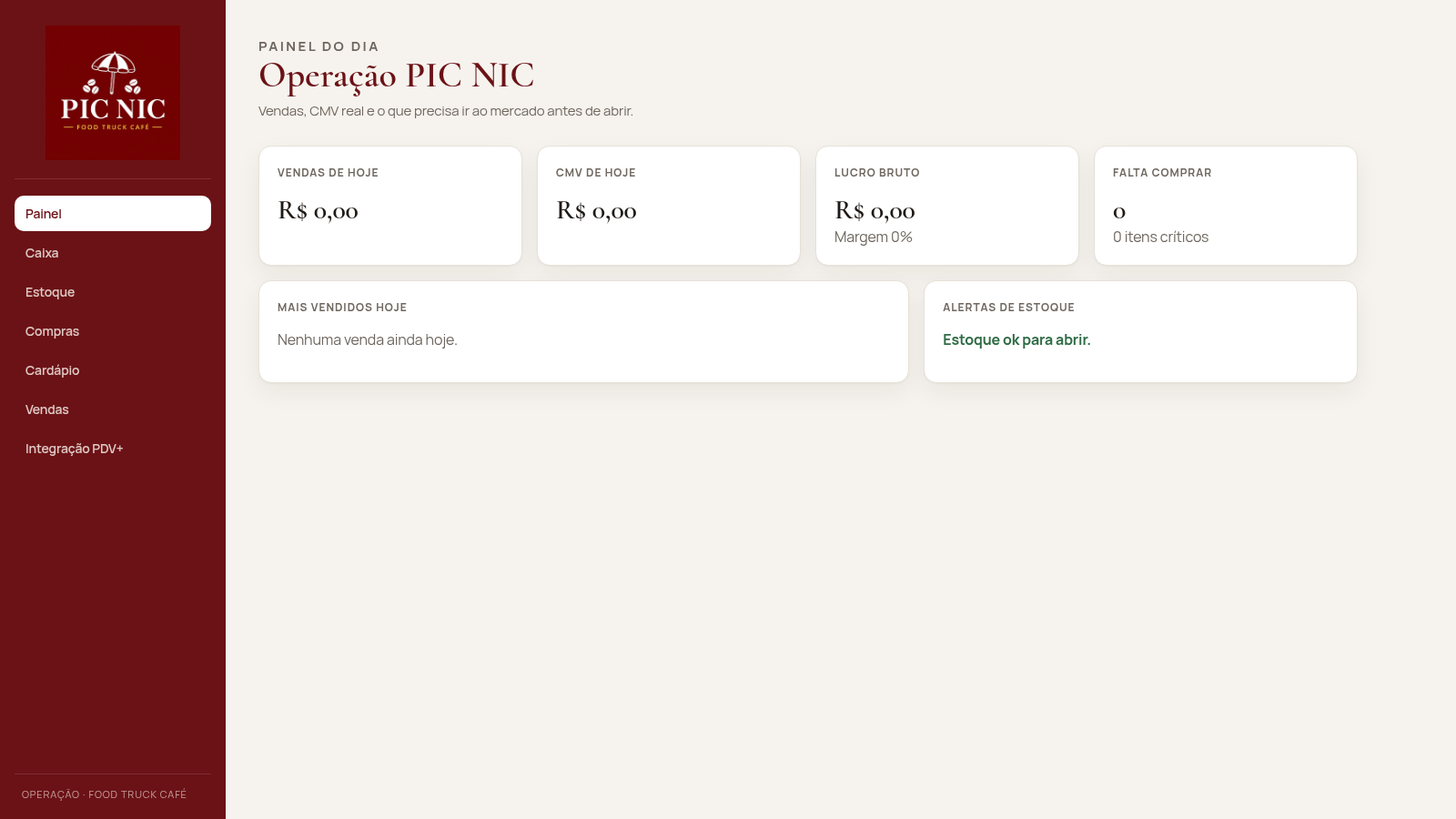
2PIC NIC Caixa e Estoque
Caixa, estoque por receita e CMV real para o food truck PIC NIC.