
Controle de Vendas - Rei Dos Filtros
Record sales quickly, monitor monthly goals, and review business performance from one browser-based workspace.
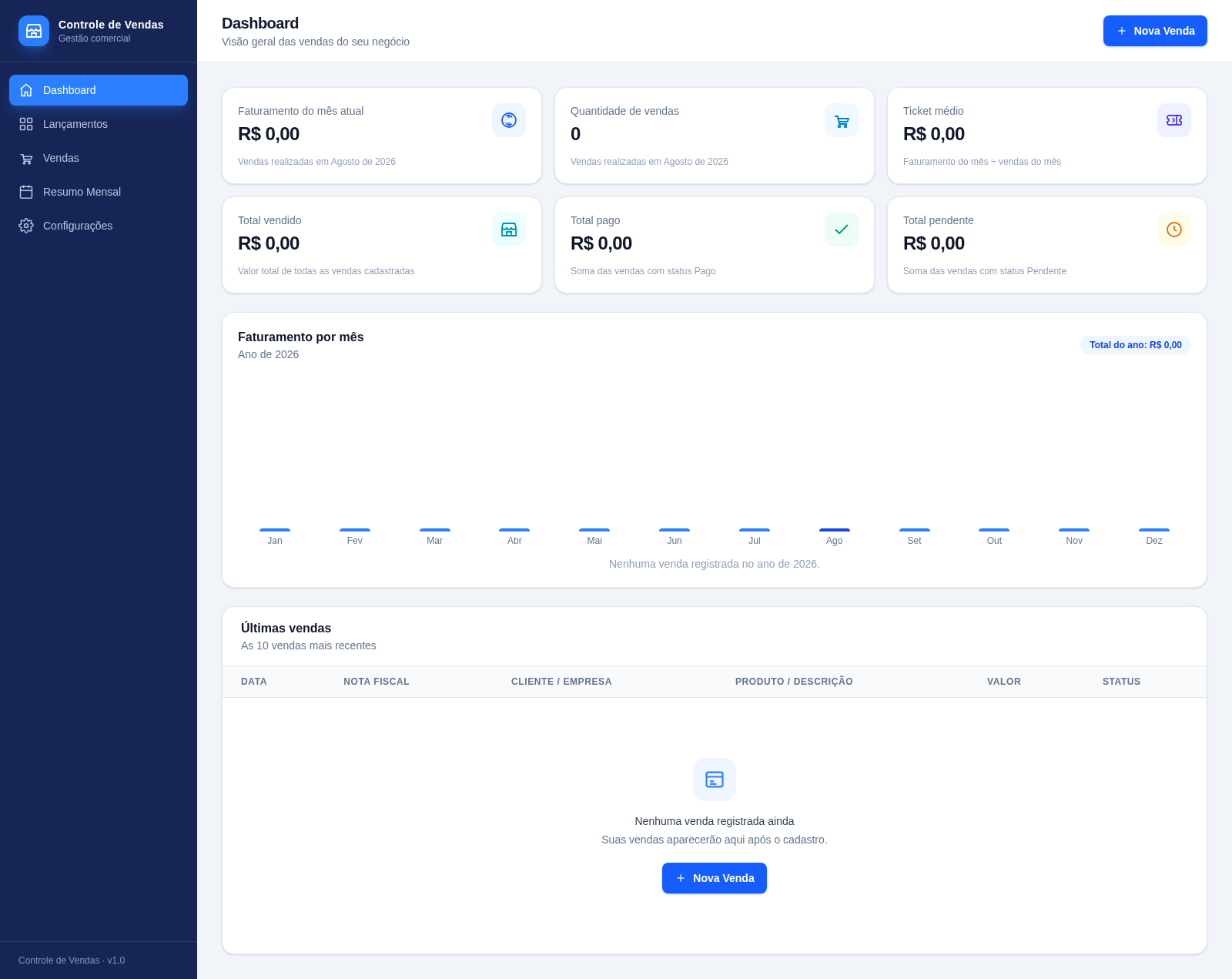
Controle de Vendas is a Portuguese-language sales administration application designed for small businesses and independent operators. Its dashboard shows current-month revenue, transaction count, average ticket, total sold, paid totals, pending totals, an annual revenue chart, and recent transactions. Users can enter sales in month-based spreadsheet-style rows, maintain goals for each month, search and filter the complete sales list, and inspect annual summaries. Configuration tools support CSV export, CSV or Excel import, JSON backup and restore, and light or dark appearance. Data is saved automatically in the current browser, so the application can be used without creating an account.
Highlights
Fast sales entry
Keyboard-led monthly rows
Business dashboard
Revenue and status metrics
Monthly reporting
Charts and yearly totals
Portable data
CSV, Excel, and JSON tools
How to Use
Add a sale
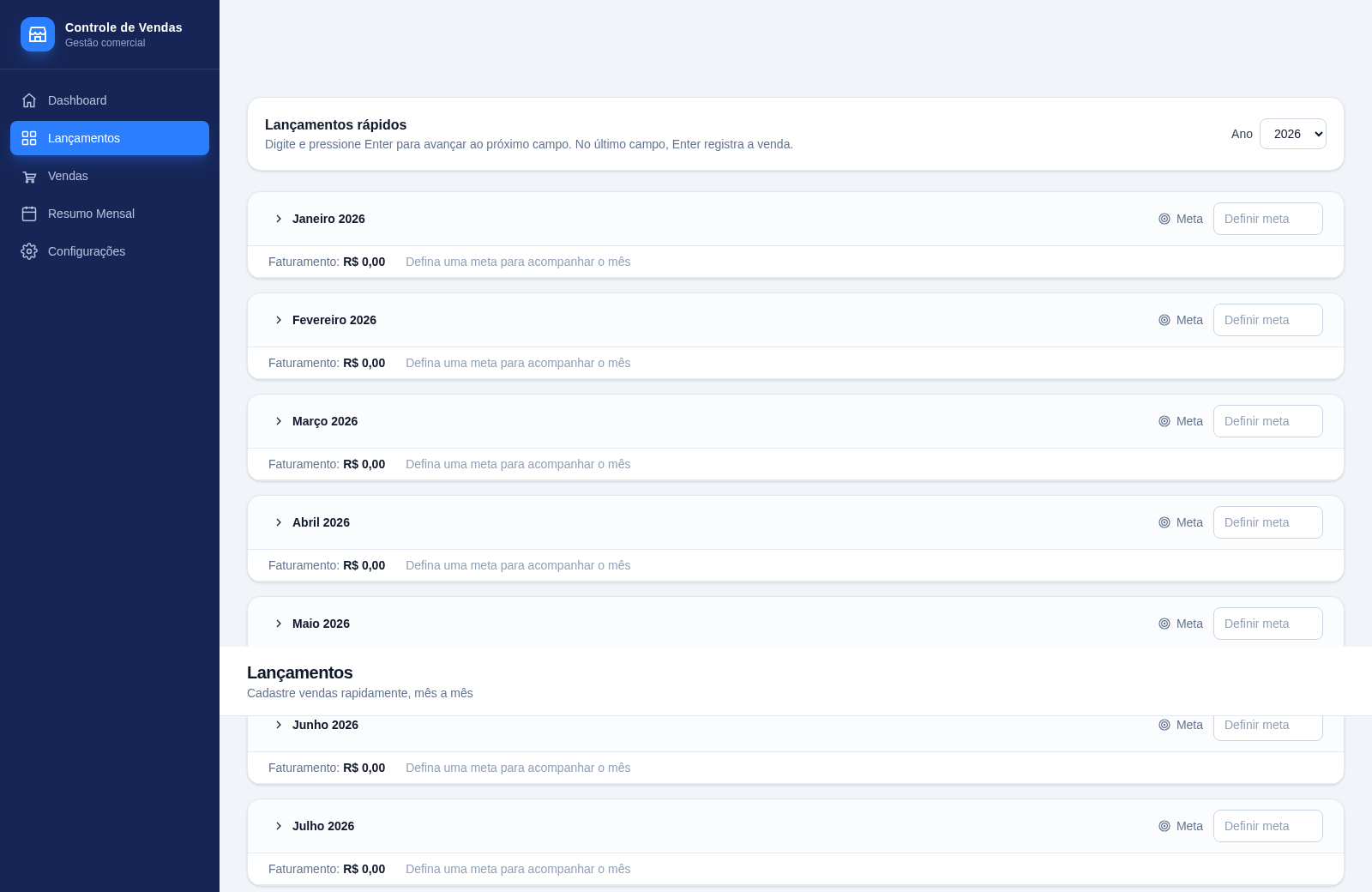
Open Lançamentos, expand the relevant month, and enter the date, invoice number, customer, value, and payment method. Press Enter to move between fields; pressing Enter from the final field records the transaction and clears the row for another entry.
Set monthly goals
Use the goal field beside each month in Lançamentos to define a revenue target. The month panel shows recorded revenue and uses the saved target to support progress tracking.
Find and manage records
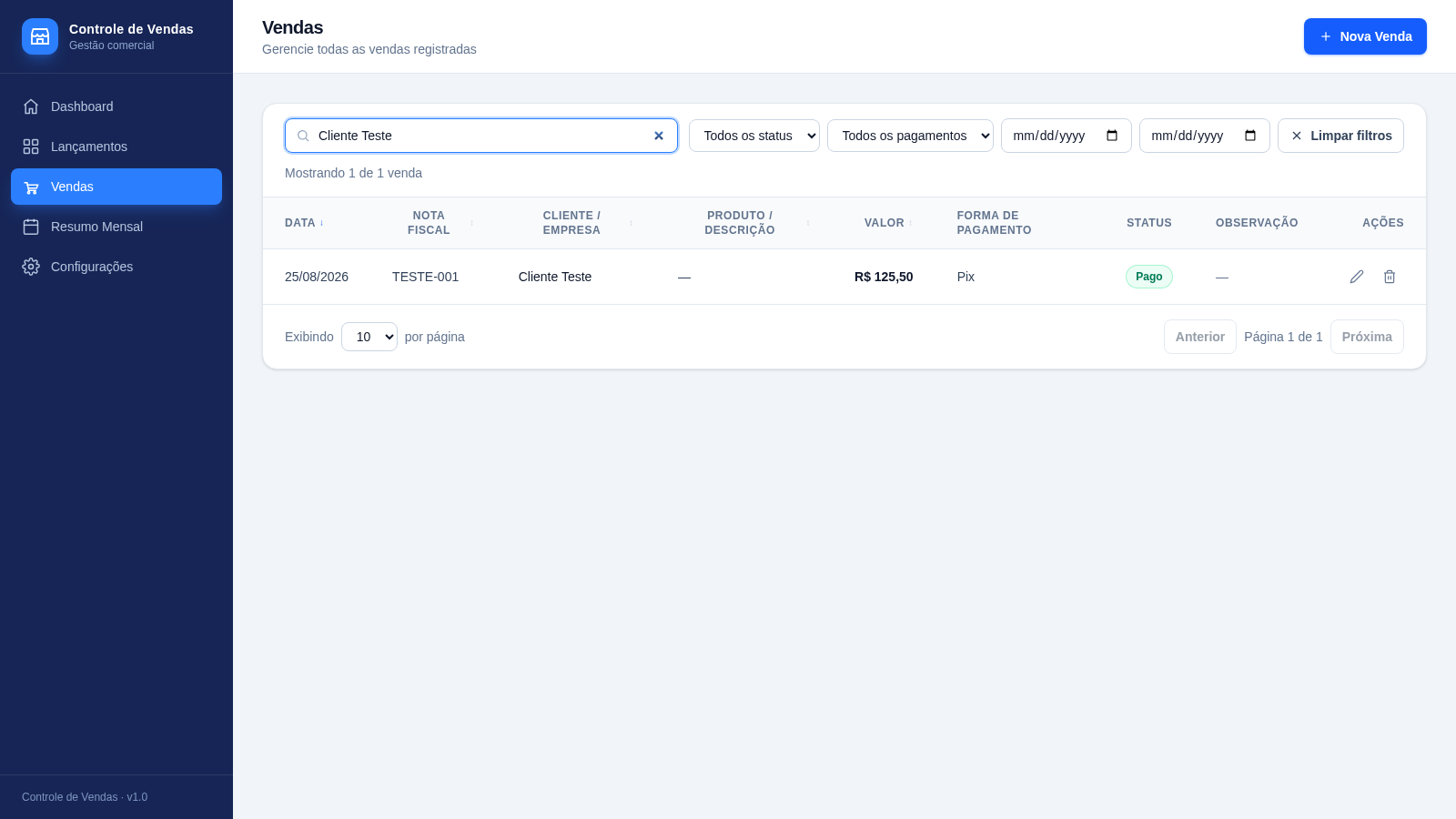
Open Vendas to review all transactions. Search by record text, filter by status, payment method, or date range, sort table columns, and use the row actions when a transaction needs editing or removal.
Review performance
Use Dashboard for current metrics and recent activity, then open Resumo Mensal to compare monthly transaction counts, revenue, average ticket values, and the annual total.
Protect or transfer data
Open Configurações to export a spreadsheet-compatible CSV, import CSV or Excel records, download a complete JSON backup, or restore a previous backup after confirmation.
Similar Sites
 9
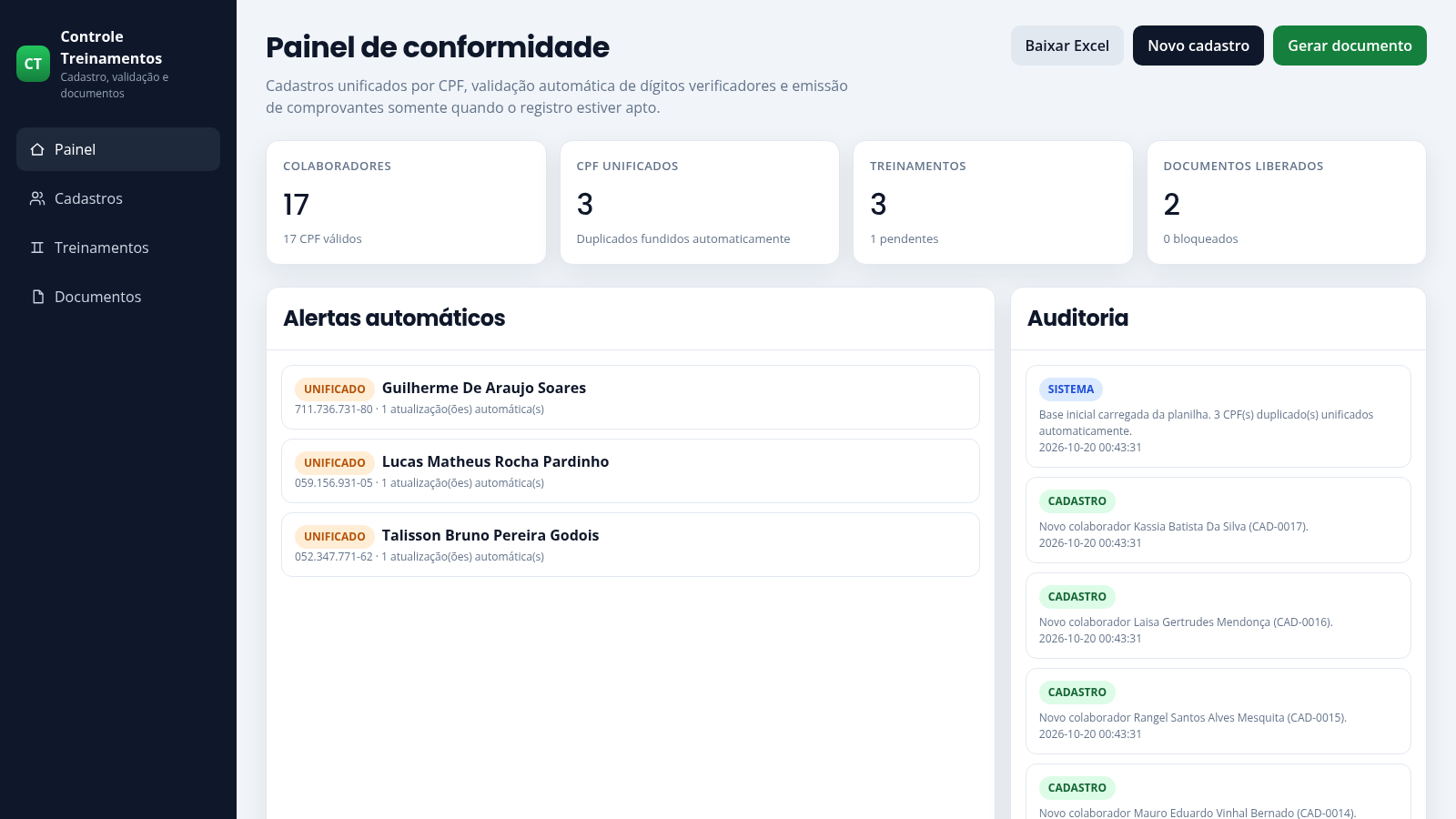
9Controle de Treinamentos
Cadastro com validação de CPF, unificação de duplicados e emissão de comprovantes.
 3
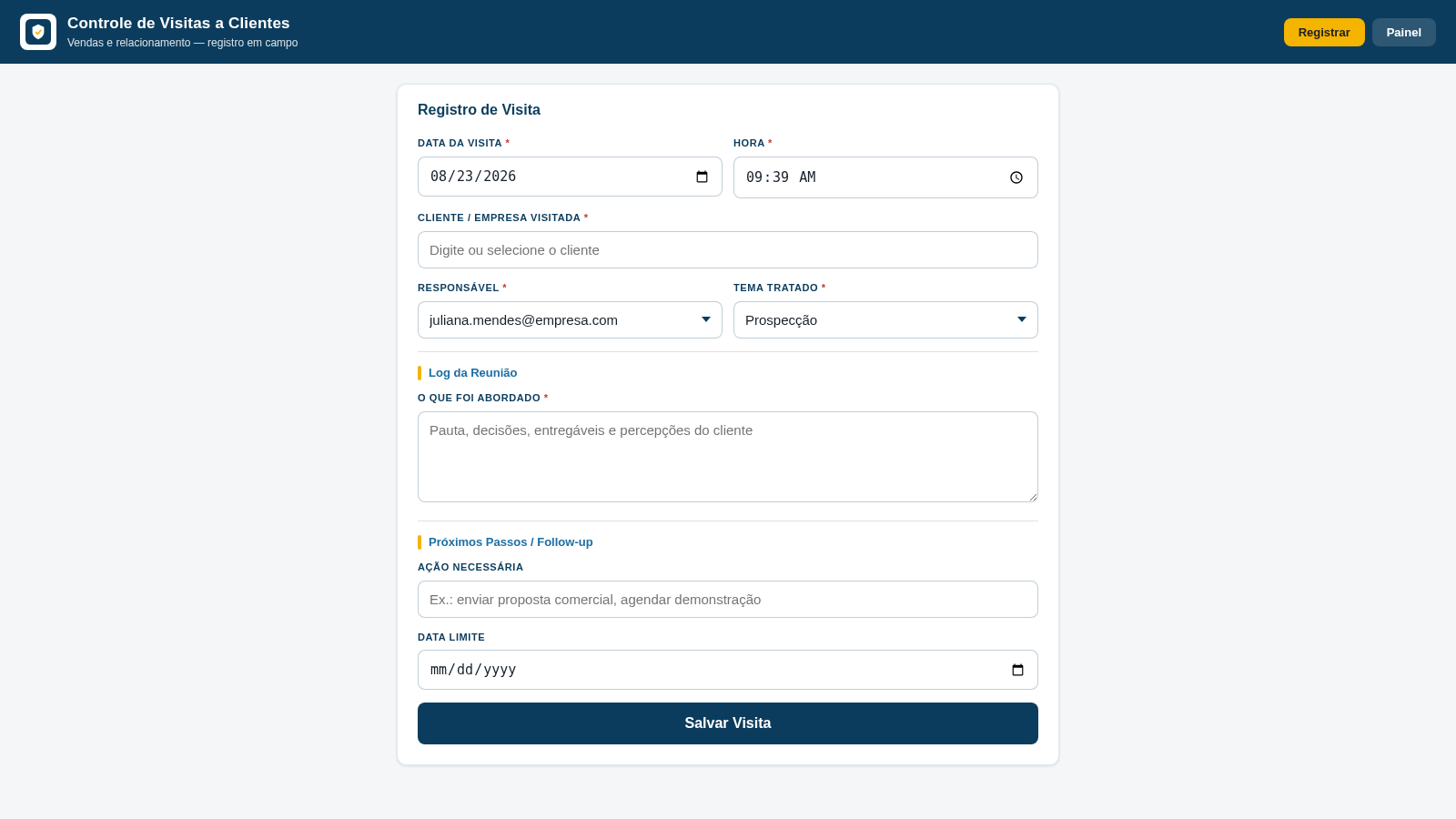
3Controle de Visitas a Clientes
Registro de visitas, temas tratados e follow-ups para equipes de vendas.
 8
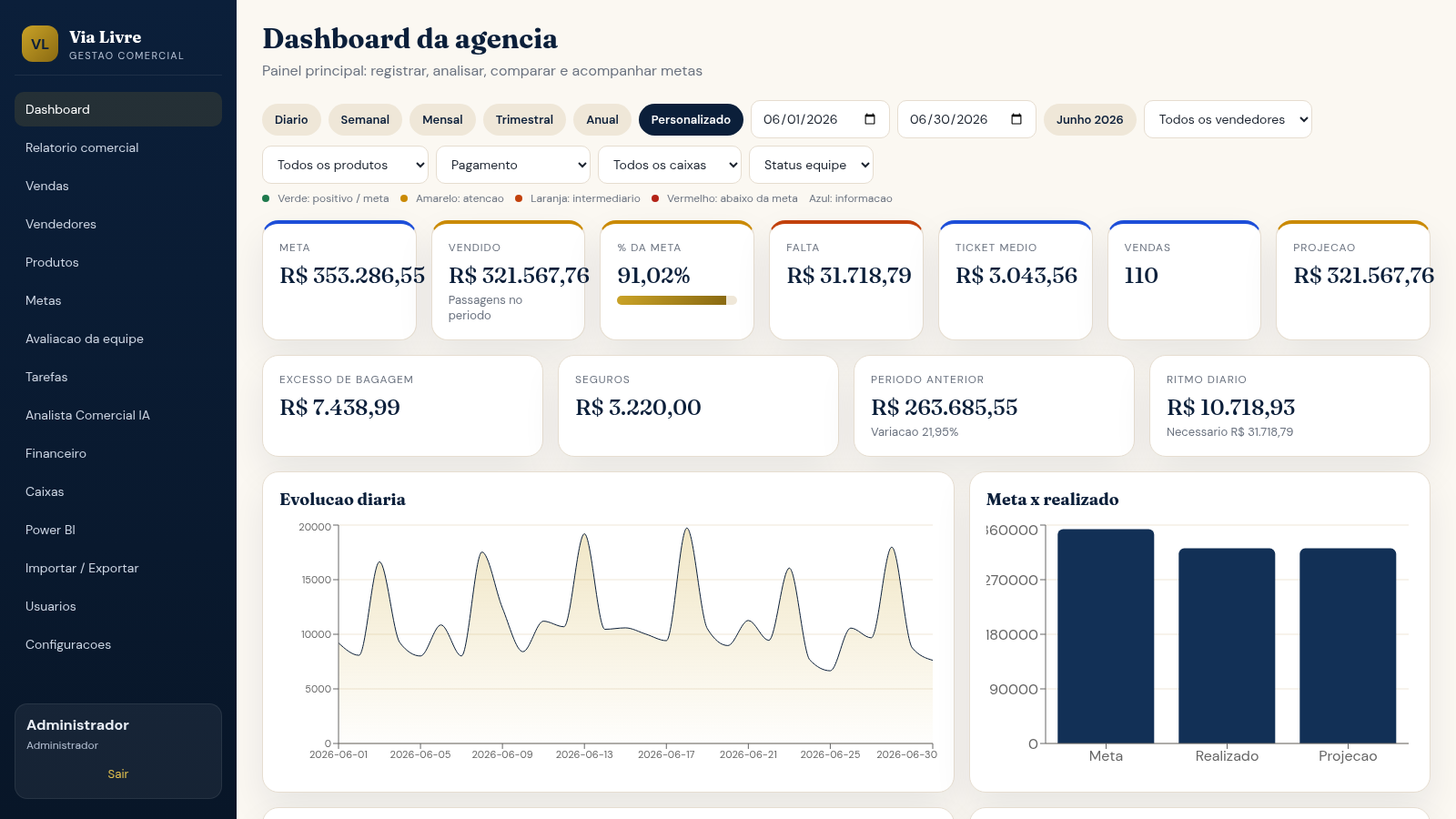
8Via Livre Gestao Comercial
Sistema de gestao comercial para agencia de passagens, com vendas, metas, ranking e IA.
 3
3Império Digital
Treinamento, mentoria ao vivo e estrutura para afiliados.
 3
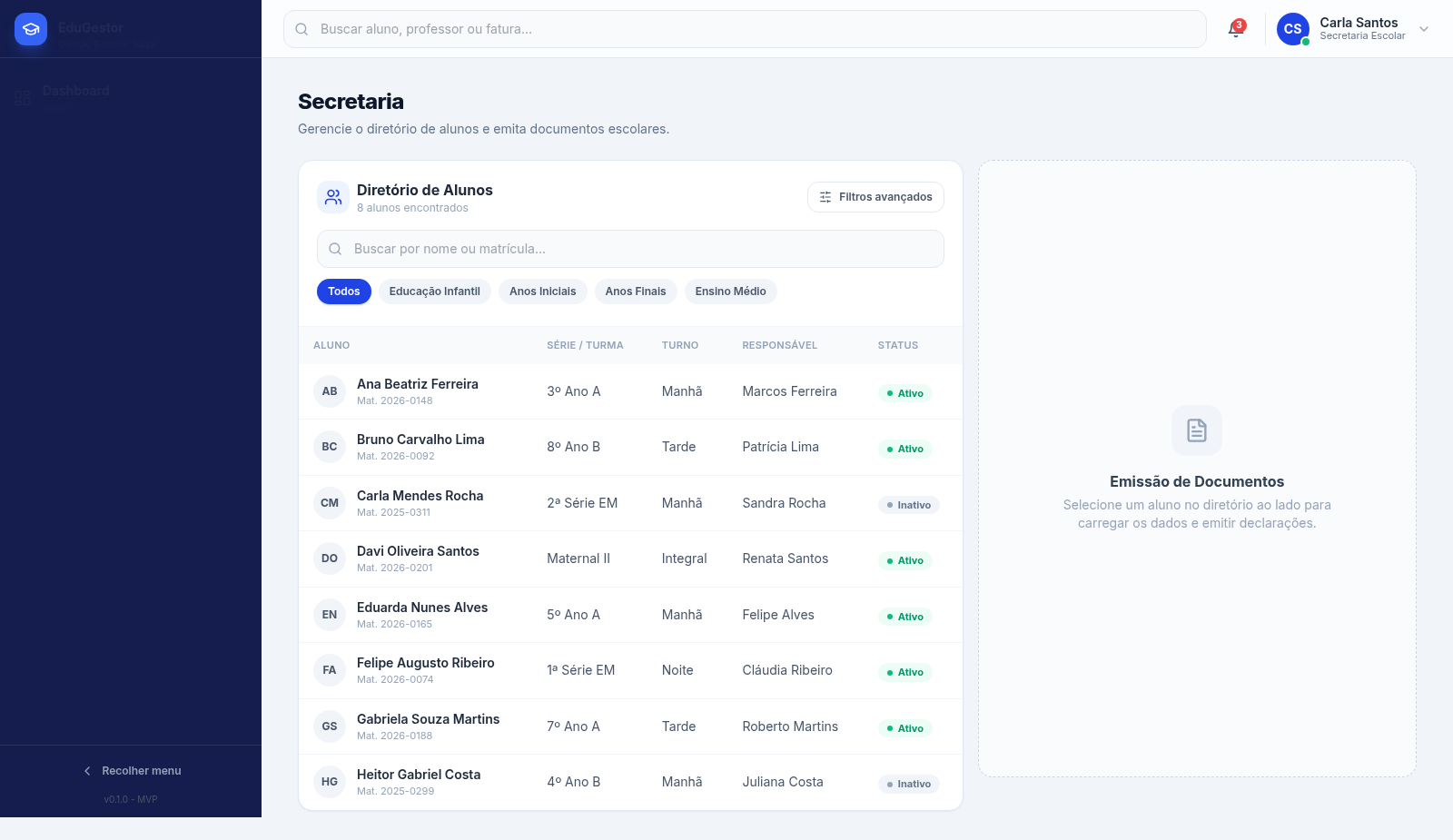
3Projeto Saas - Gestao Escolar WD
ERP escolar com dashboard, secretaria, financeiro e importacao de dados.
 126
126Agenda de Pedidos - Confeitaria
Agenda digital de pedidos para confeitaria com integração WhatsApp