
Controle de Estoque
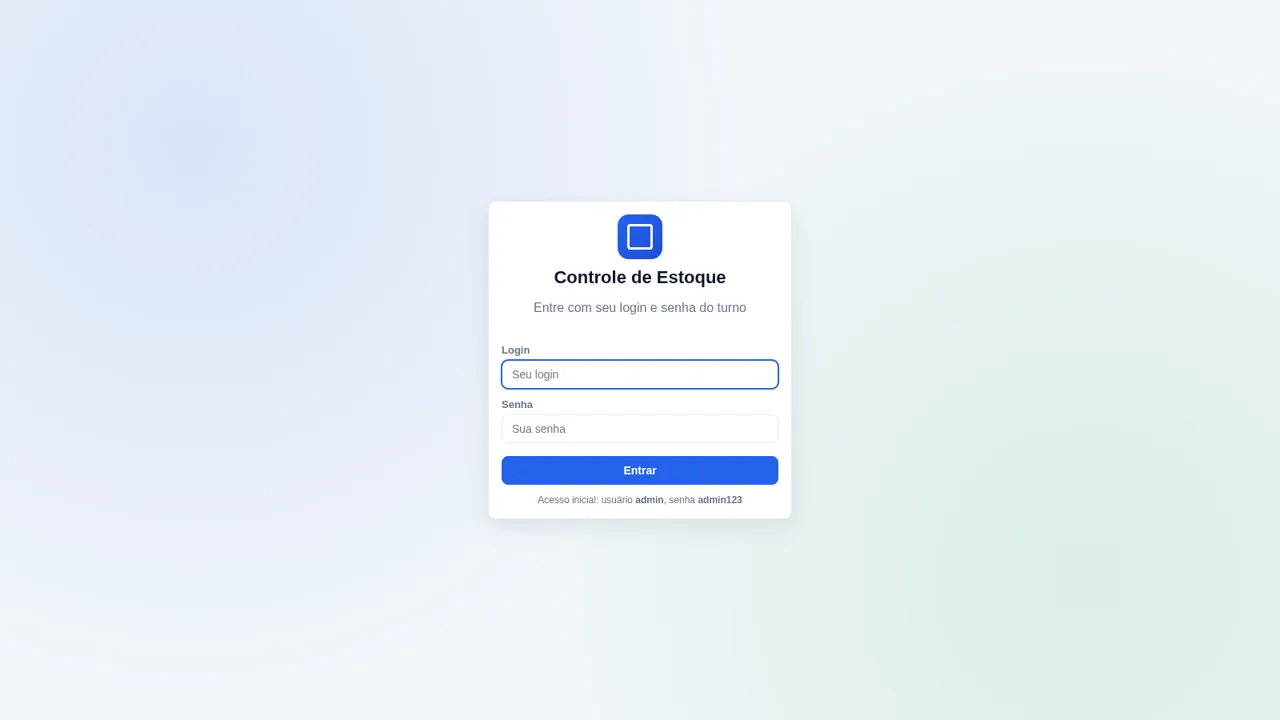
Track materials, receipts, withdrawals, and live stock balances from one Portuguese-language operations dashboard.
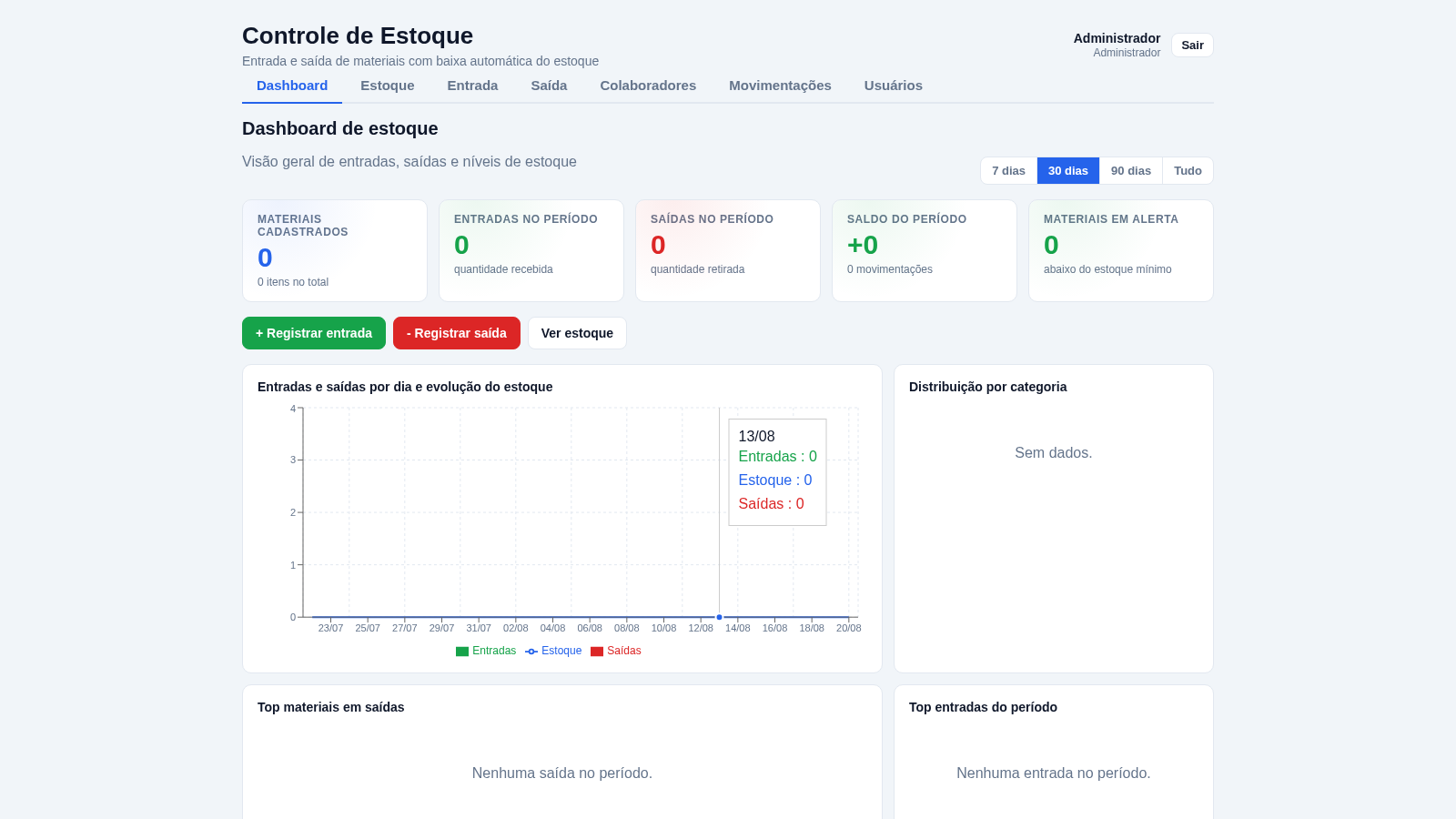
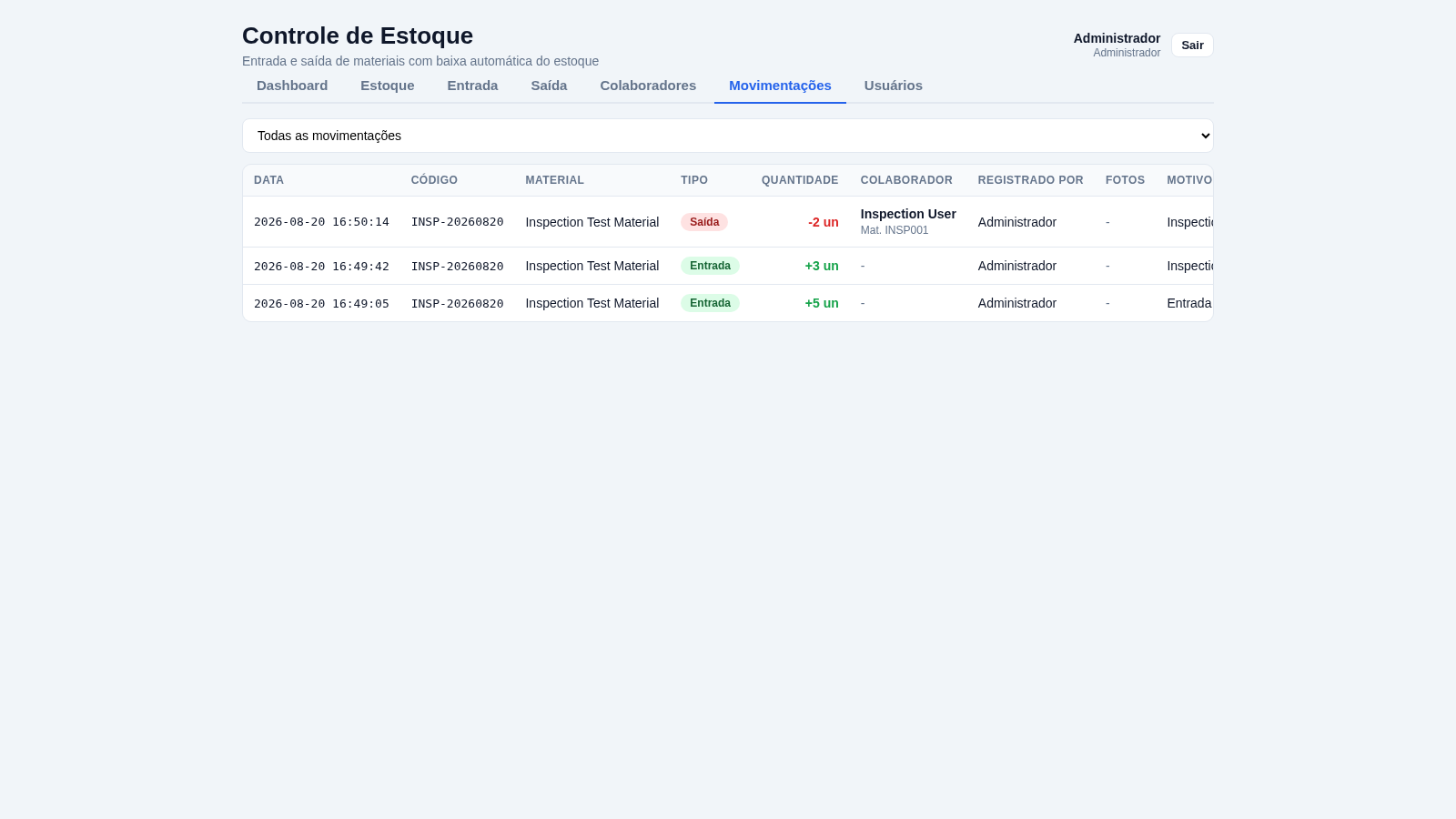
Controle de Estoque is an interactive inventory operations application designed around the daily flow of physical materials. Administrators can register catalog items with a code, category, unit, minimum threshold, and opening quantity; record later receipts; issue materials to named employees; and review a chronological movement ledger. Withdrawals update the general balance immediately. A dashboard provides period filters, totals for registered materials, receipts, withdrawals, movement balance, low-stock warnings, daily trends, category distribution, and top-item summaries. Separate areas are also available for collaborators and application users. The login page publishes initial administrator credentials so reviewers and intended demo users can access the complete workflow.
Highlights
Live stock updates
Balances update now
Movement ledger
Every change logged
Employee tracking
Issues record staff
Stock dashboard
KPIs, charts, alerts
How to Use
Sign in with the published initial access
Enter the administrator username and password shown on the login page, then select the sign-in button. Successful authentication opens the inventory dashboard and reveals the full navigation for dashboard, stock, receipts, withdrawals, collaborators, movements, and users.
Create a material record
Open the Stock area and select the new-material action. Enter a material name and code, then set its unit, category, minimum threshold, and optional opening quantity. Submitting the form adds the item to the searchable stock table and creates an opening movement when an initial quantity is supplied.
Record incoming stock
Open the Receipt area, select an existing material or use the new-arrival option, enter the received quantity, and add a reason or observation when useful. After submission, the available quantity increases immediately and the receipt is added to movement history.
Issue stock to an employee
Open the Withdrawal area, choose a material, enter the quantity, employee name, employee ID, and an optional reason. The interface also offers controls for photographing the replaced and delivered items. Submitting the withdrawal immediately deducts the quantity and records the responsible employee.
Review activity and alerts
Use Movements to review all receipts and withdrawals or filter by transaction type. Return to the dashboard to change the reporting period and inspect totals, stock trends, category distribution, leading items, and materials that have fallen below their configured minimum.
Similar Sites
 2
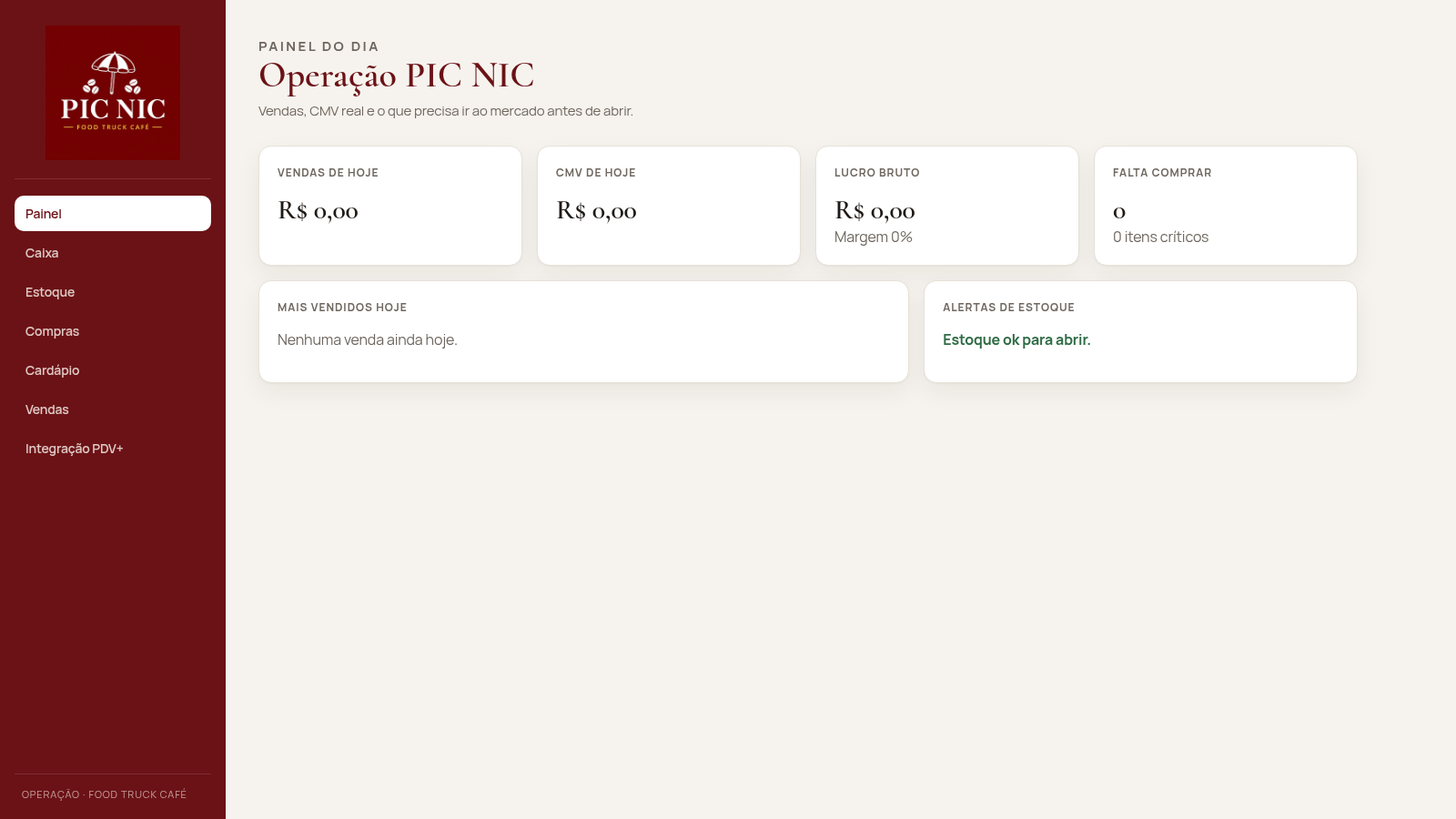
2PIC NIC Caixa e Estoque
Caixa, estoque por receita e CMV real para o food truck PIC NIC.
 24
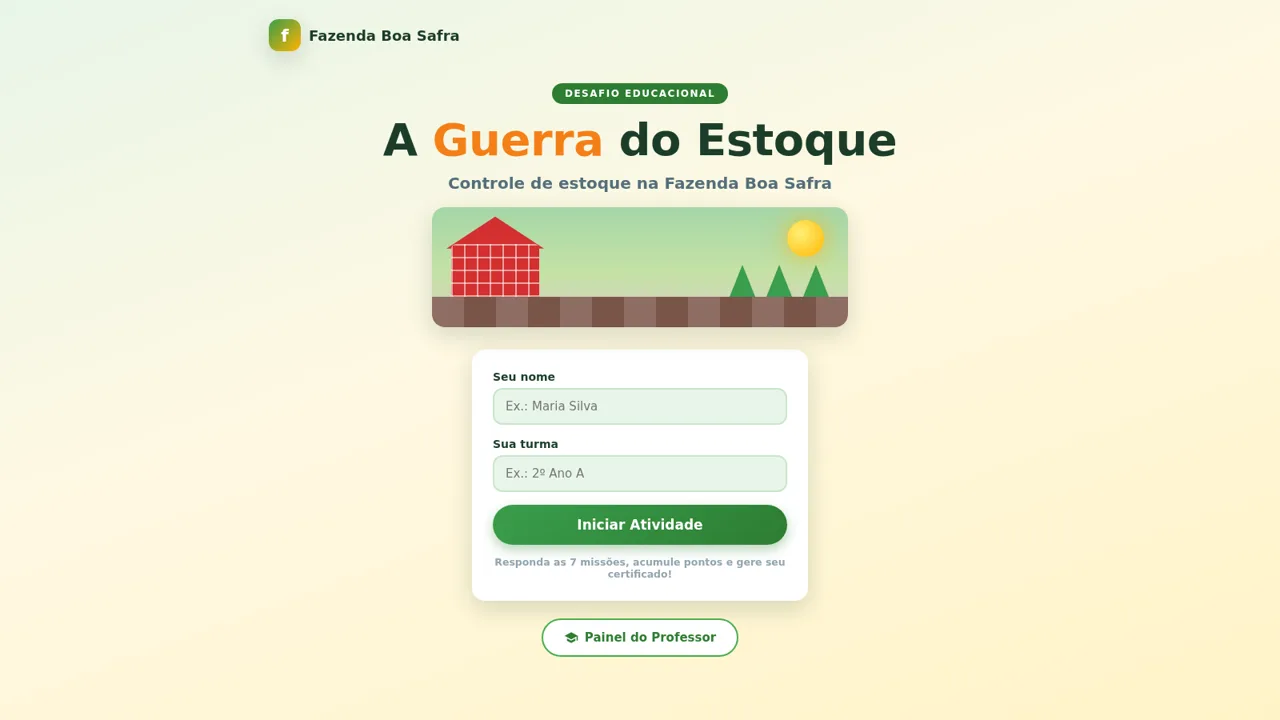
24A Guerra do Estoque
Jogo educacional de controle de estoque com certificado em PNG
 6
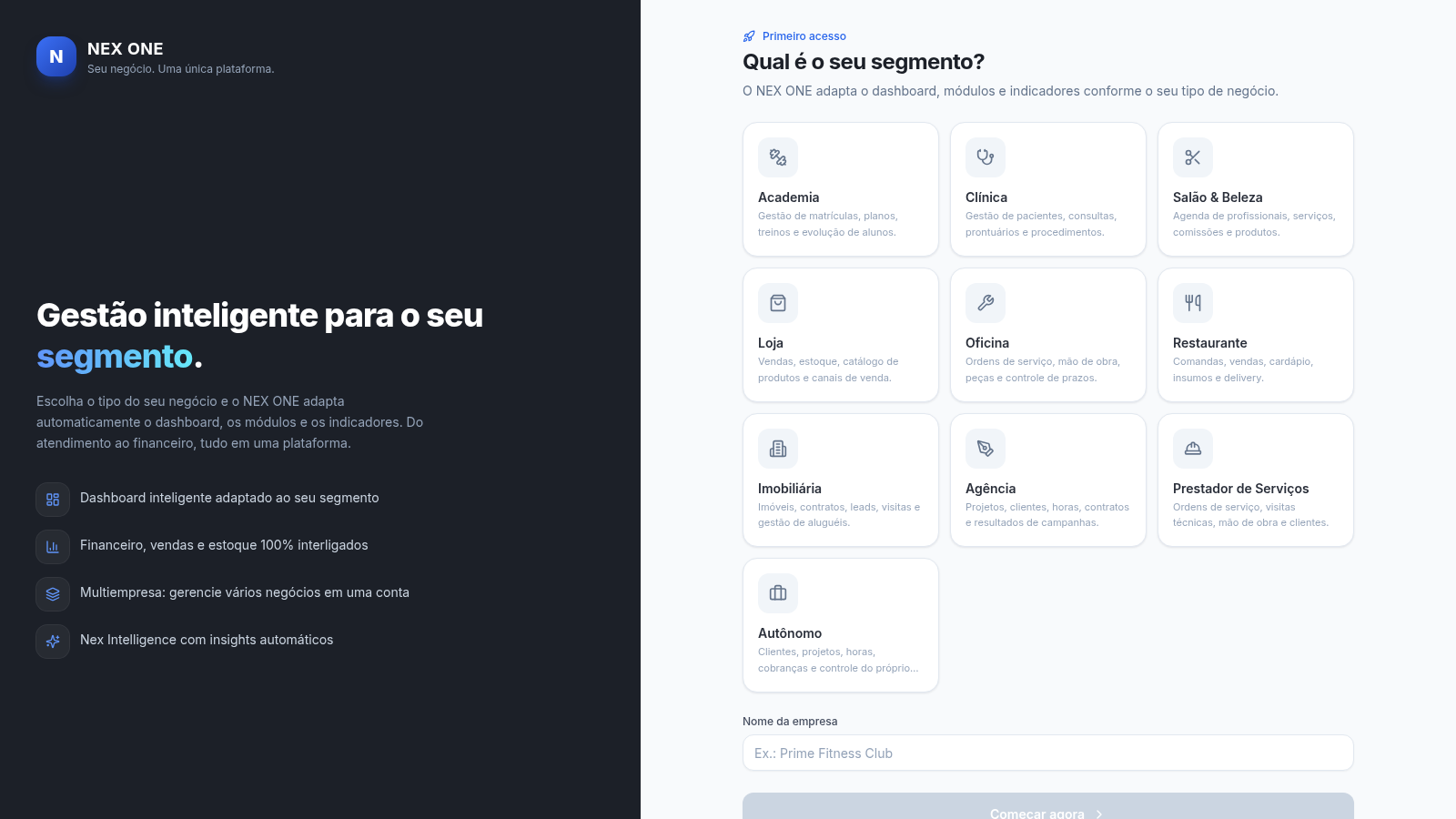
6NEX ONE - Gestão de negócios
SaaS de gestão multi-nicho: dashboard, vendas, clientes, financeiro e estoque.
 13
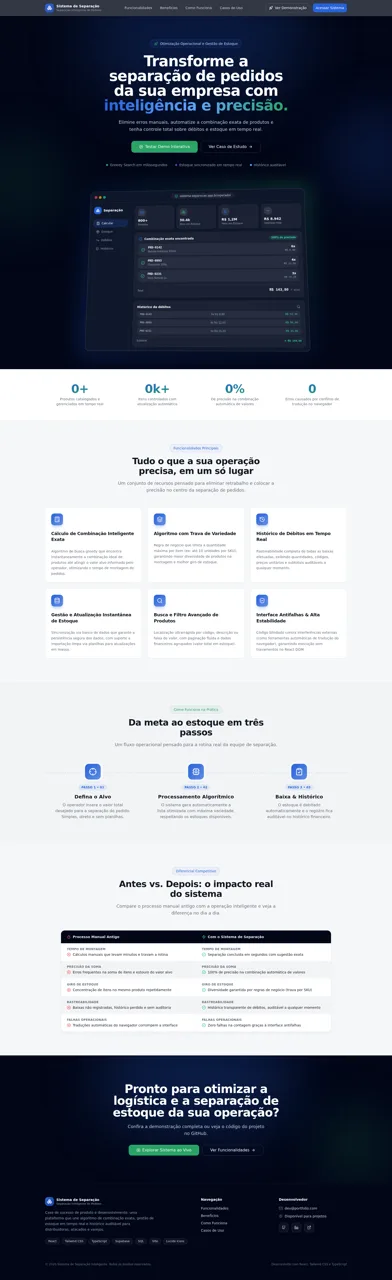
13Sistema de Separação
Combinação exata, gestão de estoque em tempo real e histórico auditável.
 10
10LogiWMS - Gestao de Armazem
Sistema WMS multi-tenant com coletor mobile, analytics e API REST.
 9
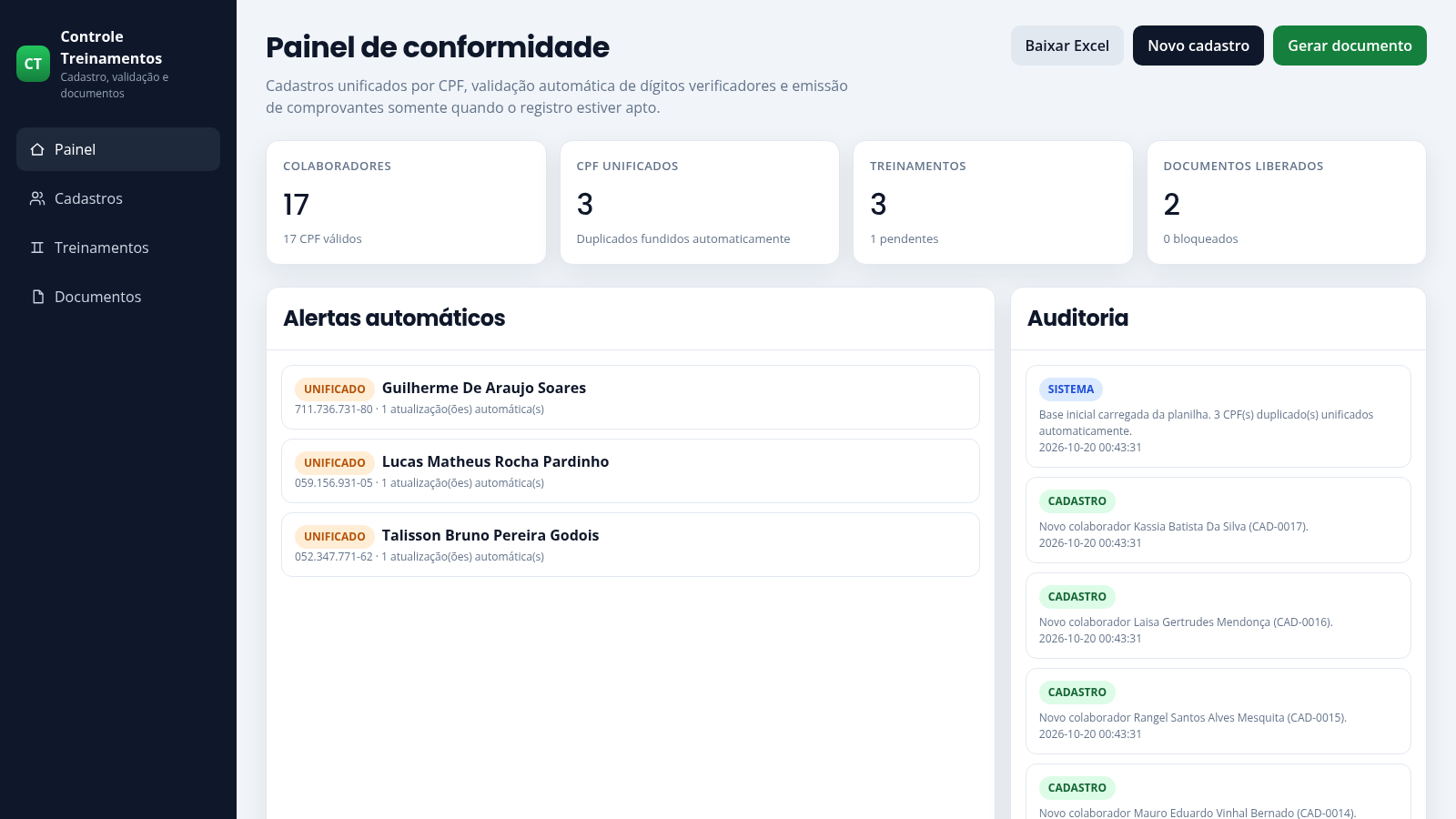
9Controle de Treinamentos
Cadastro com validação de CPF, unificação de duplicados e emissão de comprovantes.