
Pydrud — Android in Python
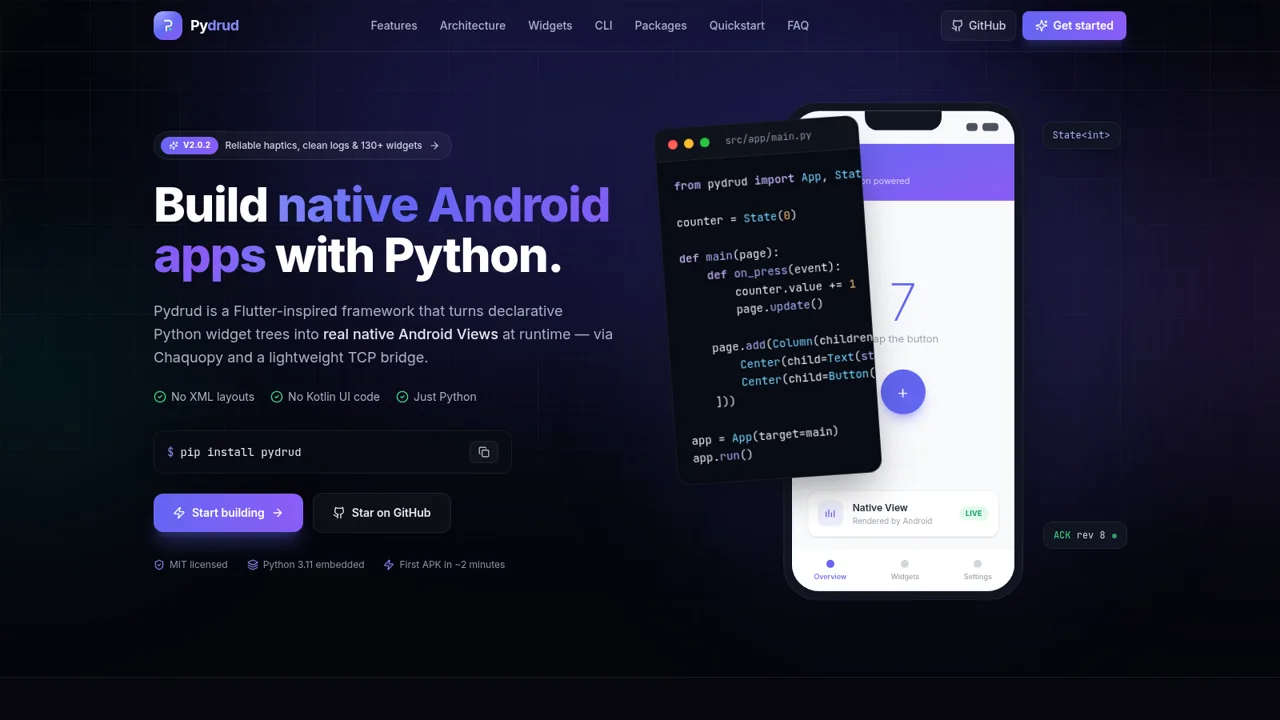
Build native Android apps with declarative Python, no XML or Kotlin UI code
Pydrud is a Flutter-inspired Python framework for building native Android apps. The single-page site explains how declarative Python widget trees are turned into real Android Views at runtime through Chaquopy and a lightweight NDJSON bridge over TCP. Visitors can read about the feature set, walk through the render architecture, browse a catalog of 130+ widgets and presets, inspect the CLI toolchain, search a list of 119 verified Android-compatible PyPI packages, and follow a four-step quickstart that goes from pip install pydrud to a running APK. A FAQ answers common questions about native rendering, the embedded CPython runtime, XML and Gradle requirements, package compatibility and testing without a device.
Highlights
Declarative widgets
Python trees become Views
130+ widgets
Material 3 and forms
Reactive State<T>
Small keyed patches
Full CLI toolchain
init, run, sync, build
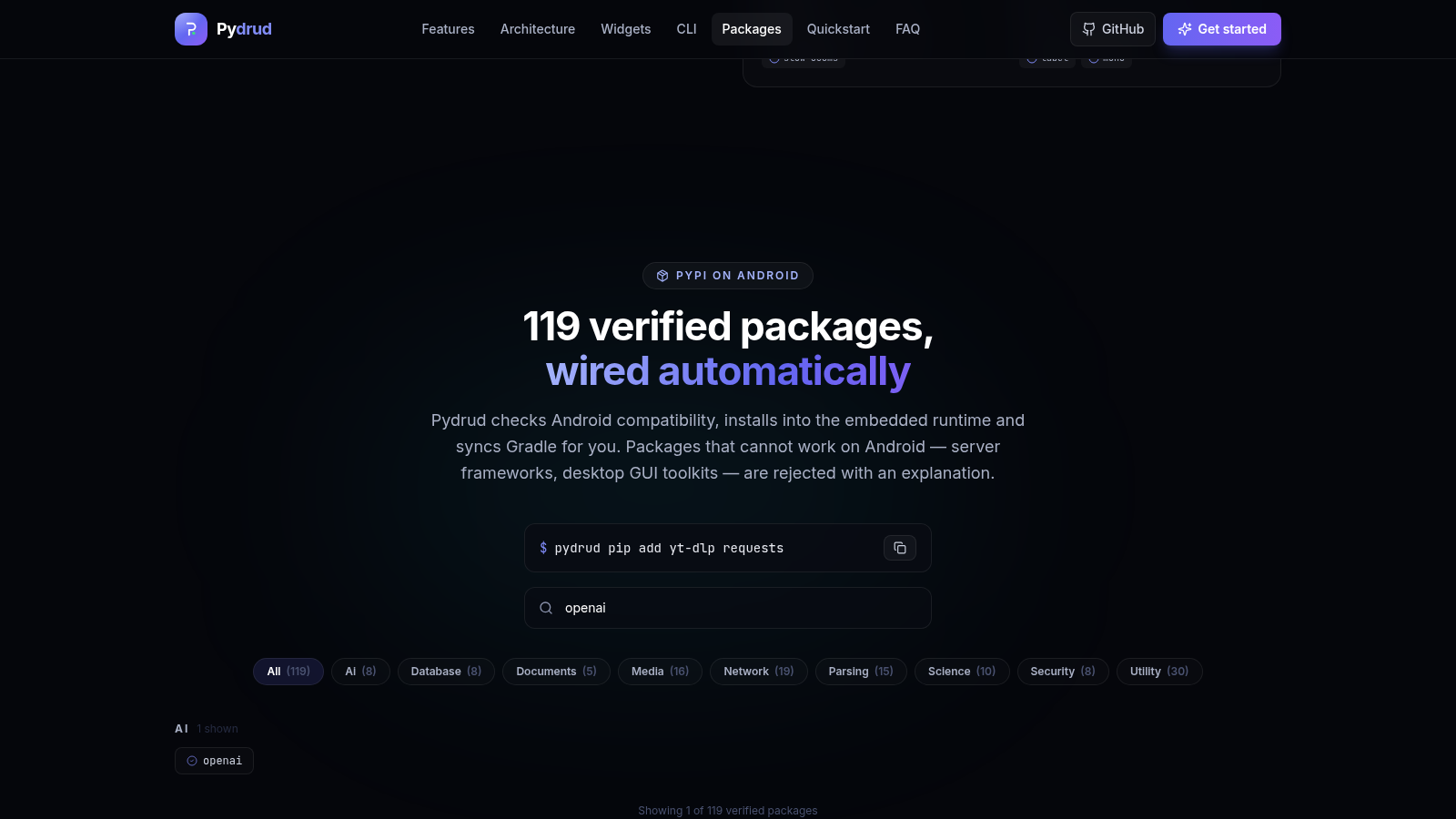
PyPI on Android
119 verified packages
Real native Views
No WebView or canvas
Design tokens
Themed from Python
SQLite data layer
ORM and migrations
How to Use
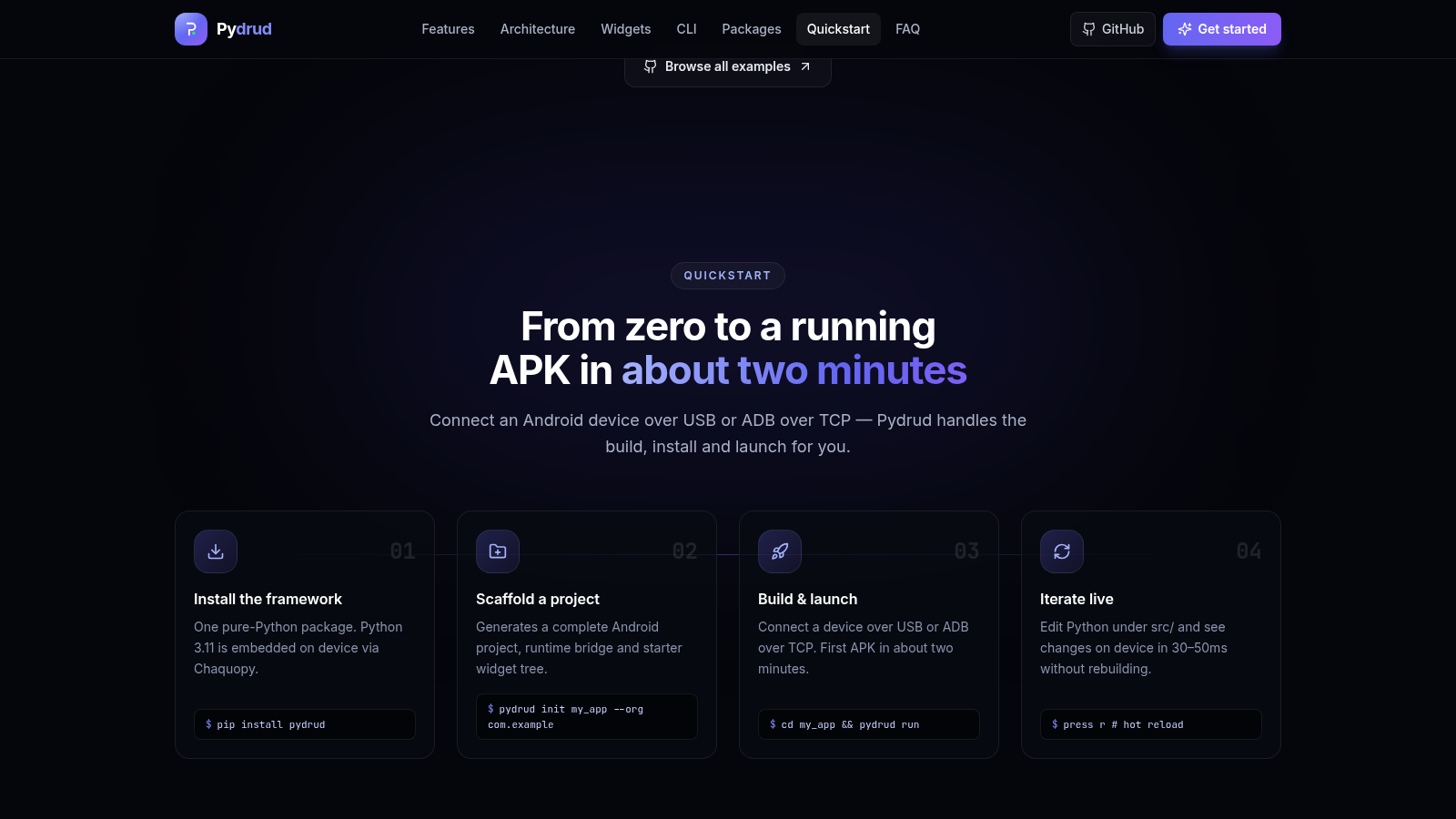
Install the framework
In the Quickstart section, run the shown command pip install pydrud. The page notes that this is a pure Python package and that Python 3.11 is embedded on the device through Chaquopy, so the build runs against an installed Python 3.11 toolchain.
Scaffold a project
Run pydrud init my_app --org com.example as shown in step two. The framework generates a complete Android project, a native bridge, the Chaquopy runtime wiring and a starter widget tree, so you do not hand-edit XML, Java or Gradle files.
Build and launch
Connect an Android device over USB or ADB over TCP and run cd my_app and pydrud run. The CLI builds, installs and launches the app, and the page states the first APK takes about two minutes.
Iterate live
While pydrud run keeps a dev runner session open, edit Python under the src/ directory and press r for a hot reload or R for a hot restart. The page says changes land on the device in 30 to 50 milliseconds without a full rebuild.
Browse the reference
Use the top navigation to move between Features, Architecture, Widgets, CLI, Packages, Quickstart and FAQ. The Widgets section names the available components, the Packages section lets you search the verified list by category, and the FAQ expands to answer questions about the runtime and testing.
Similar Sites
 6
6Device Farm - Testes de Apps
Simule celulares com Android completo e controle vários de uma vez.
 2
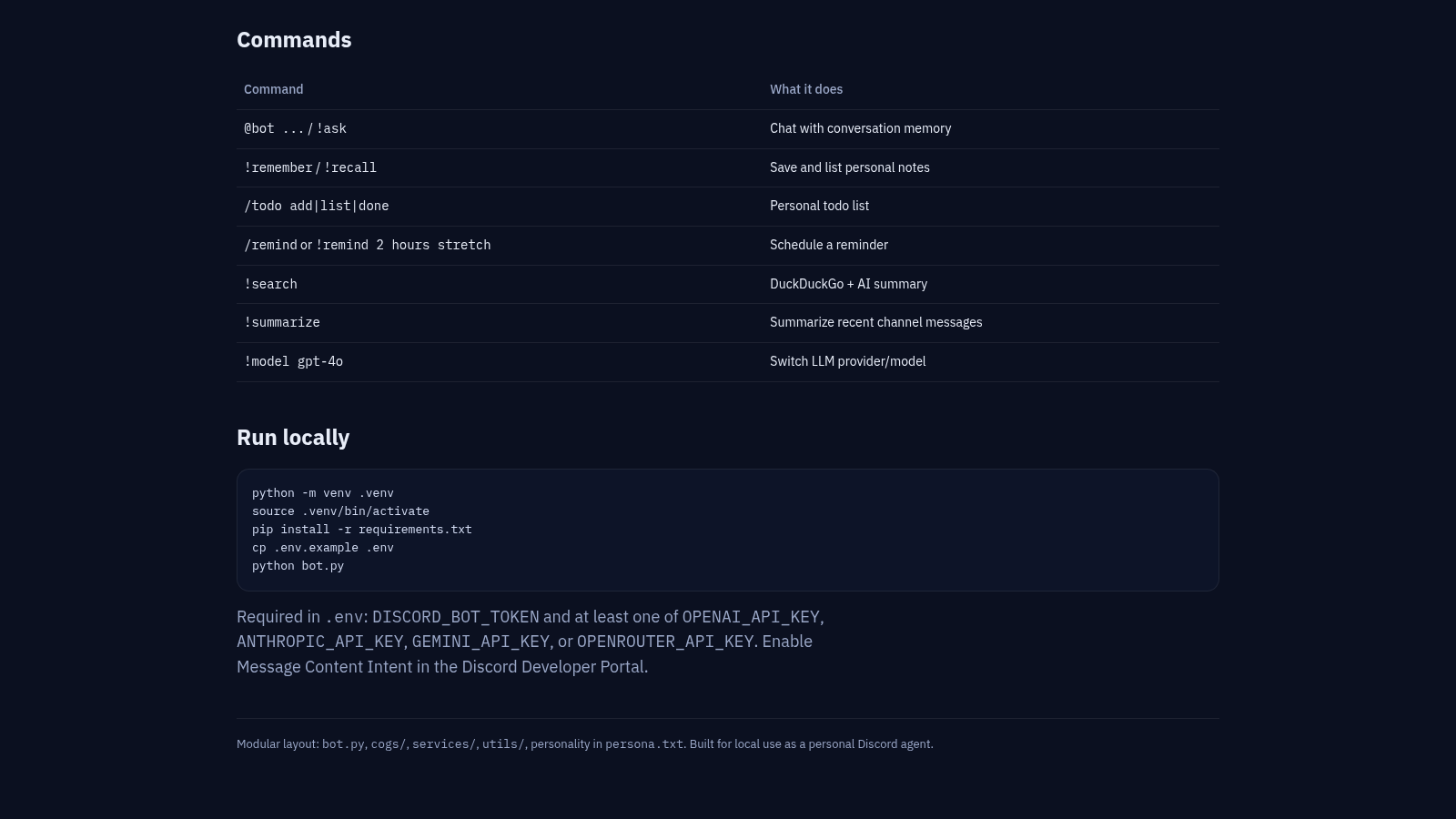
2Nova Discord AI Agent
Personal Discord bot with chat memory, notes, todos, reminders, and web search.
 81
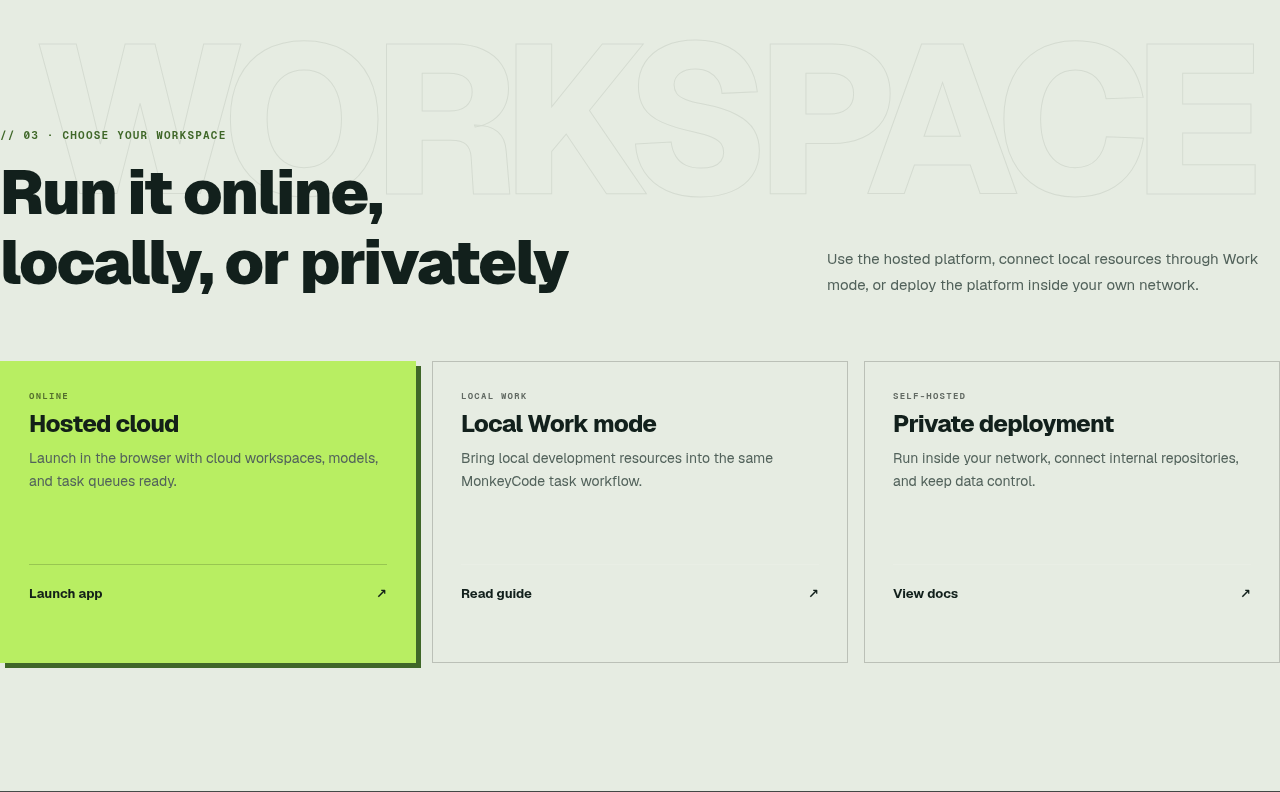
81MonkeyCode AI Workspaces
AI coding workspaces for engineering teams
 46
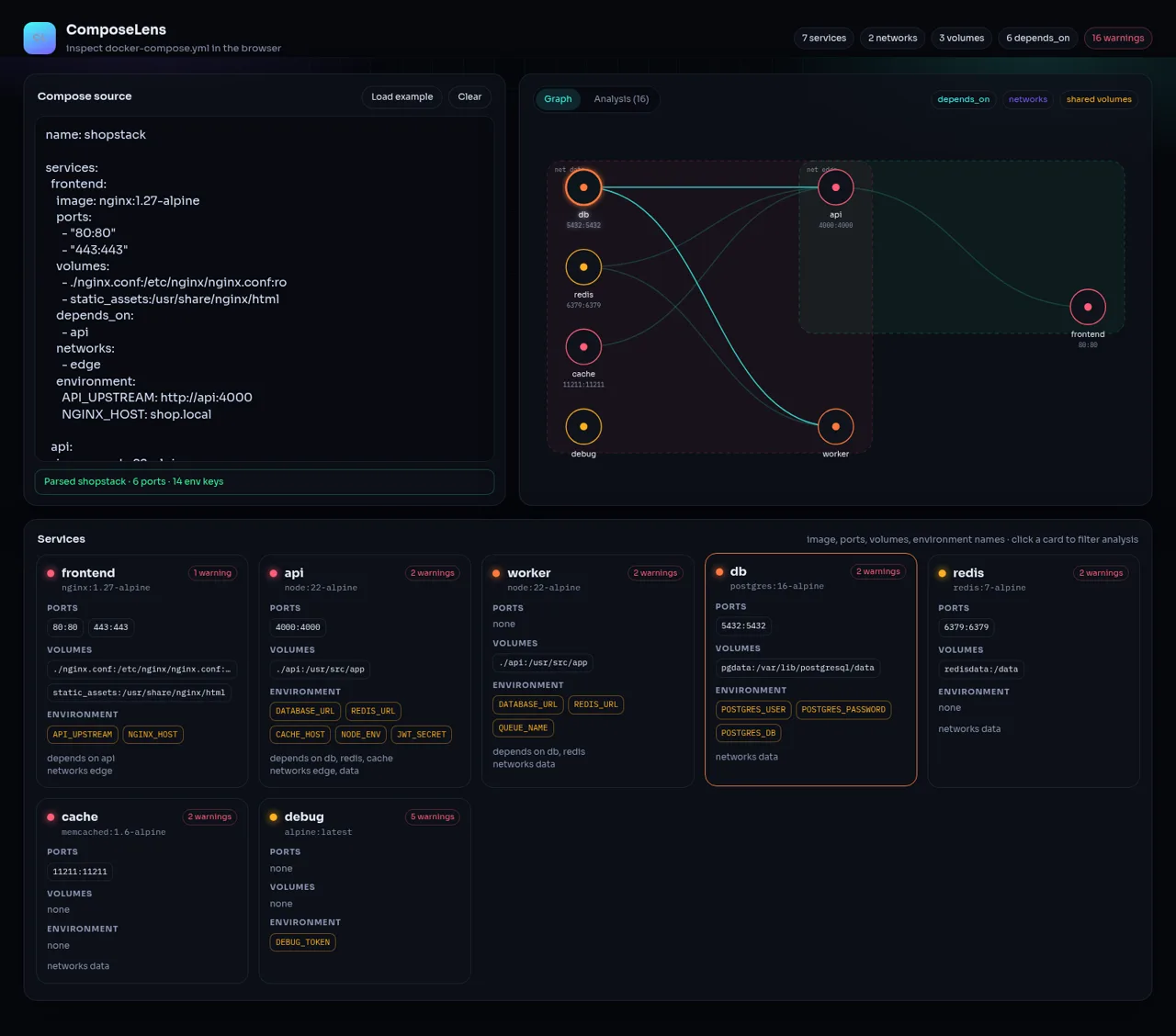
46ComposeLens
Visual Docker Compose inspector with graphs and security warnings
 25
259Router - AI Router
FREE AI coding router with auto-fallback, RTK token saving, 40+ providers
 23
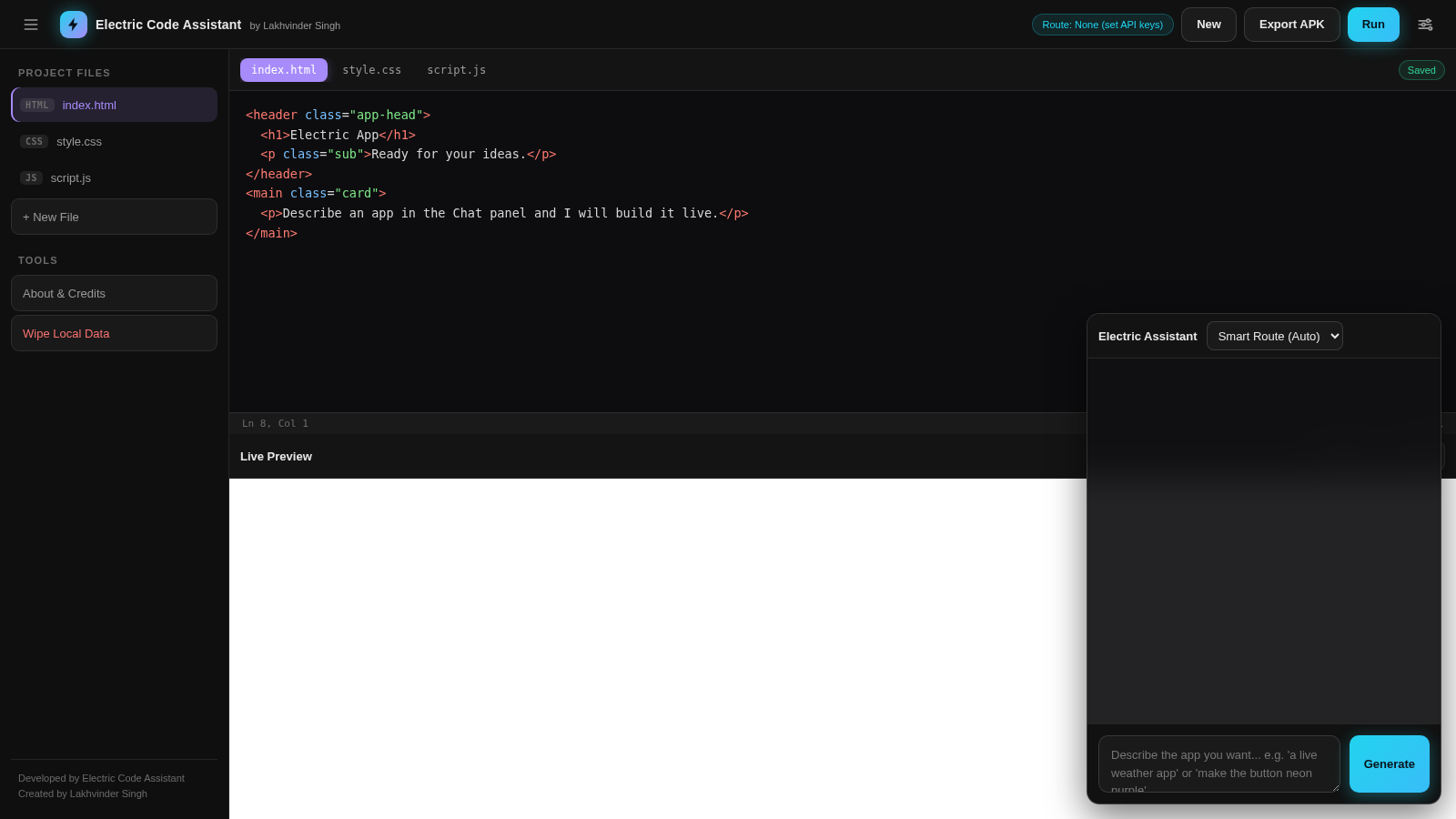
23Electric Code Assistant
Ultra-lightweight AI web IDE: build apps with AI, live preview, APK export