
ComposeLens
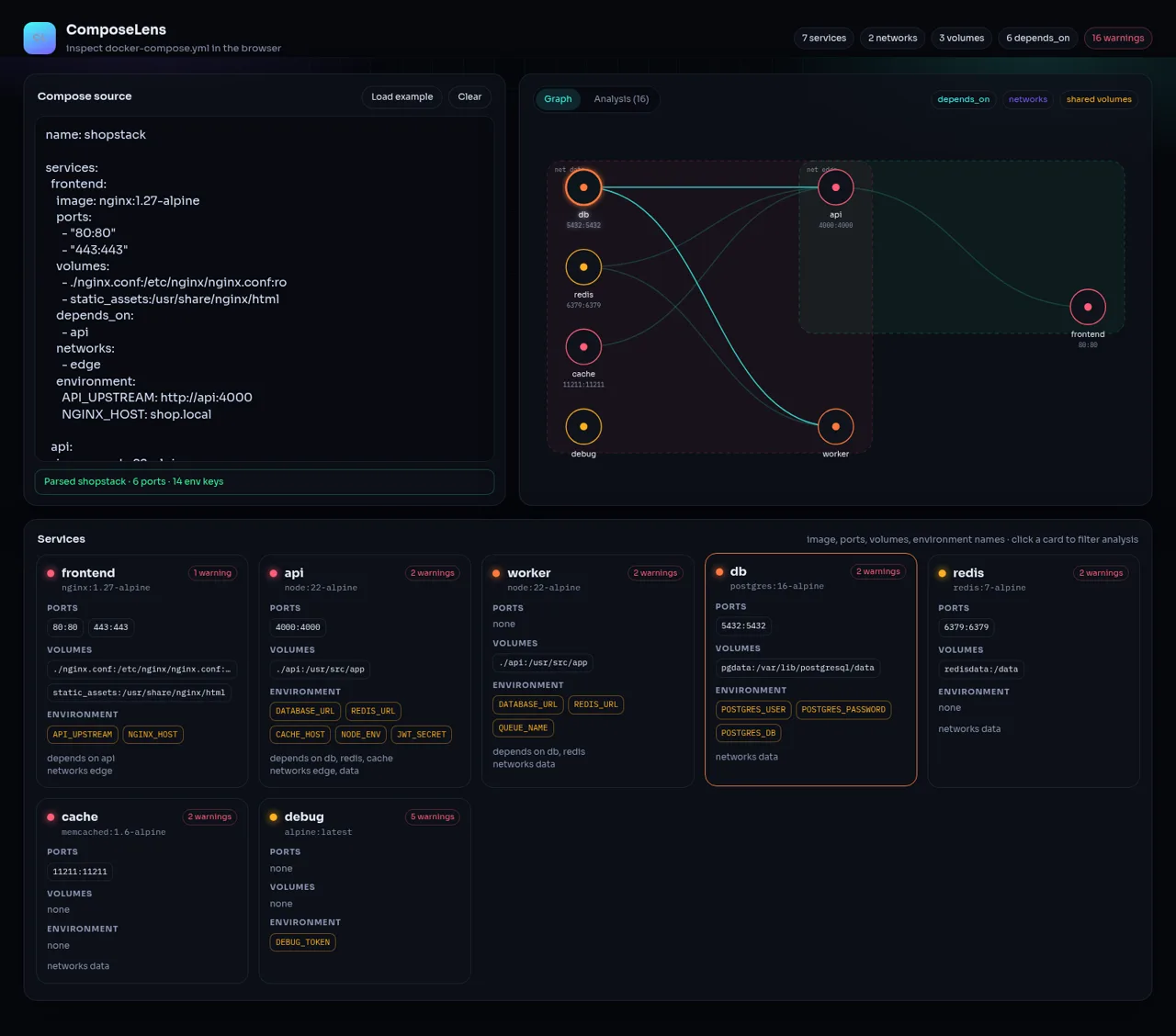
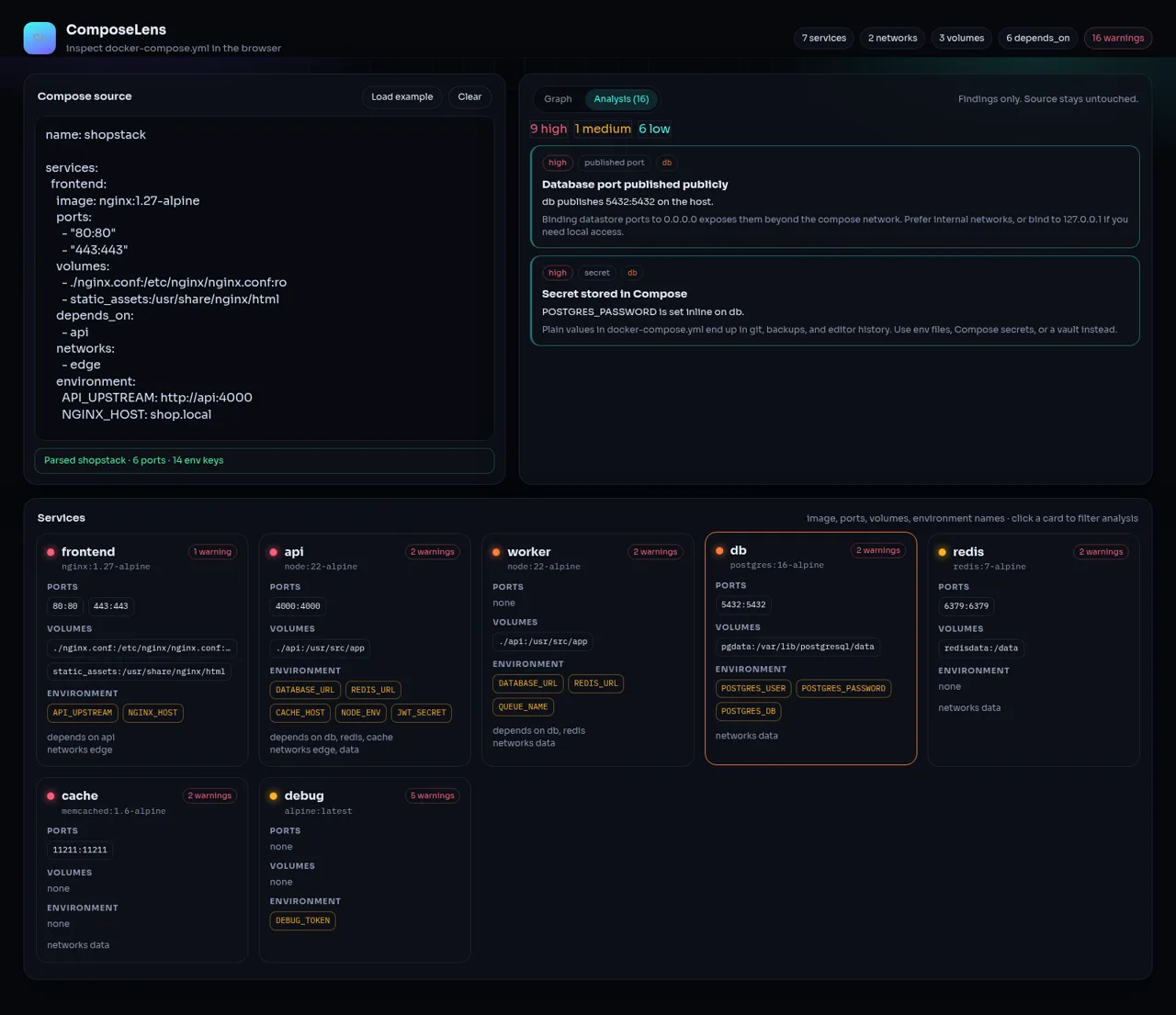
Turn Docker Compose YAML into an interactive service map with prioritized configuration and security findings.
ComposeLens is a browser-based Docker Compose inspection tool. Users can paste or edit a Compose file and immediately see counts for services, networks, volumes, dependencies, warnings, ports, and environment keys. Its graph view maps services and their relationships, while service cards summarize images, ports, volumes, environment variable names, networks, and dependencies. The analysis view groups configuration findings by severity and explains why each issue matters, covering risks such as inline secrets, publicly published datastore ports, privileged containers, host networking, mutable latest image tags, and missing health checks. Selecting a service card narrows the findings to that component, and the bundled example provides a complete demonstration without setup or an account.
Highlights
Live Compose graph
Maps stack relationships
Security analysis
Ranks actionable risks
Service filtering
Focuses findings by service
Instant summaries
Counts key stack resources
How to Use
Paste a Compose file
Enter docker-compose YAML in the source editor. ComposeLens parses the text as it changes and updates the header totals, parsed-file summary, service cards, topology, and warning count without requiring a separate submit action.
Explore the graph
Open the Graph tab to inspect service nodes and their relationships to networks, dependencies, shared volumes, and published ports. Use the legend to distinguish each connection type and scan the service cards for configuration details.
Review findings
Switch to the Analysis tab to see high, medium, and low severity totals. Each finding identifies the affected service, describes the observed configuration, explains its operational or security impact, and suggests a safer approach.
Filter a service
Click a service card to limit the analysis list to findings associated with that service. Click another card to change focus, or reload the example to return to the bundled multi-service demonstration.
Reset or try the sample
Use Clear to empty the editor and confirm the zero-state, or choose Load example to restore the seven-service shop stack and its complete graph and warning set.
Similar Sites
 81
81MonkeyCode AI Workspaces
AI coding workspaces for engineering teams
 24
249Router - AI Router
FREE AI coding router with auto-fallback, RTK token saving, 40+ providers
 23
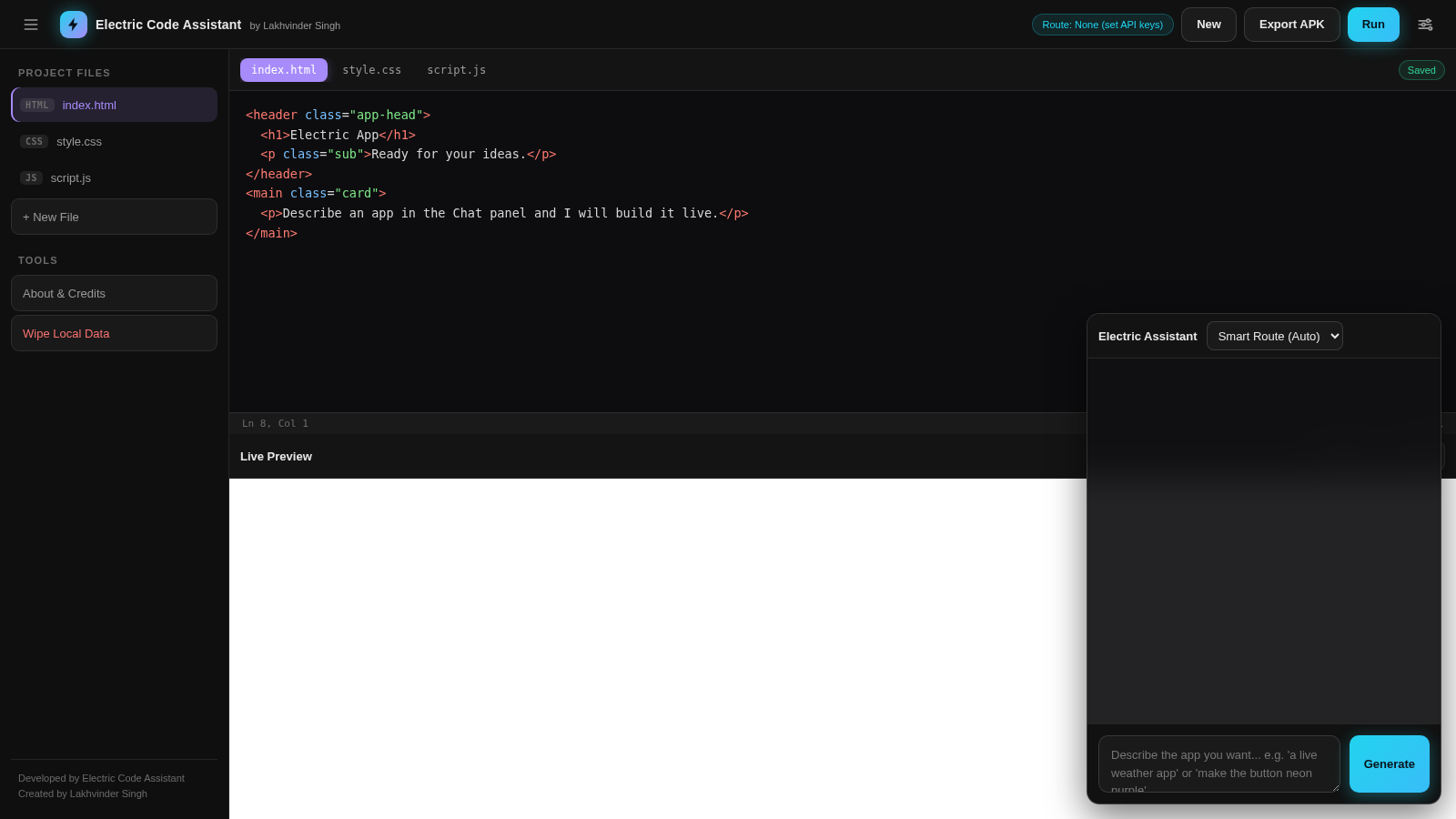
23Electric Code Assistant
Ultra-lightweight AI web IDE: build apps with AI, live preview, APK export
 15
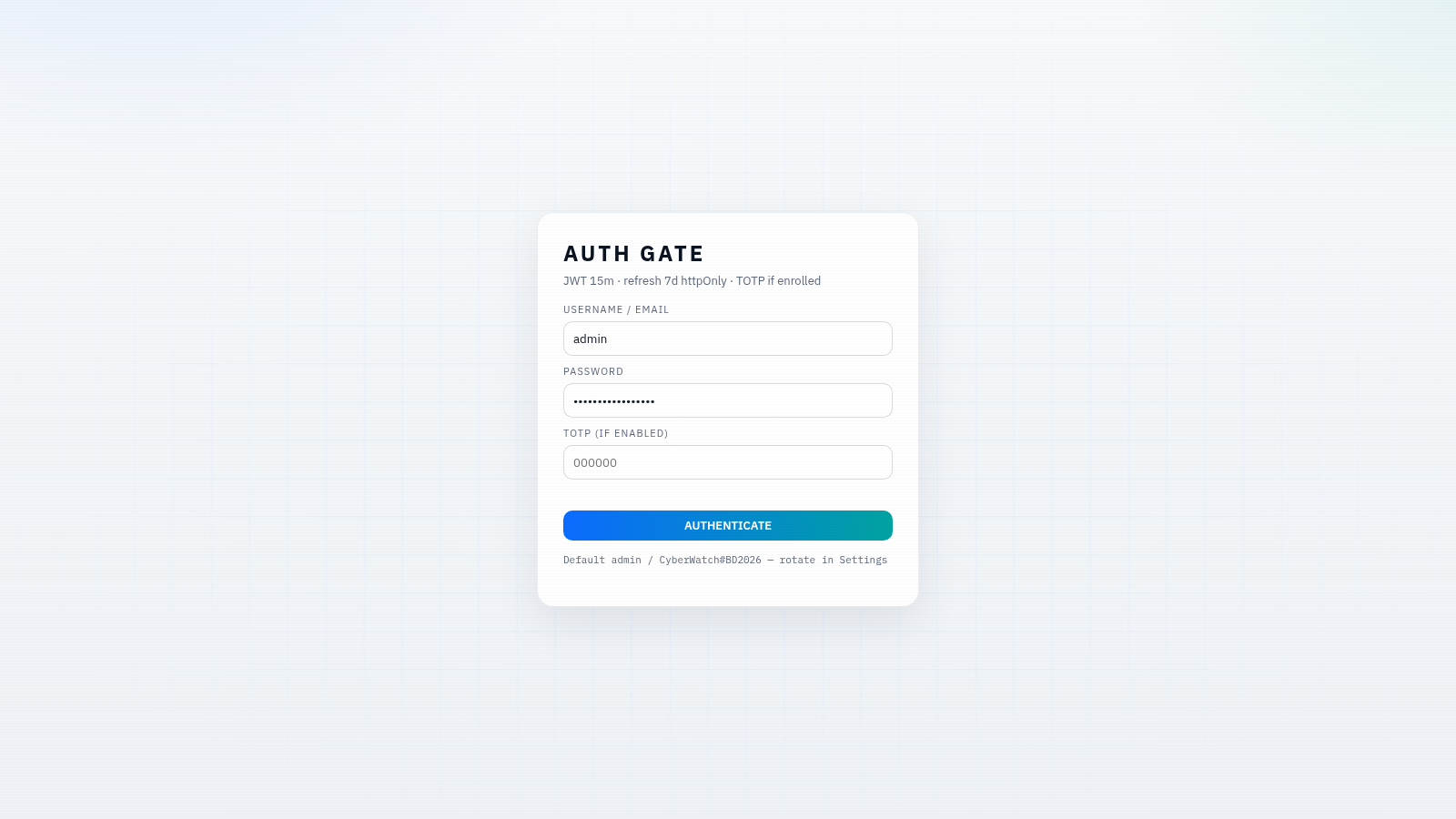
15CYBERWATCH-BD
Unified SOC with local AI triage, gated scans, and Bangladesh cyber tools.
 14
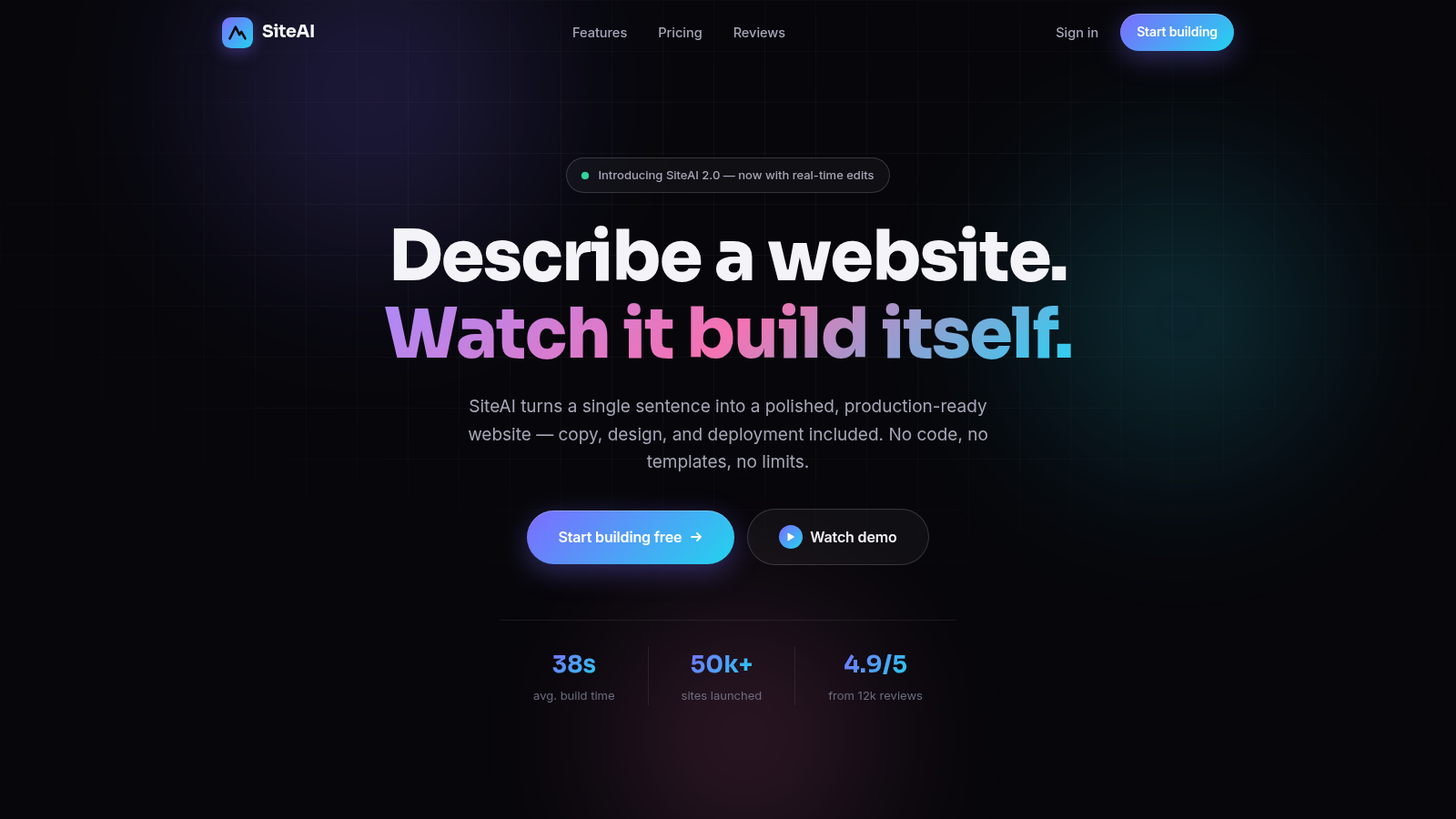
14SiteAI — The AI Website Builder
The AI website builder that turns plain language into production-ready websites.
 14
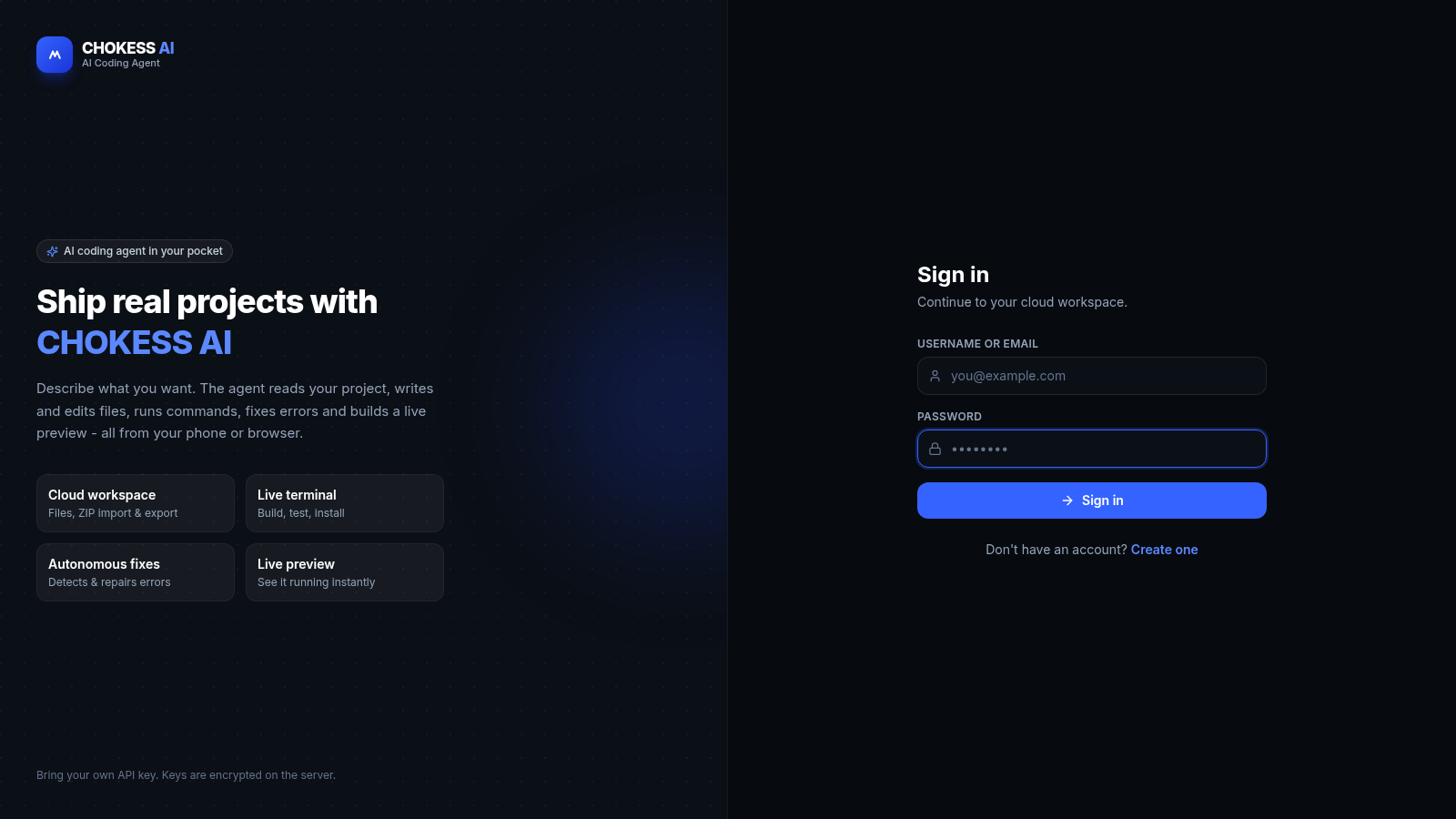
14CHOKESS AI
Browser-based AI coding agent with cloud workspace, terminal and live preview