
Nova Discord AI Agent
A local Discord AI assistant with memory, personal organization, web search, channel summaries, and selectable model providers.
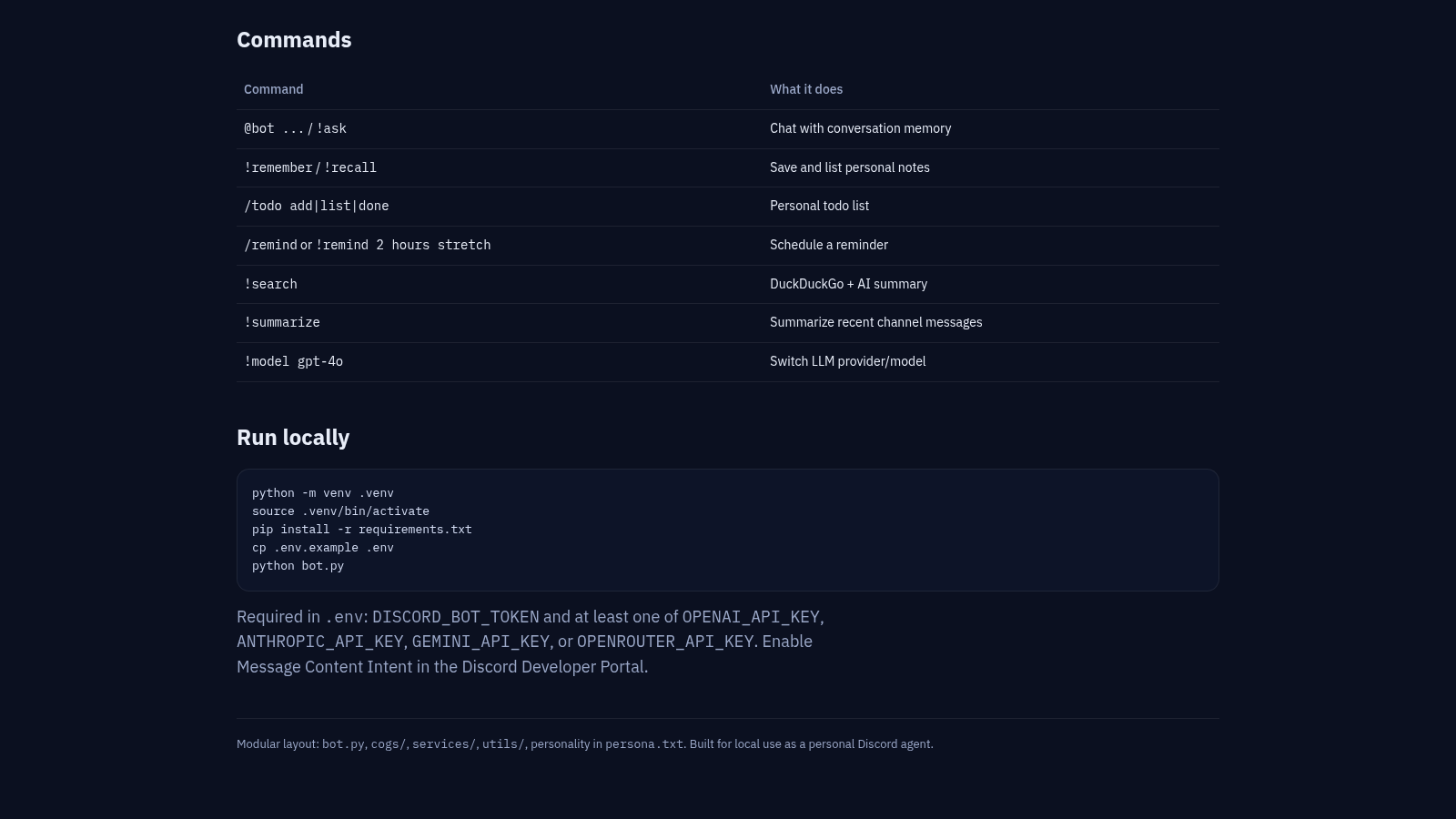
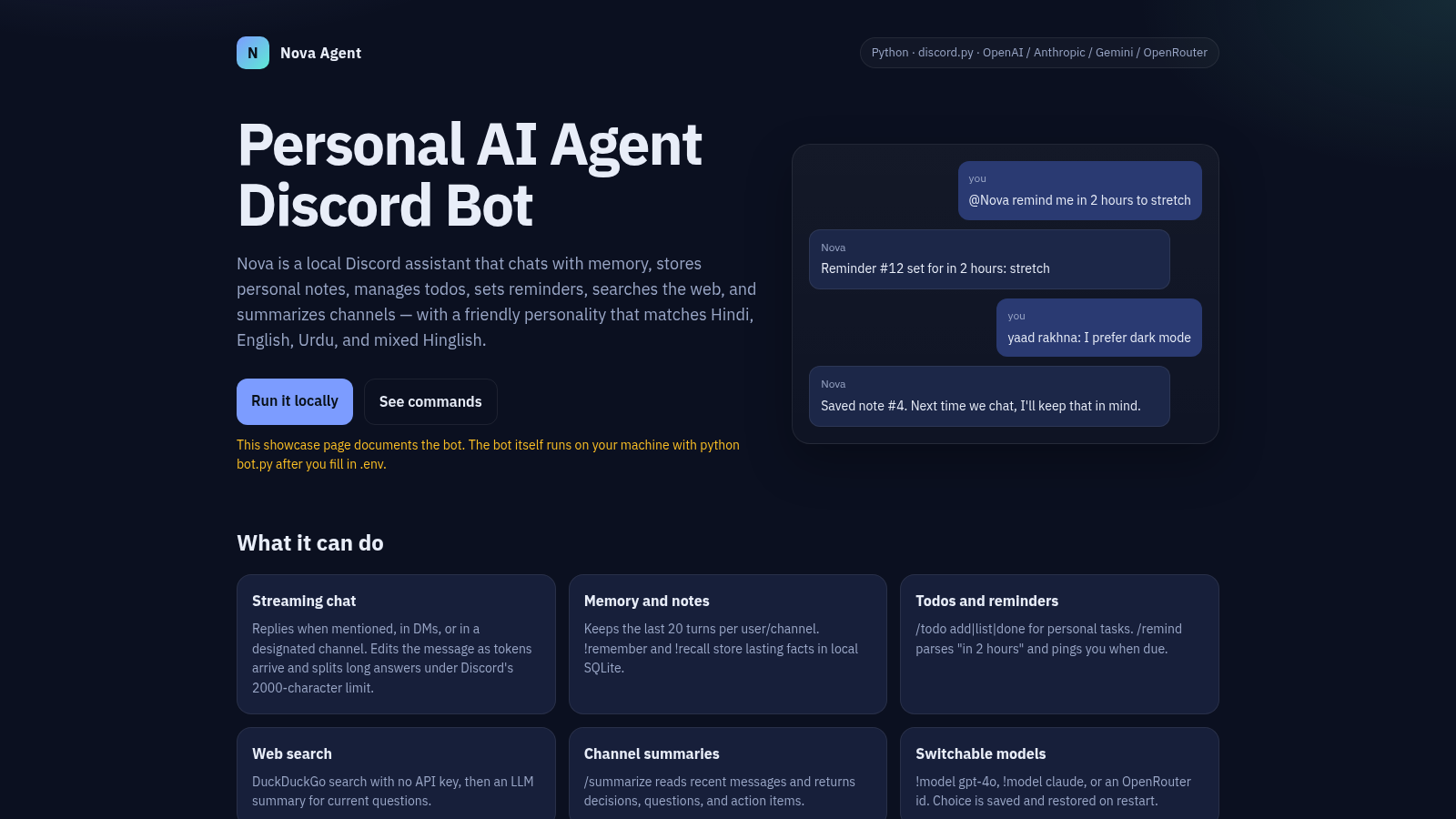
Nova is a documented personal AI agent designed to run locally as a Discord bot. It can respond to mentions, direct messages, and a designated channel while streaming generated text and splitting long replies for Discord limits. The bot keeps recent conversational context, stores durable notes in SQLite, manages personal todos, schedules reminders from natural-language time phrases, searches DuckDuckGo, and summarizes recent channel discussions into decisions, questions, and action items. Users can select models from OpenAI, Anthropic, Gemini, or OpenRouter. The showcase provides command examples, environment requirements, installation commands, and a brief overview of the modular Python project layout.
Highlights
Persistent Memory
Recent chat and notes
Task Tools
Todos and reminders
Web Search
Search with AI summaries
Channel Summaries
Decisions and actions
Model Choice
Four provider options
Multilingual Chat
Hindi to Hinglish
How to Use
Review the capabilities
Start on the homepage and read the capability cards to understand how Nova handles streaming chat, recent conversation context, durable notes, personal tasks, web search, channel summaries, and model switching.
Check the command reference
Select the See commands link to move to the command table. Use the listed mention, prefix, and slash-command formats as a reference for chatting, saving notes, managing todos, scheduling reminders, searching, summarizing, and selecting a model after deployment.
Prepare local configuration
Select Run it locally and follow the displayed virtual-environment and dependency commands. Create the environment file with a Discord bot token and at least one supported model-provider API key, then enable Message Content Intent in the Discord Developer Portal.
Launch the bot
Run the documented Python entry point after configuration. Invite the configured bot to Discord and interact through mentions, direct messages, a designated channel, or the displayed slash and prefix commands; responses and saved state then appear inside Discord rather than on this showcase page.
Similar Sites
 14
14CHOKESS AI
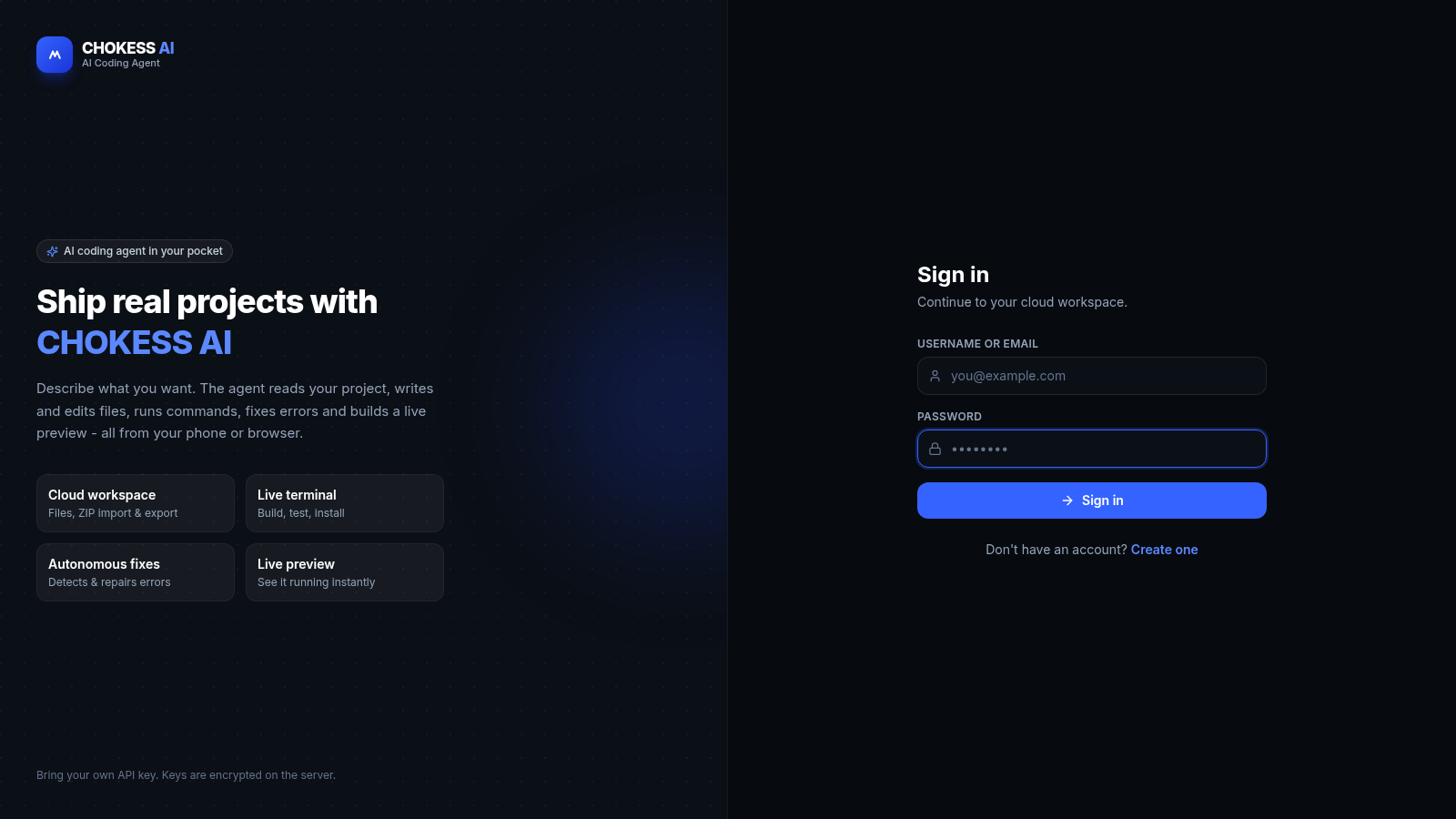
Browser-based AI coding agent with cloud workspace, terminal and live preview
 81
81MonkeyCode AI Workspaces
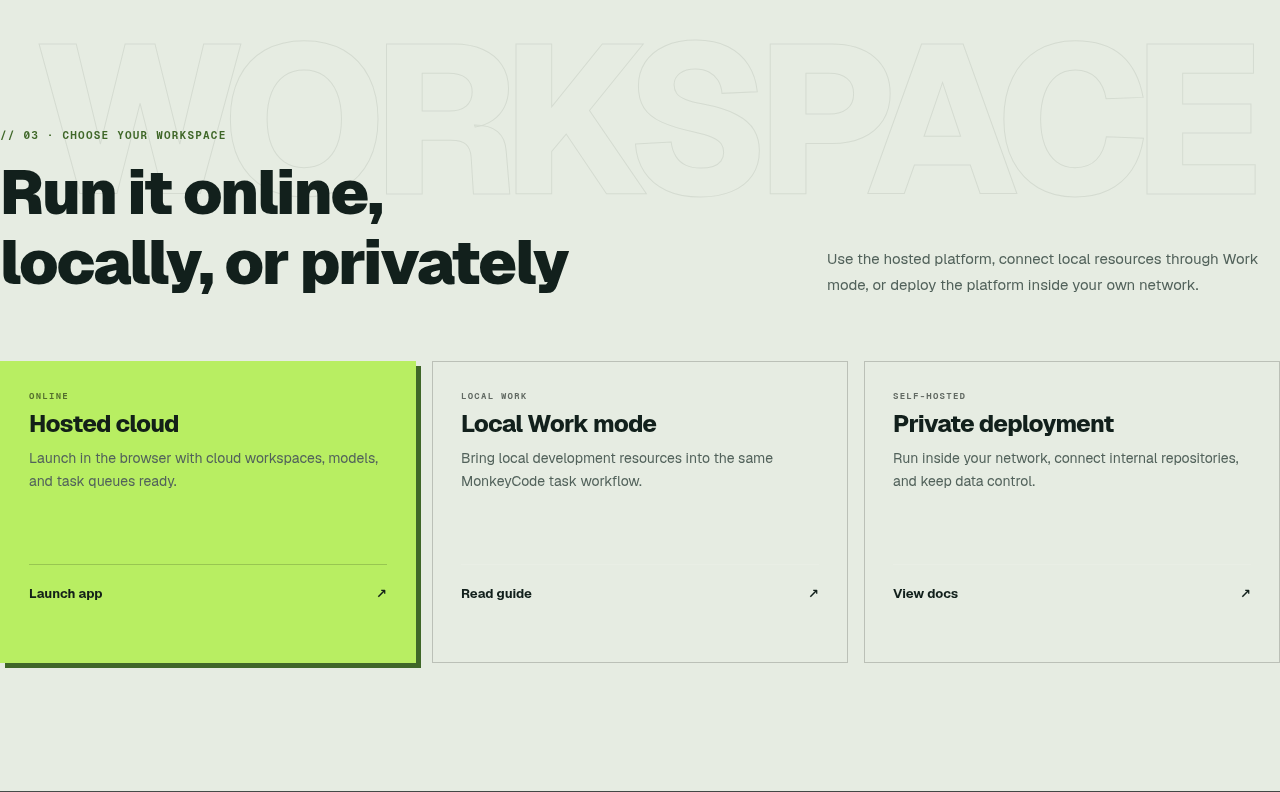
AI coding workspaces for engineering teams
 24
249Router - AI Router
FREE AI coding router with auto-fallback, RTK token saving, 40+ providers
 23
23Electric Code Assistant
Ultra-lightweight AI web IDE: build apps with AI, live preview, APK export
 15
15CYBERWATCH-BD
Unified SOC with local AI triage, gated scans, and Bangladesh cyber tools.
 14
14SiteAI — The AI Website Builder
The AI website builder that turns plain language into production-ready websites.