
Electric Code Assistant
Build and preview small web apps in a lightweight browser IDE with optional AI assistance.
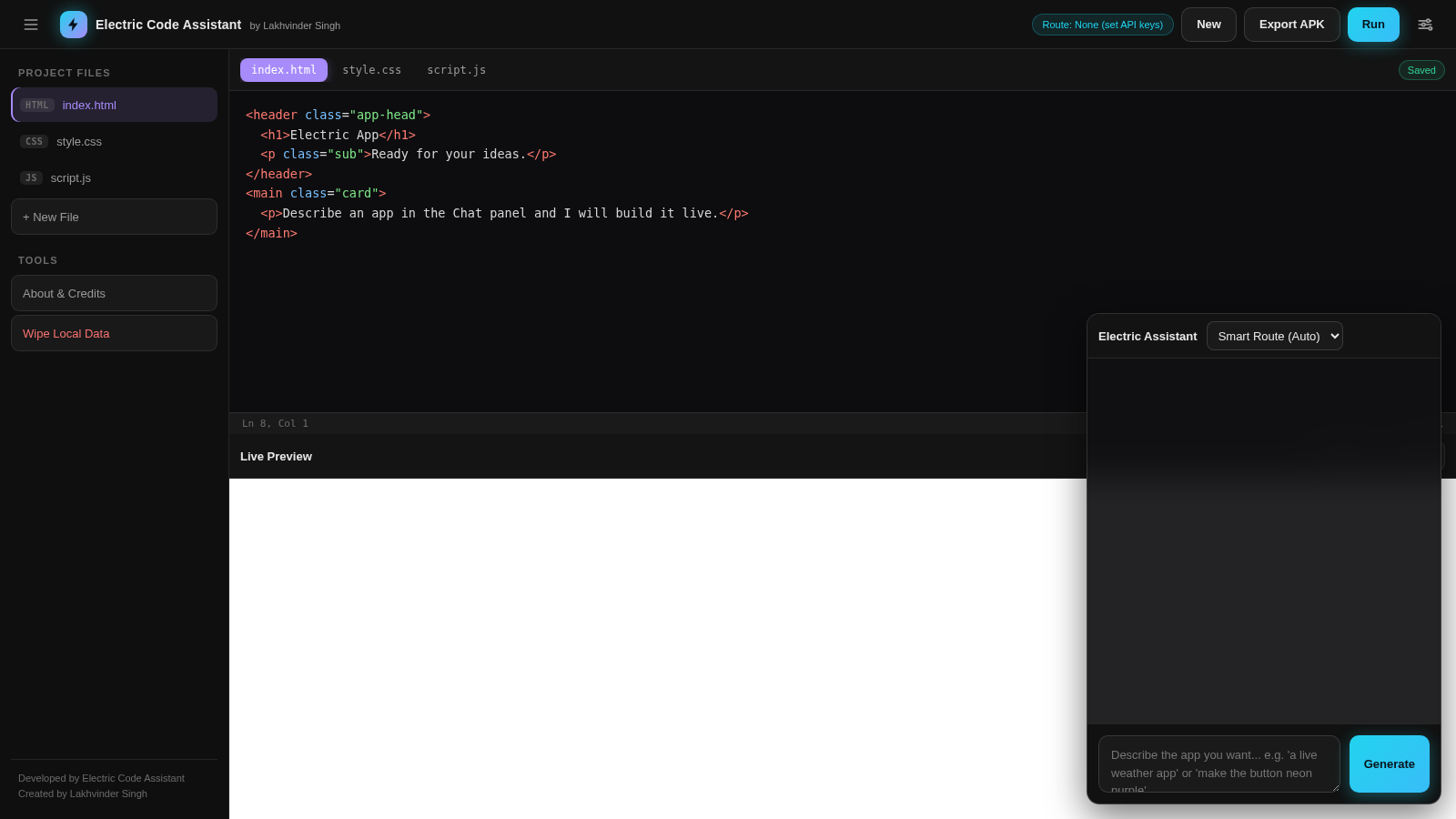
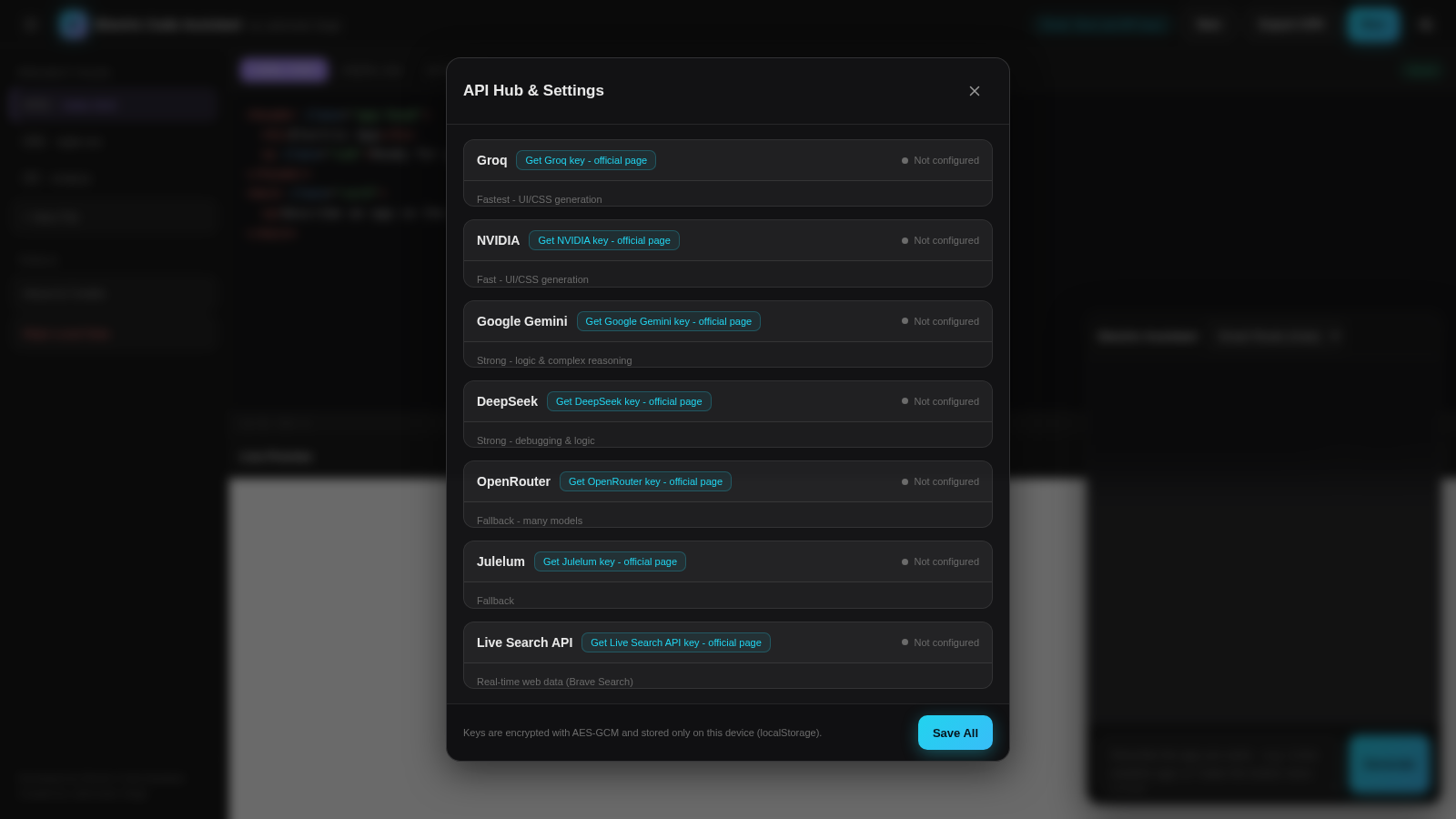
Electric Code Assistant is a local-first web development workspace created by Lakhvinder Singh. It presents HTML, CSS, and JavaScript project files beside a live preview, allowing users to edit source, run the result, test interactions, create additional files, and export the project as a ZIP prepared for a WebView-based APK workflow. An integrated assistant can generate or revise code after the user configures a supported third-party model API key. The settings hub supports Groq, NVIDIA, Google Gemini, DeepSeek, OpenRouter, Julelum, and Brave Search endpoints, with keys described as encrypted and stored on the current device.
Highlights
Live preview
Run edits instantly
Three-file workspace
Edit HTML, CSS, JS
Multi-model AI
Configure six providers
Local auto-save
Keep work on device
Project export
Download a ZIP bundle
How to Use
Edit a project file
Choose index.html, style.css, or script.js from the file list or editor tabs, then update the source in the main editor. The saved indicator reports when the local project state has been stored.
Run and test the app
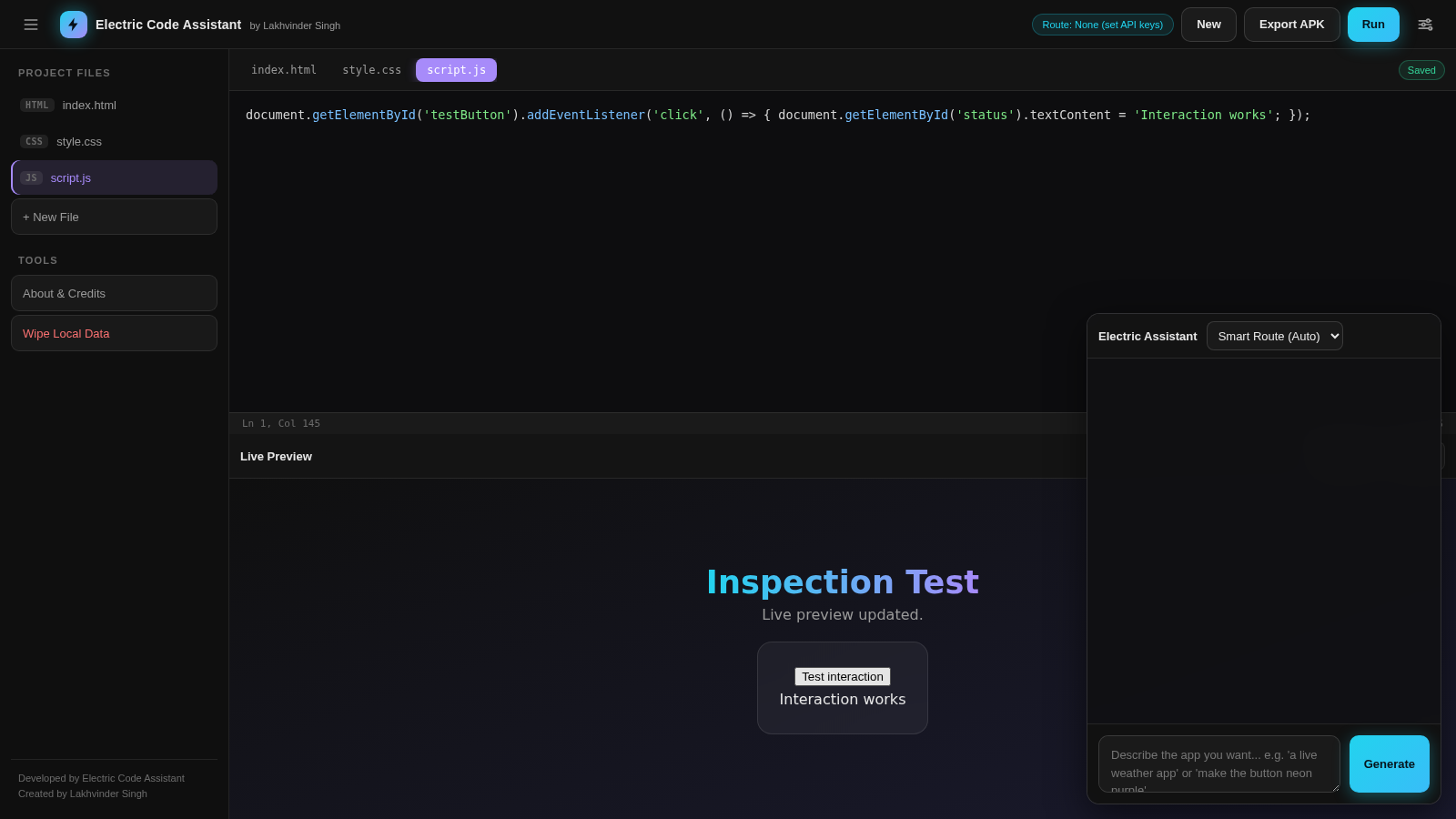
Select Run after making changes. The lower live preview refreshes with the combined HTML, CSS, and JavaScript, where buttons and other app interactions can be tested directly. Reload and Open tab provide additional preview controls.
Configure AI assistance
Open API Hub and Settings, choose a supported provider, enter its API key and review the base URL and model. Test the connection before saving, then choose a routing preference and describe the app or change in the assistant input.
Export the project
Use Export APK when the project is ready. The current implementation downloads an electric-app.zip bundle containing the web project, which can be used in a separate WebView APK build workflow.
Similar Sites
 5
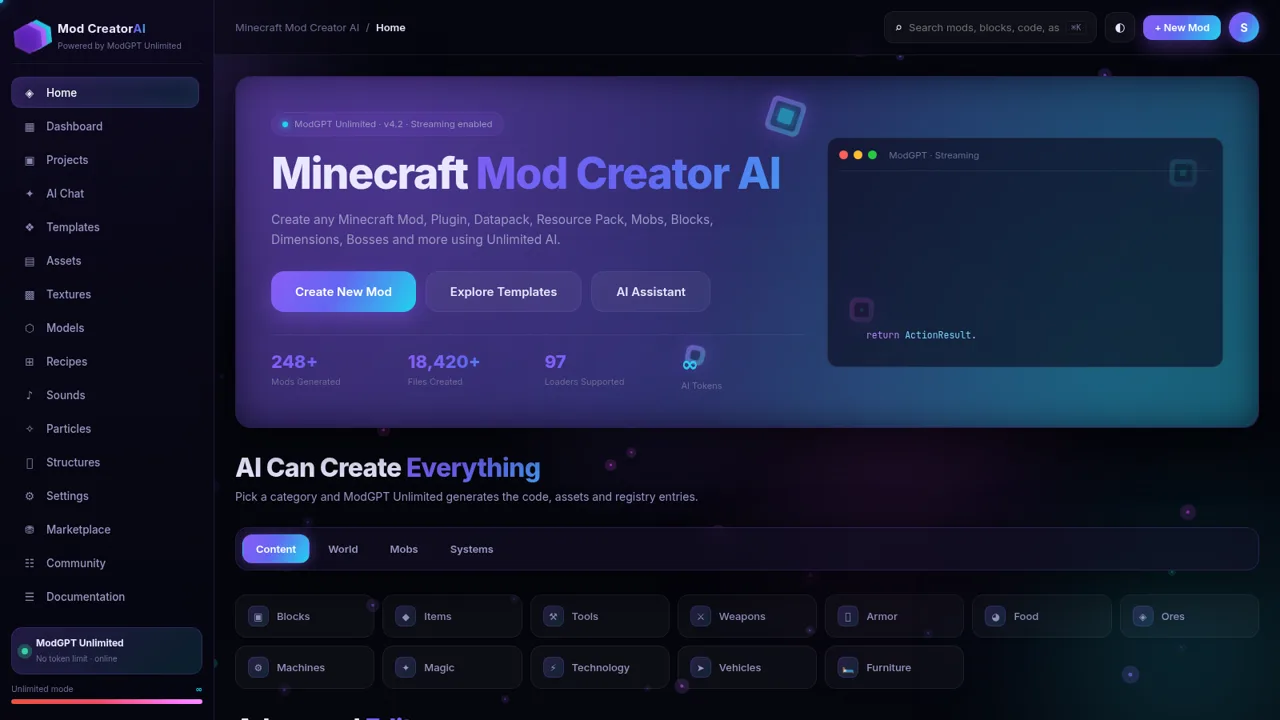
5Minecraft Mod Creator AI
Create Minecraft mods, plugins, datapacks and more with unlimited AI.
 4
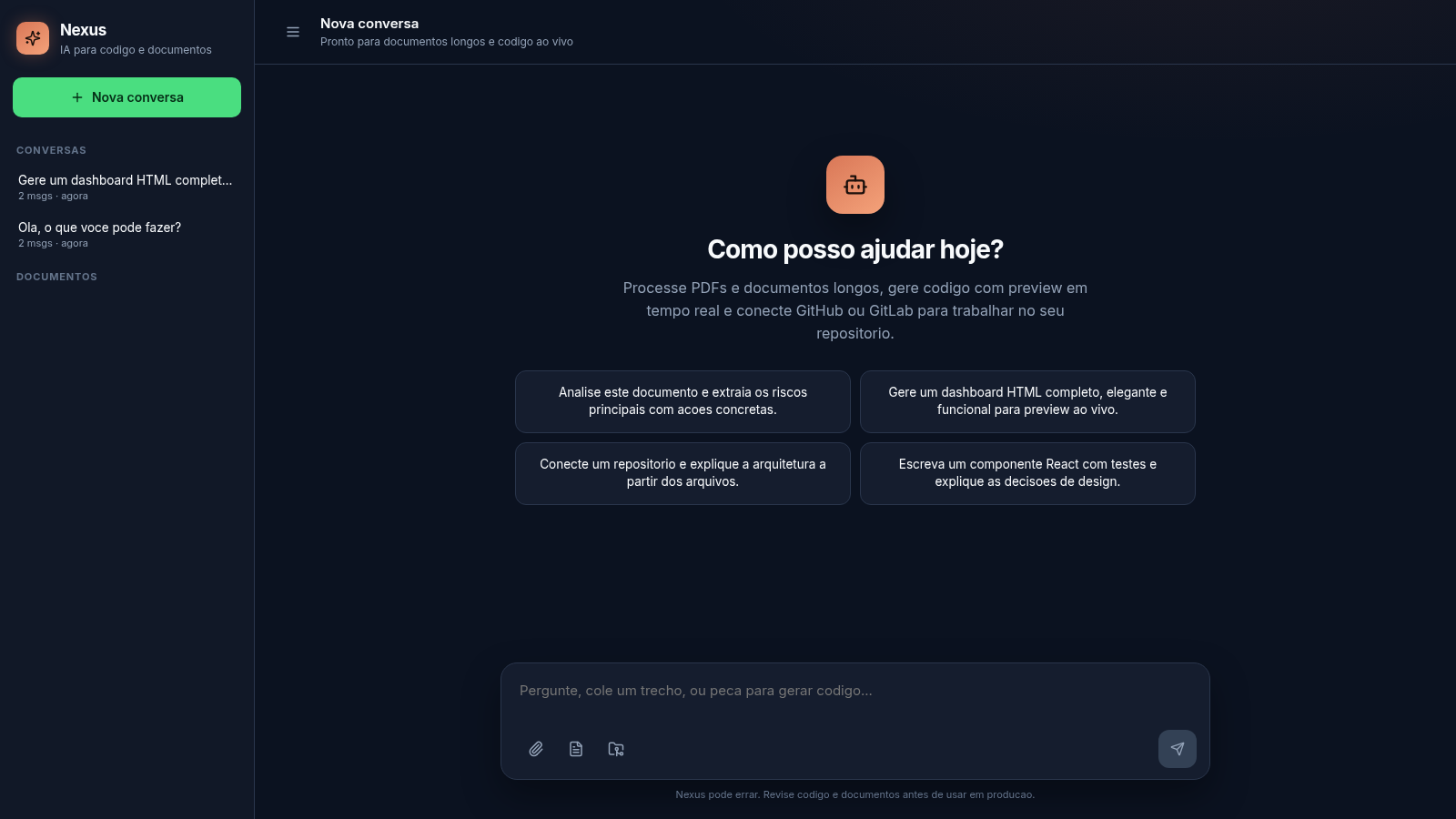
4Nexus
AI chat for long documents, live code preview, and Git repos
 81
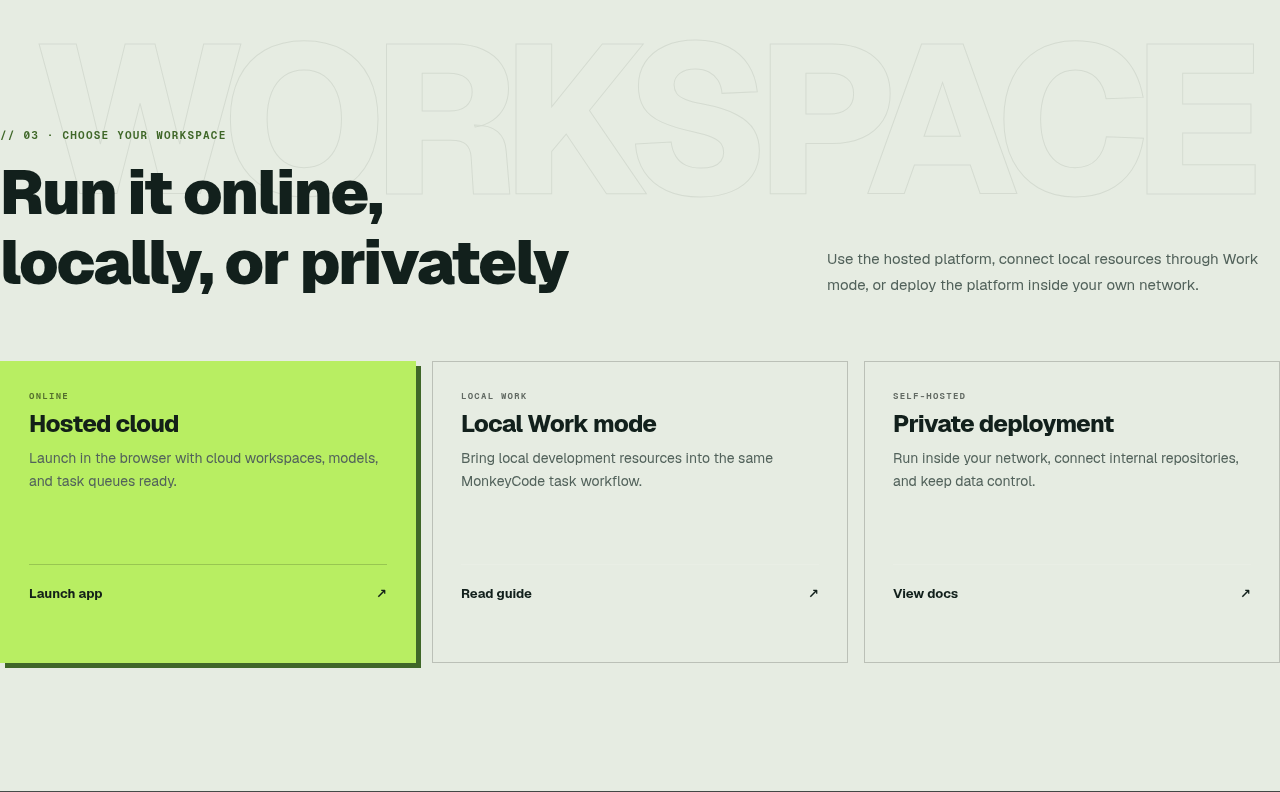
81MonkeyCode AI Workspaces
AI coding workspaces for engineering teams
 14
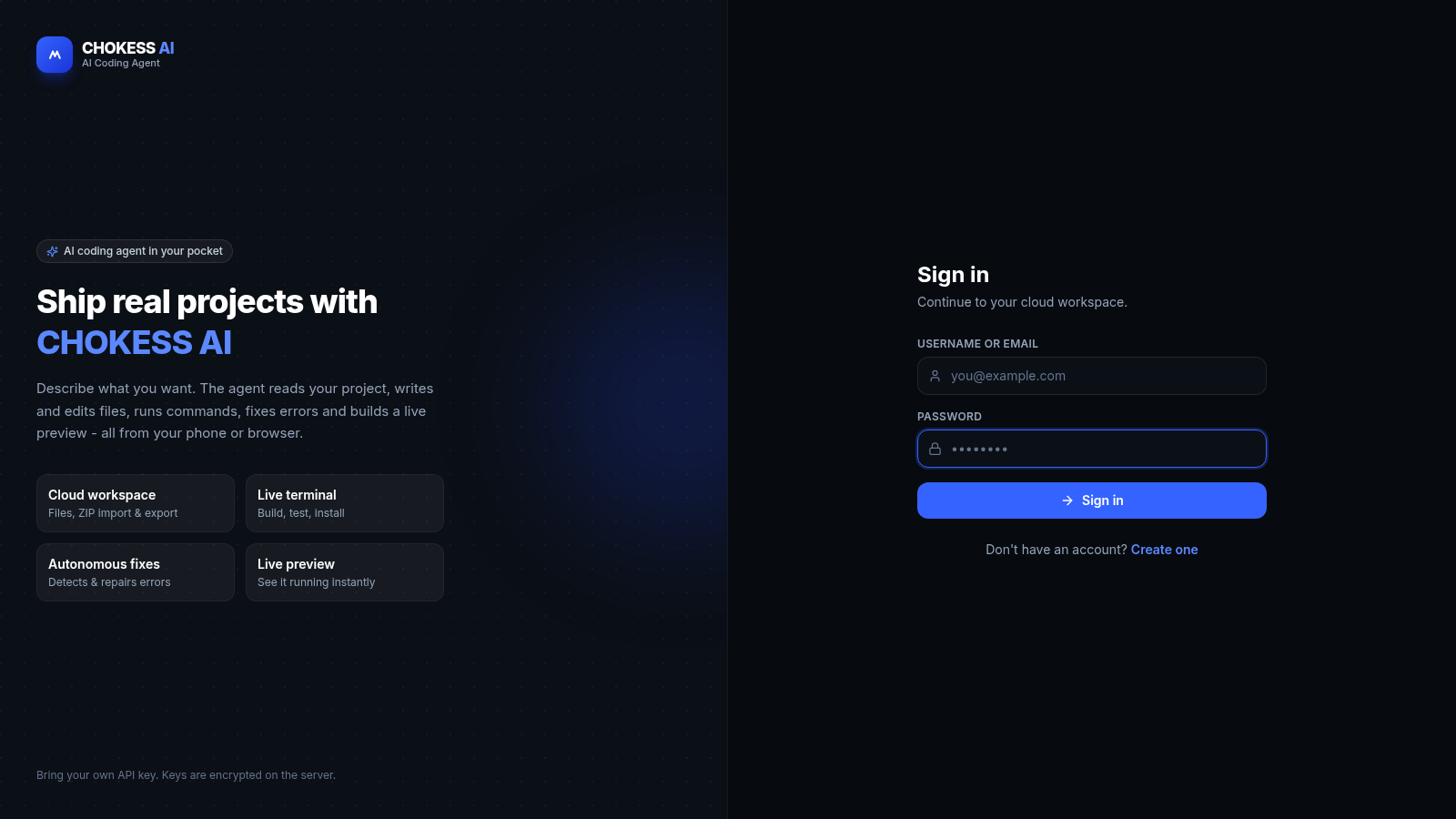
14CHOKESS AI
Browser-based AI coding agent with cloud workspace, terminal and live preview
 8
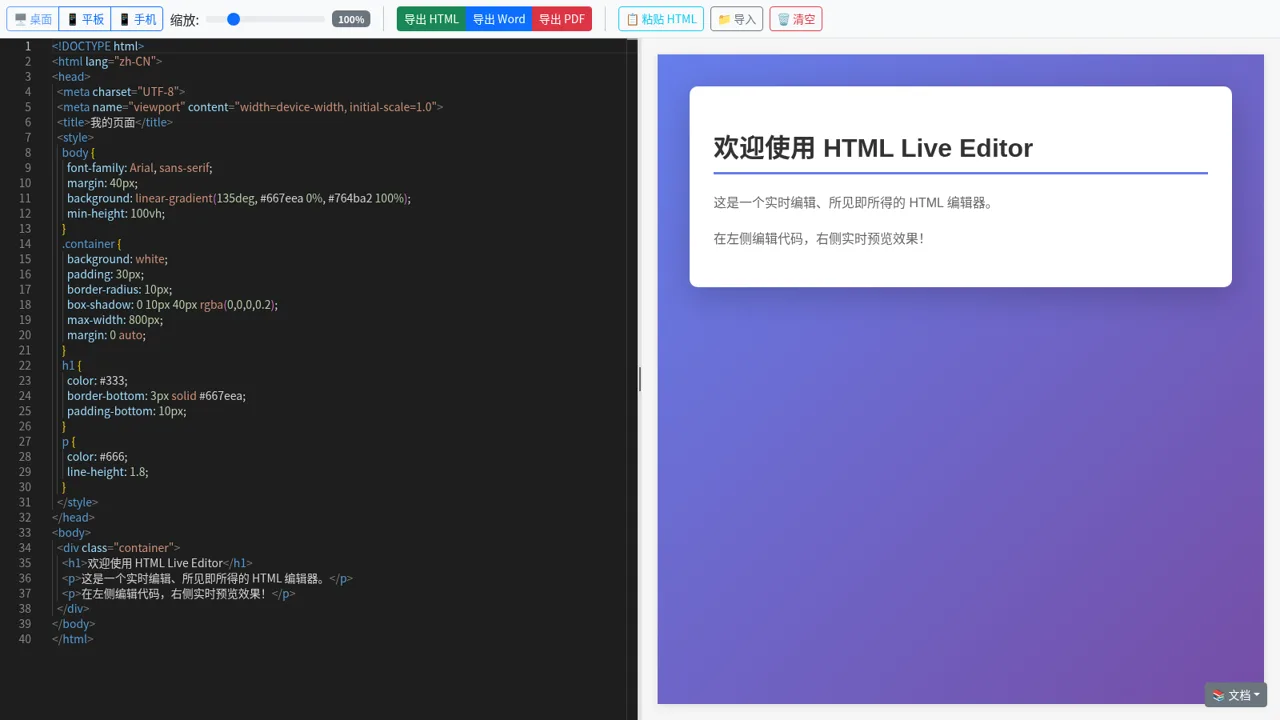
8HTML Live Editor
High-fidelity HTML live editor, supporting split-pane edit preview, multiple viewport switching, and HTML/Word/PDF export.
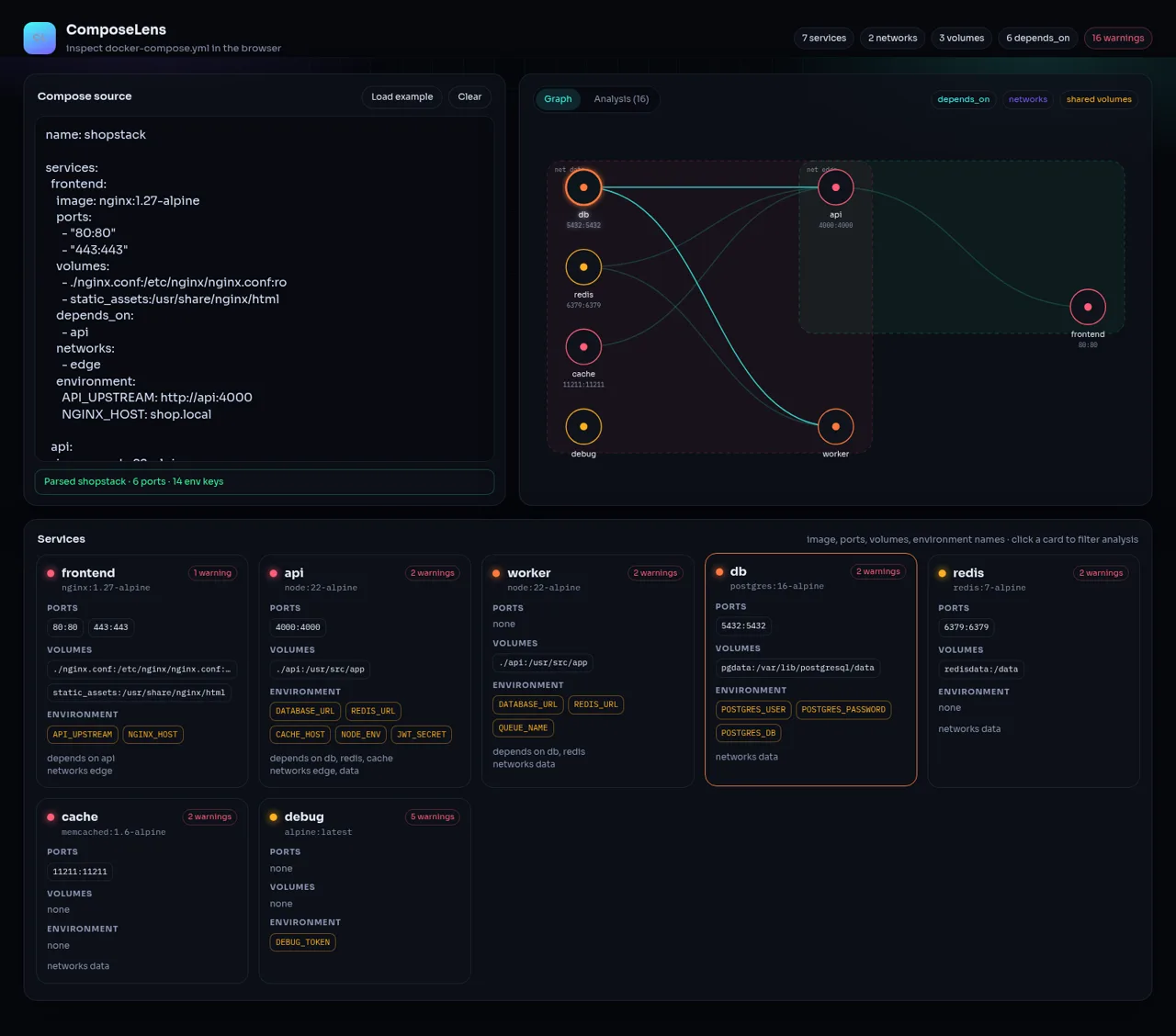 45
45ComposeLens
Visual Docker Compose inspector with graphs and security warnings