
Device Farm - Testes de Apps
Build and control a virtual mobile device fleet from one browser dashboard.
Device Farm is an interactive Portuguese-language testing laboratory for simulating a fleet of mobile devices. The dashboard begins with several online phone cards and lets users add more devices, configure names, models, Android versions, memory, storage, wallpaper themes, and default apps. Each phone includes a simulated lock screen, navigation controls, power and lock actions, and an app or settings view. Devices can be selected individually or together for synchronized power, restart, app launch, wallpaper, screen capture, and log-clearing actions. A command console records configuration changes and operations with timestamps, device labels, and concise status messages.
Highlights
Fleet Controls
Run six batch actions
Device Profiles
Edit model and Android
Live Console
Track every operation
Phone Simulation
Use apps and settings
How to Use
Create test devices
Enter the number of devices in the quantity field and select Add devices. The fleet count updates, new online device cards appear in the dashboard, and the command console records how many devices were added.
Configure a device
Select Configure on a device card, then edit its name, hardware model, Android version, memory, storage, wallpaper theme, and default app. Save the configuration to update the card and add a confirmation entry to the command console.
Operate one phone
Use the navigation controls inside a phone or choose its power, lock, and configuration buttons. Opening an app changes the simulated screen to the selected app or settings interface, where controls such as Wi-Fi, Bluetooth, brightness, and volume are represented.
Run batch actions
Select one or more device checkboxes, or use Select all. The batch toolbar then offers power toggling, restart, app launch, wallpaper changes, screen capture, and log clearing; completed actions are reflected in the selected devices and logged below.
Similar Sites
 23
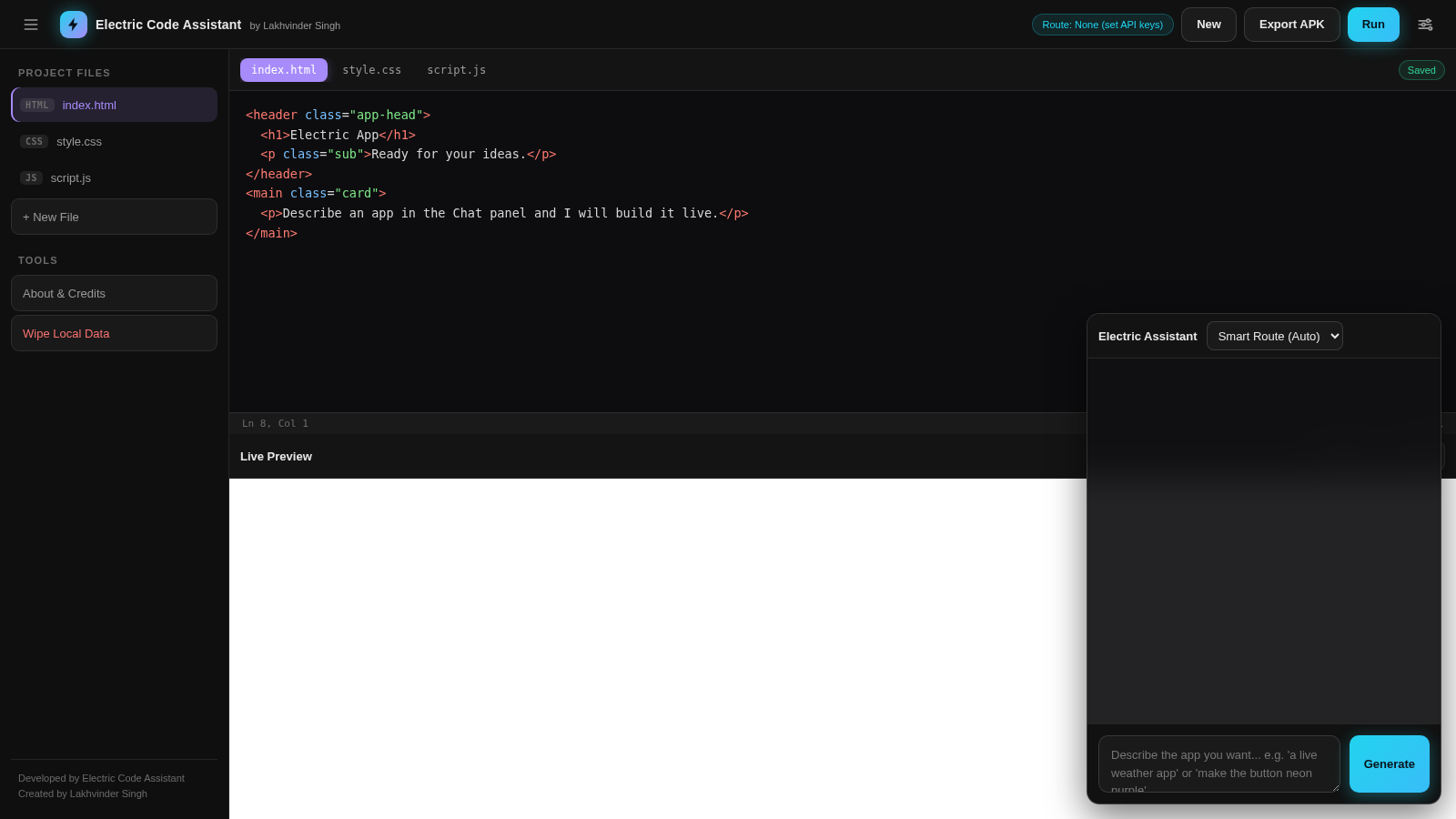
23Electric Code Assistant
Ultra-lightweight AI web IDE: build apps with AI, live preview, APK export
 3
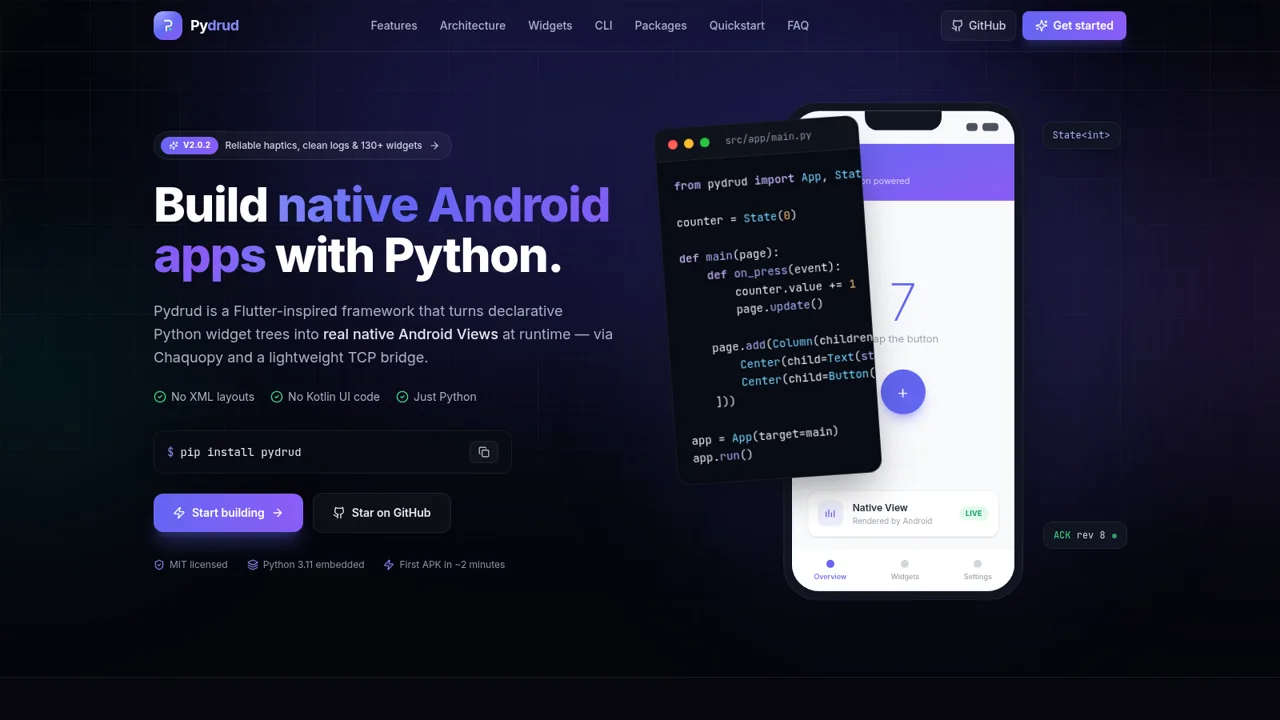
3Pydrud — Android in Python
Flutter-inspired Python framework for native Android apps — no XML, no Kotlin.
 81
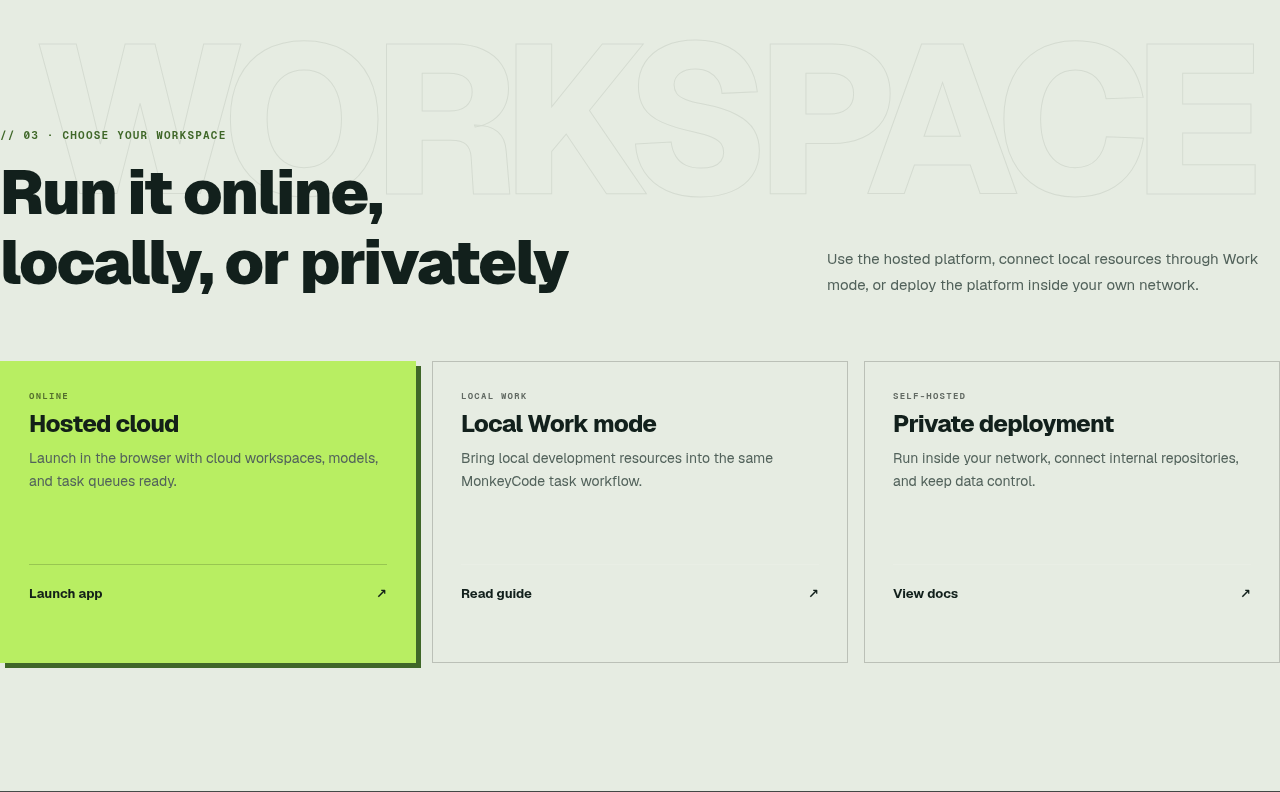
81MonkeyCode AI Workspaces
AI coding workspaces for engineering teams
 45
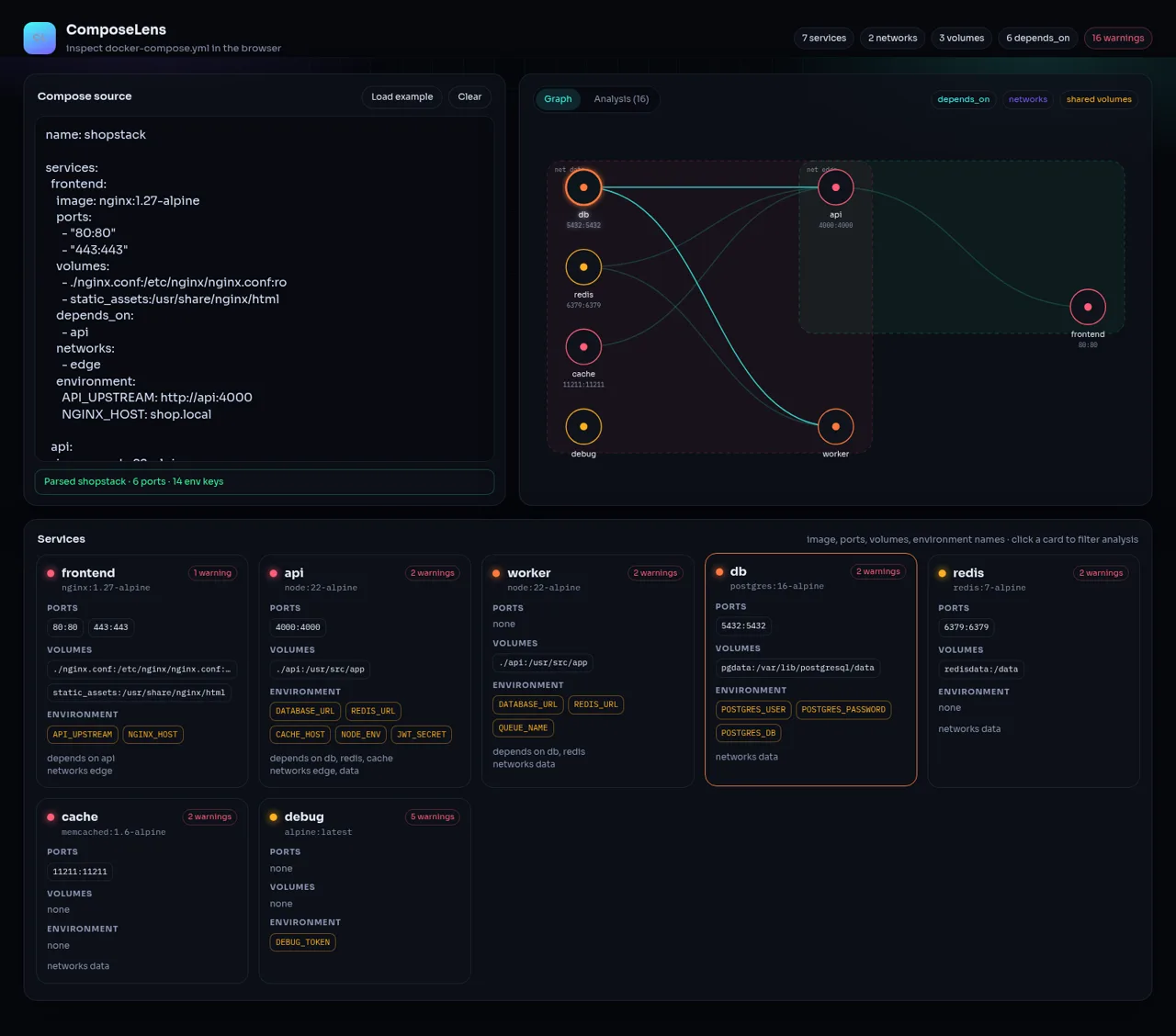
45ComposeLens
Visual Docker Compose inspector with graphs and security warnings
 24
249Router - AI Router
FREE AI coding router with auto-fallback, RTK token saving, 40+ providers
 15
15CYBERWATCH-BD
Unified SOC with local AI triage, gated scans, and Bangladesh cyber tools.