
MonkeyCode AI Workspaces
Explore how MonkeyCode turns engineering briefs into verified code inside isolated AI workspaces.
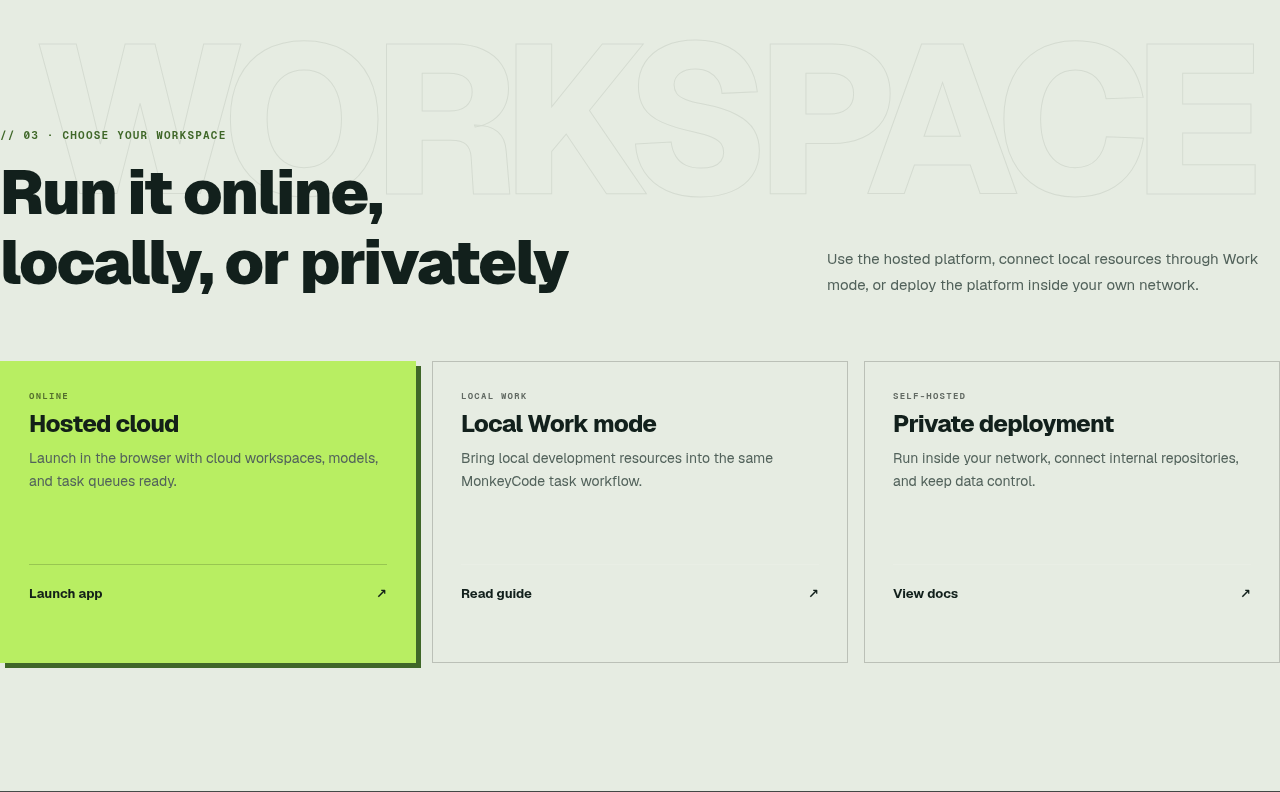
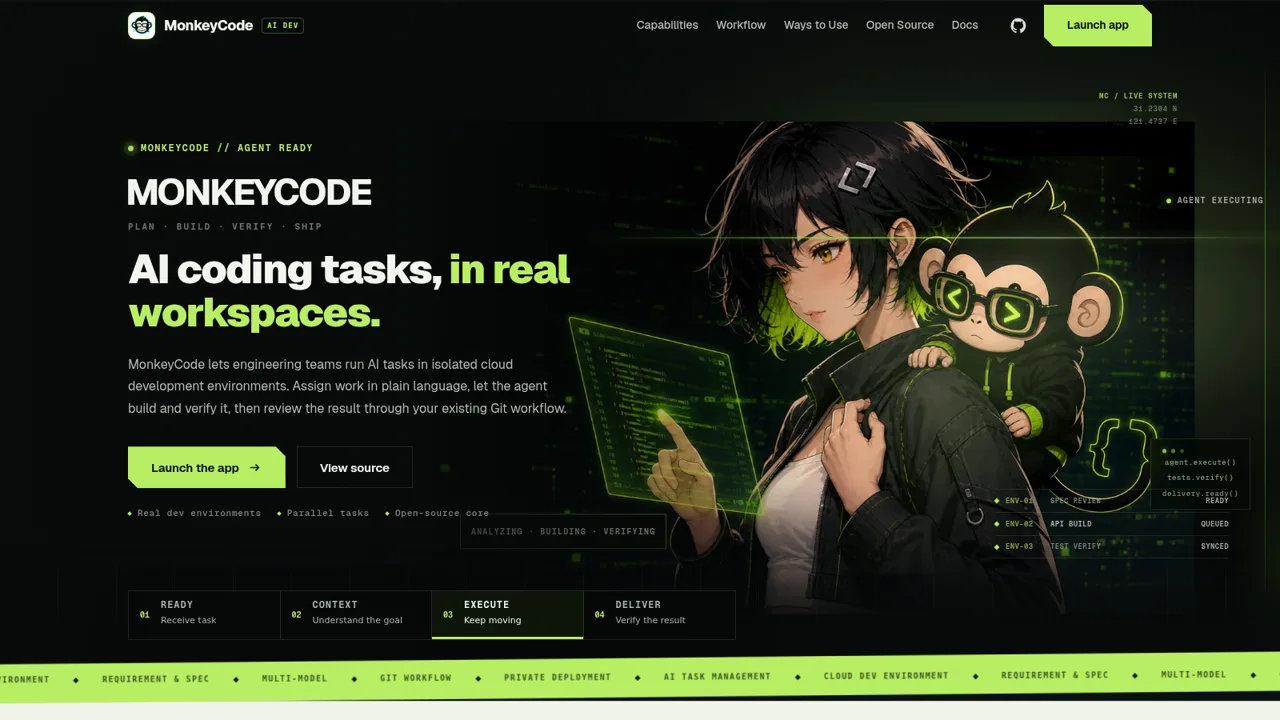
MonkeyCode is an open-source AI development platform presented for engineering teams. The page explains how a team can assign features, fixes, research, or documentation in natural language, give each task a dedicated server-side workspace, let an agent edit and test code, and review the resulting previews, diffs, logs, commits, pull requests, issues, and comments. It also compares hosted cloud access, Local Work mode, and private deployment while linking to the application, documentation, source repository, issue tracker, license, and enterprise contact.
Highlights
Isolated workspaces
One environment each
Parallel execution
Tasks run separately
Git-native review
Review through Git
Flexible deployment
Cloud, local, private
How to Use
Review the platform overview
Start at the hero section to understand the core proposition, then use the capability strip and product highlights to identify support for cloud environments, parallel tasks, models, requirements, Git workflows, and private deployment.
Explore the delivery workflow
Open the Workflow section to follow the sequence from defining a goal and loading repository context through agent execution and review. The page describes the artifacts available at delivery, including previews, diffs, logs, and verification results.
Choose a workspace model
Use the Ways to Use section to compare the hosted browser application, Local Work mode for local development resources, and self-hosted deployment inside a private network. Each option links to the relevant application or guide.
Inspect or launch MonkeyCode
Follow the application link to access the hosted service, open the documentation for setup details, or use the GitHub links to review the AGPL-3.0 source code, license, and issue tracker.
Similar Sites
 14
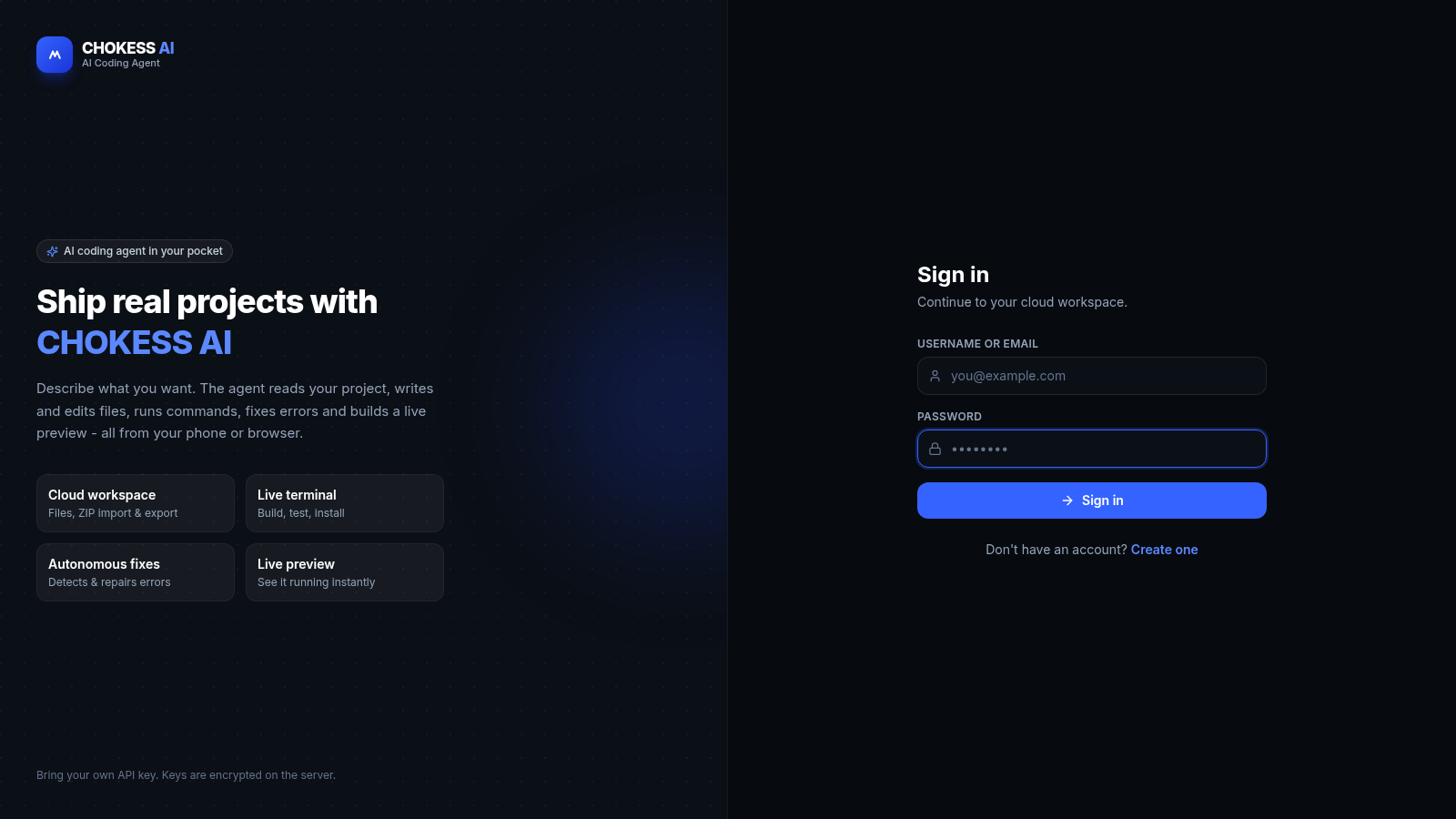
14CHOKESS AI
Browser-based AI coding agent with cloud workspace, terminal and live preview
 25
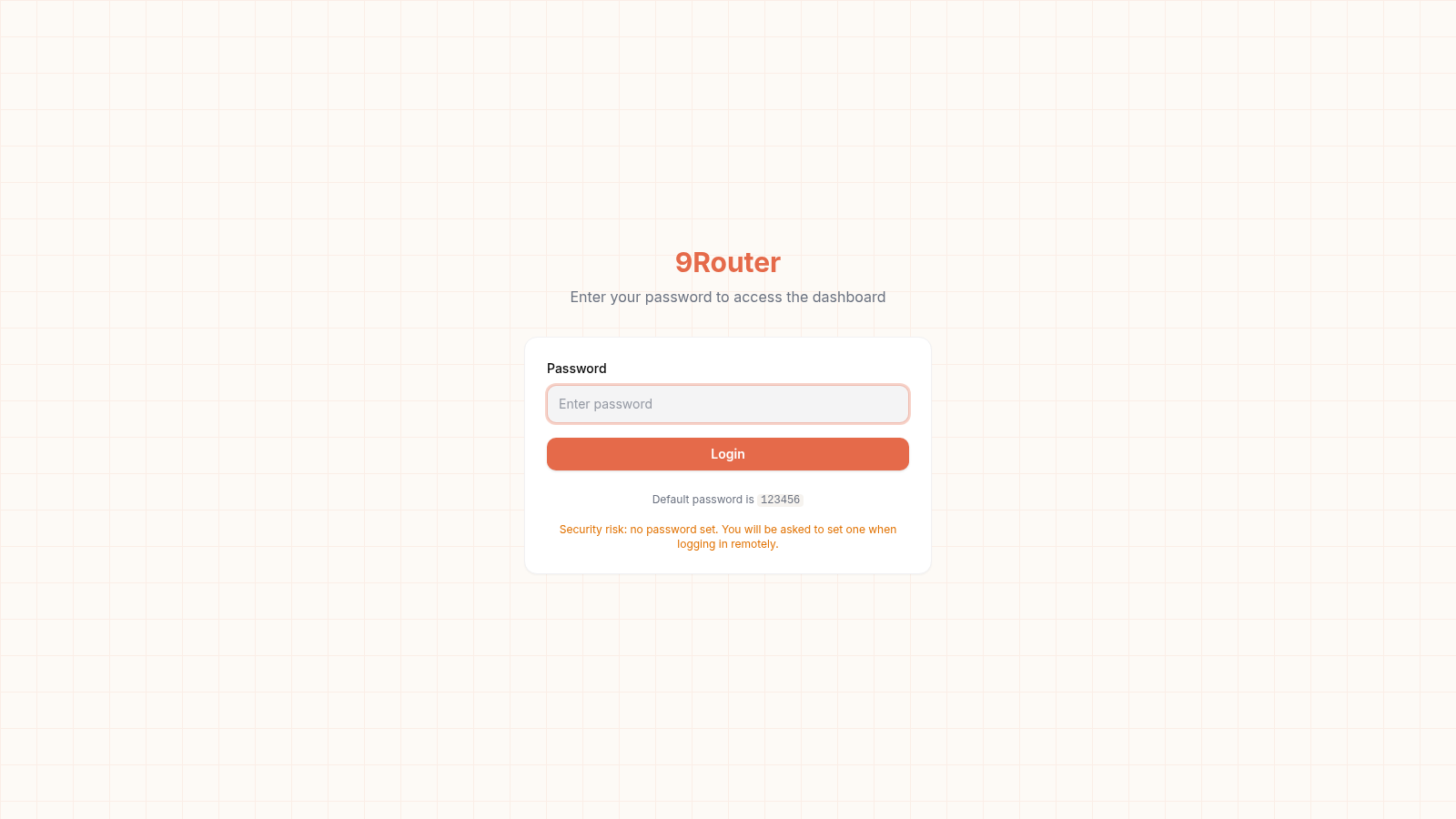
259Router - AI Router
FREE AI coding router with auto-fallback, RTK token saving, 40+ providers
 23
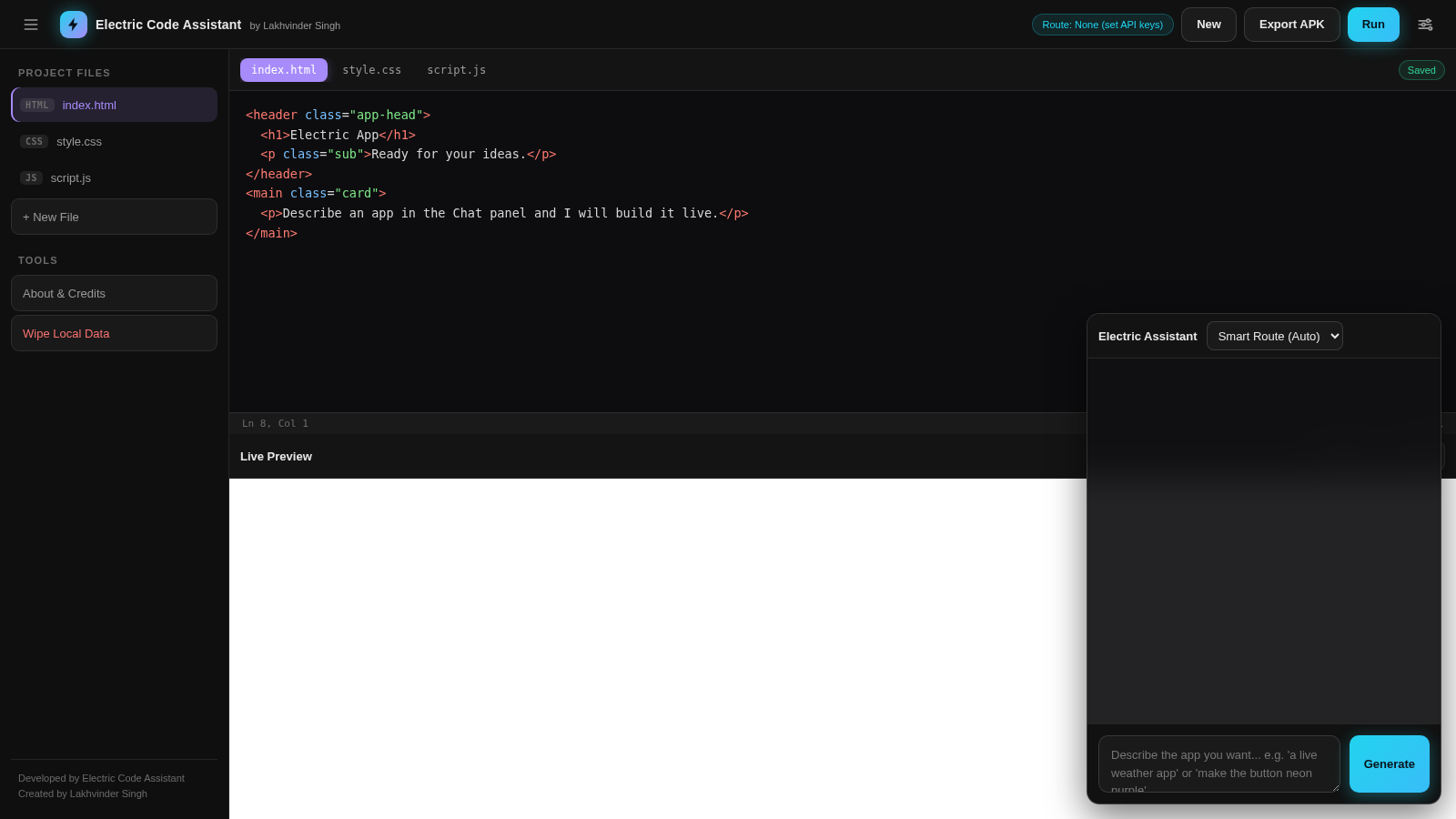
23Electric Code Assistant
Ultra-lightweight AI web IDE: build apps with AI, live preview, APK export
 15
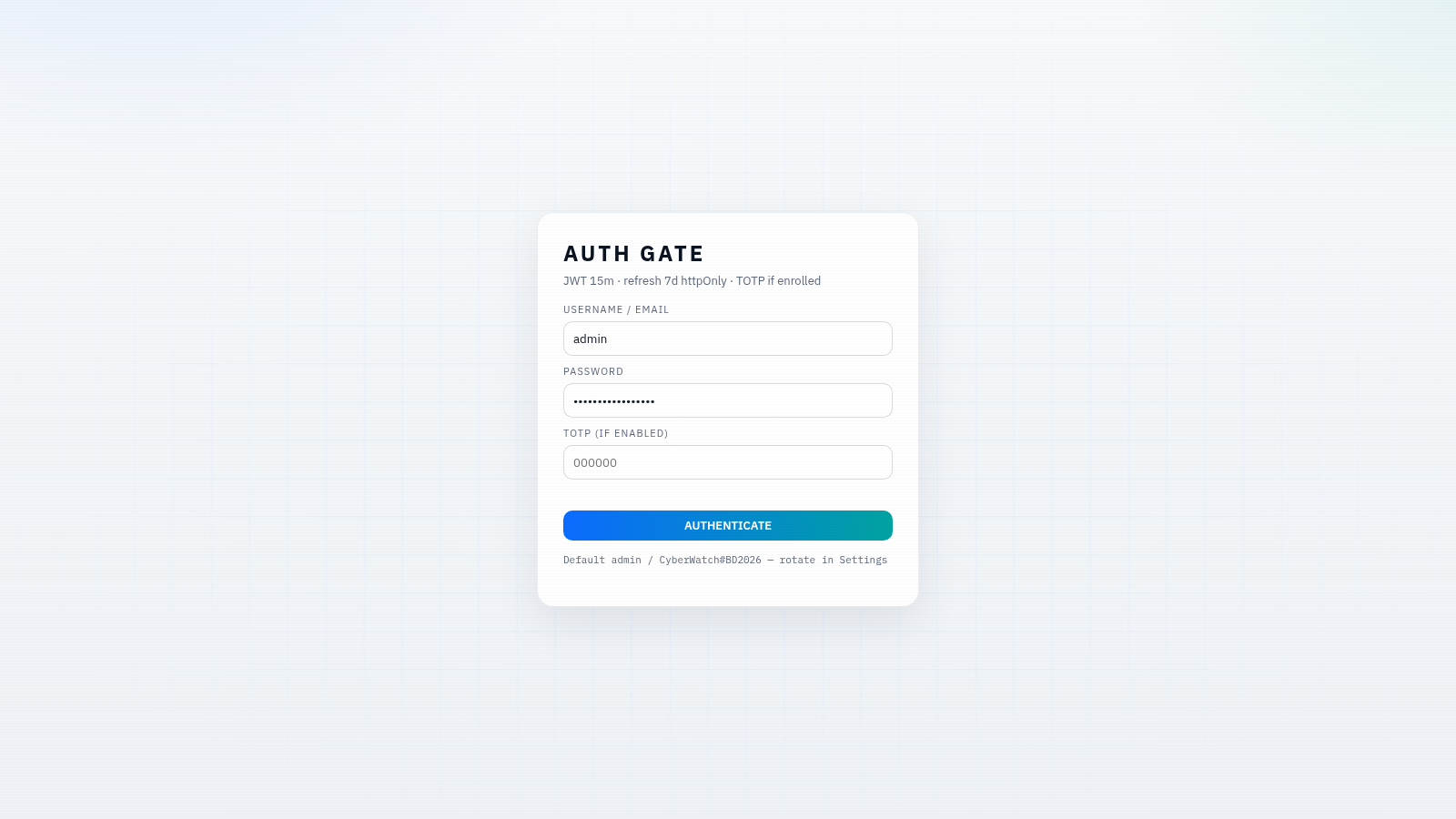
15CYBERWATCH-BD
Unified SOC with local AI triage, gated scans, and Bangladesh cyber tools.
 14
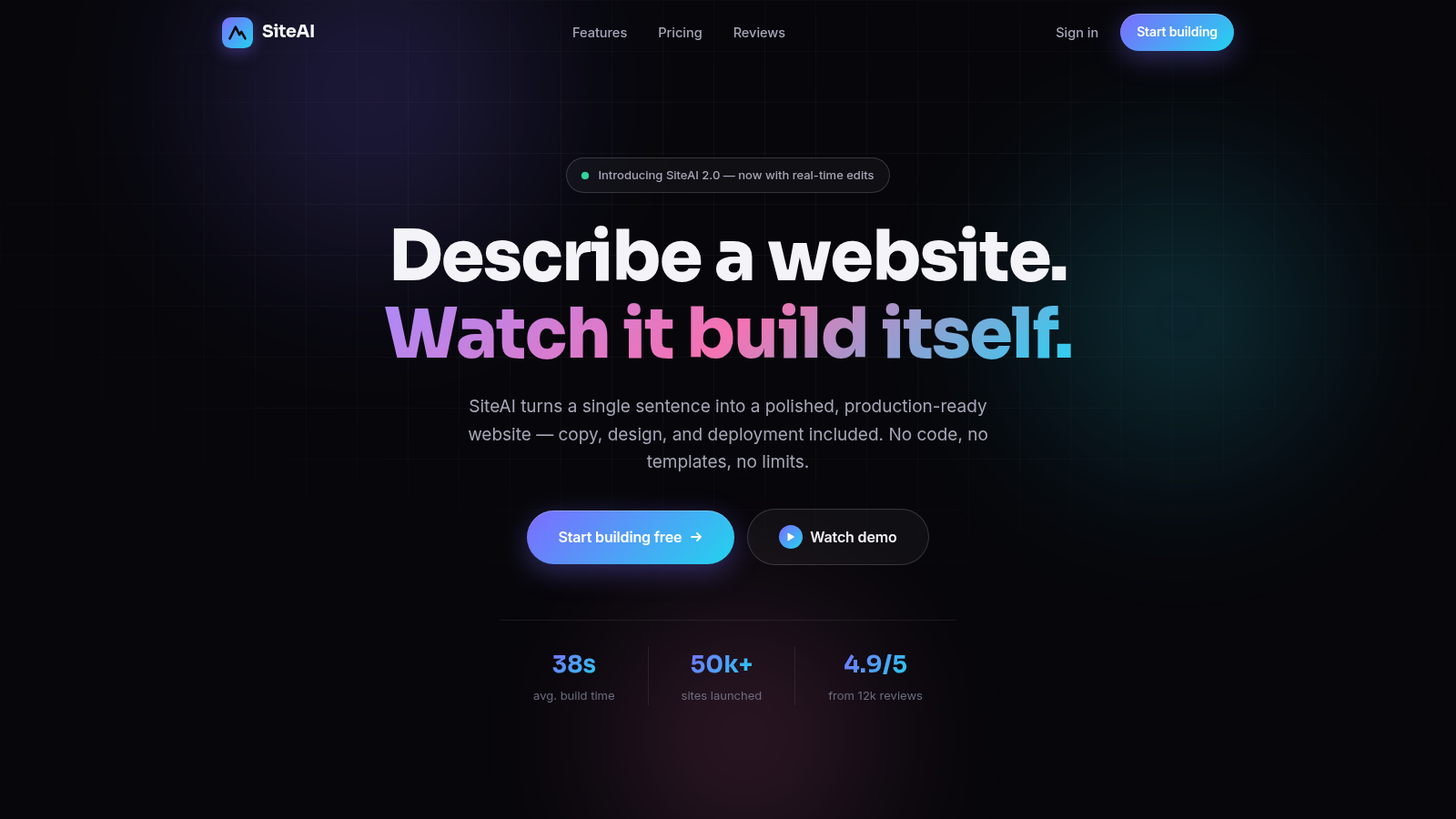
14SiteAI — The AI Website Builder
The AI website builder that turns plain language into production-ready websites.
 9
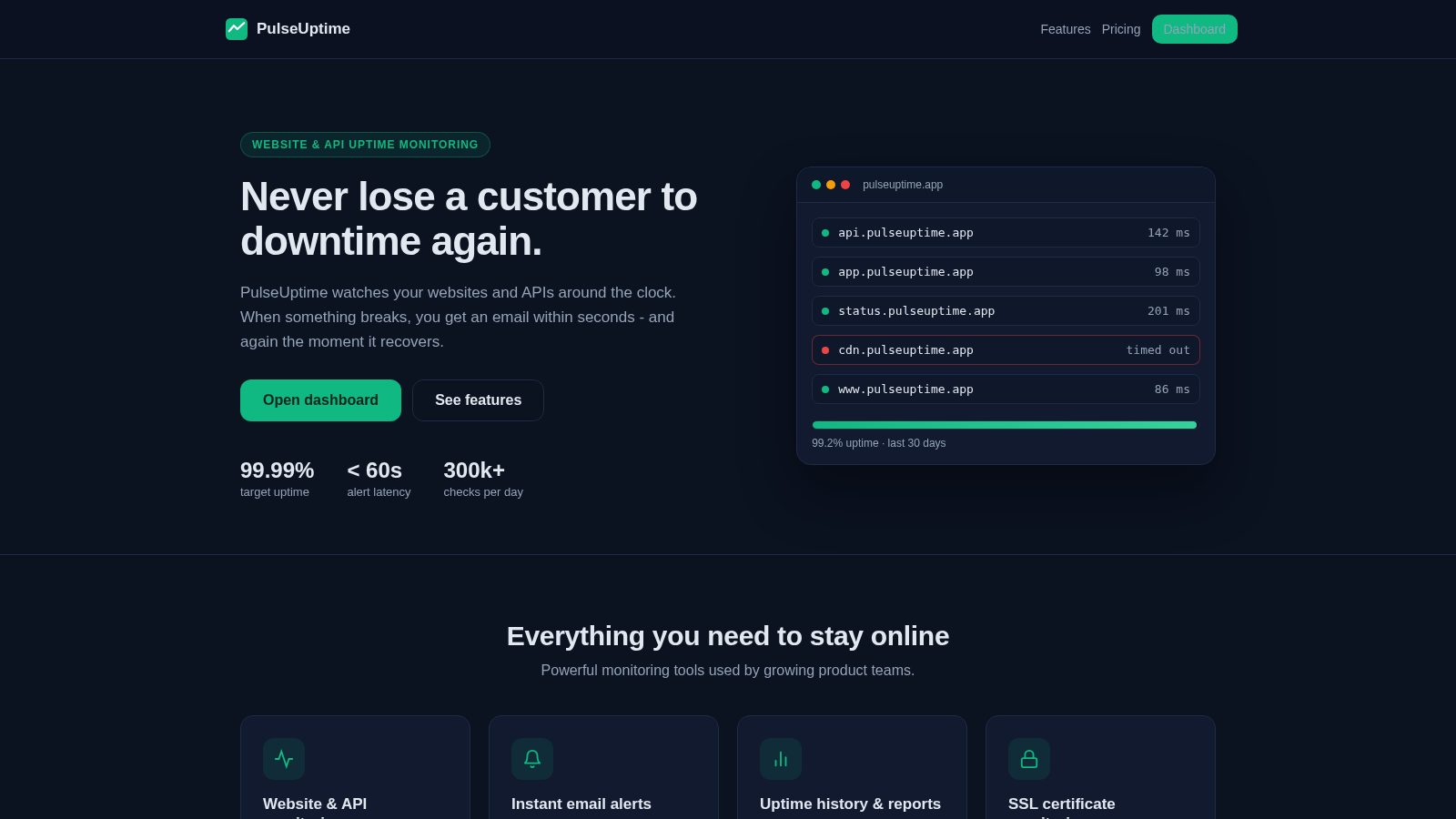
9PulseUptime - Uptime Monitoring
Website, API and SSL uptime monitoring with team organizations and email alerts