
Print Your Document

Upload a document and send it to a shop printer
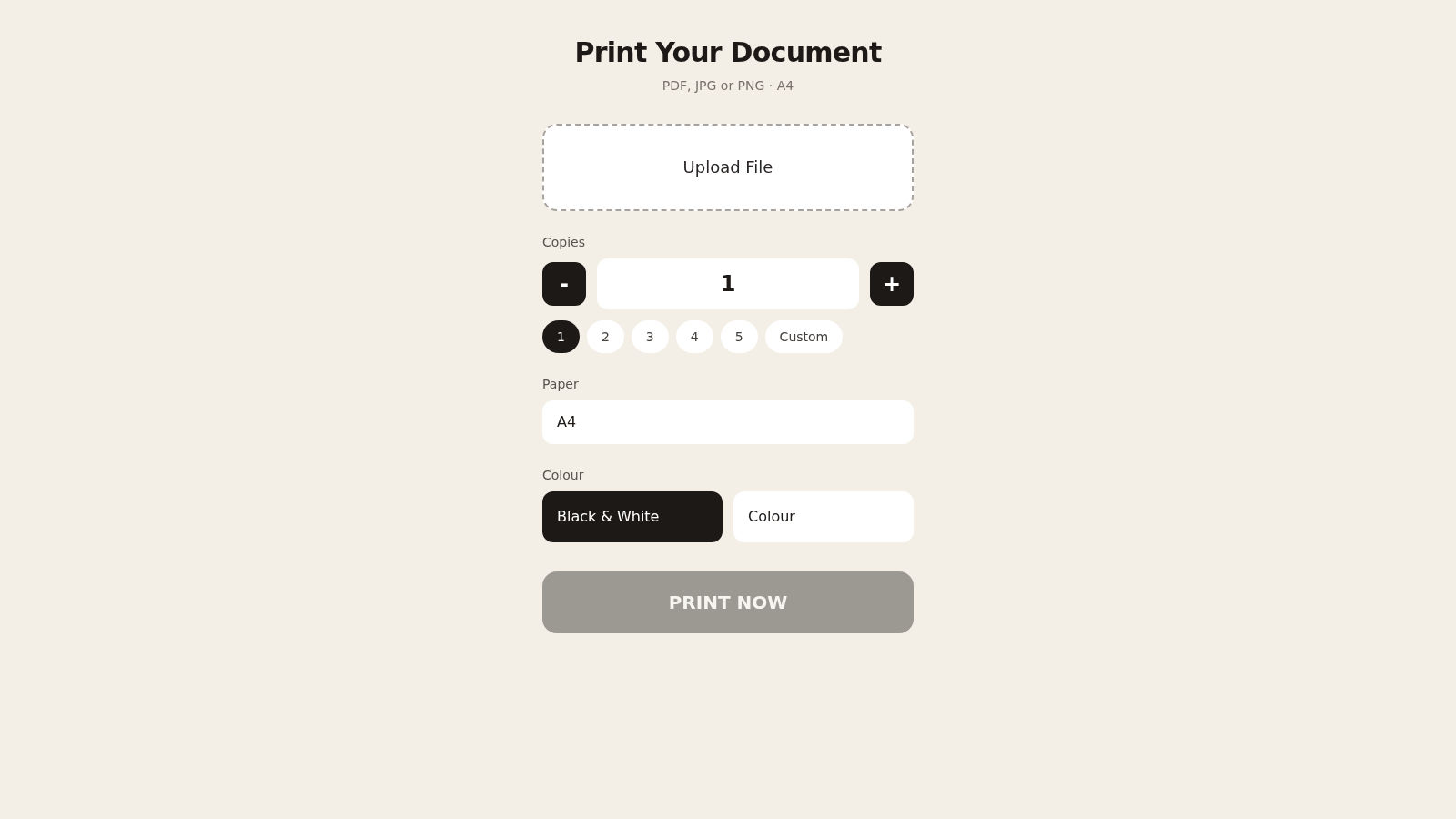
Print Your Document is a single page web tool for handing a file to a shop printer. A customer opens the page, uploads a PDF, JPG or PNG, sets how many copies are needed, picks black and white or colour, and sends the job. The page reads the file, shows its name and page count, keeps the PRINT NOW button disabled until a file is loaded, and reports the result on a confirmation screen.
Highlights
Quick file upload
PDF, JPG or PNG
Copies and colour
Set copies and colour
Clear result screen
Confirms job was sent
How to Use
Upload your file
Open the page and press Upload File, then pick a PDF, JPG or PNG from your device. The card adds a File block with the file name and page count, and the PRINT NOW button changes from disabled to active once the file is ready.
Choose print options
Set the number of copies with the minus and plus buttons, the 1 to 5 shortcuts or the Custom field, which reveals a number input. Then choose Black & White or Colour. Paper size is fixed to A4 and shown in the Paper row.
Send the job
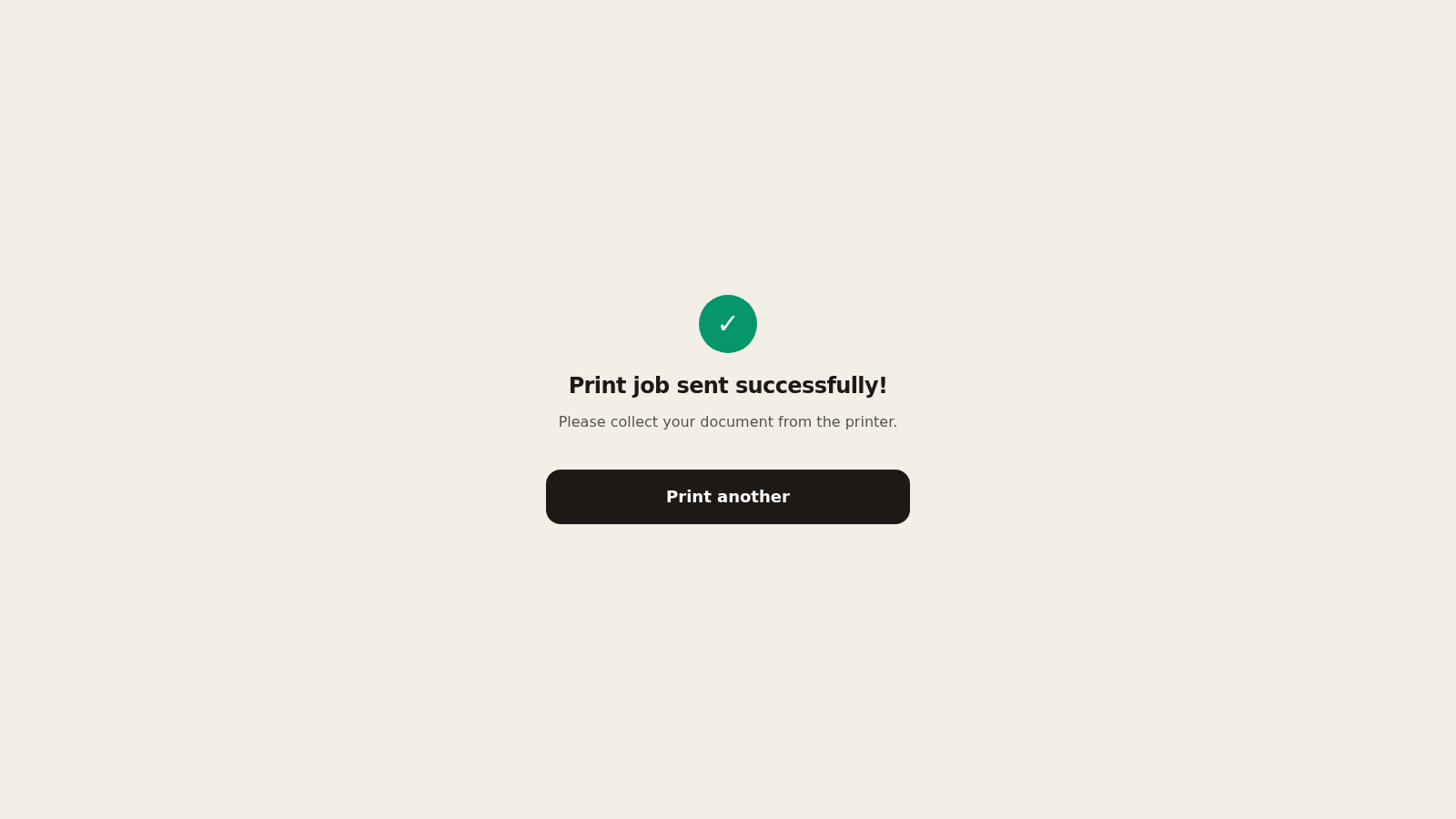
Press PRINT NOW. The tool uploads the file, submits the print job and shows a success screen with a check mark and the message to collect the document from the printer. Press Print another to clear the form and start a new job.
Similar Sites
 8
8PDFPulse
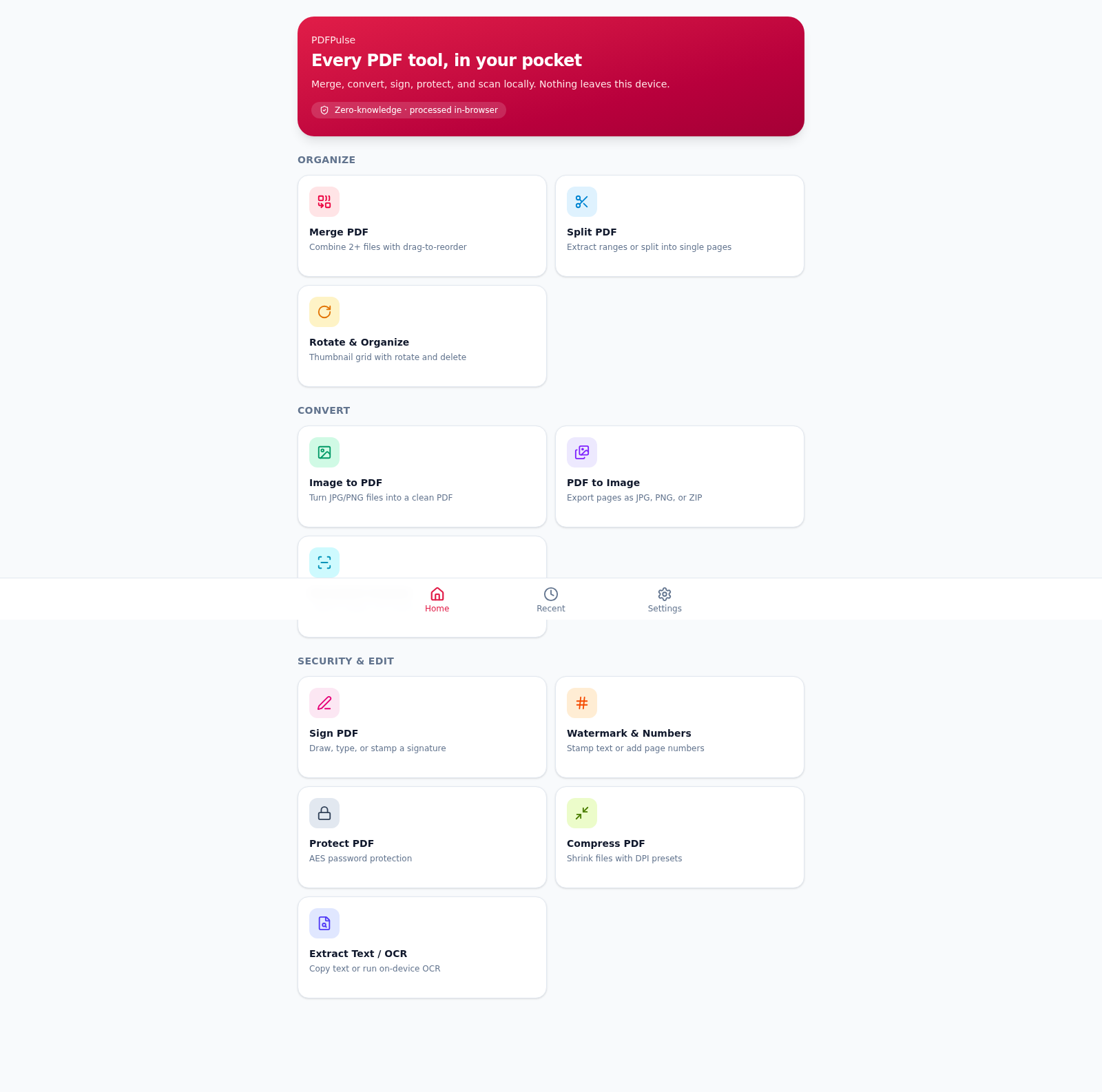
Merge, split, sign, and convert PDFs entirely in your browser.
 7
7PDF Editor PRO
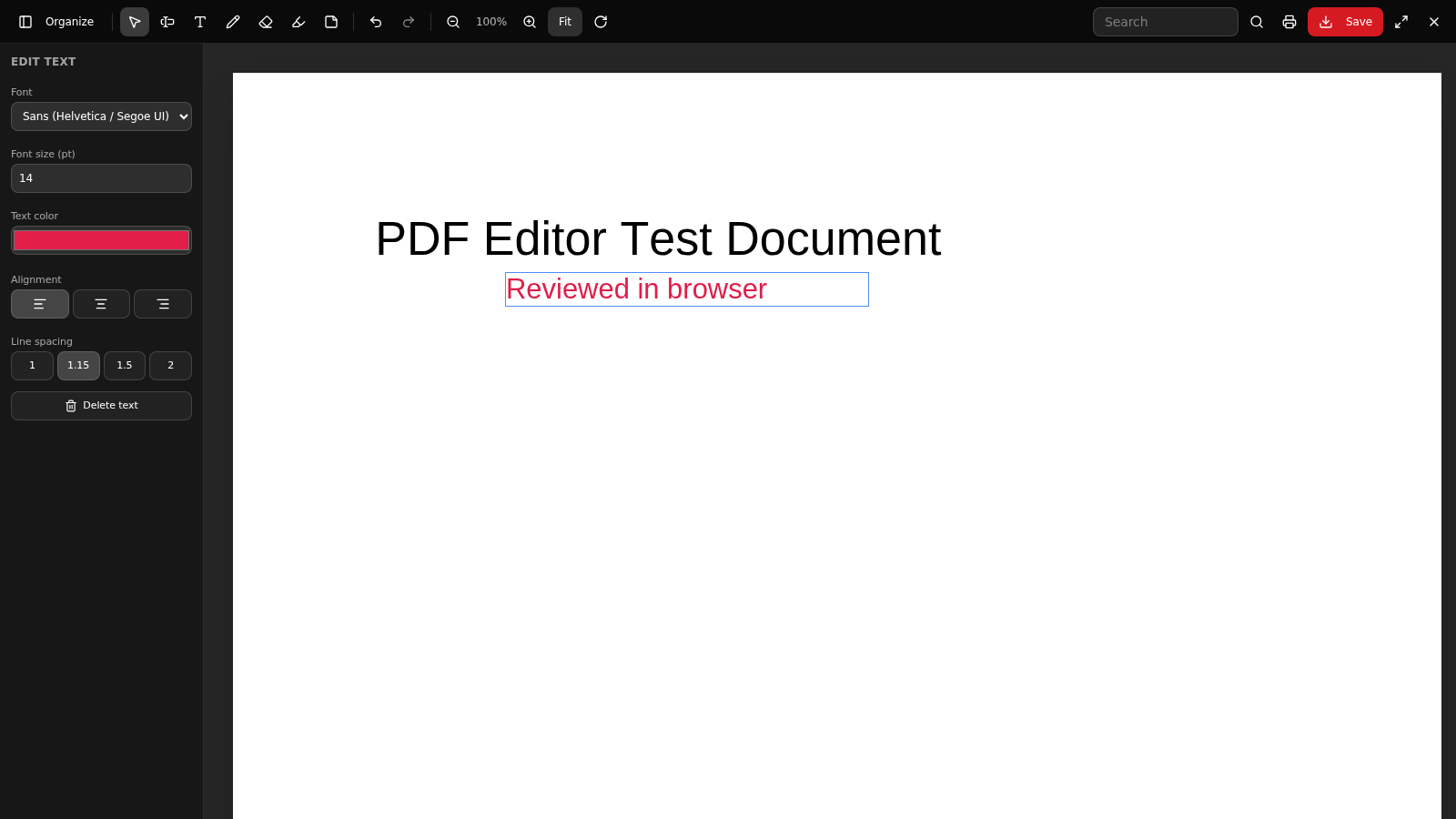
Edit, organize, export, OCR and secure PDF documents in your browser.
 53
53ToolCraft - Free Online Tools
Free, fast, privacy-friendly online tools & expert guides - all in your browser.
 11
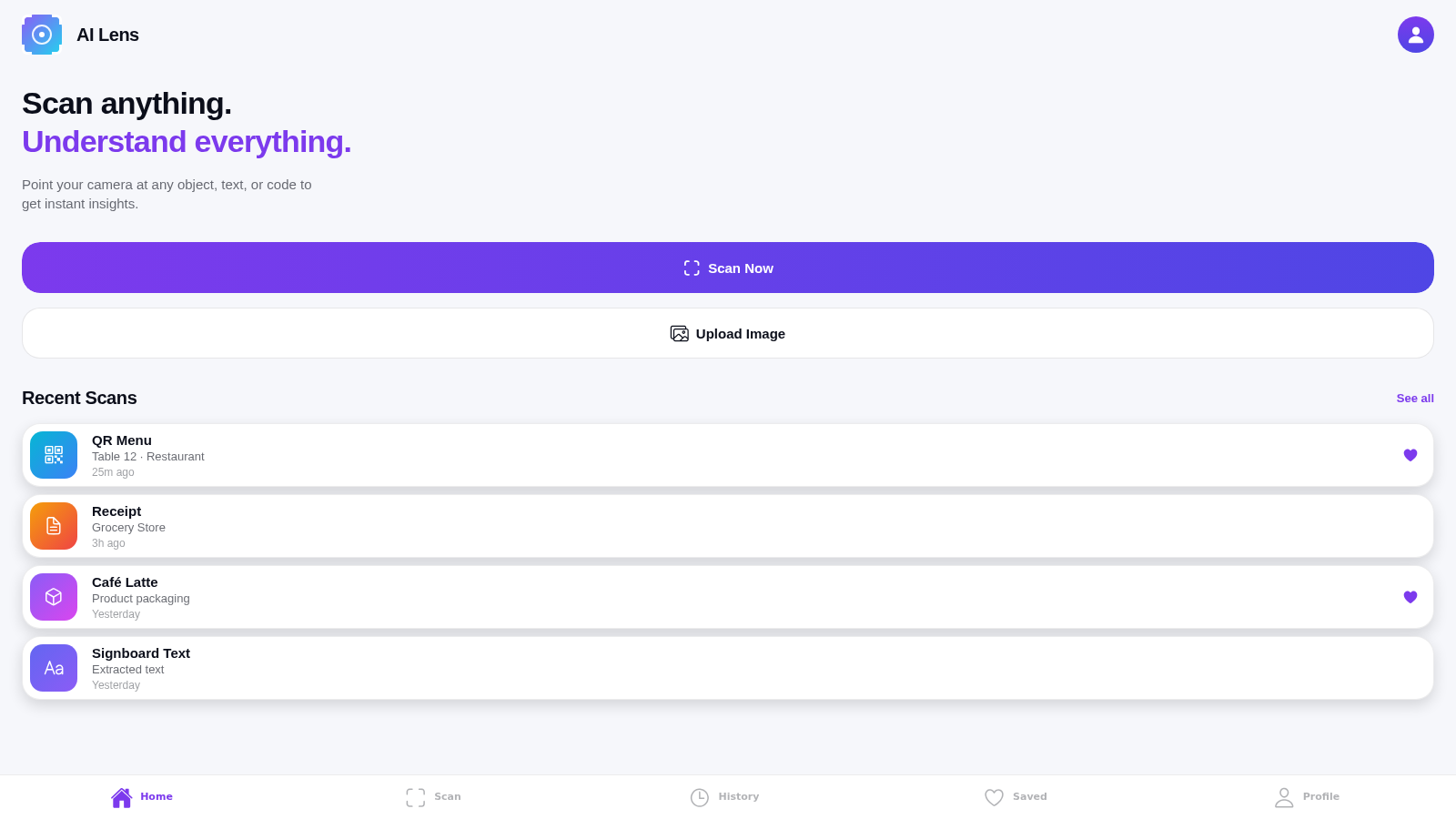
11AI Lens
Smart camera app to scan and understand objects, text, and codes around you
 8
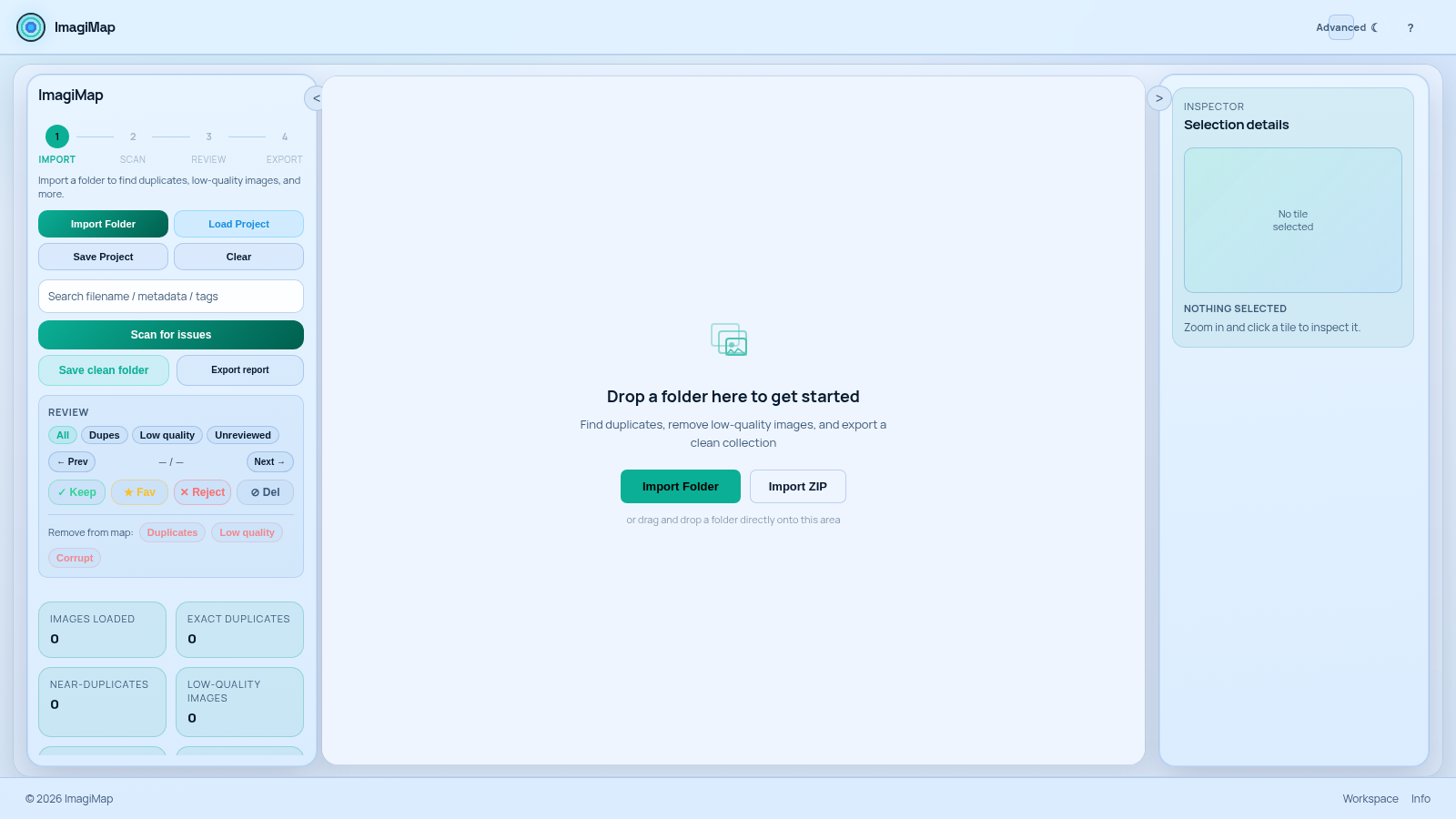
8ImagiMap Studio
Local-first visual cleaner for AI image collections, game assets, and large folders.
 6
6Lil Neill Bot
WhatsApp bot engine plus a free web dashboard to create, link, and run bots.