
Lil Neill Bot
Create, link and run WhatsApp bots from one web dashboard
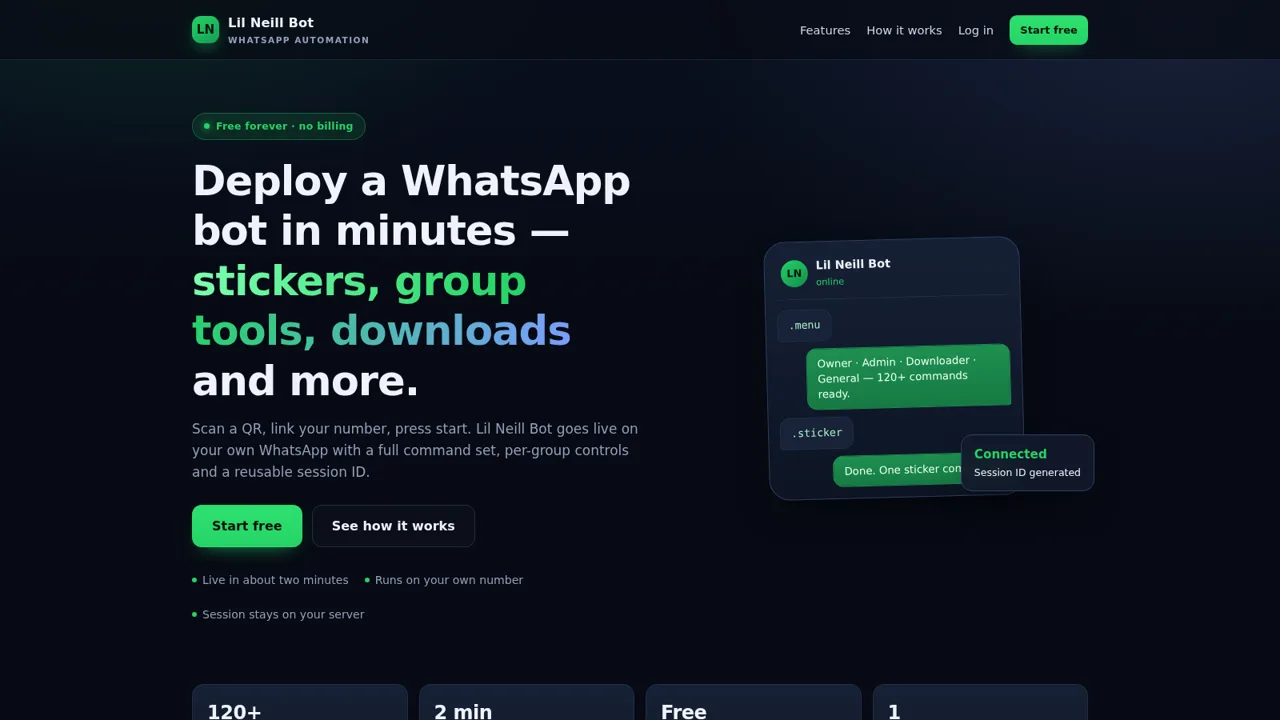
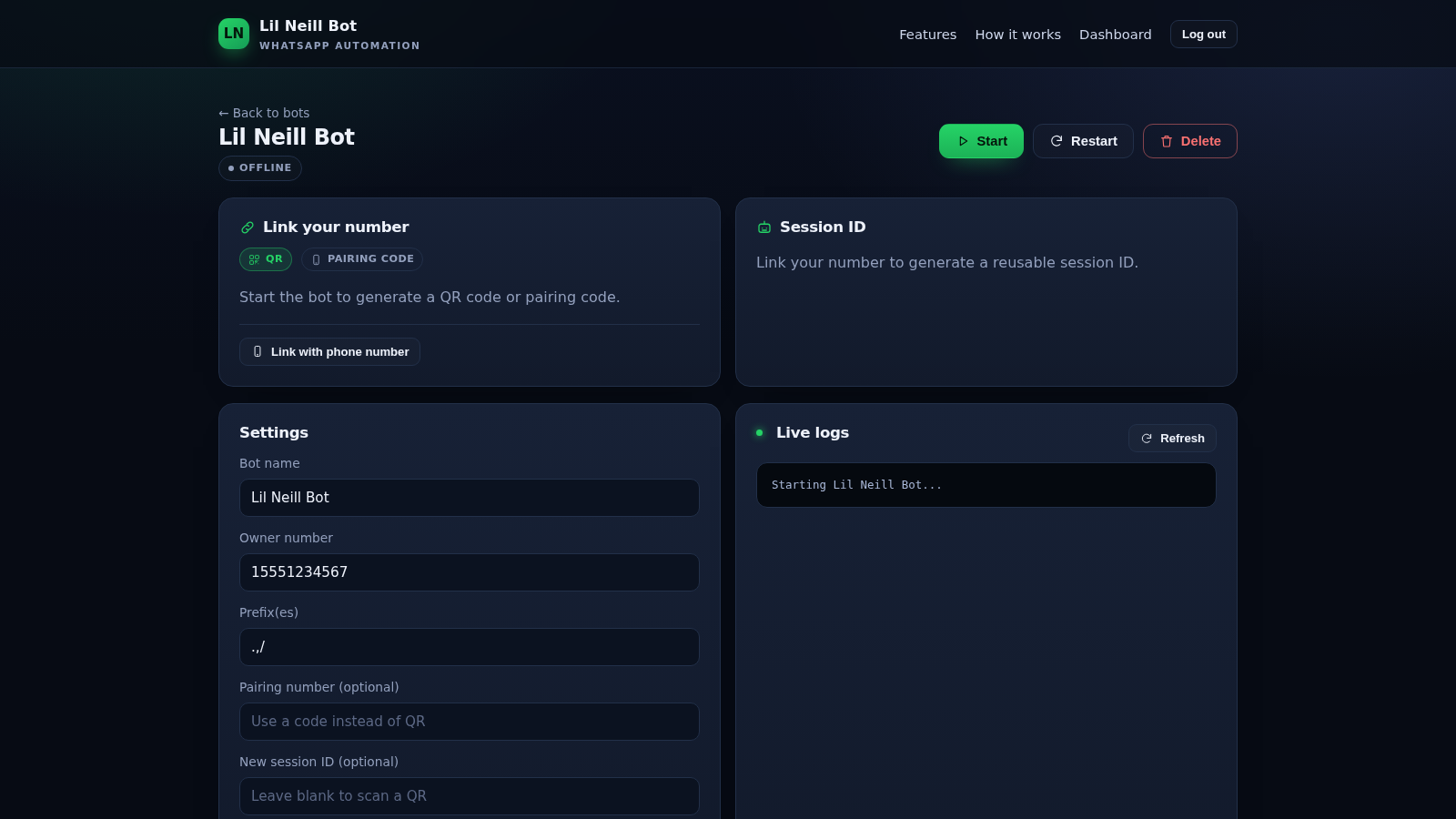
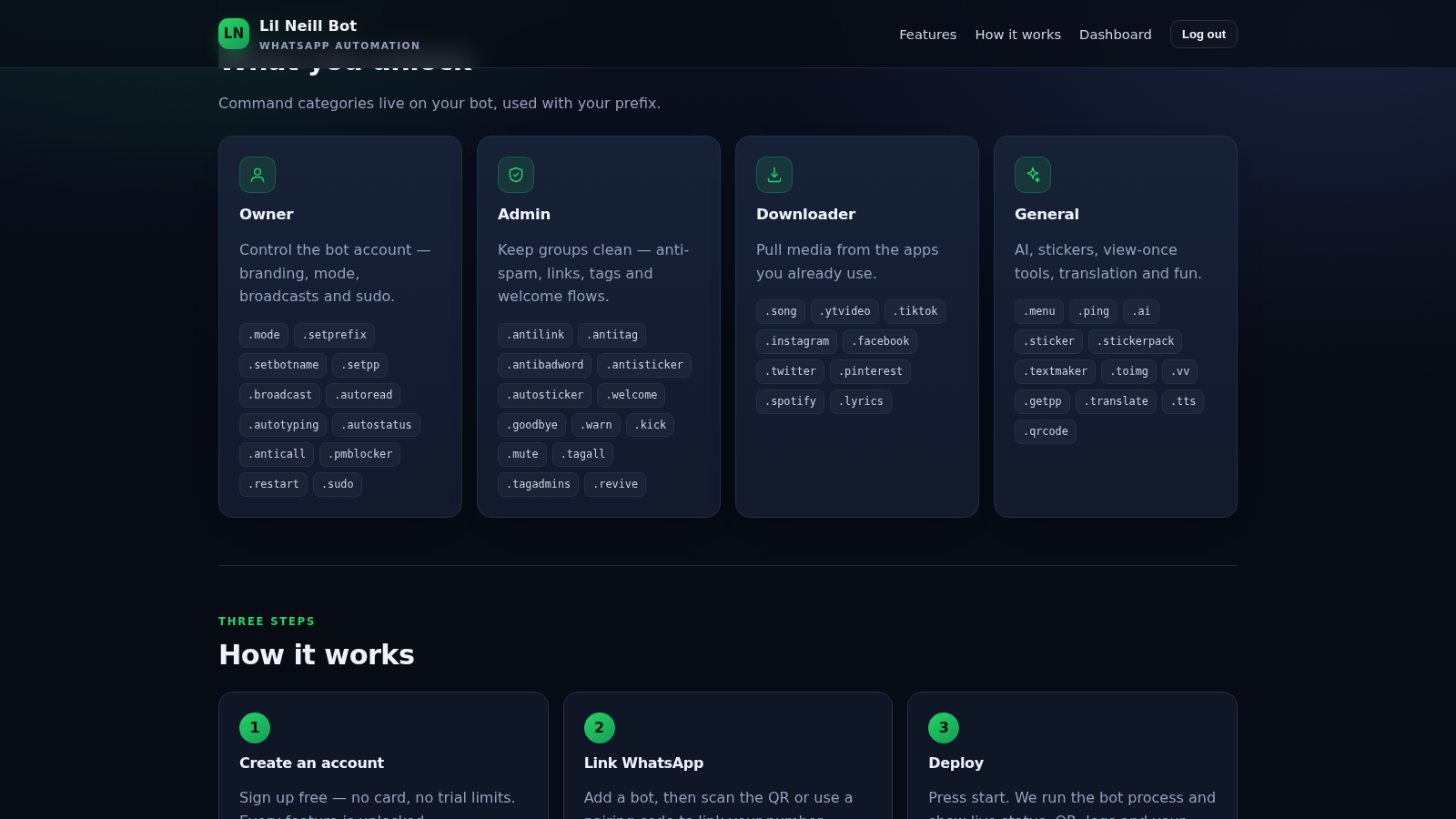
Lil Neill Bot is a free web dashboard for running a WhatsApp bot on your own number. After creating an account you add a bot, enter the owner number and command prefixes, and the bot detail page offers QR or pairing code linking, a reusable session ID panel, editable settings and a live log view. The landing page documents a command library of more than 120 commands across owner controls, group administration, media downloads and general tools such as stickers, AI replies, translation and text to speech.
Highlights
Command library
120+ commands in four groups
Bot control room
Start and view logs
Session linking
QR or pairing code
Free, no billing
No card required
How to Use
Create an account
Open the site and choose Start free, then enter a username and a password of at least six characters. Registration completes immediately and sends you to the dashboard, where the counters for total bots, online bots and linked sessions all start at zero.
Add a bot
Press Add bot in the control room and fill in the bot name, owner number, one or more command prefixes and optionally an existing session ID. Submitting the form creates the bot and opens its detail page, which starts in an offline state with Start, Restart and Delete controls.
Link your number
On the bot page press Start and wait for the linking panel to produce a QR code or pairing code. Scan the code from WhatsApp on your phone, or request a pairing code through the Link with phone number option. Once linked, the page is designed to show the connection status and generate a reusable session ID that can later be pasted into the session field.
Adjust settings and watch logs
Use the Settings card to change the bot name, owner number, prefixes, optional pairing number or a new session ID, then press Save changes. The Live logs card shows startup and runtime output and can be refreshed at any time, while the dashboard counters update as bots come online.
Similar Sites
 4
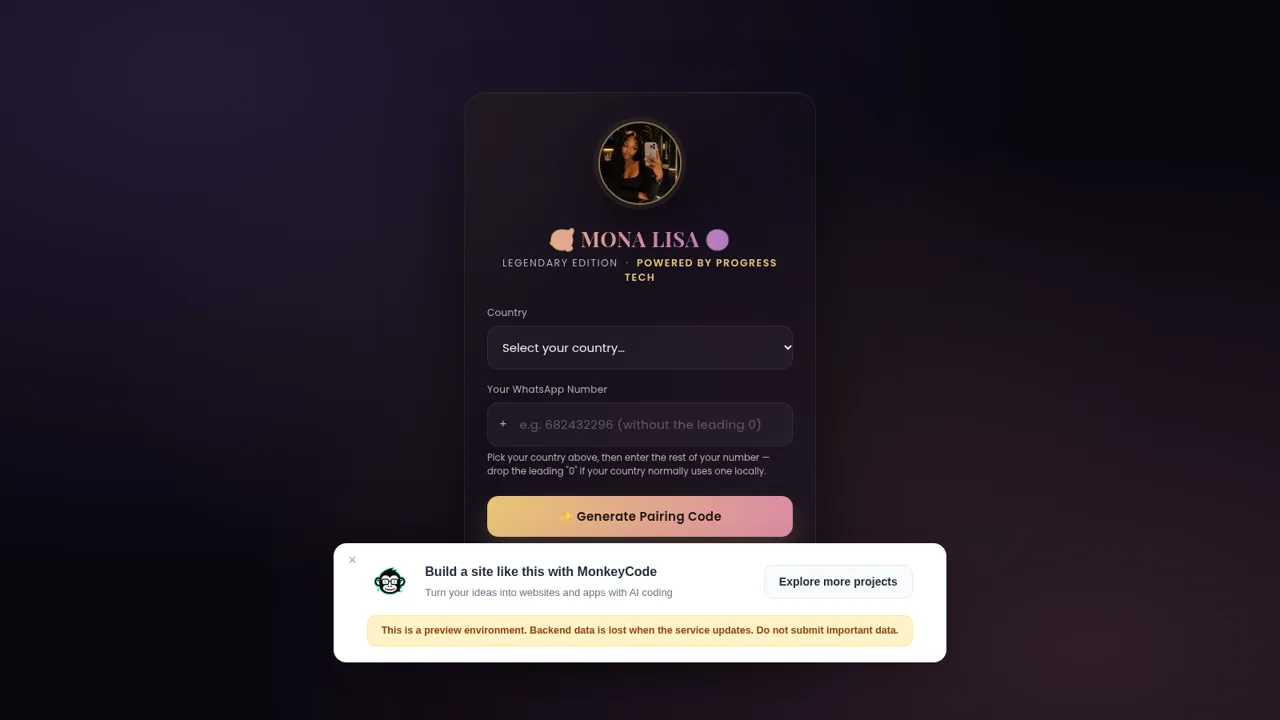
4Mona Lisa Mini Bot
WhatsApp pairing bot with Baileys 7 pairing UI and plugin commands
 1
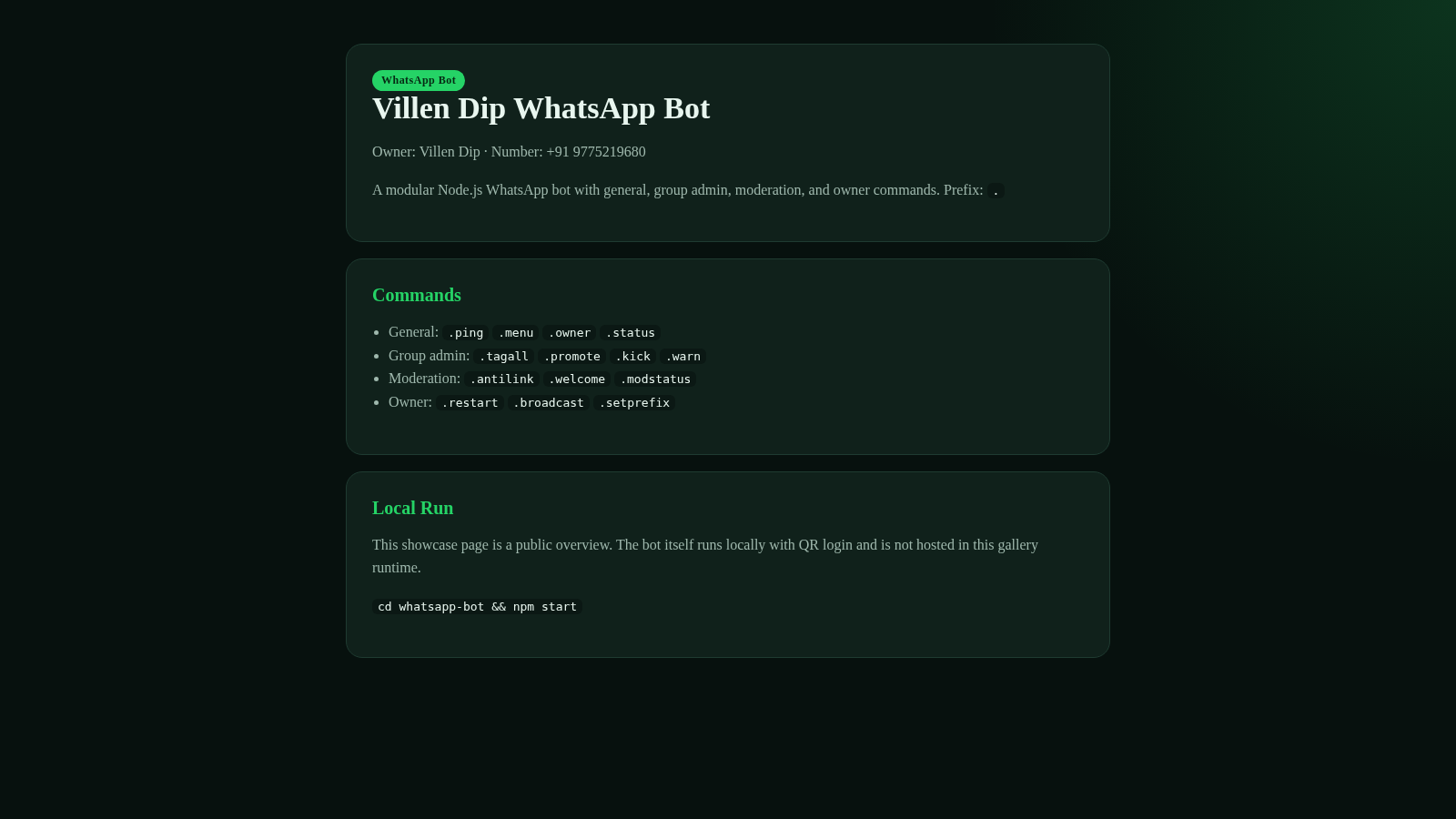
1Villen Dip WhatsApp Bot
Modular WhatsApp bot by Villen Dip with group admin, moderation, and owner commands.
 7
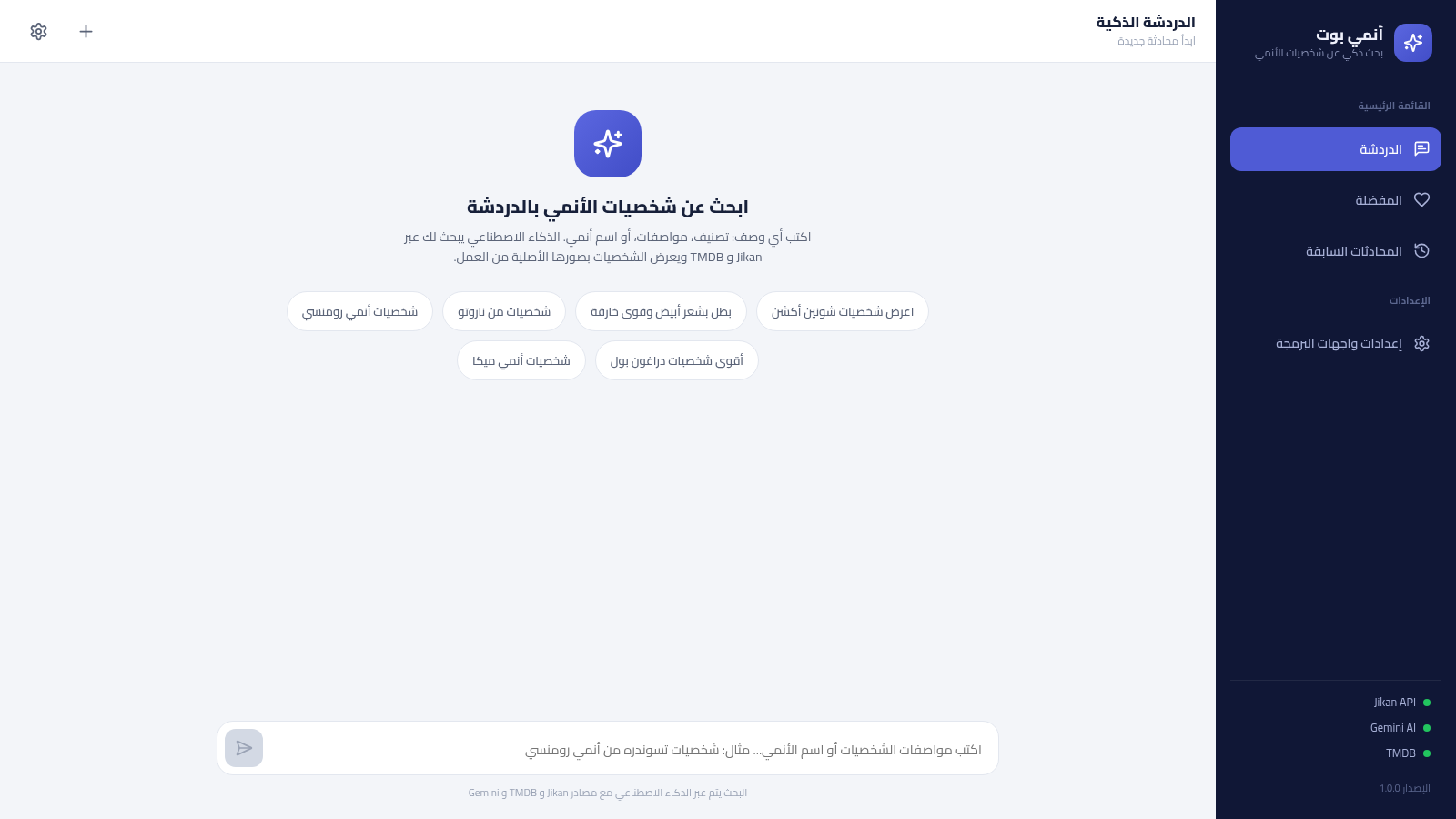
7أنمي بوت - بحث ذكي عن شخصيات الأنمي
بحث ذكي عن شخصيات الأنمي بالعربية عبر الذكاء الاصطناعي، يعتمد على Jikan و TMDB ويحفظ مفضلتك ومحادثاتك
 1
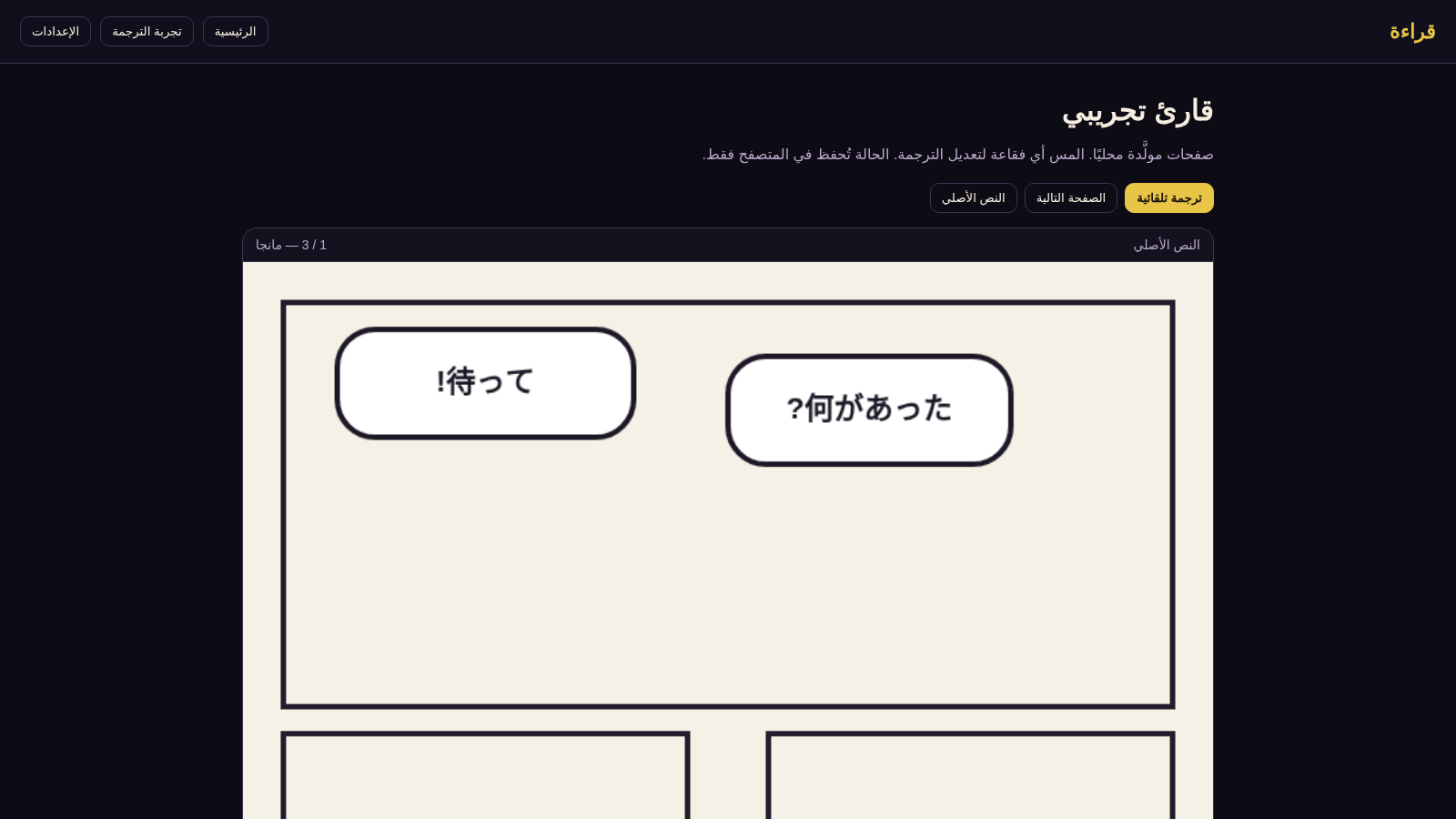
1قراءة — ترجمة داخل الفقاعة
اقرأ المانجا والمانهوا وترجم الحوار إلى العربية داخل الفقاعة
 94
94OhMyPS - AI Image Editor
Brush, describe, and quickly edit part of an image with AI.
 80
80PDF Master AI
Private in-browser PDF toolkit to convert, merge, compress, edit, and protect files.