
AI Lens
Explore a polished mobile-style concept for scanning images and organizing visual insights.
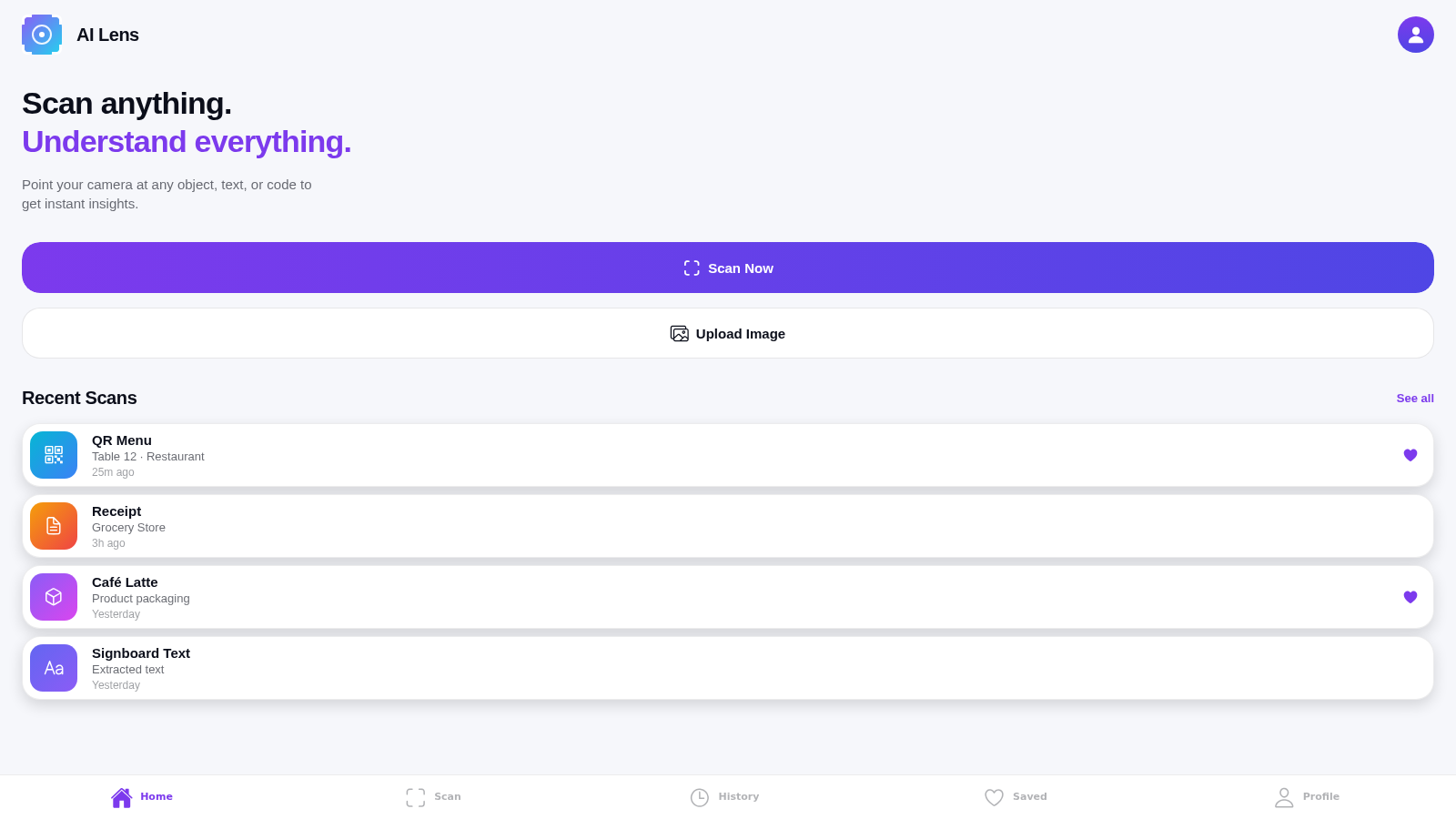
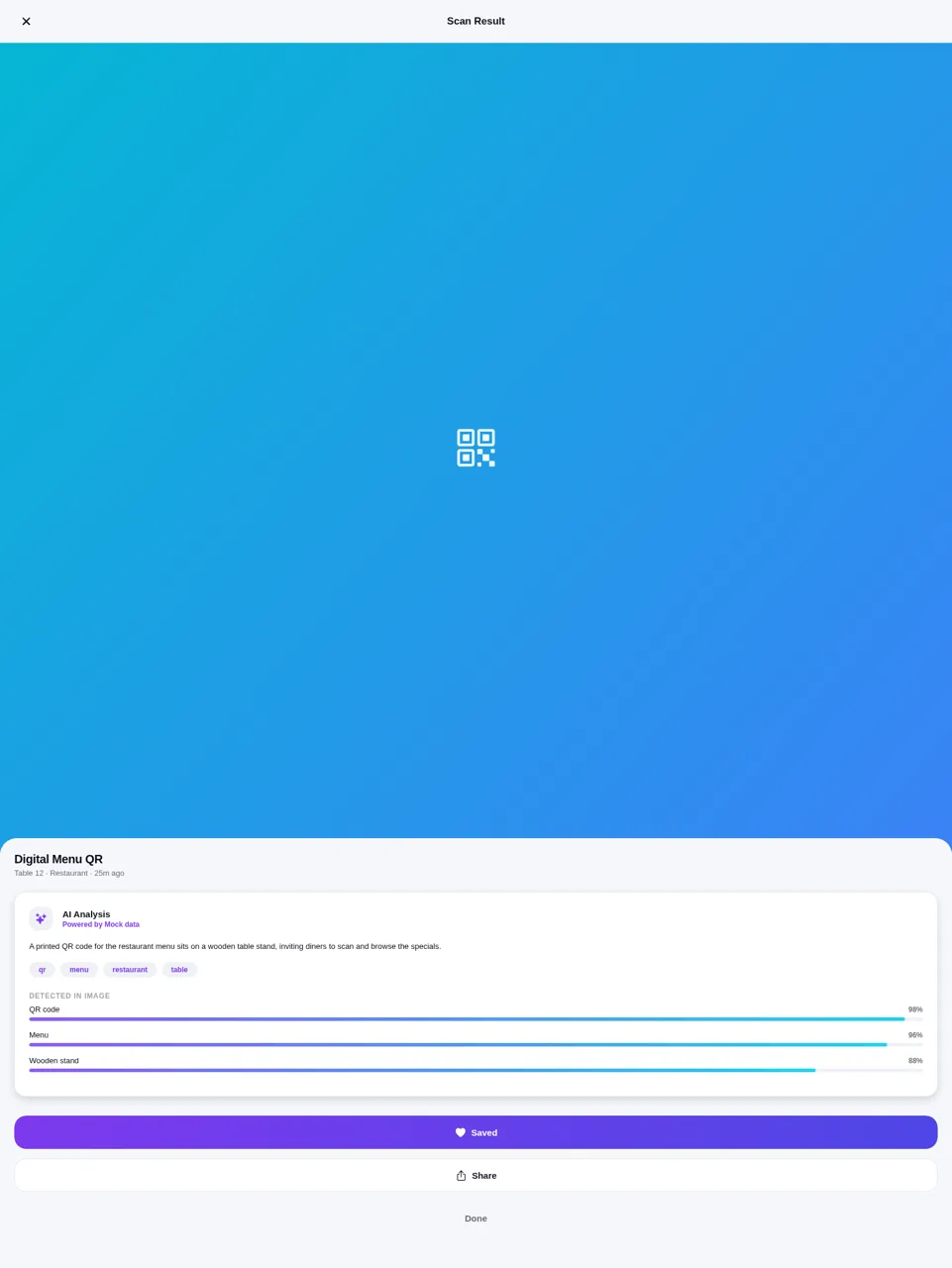
AI Lens presents a smart-camera utility concept for scanning objects, text, codes, receipts, documents, products, and scenes. Its guided onboarding explains the intended workflow, while the home screen provides camera and image-upload entry points alongside recent scans. A sample result page organizes an image description, topical tags, detected items, and confidence values. Separate history, saved, and profile areas demonstrate how scans could be reviewed and managed. During inspection, the analysis was explicitly labeled as mock data, so the site currently works as an interactive product prototype rather than a verified live AI recognition service.
Highlights
Clear scan dashboard
Camera and upload entry
Structured analysis
Tags and confidence data
Organized history
Scans grouped by date
Cohesive mobile UI
Consistent dark styling
How to Use
Complete the introduction
Read the three onboarding panels to understand the intended scan, analysis, and organization workflow, then select Continue or Skip to open the main dashboard.
Choose a scan source
Select Scan Now to open the camera-permission flow, or use Upload Image as the alternate entry shown on the dashboard. Browser camera access may depend on local device permissions.
Review a sample result
Open one of the recent scan cards to view its demonstration analysis, including a plain-language description, tags, detected elements, confidence percentages, and save or share controls.
Browse the library
Use the bottom navigation to visit History, Saved, and Profile. History groups sample records by date, while Profile summarizes scan counts and exposes library and preference controls.
Similar Sites
 94
94OhMyPS - AI Image Editor
Brush, describe, and quickly edit part of an image with AI.
 79
79PDF Master AI
Private in-browser PDF toolkit to convert, merge, compress, edit, and protect files.
 77
77BJJ STAT — ANALISE. ENTENDA. EVOLUA.
Scout de Jiu-Jitsu em um toque. Placar IBJJF, relatórios visuais e PWA offline.
 20
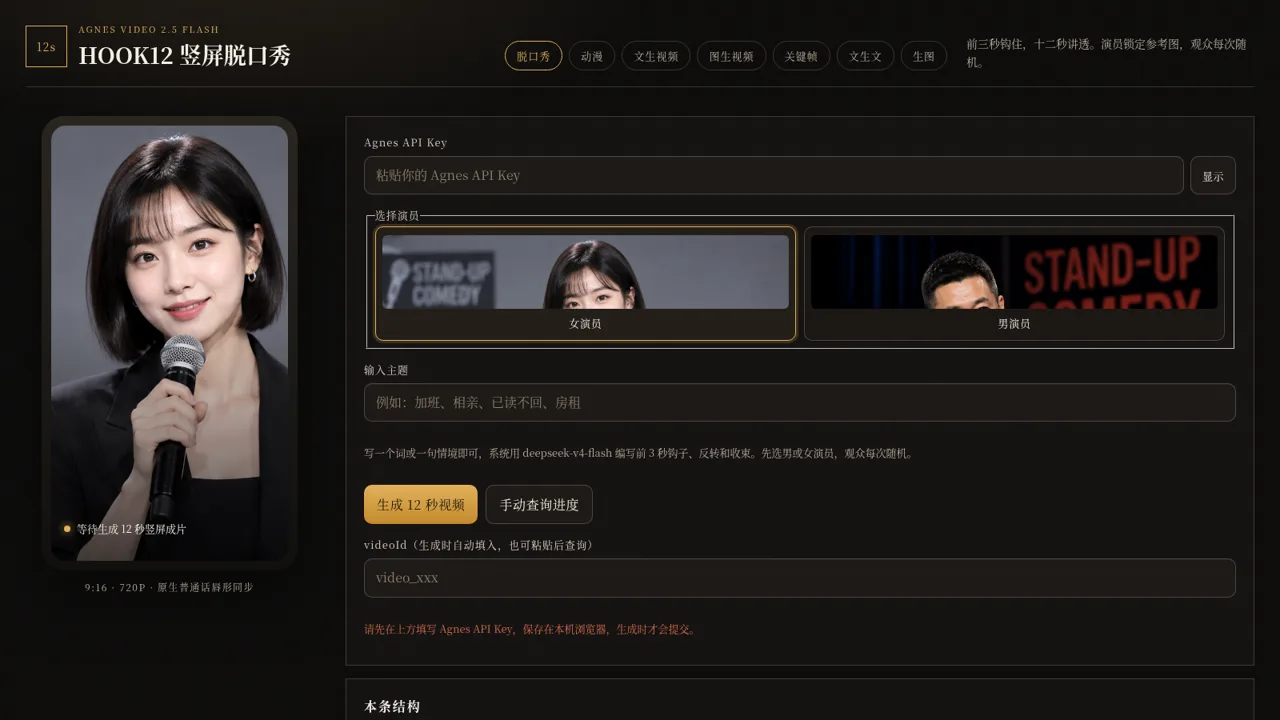
20HOOK12 Agnes 创作台
脱口秀、动漫、文生/图生/关键帧视频与文生文、生图工作台。
 19
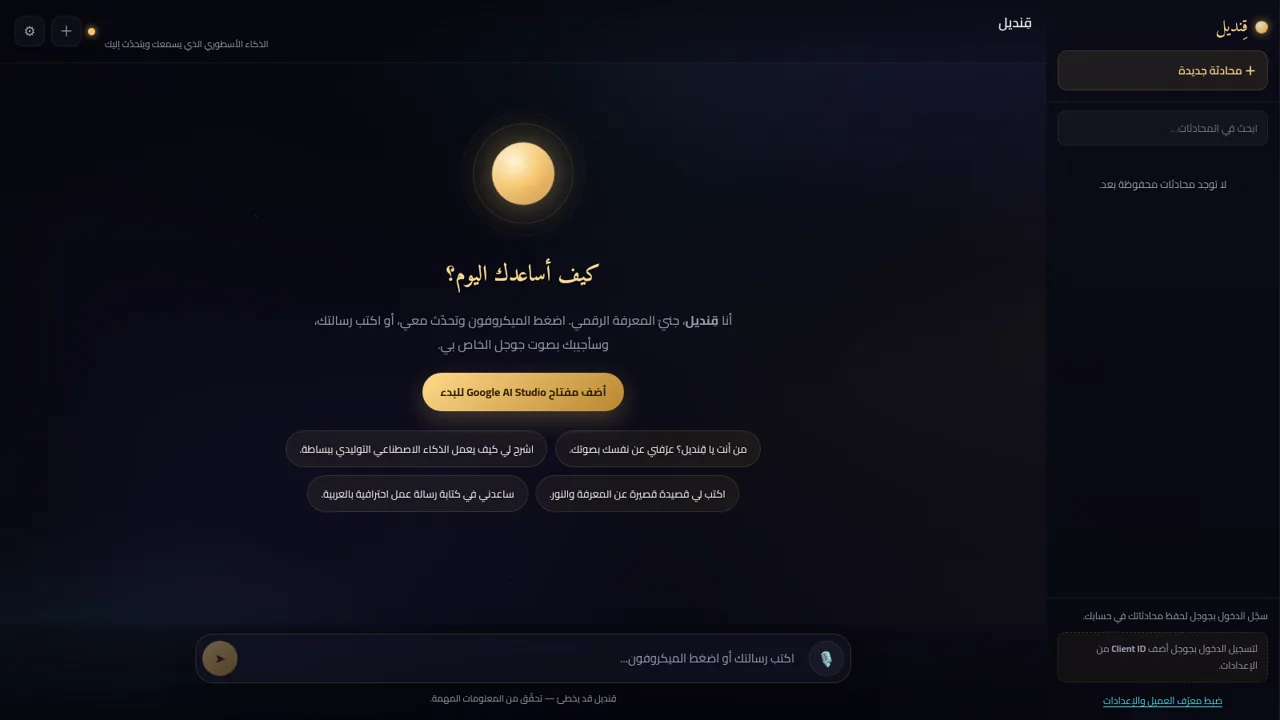
19قِنديل · الذكاء الأسطوري
مساعد ذكاء اصطناعي أسطوري: تحدّث معه بصوتك واستمع إلى ردّه بصوت جوجل
 16
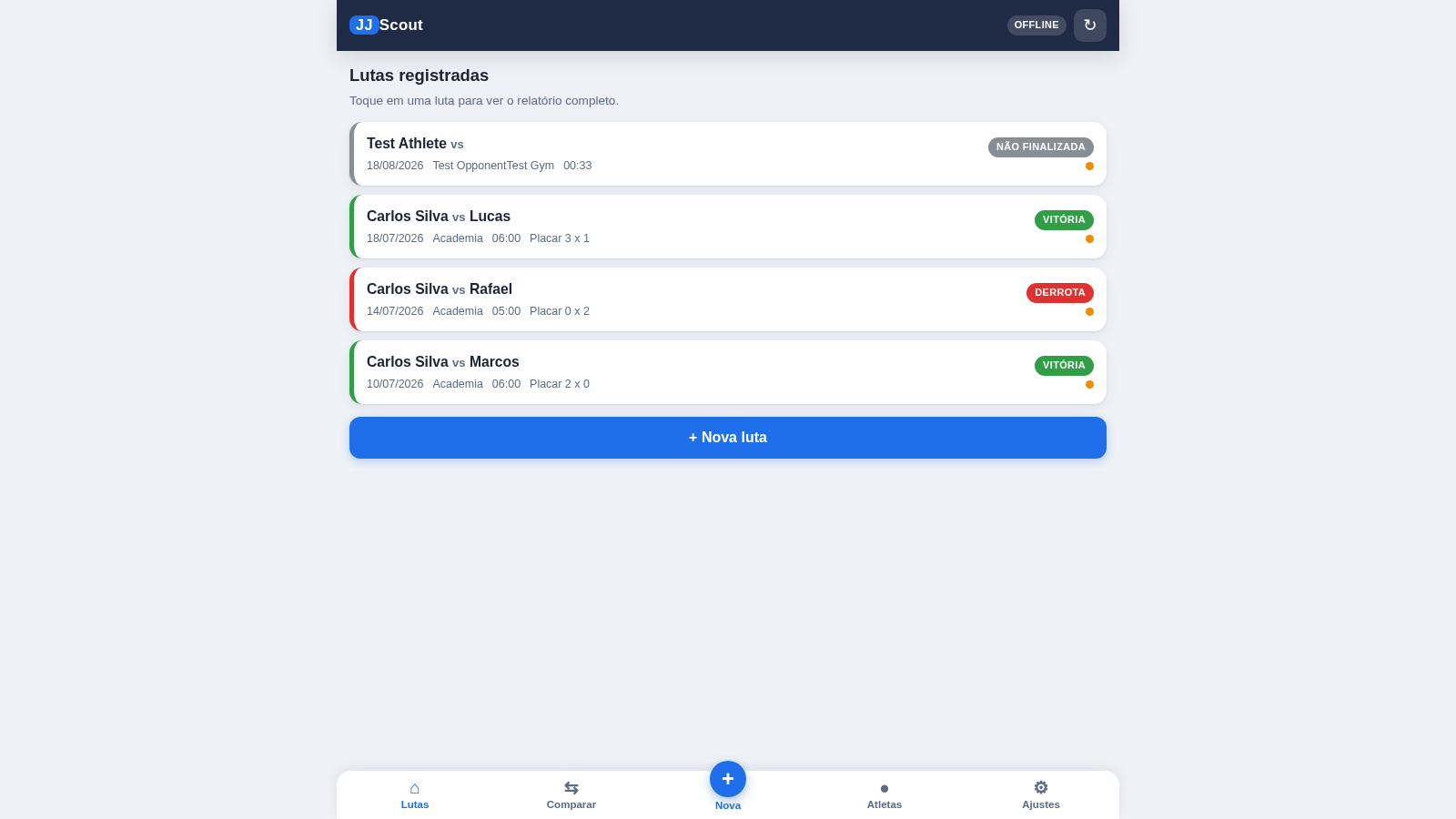
16JJ Scout
Scout de lutas de Jiu-Jitsu: registro em um toque, relatórios visuais e exportação.