
PDFPulse
A private, in-browser toolkit for organizing, converting, editing, and securing PDF files.
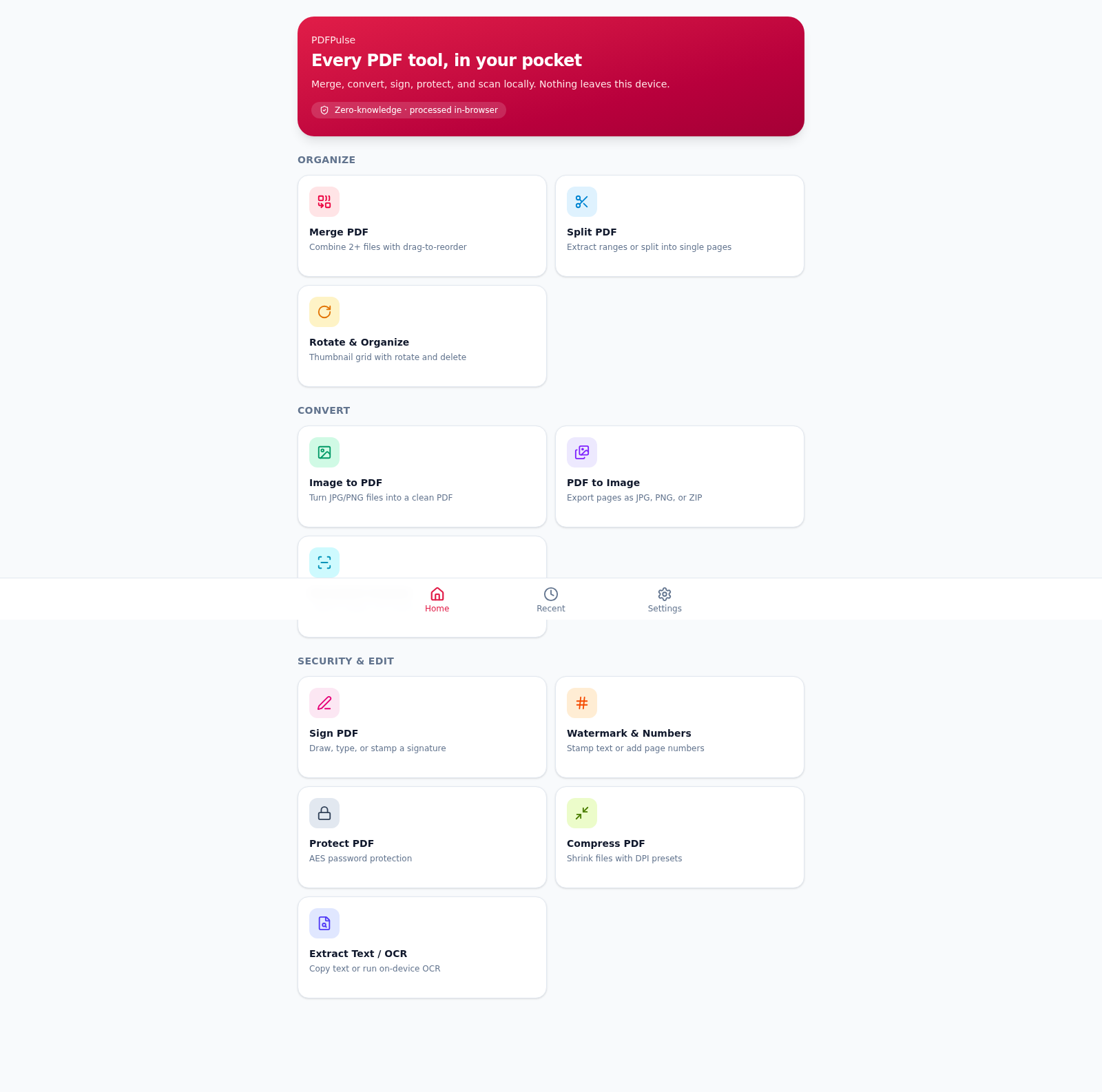
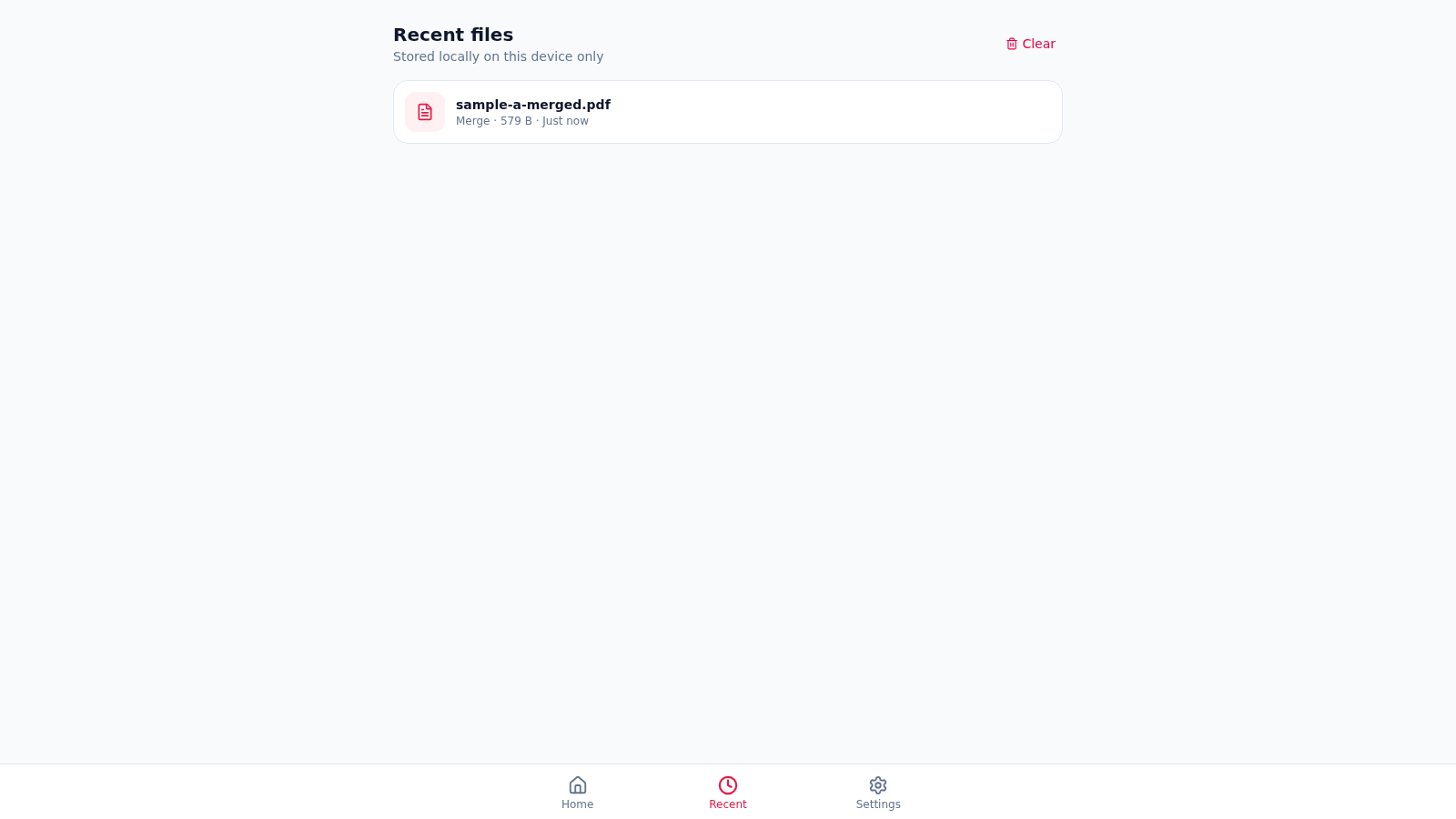
PDFPulse brings a broad set of document utilities into one browser interface. Users can merge and reorder PDFs, split page ranges, rotate or delete pages, convert between PDFs and images, scan documents, add signatures, apply watermarks or page numbers, protect files with a password, compress output, and extract text with on-device OCR. Processing is described as client-side only, so documents remain on the device. A Recent view stores export filenames, operation types, sizes, and timestamps locally, while Settings provides light, dark, and system appearance modes.
Highlights
Private processing
Files stay on device
Eleven PDF tools
One organized toolkit
Local export history
Recent jobs stay local
Flexible appearance
Light, dark, or system
How to Use
Choose a tool
Open the home screen and select the operation that matches the task, such as Merge PDF, Split PDF, Image to PDF, Sign PDF, or Extract Text and OCR. The app opens a focused workspace with a short description of the expected input.
Add local files
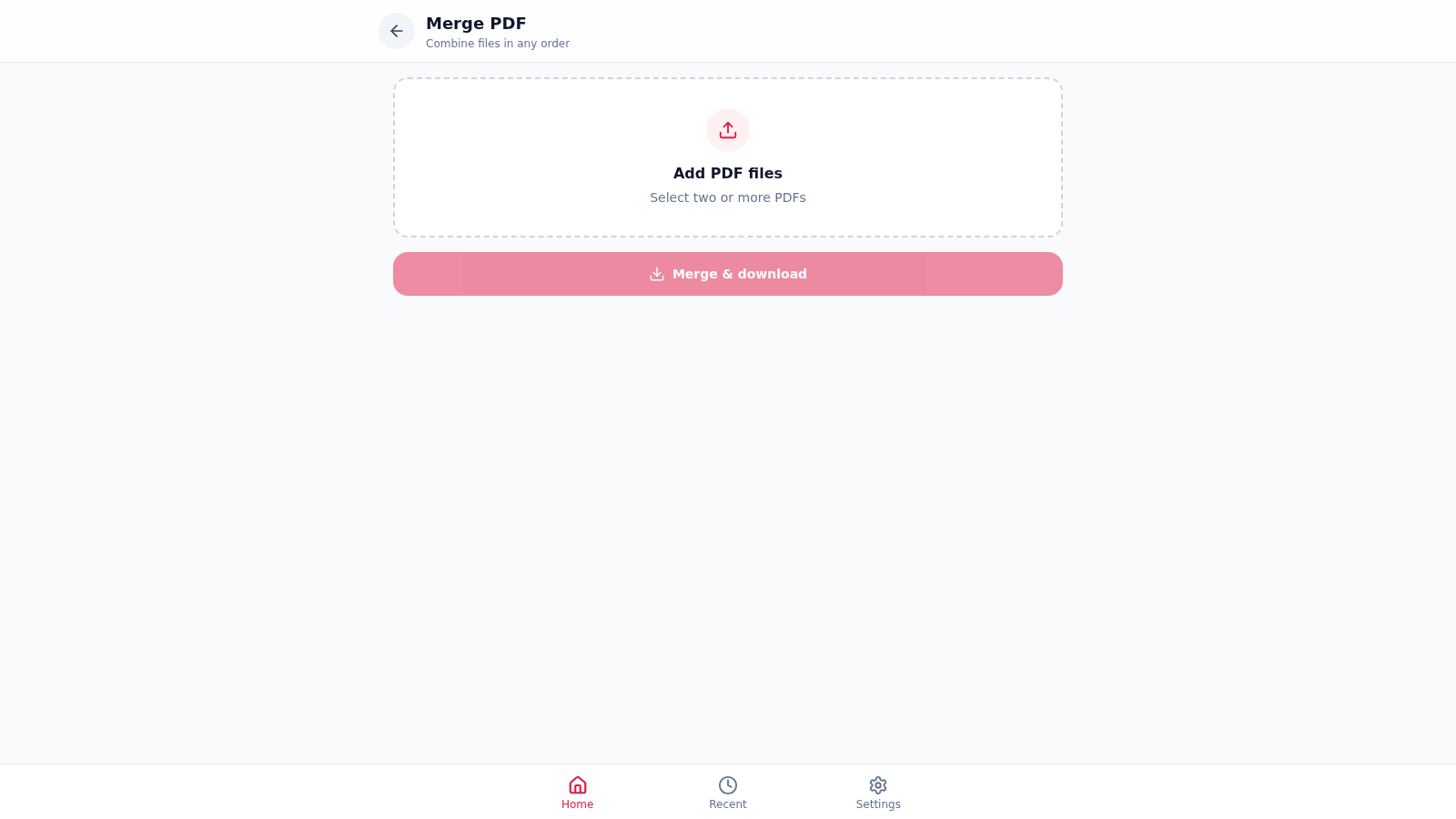
Use the file selection area to choose documents or images from the device. For merging, add at least two PDF files, then use the move-up, move-down, and remove controls to prepare the desired order.
Configure and export
Adjust the options offered by the selected tool, then run the main action. The tested merge workflow generated and downloaded a combined PDF, cleared the working list, and added an entry to Recent.
Review recent work
Open Recent from the bottom navigation to see locally stored export metadata, including the output filename, operation, size, and time. Use Clear when the local history is no longer needed.
Set the theme
Open Settings and choose Light, Dark, or System. The same page explains that document contents are processed in memory and that only filenames and sizes are retained in local browser storage for recent history.
Similar Sites
 7
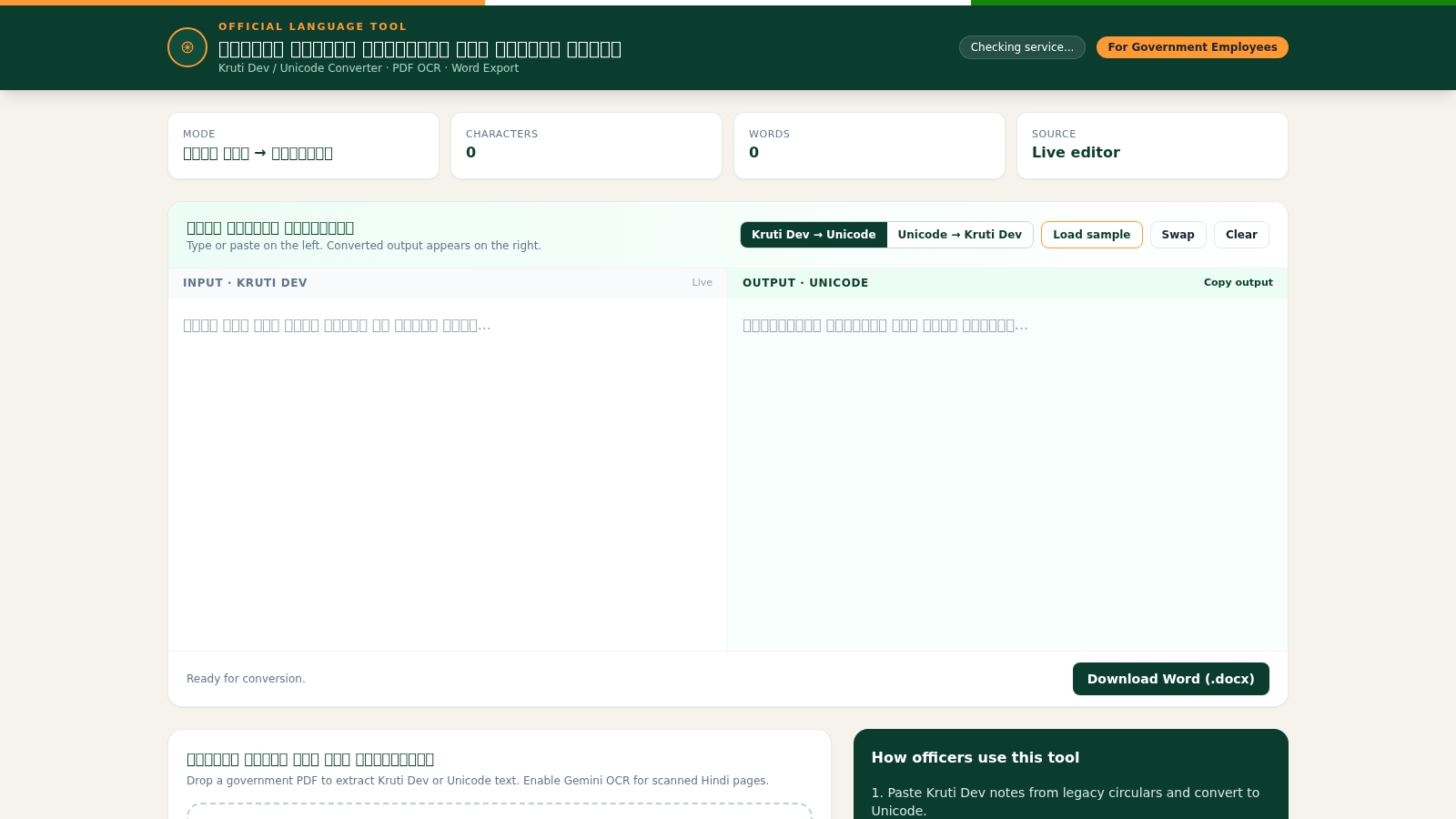
7Hindi Font Converter
Convert Kruti Dev and Unicode Hindi, extract PDF text, and export Word files.
 94
94OhMyPS - AI Image Editor
Brush, describe, and quickly edit part of an image with AI.
 79
79PDF Master AI
Private in-browser PDF toolkit to convert, merge, compress, edit, and protect files.
 77
77BJJ STAT — ANALISE. ENTENDA. EVOLUA.
Scout de Jiu-Jitsu em um toque. Placar IBJJF, relatórios visuais e PWA offline.
 53
53ToolCraft - Free Online Tools
Free, fast, privacy-friendly online tools & expert guides - all in your browser.
 30
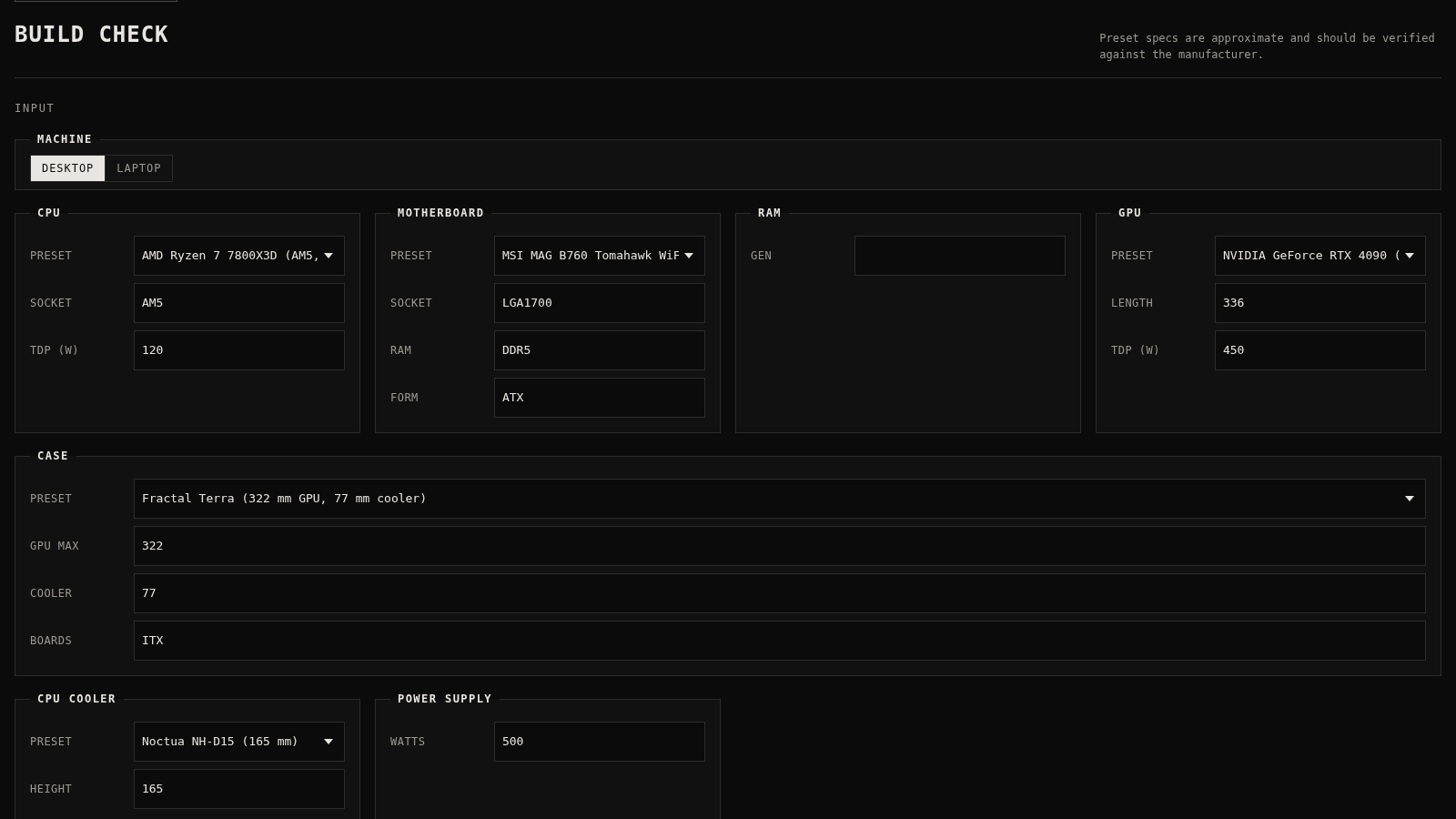
30PC Build Checker
Check desktop and laptop PC builds for compatibility, scores, and upgrades.