
SRNCloud AFK Manager
Monitor and recover an authorized SRNCloud session from one dashboard
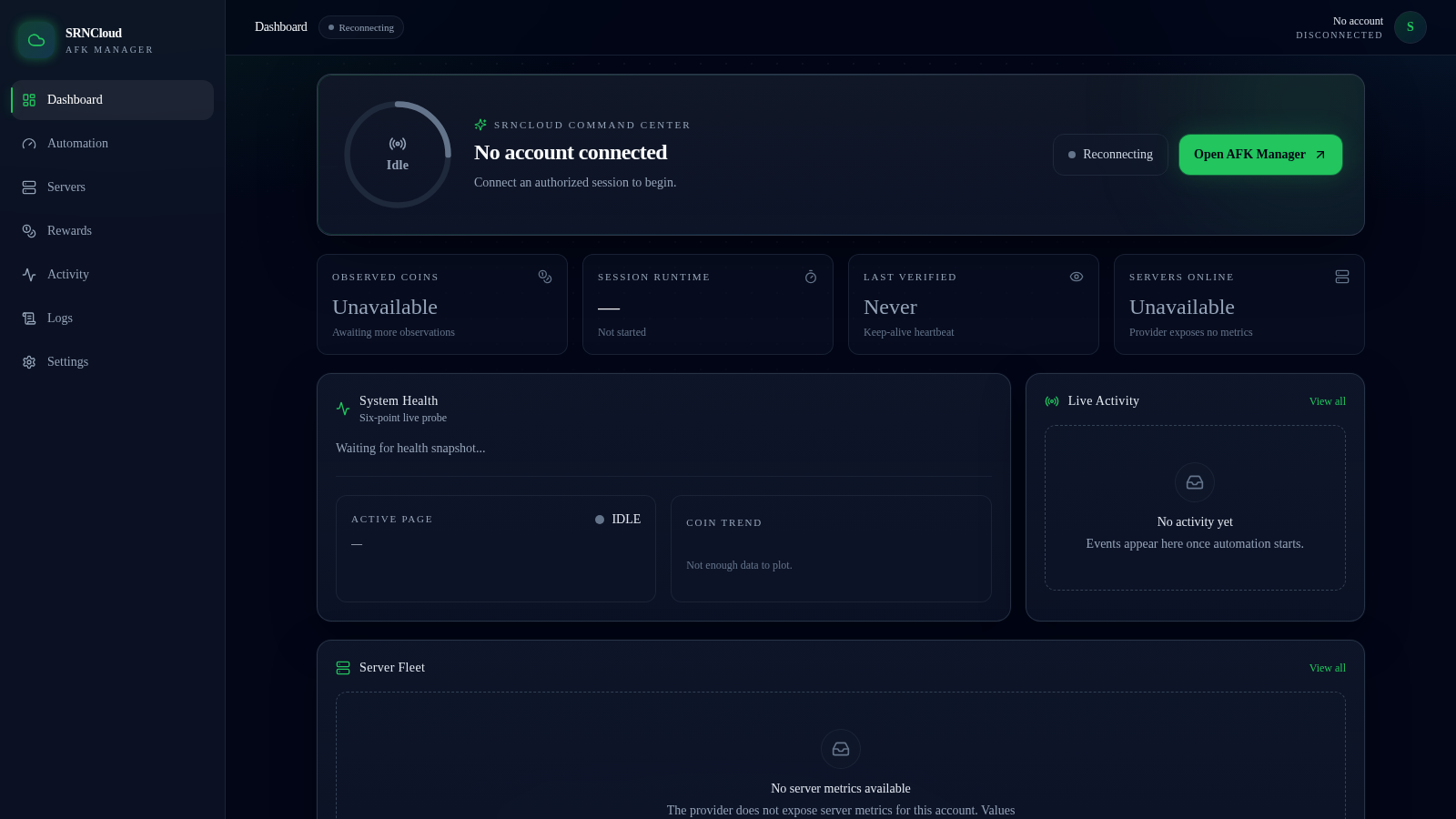
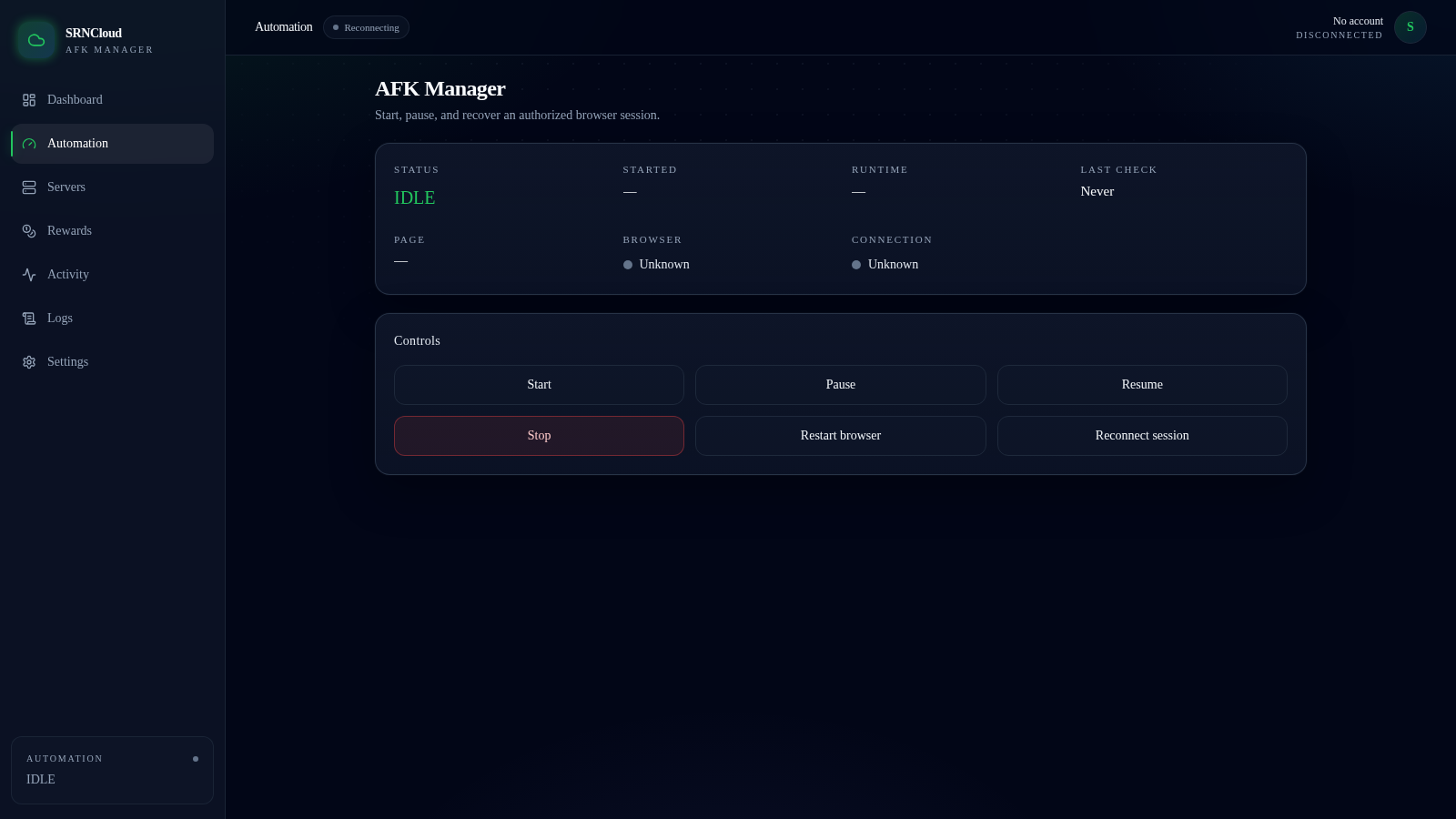
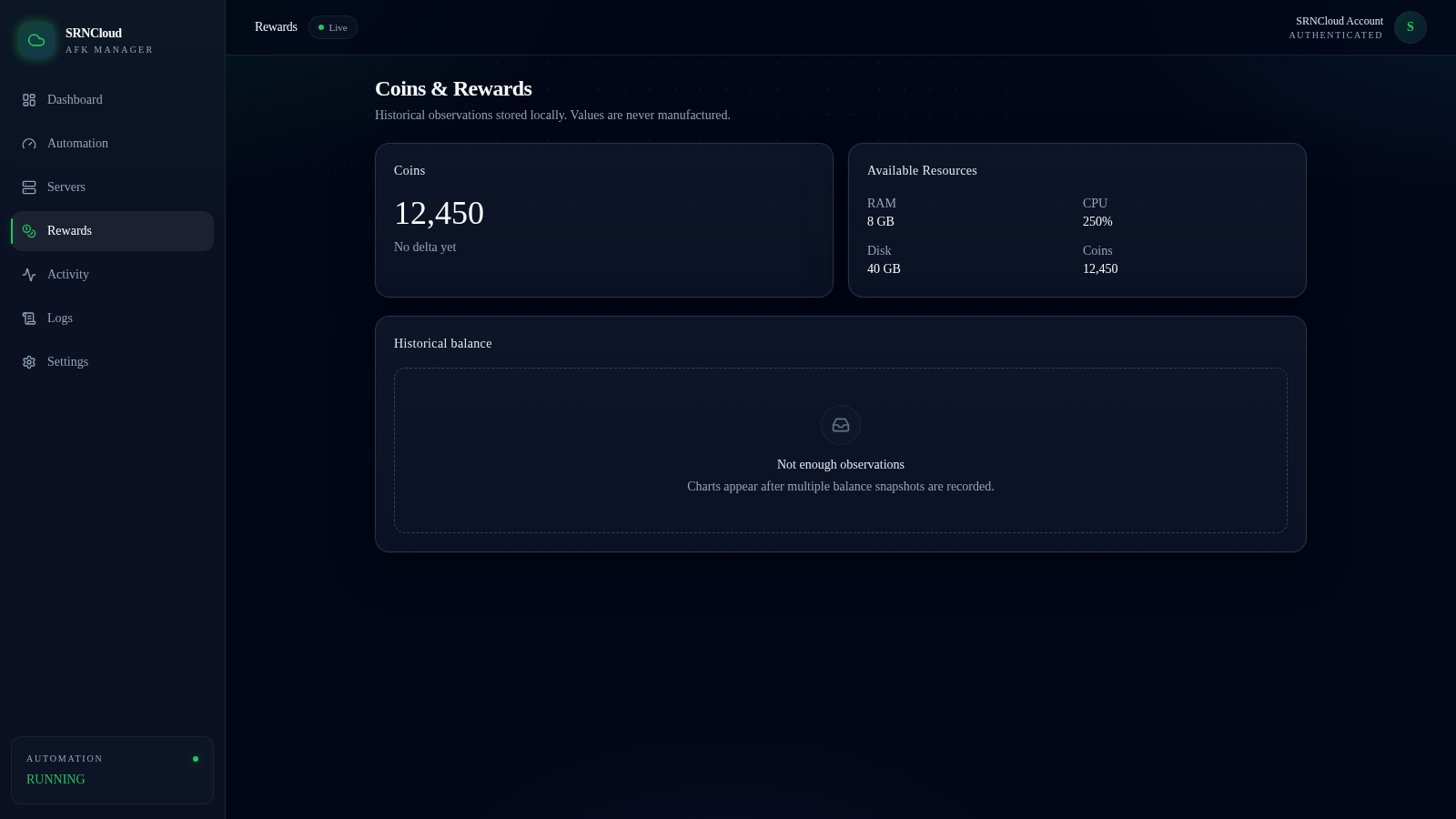
SRNCloud AFK Manager is a browser-based control dashboard for keeping an authorized SRNCloud hosting session alive and recovering it when it drops. A left rail links Dashboard, Automation, Servers, Rewards, Activity, Logs and Settings. The Dashboard shows observed coins, session runtime, last verified time and servers online, plus a system health probe, a coin trend chart, a live activity feed and a server fleet panel. Automation centralizes Start, Pause, Resume, Stop, Restart browser and Reconnect controls over a status display. Rewards and Servers report only the values the provider actually exposes, Logs streams timestamped automation events, and Settings manages encrypted credentials, health-check intervals, retries, notifications and appearance. A built-in mock provider lets every operating state be explored without a real account.
Highlights
Automation controls
Start, pause, stop
Live log stream
Timed state changes
Mock provider
Simulate many states
Rewards data
Coins and resources
Server metrics
Only exposed values
Encrypted settings
AES-256-GCM local
How to Use
Open the dashboard
Load the site and you land on the Dashboard page. The left rail lists Dashboard, Automation, Servers, Rewards, Activity, Logs and Settings, the top bar shows a connection badge that begins on Reconnecting, and four summary cards report coins, runtime, last check and servers online.
Drive the automation
Open Automation and use the Controls row. Start moves the status through IDLE, STARTING, AUTHENTICATING, CONNECTED and RUNNING, while Pause, Resume, Stop, Restart browser and Reconnect session act on the running session, with the status fields updating as the state changes.
Enable mock mode for a full tour
Go to Settings and scroll to the Developer (mock provider) section. Buttons for connected, disconnected, session expired, server offline, network failure and security challenge switch the provider state, which then fills the Rewards, Servers and Dashboard panels without needing real credentials.
Read the logs
Open Logs and filter by level from All down to DEBUG, INFO, WARN and ERROR. Each line is timestamped and narrates transitions such as IDLE to STARTING and the API listening on port 3000, so you can follow what the automation is doing.
Similar Sites
 4
4keyr
Disposable email aliases and strong passwords in an AES-256-GCM encrypted vault
 22
22AuroraOS
A desktop OS inside a single HTML file - apps, terminal, games, music
 6
6Lil Neill Bot
WhatsApp bot engine plus a free web dashboard to create, link, and run bots.
 94
94OhMyPS - AI Image Editor
Brush, describe, and quickly edit part of an image with AI.
 79
79PDF Master AI
Private in-browser PDF toolkit to convert, merge, compress, edit, and protect files.
 77
77BJJ STAT — ANALISE. ENTENDA. EVOLUA.
Scout de Jiu-Jitsu em um toque. Placar IBJJF, relatórios visuais e PWA offline.