
BJJ STAT — ANALISE. ENTENDA. EVOLUA.

Local-first Jiu-Jitsu scouting, scoring and fight analysis in the browser
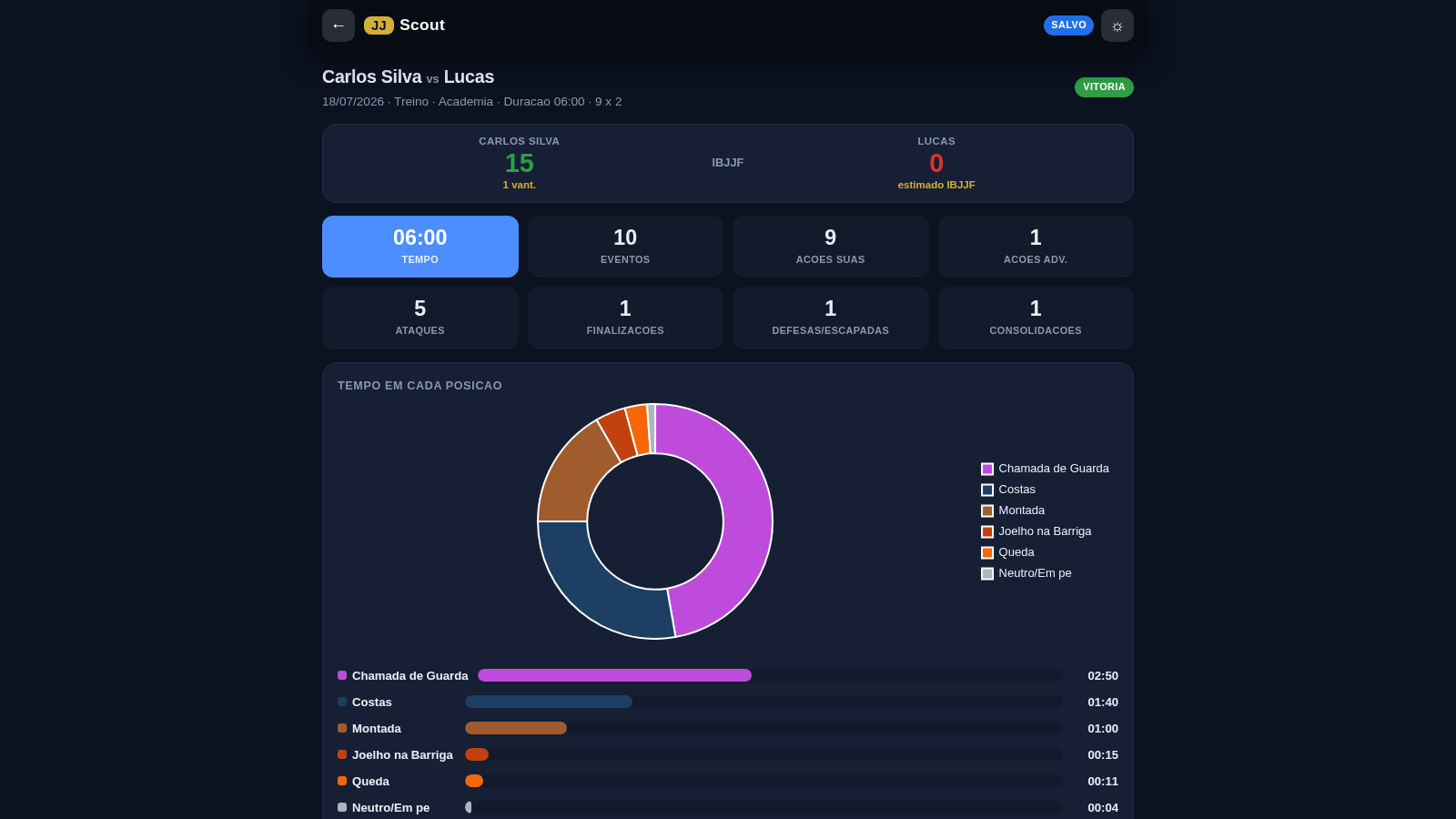
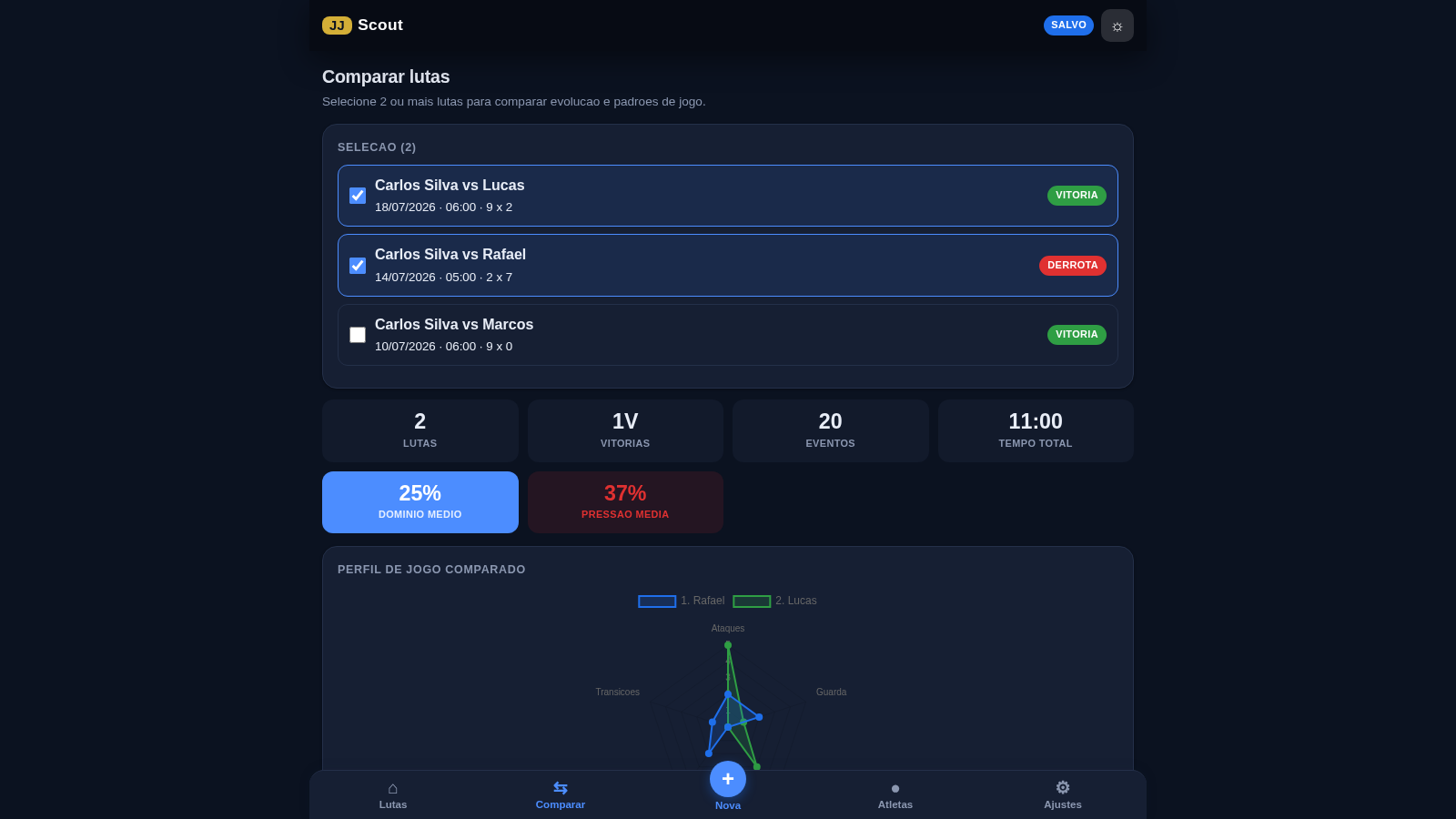
BJJ STAT is a scouting and scorekeeping app for Brazilian Jiu-Jitsu that runs entirely in the browser and installs as a PWA. Coaches and athletes can record a match with a live IBJJF-style scoreboard, then read it back as visual reports covering time per position, domain distribution, a fight timeline, technical actions, transition sequences and efficiency. A dedicated analysis view turns the recorded fights into athlete intelligence such as win rate, points per minute, predominant style, attack and defense breakdowns, temporal splits and training notes. A separate roster view acts as a small academy dashboard, and an admin area manages accounts, roles, a student access link, a usage license record, achievements and full local backup and restore.
Highlights
Live scoreboard
Tap actions to score
Visual fight reports
Position time charts
Athlete analysis
Win rate and style
Offline PWA
Works fully offline
Local backup
Backup in one click
PDF and CSV export
Share fight reports
How to Use
Open the evaluation demo
The default page is an access gate that offers a first-time administrator setup and a login screen. To look around without an account, open the site with the demo query parameter enabled; the gate then shows an evaluation block with the demo credentials printed on the screen and a one-click demo login. After entering, the app opens on the Fights tab with the bottom navigation visible.
Load example data and read a report
On the empty Fights list, press the Load example button to populate four sample fights. Use the category filters or the search box to narrow the list, then tap any fight row to open its report. The report shows the scoreboard, time per position, domain distribution, a timeline, technical actions, automated observations, a written summary and buttons for PDF, CSV, share and print. Use the back arrow to return to the list.
Record your own match
Open the New tab to set up a fight: choose a registered athlete, pick or type the opponent, set the type to training or competition, add the date, venue, expected duration and any notes, then press Start scout. The live screen shows a clock and a two-athlete scoreboard; press the action buttons such as takedown, sweep or mount to add points, watch the score and timeline update, use undo to remove the last action, and press Finish to save the fight into the list.
Similar Sites
 5
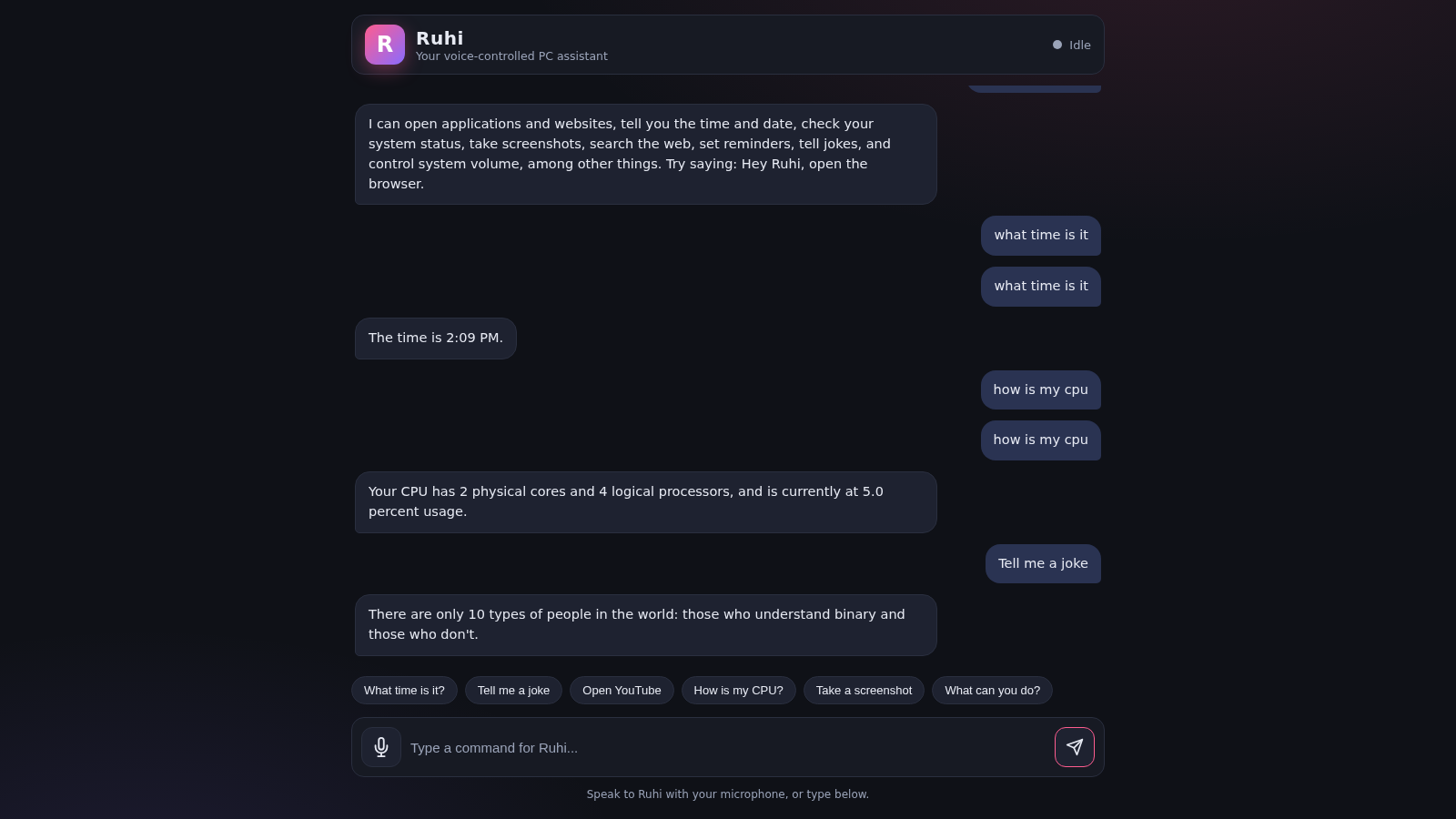
5Ruhi - Voice Assistant
A voice-controlled AI assistant that operates your PC and answers your commands.
 3
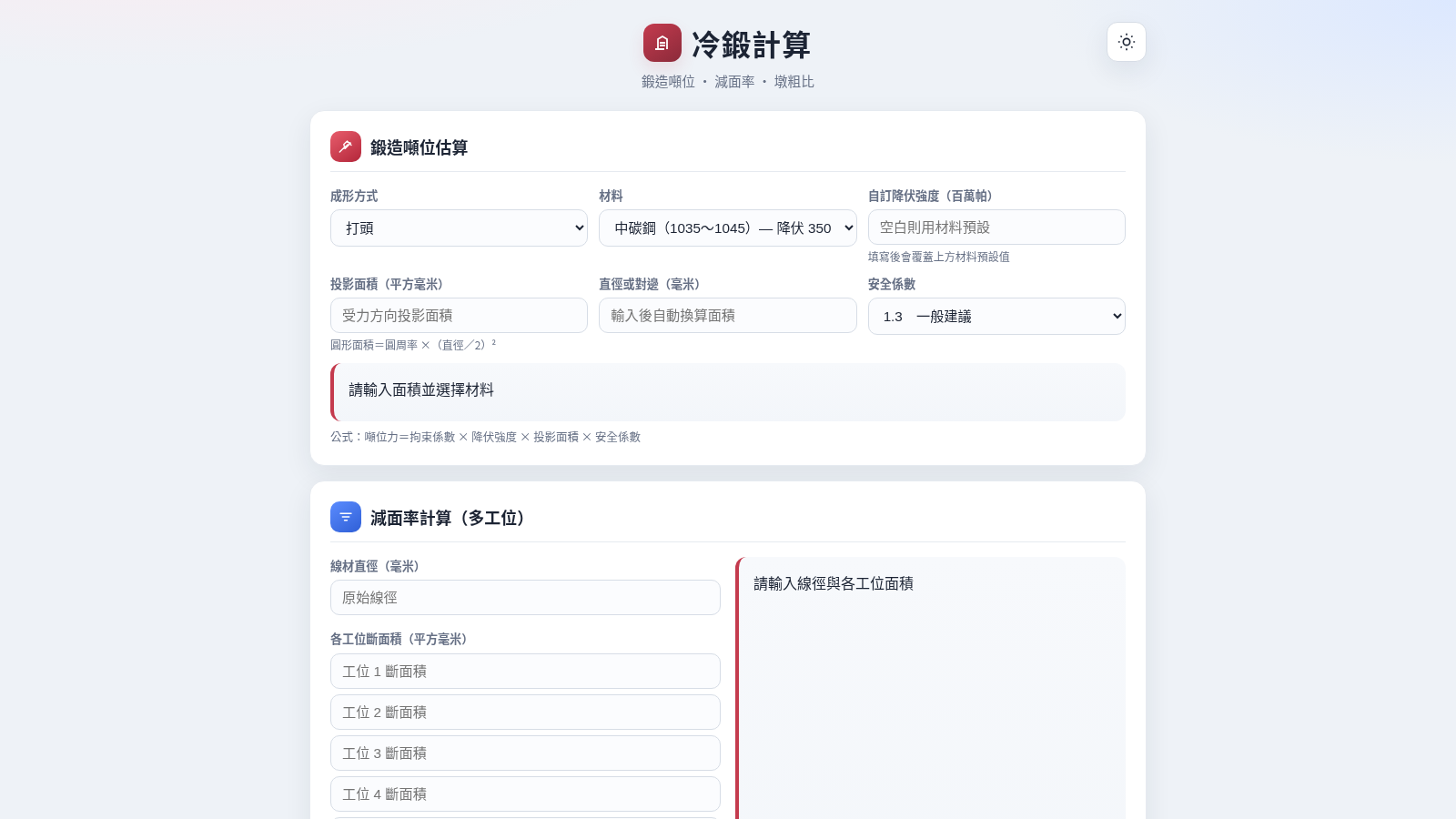
3冷鍛計算
多工位冷鍛噸位、減面率與墩粗比計算工具
 1
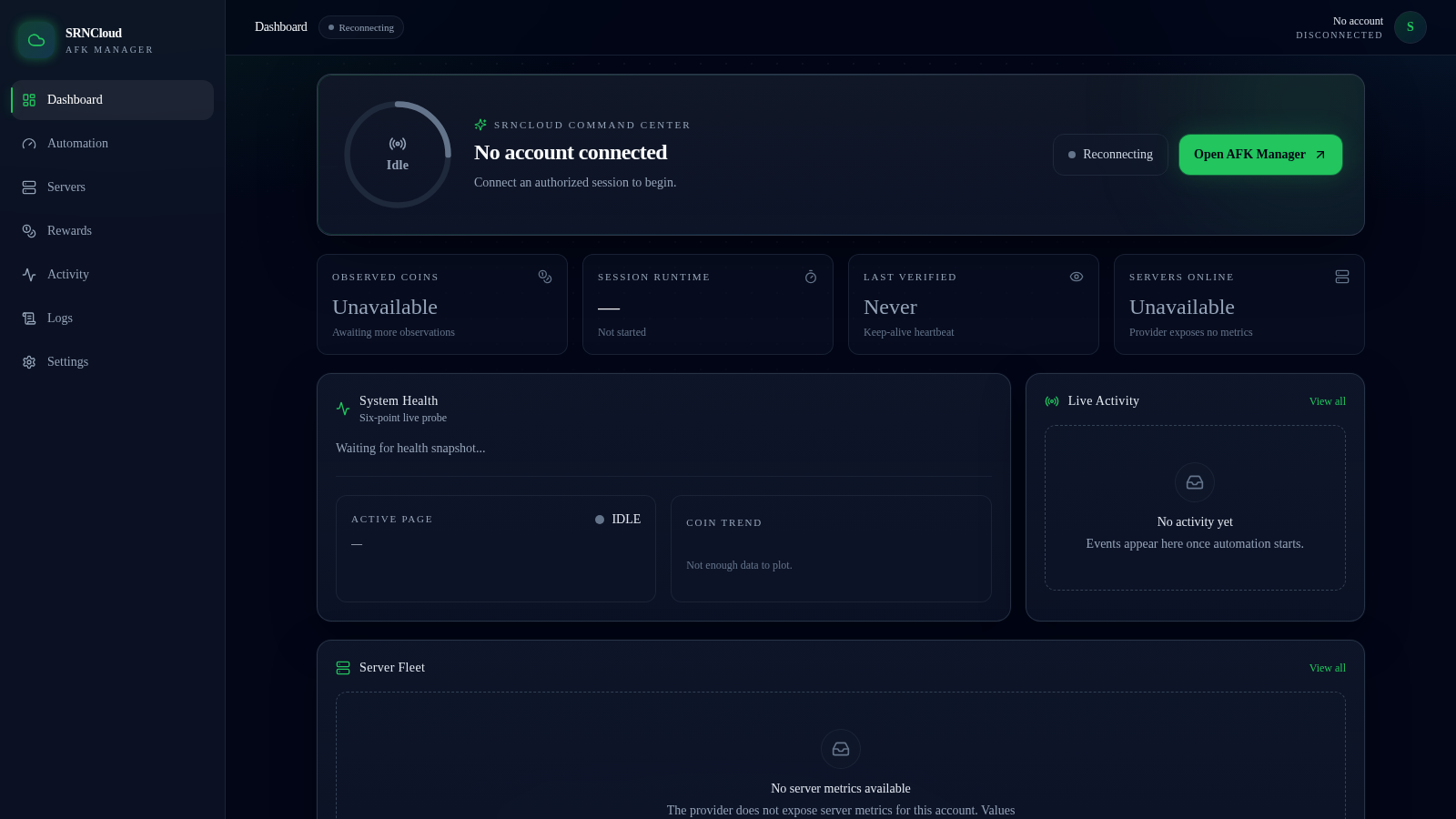
1SRNCloud AFK Manager
Authorized session monitoring and recovery for SRNCloud
 1
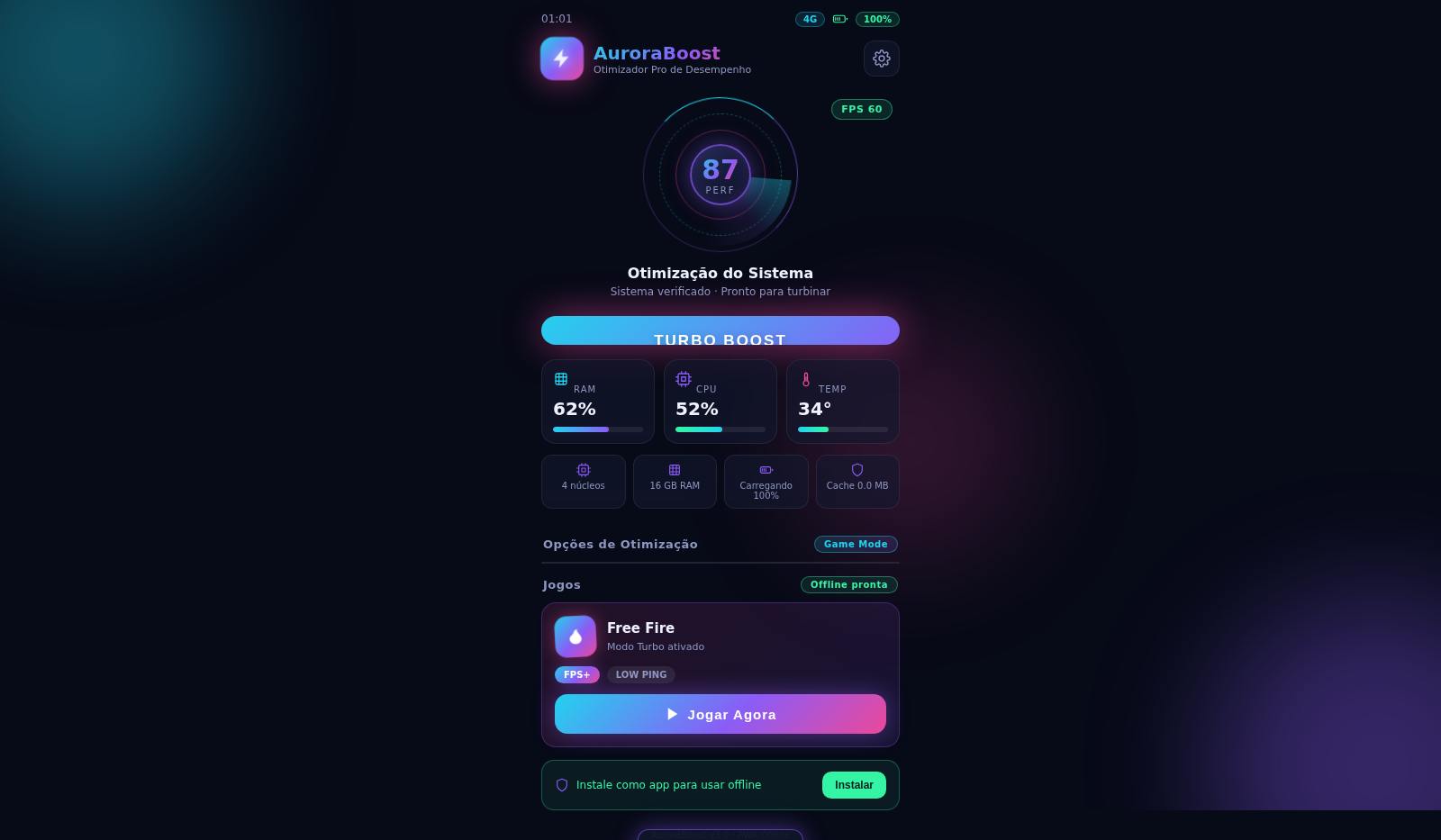
1AuroraBoost Otimizador Mobile
Painel de otimização de desempenho para celular e jogos. Offline e instalável.
 94
94OhMyPS - AI Image Editor
Brush, describe, and quickly edit part of an image with AI.
 81
81PDF Master AI
Private in-browser PDF toolkit to convert, merge, compress, edit, and protect files.