
Nexus
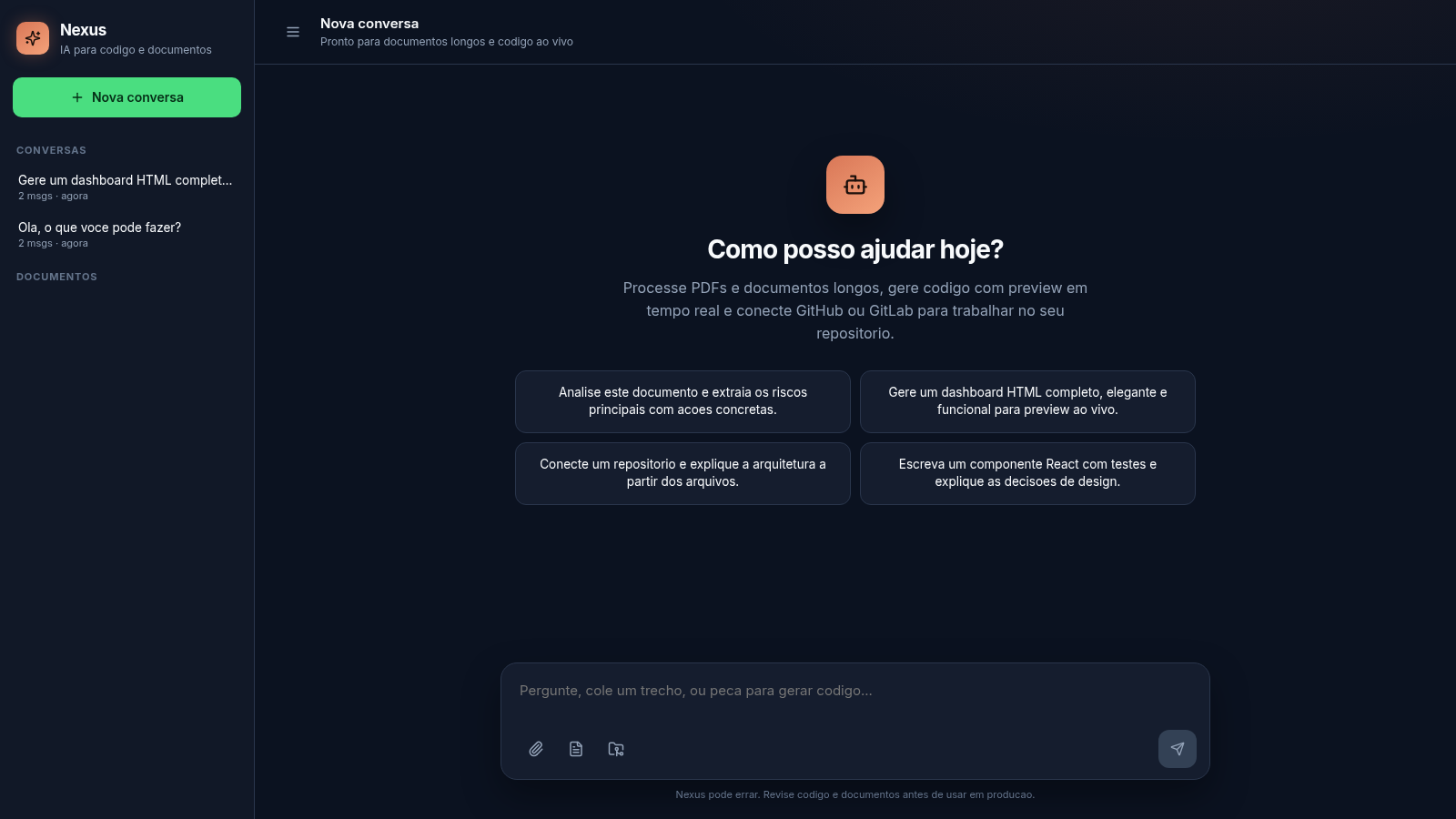
An AI workspace for long documents, live code preview and Git repositories
Nexus is a browser-based AI assistant that combines chat, long-document handling and code generation in a single workspace. The interface is written in Portuguese and presents itself as IA para codigo e documentos. Users can start conversations, type questions or paste text, upload PDF, Markdown and code files that the app splits into chunks and re-injects as context, ask for HTML, CSS or JavaScript artifacts that render in a live preview panel, and open a Git dialog to list GitHub or GitLab repositories with a personal access token. Conversations are stored in a sidebar with message counts and can be deleted, and uploaded documents appear in a separate document list.
Highlights
Live HTML preview
Runs code in iframe
Document search
Docs split to chunks
Git integration
GitHub and GitLab
Chat workspace
Stores your chats
How to Use
Start a conversation
Open the site and use the text box at the bottom to type a question or paste a snippet. The send button stays disabled until there is input. After sending, your message appears as a bubble and the reply arrives in the main area labelled Nexus, and the thread is saved in the Conversas list on the left with a message count and relative time.
Add a long document
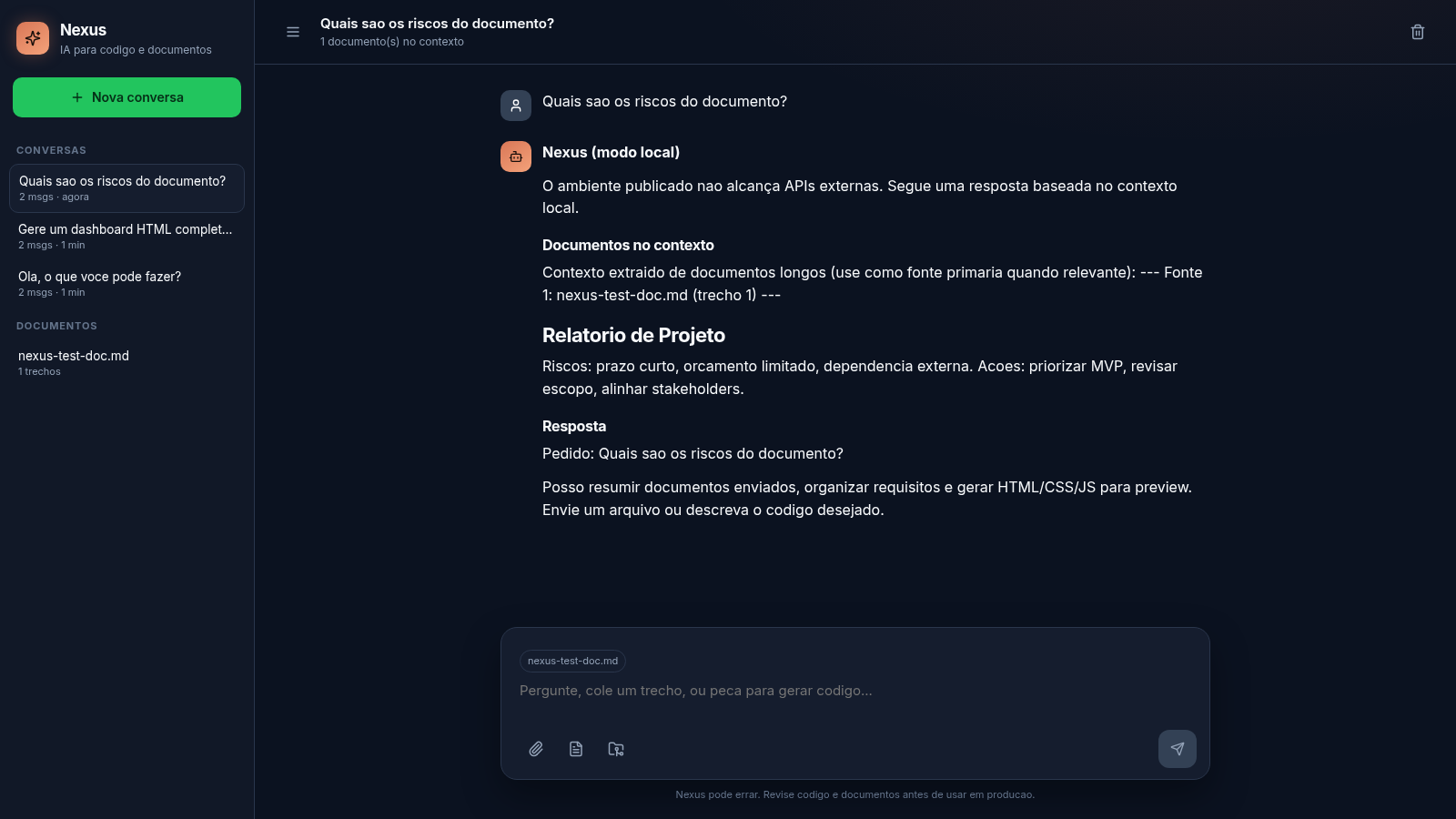
Click the Documentos button next to the input to open the Documentos longos dialog, which explains that PDF, Markdown, code and text files are indexed in chunks. Use Enviar arquivo to pick a file; once uploaded it appears in the dialog with its chunk and size, and is shown as a chip above the input. The header then reports how many documents are in context, and the next message returns the matching excerpts as source context.
Generate and preview code
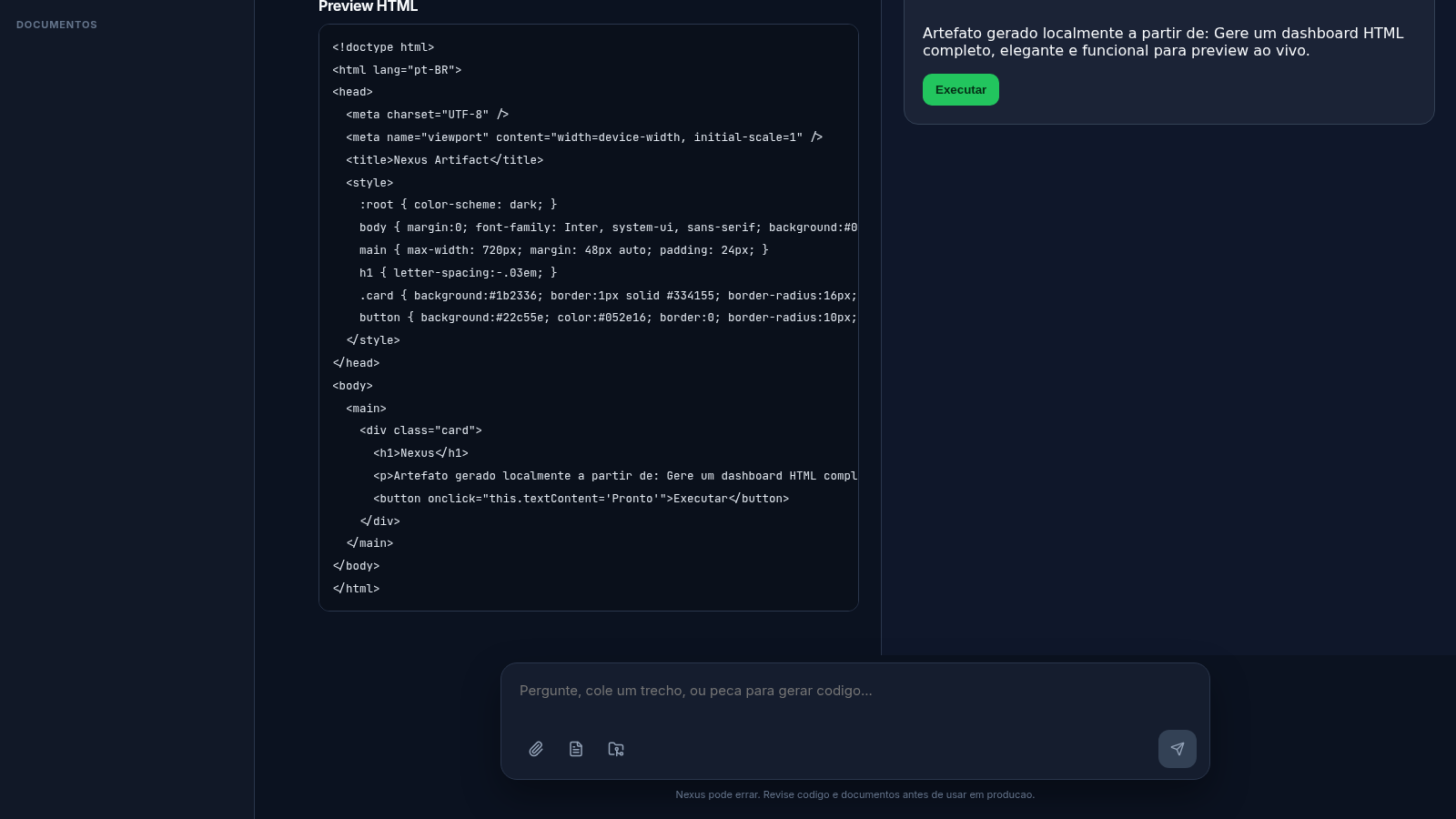
Ask Nexus to generate HTML, CSS or JavaScript, or click one of the suggestion cards on the welcome screen. The reply contains a Preview HTML block with an iframe that renders the artifact, plus Preview and Codigo tabs to switch between the rendered result and the source, and a Copiar button. You can interact with the rendered page inside the preview, for example by clicking a button in the generated UI.
Connect a repository
Click the Git button to open the GitHub e GitLab dialog. Choose the provider with the Provedor dropdown, paste a personal access token into the Token de acesso field, and press Listar repositorios to request the repository list. This step requires your own token and works only when outbound access to the provider is available.
Similar Sites
 81
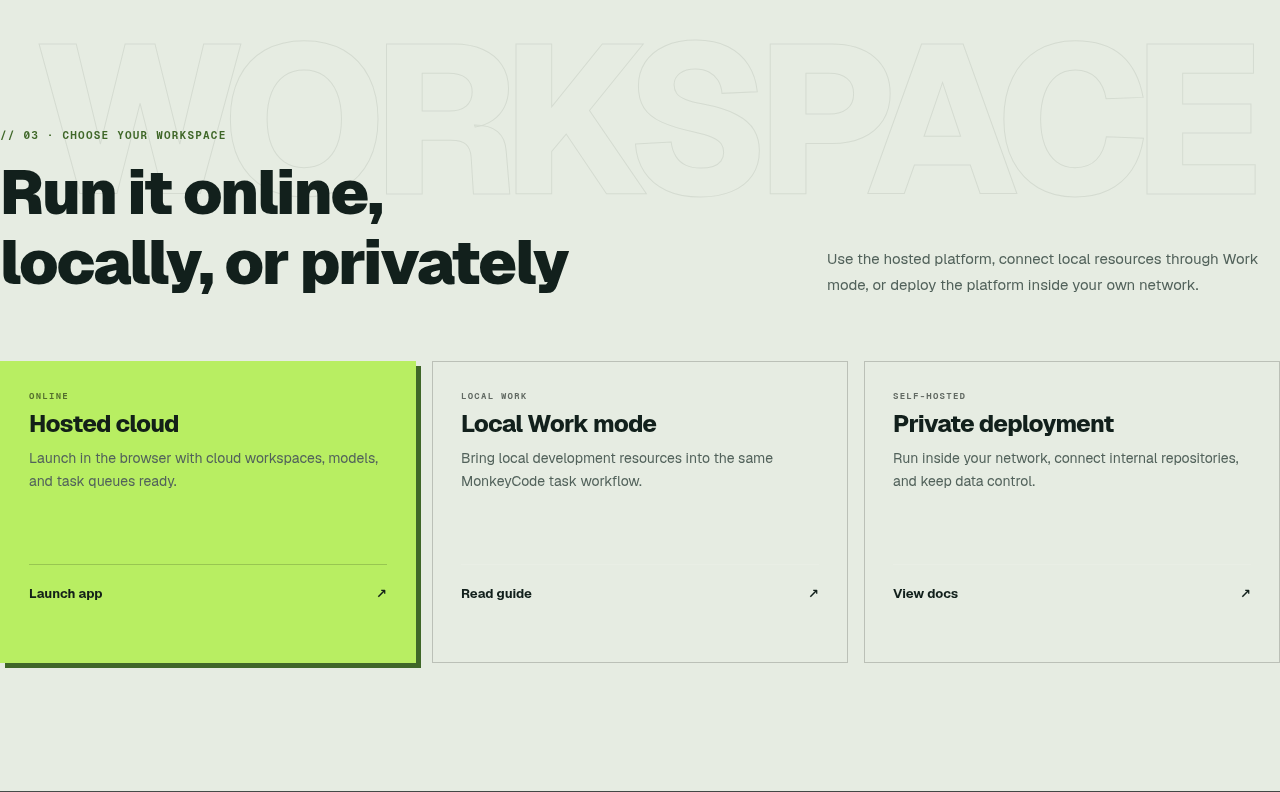
81MonkeyCode AI Workspaces
AI coding workspaces for engineering teams
 23
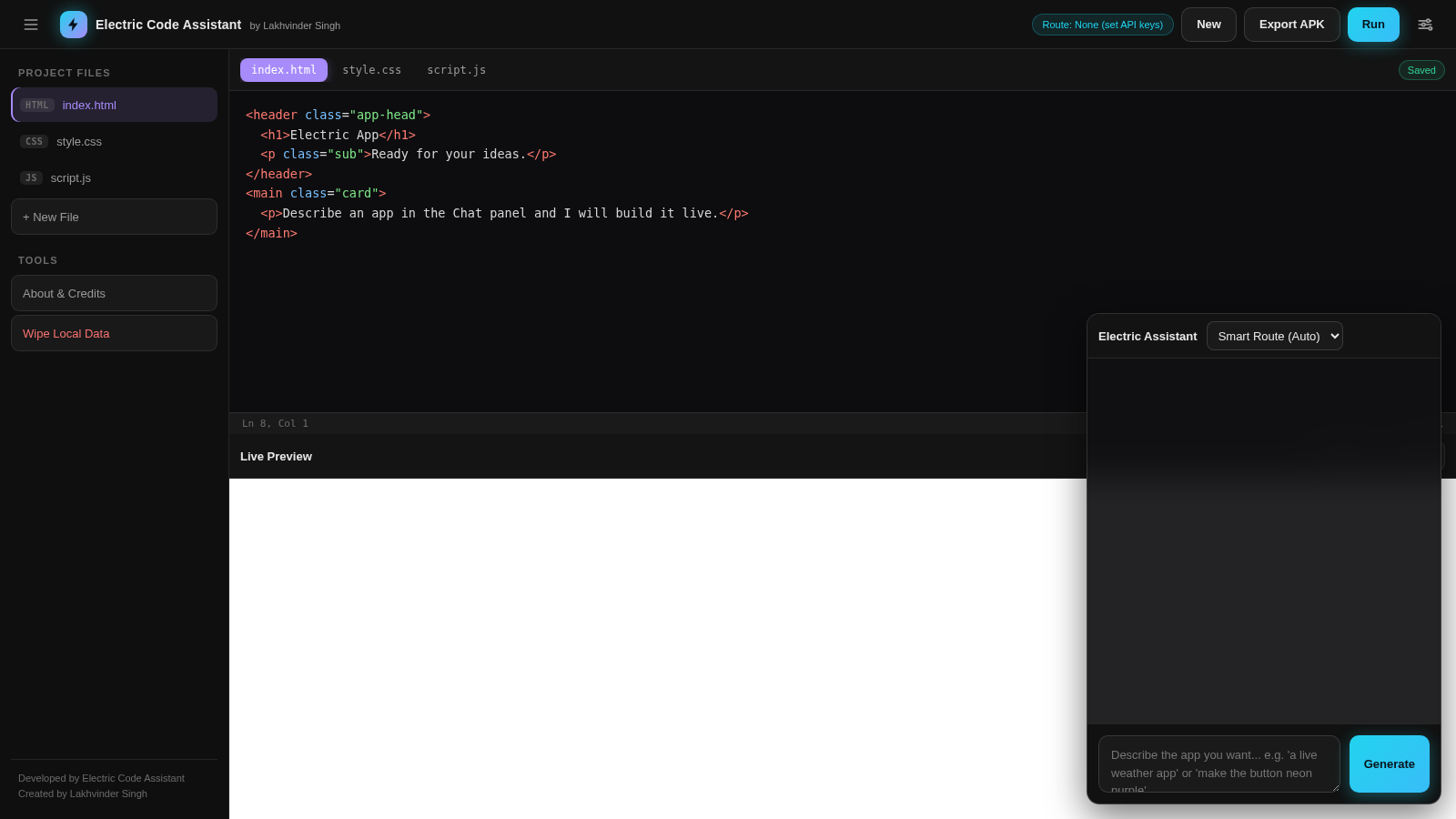
23Electric Code Assistant
Ultra-lightweight AI web IDE: build apps with AI, live preview, APK export
 5
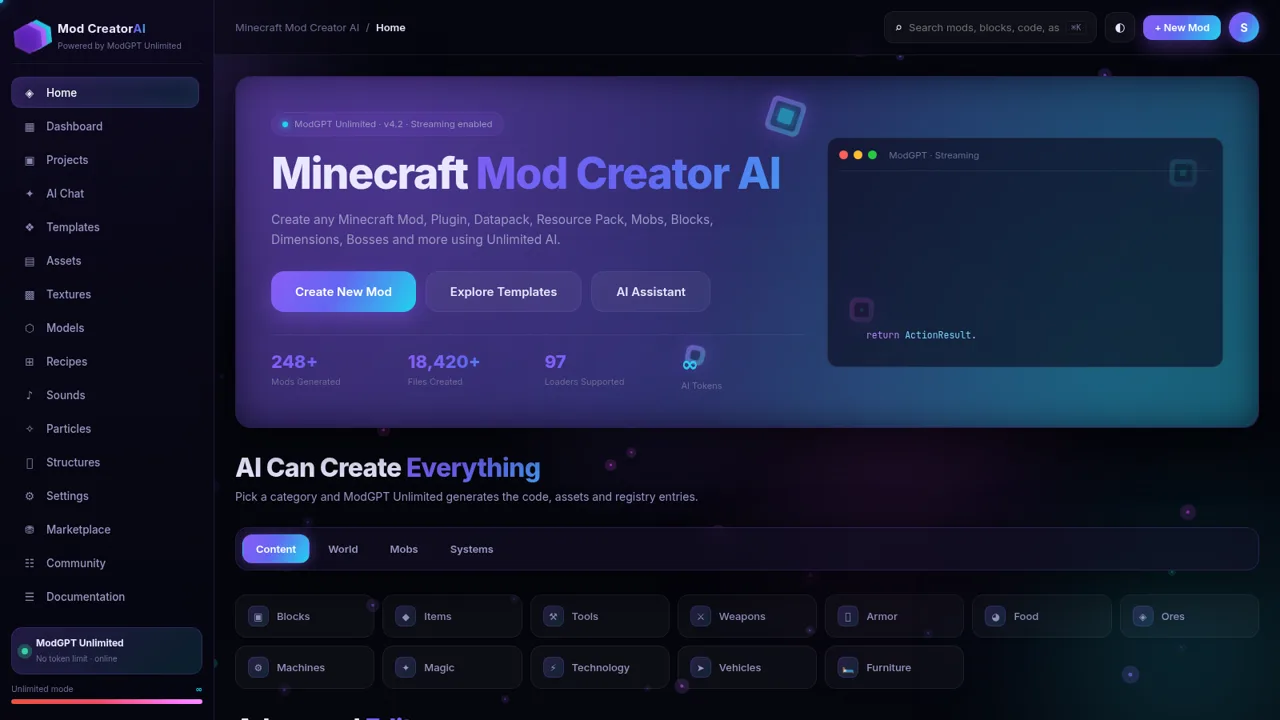
5Minecraft Mod Creator AI
Create Minecraft mods, plugins, datapacks and more with unlimited AI.
 1
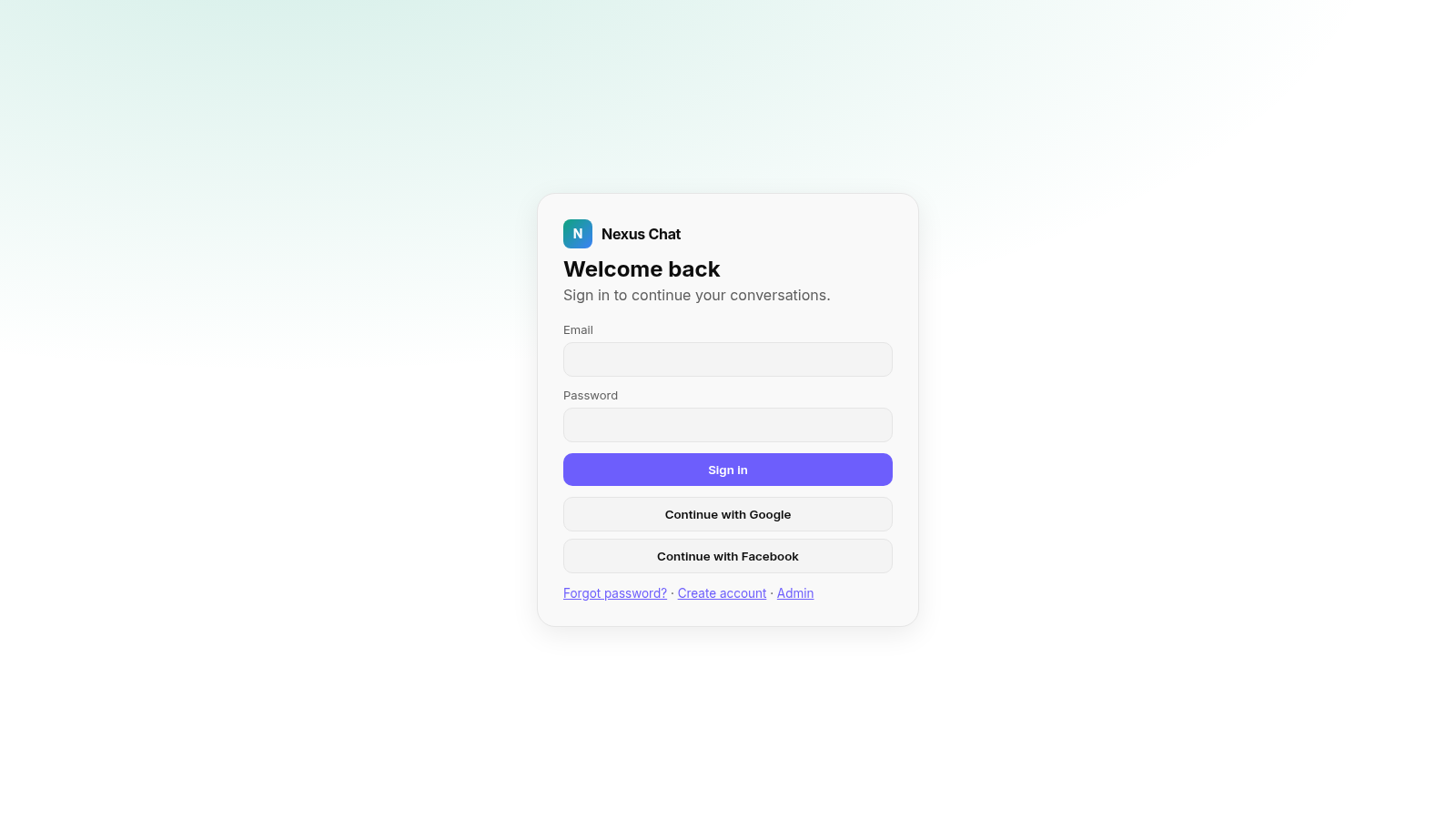
1Nexus Chat
is a modern AI chat platform inspired by ChatGPT, featuring intelligent conversations, multiple AI models, fast responses, chat history, and a premium user interface.
 45
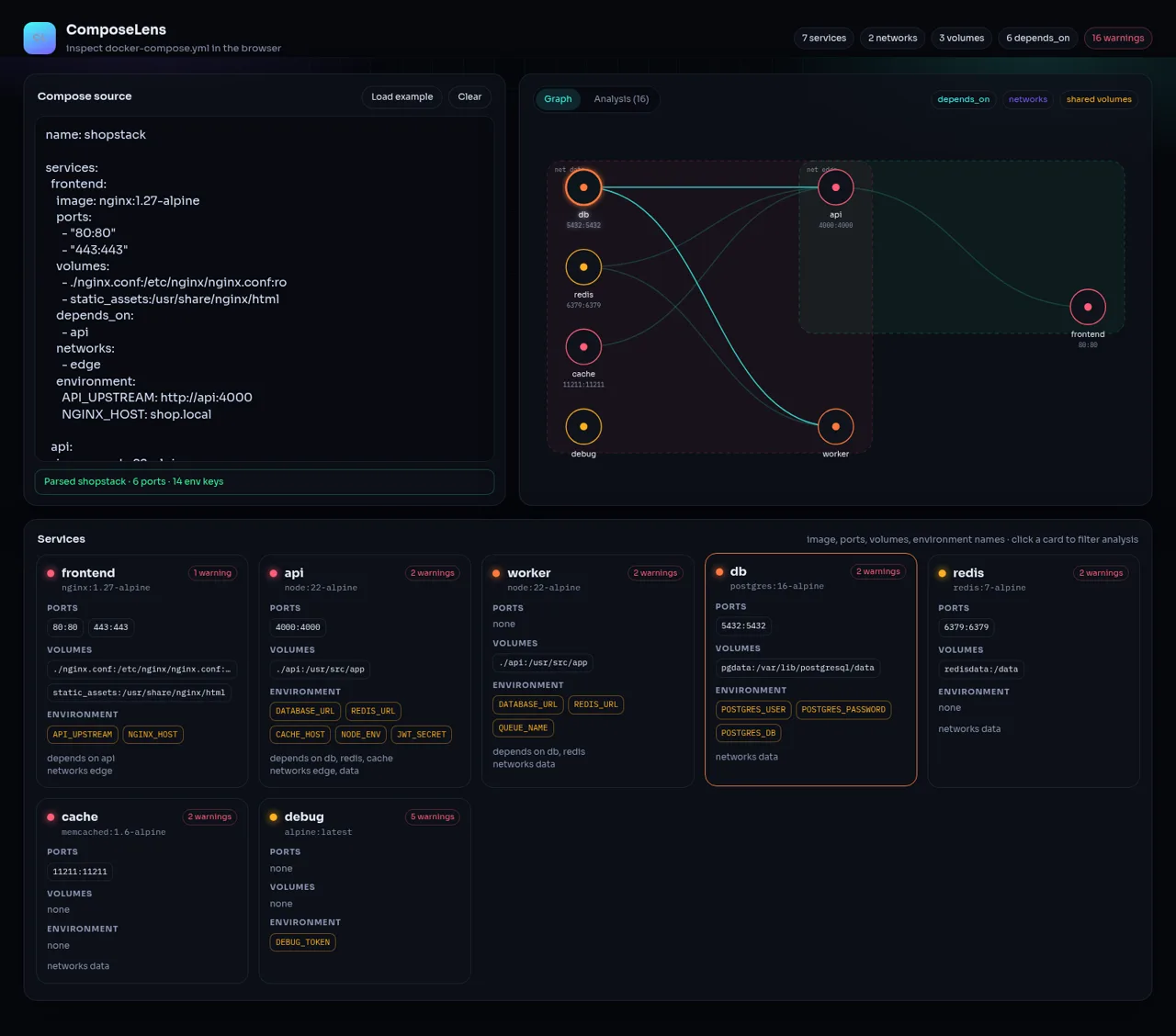
45ComposeLens
Visual Docker Compose inspector with graphs and security warnings
 24
249Router - AI Router
FREE AI coding router with auto-fallback, RTK token saving, 40+ providers