
Minecraft Mod Creator AI
Generate and export Minecraft mods, code and assets in the browser with an AI assistant
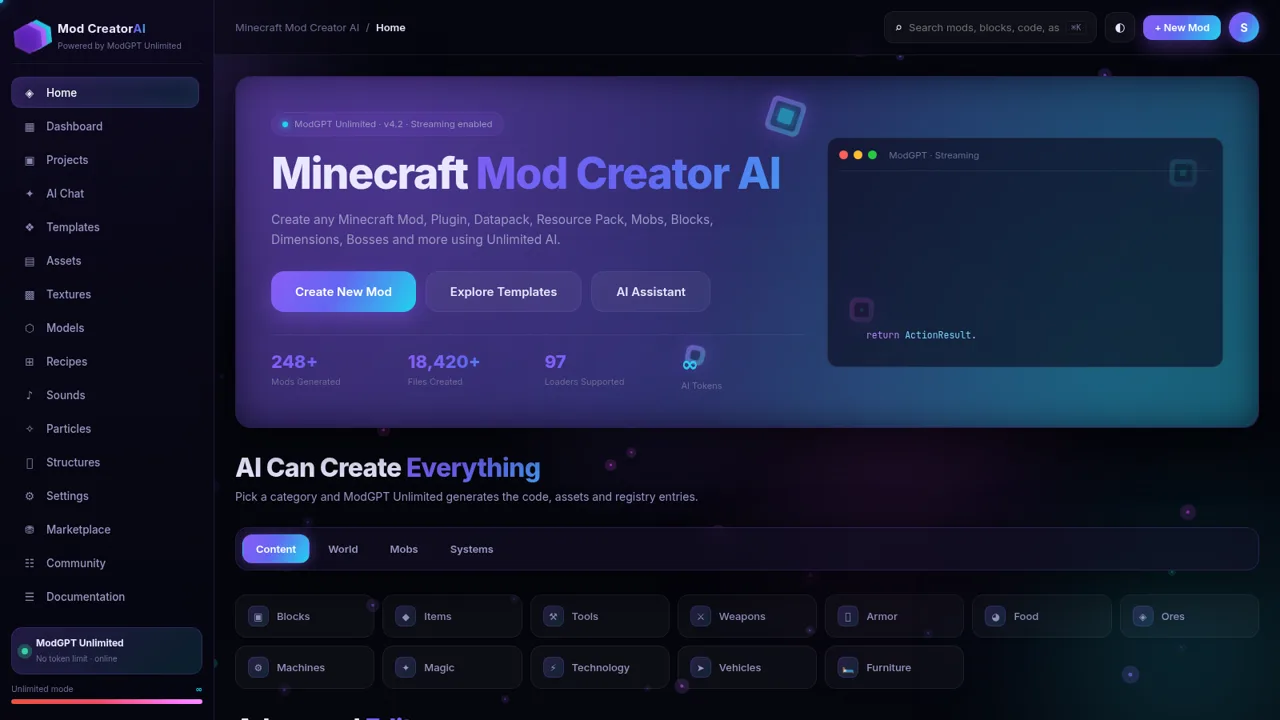
Minecraft Mod Creator AI is a browser-based workspace for building Minecraft content with an assistant called ModGPT Unlimited. From one dashboard you can ask for mods, plugins, datapacks, mobs, blocks or dimensions, then work on them with a VS Code style Java editor, a texture studio, a live 3D model generator and a set of drag-and-drop builders for blocks, items, recipes, biomes and GUI screens. The studio also ships a large template library, project and export panels that target Fabric, Forge, NeoForge, Paper, resource packs, datapacks and GitHub, plus a marketplace and documentation section. Everything runs in the page with no sign-in and no installation.
Highlights
AI mod generation
Prompts to mod code
Full asset studio
Textures, 3D models
VS Code style editor
Java editing with AI
Template library
100+ mod starters
Multi-loader export
Fabric, Forge, Paper
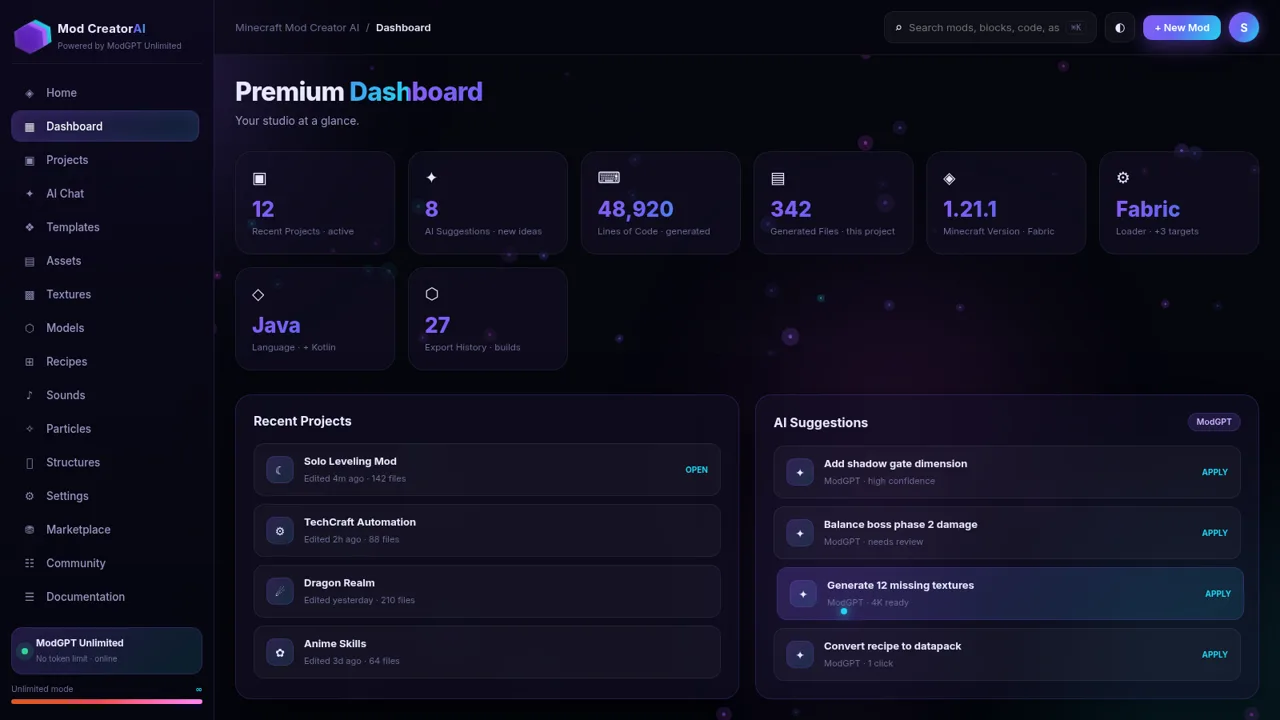
Project dashboard
Projects and exports
How to Use
Open the studio and pick an entry point
Load the site and you land on the Home dashboard. Use the left sidebar to move between Home, Dashboard, Projects, AI Chat, Templates, Textures, Models and the other tools. The top bar keeps a global search box, a New Mod button and a theme toggle within reach on every page.
Start from a template or a text prompt
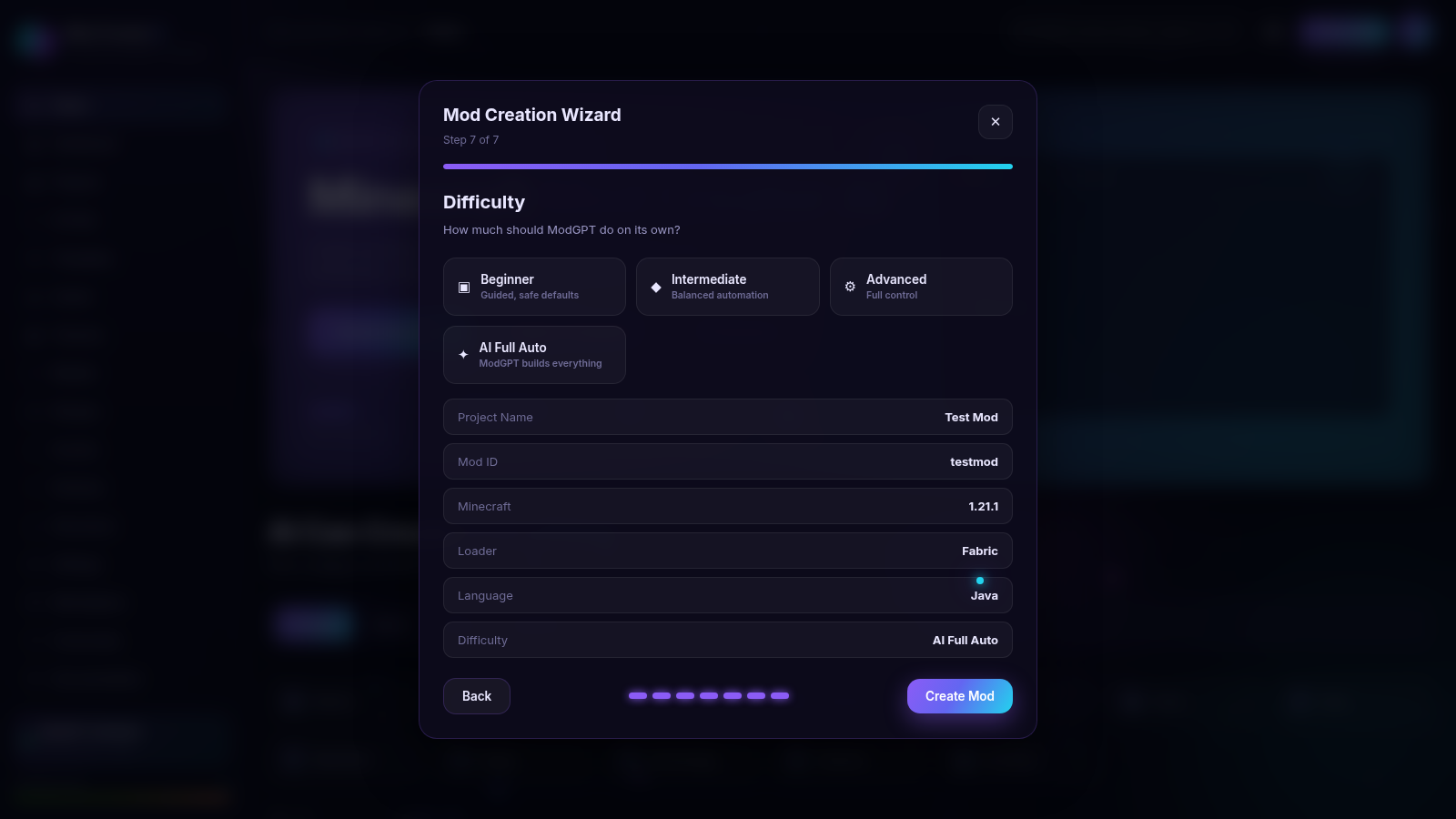
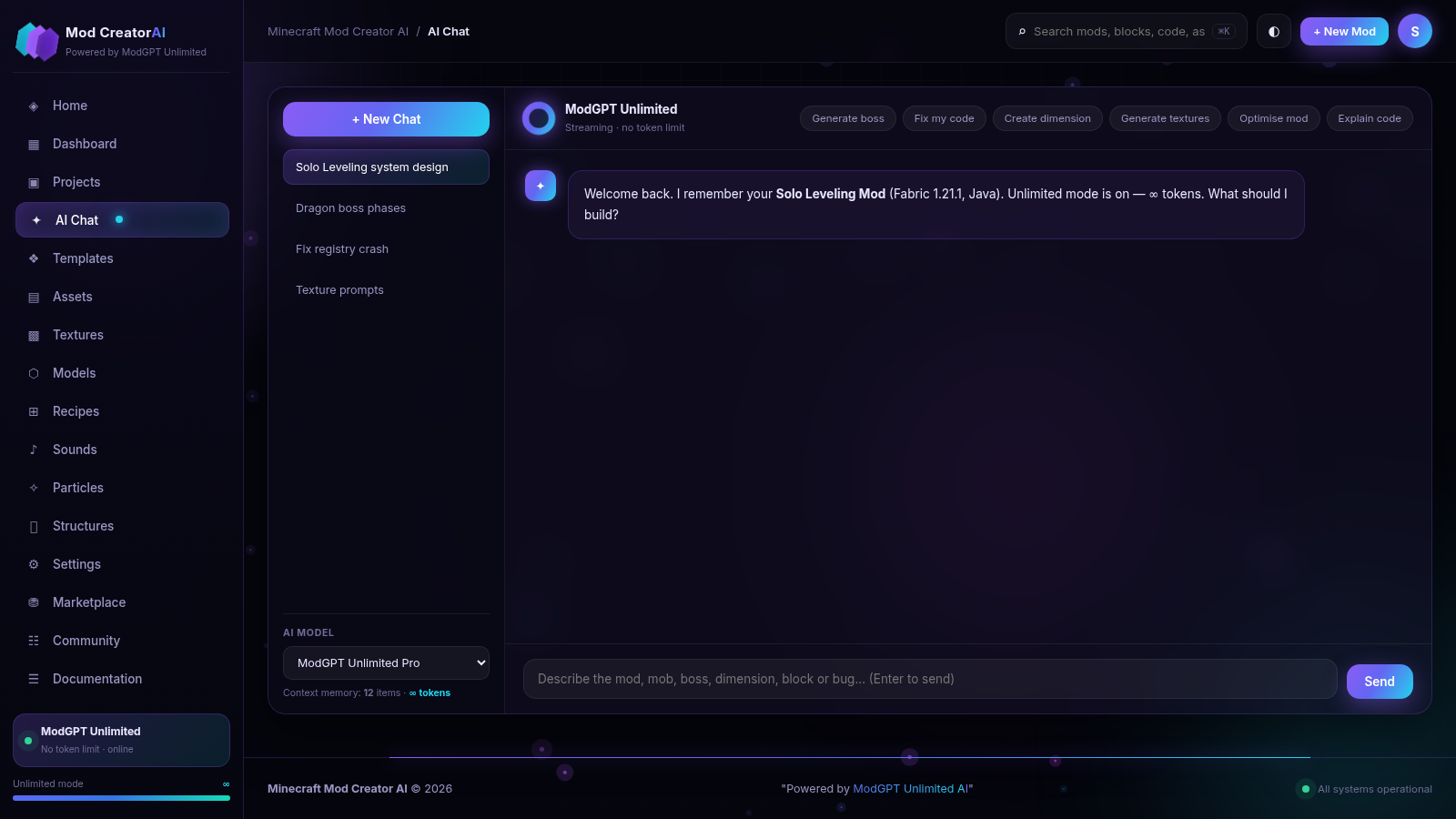
Open Templates to browse named starting points such as Magic Mod or Boss Pack, then narrow the list with the loader and difficulty chips. Clicking a card opens a seven-step Mod Creation Wizard where you name the project, choose a mod ID and continue. Alternatively, open AI Chat, type what you want to build and send it to receive a formatted reply.
Shape the code and assets
In the Code Editor you get an Explorer tree, syntax highlighted Java and buttons for AI Debug, Improve and Continue. The Texture Studio takes a prompt plus a resolution and style tag and returns a strip of thumbnails, while the Model Generator shows a live preview you can rotate or switch to wireframe. Other builders cover mobs, bosses, recipes, biomes, dimensions and GUI screens.
Export your work or explore the marketplace
The Export panel offers a ZIP build as well as Fabric, Forge, NeoForge, resource pack, datapack, plugin, GitHub and VS Code targets, with an Export ZIP Everything action and an export history on the dashboard. The Marketplace and Documentation sections let you browse community listings and loader references without leaving the page.
Similar Sites
 14
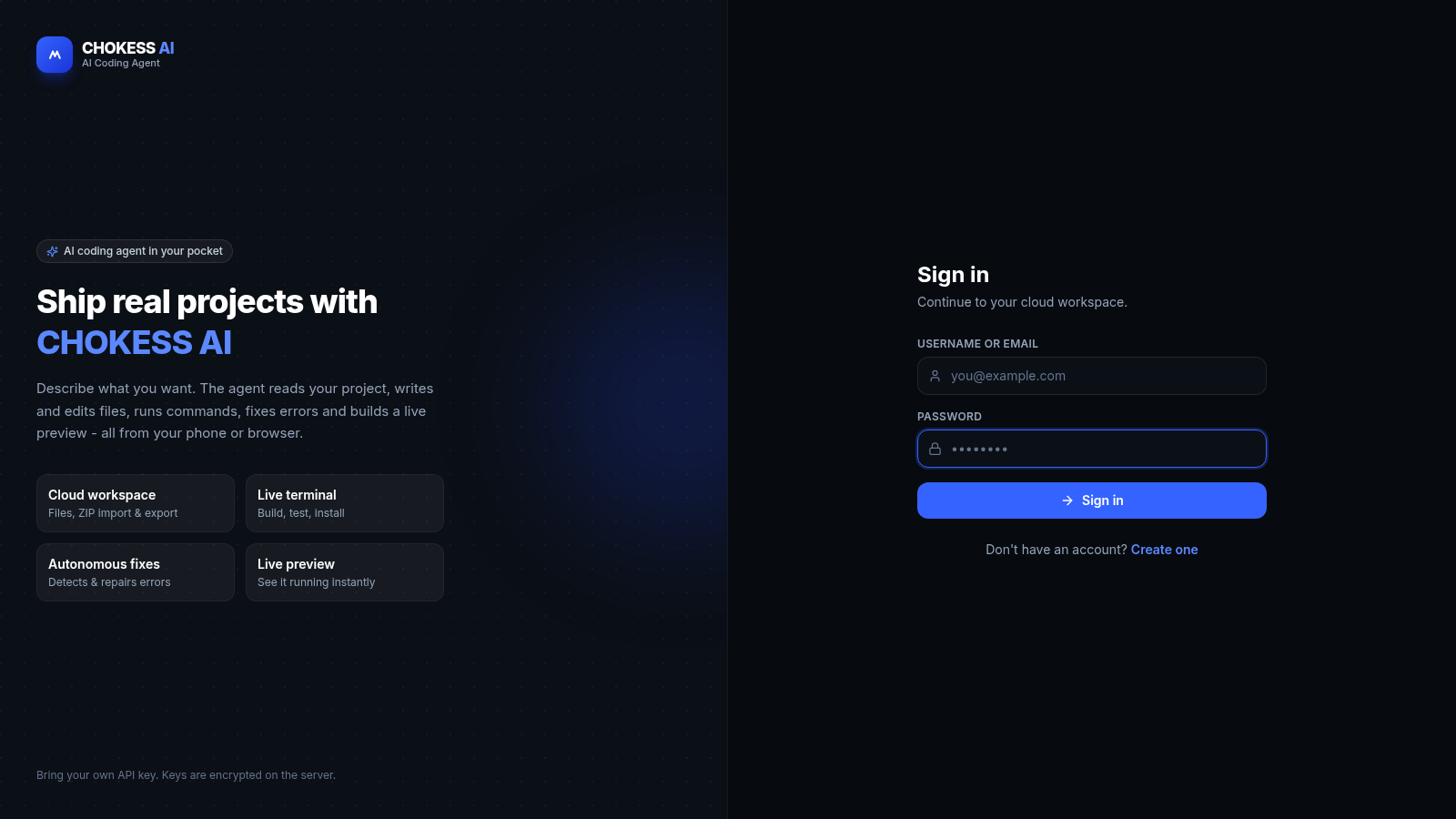
14CHOKESS AI
Browser-based AI coding agent with cloud workspace, terminal and live preview
 5
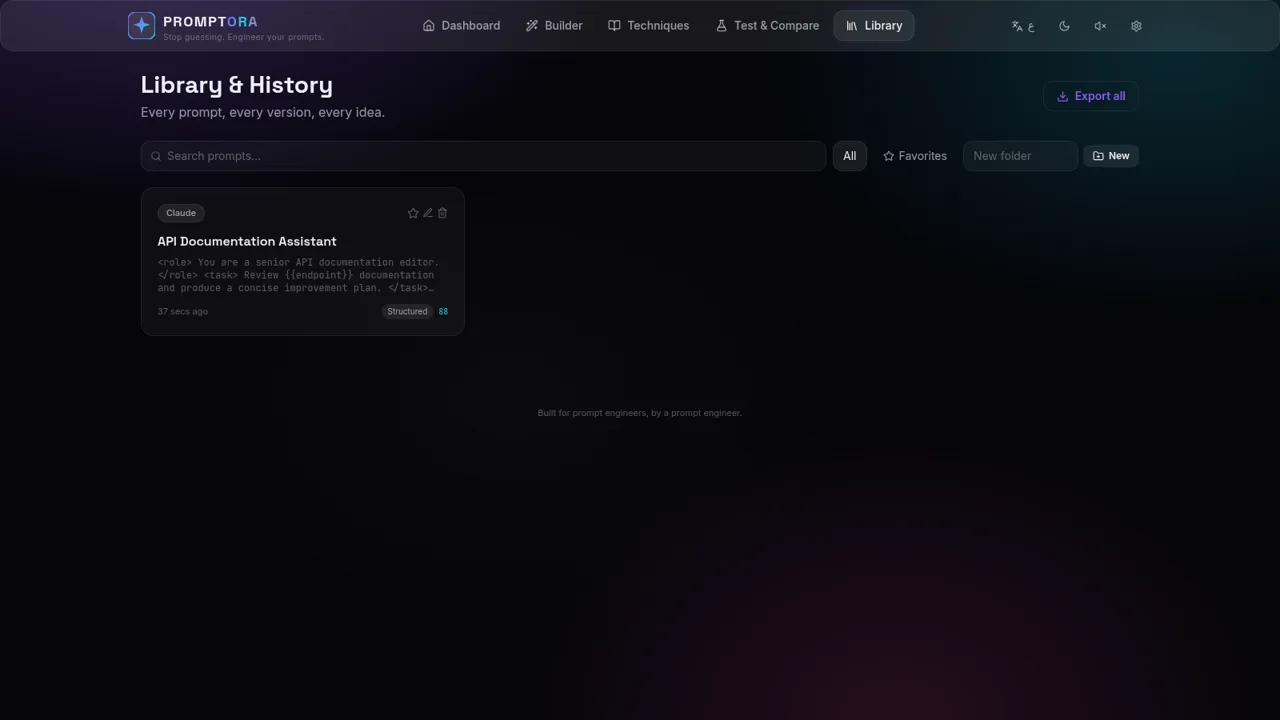
5PROMPTORA
Build, refine, test, and manage advanced AI prompts in a guided studio.
 4
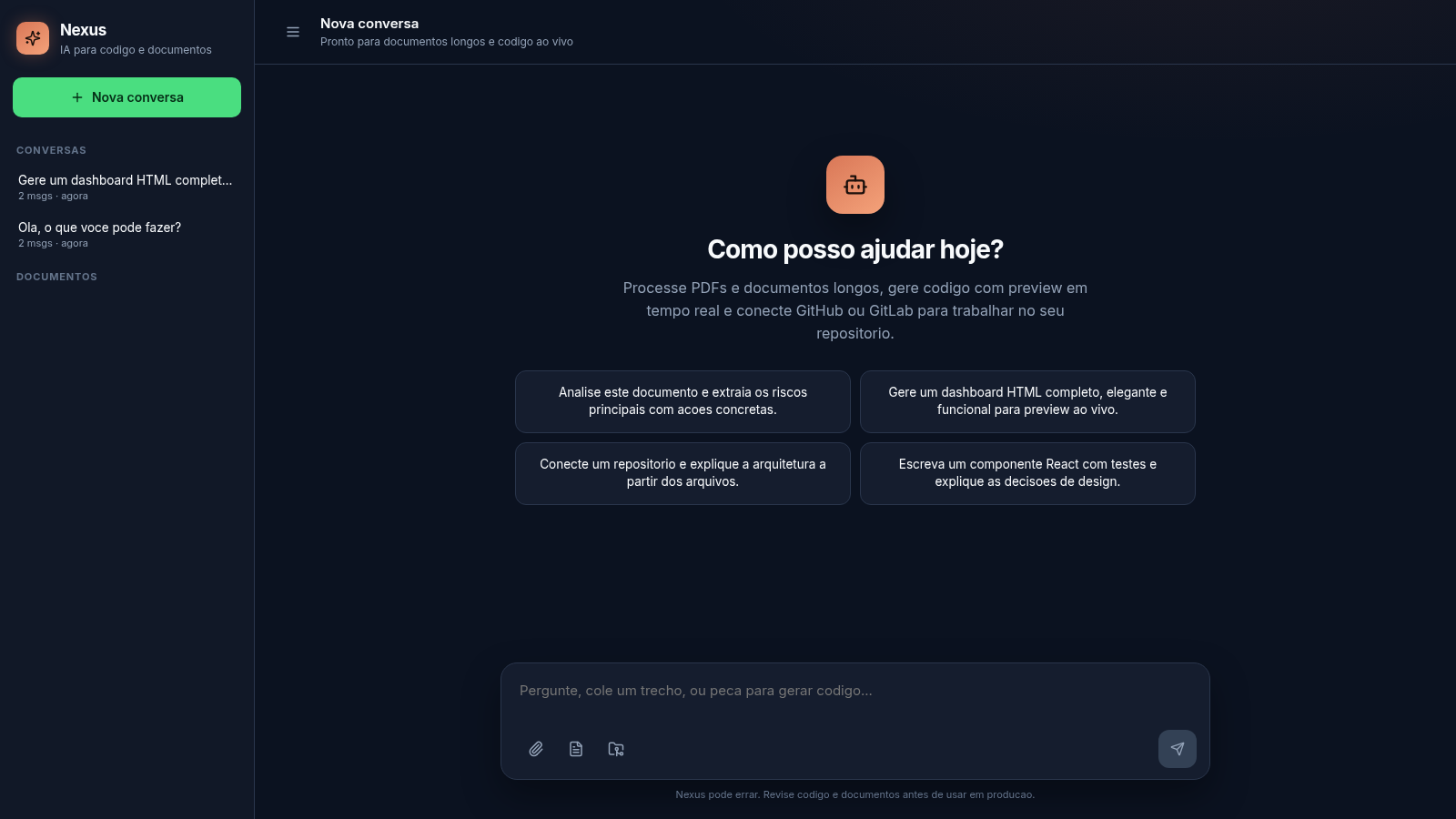
4Nexus
AI chat for long documents, live code preview, and Git repos
 2
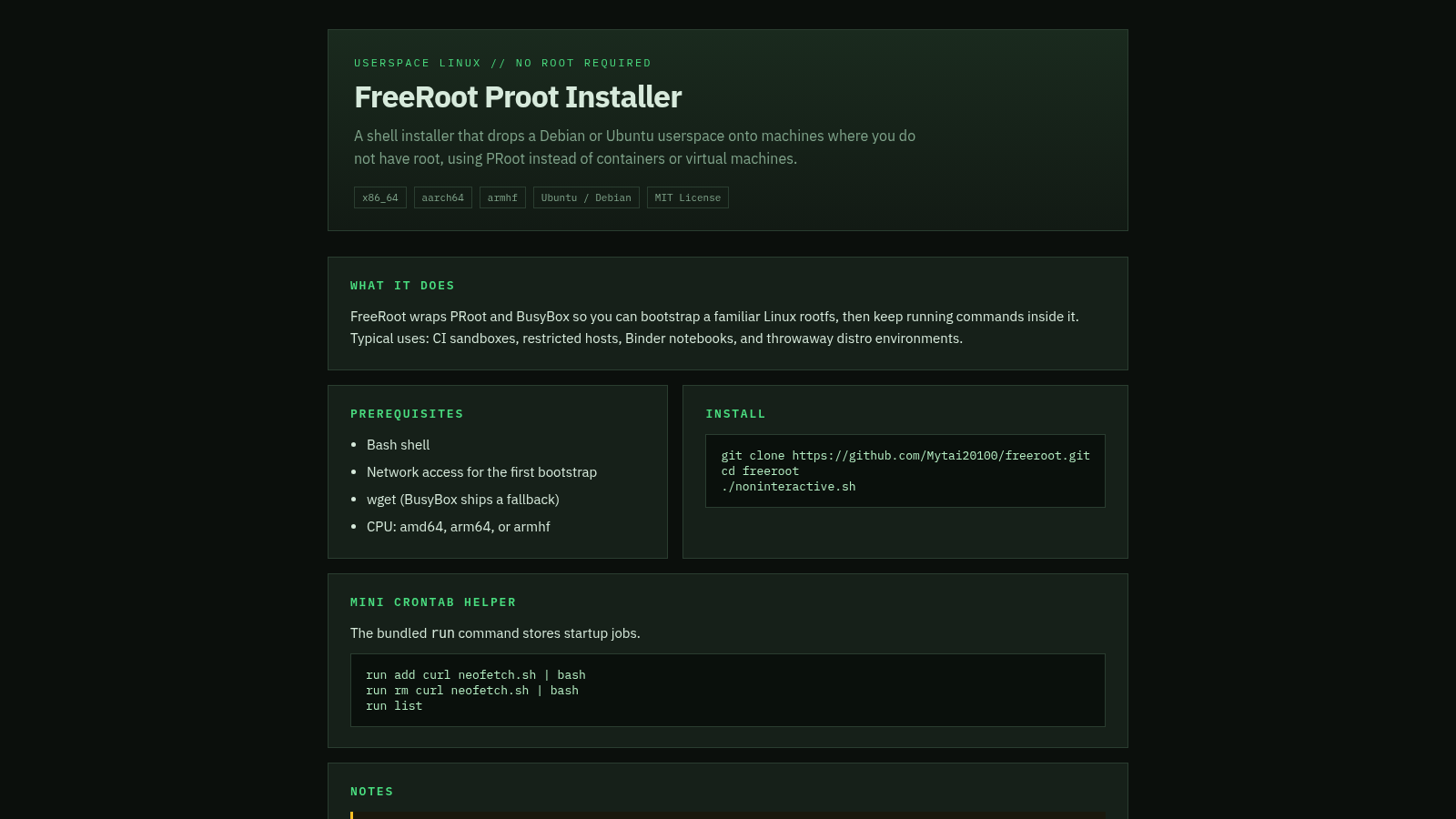
2FreeRoot Proot Installer
A lightweight Proot installer that boots a Debian or Ubuntu userspace without root, VMs, or kernel modules.
 2
2FreeLLMAPI
OpenAI-compatible gateway for 34 free LLM providers and 635 model endpoints.
 81
81MonkeyCode AI Workspaces
AI coding workspaces for engineering teams