
Nexus Chat
A polished ChatGPT-style AI chat console with templates, models and billing
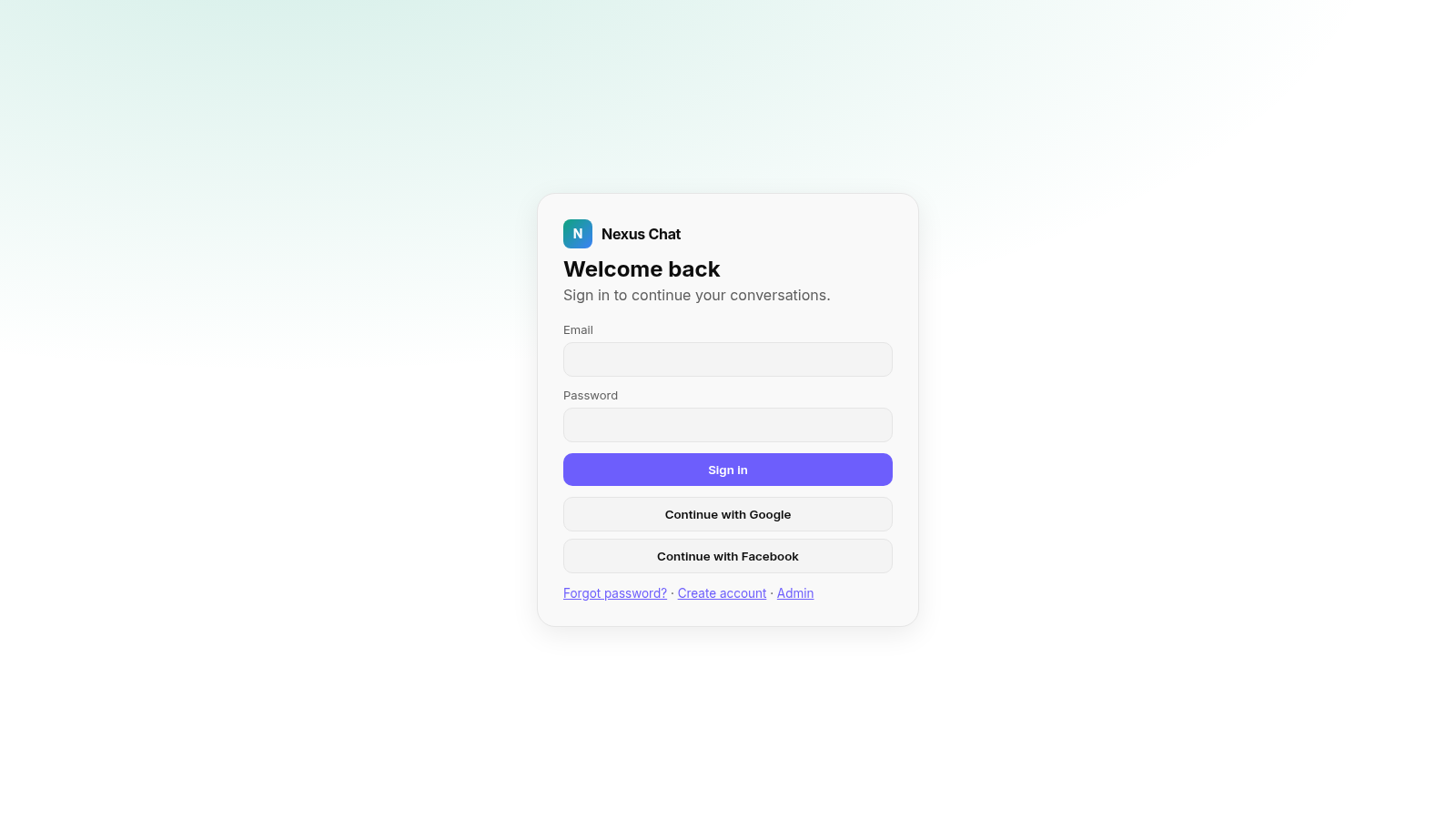
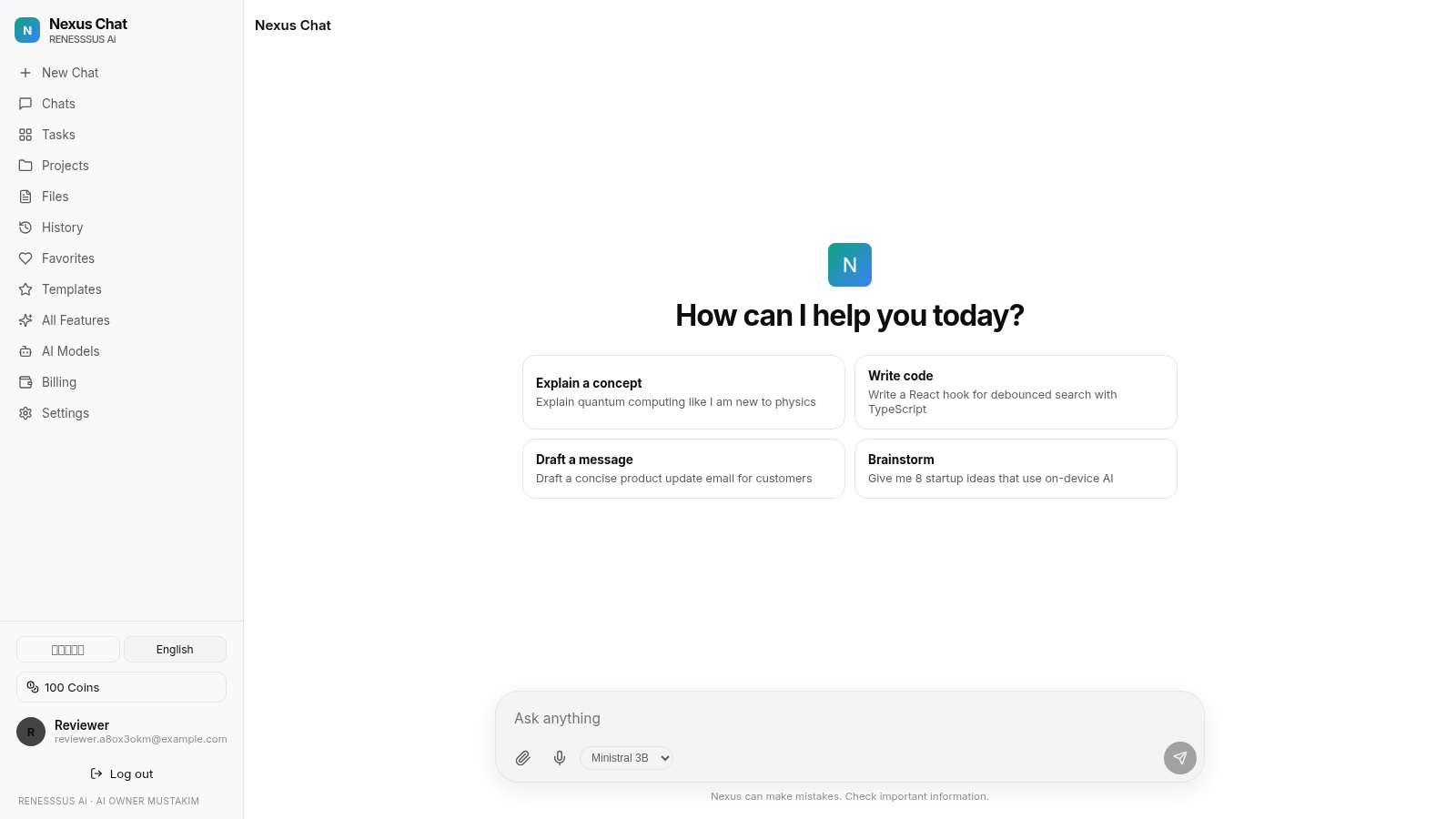
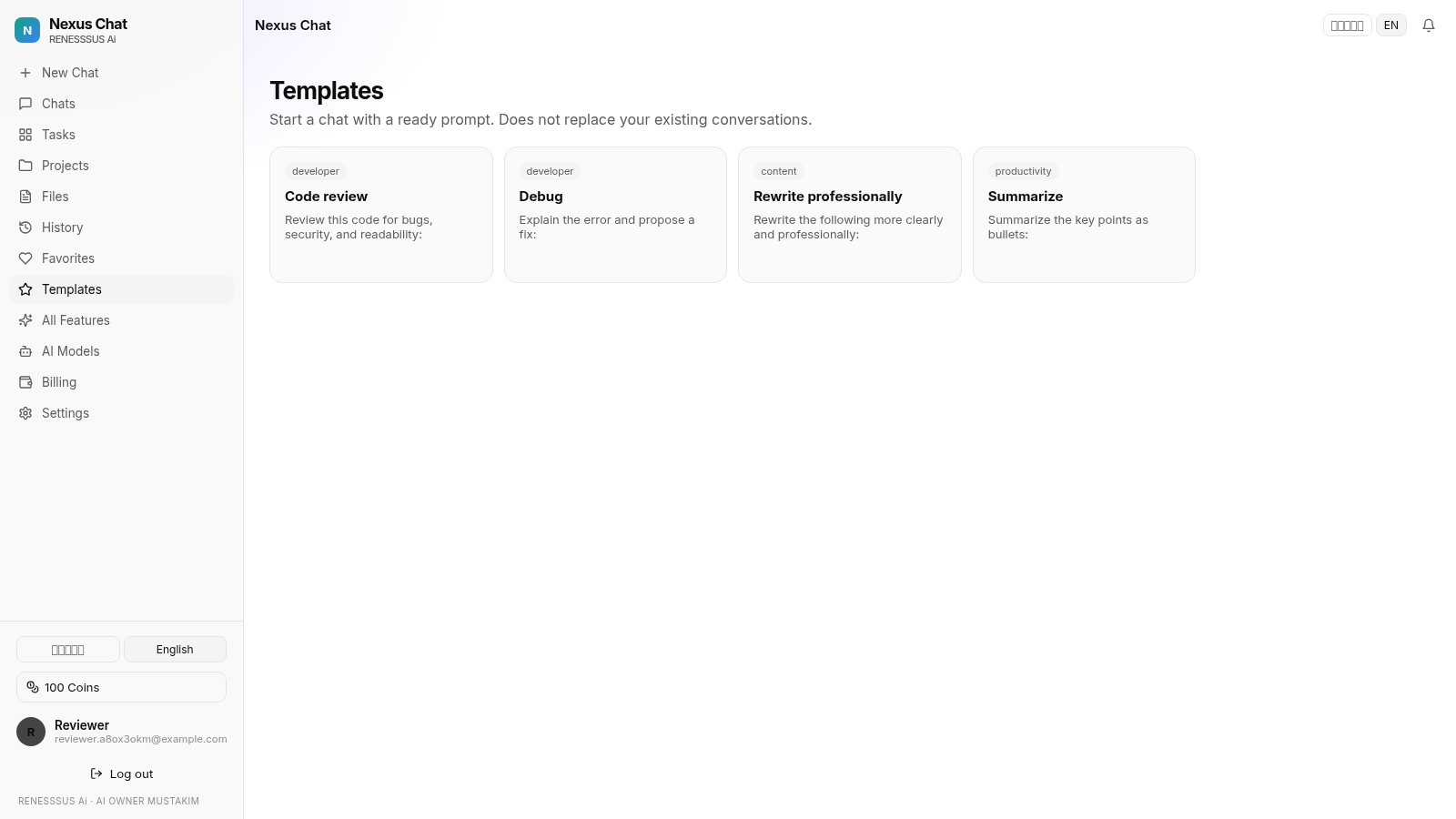
Nexus Chat is a browser-based AI chat platform that follows the ChatGPT layout. A visitor signs up with an email address and lands in a console with a left sidebar for New Chat, Chats, Tasks, Projects, Files, History, Favorites, Templates, All Features, AI Models, Billing and Settings. The home screen offers four suggestion cards and a composer with attachment, voice input and a model selector. Templates launch ready-made prompts, the models screen lists Ministral 3B and Muse Spark, the billing screen tracks coins with a manual payment form, and the All Features page groups around seventeen tool cards for chat, coding, writing, translation, summarization and document or image analysis. On the reviewed deployment the server is missing an AI API key, so sending a message saves the conversation but does not produce a model reply.
Highlights
Chat console UI
Familiar chat layout
Prompt templates
Quick prompt ideas
Two AI models
Ministral and Muse
Coin billing
Plans and coins
Feature gallery
Coding and writing
Saved history
Chat history saved
How to Use
Create an account
Open the site and use the Create account link on the sign-in card. Enter a name, an email address and a password twice, then submit. Registration completes immediately and takes you to the chat console, where the sidebar shows the new account and a starting balance of coins.
Start a conversation
From the home console, type a question into the composer at the bottom or click one of the four suggestion cards to fill it in. Choose a model from the dropdown, then press the round send button. The conversation is created and listed under Chats and History with a timestamp, but on the reviewed deployment the reply step reports that no AI key is set on the server.
Use templates and tools
Open Templates in the sidebar to start a chat from a ready prompt such as Code review, Debug, Rewrite professionally or Summarize. The All Features page lists the wider tool set, covering chat, coding, writing, translation, summarization and image, document or PDF analysis, and marks which tools are ready and which are not connected.
Manage chats and billing
Chats, History and Favorites collect conversations for later, while Projects, Tasks and Files organize related work. Billing shows the coin balance, the daily free grant and a manual payment form with plan choices and a payment history table. Settings and the language toggle sit at the bottom of the sidebar.
Similar Sites
 88
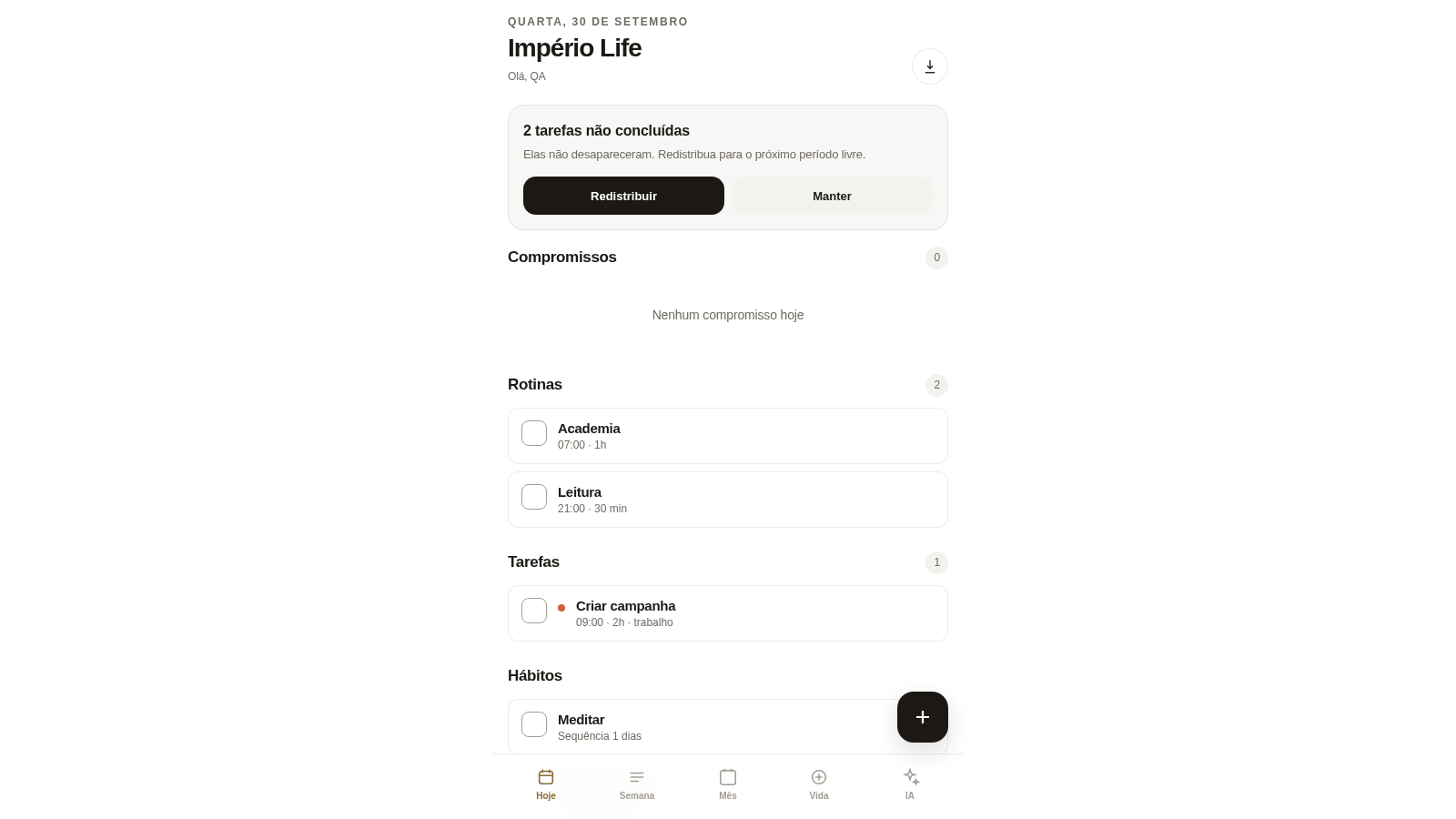
88Império Life
Organização pessoal: tarefas, rotinas e planejamento semanal.
 5
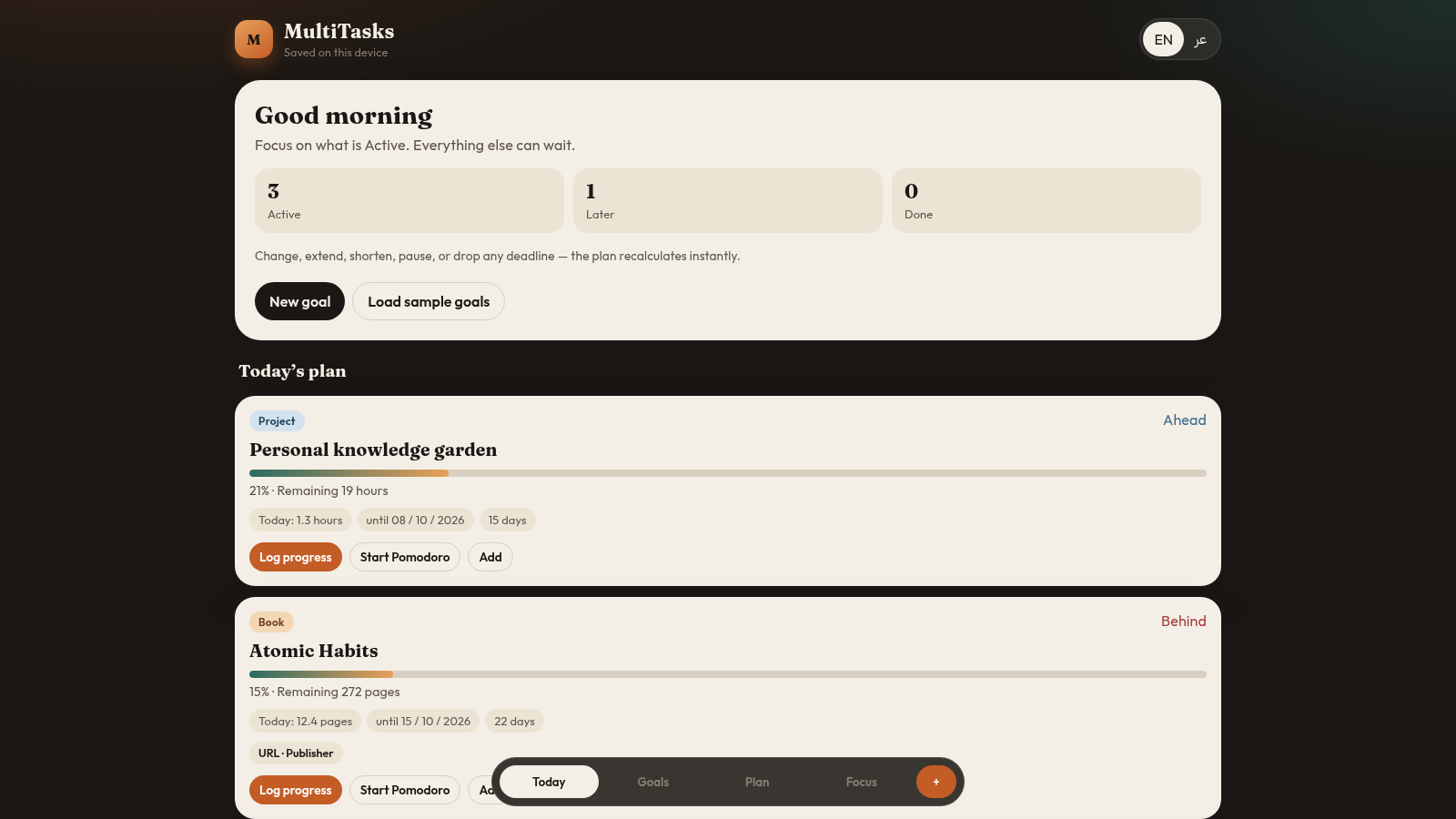
5MultiTasks
Flexible bilingual planner for books, courses, skills, and projects.
 4
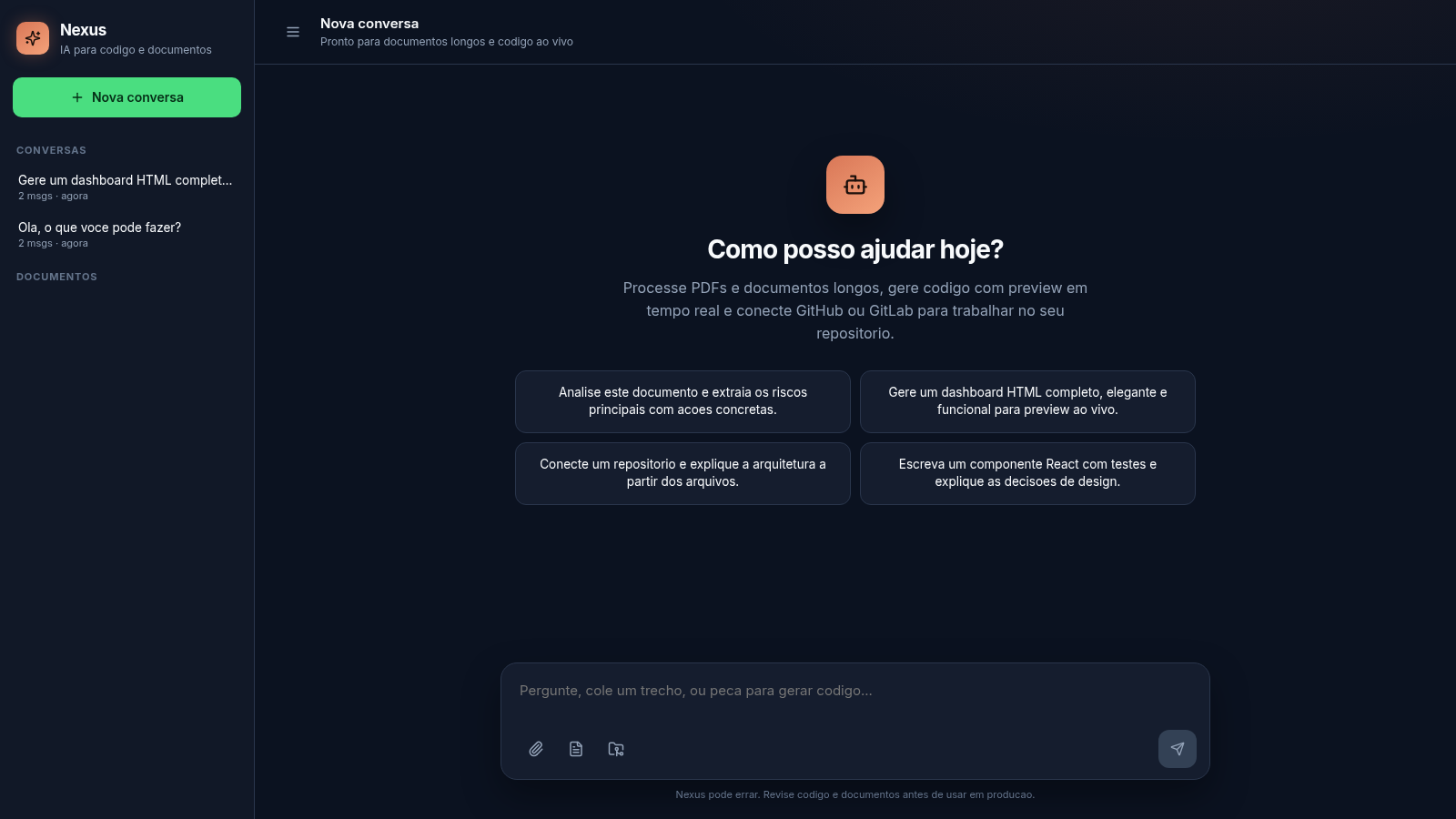
4Nexus
AI chat for long documents, live code preview, and Git repos
 81
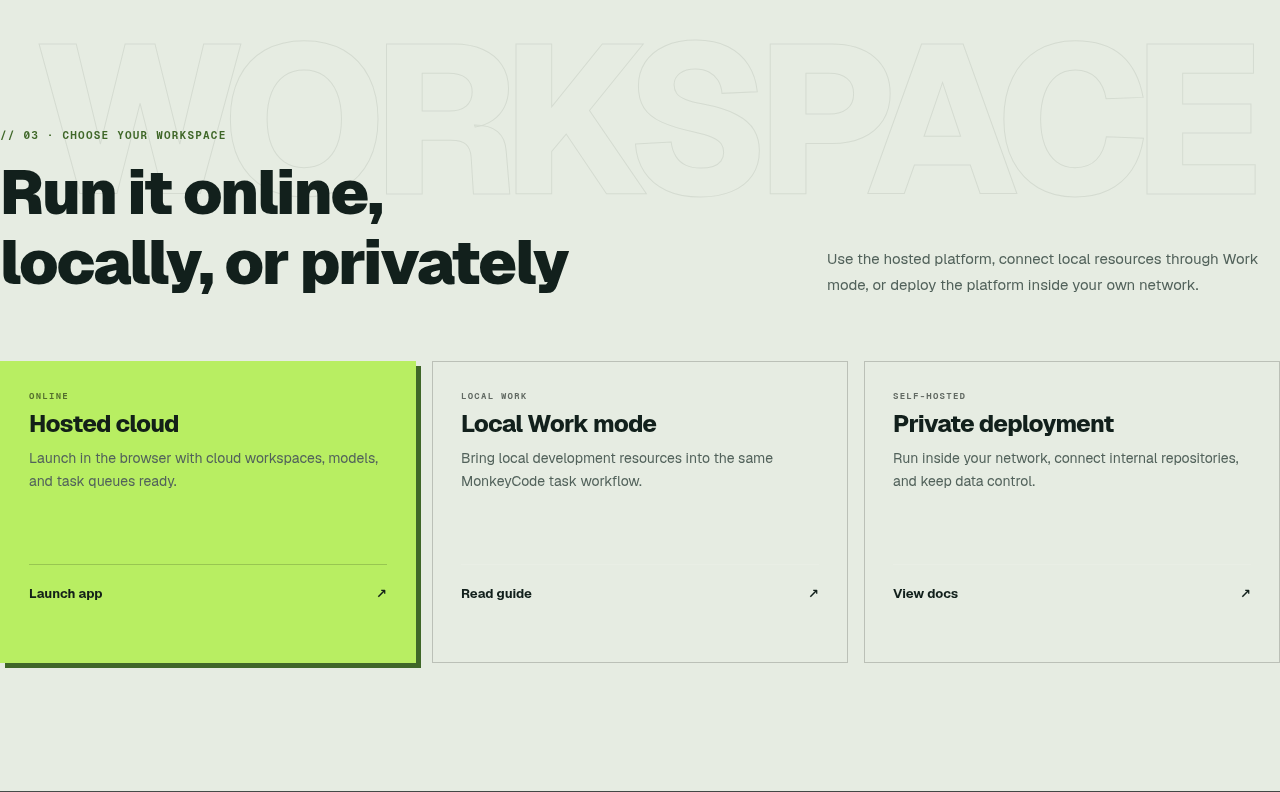
81MonkeyCode AI Workspaces
AI coding workspaces for engineering teams
 23
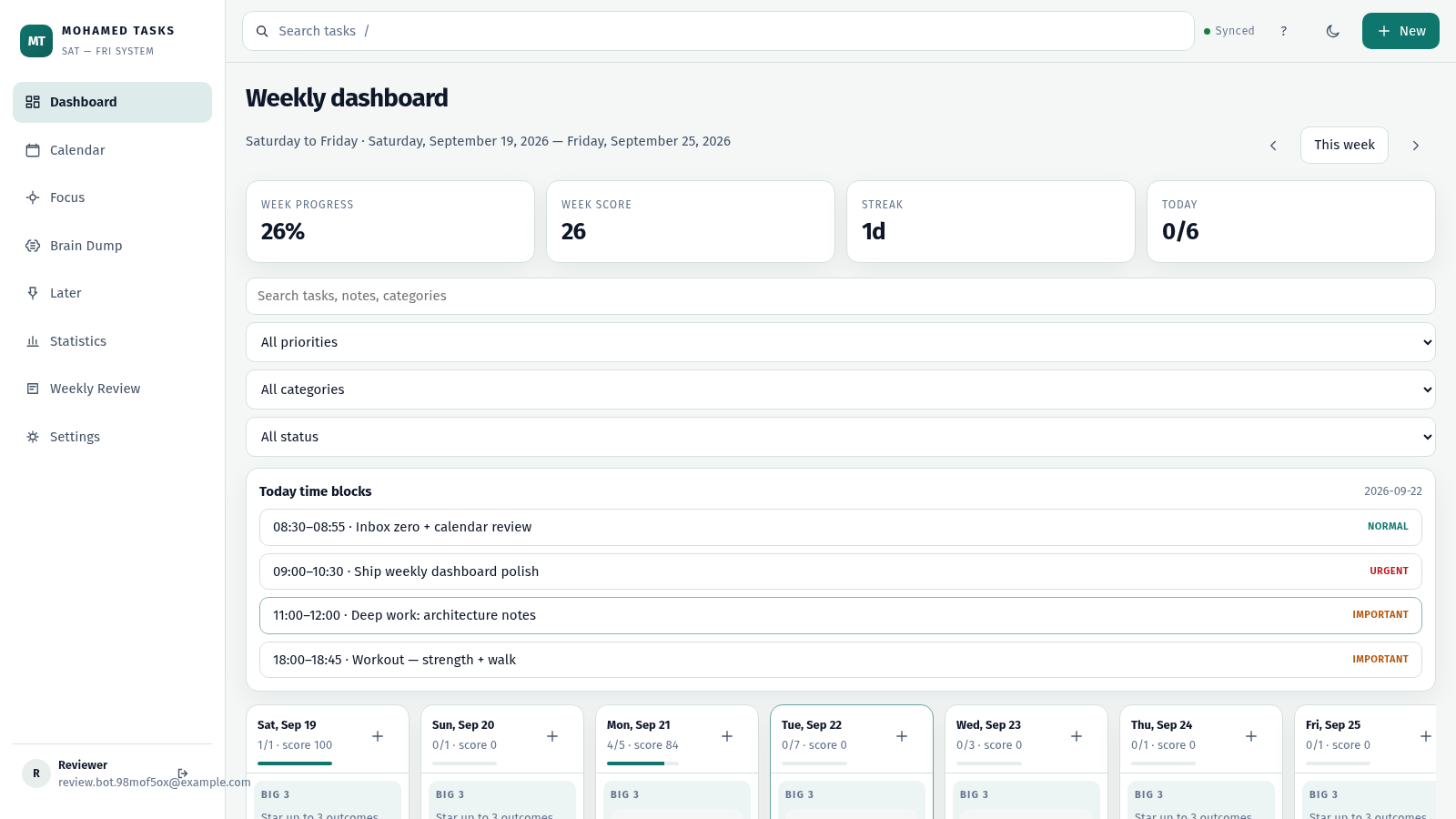
23MOHAMED TASKS
Weekly productivity dashboard with cloud sync, Big 3, and focus mode.
 19
19Astro Vikas Batra Online
Lal Kitab Jyotish: Kundli, Nakshatra, Dasha, Panchang, Gochar & Consultation