
QA Evidence Engine
A short, evidence-first brief for a local Live-versus-Staging regression CLI.
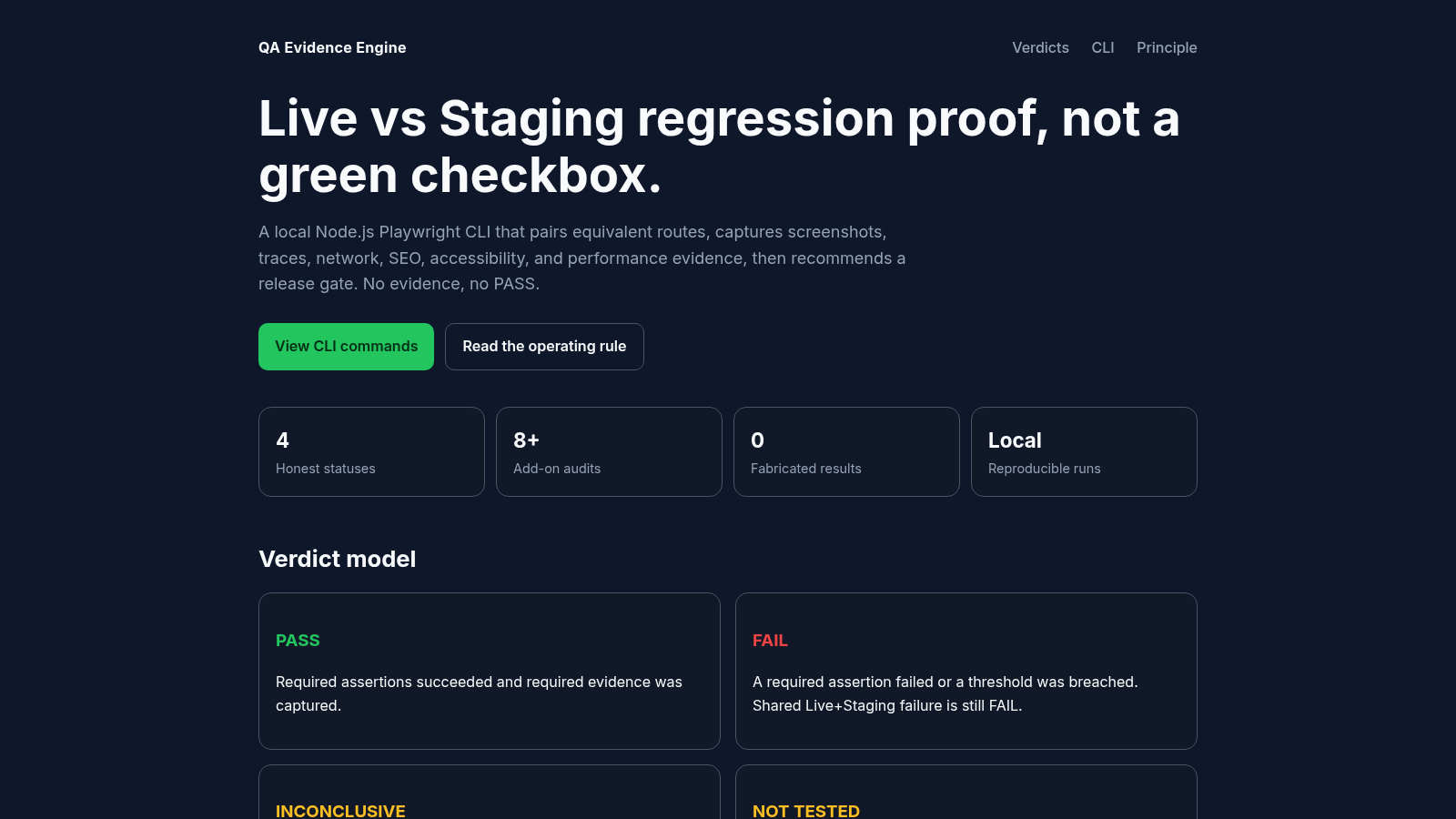
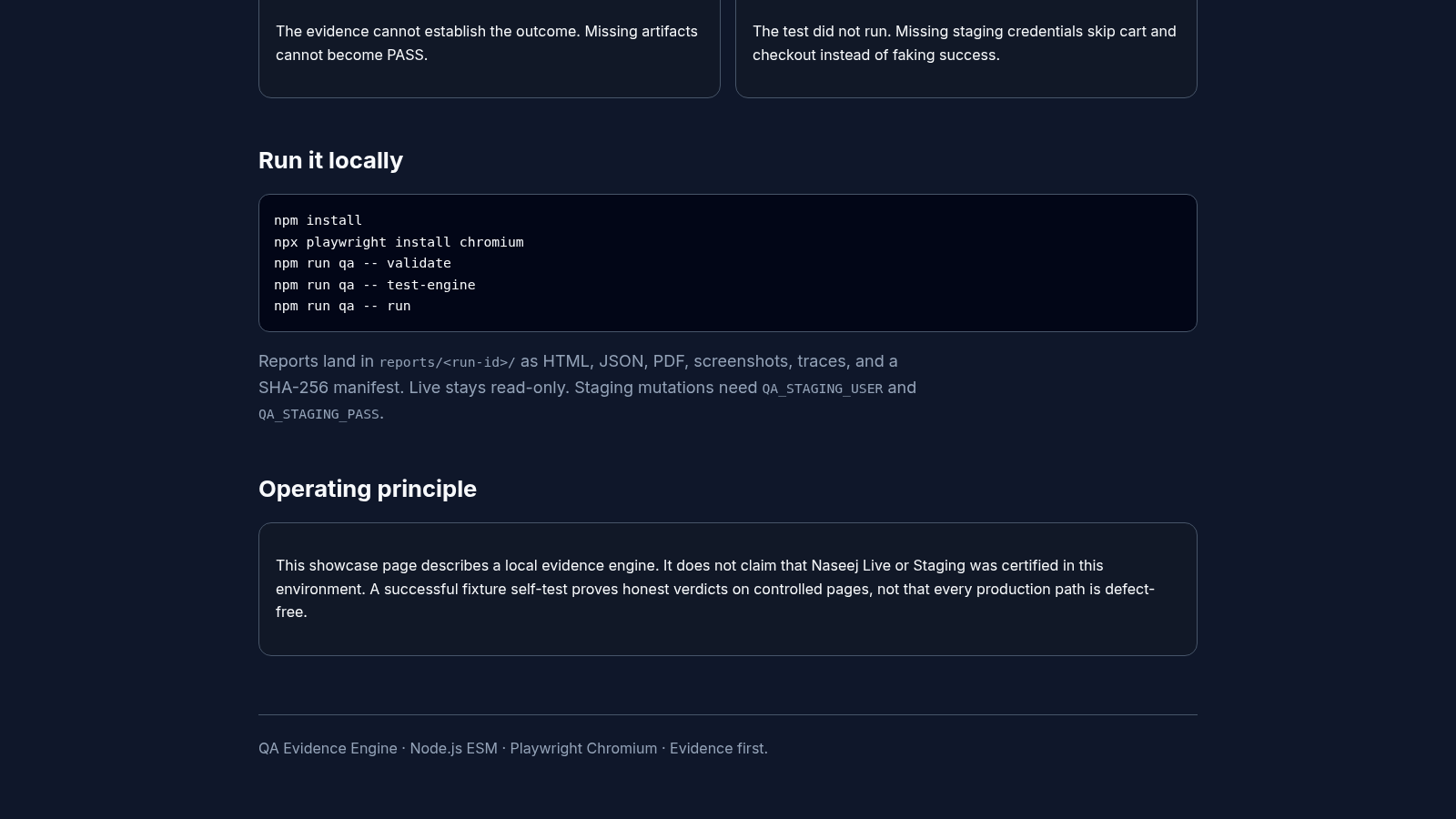
QA Evidence Engine is a single landing page that describes a local Node.js and Playwright command line tool for comparing a Live site with Staging. The page opens with a statement that the tool produces regression proof rather than a green checkbox. It then lists four product metrics, explains four release verdicts (PASS, FAIL, INCONCLUSIVE and NOT TESTED), shows the npm command sequence used to validate and run the engine, and describes the report bundle written to reports/<run-id>/ as HTML, JSON, PDF, screenshots, traces and a SHA-256 manifest. A closing section states what the page does and does not claim about the referenced environments. The page is descriptive only, with anchor navigation and no linked repository, package or live demo.
Highlights
Four honest verdicts
Four named outcomes
Evidence-first gates
No evidence, no PASS
Local-only runs
Runs on your machine
Release gate advice
Recommends a gate
Artifact bundle
HTML, JSON, PDF
Read-only Live
Live stays untouched
How to Use
Start with the positioning
Open the page and read the top block, which states that the CLI pairs equivalent Live and Staging routes, captures screenshots, traces, network, SEO, accessibility and performance evidence, and then recommends a release gate. The four cards below the buttons summarise the product as four honest statuses, eight or more add-on audits, zero fabricated results and local reproducible runs.
Study the verdict model
Scroll to the Verdict model section and read the four cards in order. PASS requires successful assertions and captured evidence, FAIL covers a failed assertion or a breached threshold, INCONCLUSIVE means the evidence cannot establish an outcome, and NOT TESTED means the test never ran. The cards also note that a failure shared by Live and Staging remains a FAIL and that missing staging credentials skip cart and checkout rather than faking success.
Review the run sequence
The Run it locally section shows five commands in a code block: npm install, npx playwright install chromium, and three npm run qa calls for validate, test-engine and run. The paragraph underneath explains that output lands in reports/<run-id>/ as HTML, JSON, PDF, screenshots, traces and a SHA-256 manifest, that Live remains read-only, and that staging mutations require QA_STAGING_USER and QA_STAGING_PASS.
Read the scope caveat
Finish with the Operating principle section, which states that the page describes a local evidence engine and does not claim the named Live or Staging environments were certified here. It adds that a passing fixture self-test proves honest verdicts on controlled pages, not that every production path is defect-free. The footer repeats the stack and the evidence-first tagline.
Similar Sites
 81
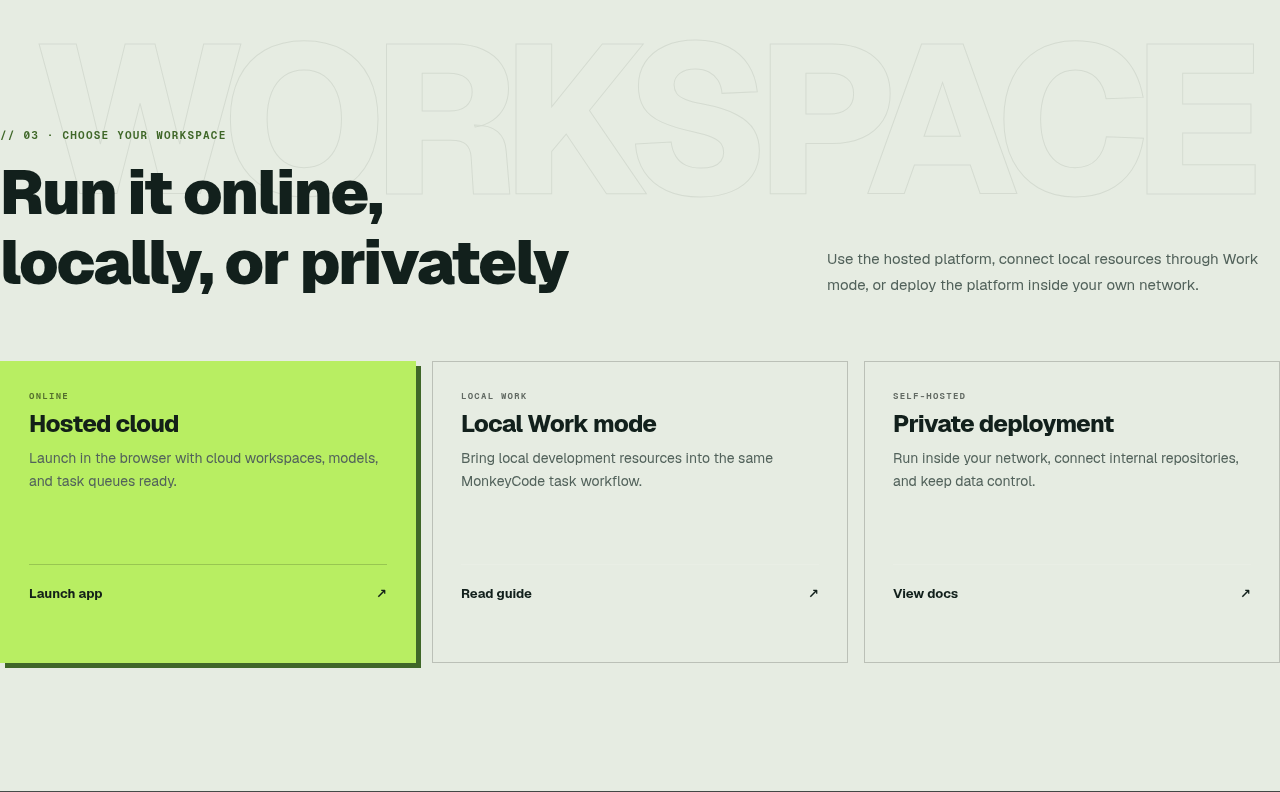
81MonkeyCode AI Workspaces
AI coding workspaces for engineering teams
 5
5ScheduleChat Route Engine
Lightweight HTTP maritime routing API for ScheduleChat, backed by searoute-ts
 5
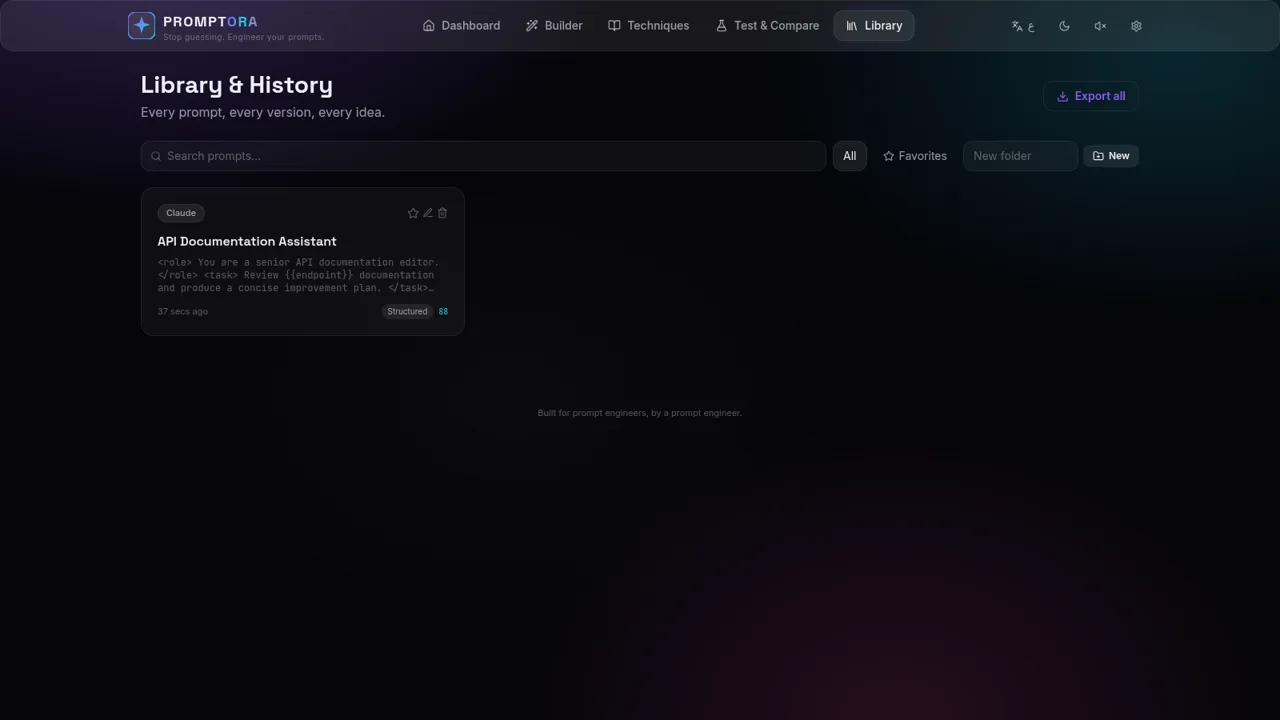
5PROMPTORA
Build, refine, test, and manage advanced AI prompts in a guided studio.
 45
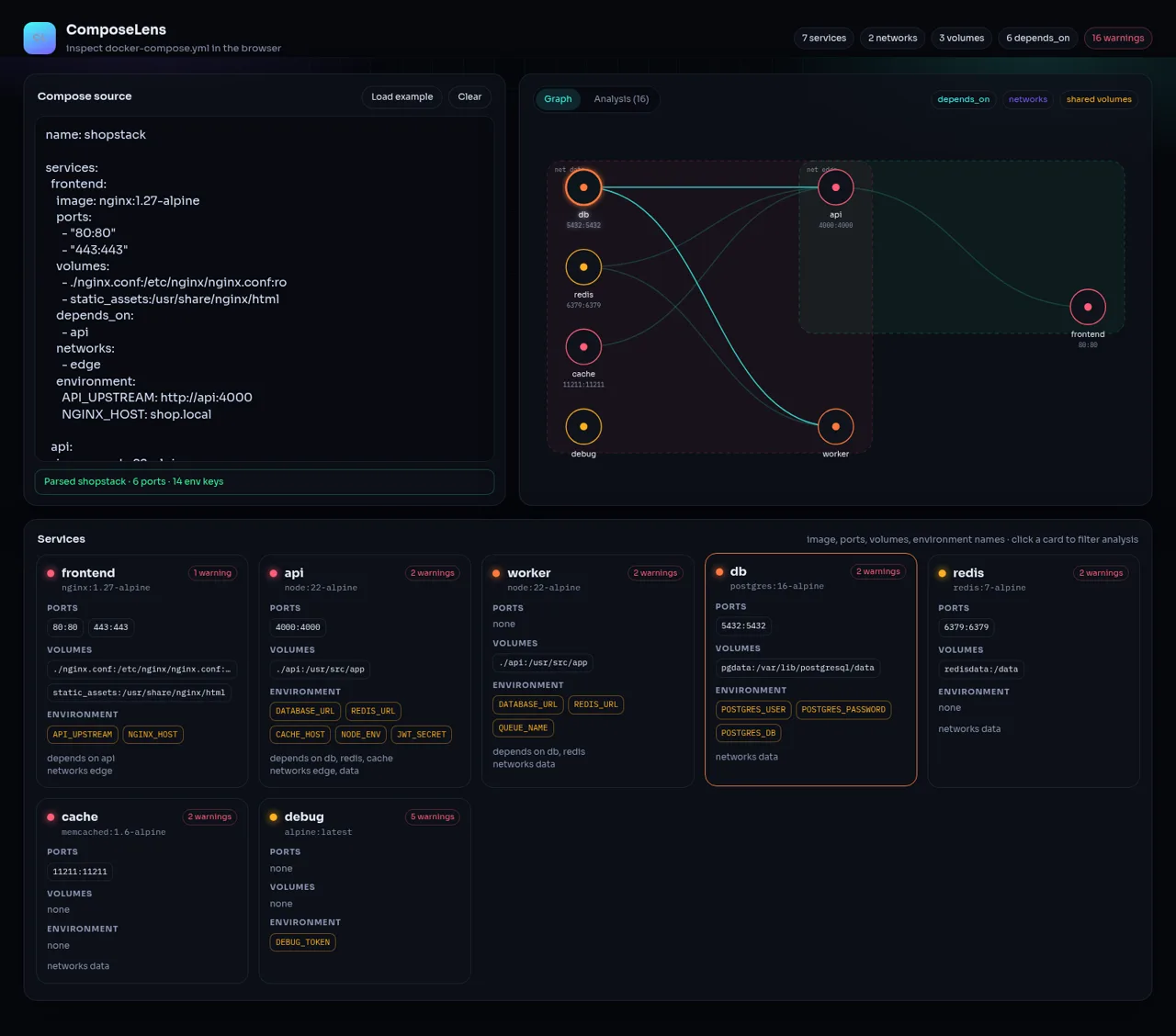
45ComposeLens
Visual Docker Compose inspector with graphs and security warnings
 24
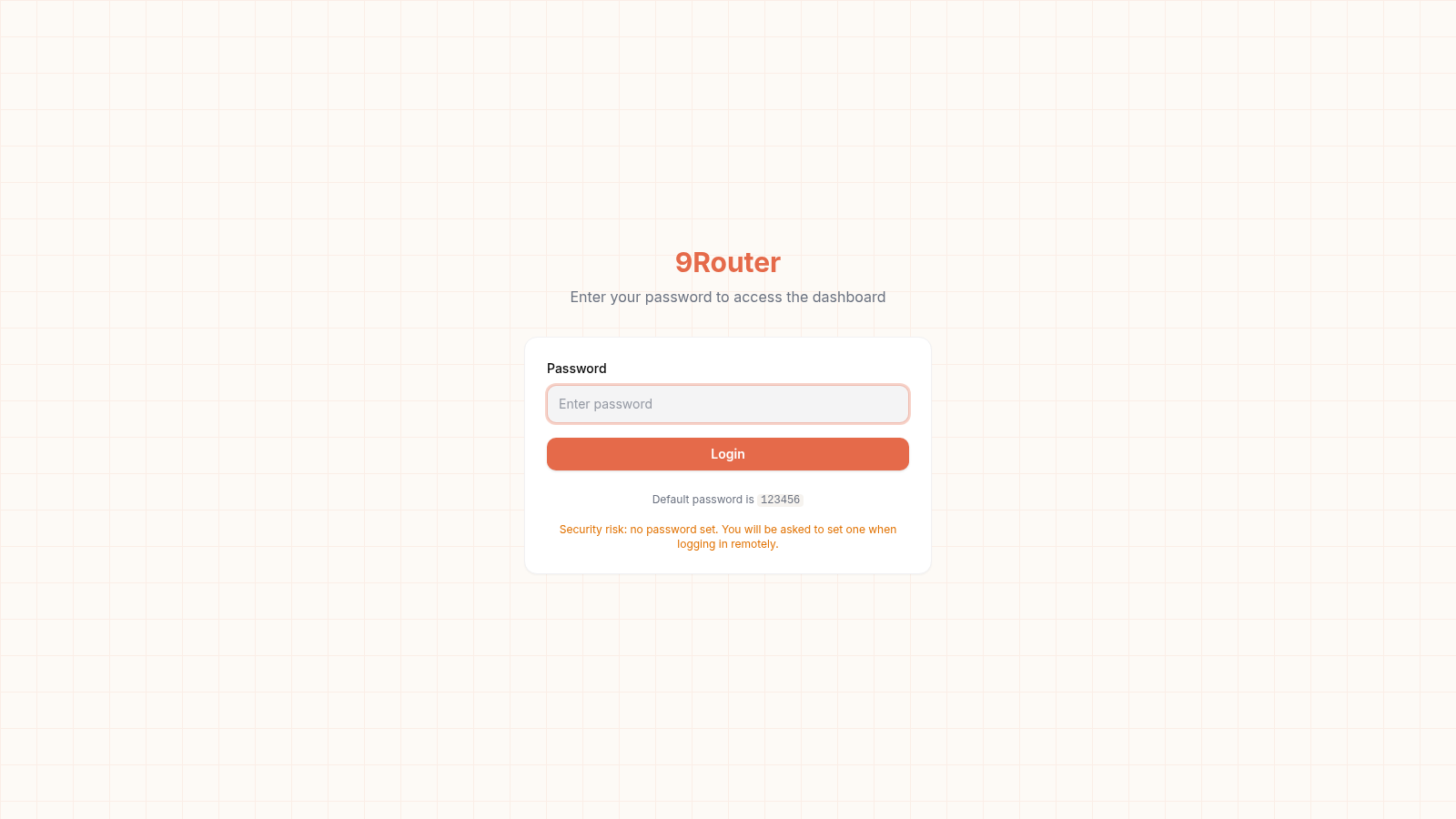
249Router - AI Router
FREE AI coding router with auto-fallback, RTK token saving, 40+ providers
 23
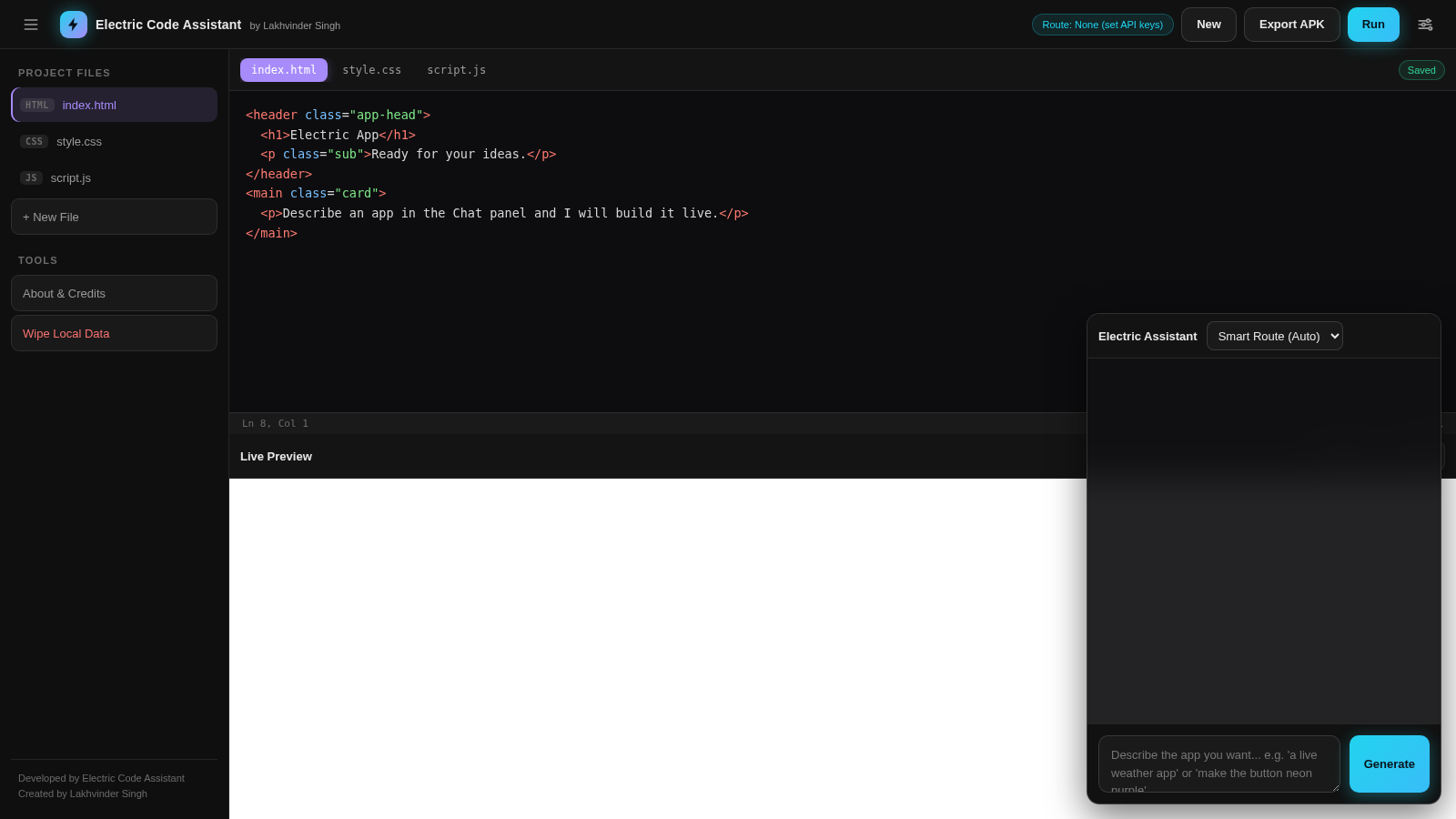
23Electric Code Assistant
Ultra-lightweight AI web IDE: build apps with AI, live preview, APK export