
PROMPTORA
Build structured AI prompts, compile them live, and carry tested ideas from draft to reusable library.
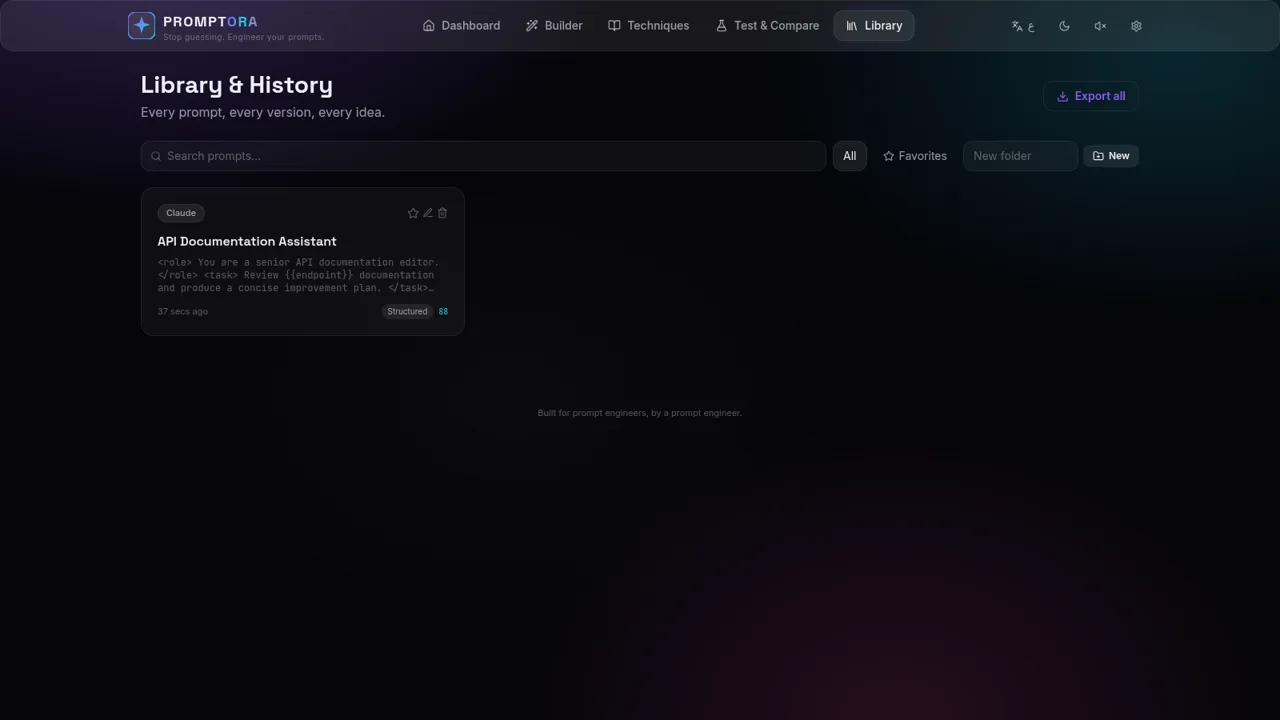
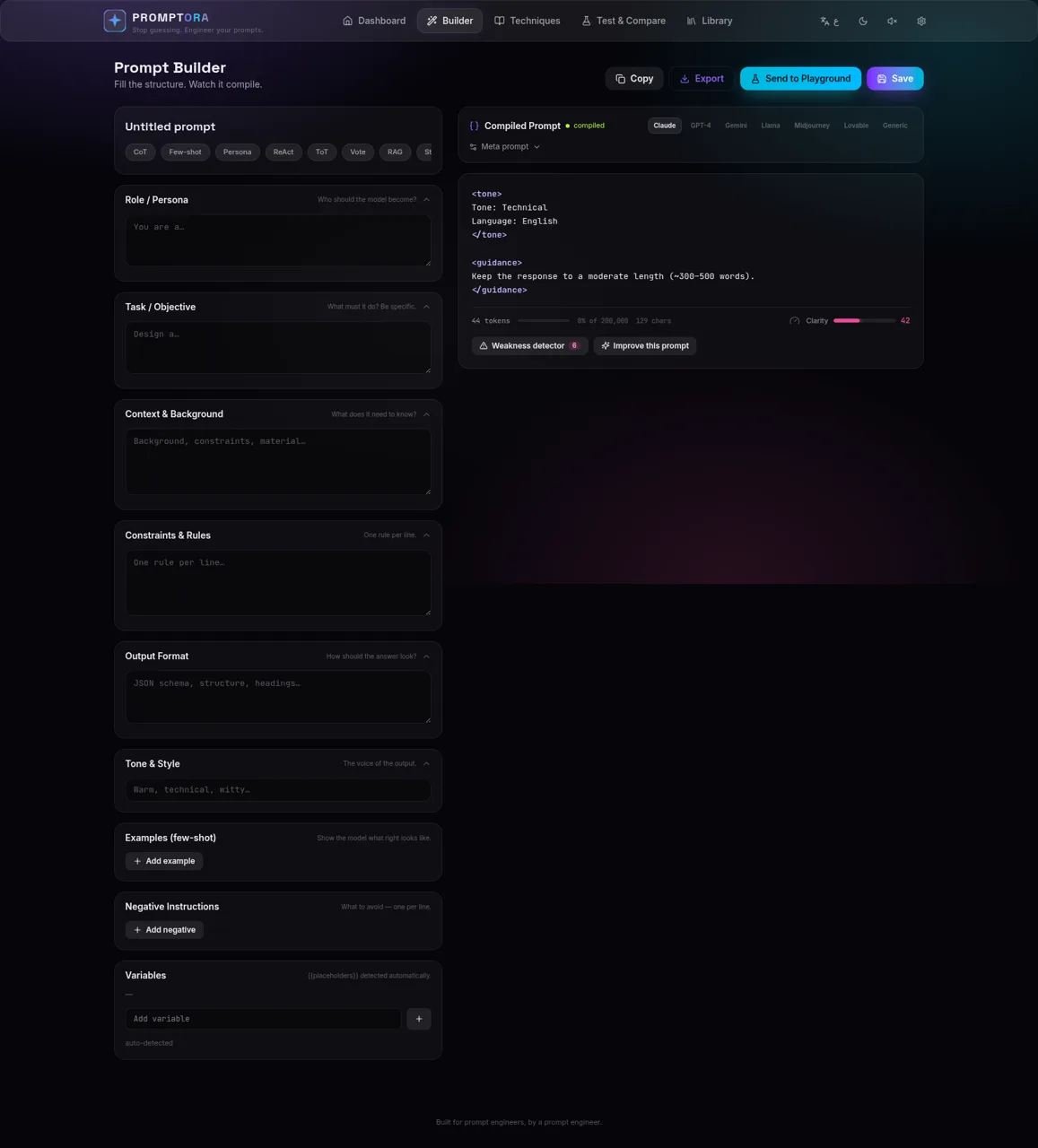
PROMPTORA is a browser-based prompt engineering workspace. Its guided builder separates a prompt into role, objective, context, constraints, output format, tone, examples, negative instructions, and variables, then compiles those parts into a model-ready prompt in real time. Users can apply established prompting techniques, choose a target model style, inspect token and character estimates, review a clarity score and weakness count, save versions to a personal library, and send the same prompt into an A/B comparison workspace. Live model runs support Anthropic, OpenAI, and Gemini selections and require the user to add an API key in Settings.
Highlights
Guided Builder
Structured prompt fields
Live Compiler
Instant compiled preview
Technique Library
Ten methods to apply
Quality Signals
Clarity and weakness checks
A/B Testing
Compare two model runs
Saved History
Prompts and versions persist
How to Use
Start from a template or blank prompt
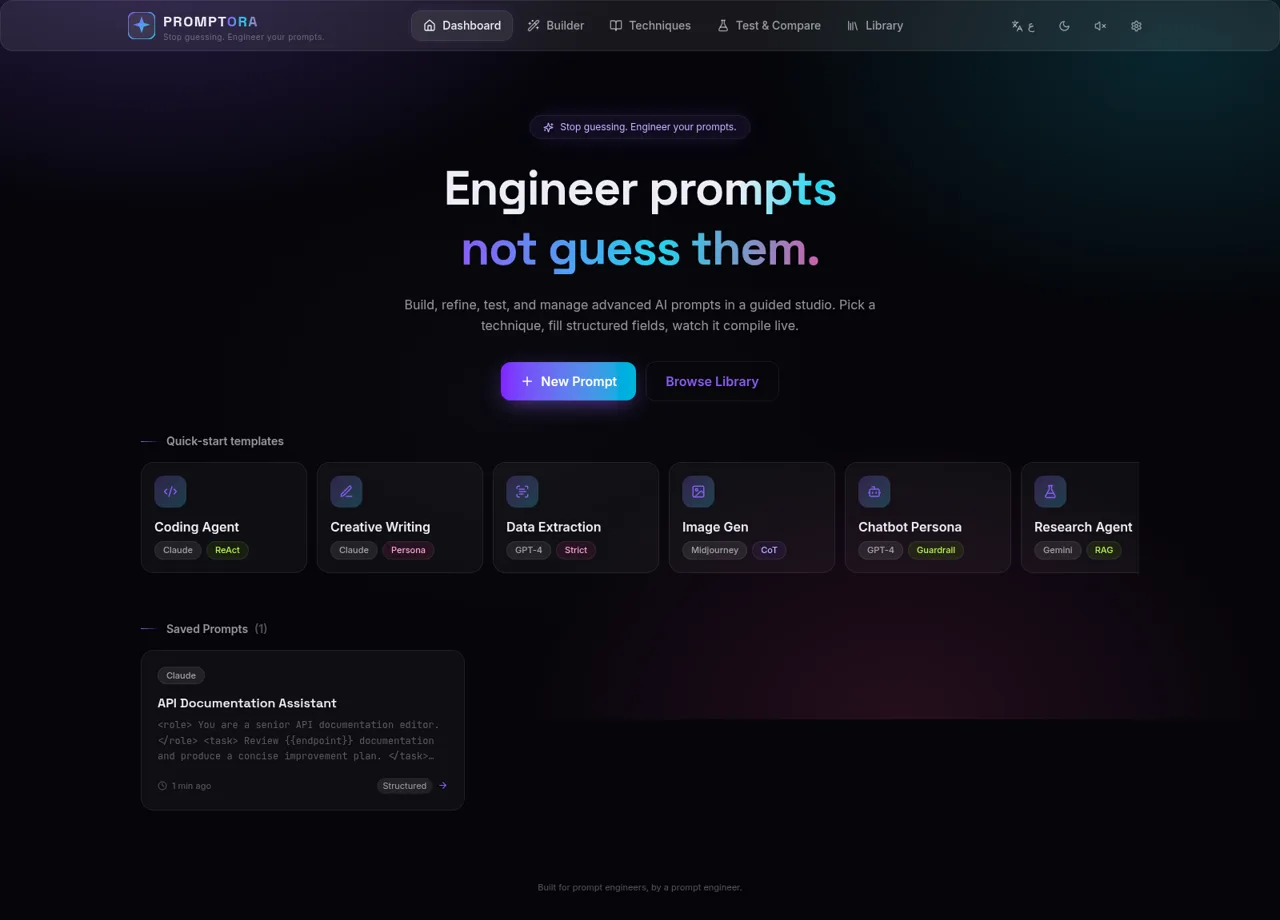
Open the dashboard and choose a quick-start template such as Coding Agent, Data Extraction, or Research Agent, or select New Prompt to begin with an empty builder.
Describe the prompt structure
Fill in the role, task, context, constraints, required format, and tone. Add examples or negative instructions when needed. Placeholders written with double braces are detected automatically and listed as run-time variables.
Review the compiled result
Watch the right-hand panel update as fields change. Select a target such as Claude, GPT-4, Gemini, Llama, Midjourney, Lovable, or Generic, then check the compiled text, token estimate, character count, clarity score, and detected weaknesses.
Apply a prompting technique
Choose a method in the builder or open the Techniques page to review Chain-of-Thought, Few-shot, Persona, ReAct, Tree-of-Thought, Self-consistency, Retrieval Context, Structured Output, Guardrails, and Meta-prompting before applying one.
Save and organize the prompt
Give the prompt a descriptive title and select Save. The Library page retains the compiled prompt, model, tags, score, timestamp, and version history in the current browser.
Compare model configurations
Select Send to Playground to place the compiled prompt into both sides of the Test & Compare view. Choose providers and models for each side, add the required API credentials in Settings, and run the versions for side-by-side evaluation.
Similar Sites
 81
81MonkeyCode AI Workspaces
AI coding workspaces for engineering teams
 45
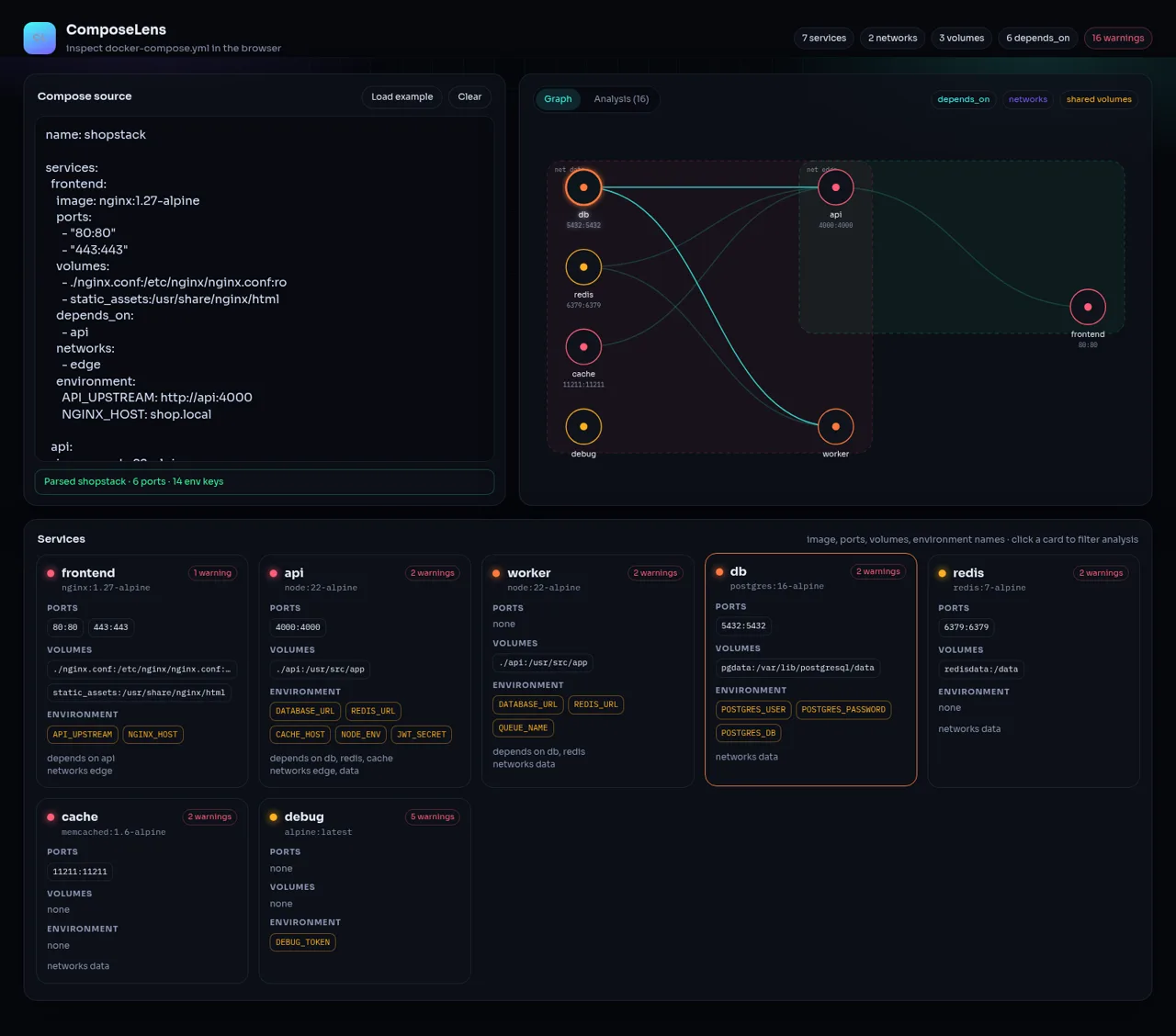
45ComposeLens
Visual Docker Compose inspector with graphs and security warnings
 24
249Router - AI Router
FREE AI coding router with auto-fallback, RTK token saving, 40+ providers
 23
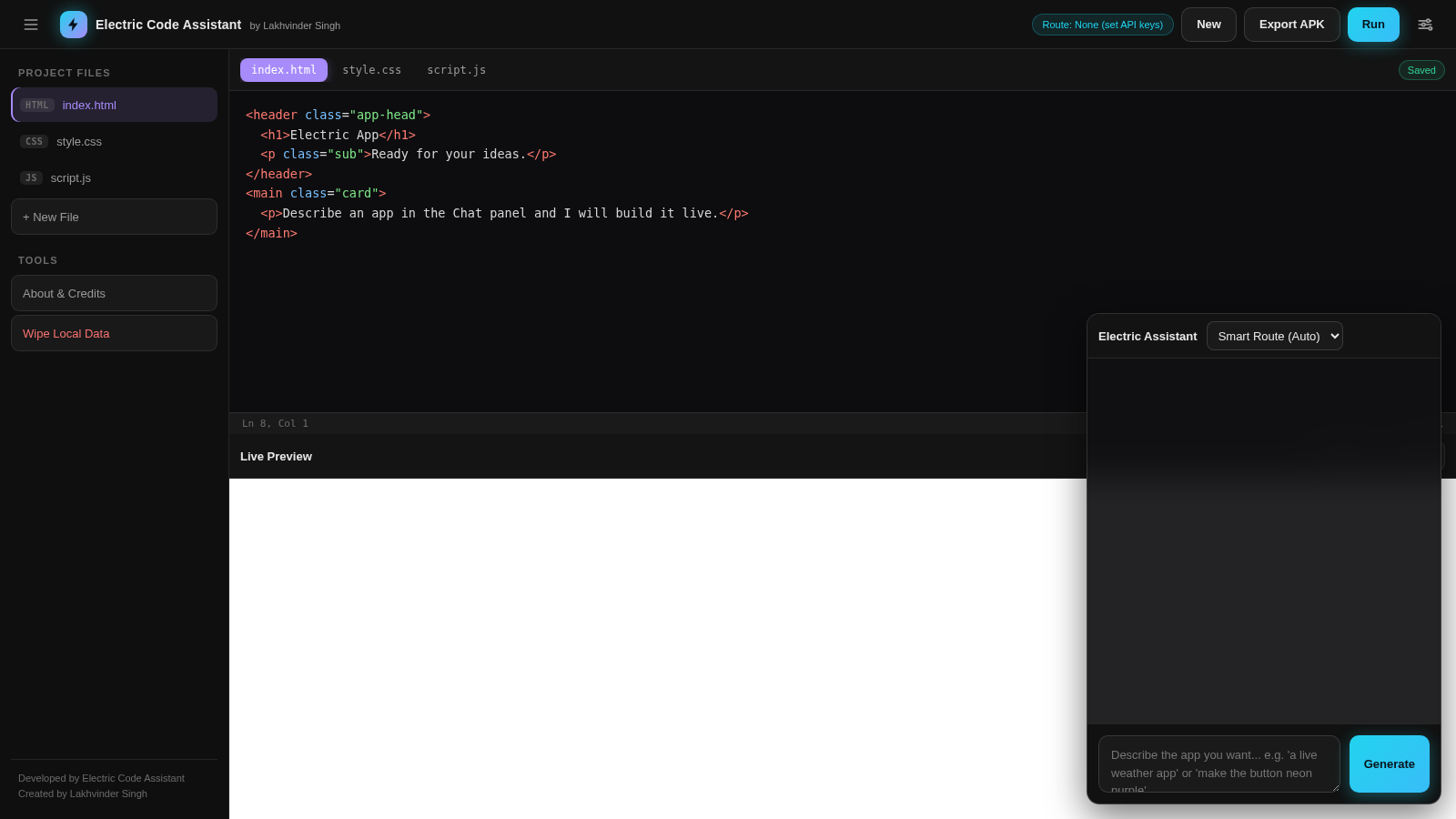
23Electric Code Assistant
Ultra-lightweight AI web IDE: build apps with AI, live preview, APK export
 15
15CYBERWATCH-BD
Unified SOC with local AI triage, gated scans, and Bangladesh cyber tools.
 14
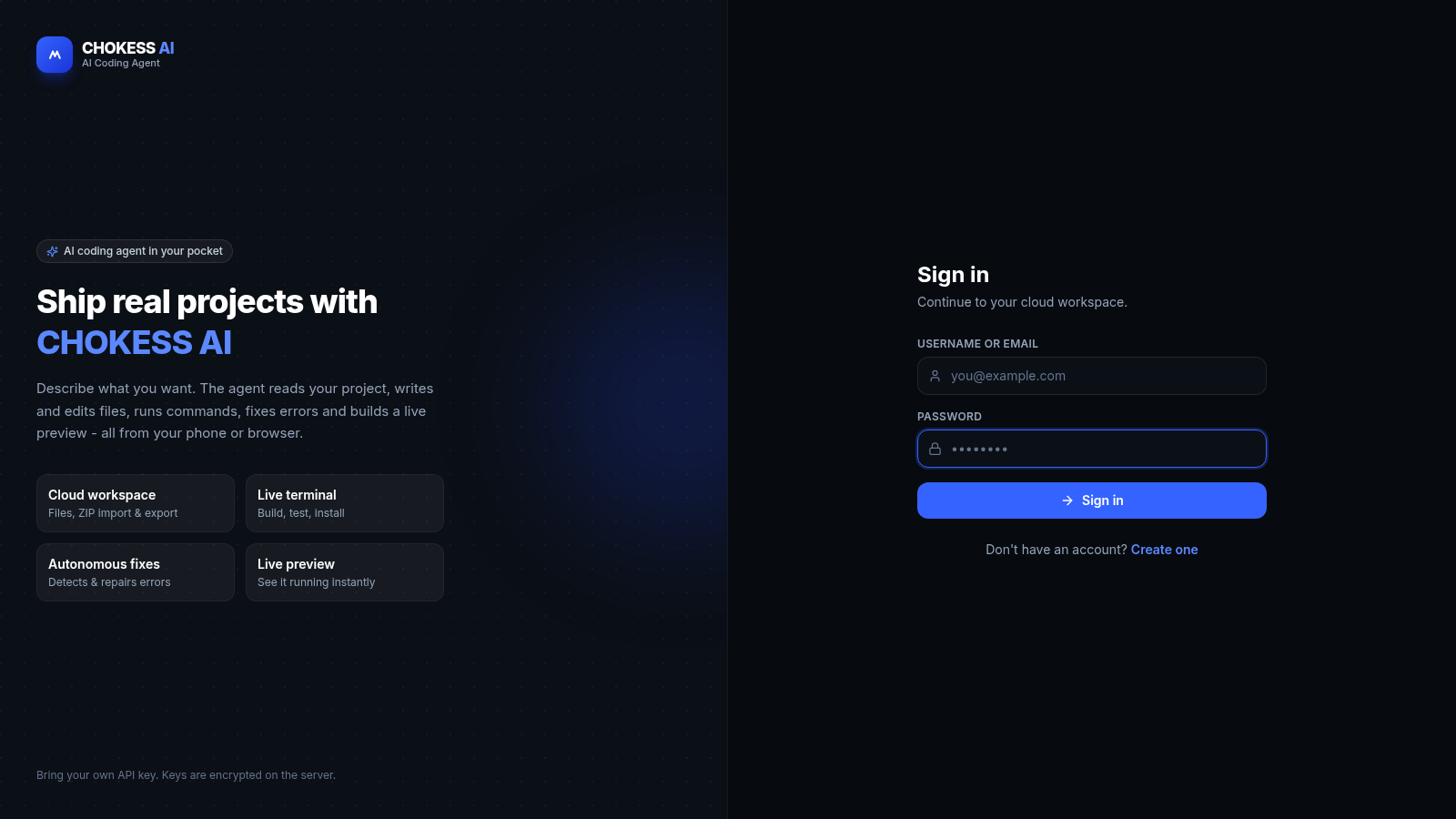
14CHOKESS AI
Browser-based AI coding agent with cloud workspace, terminal and live preview