
ScheduleChat Route Engine
Browser console for calculating maritime sea routes between ports
ScheduleChat Route Engine is a maritime routing test console that runs the searoute-ts engine on a 20km ocean network. On one page you enter an origin and a destination as a port code, a place name or coordinates, set a speed in knots, choose a mode and select passages to avoid, then calculate a sea route. The result panel shows voyage distance, sailing duration, great-circle distance, detour ratio and network resolution, draws the route on a world map with origin, destination and chokepoint markers, lists detected chokepoints and lets you expand the raw JSON response. Built-in scenario buttons, 25 ScheduleChat lanes and 65 country corridors let you load sample queries quickly.
Highlights
Calculate sea routes
Ports or coordinates
Route map
World map with route
Preset scenarios
One-click samples
Avoid passages
Suez, Panama, Hormuz
How to Use
Enter origin and destination
Type an origin and a destination in the two fields. The placeholders show the accepted formats: a port code such as AEJEA or SADMM, a place name such as Jebel Ali, or plain coordinates such as 55.03,24.99. You can also press one of the four scenario buttons to fill the fields automatically.
Set speed and passages
Adjust the speed field in knots (20 by default) and leave the mode on ocean. Tick any passages you want the route to avoid, such as Hormuz, Malacca, Bab-el-Mandeb, Suez, Panama, Gibraltar or Dover, and optionally name passages you want to route via. Then press Calculate route.
Read the results
The results panel fills in with the voyage name, distance in nautical miles, duration in days, speed, great-circle distance, detour ratio and network. Below the numbers a world map shows the origin, destination and route line, a chokepoint section lists any straits detected, and the Raw response section can be expanded to inspect the JSON returned by the route endpoint.
Similar Sites
 3
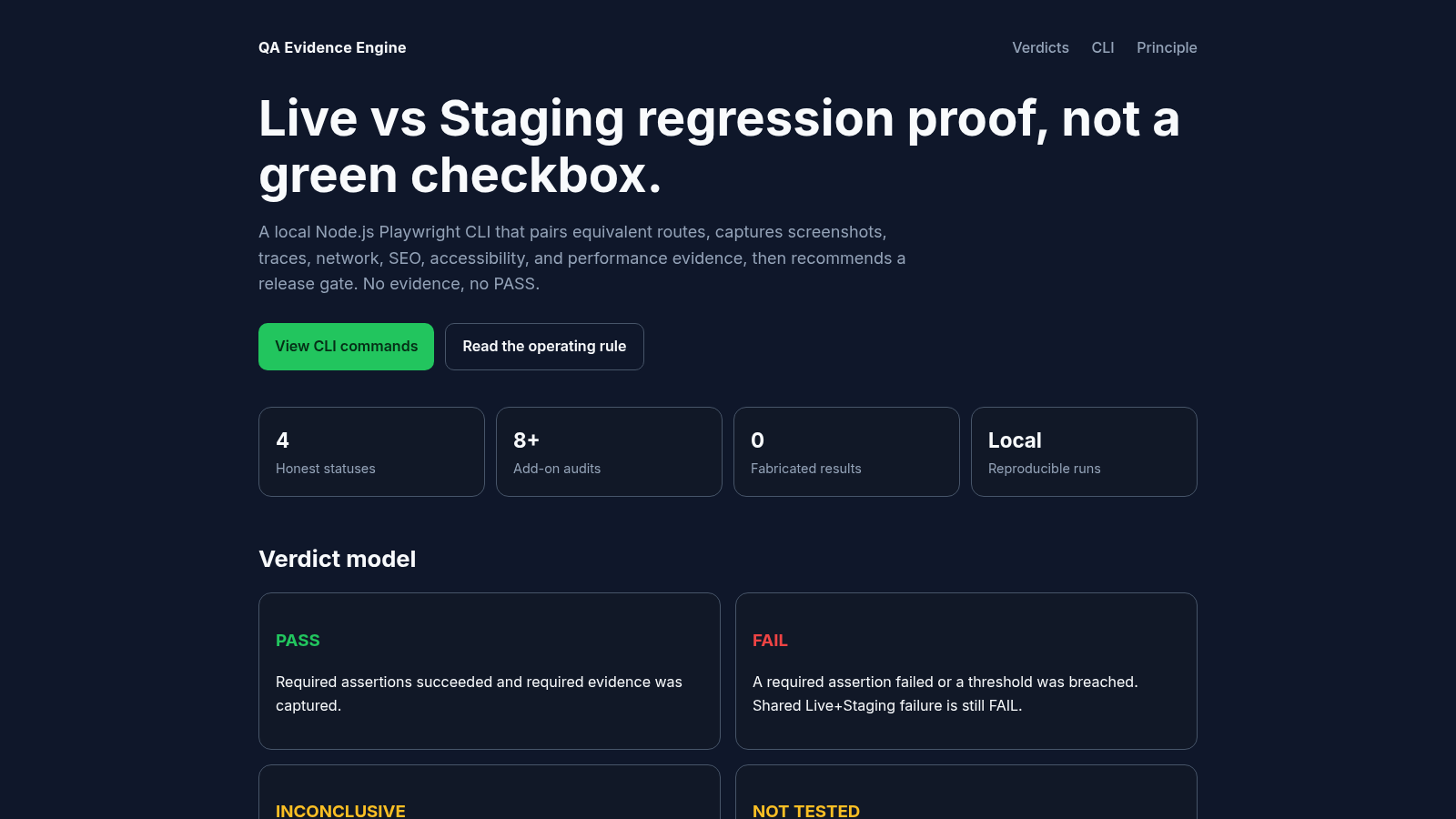
QA Evidence Engine
Local CLI that compares Live vs Staging with honest verdicts, visual diffs, and release gates.
 81
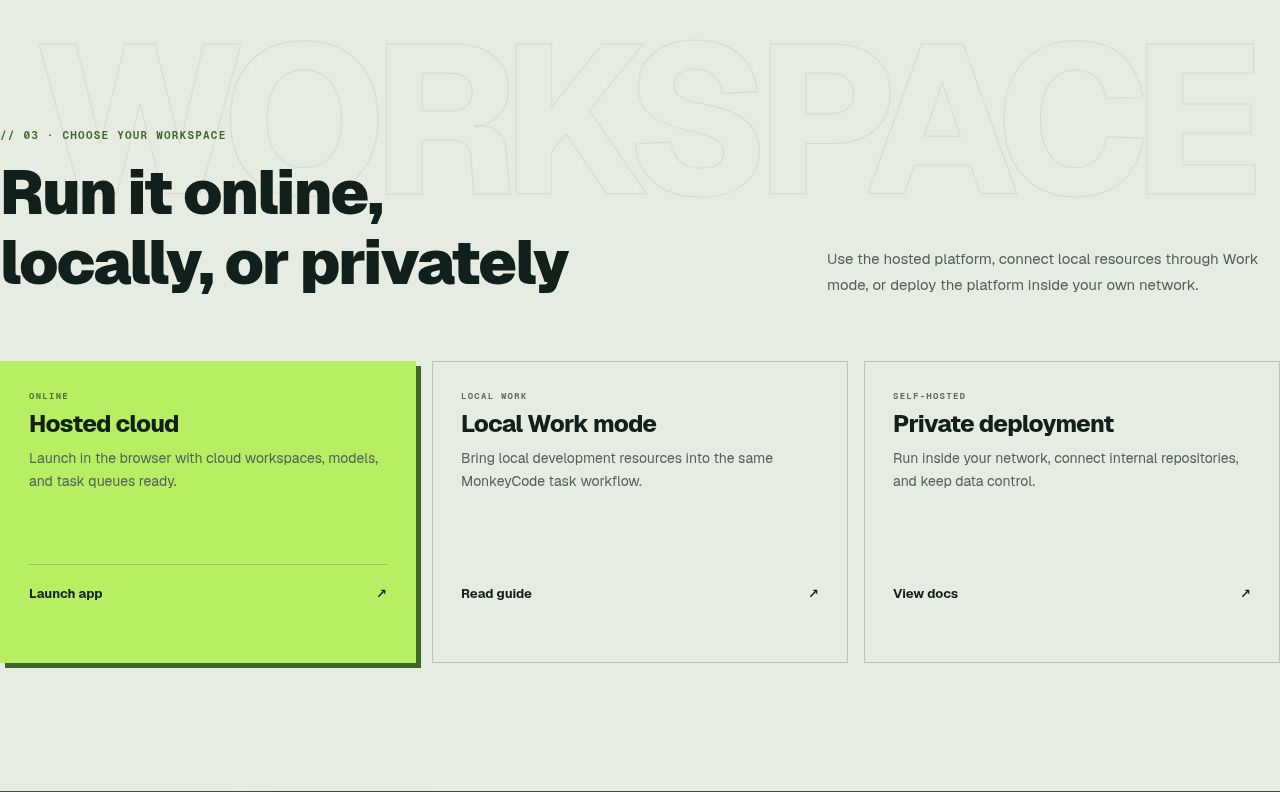
MonkeyCode AI Workspaces
AI coding workspaces for engineering teams
 27
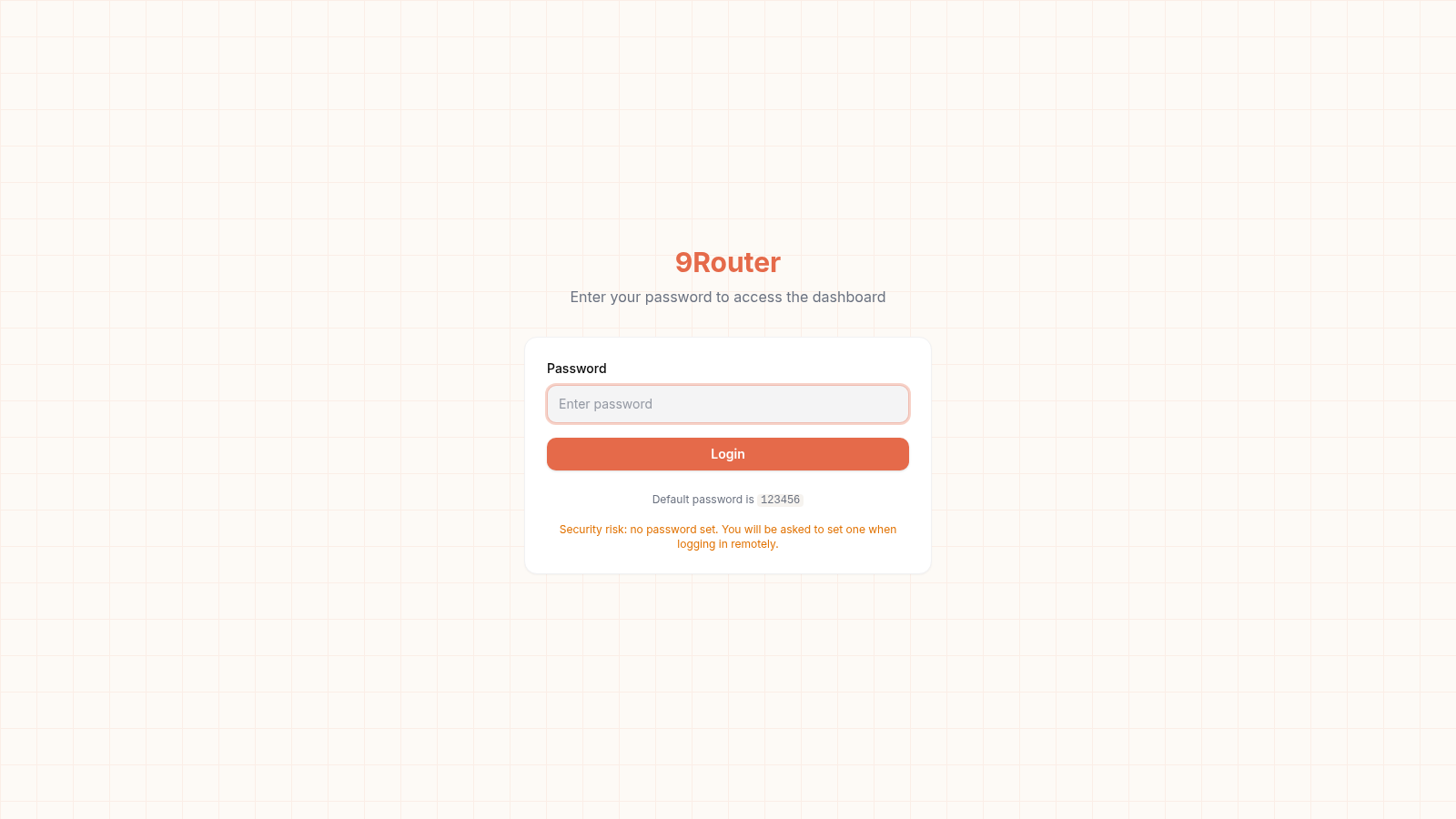
9Router - AI Router
FREE AI coding router with auto-fallback, RTK token saving, 40+ providers
 10
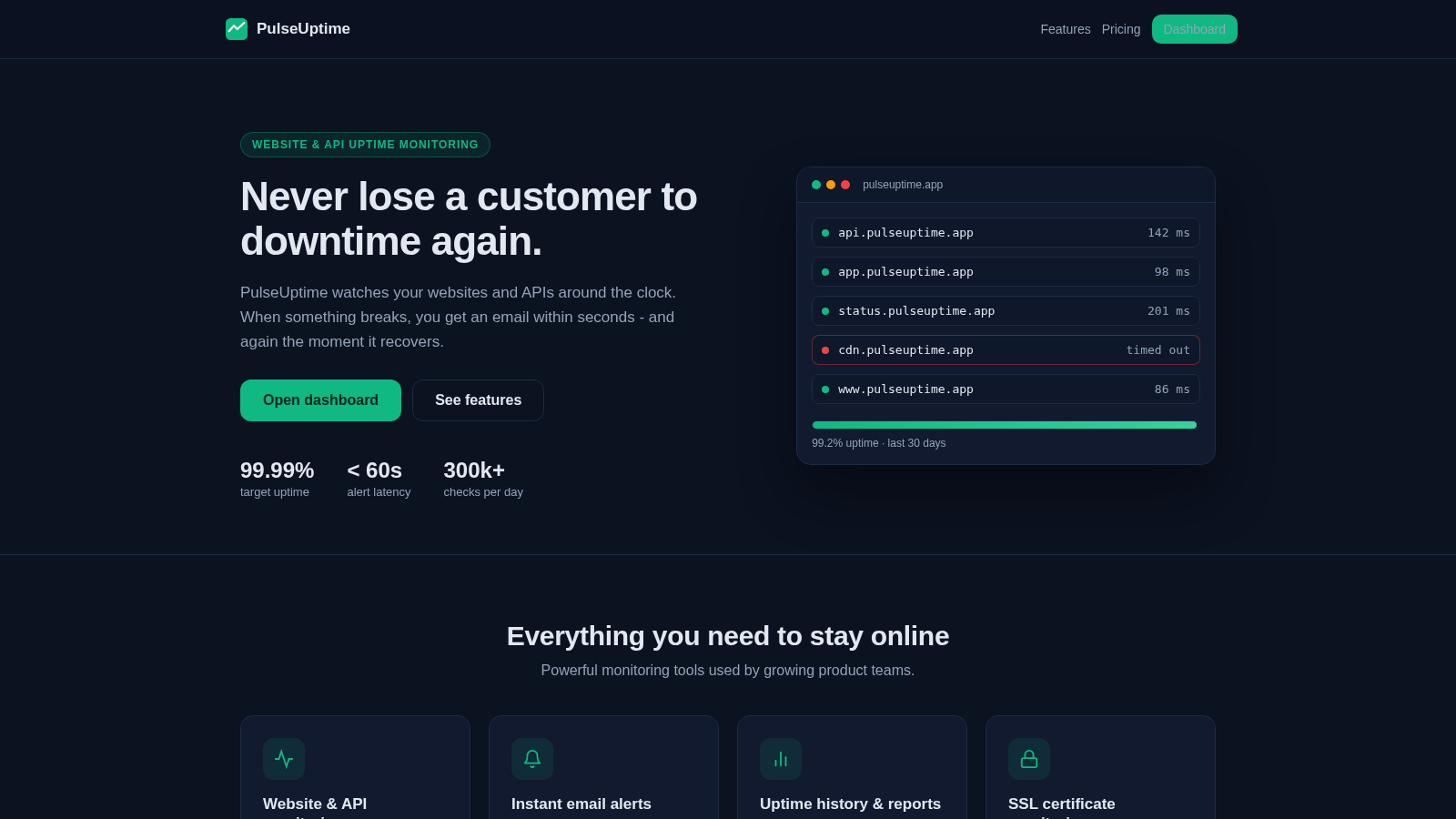
PulseUptime - Uptime Monitoring
Website, API and SSL uptime monitoring with team organizations and email alerts
 5
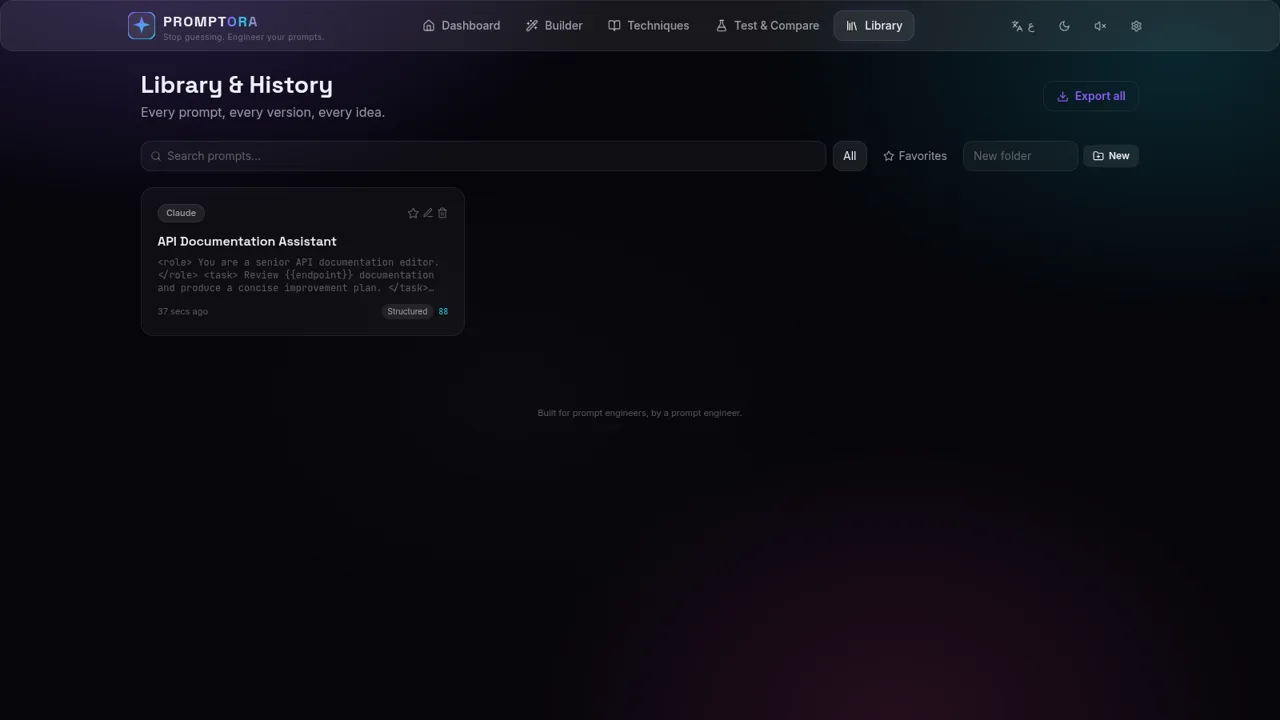
PROMPTORA
Build, refine, test, and manage advanced AI prompts in a guided studio.
 2
FreeLLMAPI
OpenAI-compatible gateway for 34 free LLM providers and 635 model endpoints.