
HTML Live Editor
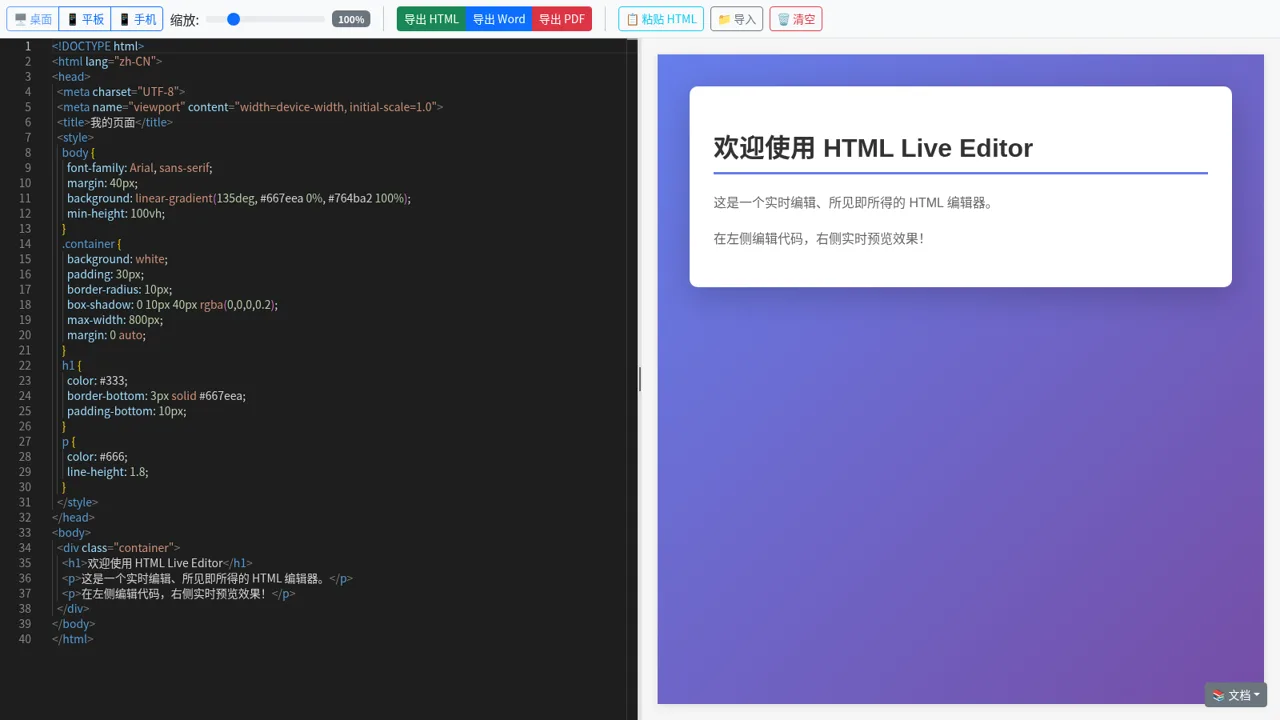
Write HTML beside a live preview, inspect responsive layouts, and export the finished document.
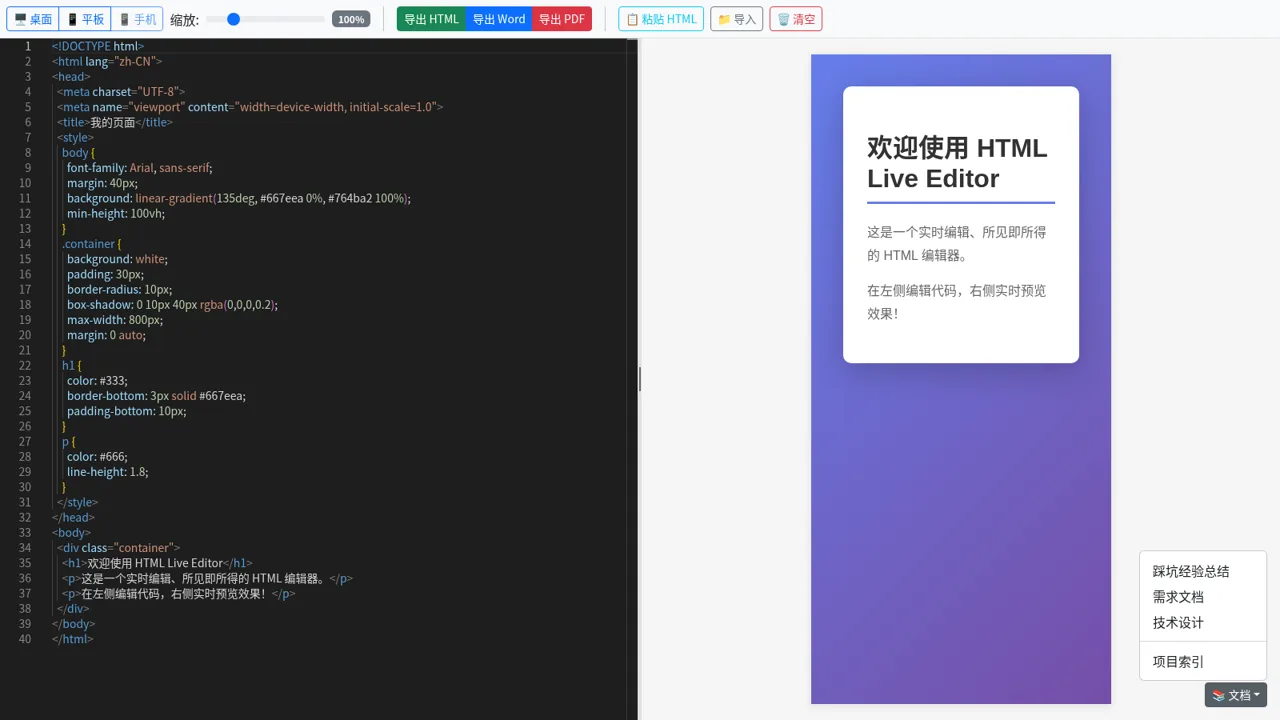
HTML Live Editor is a single-page browser workspace with source code on the left and a rendered page on the right. It opens with a complete sample document, including embedded CSS, so users can immediately see how code changes relate to the visual result. Toolbar controls switch the preview among desktop, tablet, and mobile widths and adjust its zoom level. Users can also paste HTML, import a local file, clear the workspace, and export the current document as HTML, Word, or PDF. A documentation menu links to project notes, requirements, technical design, and an index.
Highlights
Live split preview
Code and output share one screen
Responsive views
Desktop, tablet, and phone modes
Flexible export
Save as HTML, Word, or PDF
Quick input
Paste code or import a file
How to Use
Edit the source
Use the left pane to review or change the starter HTML document. The adjacent preview renders the page, allowing the source structure, embedded styles, and visual output to be compared in the same workspace.
Load existing HTML
Choose the paste control to bring HTML from the clipboard into the editor, or use the import control to select a local HTML file. The loaded markup becomes the working document shown in the preview pane.
Check responsive layouts
Select desktop, tablet, or mobile in the toolbar to change the width of the rendered preview. Use the zoom slider when a closer or wider visual inspection is needed while keeping the source pane available.
Export the result
After reviewing the page, select the HTML, Word, or PDF export button according to the required output. The clear control can reset the current content when starting another document.
Similar Sites
 23
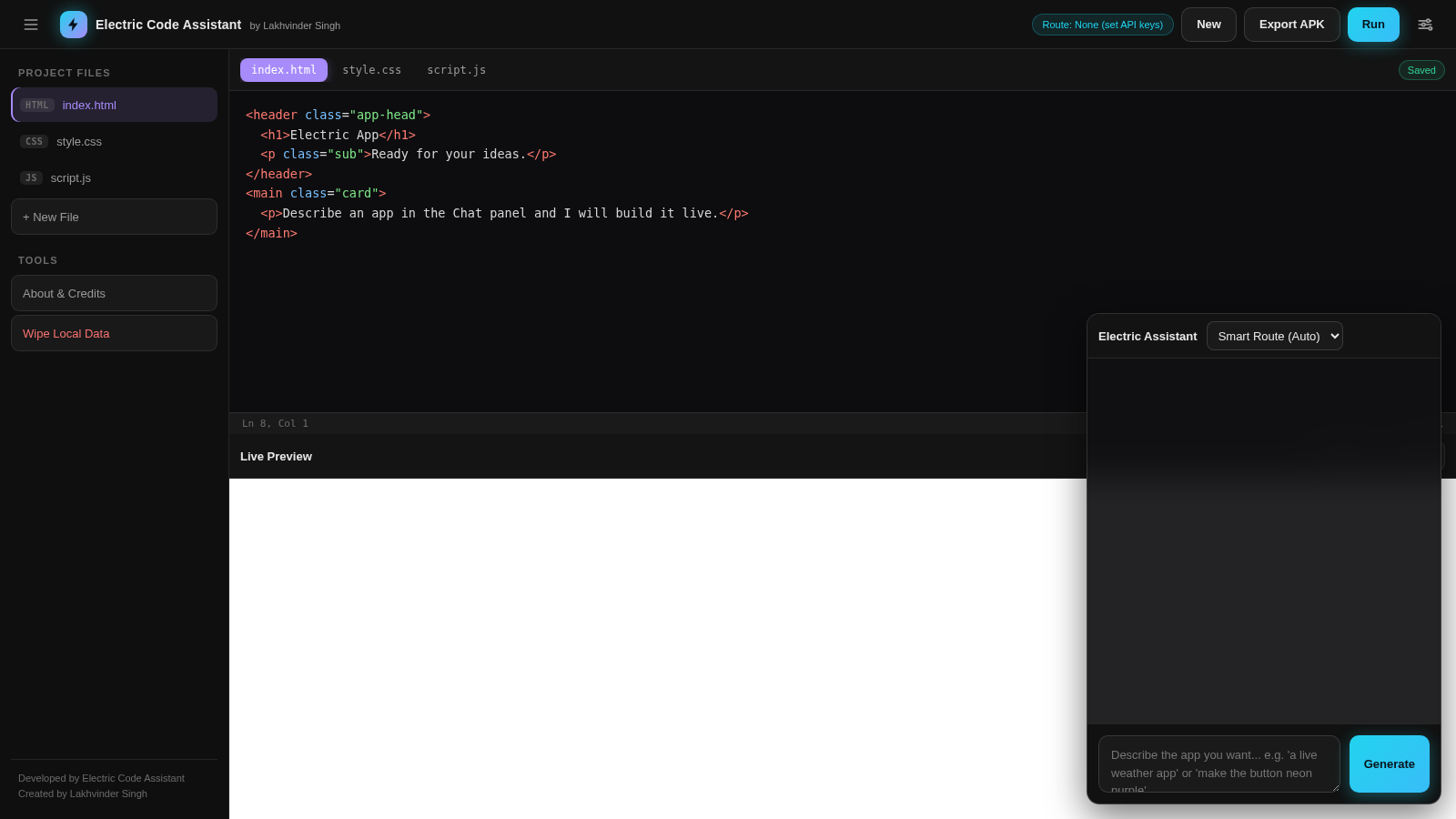
23Electric Code Assistant
Ultra-lightweight AI web IDE: build apps with AI, live preview, APK export
 4
4Nexus
AI chat for long documents, live code preview, and Git repos
 15
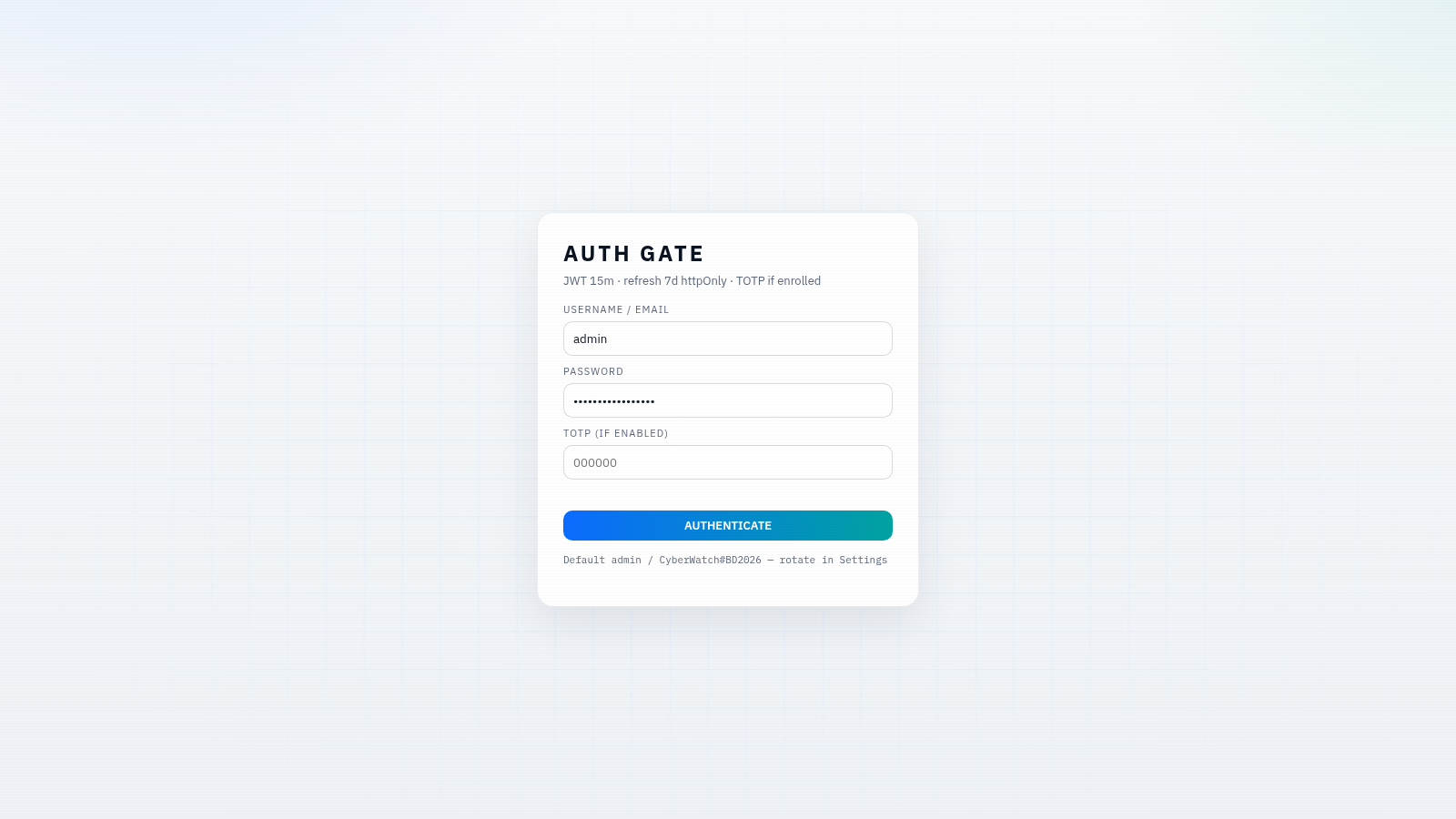
15CYBERWATCH-BD
Unified SOC with local AI triage, gated scans, and Bangladesh cyber tools.
 14
14CHOKESS AI
Browser-based AI coding agent with cloud workspace, terminal and live preview
 5
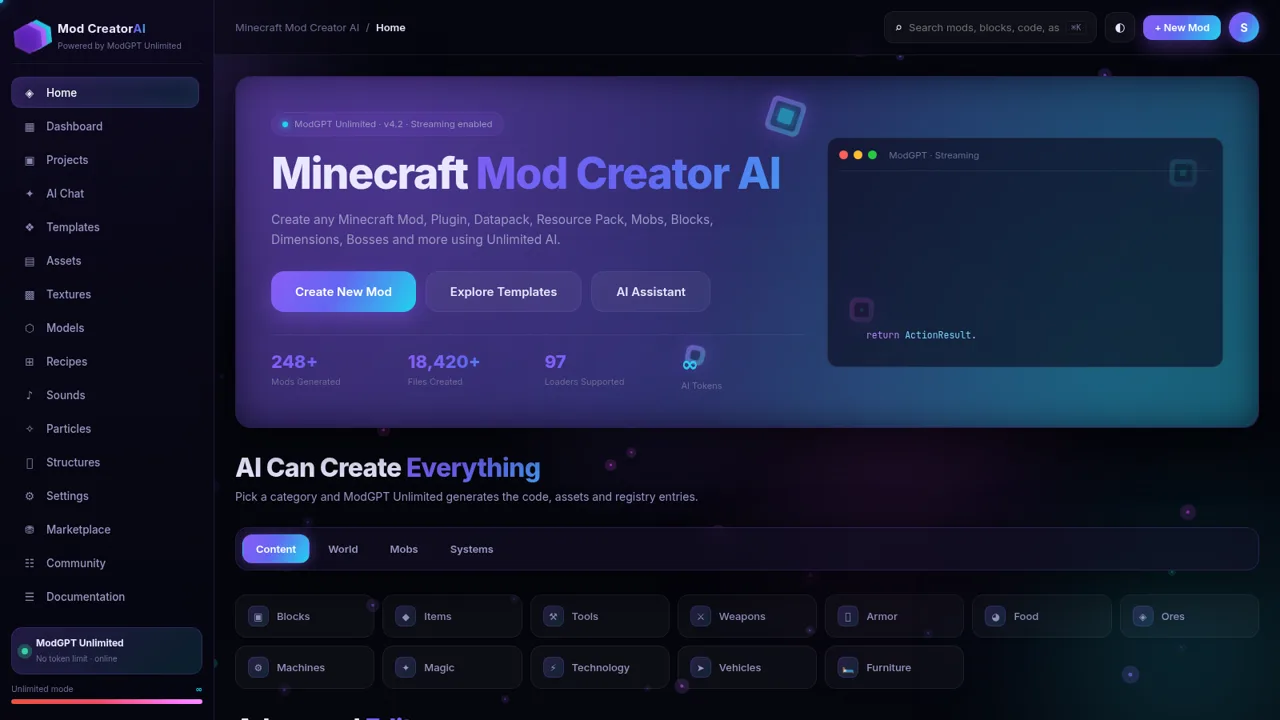
5Minecraft Mod Creator AI
Create Minecraft mods, plugins, datapacks and more with unlimited AI.
 3
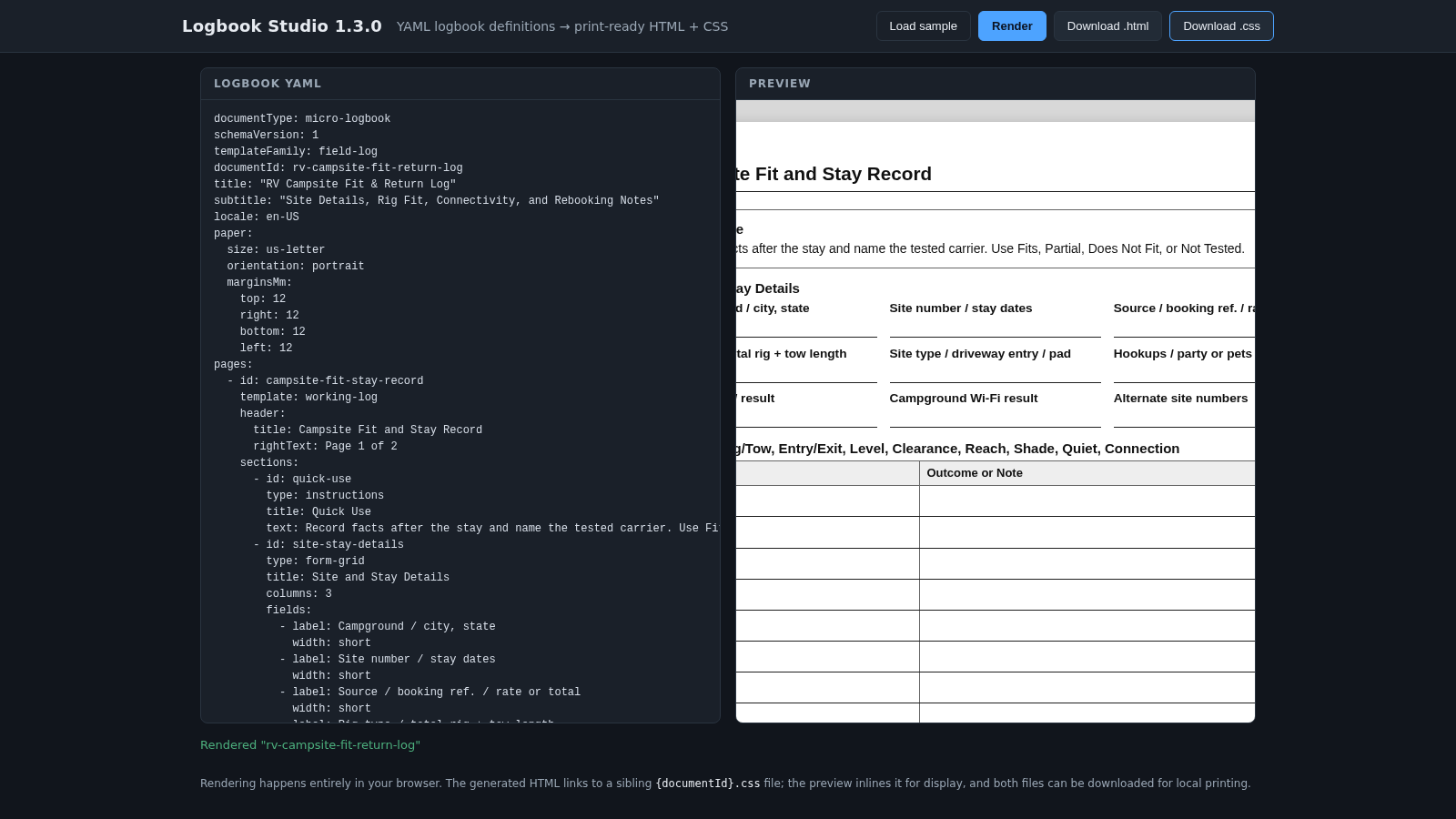
3Logbook Studio Renderer Demo
Paste YAML logbook definitions and preview print-ready HTML/CSS output, then download the pair.