
Logbook Studio Renderer Demo
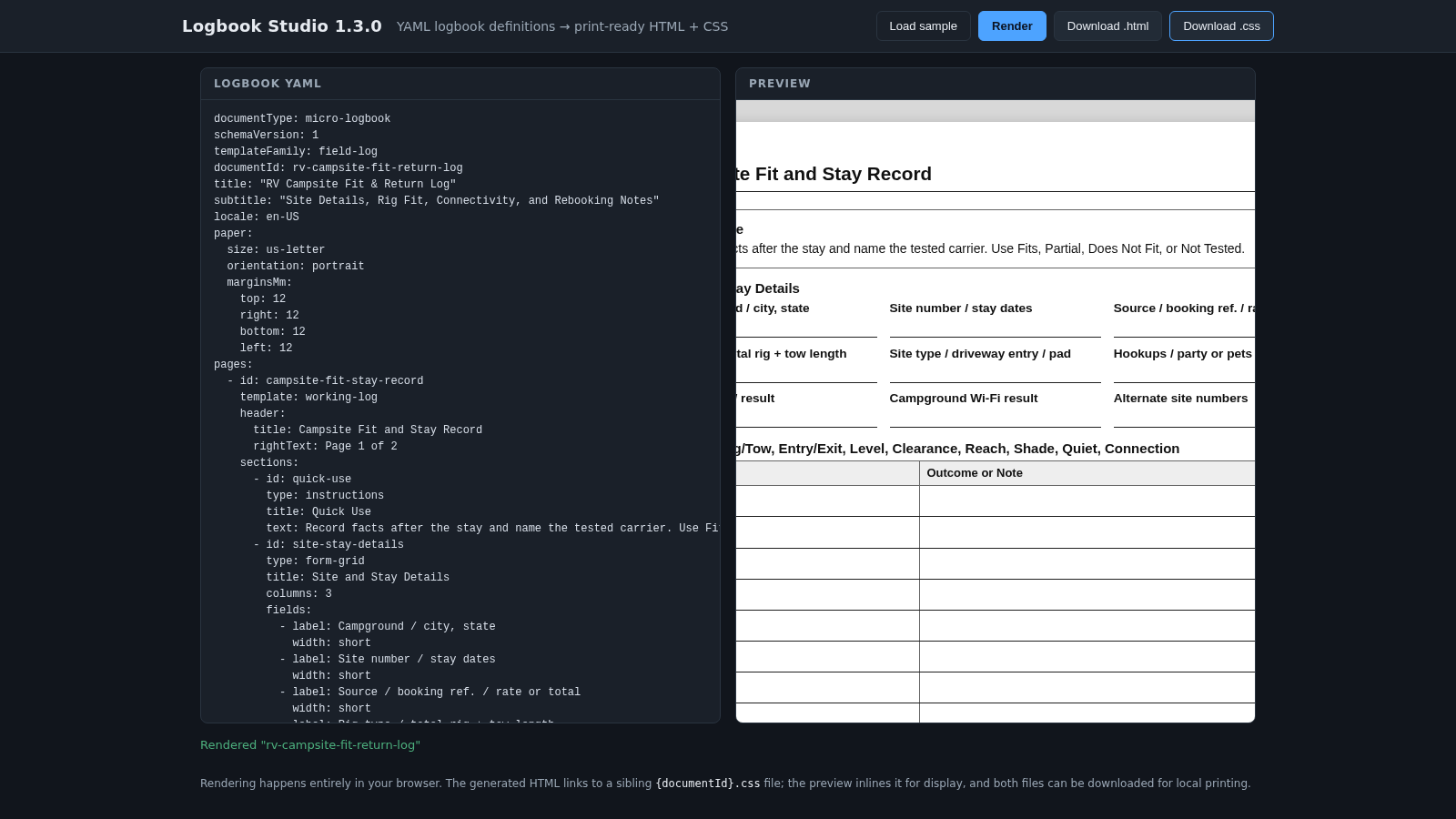
Turn structured YAML logbooks into previewable, print-ready HTML and CSS directly in the browser.
Logbook Studio is a browser-based renderer for schema-driven logbook documents. Its workspace places a YAML editor beside a print preview and includes a detailed two-page campsite record sample. Users can change document metadata, page settings, headers, instructions, form grids, tables, ruled lines, and notices, then render the result without sending the definition to a server. Valid documents appear in an embedded paper preview, while malformed YAML produces a location-aware error message. Once the layout is ready, the generated HTML and its sibling CSS file can be downloaded separately for local printing or continued editing.
Highlights
Split workspace
Edit beside the preview
Useful validation
Reports YAML locations
Two-file export
Downloads HTML and CSS
Print templates
Builds multi-page forms
How to Use
Start with the sample
Open the page and select Load sample to restore the included campsite logbook definition. The editor is populated with document metadata, page settings, sections, form fields, tables, notes, and notices, while the preview shows the rendered two-page result.
Edit the YAML definition
Change the values in the Logbook YAML pane, such as the document identifier, headings, field labels, row counts, paper size, orientation, or margins. Keep the YAML structure and indentation valid so the renderer can interpret each page and section.
Render and correct errors
Select Render after making changes. A valid definition refreshes the preview and updates the rendered status. If the YAML is malformed, the status area explains the validation issue and includes a line and column location so the source can be corrected before trying again.
Inspect the print preview
Use the Preview pane to review page headers, forms, tables, writing areas, notices, and page breaks. The embedded preview inlines the generated styles for display, making it possible to inspect the printable result without first saving files.
Download the output
Select Download .html and Download .css when the document is ready. The browser saves both files using the document identifier, and the HTML references the CSS as a sibling file for local viewing, adjustment, and printing.
Similar Sites
 15
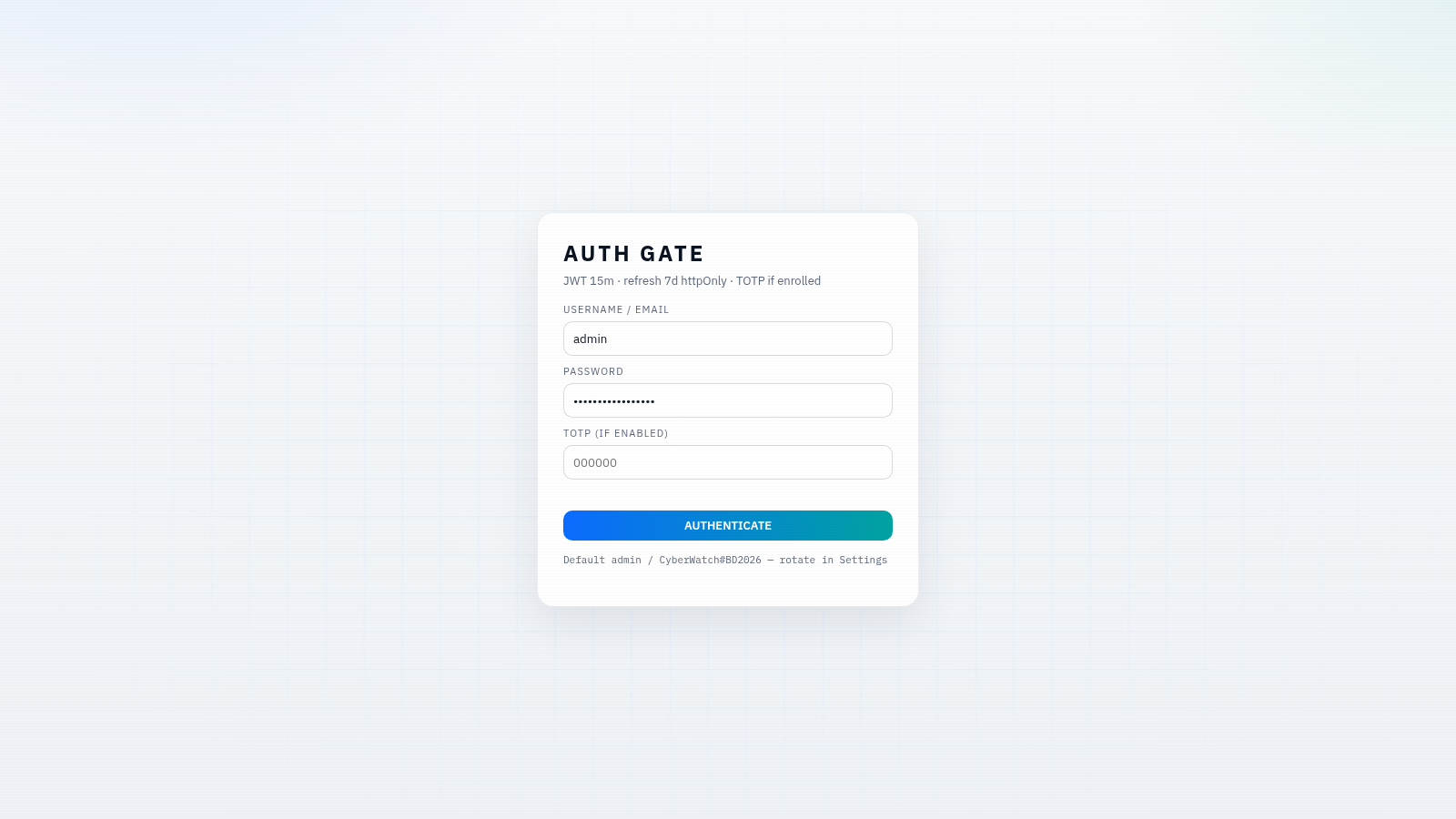
15CYBERWATCH-BD
Unified SOC with local AI triage, gated scans, and Bangladesh cyber tools.
 13
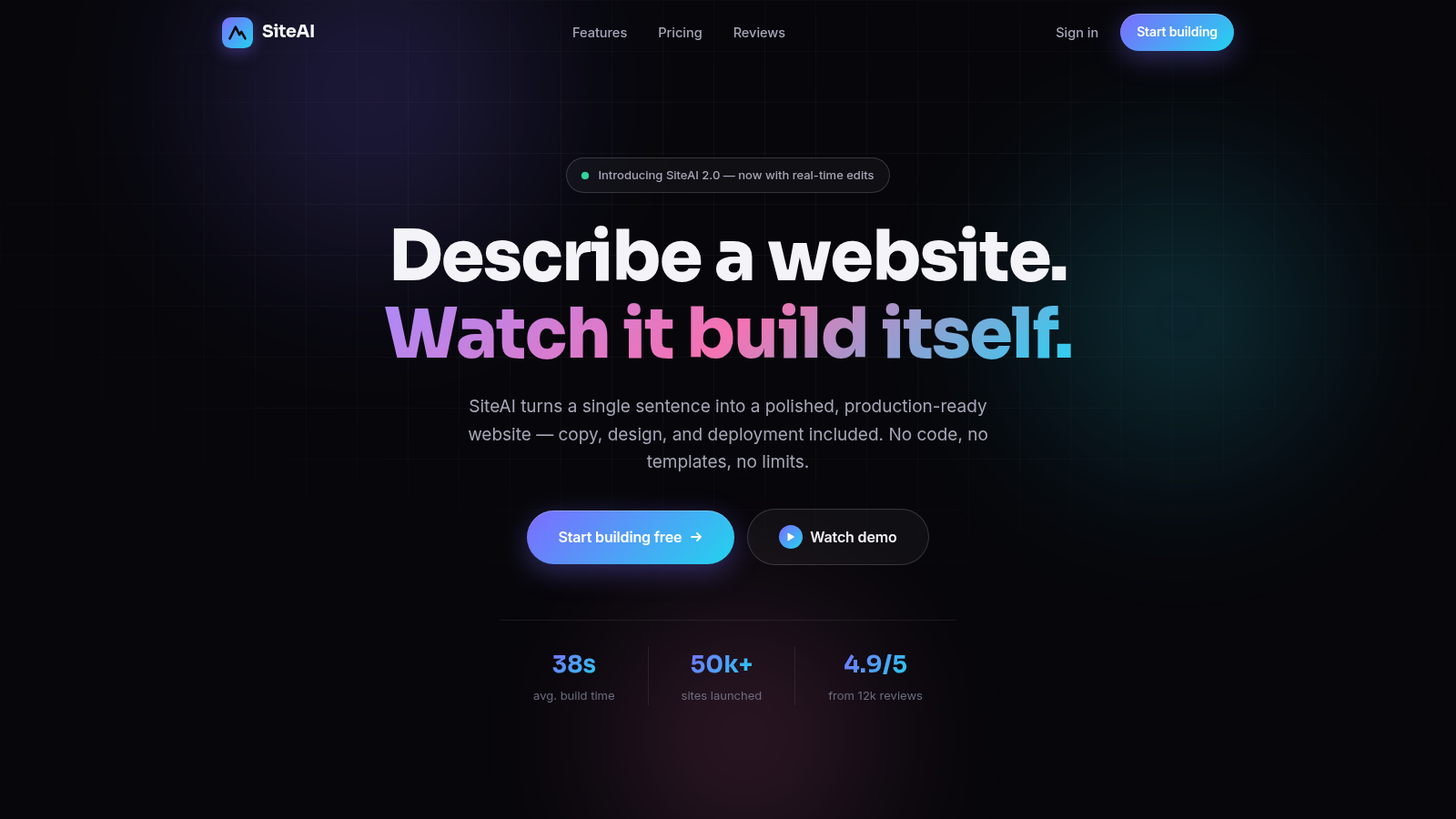
13SiteAI — The AI Website Builder
The AI website builder that turns plain language into production-ready websites.
 5
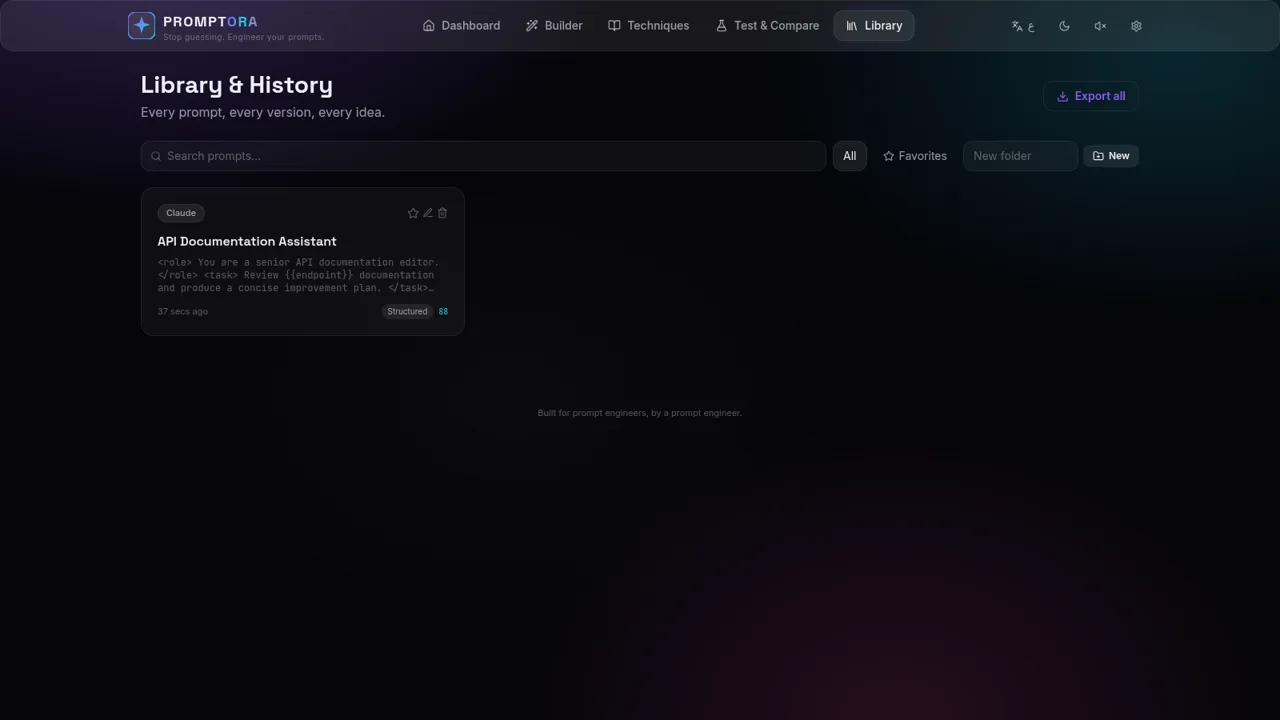
5PROMPTORA
Build, refine, test, and manage advanced AI prompts in a guided studio.
 5
5Minecraft Mod Creator AI
Create Minecraft mods, plugins, datapacks and more with unlimited AI.
 4
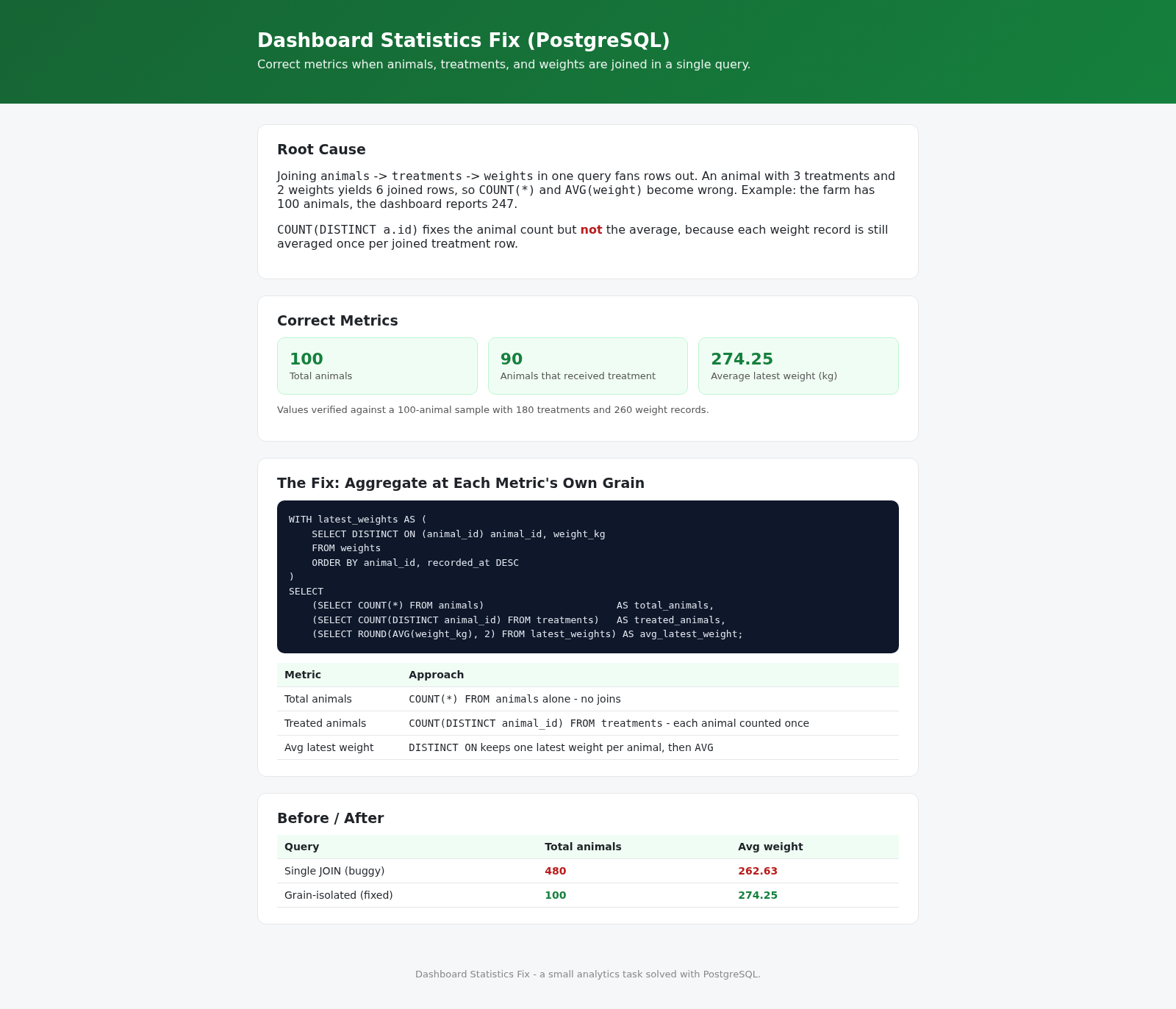
4Dashboard Statistics Fix
Correct SQL for dashboard animal/weight metrics in PostgreSQL.
 81
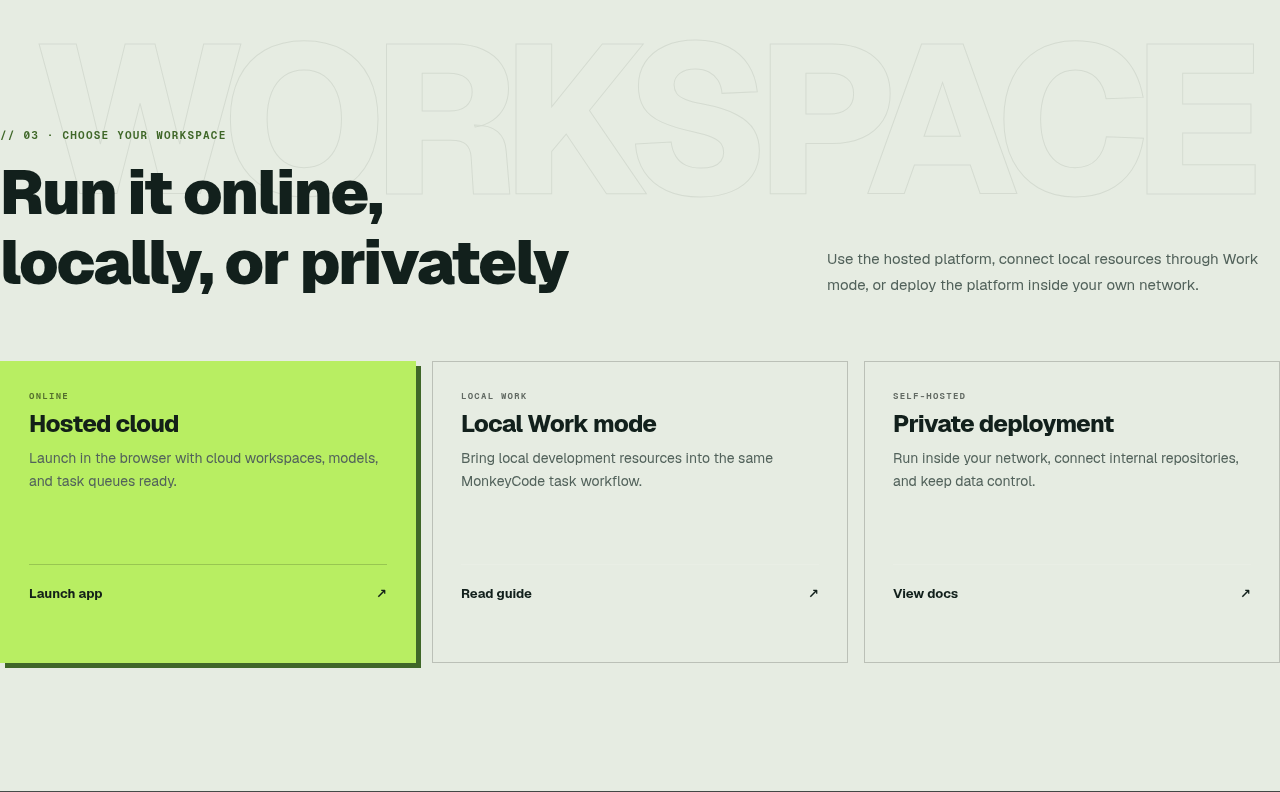
81MonkeyCode AI Workspaces
AI coding workspaces for engineering teams