
Orion C++ Lab
Compile and upload Makeblock Orion C++ sketches in the browser
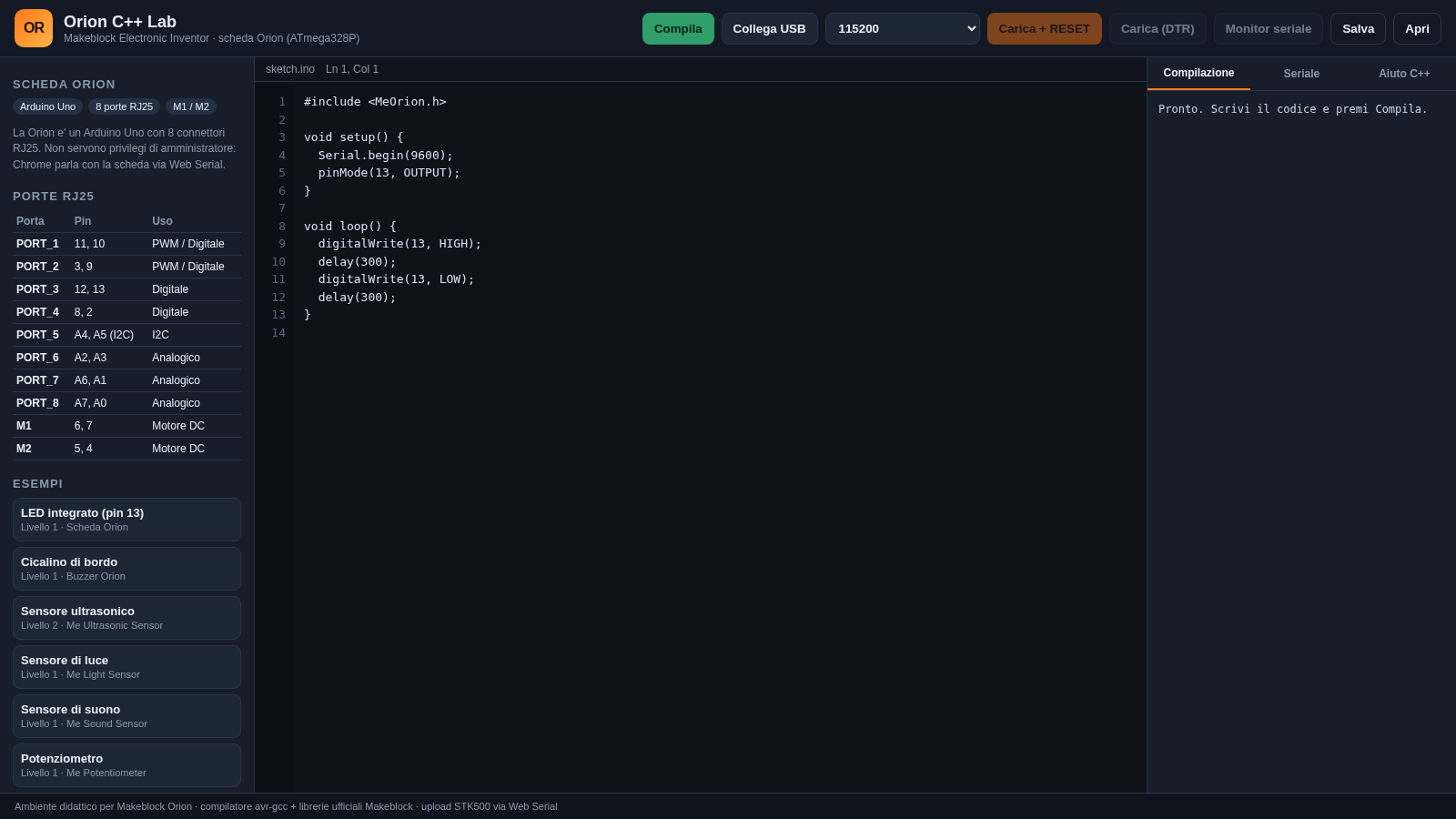
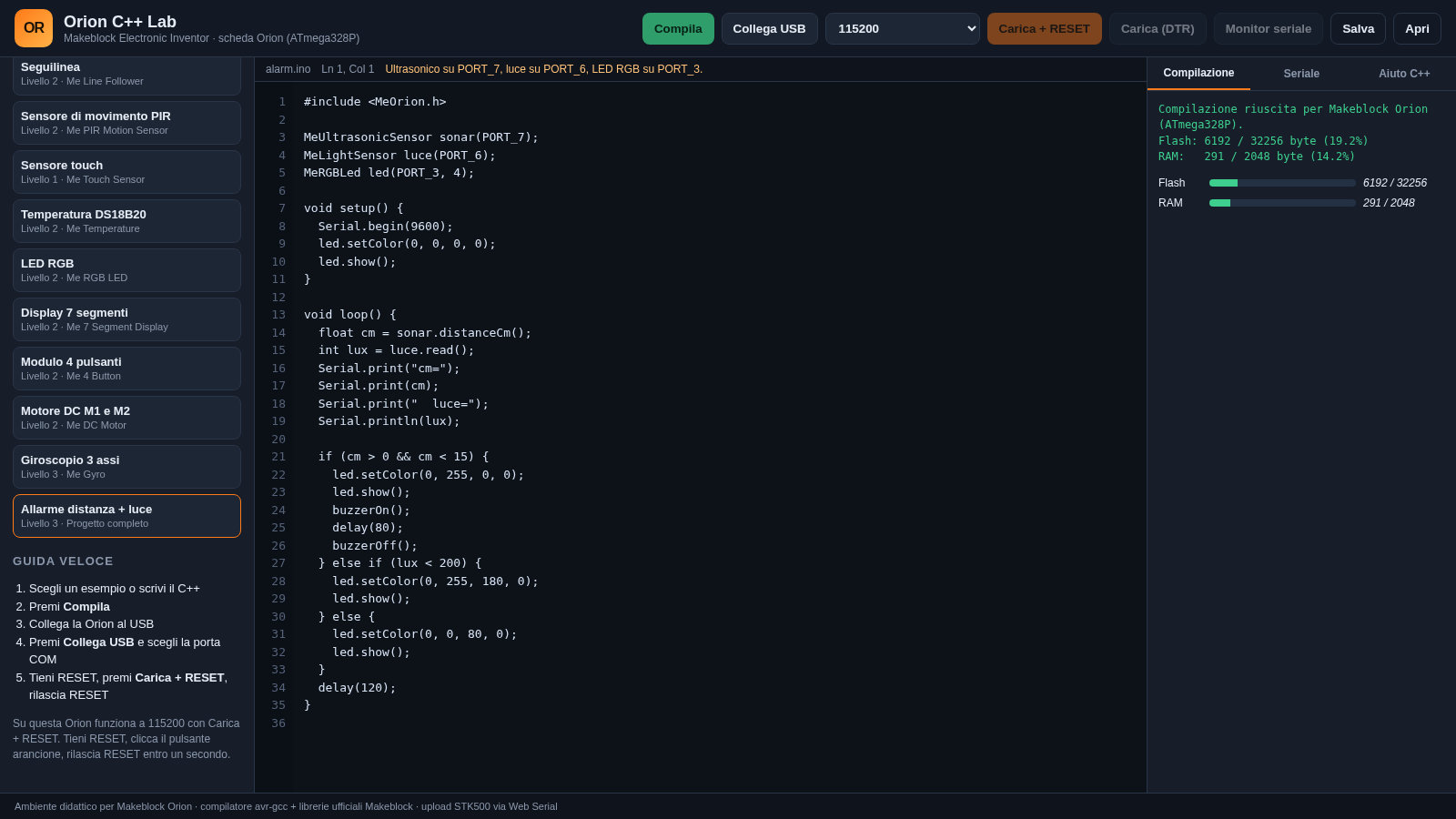
Orion C++ Lab is a single-page, Italian-language development environment for the Makeblock Orion, an Arduino Uno compatible board with eight RJ25 connectors and two DC motor channels. The left sidebar documents the board pinout and offers seventeen example sketches at three difficulty levels, from a blinking LED to a combined distance and light alarm. The central editor provides line numbers, syntax colours and a live cursor position. The right panel reports compilation results with flash and RAM usage, hosts a serial monitor and includes a C++ help sheet. Sketches can be downloaded as .ino files, and a connected board can be programmed through Web Serial in Chrome or Edge, with the site explaining the required reset timing for uploads.
Highlights
17 example sketches
Levels 1 to 3
Pin map for RJ25
Ports plus M1 and M2
Compile usage report
Flash and RAM bars
Built-in C++ help
Port and code hints
Sketch file download
Saves a .ino file
How to Use
Choose or write a sketch
Pick any example from the left sidebar to load it into the editor, or clear the editor and write your own Arduino C++ using setup and loop. The header shows the active filename and updates the line and column count as you type.
Compile and read the report
Press Compila to send the code to the build service. The Compilazione tab then shows either errors or a success line with flash and RAM totals, plus two bars that make the remaining headroom easy to see. Use the Aiuto C++ tab if you need the expected structure or common calls.
Connect the board and upload
Plug the Orion into USB, press Collega USB and choose the serial port in the browser prompt. Keep the bootloader speed at 115200 for this board, hold the RESET button, press Carica + RESET and release RESET within one second. The upload buttons and serial monitor become available after the port is open.
Save or reload your work
Press Salva to download the current sketch as orion_sketch.ino. Use Apri to load a previously saved sketch back into the editor before compiling or uploading it again.
Similar Sites
 16
16Web Python Emulator
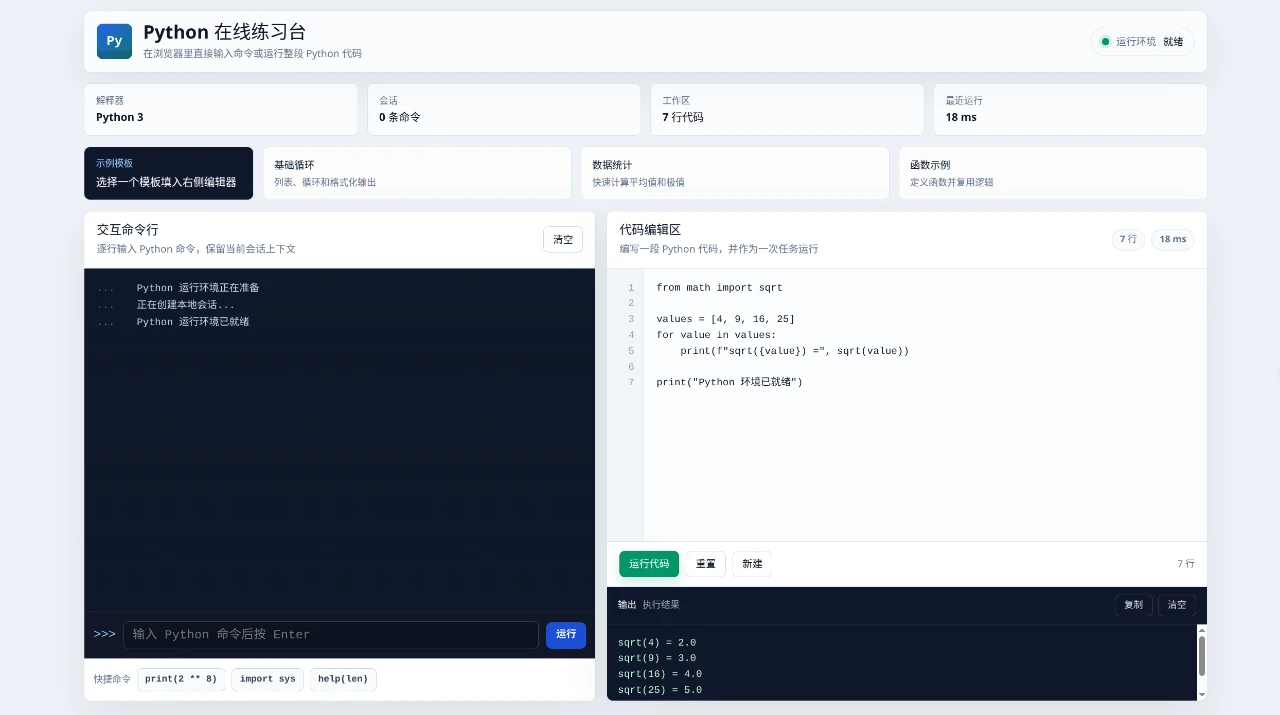
Python Online Practice Lab is an interactive browser-based workspace for trying Python without a separate installation.
 14
14C Programming Practical Record
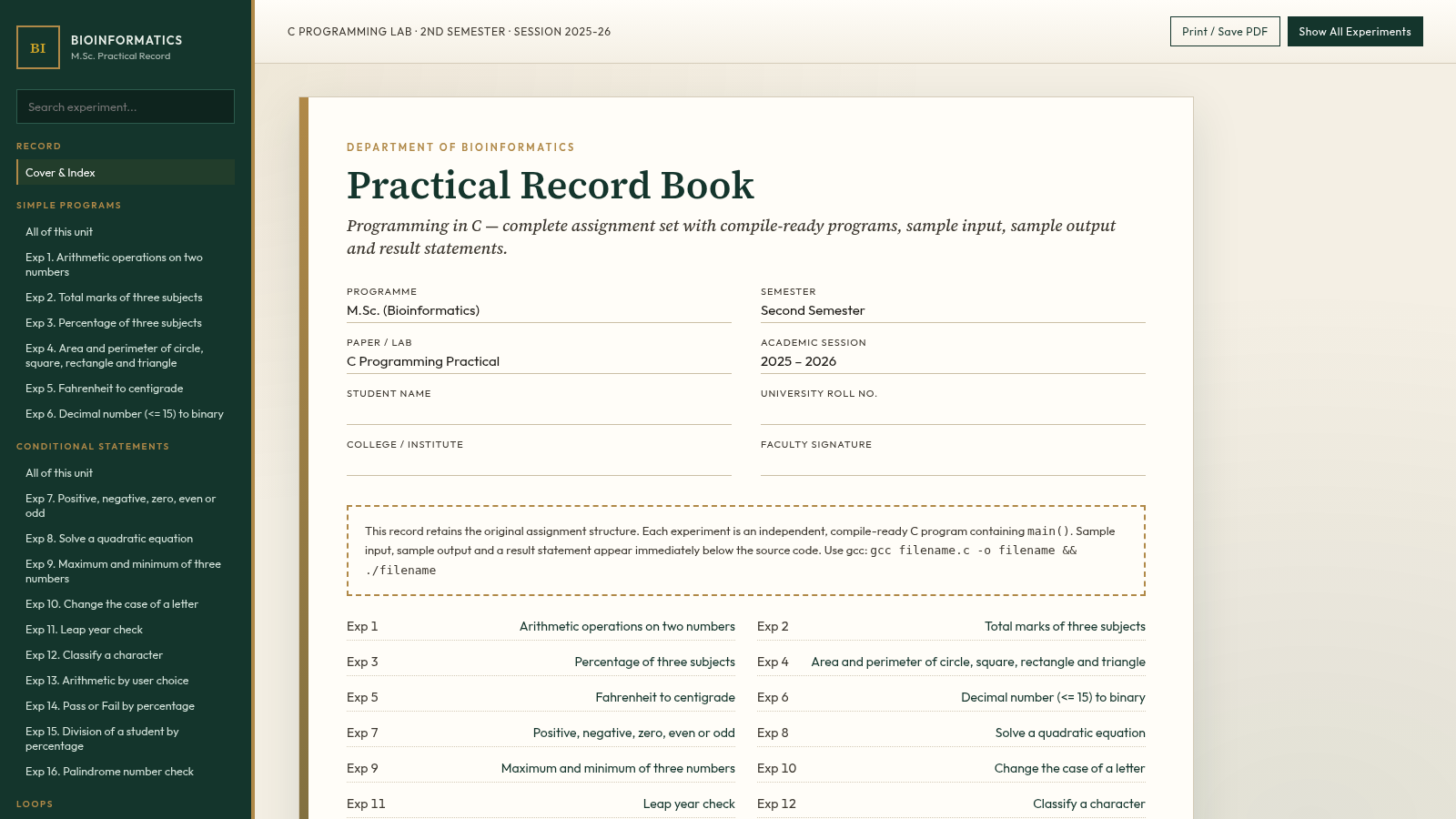
M.Sc. Bioinformatics 2nd Sem C lab record with 105 compile-ready programs.
 6
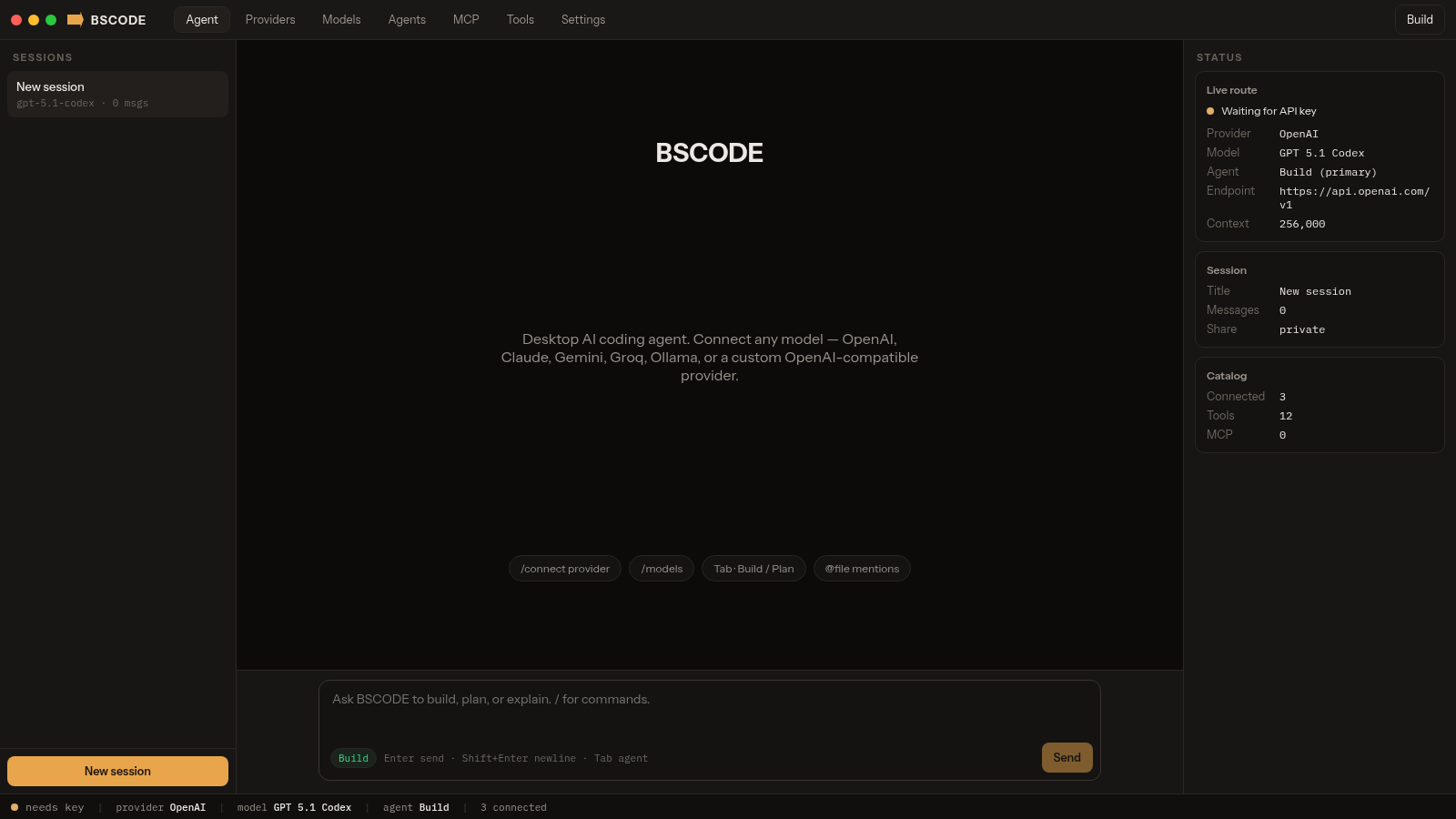
6BSCODE
Desktop AI coding agent that connects any model, including custom providers.
 2
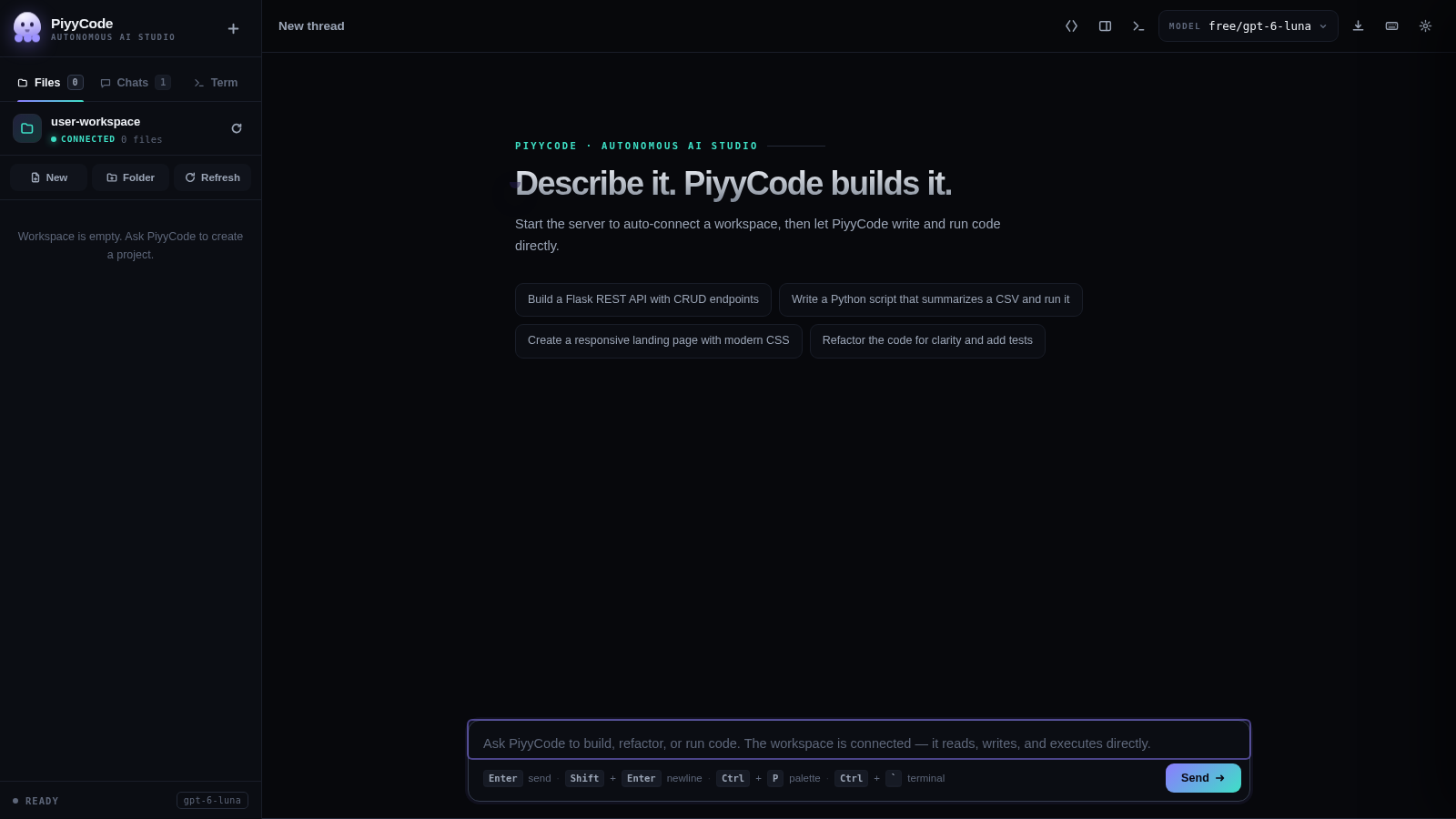
2PiyyCode
AI coding studio: live thinking, multi-provider models, workspace terminal.
 49
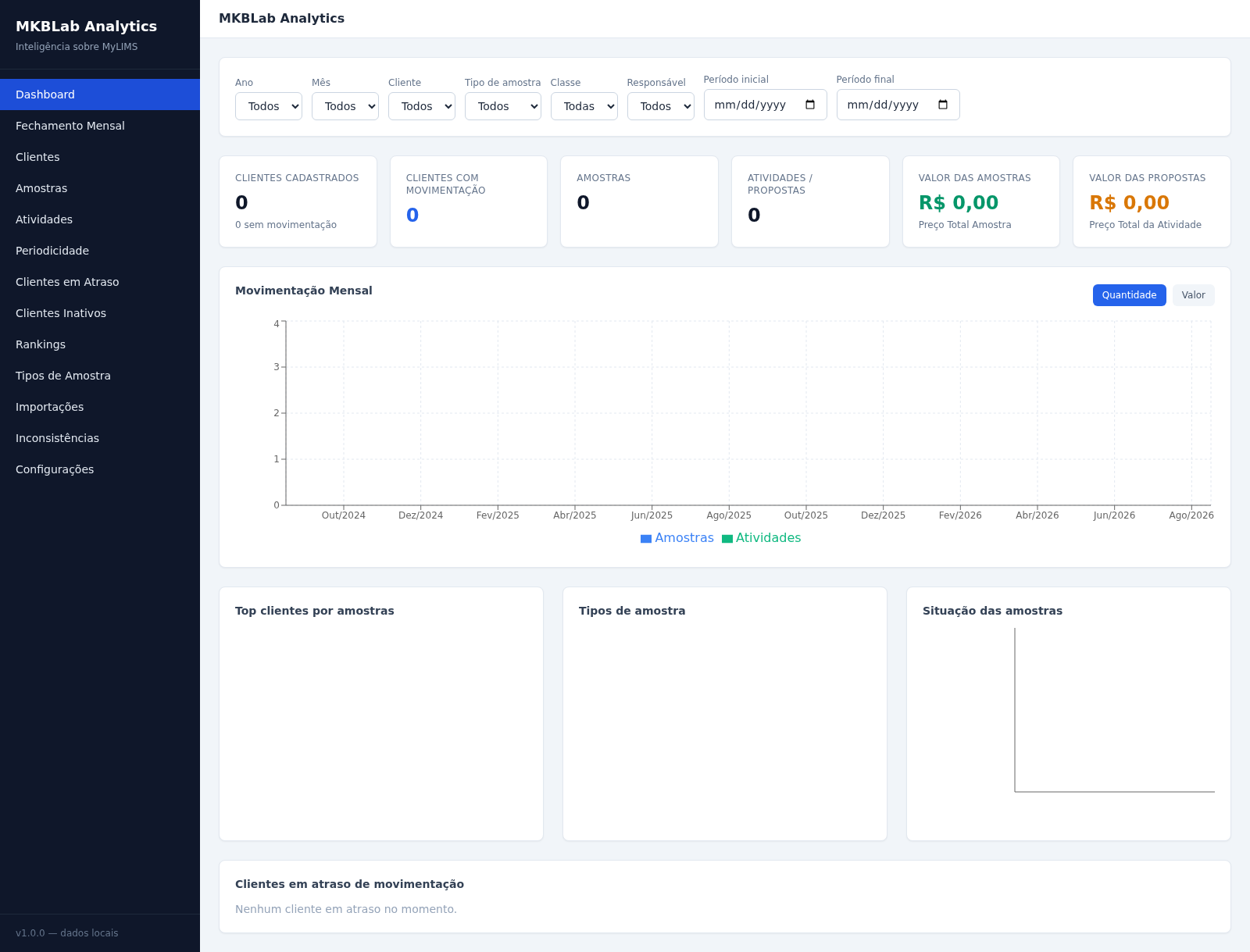
49MKBLab Analytics
Dashboard gerencial com importação de relatórios XLSX do MyLIMS
 49
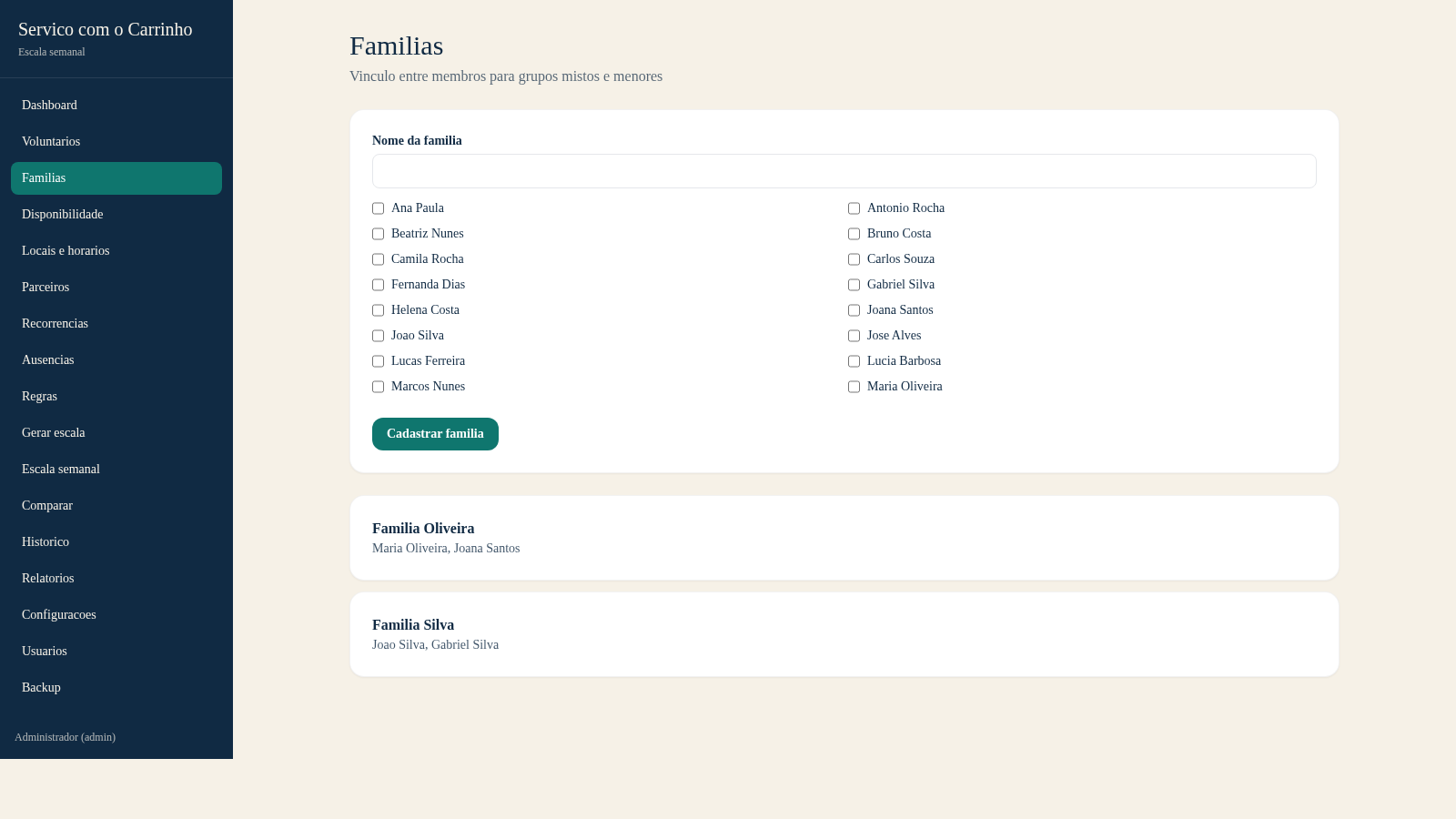
49Escala do Carrinho
Sistema de administracao e geracao automatica da escala semanal do Servico com o Carrinho