
BSCODE
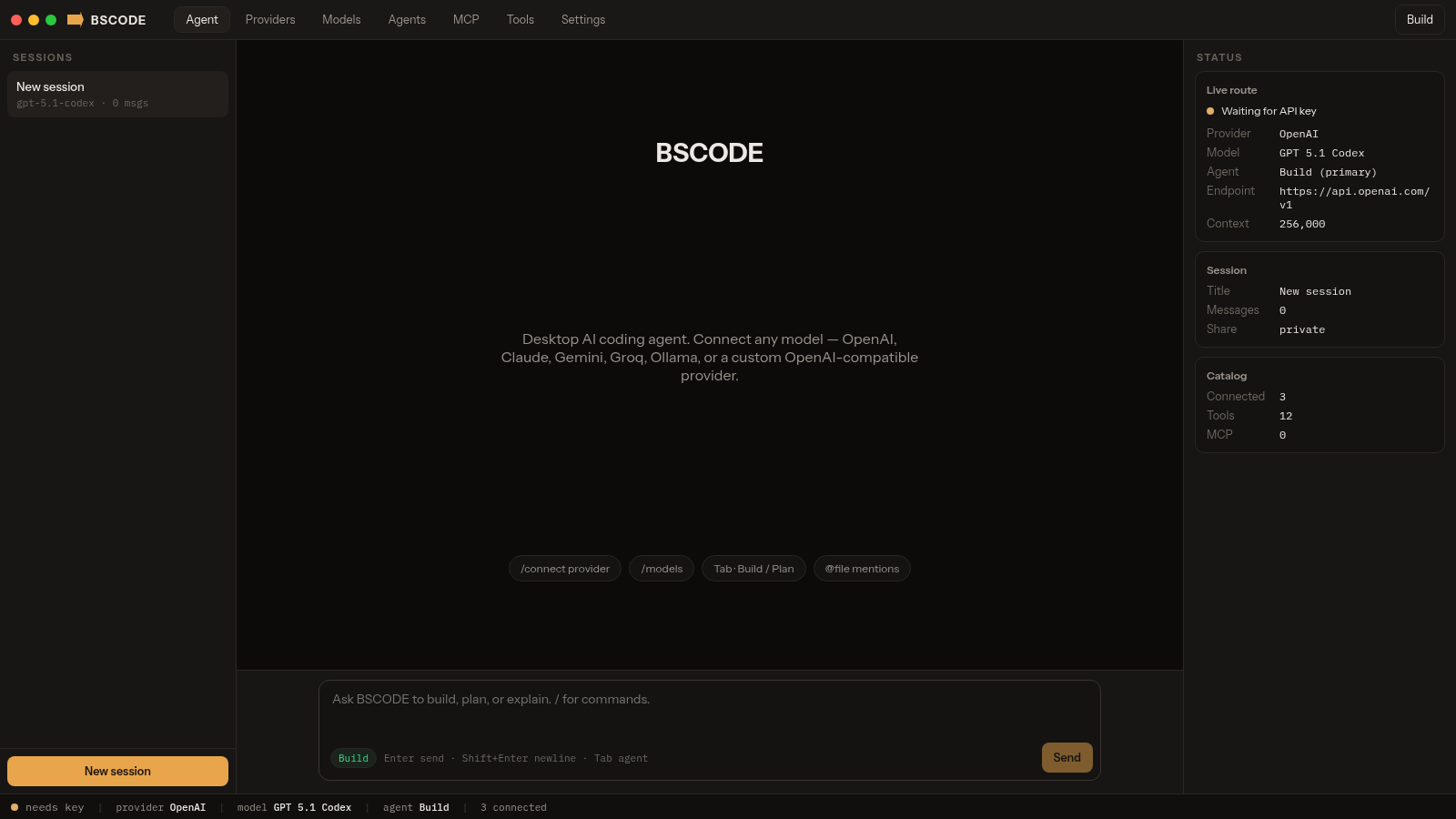
Connect cloud or local models and run configurable coding agents from one desktop-style workspace.
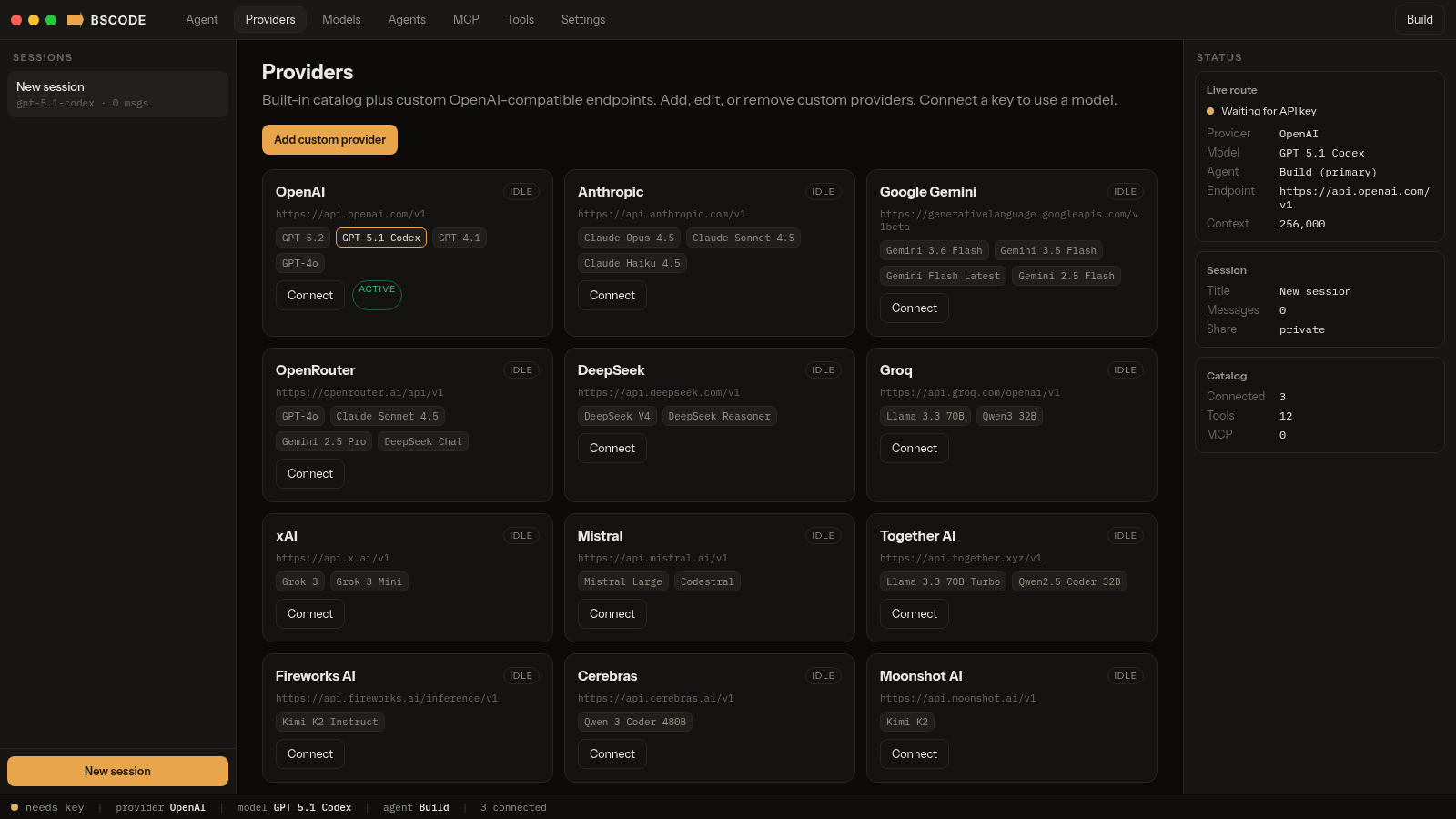
BSCODE is an interactive AI coding agent interface organized around sessions, model providers, agents, and developer tools. Users can start coding sessions, choose among a broad catalog of cloud and local models, connect an API key, add a custom OpenAI-compatible or Anthropic provider, and select Build or Plan as the primary agent. The workspace also exposes specialized research and codebase subagents, MCP configuration, custom slash commands, themes, and explicit allow, ask, or deny permissions for twelve tools. A persistent status panel reports the active provider, model, endpoint, context size, agent, session, and catalog state while the main composer supports commands and file mentions.
Highlights
Multi-provider catalog
Cloud and local models in one list
Configurable agents
Build, Plan, and focused subagents
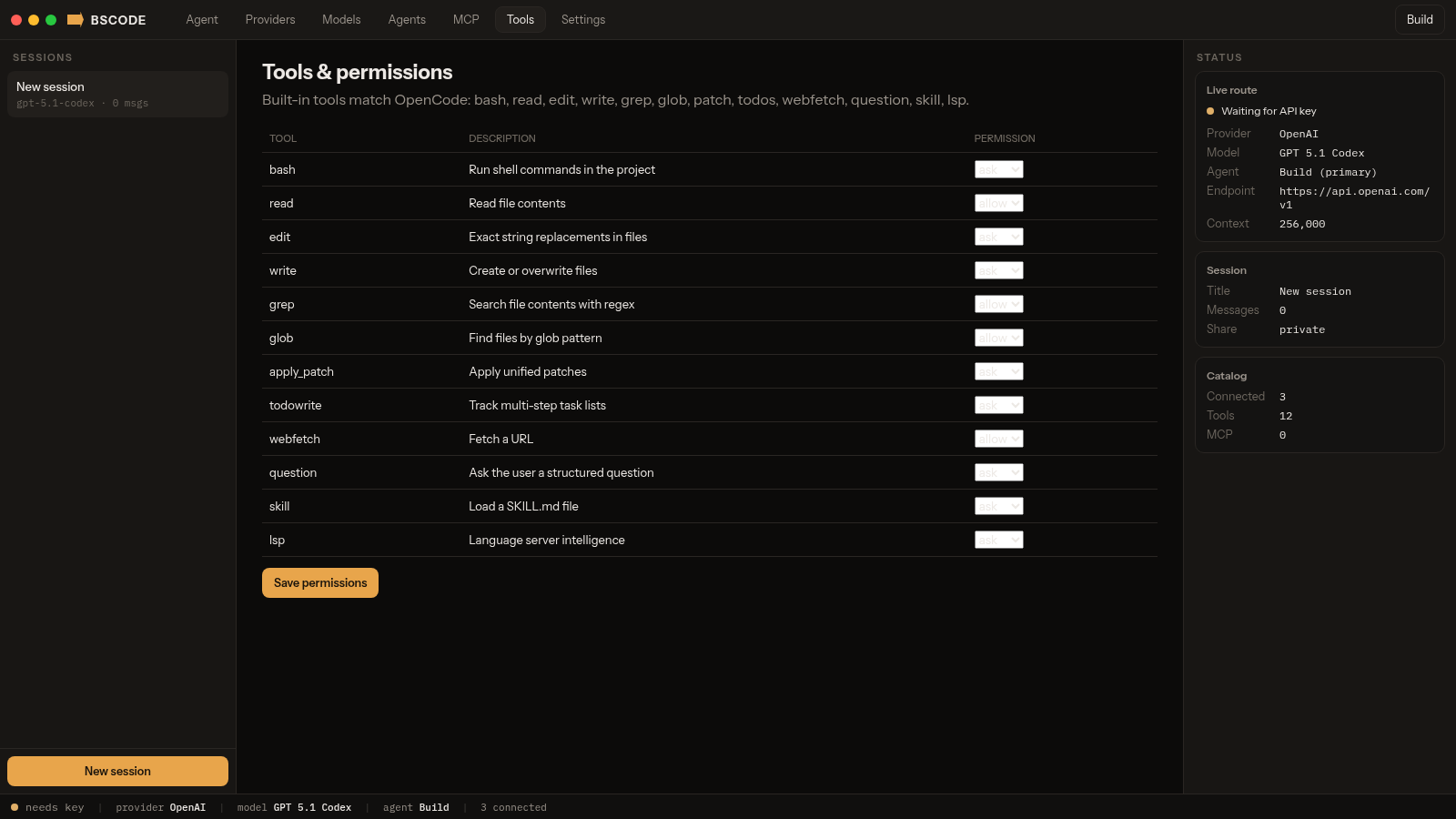
Tool permissions
Allow, ask, or deny each tool
Custom endpoints
Add compatible providers and models
How to Use
Connect a provider
Open Providers and select Connect for a built-in cloud service, or choose Add custom provider to enter a name, base URL, provider kind, API key, and model list. Local Ollama, LM Studio, and llama.cpp endpoints are also represented in the catalog.
Select a model and agent
Open Models to review providers and context sizes, then choose Use beside the desired model. Open Agents or press Tab in the composer to switch between the implementation-focused Build agent and the restricted Plan agent; focused subagents can be referenced from prompts.
Set tool permissions
Open Tools to review the shell, file, search, patch, task, web, question, skill, and language-server capabilities. Assign allow, ask, or deny to each tool and save the permission set before running an agent on a project.
Start a coding session
Choose New session, type a request in the central composer, and use slash commands or file mentions when relevant. The right status panel shows the active route and session state; sending model-backed work requires a connected API key or an available local model endpoint.
Similar Sites
 16
16Web Python Emulator
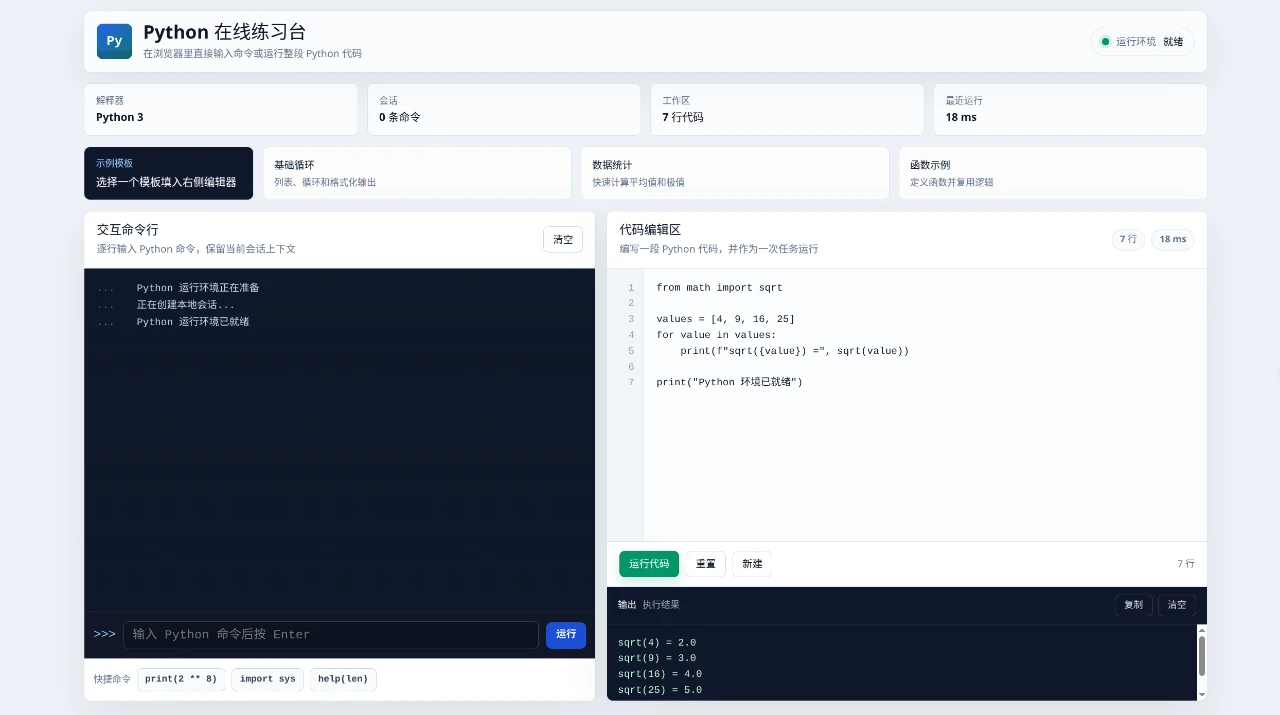
Python Online Practice Lab is an interactive browser-based workspace for trying Python without a separate installation.
 19
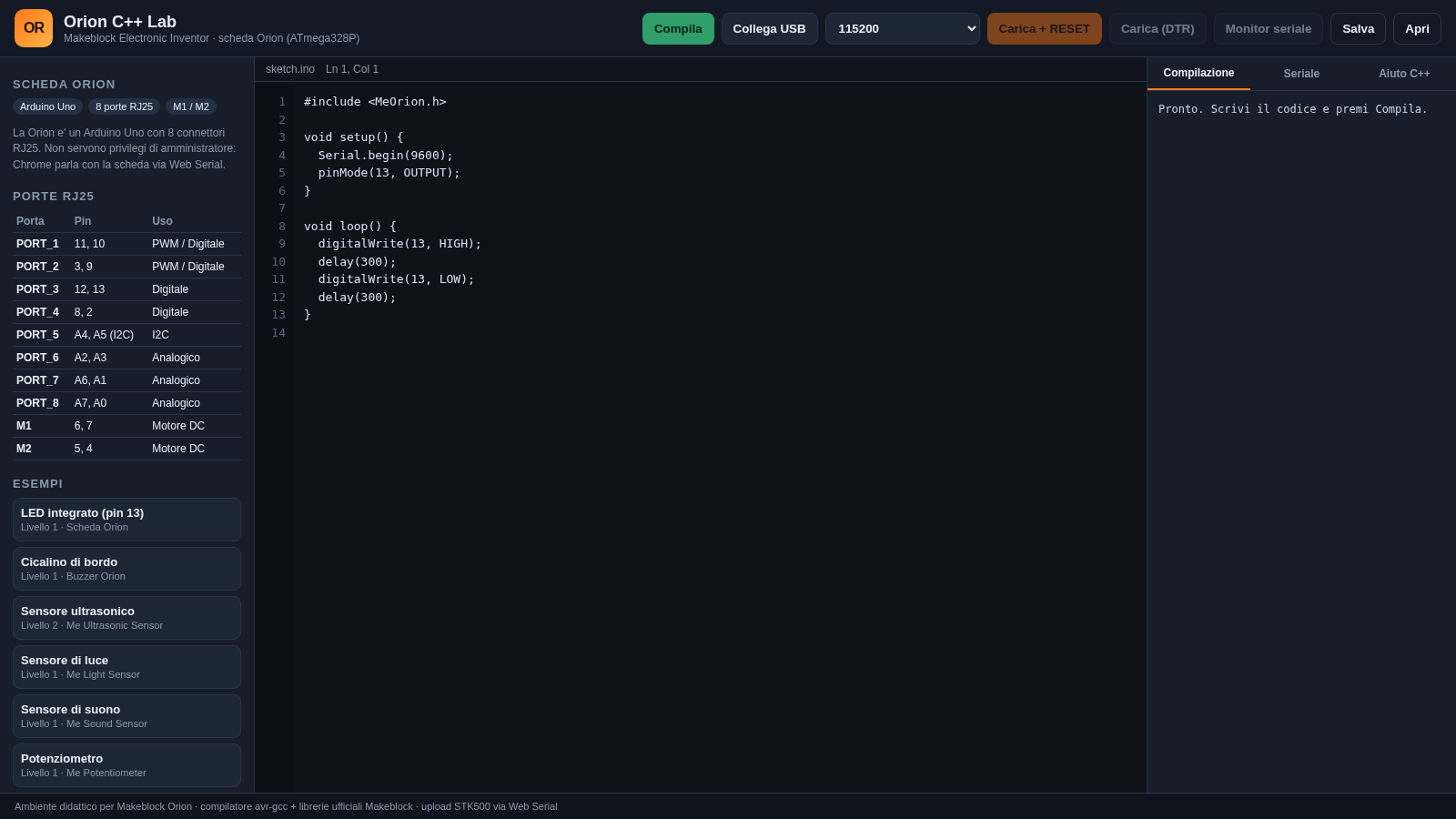
19Orion C++ Lab
Compila e carica sketch C++ sulla scheda Makeblock Orion dal browser.
 14
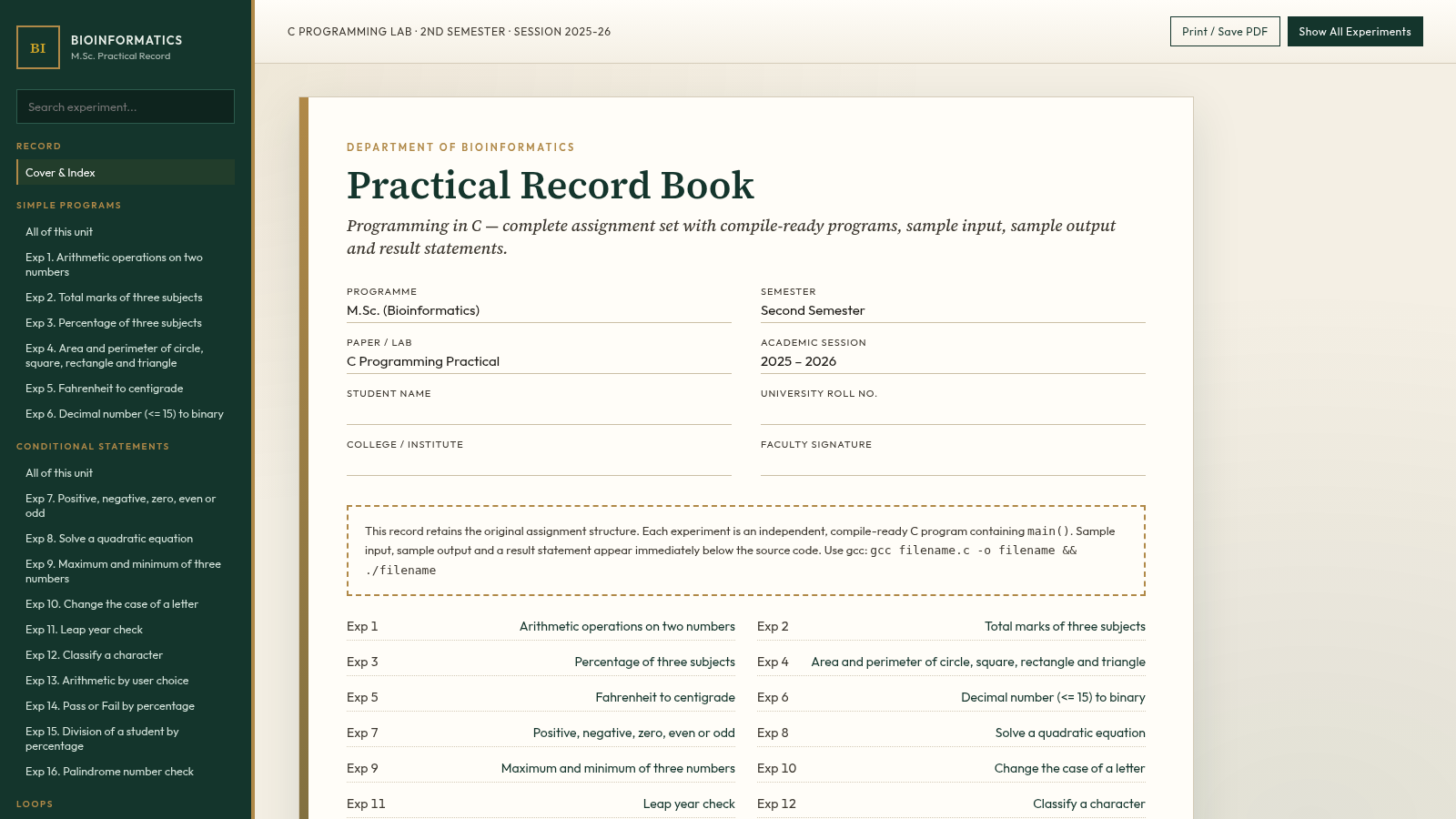
14C Programming Practical Record
M.Sc. Bioinformatics 2nd Sem C lab record with 105 compile-ready programs.
 2
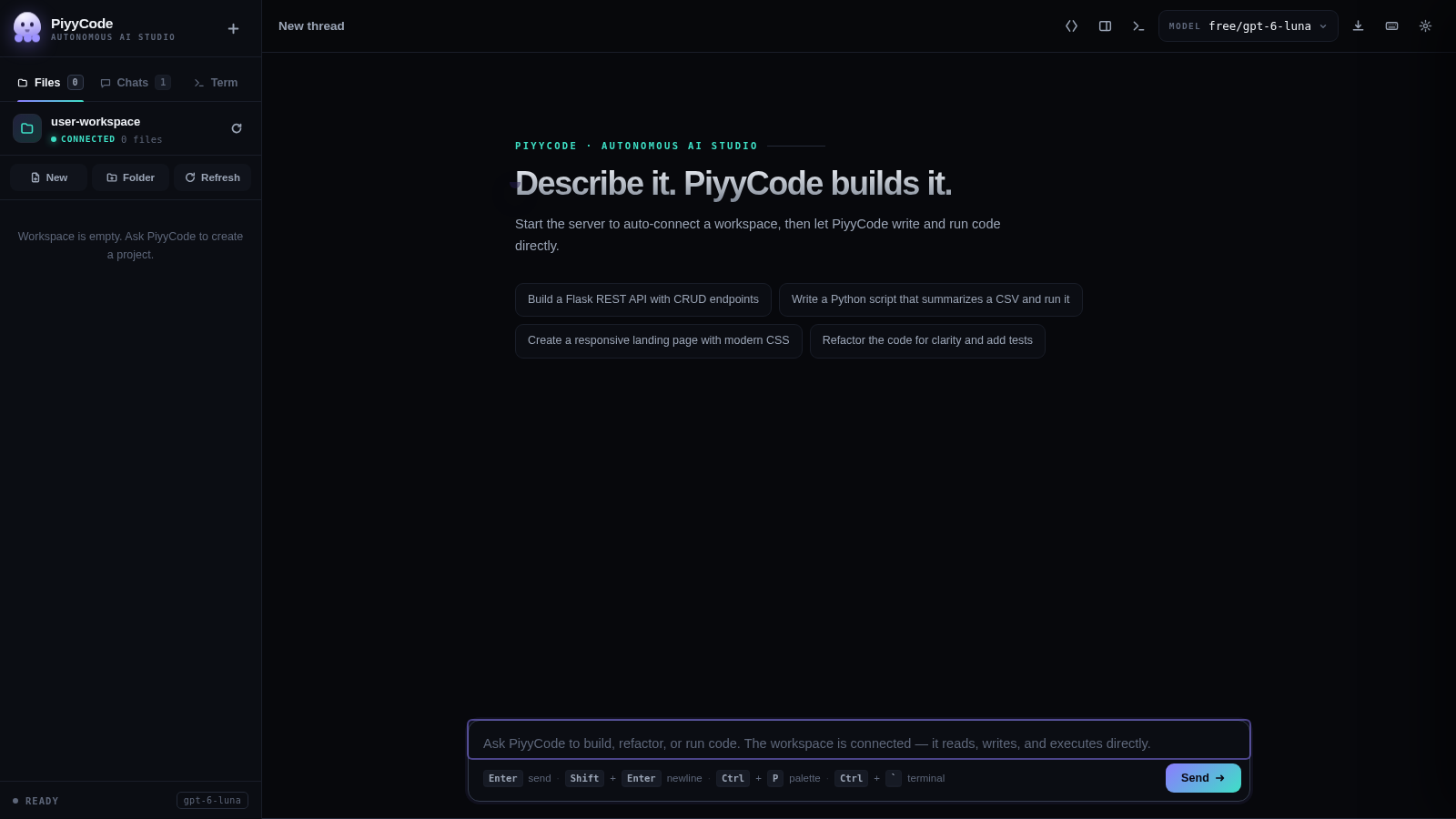
2PiyyCode
AI coding studio: live thinking, multi-provider models, workspace terminal.
 14
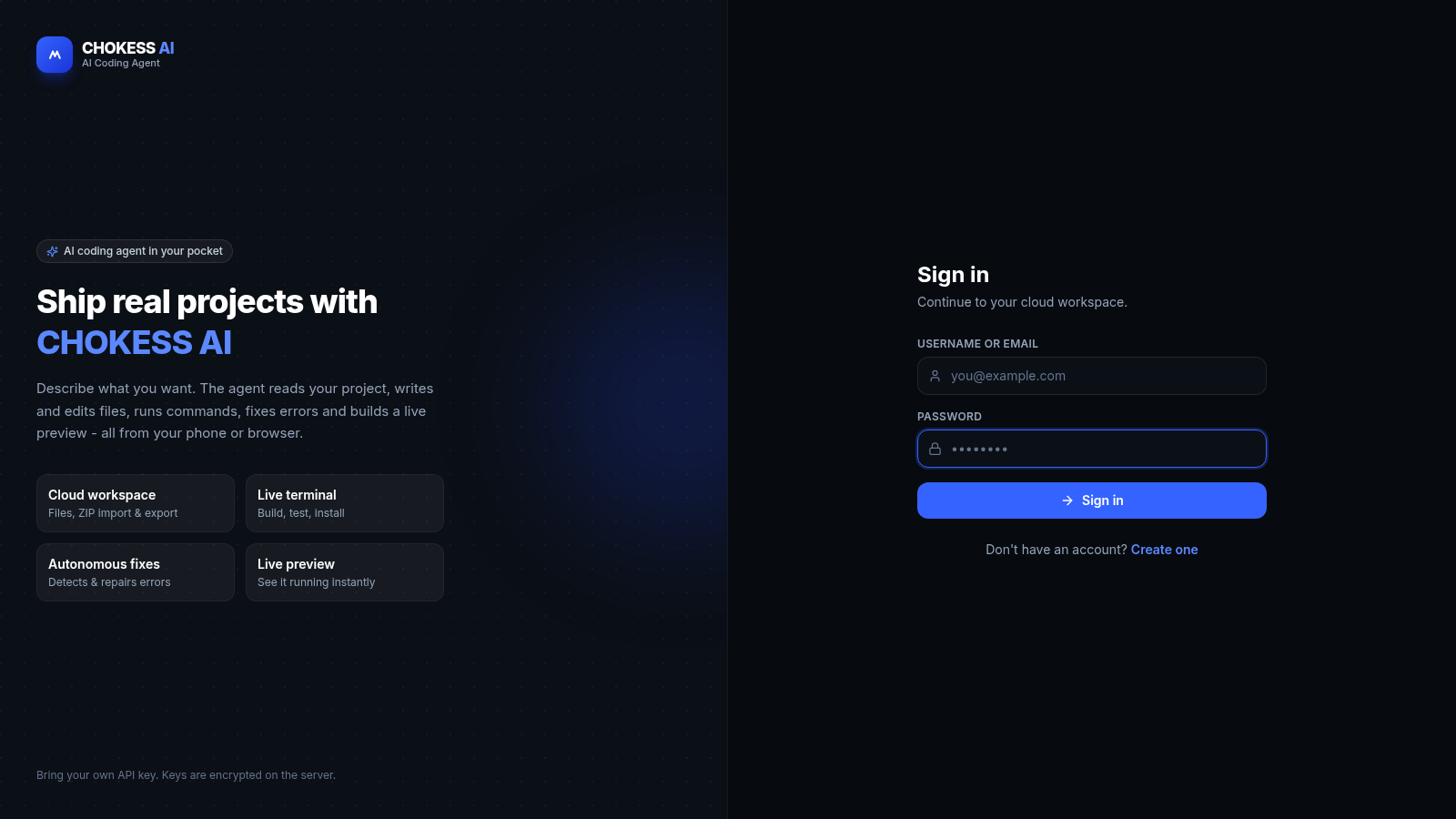
14CHOKESS AI
Browser-based AI coding agent with cloud workspace, terminal and live preview
 3
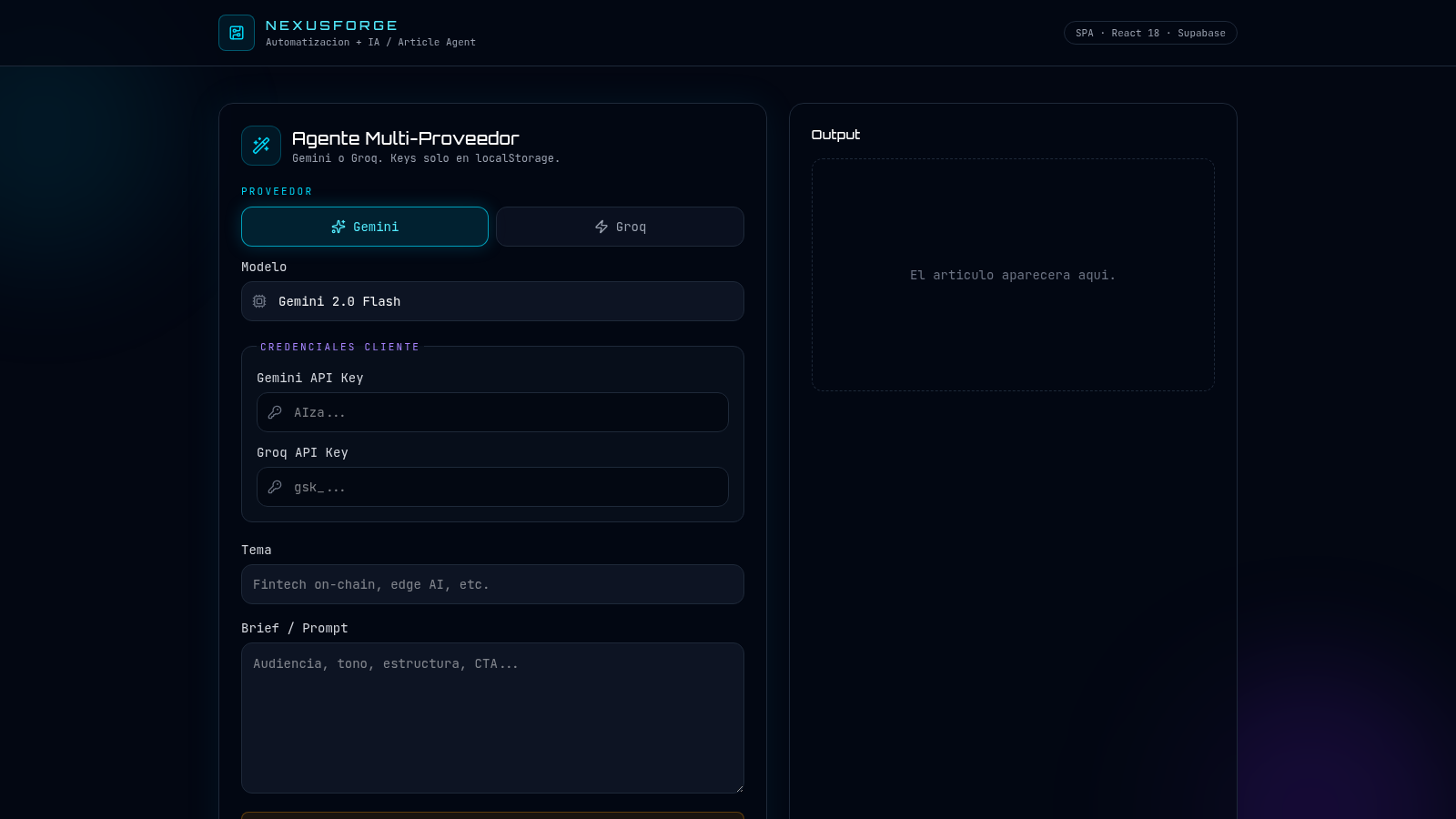
3NexusForge AI
NexusForge — automatizacion e IA. Agente generador de articulos multi-proveedor.