
Web Python Emulator
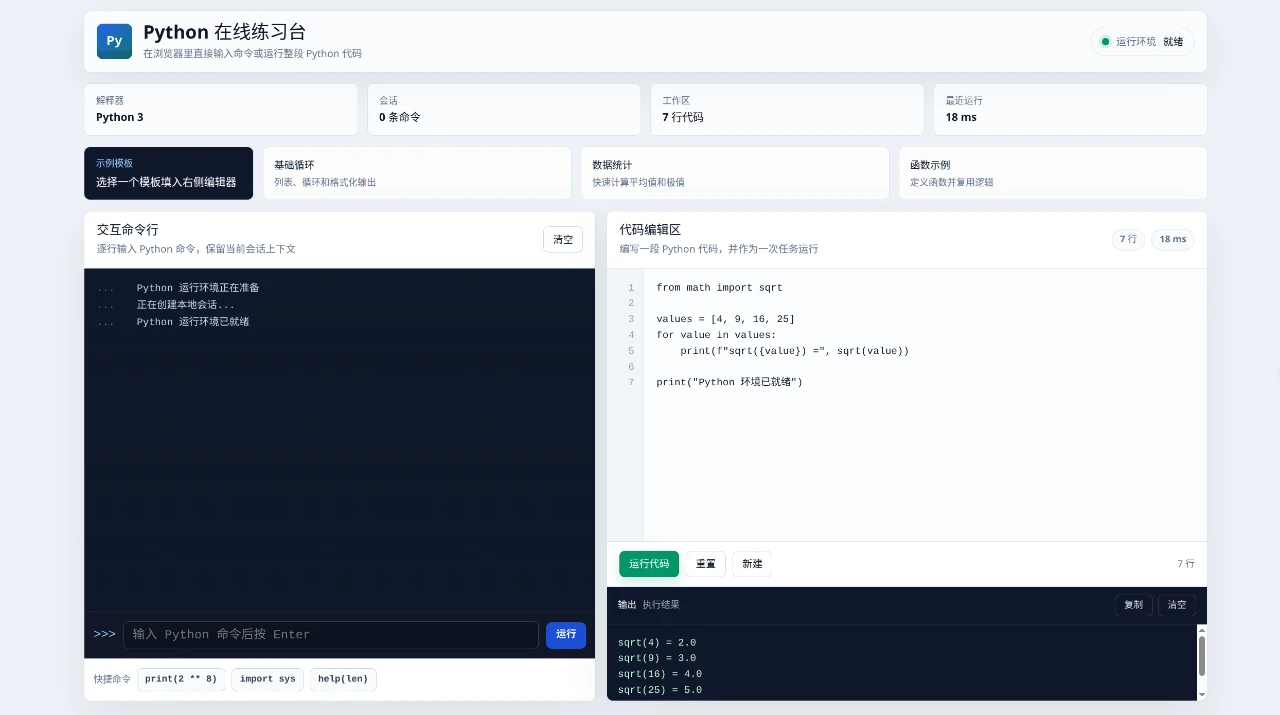
Run Python 3 commands and complete scripts directly in a focused browser workspace.
Python Online Practice Lab is an interactive browser-based workspace for trying Python without a separate installation. Its left panel acts as a persistent command line for entering one statement at a time, while the right panel provides a multiline editor for complete scripts. Users can load introductory templates, inspect line counts and session status, run code, view execution time and printed output, reset or clear the workspace, and copy results. The interface is presented in Chinese and keeps the shell, editor, examples, environment status, and output on one page.
Highlights
Stateful Shell
Keeps context across commands
Script Editor
Runs multiline Python code
Starter Examples
Loops, statistics, functions
Clear Feedback
Shows output and run timing
How to Use
Wait for the environment
Open the page and check the environment indicator at the top. When it reports that Python is ready, both the interactive command line and the script editor are available for use.
Try individual commands
Enter a Python statement in the prompt and press Enter or use the Run button. The command is added to the session log, its result appears underneath, and variables remain available to later commands until the session is cleared.
Run a complete script
Type or edit multiline Python in the code editor, or select one of the loop, statistics, or function templates to populate it. Choose Run Code to execute the script and review printed values in the output panel together with the latest execution time.
Manage the workspace
Use Reset to restore editor content, New to begin with a fresh script, and the output controls to copy or clear results. The status cards track command count, workspace line count, and the most recent run.
Similar Sites
 19
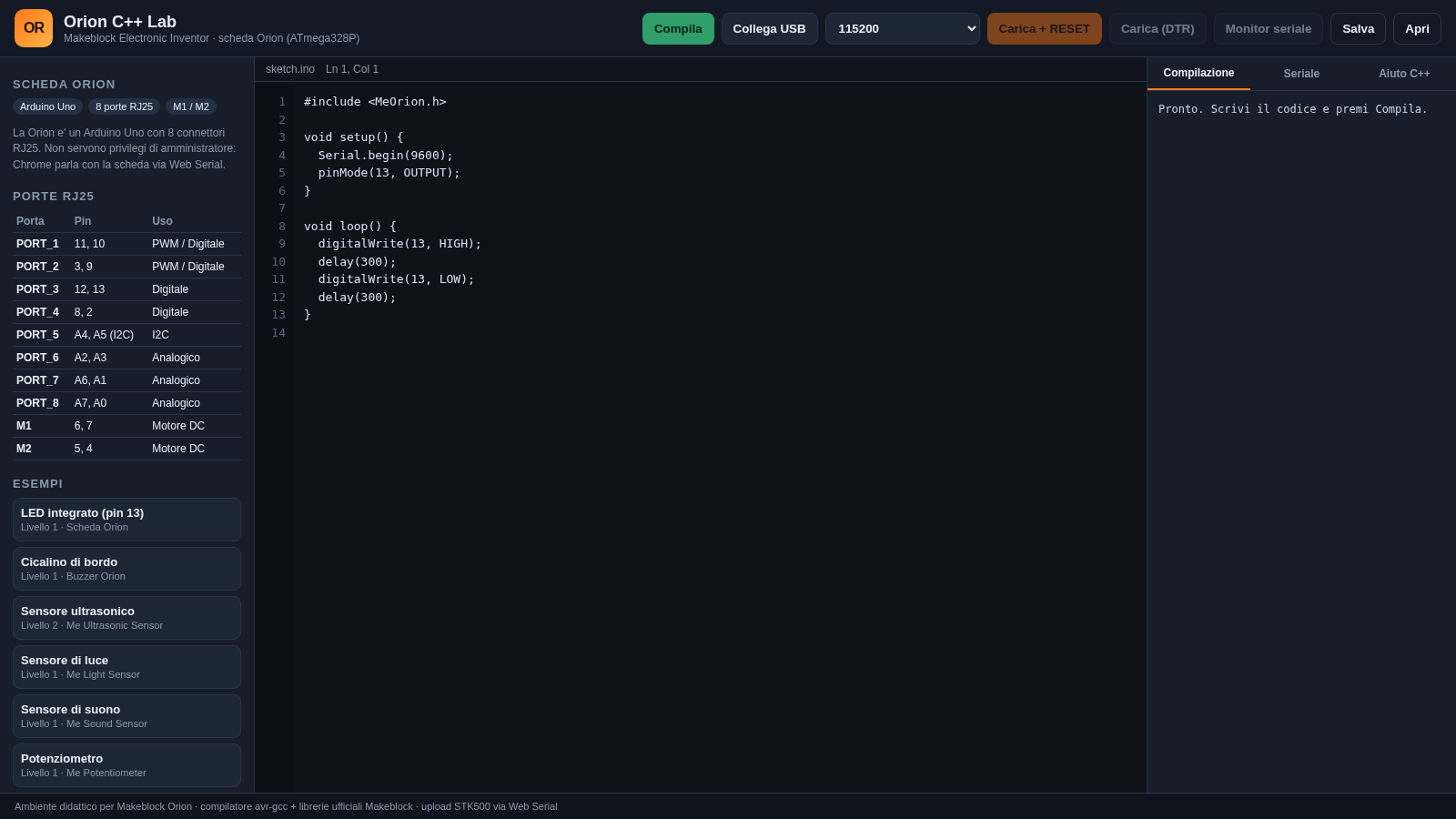
19Orion C++ Lab
Compila e carica sketch C++ sulla scheda Makeblock Orion dal browser.
 14
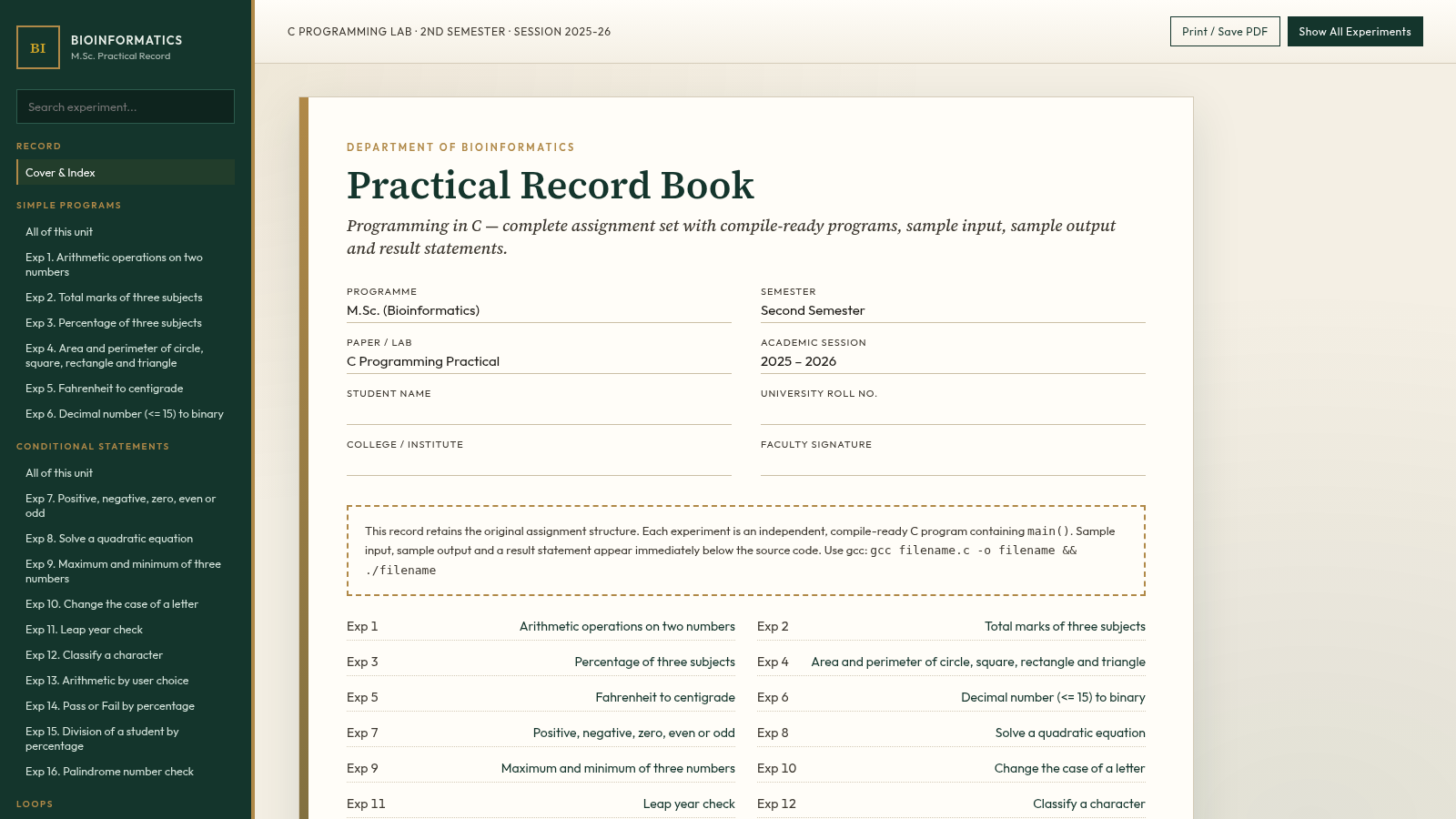
14C Programming Practical Record
M.Sc. Bioinformatics 2nd Sem C lab record with 105 compile-ready programs.
 6
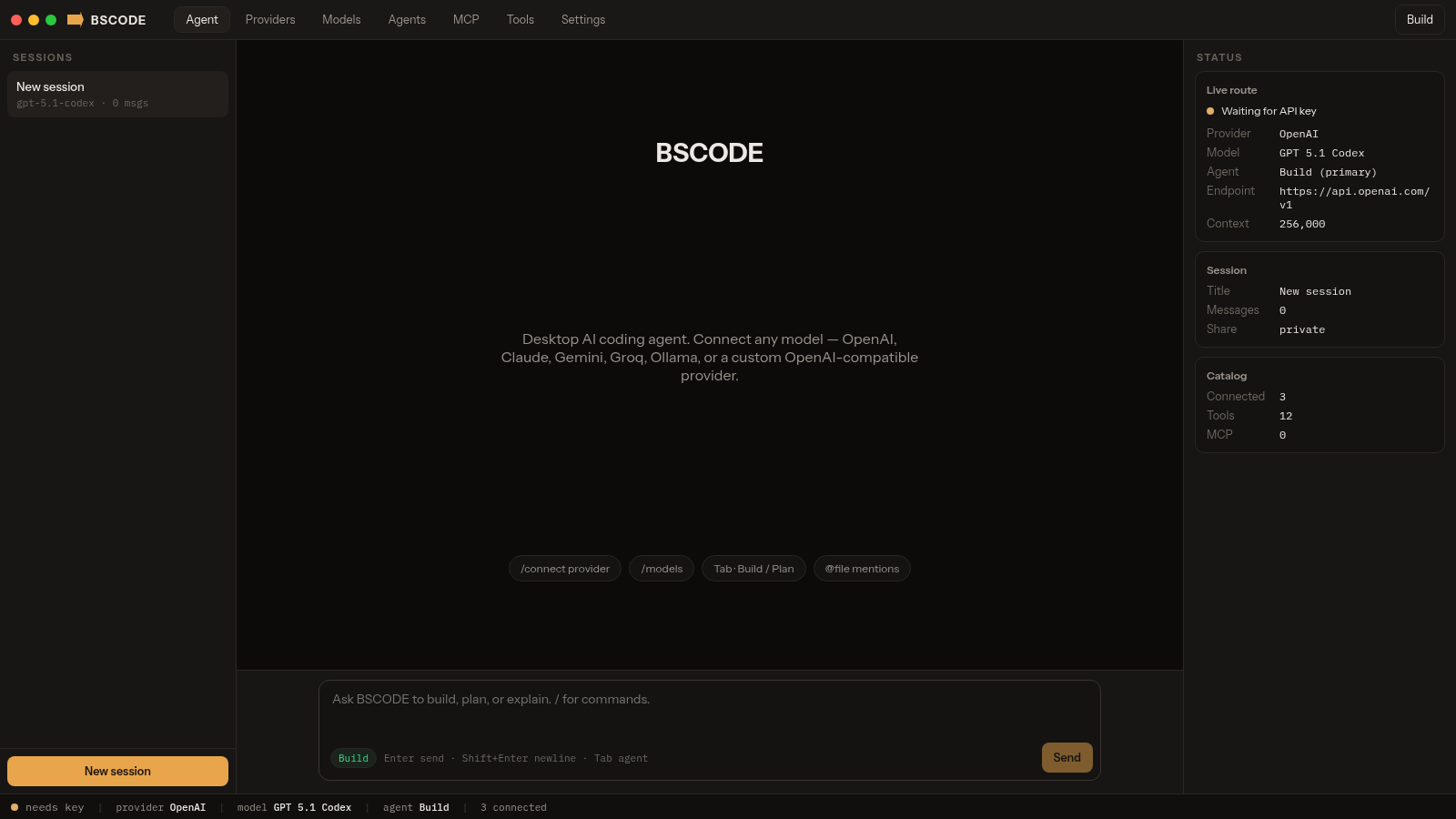
6BSCODE
Desktop AI coding agent that connects any model, including custom providers.
 2
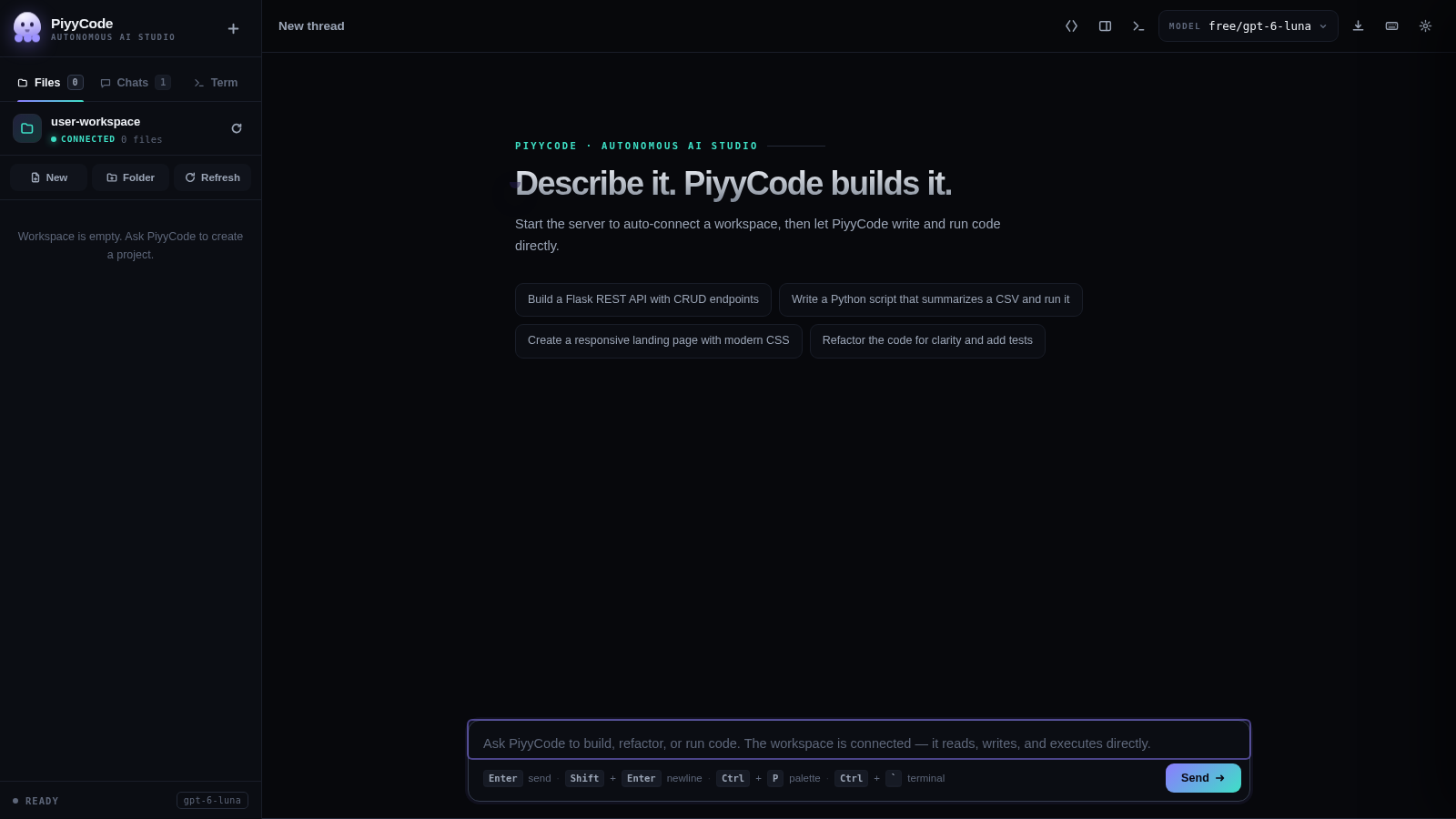
2PiyyCode
AI coding studio: live thinking, multi-provider models, workspace terminal.
 2
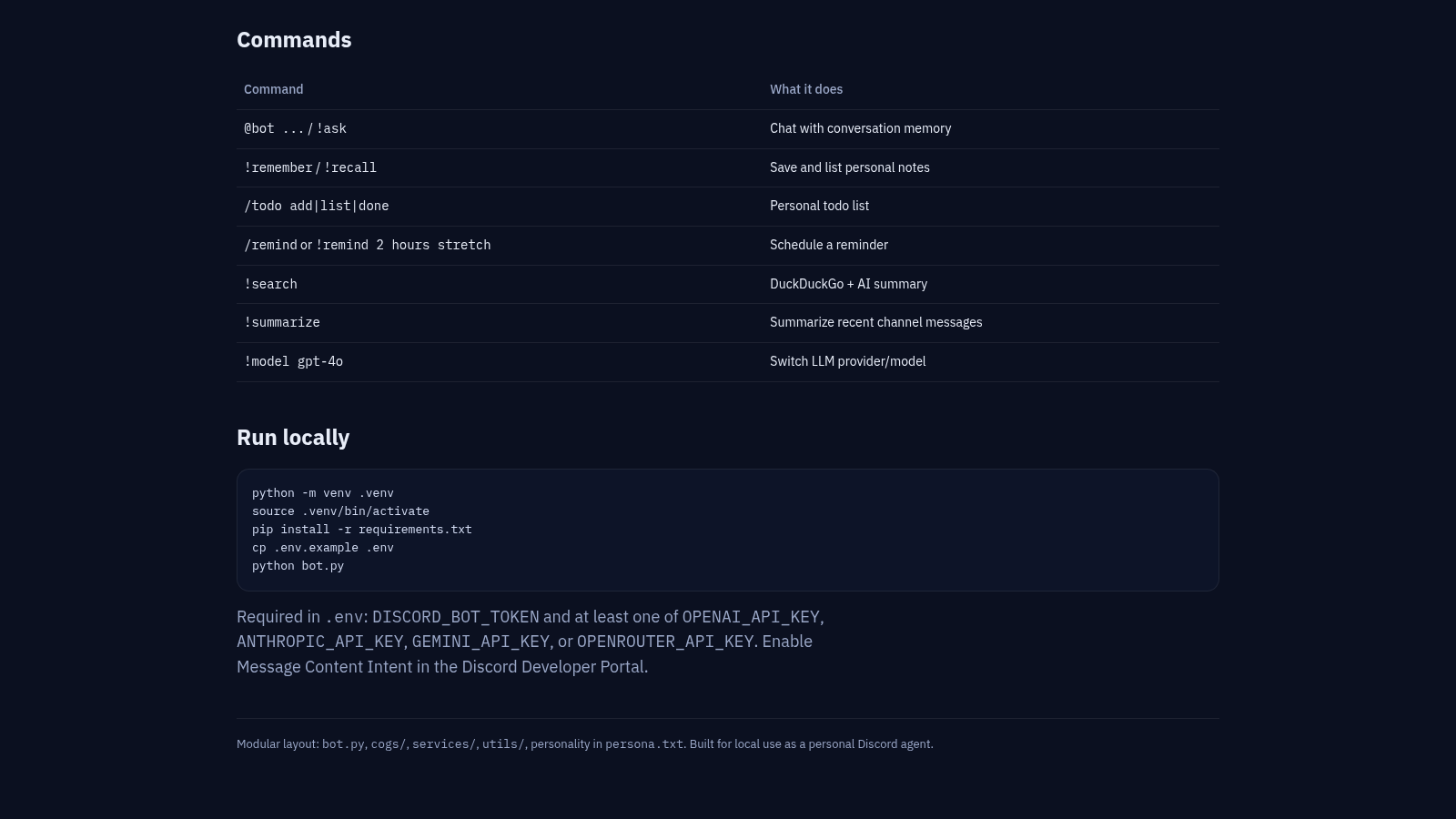
2Nova Discord AI Agent
Personal Discord bot with chat memory, notes, todos, reminders, and web search.
 500
500حاسبة رسوم الجمعية
حاسبة رسوم الجمعية لوكلاء Money Fellows — حساب القسط وصافي القبض شهر بشهر.